 $4.99
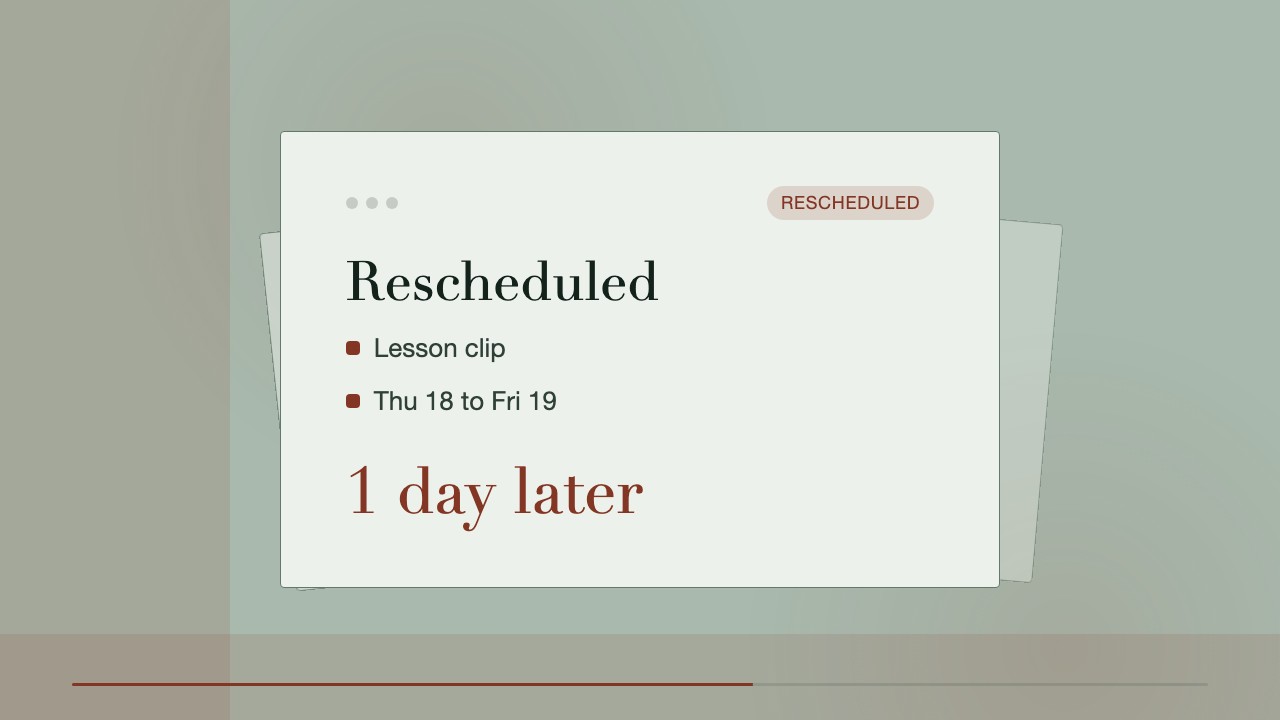
Calendar Reschedule Motion Clip
An editable, locally rendered MP4 that shows one publishing-calendar item moving from its original date to a new slot. Designed as quiet editorial b-roll for creator updates, lessons, and schedule announcements.
All premium skills for $9.99/month. Cancel anytime.
Upgrade nowYes, as motion graphics rather than generated footage. Claude Motion, in beta on Team and Enterprise plans, builds short animations as code and exports MP4. With Claude Code, these 92 skills do the same on your machine: they write the animation as code and render an MP4 with Chromium and FFmpeg, free by default.
92 skills · 73 scored 5.00 · 4 free · every one rendered and reviewed
Checked on 14 November 2026 against Anthropic's help center and pricing page. These features change often. Claude Data, on Claude's paid plans, can also turn your company's data into narrated short videos; it is not in this table.
| Claude Motion | Claude Code with a video skill | |
|---|---|---|
| What it makes | Short animations built as code from your content: explainers, animated charts, walkthroughs. | Short clips and launch films built as code: titles, animated stats, callouts, product stories. |
| Realistic footage or people | No. It doesn't use a video generation model. | No by default: these are motion graphics. Two launch-film skills can add generated b-roll or plates once you approve the price. |
| The file you get | An MP4, from Export. | An MP4, rendered on your machine with Chromium and FFmpeg. |
| Who can use it | Team and Enterprise plans, in beta: on by default for Team, off for Enterprise until an owner turns it on. Not on Free, Pro, Max or Ultra. | Anyone with Claude Code, which comes with Claude's paid plans. |
| Cost | Counts toward your plan's usage limits. | Rendering is free by default; your agent's usage counts toward your plan. |
| Changing it later | Ask Claude, or edit it in the editor; the rest stays as it was. | Change the text, numbers or timing in the code and render again. |
Sources: Get started with Claude Motion (help center, updated 8 October 2026) · What are artifacts and how do I use them? (help center, updated 13 November 2026) · Claude plans and pricing
86 short clips built from type, numbers, charts and shapes: openers and chapter titles, animated stats, chat and comment callouts, step-by-step explainers. Each skill fixes one look, so the clips in a series match, and every clip is code you can change and render again.
$4.99An editable, locally rendered MP4 that shows one publishing-calendar item moving from its original date to a new slot. Designed as quiet editorial b-roll for creator updates, lessons, and schedule announcements.
 $4.99
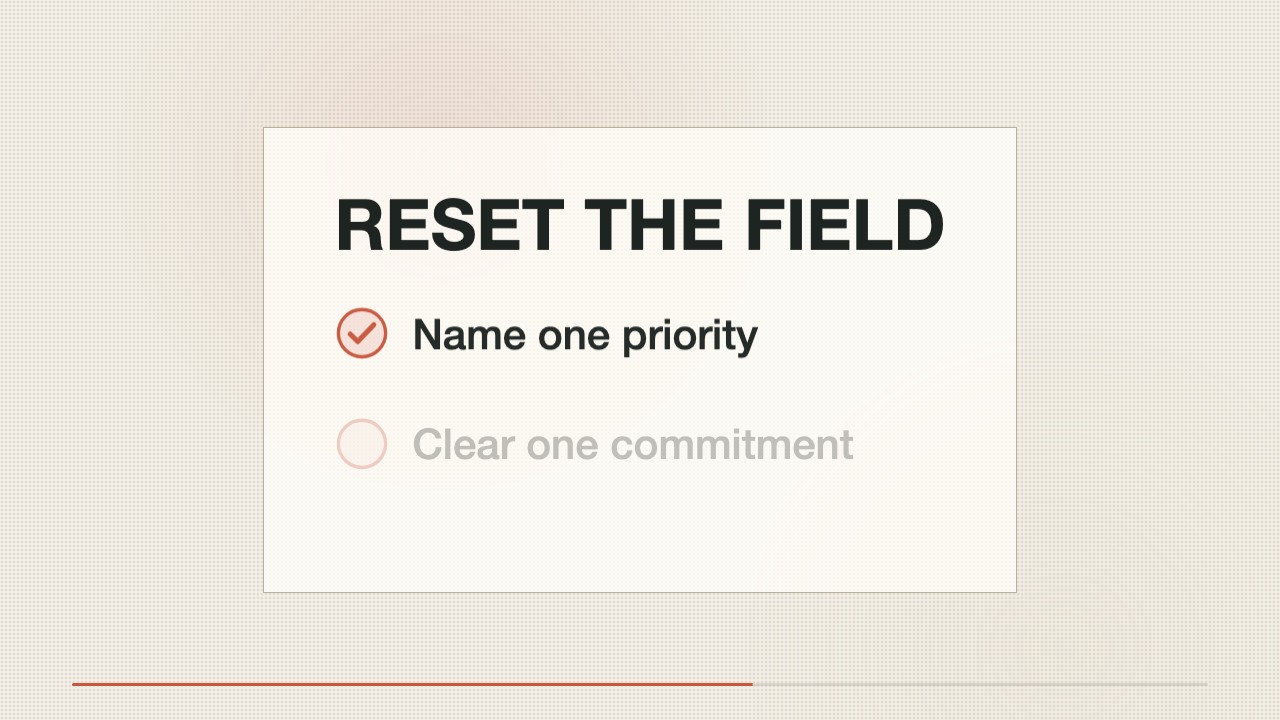
An editable, locally rendered motion clip that gives workload and attention topics a calm, deliberate reset for educational and social publishing.
 $4.99
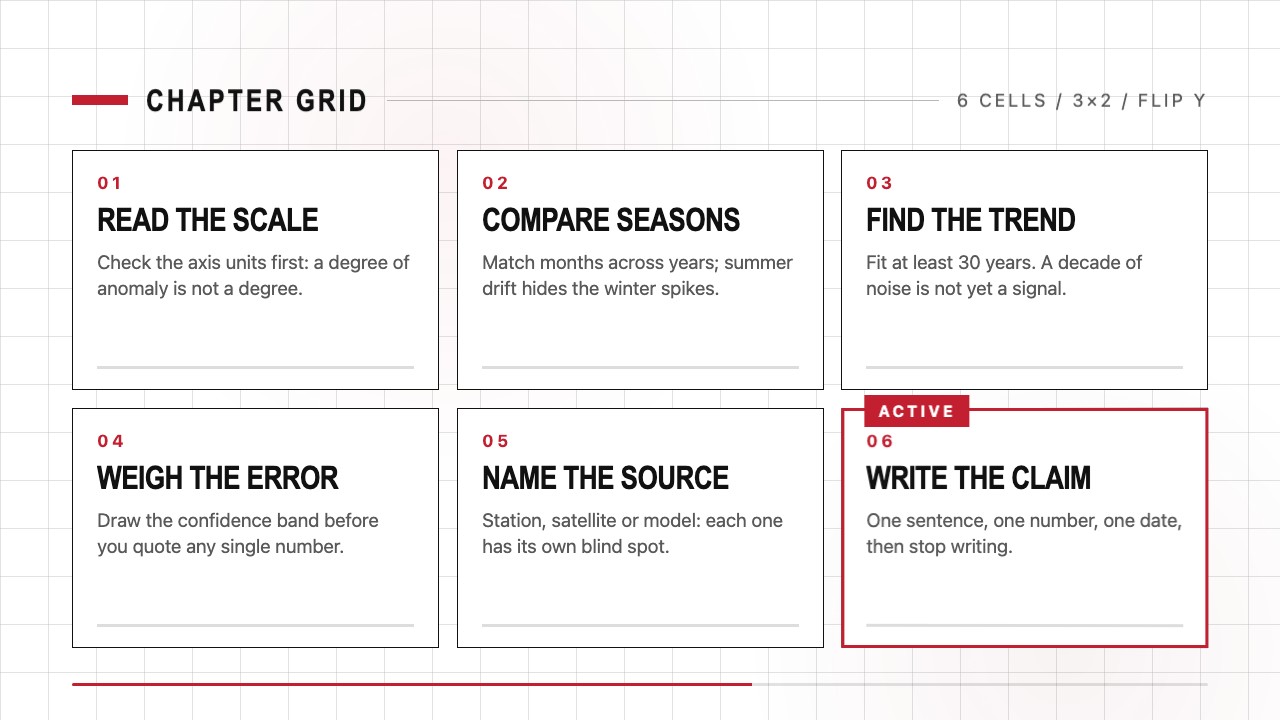
An editorial chapter transition for education and publishing videos, built from a precise white grid, bold condensed type, a visible red active marker, and one-at-a-time flip motion. The source composition remains editable for future episodes.
 $4.99
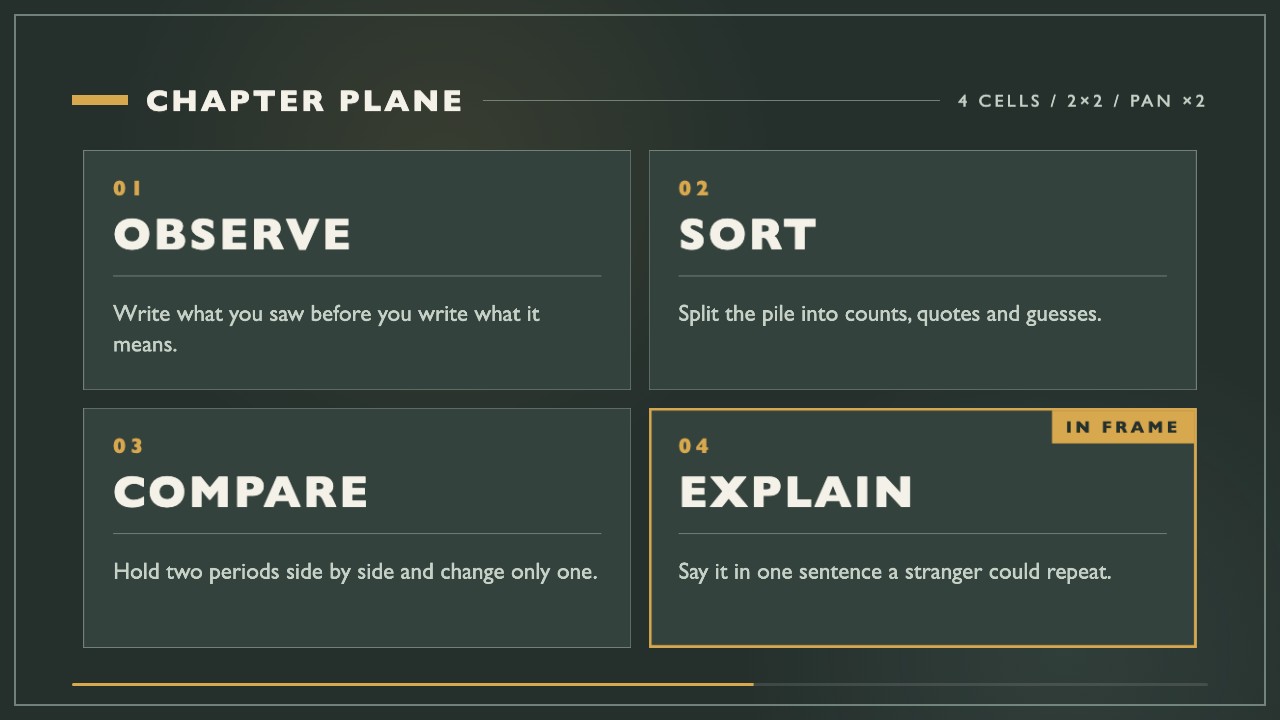
A calm wide motion clip that moves a camera across a rigid chapter plane, parking on one chapter at a time so its instruction line can be read, then pulling back to show every chapter in context. Use it for lesson openers, publishing sequences and series-consistent chapter transitions.
 $4.99
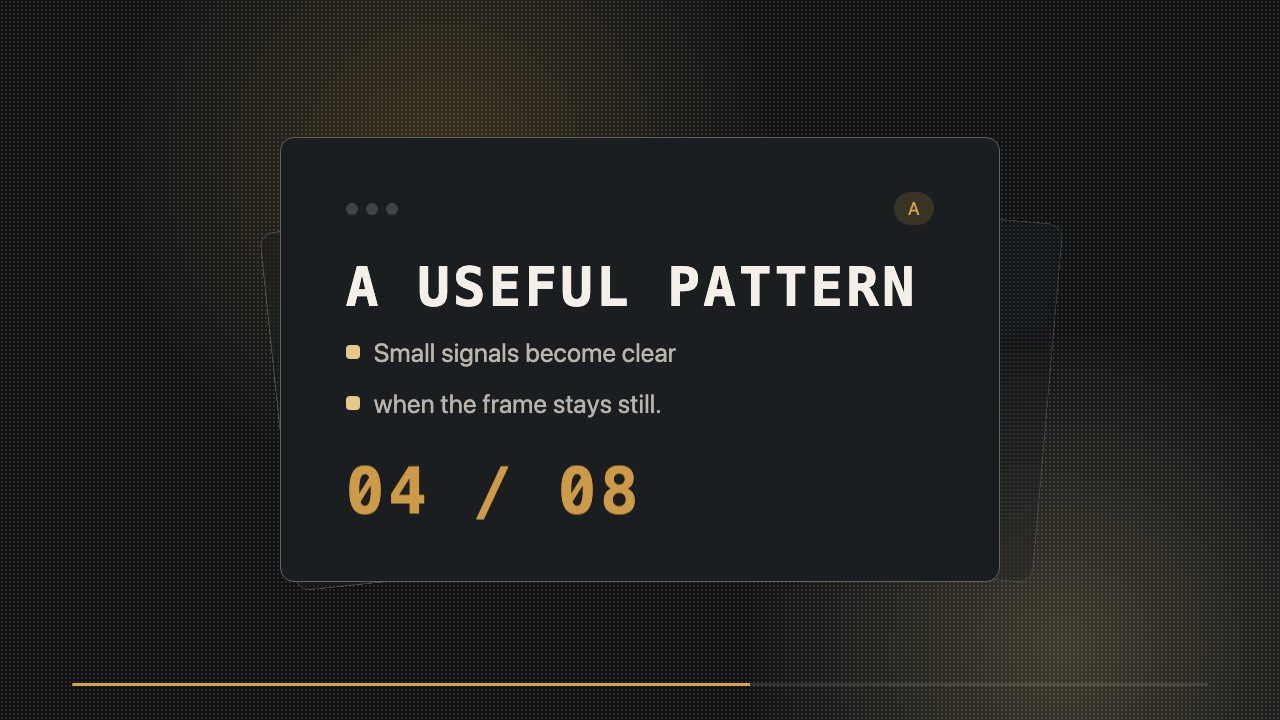
A polished wide motion clip for introducing a chapter or section in an educational series. It combines a deep ink ground, a tactile paper stamp, mono chapter typography, and measured editorial timing so every episode can share one recognizable opening language.
 $4.99
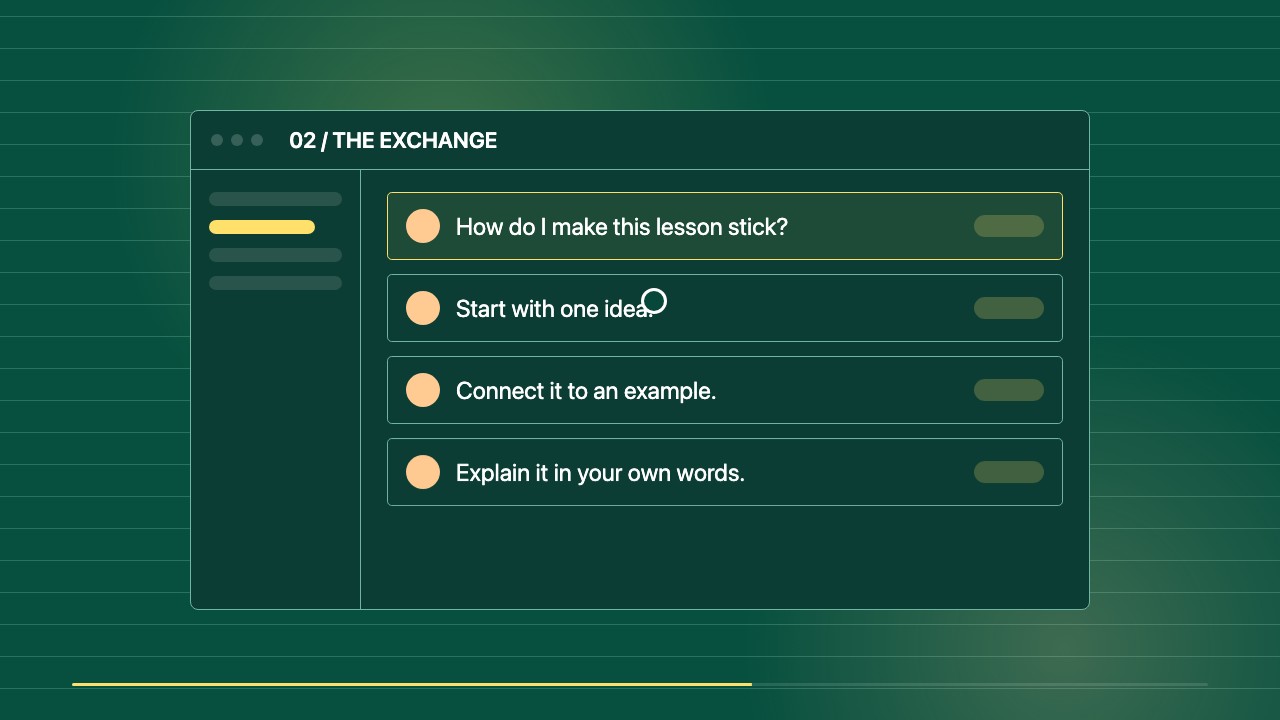
An editable wide-format MP4 that builds a brief conversation one message at a time. Designed for creators explaining a lesson, question, or editorial takeaway without relying on a branded chat interface.
 $4.99
Turn one audience question into a crisp, typographic response clip for educational posts and short-form publishing. The editable composition reveals an answer line by line on a minimal white canvas.
 $4.99
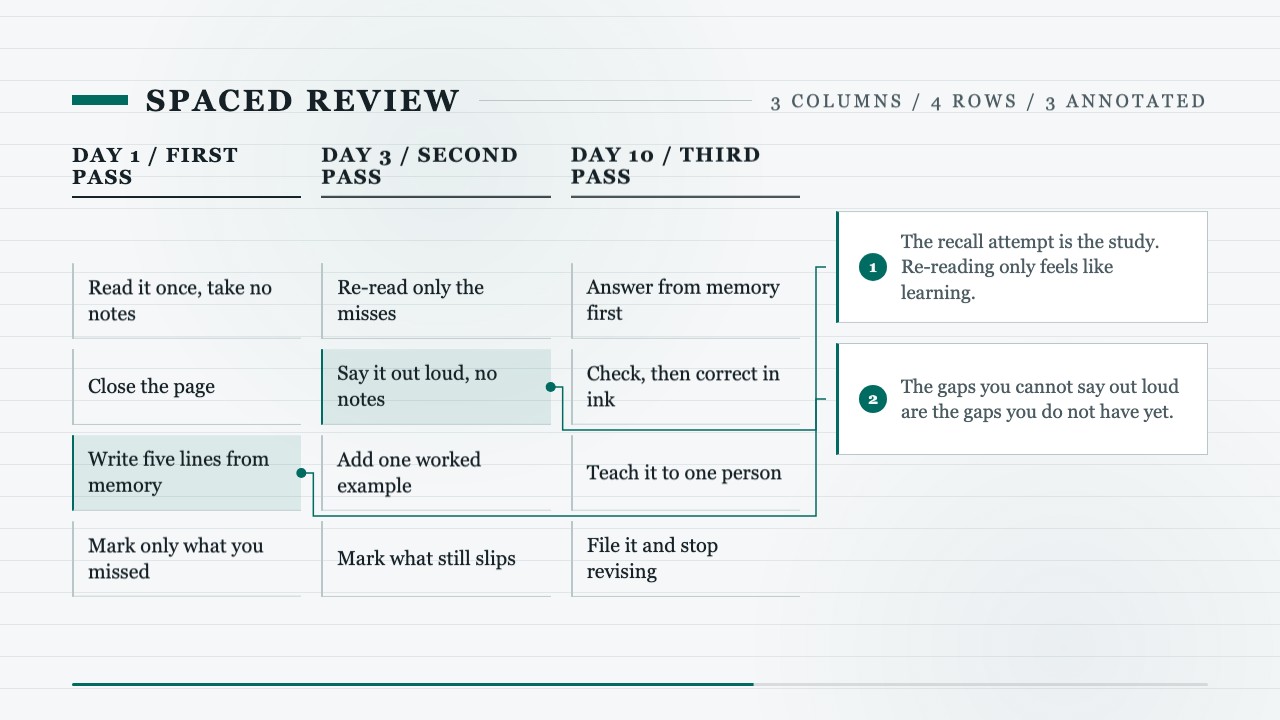
A quiet editorial clip that lays a process out in aligned columns and draws a hairline leader from each annotation to the exact row it explains. Built as an editable HTML/CSS composition and rendered locally to MP4 for education and publishing series.
 $4.99
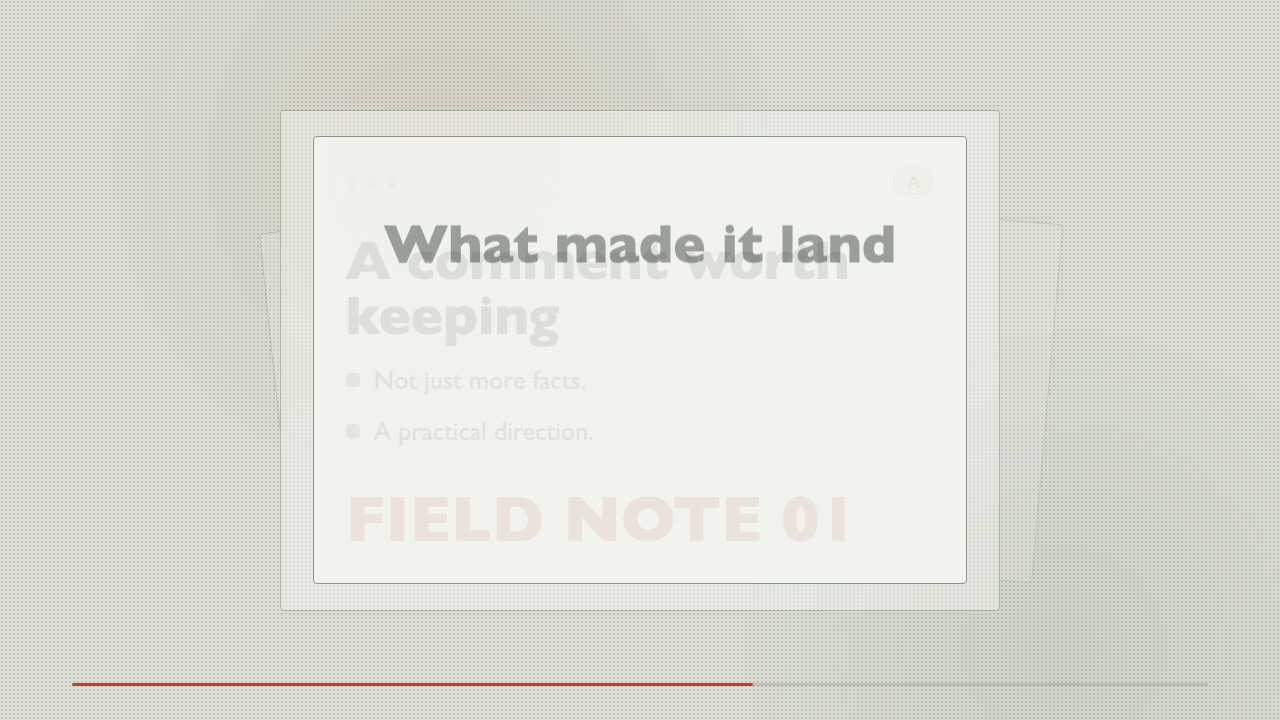
A focused editorial b-roll clip that turns one useful audience comment into a clear visual moment. It uses a paper-like ground, humanist type, quiet pacing, and one accent mark for social publishing, educational content, and series-consistent reader response highlights.
 $4.99
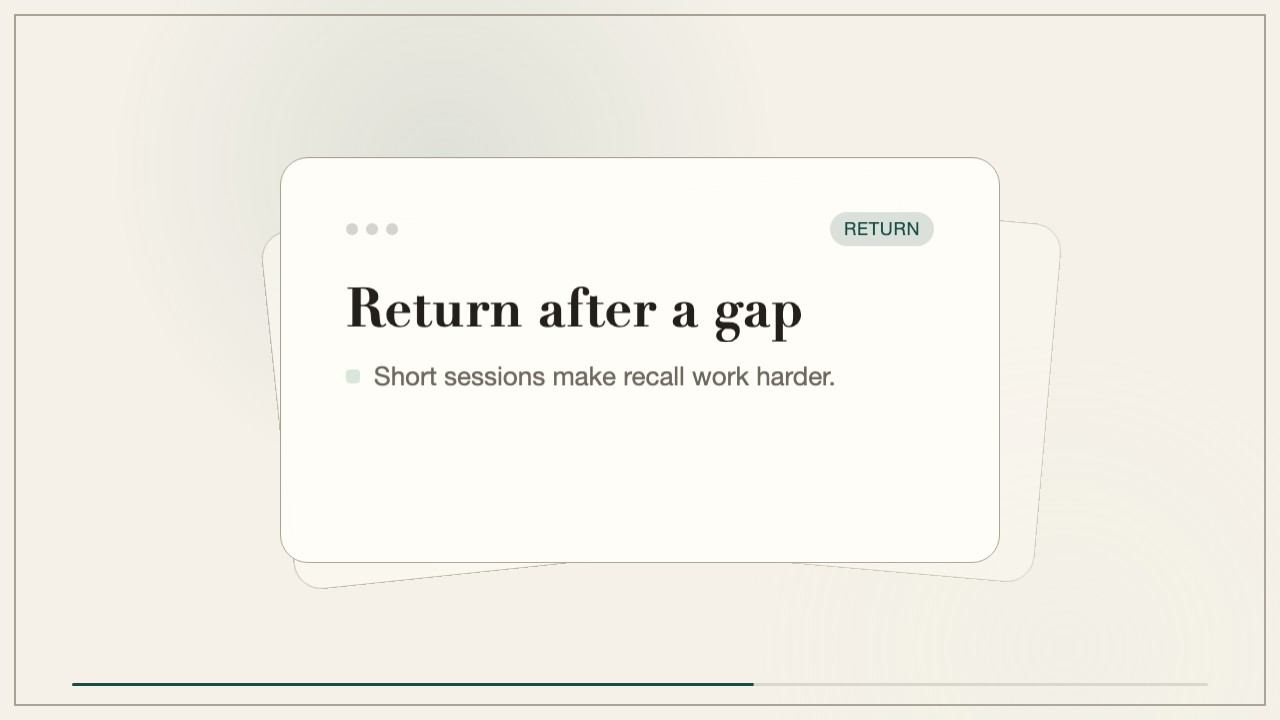
A short, editable typographic b-roll clip for one clear idea. Its persistent frame, measured pacing, and restrained accent make it suitable for educational publishing and repeatable series.
 $4.99
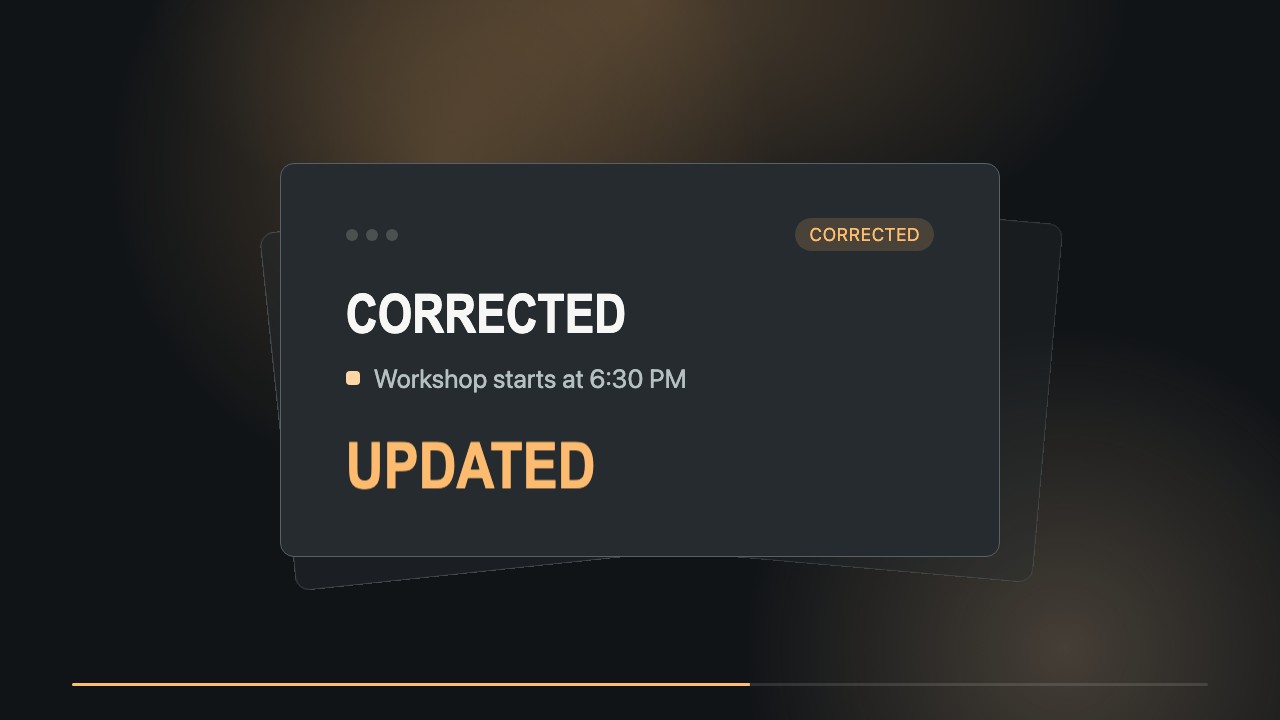
Turn a one-line publishing correction into a quiet, typographic MP4. The original and revised copy share one card position, while a restrained glow identifies the exact changed detail.
 $4.99
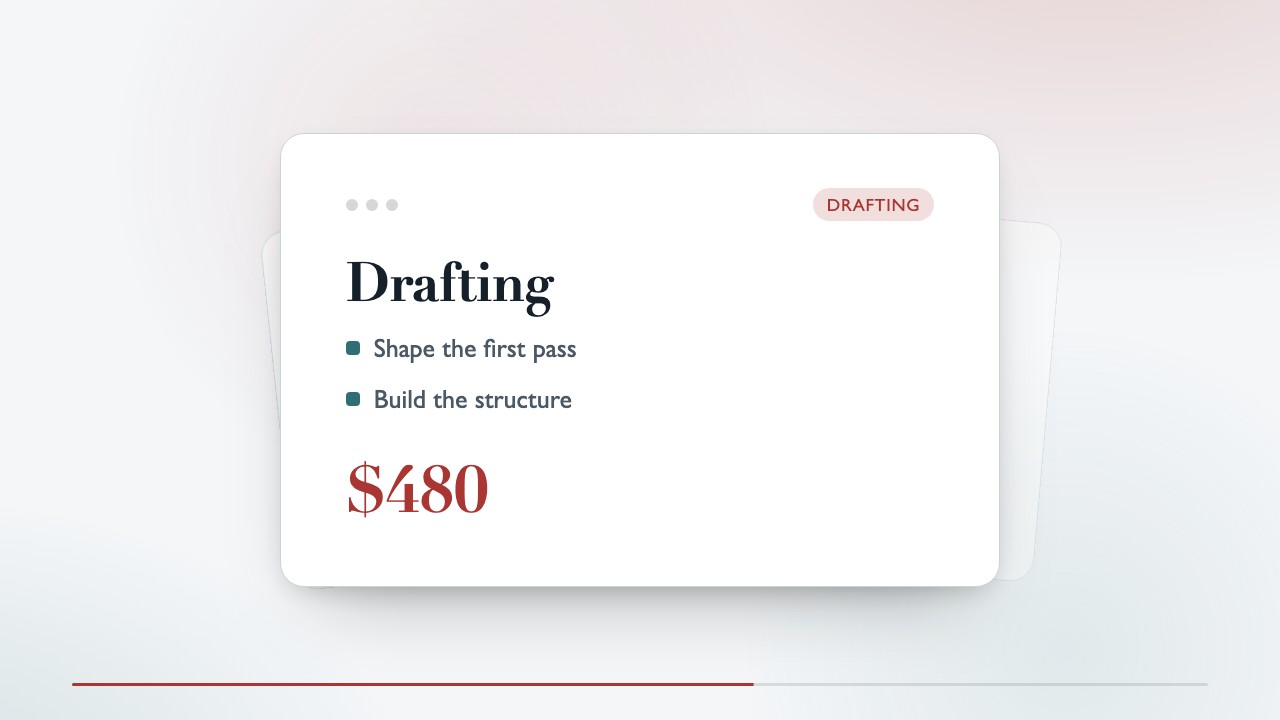
A focused motion clip for turning several cost cards into one understandable range. It pairs editorial typography with calm card movement, a controlled gradient accent, and an editable local render for educational or publishing workflows.
 $4.99
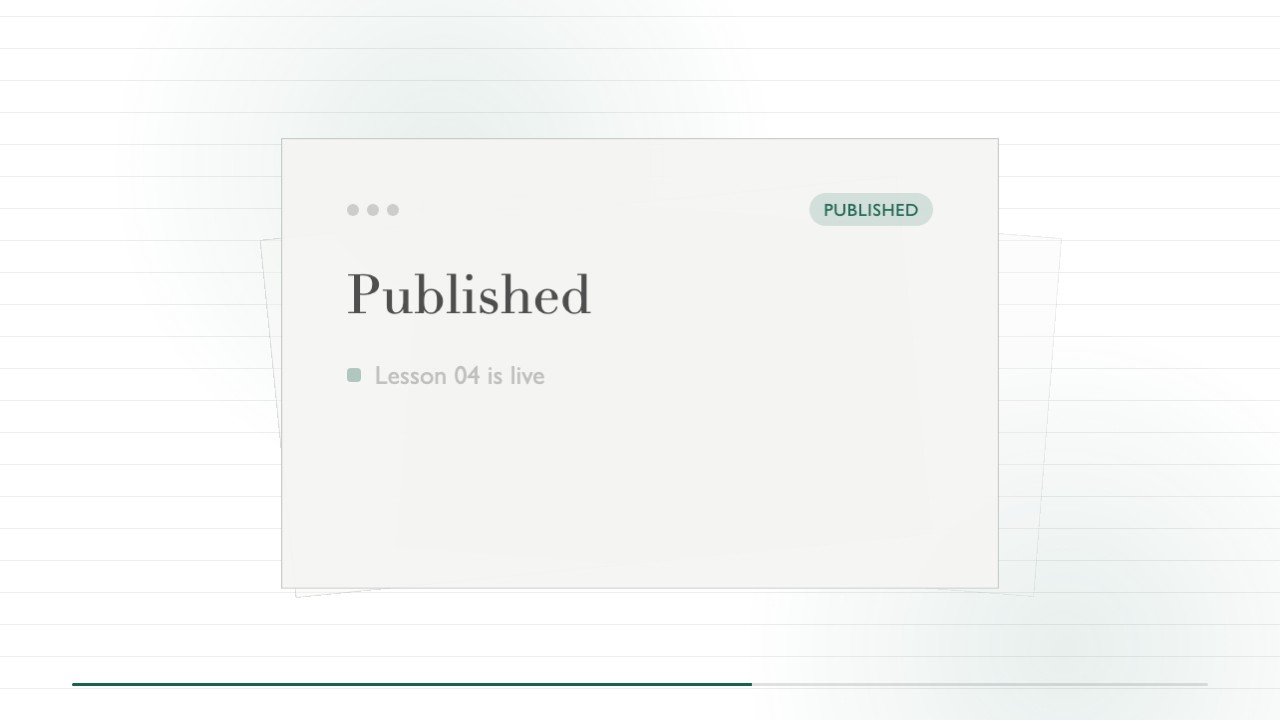
Turn a publishing workflow into a short, reusable motion clip. A single line carries the viewer through four editorial states, then points back to the next cycle.
 $4.99
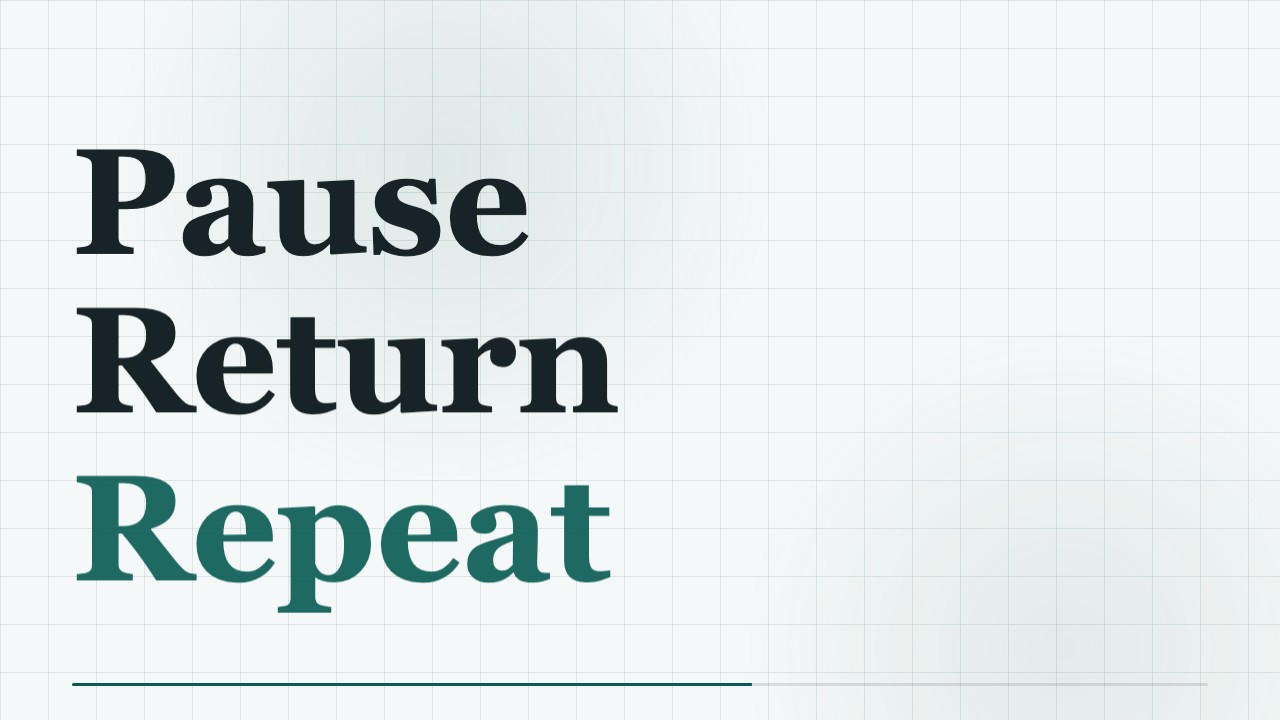
An editorial motion clip that replaces a familiar definition with a more useful one. Built as editable HTML/CSS and rendered locally to MP4 for educational and social publishing.
 $4.99
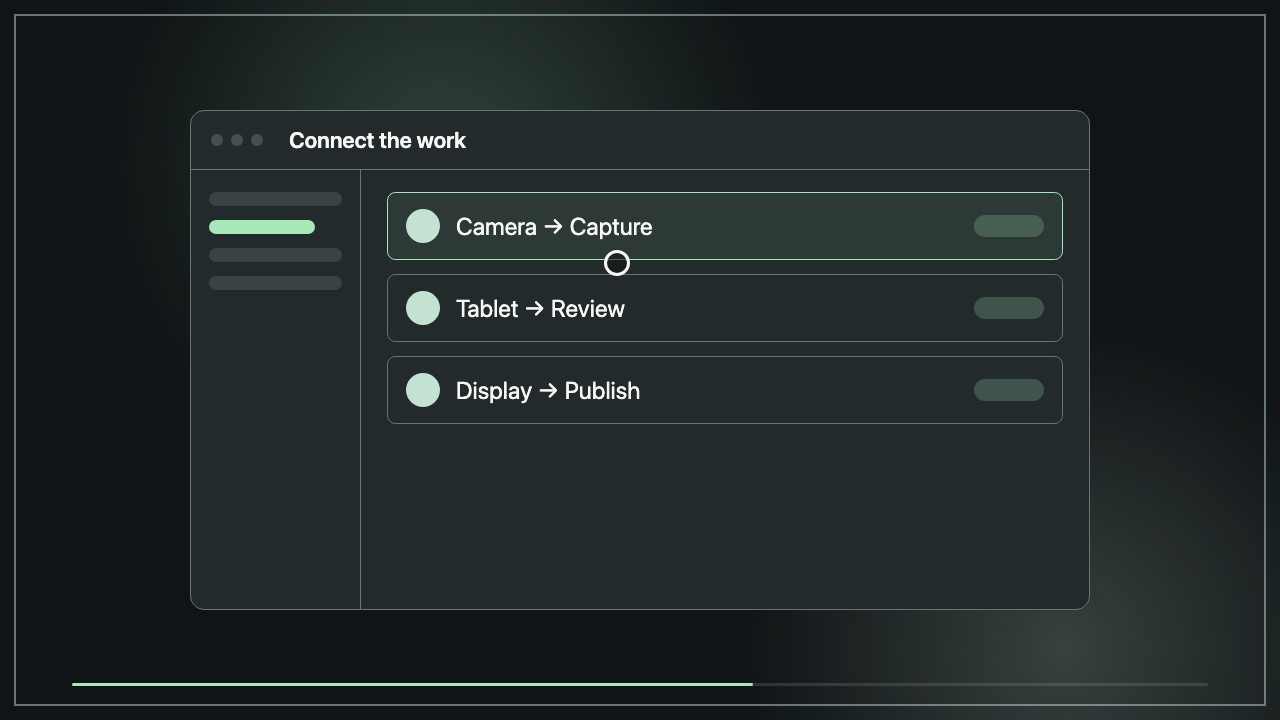
Turn a short device-to-role mapping into an editorial b-roll clip. A single accent link moves through the pairs while a stable frame and generous spacing keep the message readable in a social feed.
 $4.99
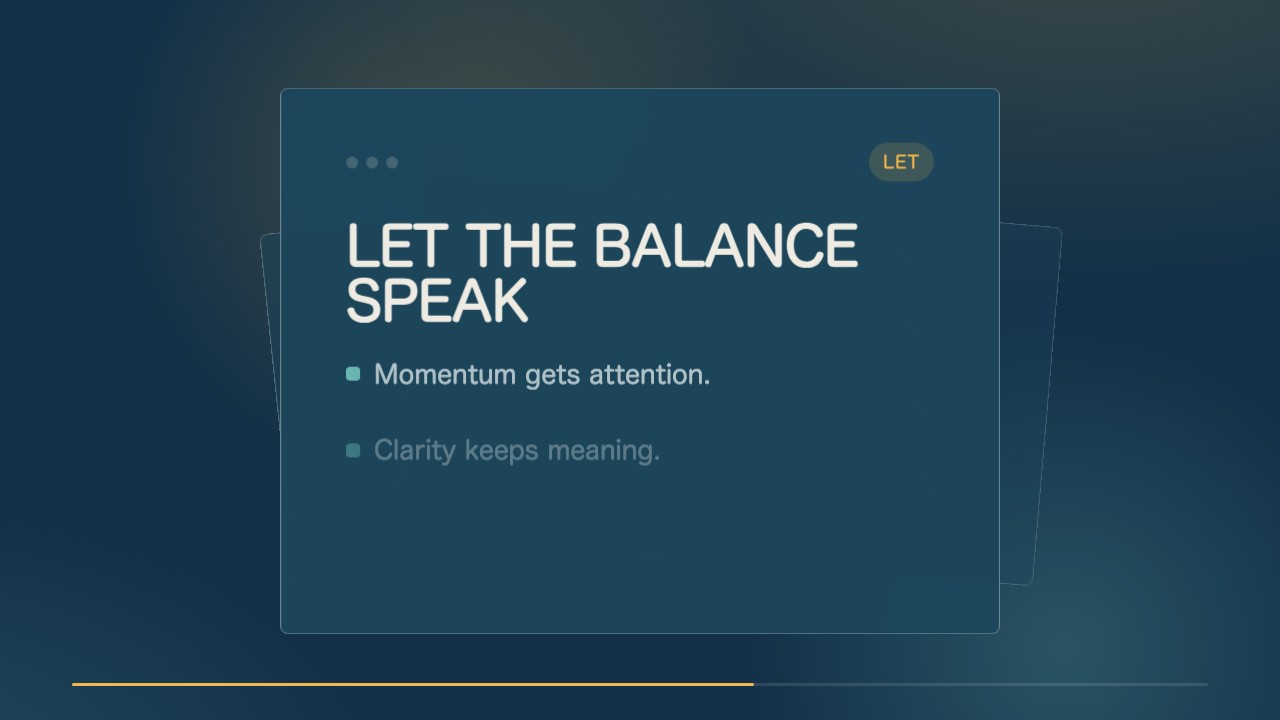
A restrained editorial b-roll animation for showing two forces moving toward, away from, or against each other. It combines a balanced scale motif, rounded typography, a saturated teal ground, and one bright accent for clear social-first storytelling.
 $4.99
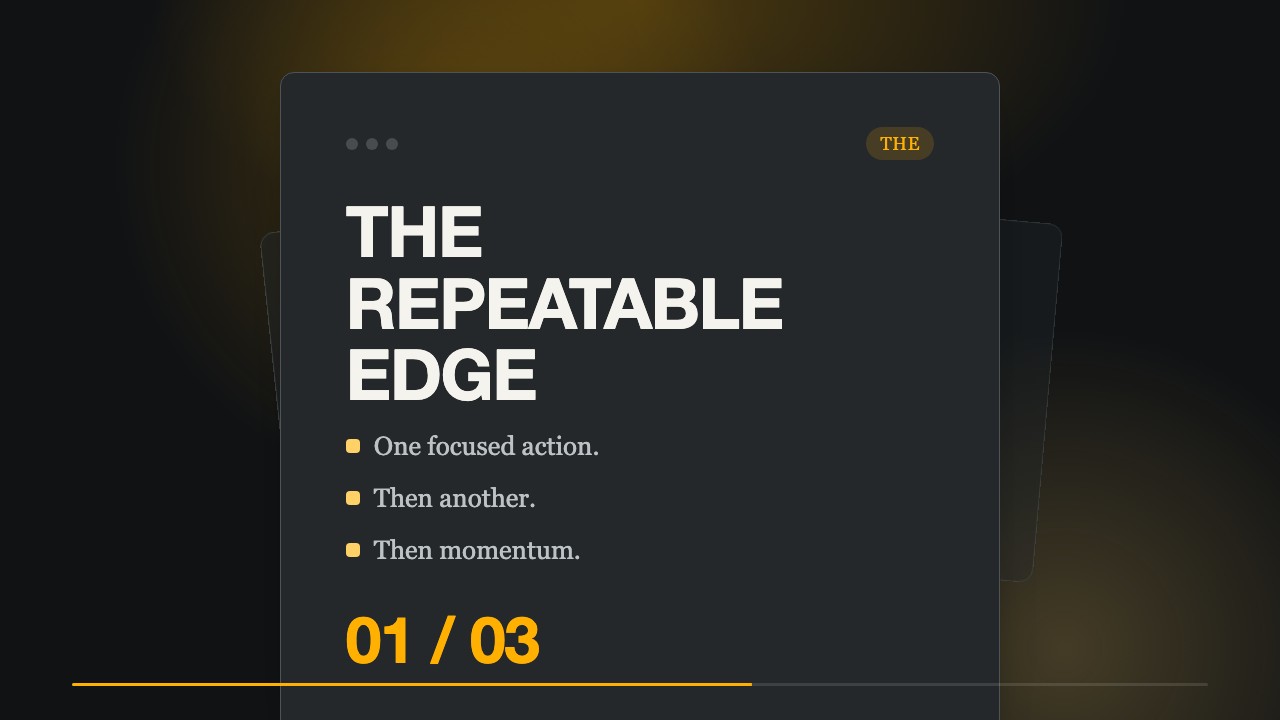
A restrained editorial motion clip for turning one clear idea into a memorable publishing beat. Dark space, heavy grotesk type, and a single amber glow create a premium, series-consistent b-roll moment.
 $4.99
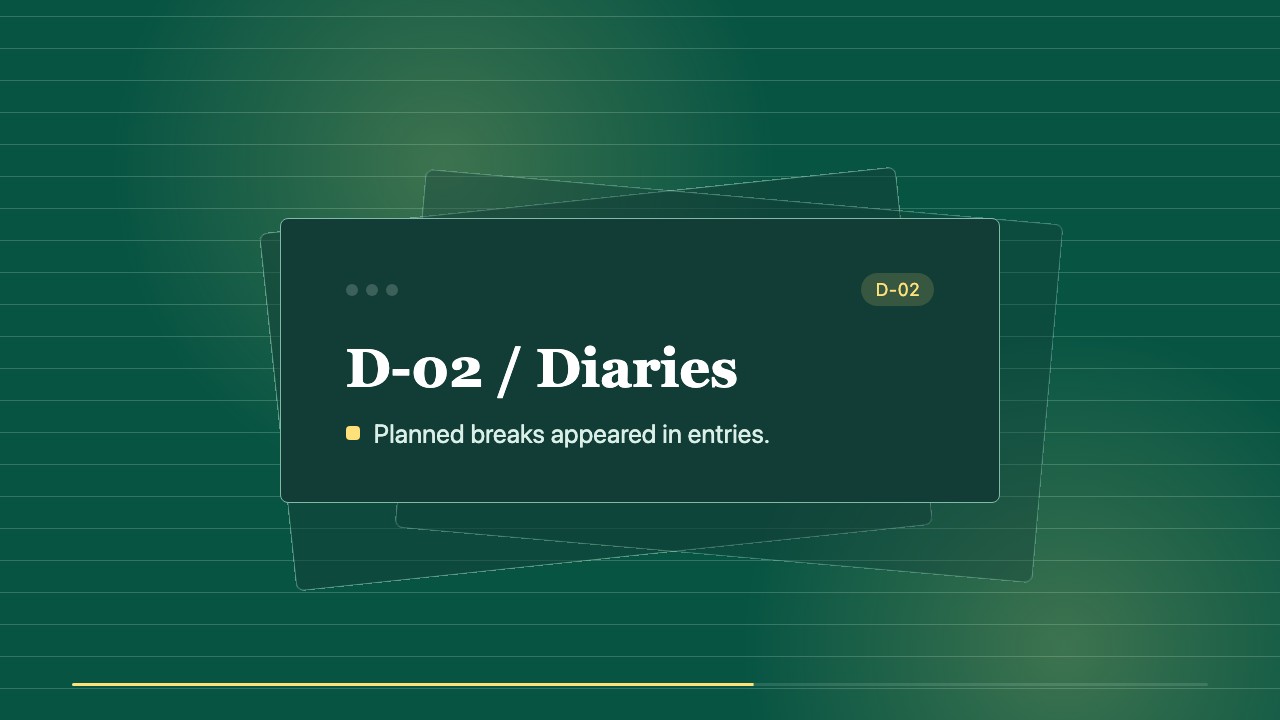
Turn two or three supplied findings into a restrained editorial b-roll recap. Ruled entries appear in sequence, then resolve into one clearly qualified takeaway, with source IDs kept on screen.
Longer pieces that carry a product or an argument through several scenes, some built from your product URL and screenshots. Two of them can optionally add generated plates or b-roll, only after you approve the price.
 $4.99
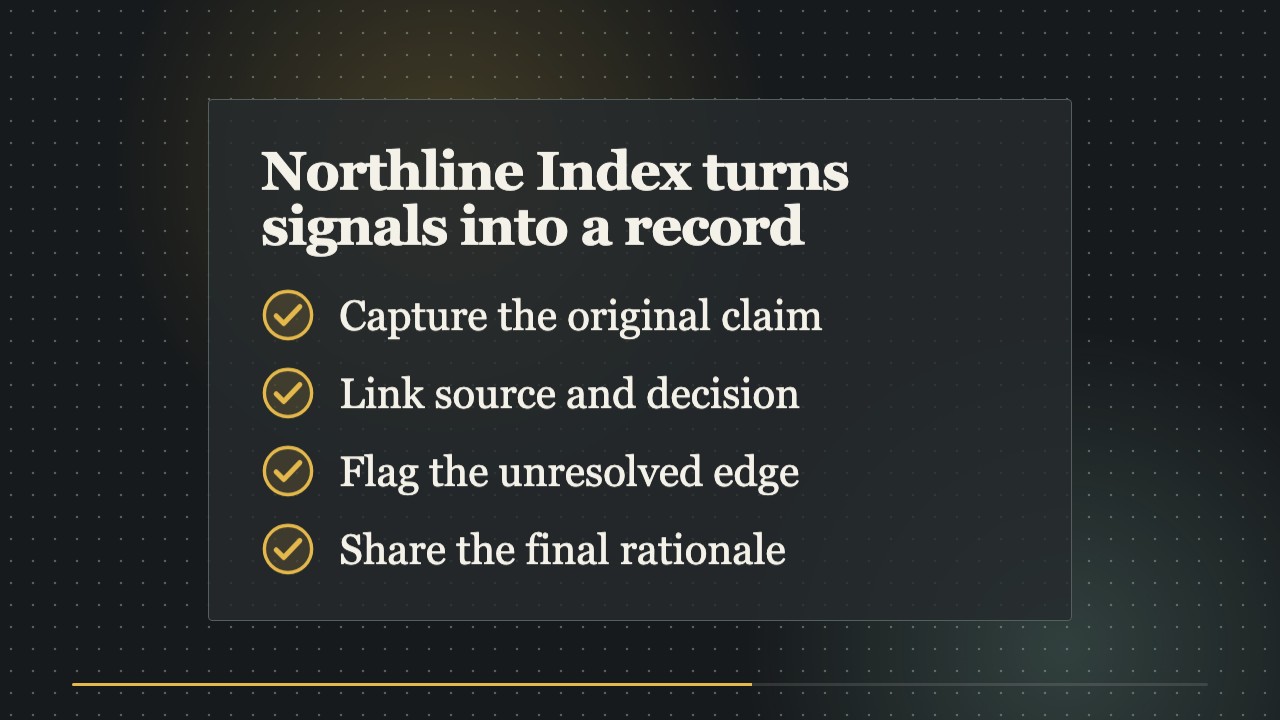
A signature narrative video treatment for turning a product or research claim into a compact visual argument. The composition changes format at each reasoning step while a disciplined dot field, serif headlines, and one voltage accent keep the film coherent.
 $4.99
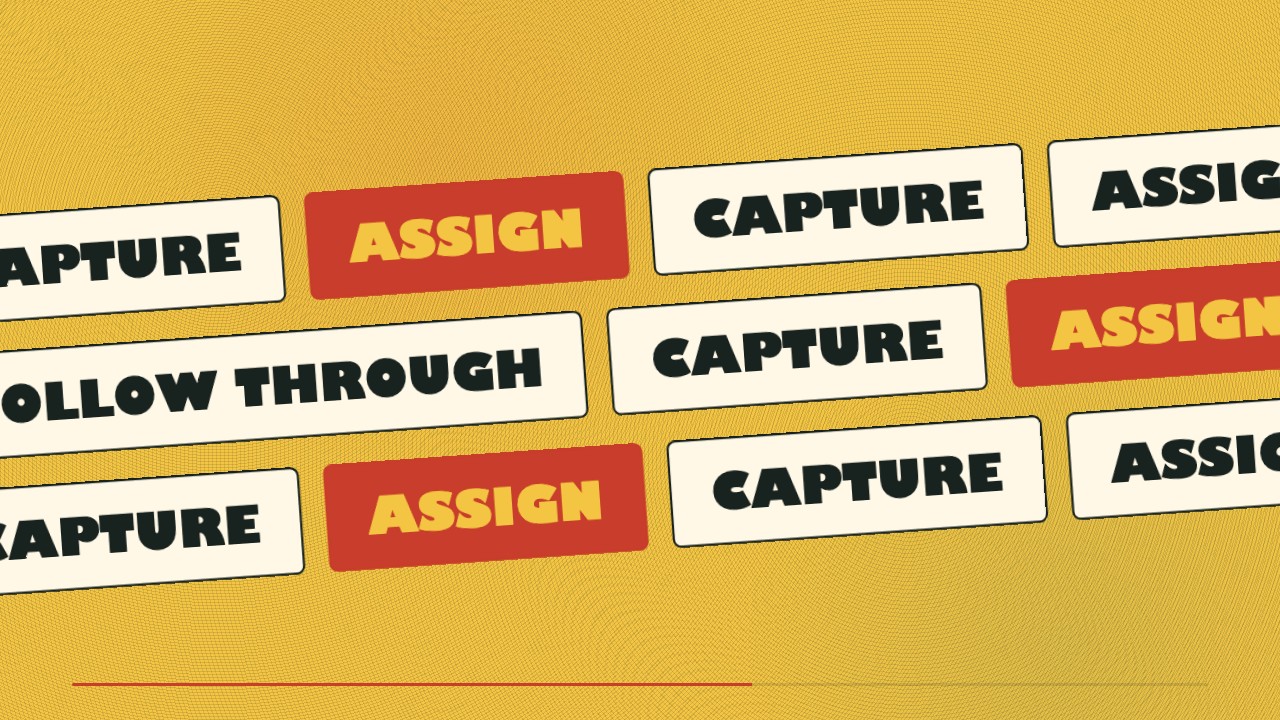
A signature square-feed launch film built from one continuously transforming card. It turns a product problem, product moments, and proof into a tactile short story with warm paper surfaces, saturated color, editorial type, and deterministic HTML/CSS rendering.
 Free
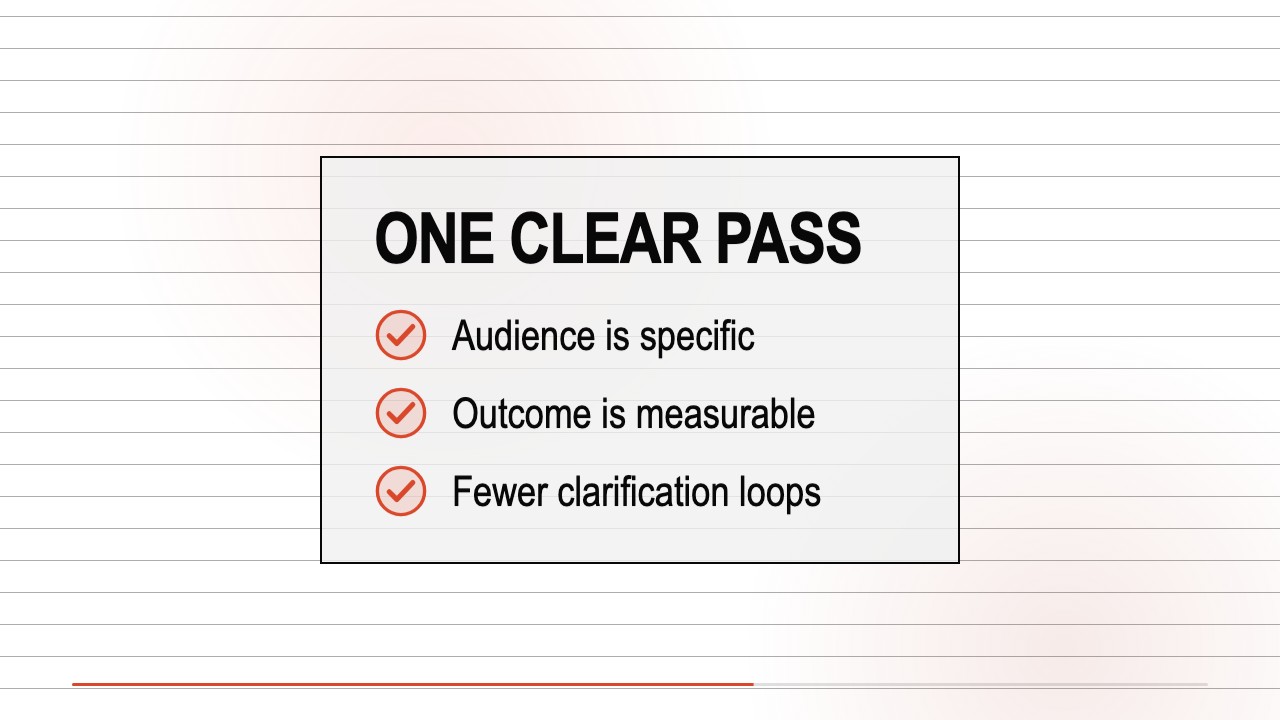
A guided video-narrative skill for turning one measurable product promise into a sharp launch film. It combines count-up typography, cursor-led UI choreography, editorial answer lines, and near-black interface panels on a white field.
 $4.99
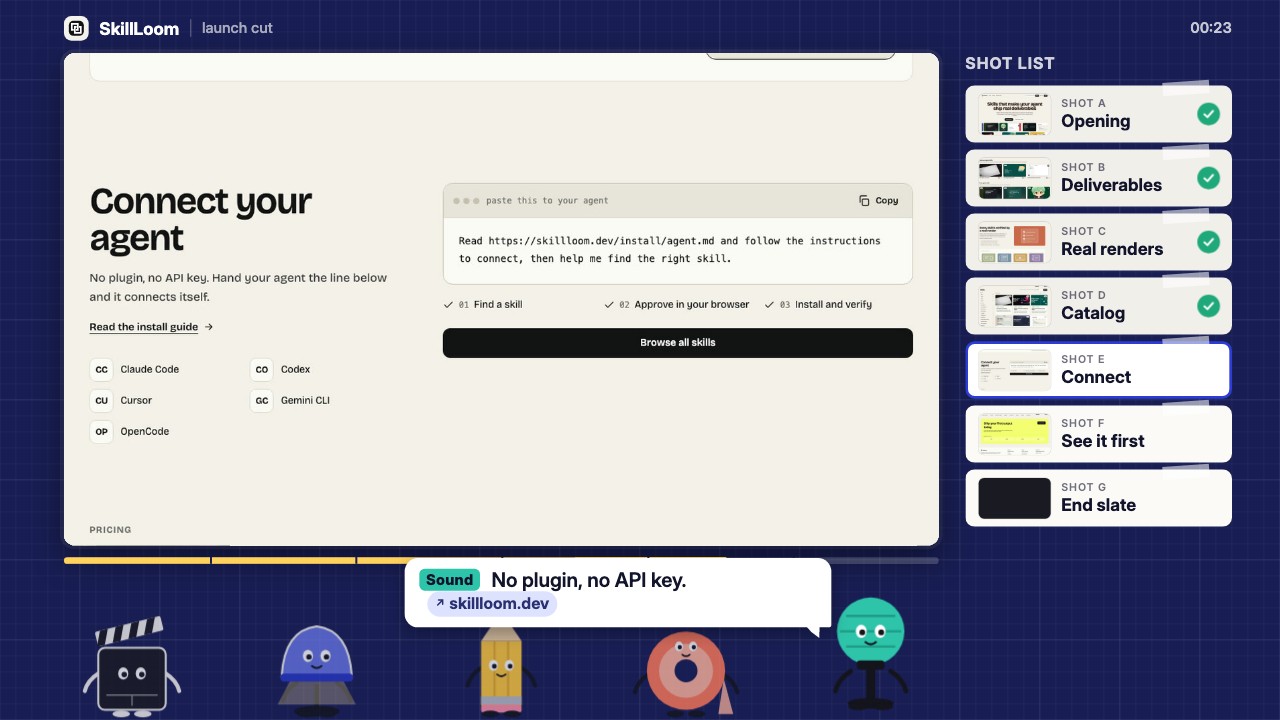
Turn a product link into a playful 40-second launch film: five cute studio-prop mascots build your promo on an editing desk, fly your real screenshots onto the canvas, tick off a shot list and quote your site in speech bubbles, then the slate claps into your end card. Rendered locally to MP4.
 $4.99
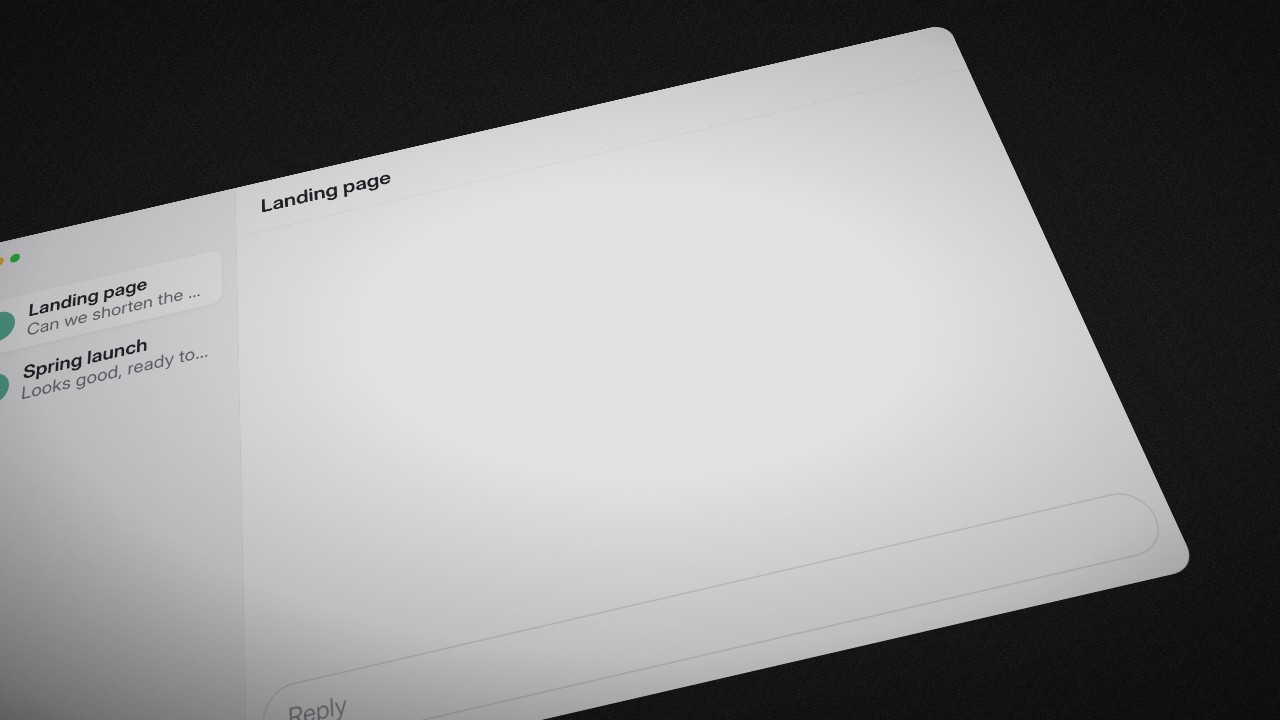
Turn a product URL or brief into a 25-45 second dark launch film: your real screens tilted in 3D under a moving camera, an agent typing one command key by key, the result landing line by line, and a wordmark end card. Rendered locally to MP4, frame-exact every time.
 Free
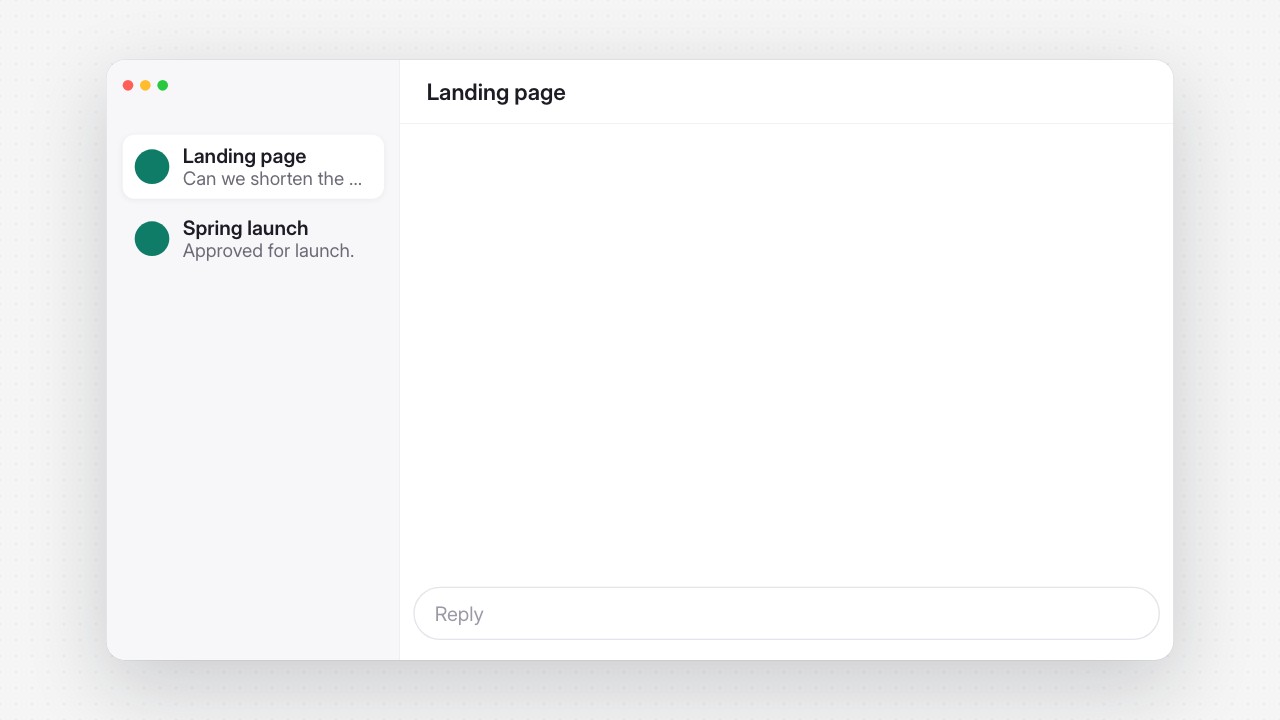
Turn a product URL or brief into a 45-90 second 16:9 launch film (80 s by default): kinetic type, product UI with camera moves, chapter cards and cinematic plates, cut to the beat and rendered locally to MP4. Version 2.0 is a new storyboard engine that checks every claim against its source.
Every skill is installed in a clean workspace from its released package. For web pages, decks and videos we render the skill's reference output; for images we generate one with the skill's own script from a sample brief. The skill's own validator then checks the output contract, and a vision model reviews the rendered frames and scores them 1–5 on legibility, composition and whether the output matches what the skill promised. The score is not a popularity number — there are no install counts or stars here, because this catalog is new and inventing those would be worse than leaving them out.
That makes it a quality score for the rendered output. It is not a security review of the skill's code, and not a run inside Claude Code.
Open the skill and copy the install command into Claude Code. It writes the skill into ~/.claude/skills.
Describe what you want. The skill supplies the structure and the style; you supply the content.
Every skill lists what it needs from you and what it hands back, so you can tell a good run from a bad one.
Not by default. The skill produces code that draws each frame, so the result is repeatable, editable afterwards, and free to render again. Two launch-film skills can optionally add generated plates or b-roll, only after you approve the price.
That is a different capability and these skills do not provide it. They make video; they do not read it.
Node.js 20 or newer, FFmpeg and Chromium (npx playwright install chromium); a few launch-film skills need Node.js 22 and their own headless browser, as listed on their pages. No API key.
Not as a video file on the Free plan. Claude Motion, which exports MP4, is in beta on Team and Enterprise only, and Claude Code comes with the paid plans (checked 14 November 2026). Once you have Claude Code, rendering these skills costs nothing by default, and some of them are free to install.
Not with these skills. They build new clips from the text, numbers and images you give them, and do not trim, cut or color-correct footage. Claude Motion also builds its animations from text, charts, shapes and images.