 VideoVerified
Question List To Audience Motion Clip
Works with: Claude Code, Cursor, OpenCode, Codex, Gemini CLI


All premium skills for $9.99/month. Cancel anytime.
Upgrade nowUse it to make a video.
npx skillloom-cli install sl-chapter-grid-pan-motion-clip
Built for
Updated Nov 1, 2026

 VideoVerified
 VideoVerified
 VideoVerified
 VideoVerified
 VideoVerified
 VideoVerified
 VideoVerified
 VideoVerified
You say
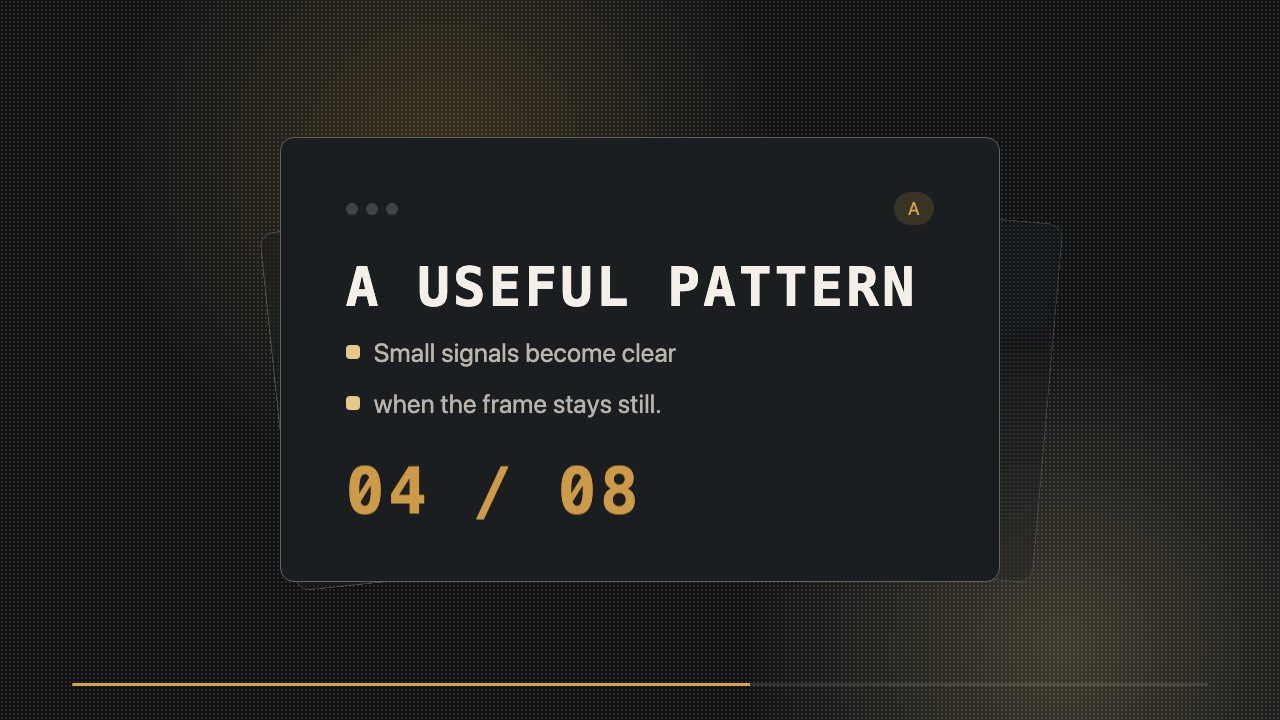
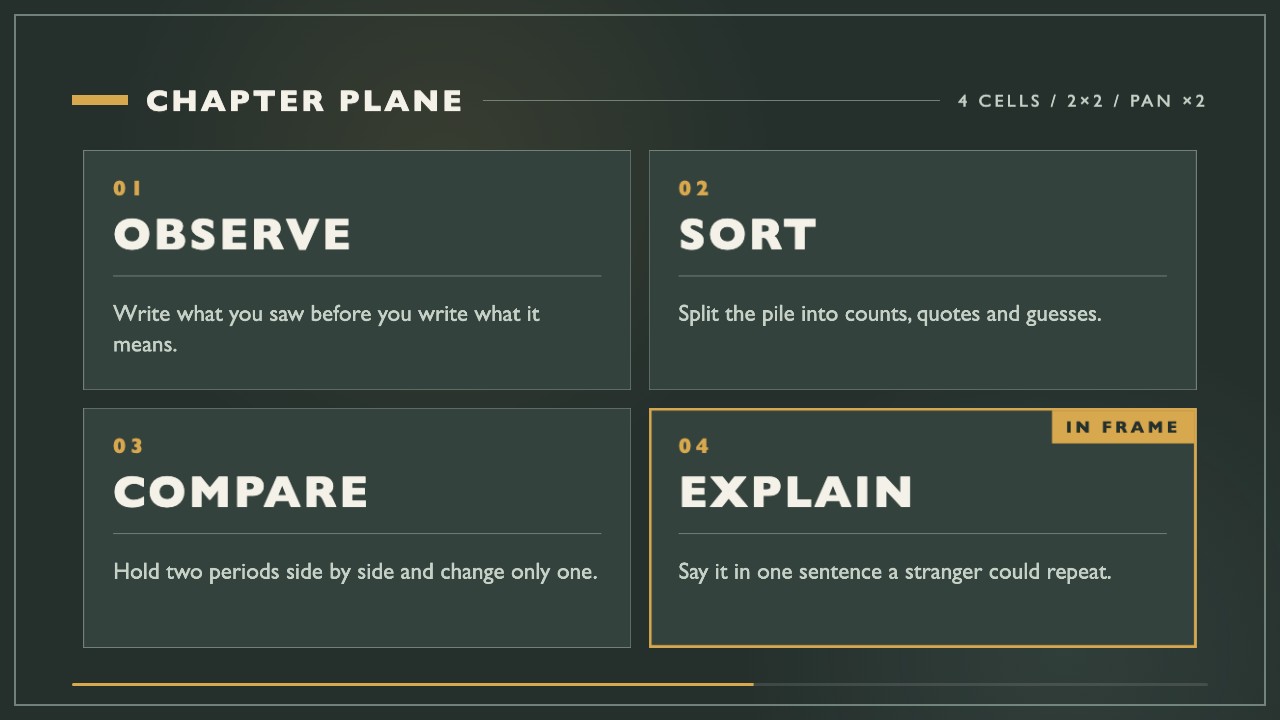
/sl-chapter-grid-pan-motion-clip Make an 11.5-second 16:9 clip for the lesson “Reading the Signal.” Open on its title, pan a 2x2 chapter plane and end wide with all four readable: 01 OBSERVE “Write what you saw before you write what it means.”, 02 SORT “Split the pile into counts, quotes and guesses.”, 03 COMPARE “Hold two periods side by side and change only one.”, 04 EXPLAIN “Say it in one sentence a stranger could repeat.” Add a 04 detail card, then close on “One method, four passes.”
Slow every camera move by 20 percent and give the final wide shot a longer hold.
Replace the chapters with Prepare, Test, Refine, Share, keeping one instruction sentence each.
Use a muted green accent instead of amber and park on only the first and last chapters.
No external services or generation models. Renders locally.
5.0/ 5
Render score
Verified
| Real render check | Verified | 5.0 / 5 | 68s |
|---|
Yes. Labels, numbers, instruction lines, camera stops and the ending line are editable content values in the HTML/CSS composition.
No. The clip is assembled from local HTML and CSS and rendered deterministically, so it works offline and remains easy to revise.
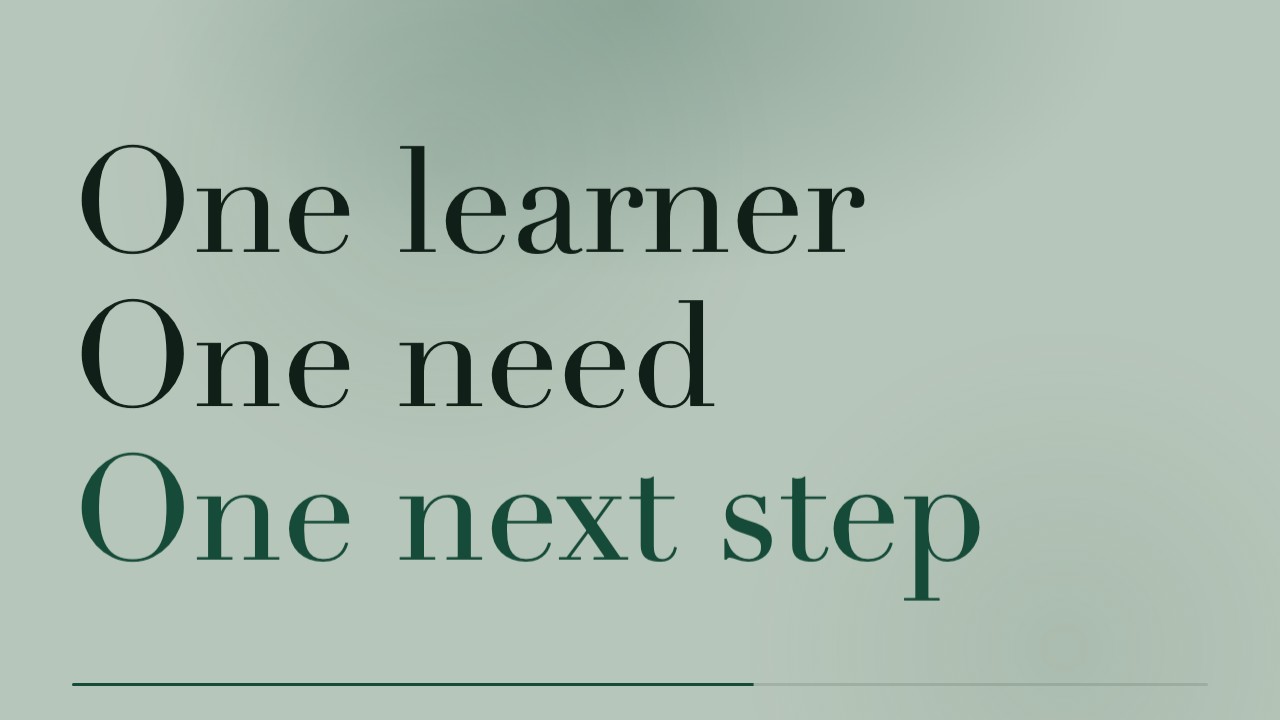
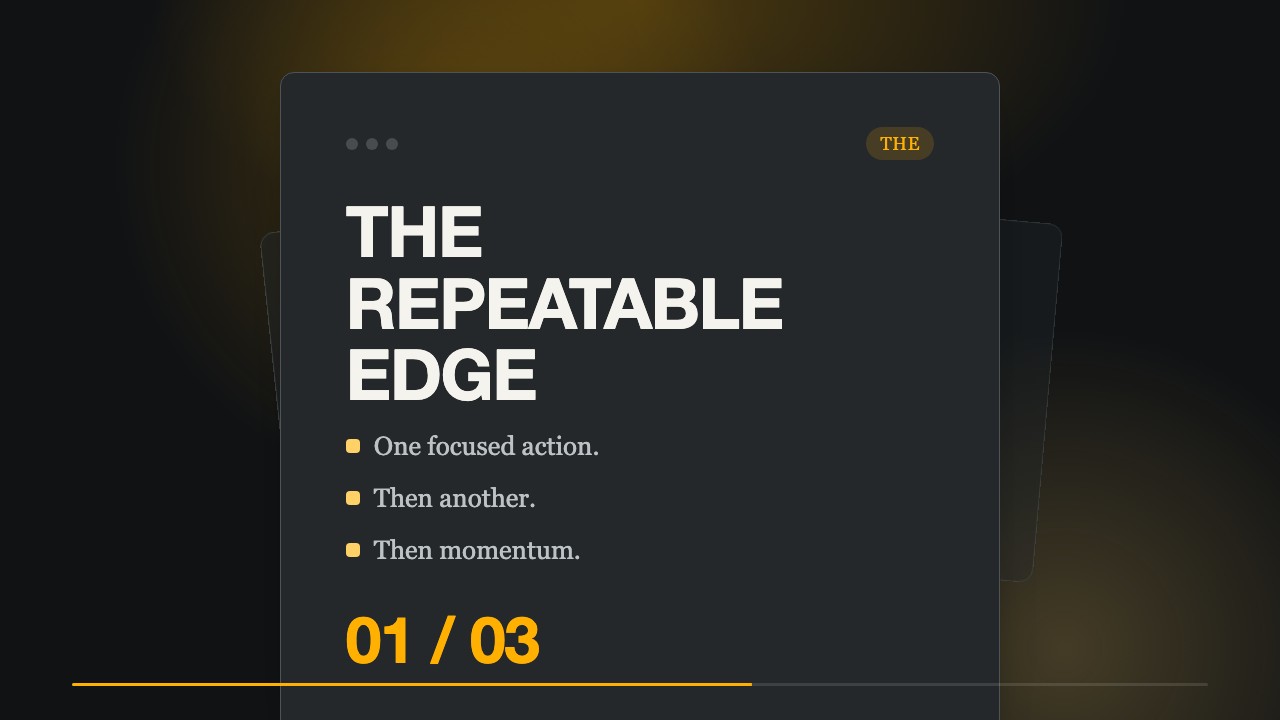
The close-up gives each instruction a full-frame read; the closing wide shot then shows all four chapters together.