 VideoVerified
Question List To Audience Motion Clip
Works with: Claude Code, Cursor, OpenCode, Codex, Gemini CLI


All premium skills for $9.99/month. Cancel anytime.
Upgrade nowUse it to make a video.
npx skillloom-cli install sl-line-and-trend-draw-motion-clip
Built for
Updated Oct 10, 2026

 VideoVerified
 VideoVerified
 VideoVerified
 VideoVerified
 VideoVerified
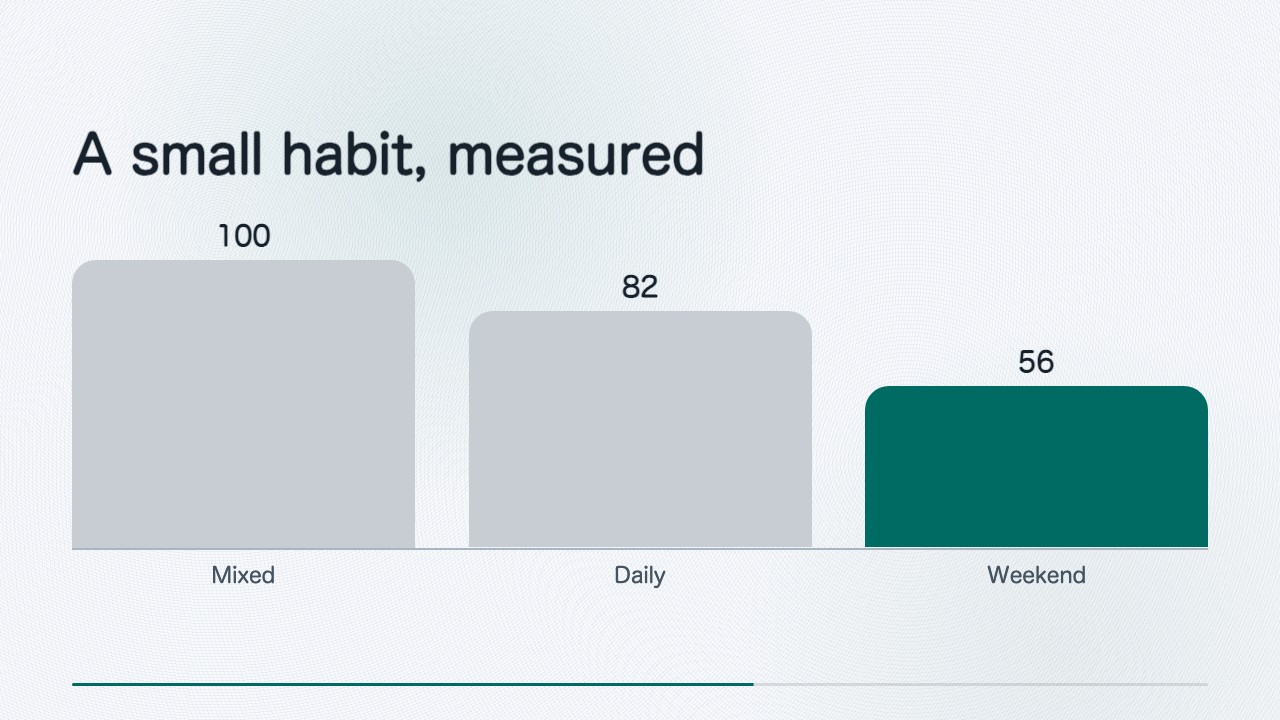 VideoVerified
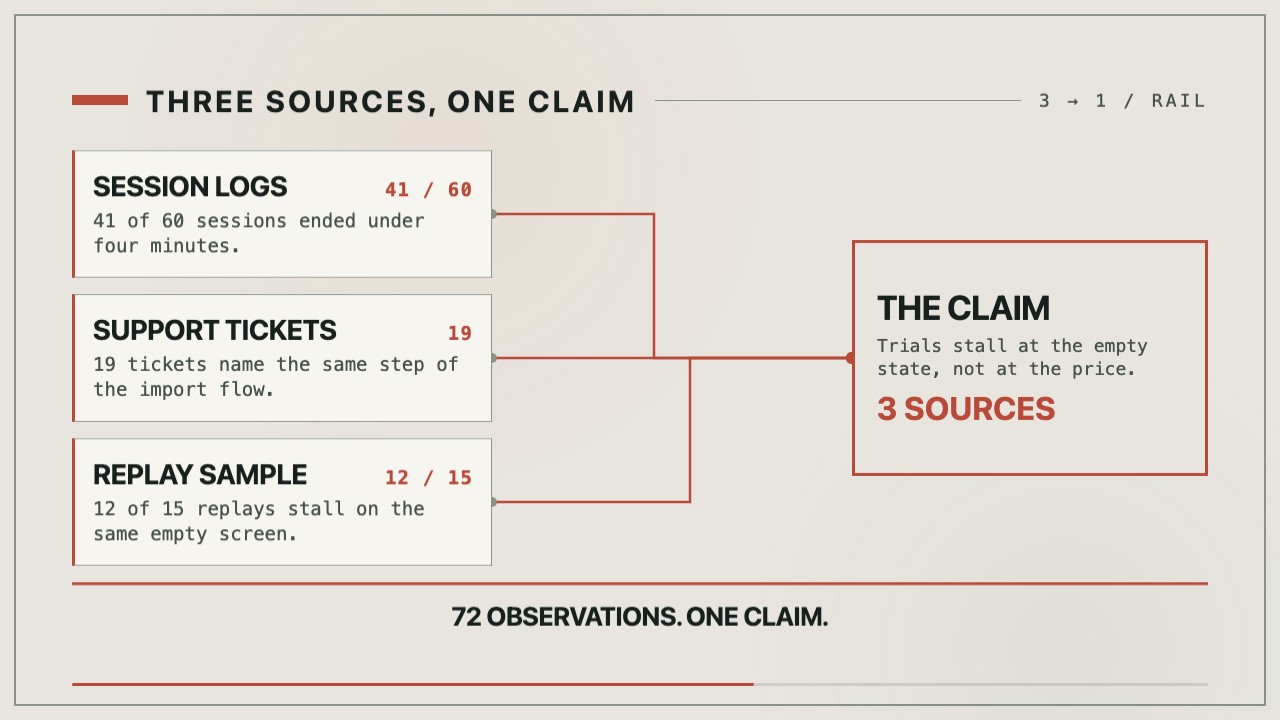 VideoVerified
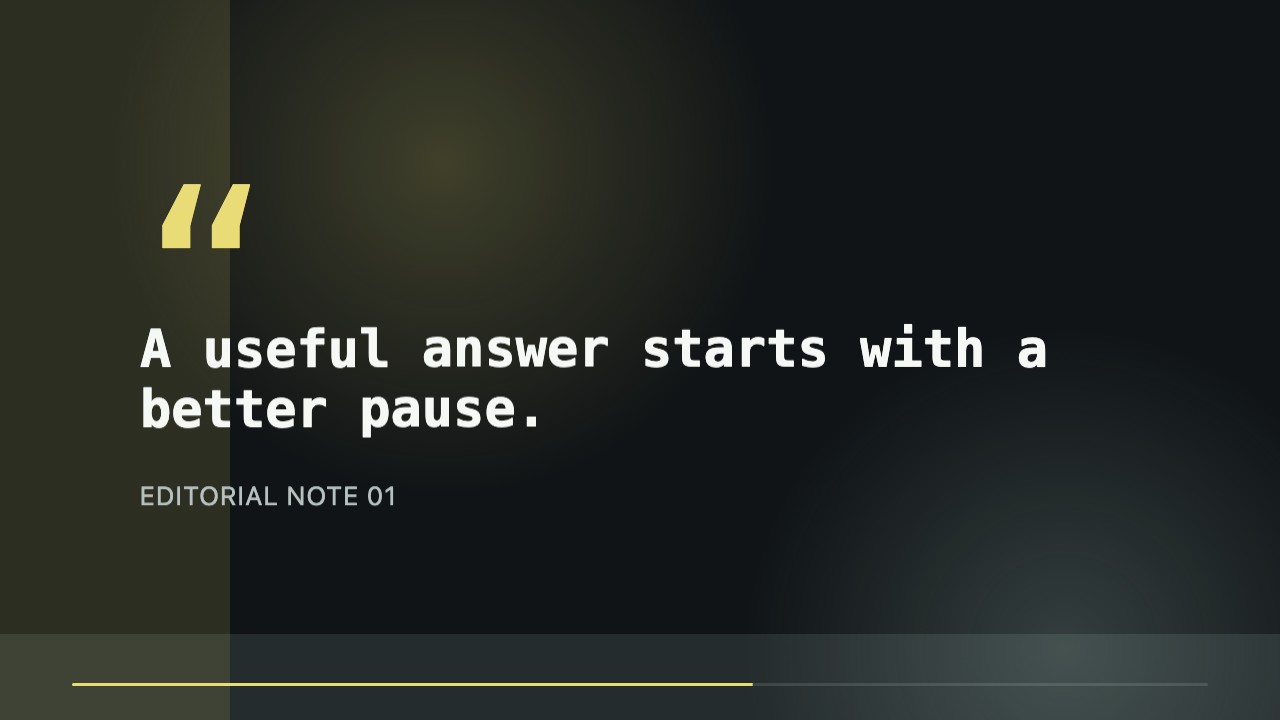 VideoVerified
You say
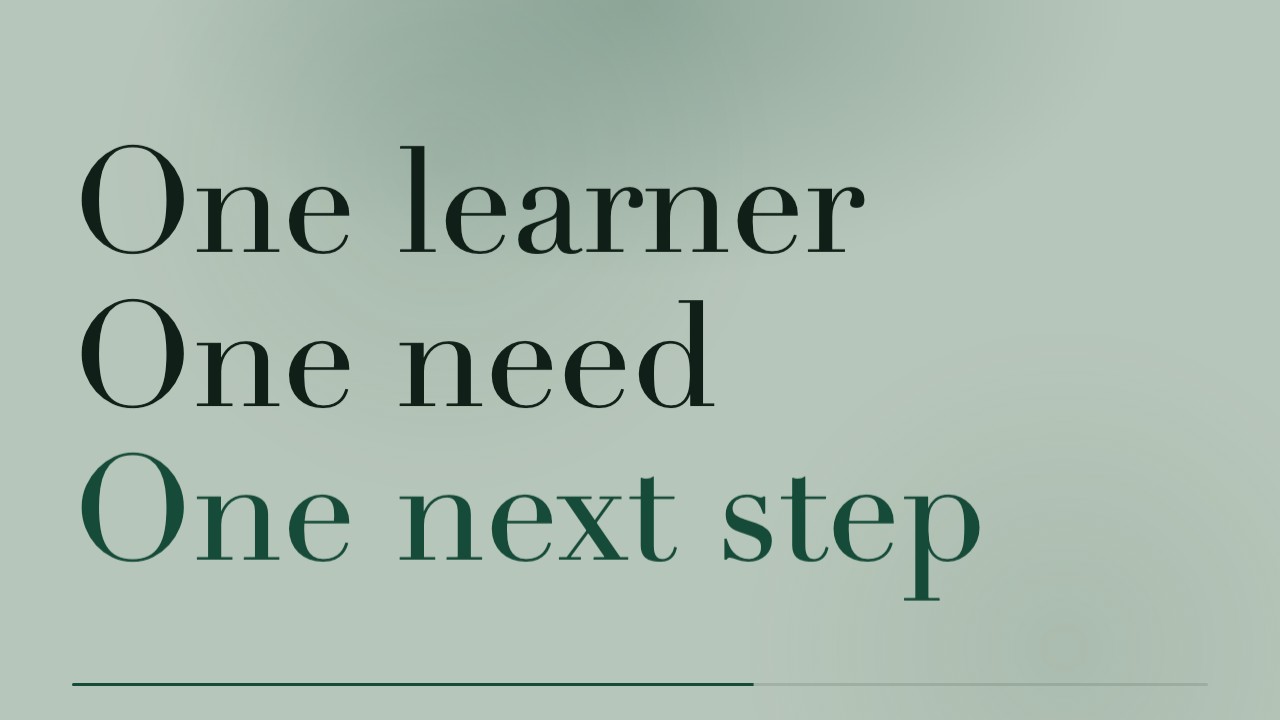
/sl-line-and-trend-draw-motion-clip Create an about 10-second 16:9 clip for Quiet progress. Open with “A habit finds its line” and close with “Make the next step visible.” In between, show START, RHYTHM, REACH; weekly reading sessions rising from Start 25 to Rhythm 50 to Reach 100; and a counter from 1 to 4 sessions this week. Use the skill’s etched trendline style.
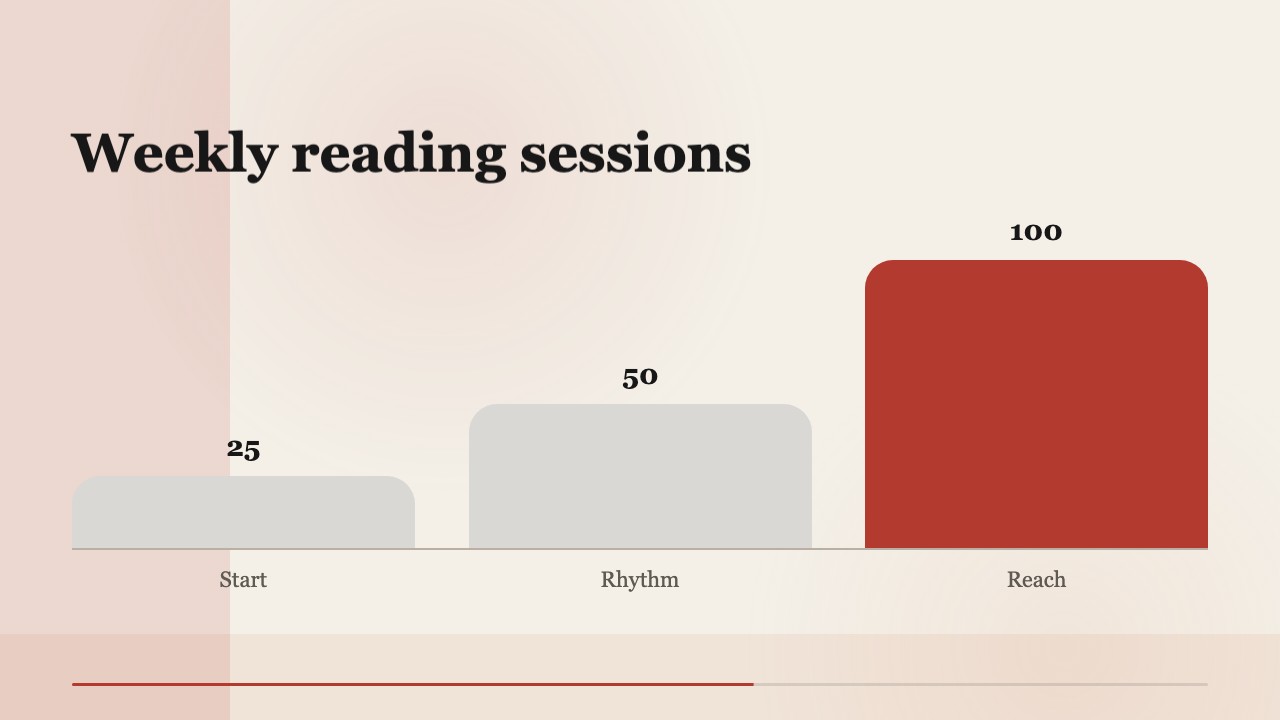
Change the trend to a three-stage lesson plan while keeping the same line timing and serif system.
Make the final metric 72% and shorten the closing hold for a fast social edit.
No external services or generation models. Renders locally.
5.0/ 5
Render score
Verified
| Real render check | Verified | 5.0 / 5 | 26s |
|---|
Yes. Milestones, headings, metrics, colors, and scene timing remain organized as editable HTML/CSS values before the local MP4 render.
No. The composition is built from HTML and CSS and rendered locally, so it works offline with system font stacks and deterministic motion.
Two to four is the useful range. Fewer can feel abrupt, while more usually reduces legibility in a short social clip.