VideoFree Verified

Title Scene Takeover Motion Clip

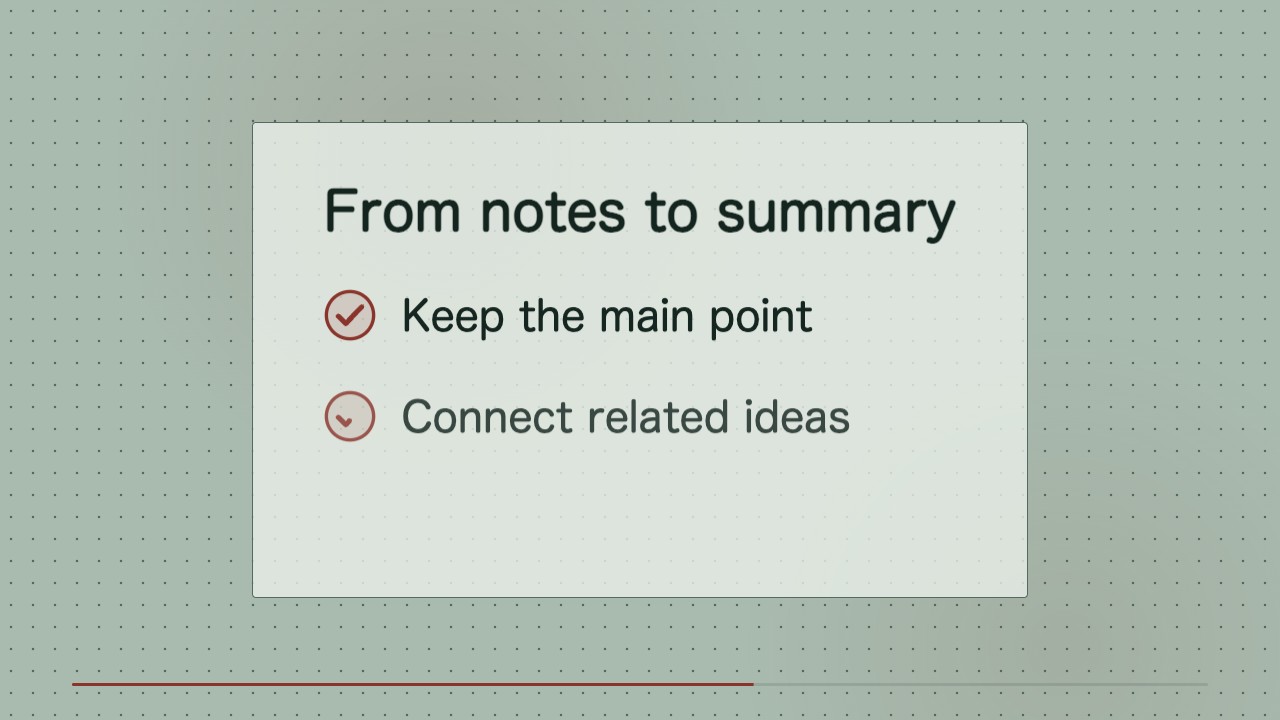
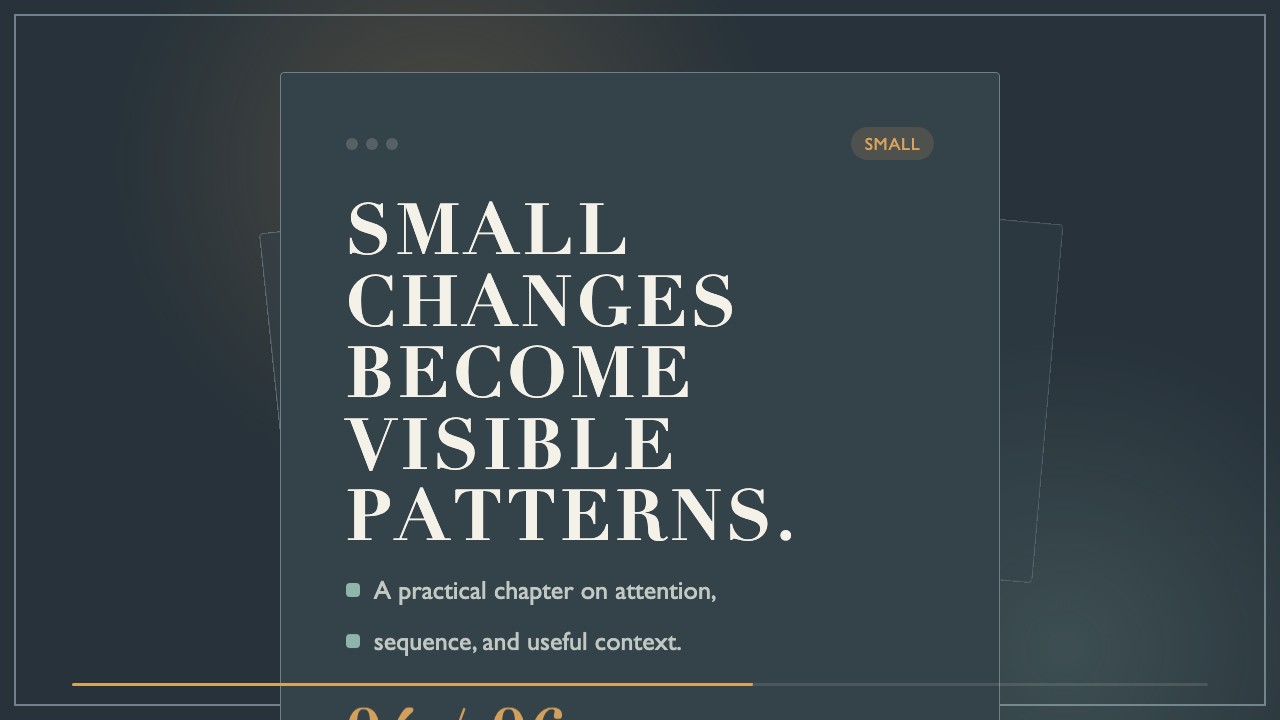
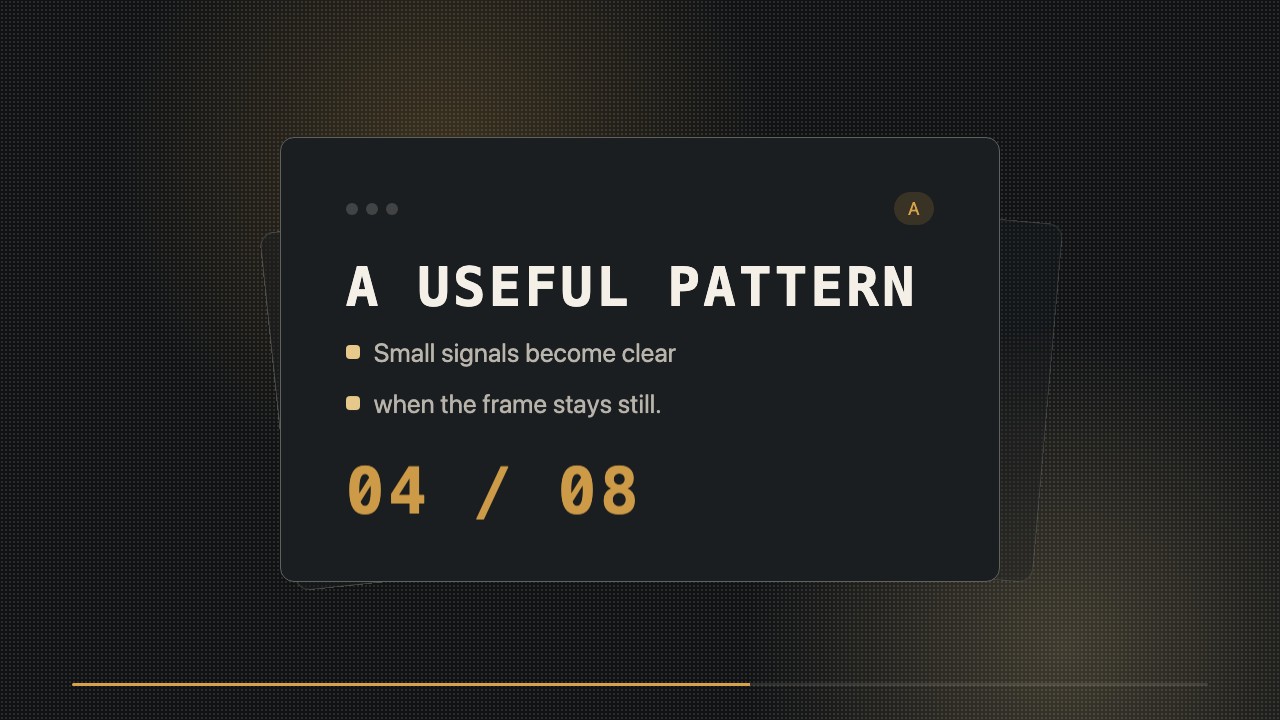
A focused motion clip for title scenes, lesson openers, and recurring editorial posts. It uses a saturated ground, an oversized didone title, a restrained grotesk caption, and one precise accent movement to make a series name feel established without visual noise.

What you get

  • A 9-second wide title takeover MP4
  • Editable HTML and CSS composition
  • Grid-aligned title and metadata treatment
  • Consistent timing for repeatable series use

Good fit

  • Opening a recurring lesson or editorial series
  • Introducing a chapter, topic, or episode before the main content
  • Creating a polished transition between social publishing segments

Not for

  • Photo-led storytelling or character animation
  • Dense announcements with many facts or calls to action

What you provide

  • Exact title or series name
  • Optional subtitle or chapter label
  • Preferred motion energy and metadata

Requirements

  • Node.js 20+
  • FFmpeg
  • Chromium (npx playwright install chromium)

Running cost

No external services or generation models. Renders locally.

Try this prompt

/sl-title-scene-takeover-motion-clip Create a 9-second 16:9 opening clip for the lesson series Clearer Thinking. Open with “CLEARER THINKING,” move through “NOTICE,” “NAME,” and “CHOOSE,” then the card “A title can set the pace” with “Give the idea room” and “before the lesson begins,” and close with “Continue with one clear question.” Use the Gridline Takeover style.

Follow-up prompts

  • Make the title entrance brisker while preserving the same grid and color roles.
  • Create a companion ending clip using the same typography, with the line Continue with one clear question.
  • Swap the metadata for Chapter 05 and keep the title treatment visually identical.

Verification

Verified

render-checkpass5.0 / 527s

FAQ

Can I reuse the same treatment for a series?

Yes. Replace the title, subtitle, and metadata while preserving the grid, timing, color roles, and accent behavior for a consistent publishing system.

Does it require a generation model?

No. The composition is built with local HTML and CSS and rendered to an MP4, so the output is repeatable and the source remains editable.

Can the title be longer?

Yes, but keep the main title to six words or fewer where possible. Longer titles should use intentional line breaks and remain inside the crop-safe area.

SKILL.md

SKILL.md

Title Scene Takeover Motion Clip

A minimalist, typographic takeover clip that gives a recurring title a precise entrance, a quiet pause, and a memorable editorial finish.

Style: Gridline Takeover. A composed editorial title enters with measured confidence against a saturated ground, using space and timing as the main visual effects. Follow references/style-guide.md exactly.

Use this skill when

  • Opening a recurring lesson or editorial series
  • Introducing a chapter, topic, or episode before the main content
  • Creating a polished transition between social publishing segments

Do not use

  • Busy multi-message promos that need several calls to action
  • Character-led, photographic, playful, or highly decorative motion treatments
  • To reproduce another company's brand, logo, product UI or copyrighted characters.

Inputs

  • The exact title or series name, with optional subtitle
  • Target aspect treatment within the wide canvas and intended crop-safe area
  • Preferred entrance energy: measured, brisk, or dramatic
  • Optional episode number, lesson marker, or short metadata line

If something essential is missing, ask one short question before starting. Never invent facts, numbers, quotes or customer names; mark gaps as [needs source].

Workflow

  1. Read references/motion-contract.md and references/style-guide.md. Their rules are fixed for this skill.
  2. Fill references/scene-map.md from the brief (3-5 scenes, 6-12 s). Never invent product numbers, names or quotes; ask for anything required that is missing.
  3. Copy references/composition.html to clip/composition.html. Keep the stage, the ambient layer, the progress line and the fit script.
  4. Delete the example scenes you do not use, set each scene's text, data-start, data-duration and the absolute animation-delay values, and set <html data-duration> to the sum of scene durations.
  5. Apply the style tokens in the :root block exactly as given in the style guide. Do not add colors or webfonts.
  6. Open clip/composition.html in a browser to preview; it plays in real time. Reload to replay.
  7. Render: node scripts/render.mjs clip/composition.html --out clip.mp4 --fps 30 (install once: npm i -D playwright-core && npx playwright install chromium; FFmpeg must be on PATH).
  8. Run the validator below and fix every problem it reports.
  9. Extract stills around each cut (ffmpeg -ss <t> -i clip.mp4 -frames:v 1 cut.png) and check that nothing is cropped, overlapping or frozen.
  10. Run the validator and fix every problem it reports:

``bash node scripts/validate-video.mjs clip.mp4 --min-seconds 6 --max-seconds 12 ``

What makes this excellent

  • Build the opening title as a left-anchored grid takeover: let the text cross into the frame rather than fading in at center.
  • Use a single oversized title block with a controlled horizontal reveal and keep its line breaks deliberate at the wide canvas size.
  • Carry one small metadata line through the composition so the clip can identify an episode, lesson, or chapter without adding clutter.
  • Let the yellow accent appear once as an underline, index mark, or narrow moving bar; do not distribute accent color across every scene.
  • Use a brief hold after the title settles, then exit through a clean crop or rule wipe that can loop into the next piece.
  • Keep every important word inside a generous central safe area so social-platform crops do not remove the title.

Output contract

  • clip.mp4: H.264, 30 fps, 1280x720, 6-12 seconds.
  • clip/composition.html: the editable single-file composition that produced it (re-render any time with scripts/render.mjs).
  • A hand-off note: the filled scene map, total duration, anything left as a placeholder, and the validator output.
  • Render a wide MP4 between 6 and 12 seconds with four focused scenes and no external image dependencies.
  • Keep the HTML/CSS source editable with title, subtitle, metadata, colors, and timing exposed as simple values.
  • Use deterministic local rendering so the same inputs produce the same title treatment across a content series.

Reference demo and agent run

The preview is a reference render of the bundled composition with sample copy. In a real run the agent rewrites the scenes from the user's brief and assets, re-times the composition and renders a fresh MP4 that meets the output contract above.

Failure rules

  • Never hand over a render that fails the validator.
  • If the user's screenshots are low resolution, rebuild the surface in HTML instead of upscaling them.
  • Music and footage must be supplied and licensed by the user; never download assets.

Similar skills