 $4.99
$4.99Inputs Converge To One Motion Clip
Turn three content sources into one clear editorial outcome in a short, editable b-roll animation. Designed for publishing recaps, educational explainers, and series transitions.
A minimalist, portrait-led b-roll clip with concise editorial notes, gentle motion, and a warm paper-like ground. Use it for polished social posts, educational snippets, and repeatable series that need an editable local source and a consistent visual rhythm.
No external services or generation models. Renders locally.
/sl-portrait-with-editorial-notes-motion-clip Create an 8-second 16:9 video for fictional brand Field Notes about noticing small changes in a garden. Open with “Notice what changes” and “Small details shape a place.”, then show Light, Growth, and Return, followed by “A garden tells its story in small shifts.” from “Field note 01”. Close with “Field Notes” and “Look closer, then look again.” Keep the warm, minimalist Quiet Margin Glow style.
Verified
| render-check | pass | 5.0 / 5 | 31s |
No. It arranges a supplied portrait or reserves a clear image area. Image generation and retouching are outside this motion-clip workflow.
Yes. The HTML/CSS composition keeps the scene copy and timing editable. Update the source and render again to produce a revised MP4.
The portrait placement, note column, type system, margins, and accent behavior remain fixed while the editorial copy changes.
$4.99Turn three content sources into one clear editorial outcome in a short, editable b-roll animation. Designed for publishing recaps, educational explainers, and series transitions.
 $4.99
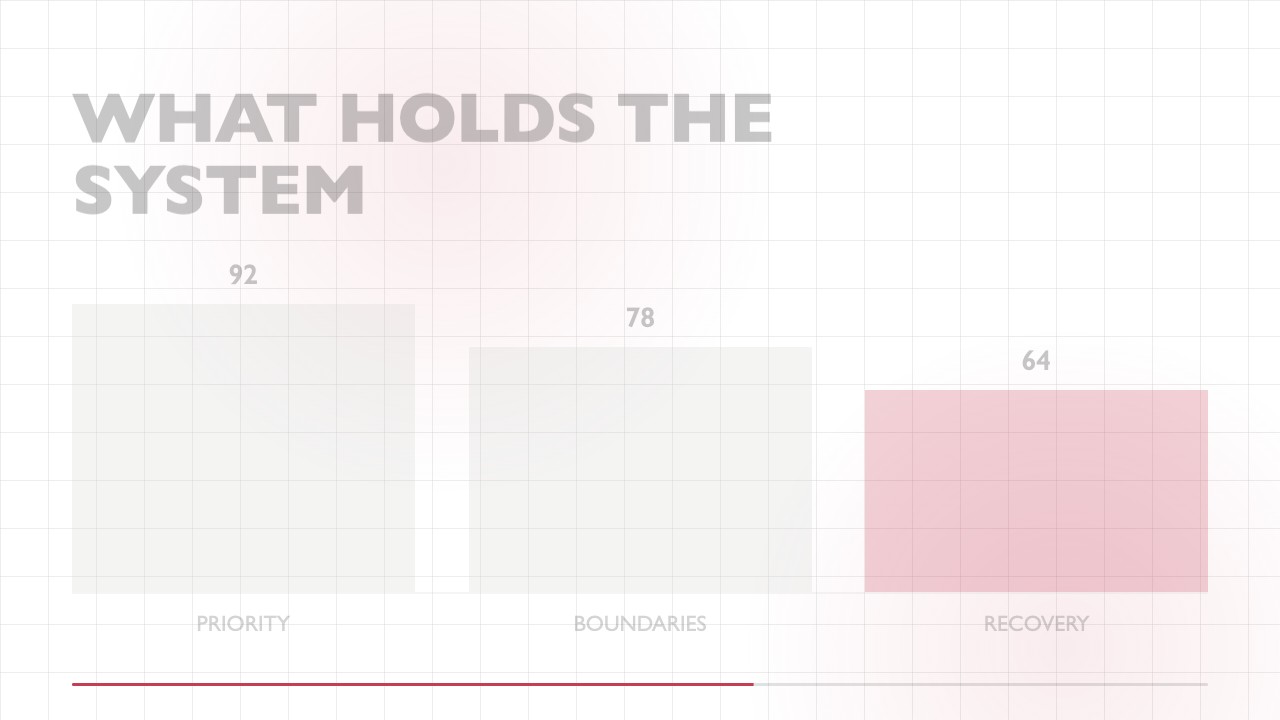
$4.99A focused editorial b-roll animation that gathers a small set of keywords into a clear, high-contrast conclusion. It uses a sparse grid, humanist typography, restrained motion, and one accent color for educational posts, social explainers, and recurring content series.
 $4.99
$4.99A wide editorial b-roll clip that makes a two-result comparison easy to scan, then swaps emphasis to reveal the stronger outcome with precise, reusable motion.
 $4.99
$4.99Turn one audience question into a crisp, typographic response clip for educational posts and short-form publishing. The editable composition reveals an answer line by line on a minimal white canvas.
 $4.99
$4.99A focused wide b-roll animation for turning one response or teaching point into a polished editorial moment. It uses restrained type movement, a single accent, and a reusable end frame so social creators can publish consistent series content quickly.
 $4.99
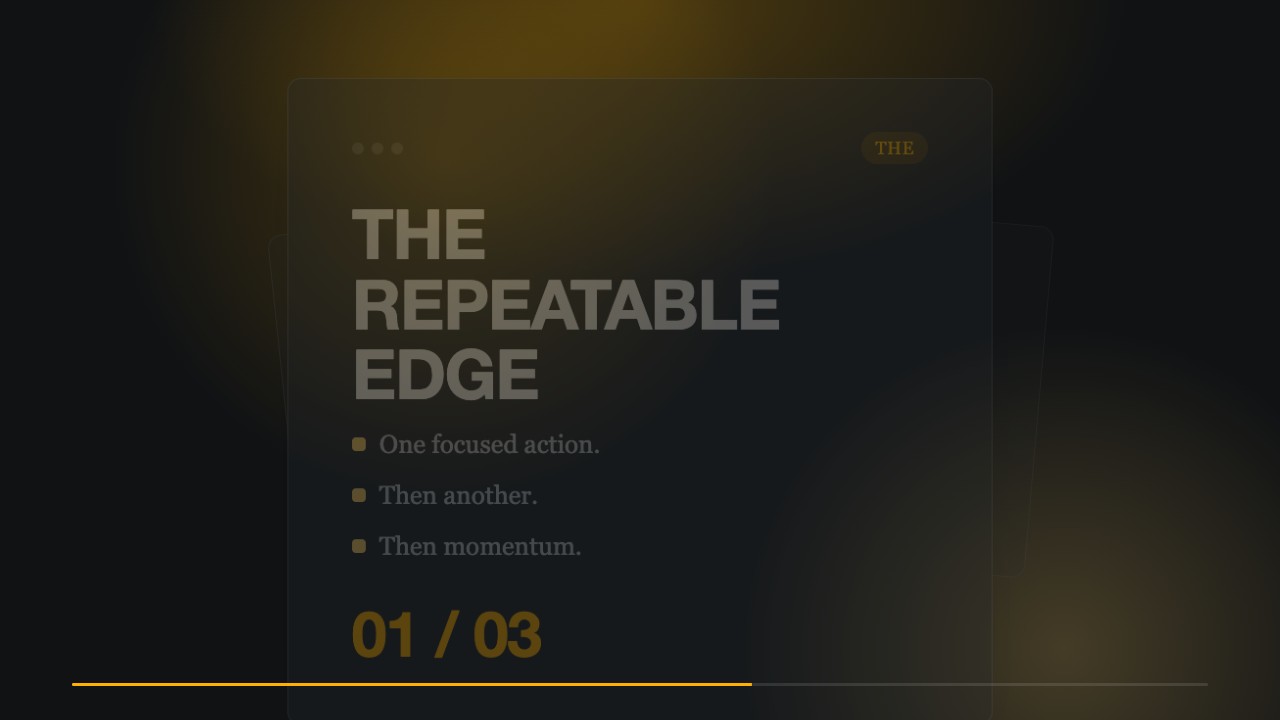
$4.99A restrained editorial motion clip for turning one clear idea into a memorable publishing beat. Dark space, heavy grotesk type, and a single amber glow create a premium, series-consistent b-roll moment.
 $4.99
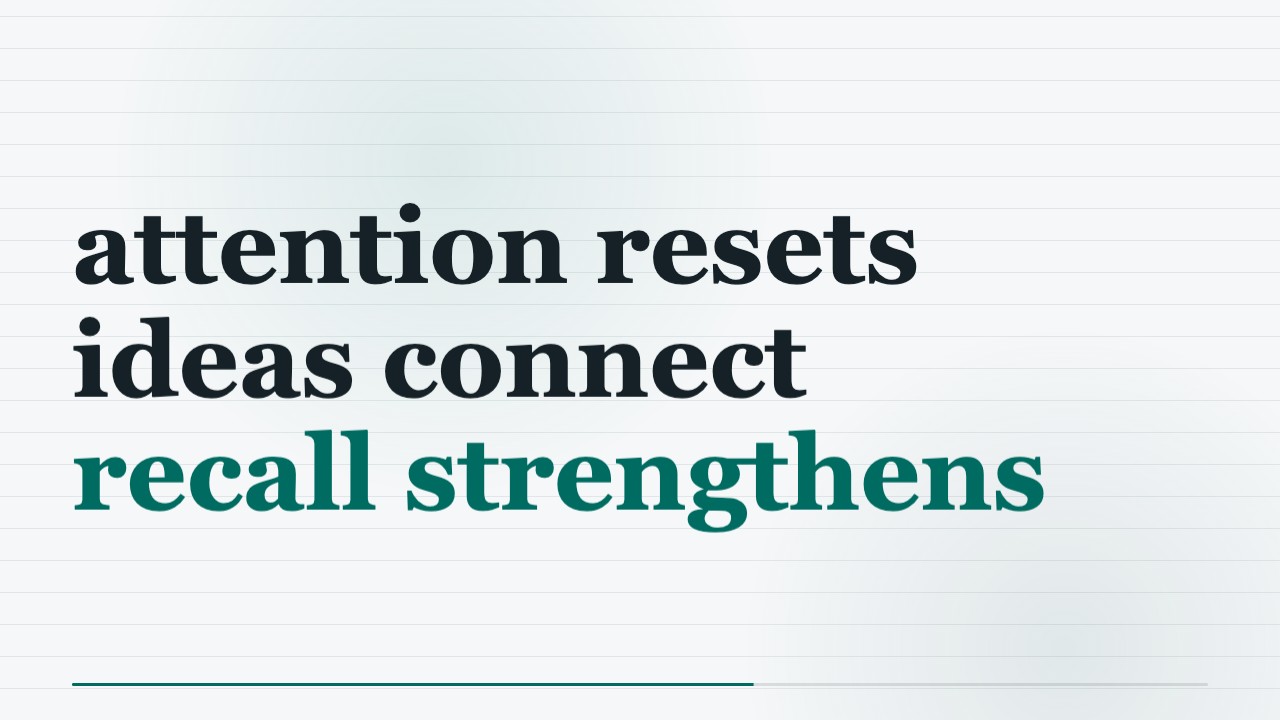
$4.99Make a concise educational b-roll clip in a minimalist editorial style, using aligned columns, fine rules, and precise annotations. The locally rendered MP4 and editable HTML/CSS keep the motion polished and easy to adapt for a publishing series.
 $4.99
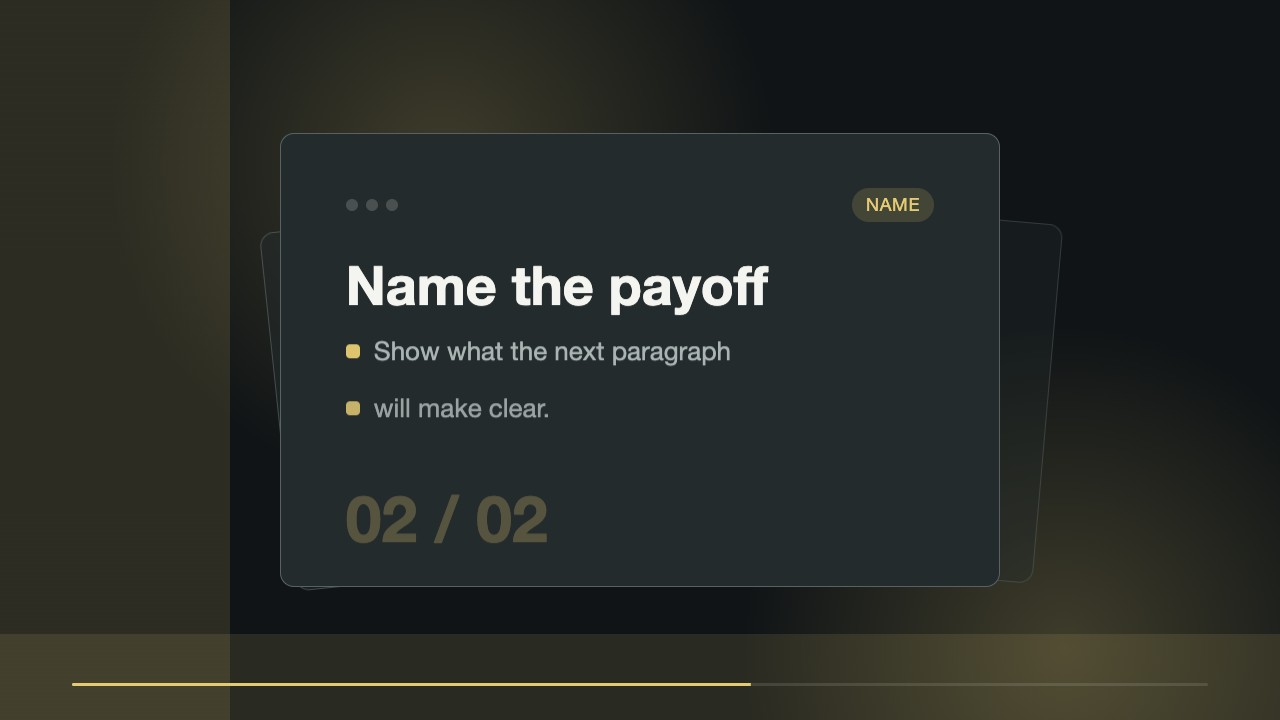
$4.99A short editorial b-roll clip that reveals a focused annotation from a fixed typographic anchor. Built for creators who need a repeatable visual cue for teaching points, with editable source files and a locally rendered MP4.