 VideoVerified
Question List To Audience Motion Clip
Works with: Claude Code, Cursor, OpenCode, Codex, Gemini CLI


All premium skills for $9.99/month. Cancel anytime.
Upgrade nowUse it to make a video.
npx skillloom-cli install sl-metric-audit-marks-motion-clip
Built for
Updated Oct 10, 2026

 VideoVerified
 VideoVerified
 VideoVerified
 VideoVerified
 VideoVerified
 VideoVerified
 VideoVerified
 VideoVerified
You say
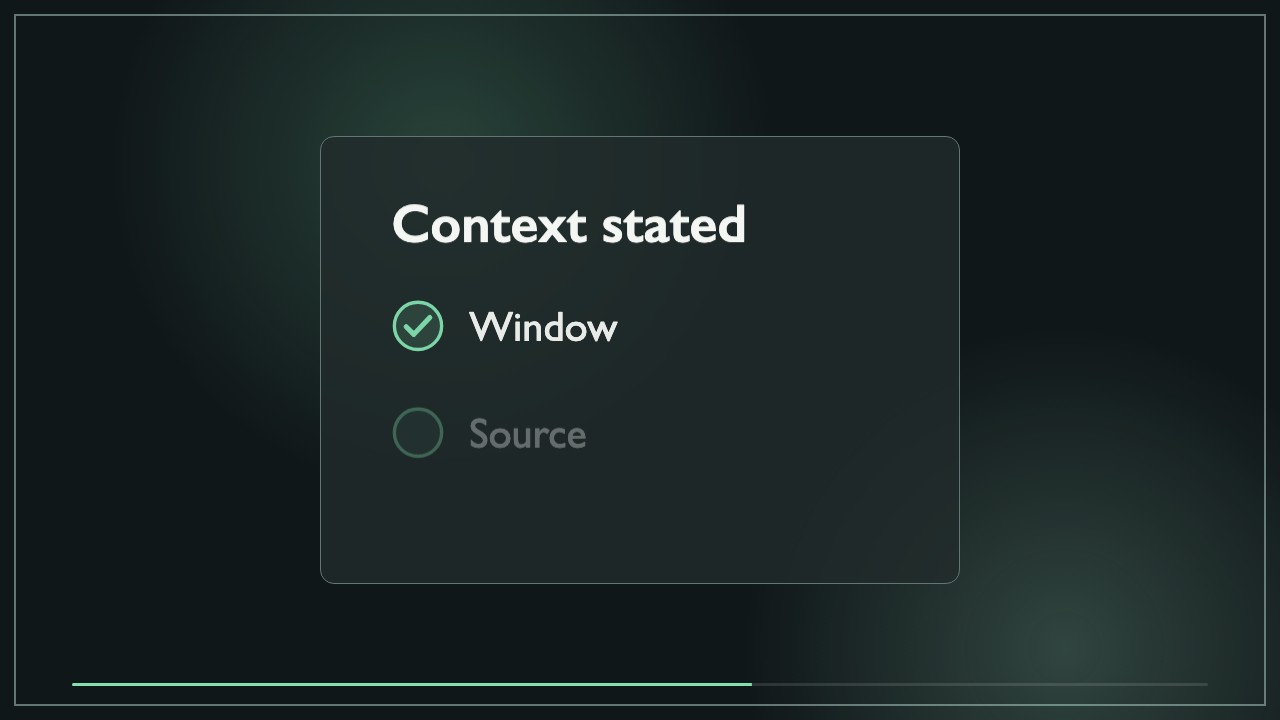
/sl-metric-audit-marks-motion-clip Create a 9-second 16:9 educational clip for Metric notes about reading reach figures. Open with “Before the number travels” and “State what it measures.” Show reported reach of 42.8k, with a 7-day window, channel export source, and unique viewers basis; then list Window, Source, and Definition under “Context stated.” Close with “Publish with context.” Use the clean Metric Proof Frame style.
Replace the example with my latest metric and keep the same timing and frame.
Mark the source as missing and remove any completion cue.
Make a shorter cut that retains the full reporting window.
No external services or generation models. Renders locally.
5.0/ 5
Render score
Verified
| Real render check | Verified | 5.0 / 5 | 19s |
|---|
No. Marks identify supplied context or fields the user says were reviewed. The clip does not independently validate a source.
Yes. The value, labels, and context remain editable in the delivered HTML/CSS composition.