VideoPremium Verified

Specification Status Reveal Motion Clip

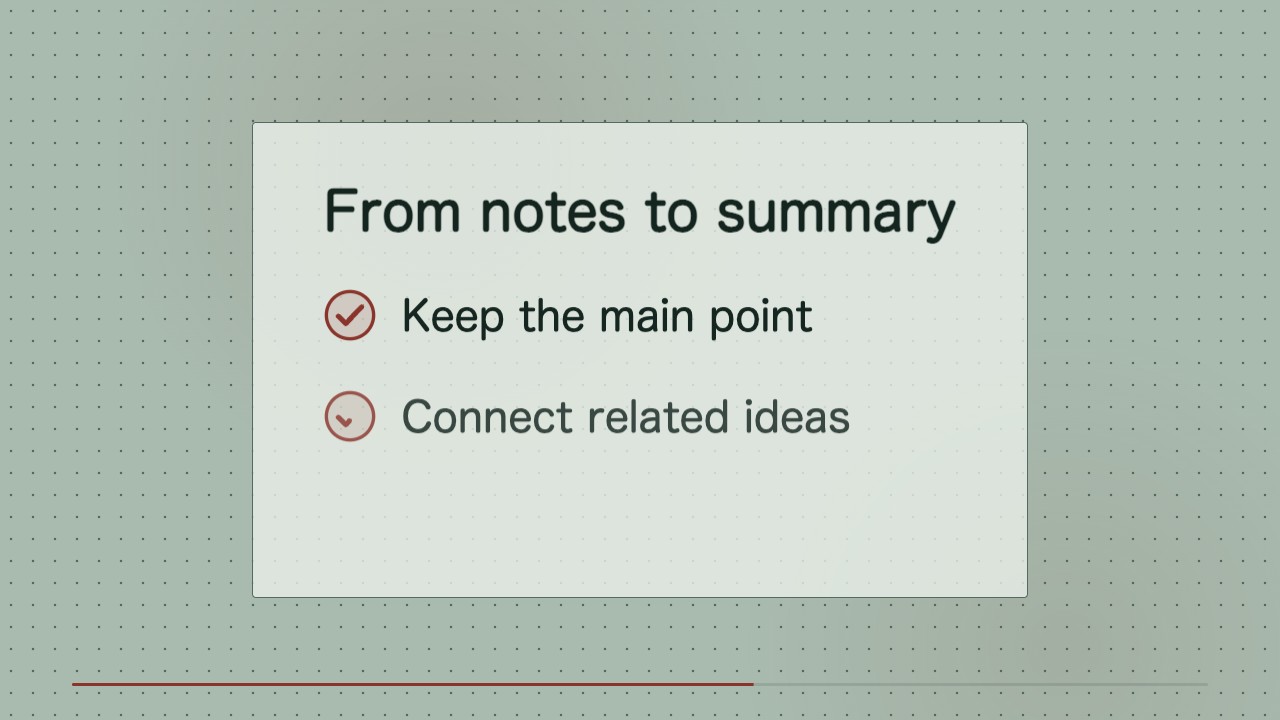
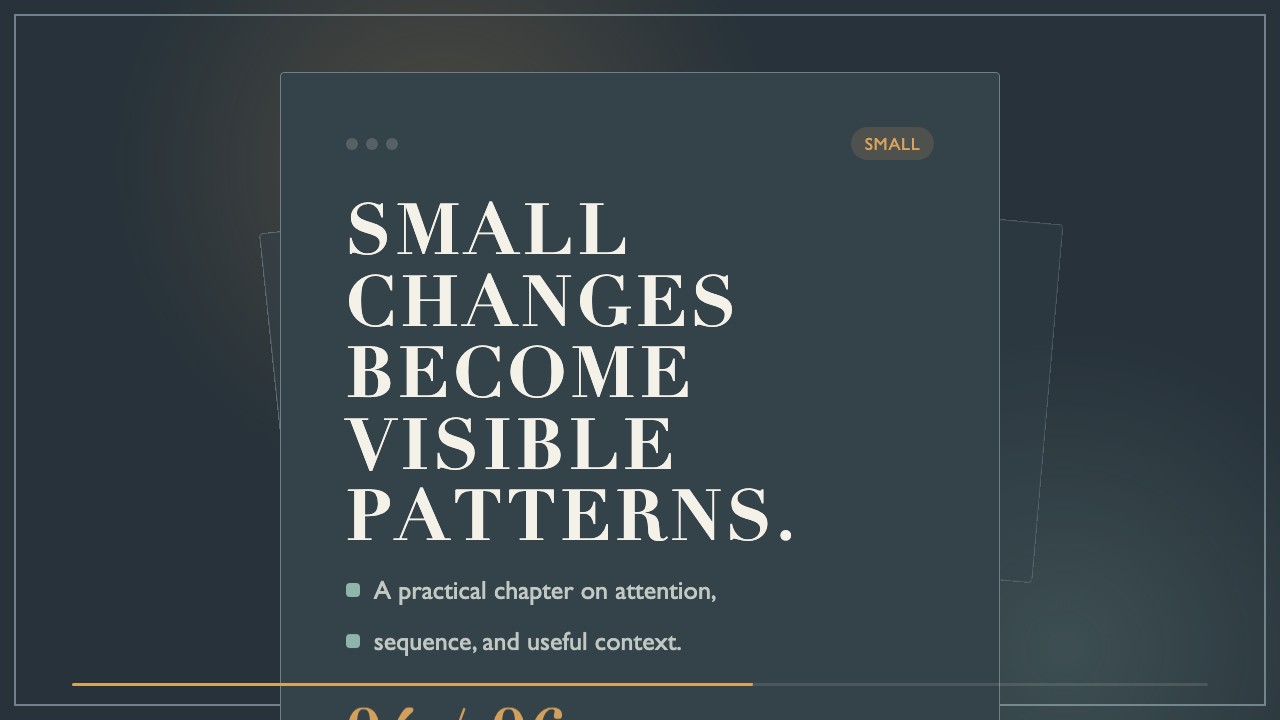
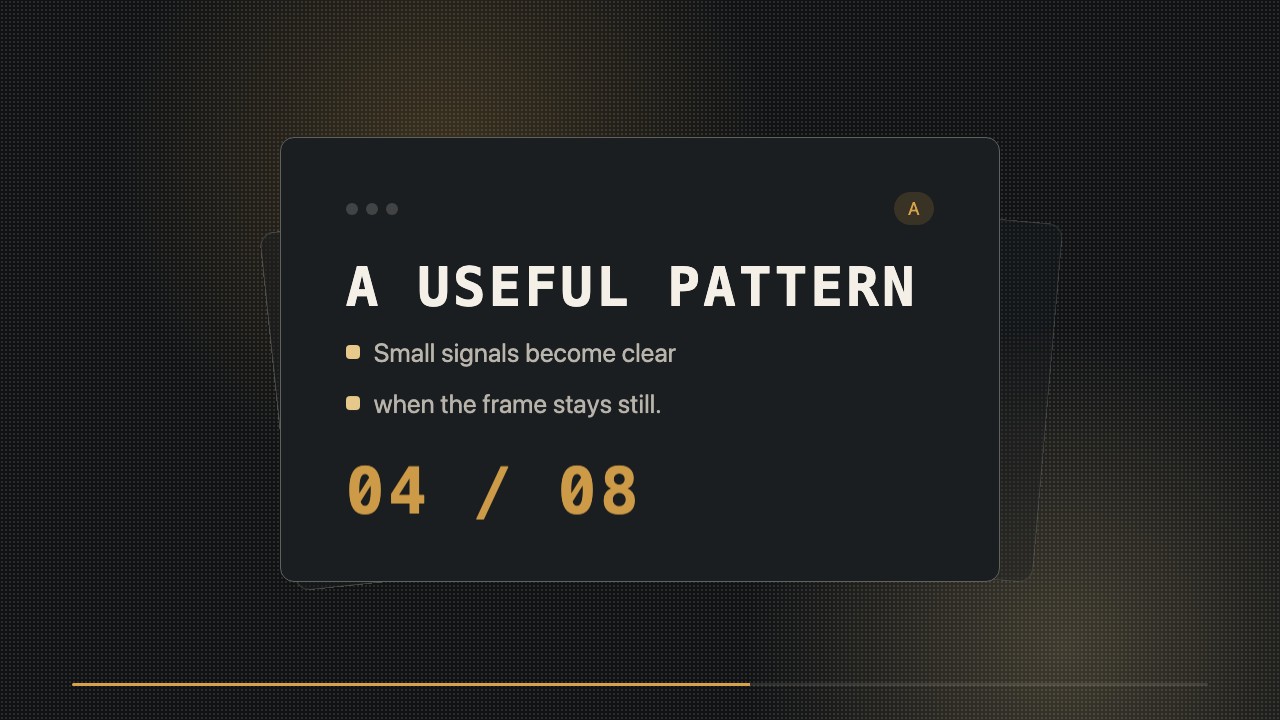
Turn a real specification review into a short, minimalist b-roll clip. Checkpoints resolve in sequence on a stable editorial layout, ending on the document's verified status.

What you get

  • A rendered wide MP4 ready for a publishing timeline
  • Editable HTML/CSS composition with replaceable status text
  • A consistent visual system for subsequent specification clips

Good fit

  • A release update showing review progress
  • An educational post about a documented approval process
  • A recurring editorial series about project milestones

Not for

  • Explaining a full specification section by section
  • Claiming approval before the review is complete

What you provide

  • Specification title and revision
  • Review checkpoints in order
  • Current final status

Requirements

  • Node.js 20+
  • FFmpeg
  • Chromium (npx playwright install chromium)

Running cost

No external services or generation models. Renders locally.

Try this prompt

/sl-specification-status-reveal-motion-clip Create a 9-second 16:9 clip for the fictional Lesson specification. Open with “Specification review” and “Lesson outline / Revision 04”; show Revision 04 with Scope / Confirmed, Examples / Verified, and 2 of 3, then the review checklist. Close with “Approved for release”. Use a clean Specification Glow style.

Follow-up prompts

  • Change the last status to Awaiting owner review and keep the same timing.
  • Make a matching clip for Revision 05 with three updated checkpoints.

Verification

Verified

render-checkpass5.0 / 519s

FAQ

Can the clip end on a pending status?

Yes. The last reveal uses the actual status supplied, whether it is pending, returned for edits, or approved.

Can I reuse the look for later revisions?

Yes. Replace the title, revision, checkpoints, and final status in the editable source while retaining the layout and timing.

Similar skills