VideoFree Verified

Count Up Hero Number Driven Ui Story Film

A guided video-narrative skill for turning one measurable product promise into a sharp launch film. It combines count-up typography, cursor-led UI choreography, editorial answer lines, and near-black interface panels on a white field.

What you get

  • A 20–45 second wide MP4 with a clear hook, product arc, proof beat, and end card.
  • Count-up hero typography tied to one defensible product outcome.
  • Cursor-driven HTML/CSS UI scenes with staged state changes.
  • Monochrome interface chrome with a single red accent for focus and momentum.

Good fit

  • Launching a focused software product with one memorable outcome.
  • Explaining a workflow where the result matters more than a feature list.
  • Creating a concise social or product-marketing film from a structured brief.

Not for

  • A full product walkthrough with many independent features.
  • Claims that require legal review, live data, or photographic evidence.

What you provide

  • Product promise and target audience
  • One measurable outcome with unit or label
  • Three interface actions to stage
  • Proof point and final call to action

Requirements

  • Node.js 20+
  • FFmpeg
  • Chromium (npx playwright install chromium)

Running cost

No external services or generation models. Renders locally.

Try this prompt

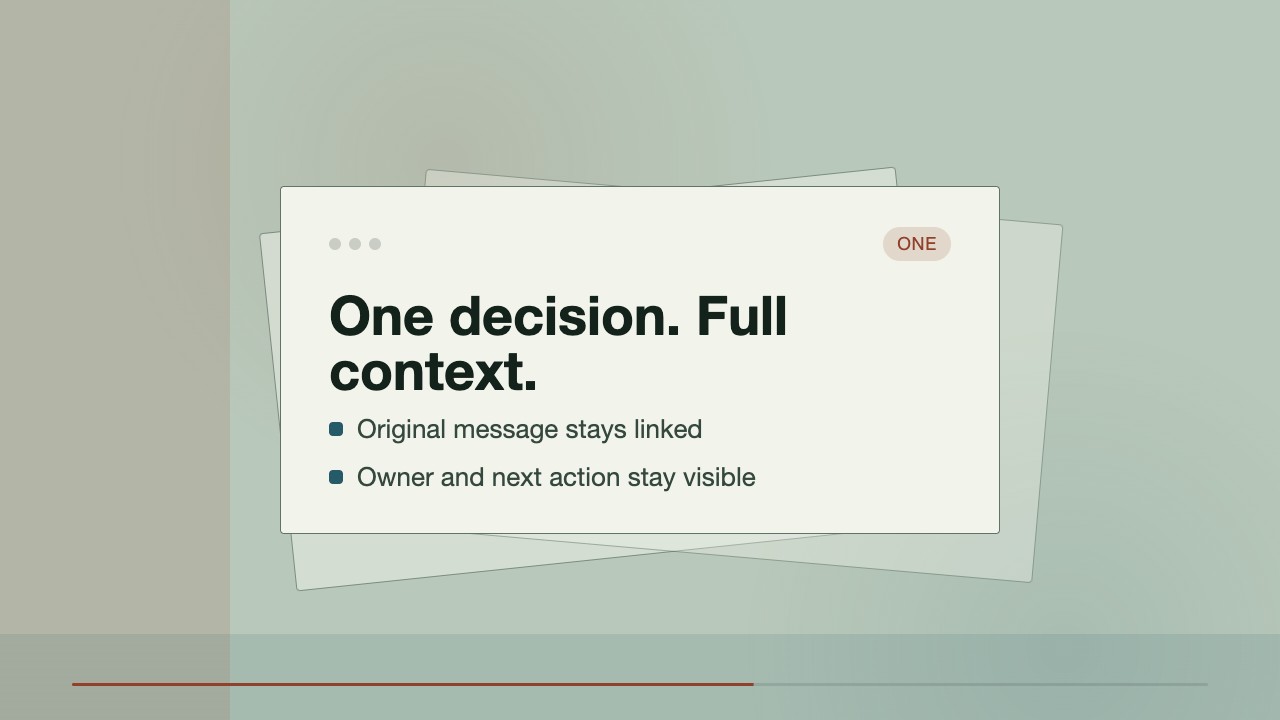
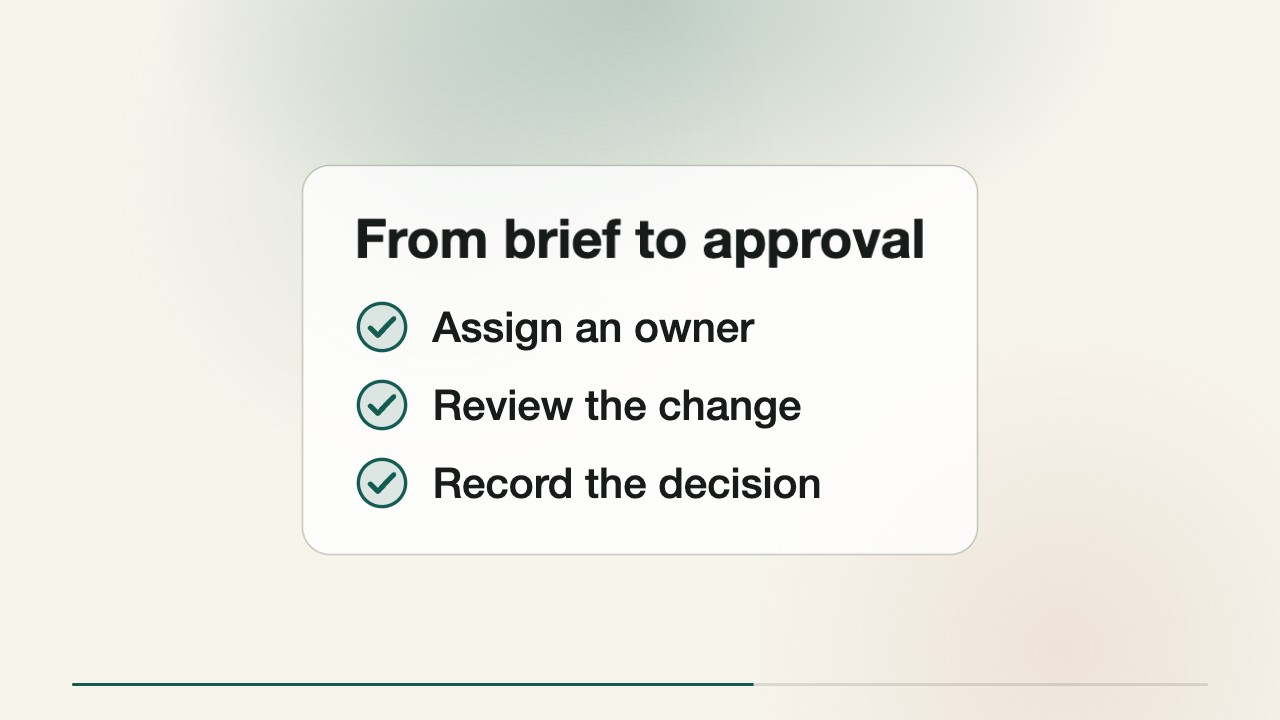
/sl-count-up-hero-number-driven-ui-story-film Create a 28-second 16:9 launch film for fictional workspace Briefline. Open with “From rough to ready.” and “One brief. Three clear decisions.” Count 0 to 3 clear decisions, then show a rough ask shaped into one clear brief around audience, outcome and proof, fewer clarification loops, and the quote “Three clear decisions, and we stop circling.” Close with “Turn the ask into the next clear move.” Use Countline Editorial style.

Follow-up prompts

  • Make the proof beat more editorial and reduce the interface copy by half.
  • Change the outcome from three clear decisions to 18 minutes saved per brief while keeping the same visual rhythm.

Verification

Verified

render-checkpass5.0 / 554s

FAQ

What makes the count credible?

The central number is treated as a supplied product claim, not invented by the skill. Provide a defensible value, unit, and context so the counter, proof scene, and end card stay consistent.

Can the film show a real interface?

Yes. Provide labels, actions, and representative rows. The renderer builds an editable fictional interface in HTML/CSS without external screenshots or generated footage.

How much copy belongs in each scene?

Keep the hook and end card extremely short. Use one concise sentence for the problem, three staged actions for the UI, and one proof statement tied to the same outcome.

SKILL.md

SKILL.md

Count Up Hero Number Driven Ui Story Film

A concise launch film where one result counts upward while a cursor turns a messy request into a finished product moment.

Style: Countline Editorial. Crisp editorial optimism with a high-contrast product interface and one insistent number driving the story. Follow references/style-guide.md exactly.

Use this skill when

  • Launching a focused software product with one memorable outcome.
  • Explaining a workflow where the result matters more than a feature list.
  • Creating a concise social or product-marketing film from a structured brief.

Do not use

  • Long-form product tutorials, feature tours, or onboarding videos that require sustained reading.
  • Data-heavy performance reports, regulated claims, or launch films dependent on photographic footage.
  • To reproduce another company's brand, logo, product UI or copyrighted characters.

Inputs

  • Product name, one-sentence promise, and primary audience
  • Starting problem and the measurable result the film should count toward
  • Three interface actions or product moments to visualize
  • Proof point, benchmark, or customer outcome that can be stated honestly
  • Preferred call to action and any required launch date

If something essential is missing, ask one short question before starting. Never invent facts, numbers, quotes or customer names; mark gaps as [needs source].

Workflow

  1. Read references/motion-contract.md and references/style-guide.md. Their rules are fixed for this skill.
  2. Fill references/scene-map.md from the brief (4-8 scenes, 20-45 s). Never invent product numbers, names or quotes; ask for anything required that is missing.
  3. Copy references/composition.html to film/composition.html. Keep the stage, the ambient layer, the progress line and the fit script.
  4. Delete the example scenes you do not use, set each scene's text, data-start, data-duration and the absolute animation-delay values, and set <html data-duration> to the sum of scene durations.
  5. Apply the style tokens in the :root block exactly as given in the style guide. Do not add colors or webfonts.
  6. Open film/composition.html in a browser to preview; it plays in real time. Reload to replay.
  7. Render: node scripts/render.mjs film/composition.html --out film.mp4 --fps 30 (install once: npm i -D playwright-core && npx playwright install chromium; FFmpeg must be on PATH).
  8. Run the validator below and fix every problem it reports.
  9. Extract stills around each cut (ffmpeg -ss <t> -i film.mp4 -frames:v 1 cut.png) and check that nothing is cropped, overlapping or frozen.
  10. Run the validator and fix every problem it reports:

``bash node scripts/validate-video.mjs film.mp4 --min-seconds 20 --max-seconds 45 ``

What makes this excellent

  • Open on the promised result as a single oversized count or count-adjacent phrase before explaining the product.
  • Use the cursor to transform a raw request into a structured result across two or three interface scenes; each click must visibly change the state.
  • Keep the count consistent across counter and proof scenes, with one believable unit and no unsupported precision.
  • Use a white title or words scene as a breath between dense UI moments, with a black rule that carries across the cut.
  • Make the proof scene visually comparative through staged checklist or interface states, and label each state so the improvement is understandable without invented measurements.
  • Show the requested reduction in back-and-forth through a completed workflow, fewer clarification-loop labels, or a quote tied to the same central promise.
  • End with a clean end card that repeats the fictional product name and a short action line without adding new claims.

Output contract

  • film.mp4: H.264, 30 fps, 1280x720, 20-45 seconds.
  • film/composition.html: the editable single-file composition that produced it (re-render any time with scripts/render.mjs).
  • A hand-off note: the filled scene map, total duration, anything left as a placeholder, and the validator output.
  • Render one wide MP4 locally from 6–10 HTML/CSS scenes with a total duration between 20 and 45 seconds.
  • Keep all interface copy editable in the scene specification and preserve the count, unit, and proof claim consistently.
  • Use deterministic local rendering with no generation models, remote fonts, or external image dependencies.

Reference demo and agent run

The preview is a reference render of the bundled composition with sample copy. In a real run the agent rewrites the scenes from the user's brief and assets, re-times the composition and renders a fresh MP4 that meets the output contract above.

Failure rules

  • Never hand over a render that fails the validator.
  • If the user's screenshots are low resolution, rebuild the surface in HTML instead of upscaling them.
  • Music and footage must be supplied and licensed by the user; never download assets.

Similar skills

Count Up Hero Number Driven Ui Story Film · SkillLoom