VideoVerifiedTarget Overrun Motion Clip
v1.0.3Use it to make a video.
npx skillloom-cli install sl-target-overrun-motion-clip
Built for
Updated Oct 7, 2026
- Install guides
- Claude CodeCodex
- Generates with
- Host Agent LLM
- Uses tools
- PlaywrightFfmpeg
- In the package
7 files · 13.8 KB
- SKILL.md
- references/composition.html
- references/motion-contract.md
- references/scene-map.md
- references/style-guide.md
- scripts/render.mjs
- scripts/validate-video.mjs
Similar skills
VideoVerified
VideoVerifiedChapter Title Stamp Motion Clip
Works with: Claude Code, Cursor, OpenCode, Codex, Gemini CLI
VideoVerifiedQuote Underline Portrait Motion Clip
Works with: Claude Code, Cursor, OpenCode, Codex, Gemini CLI
VideoVerifiedEcho Burst Statement Motion Clip
Works with: Claude Code, Cursor, OpenCode, Codex, Gemini CLI
VideoVerifiedRadial Branch Reveal Motion Clip
Works with: Claude Code, Cursor, OpenCode, Codex, Gemini CLI
VideoVerifiedRatio Bars Motion Clip
Works with: Claude Code, Cursor, OpenCode, Codex, Gemini CLI
VideoVerifiedConvergence To Evidence Motion Clip
Works with: Claude Code, Cursor, OpenCode, Codex, Gemini CLI
VideoVerifiedQuote Sliders Motion Clip
Works with: Claude Code, Cursor, OpenCode, Codex, Gemini CLIWhat you get
- A locally rendered wide MP4 with a single target-crossing motion
- Editable HTML/CSS for values, copy, color, and timing
- A consistent chart-to-result sequence for recurring reports
Good fit
- A weekly performance result for a social post
- An educational clip explaining target versus actual
- A recurring editorial metric series
Not for
- Results below or equal to the target
- Several unrelated metrics in one clip
- Photographic or presenter-led footage
Try this prompt
You say
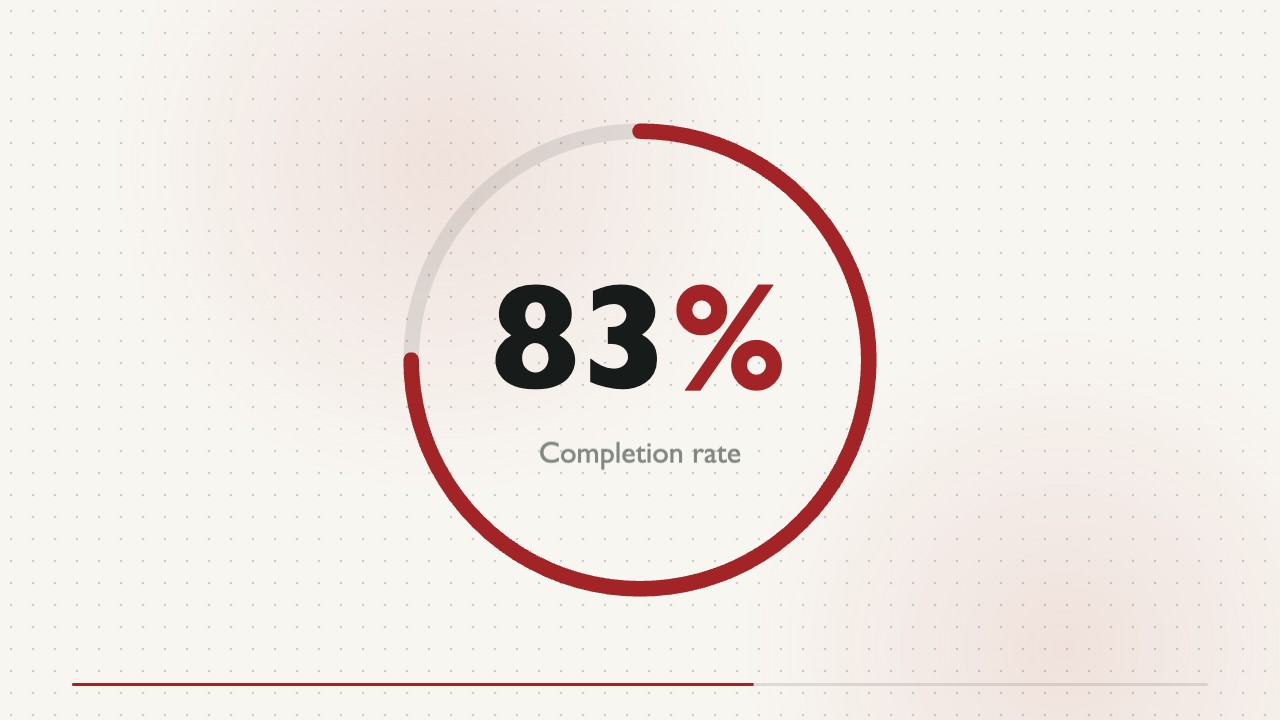
/sl-target-overrun-motion-clip Make a 9-second 16:9 motion clip for the Week 18 learning newsletter. Open with “Beyond the target” and close with “Target 70% · Actual 86%”. Show Completion rate · Week 18, compare Earlier 58%, Target 70%, and Actual 86%, then count from 70% to 86%. Use a threshold-and-settle style.
Then try
Keep the same layout and timing, but update the target to 75% and actual to 89%.
Make the final result hold half a second longer while keeping the clip under 10 seconds.
What you provide
- Target, actual, and unit
- Metric name and reporting period
- Closing takeaway or series label
Requirements
- Node.js 20+
- FFmpeg
- Chromium (npx playwright install chromium)
Running cost
No external services or generation models. Renders locally.
Verification
5.0/ 5
Render score
Verified
| Real render check | Verified | 5.0 / 5 | 110s |
|---|
FAQ
Can I update the numbers for the next report?
Yes. The values and labels remain editable in the source composition; rerender the MP4 after changing them.
Will it calculate the amount above target?
The displayed difference is calculated from the supplied target and actual values so the claim stays consistent.