VideoPremium Verified

Nested Workspace Build Motion Clip

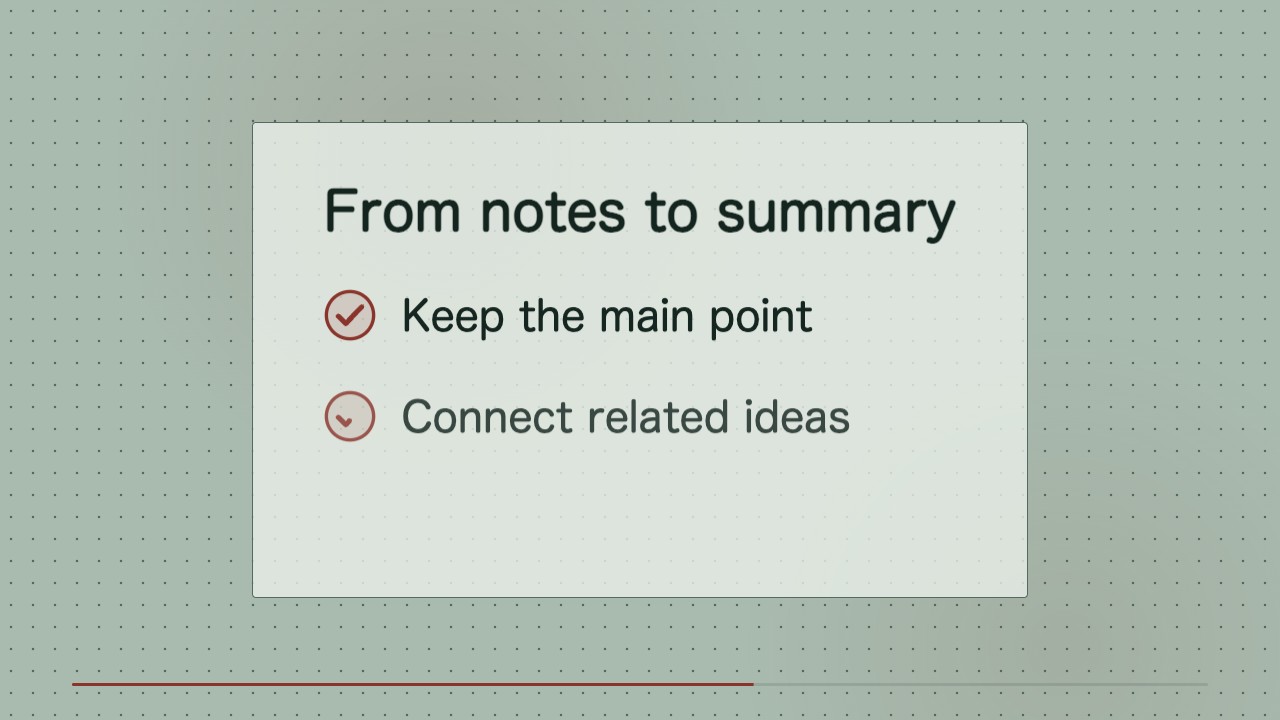
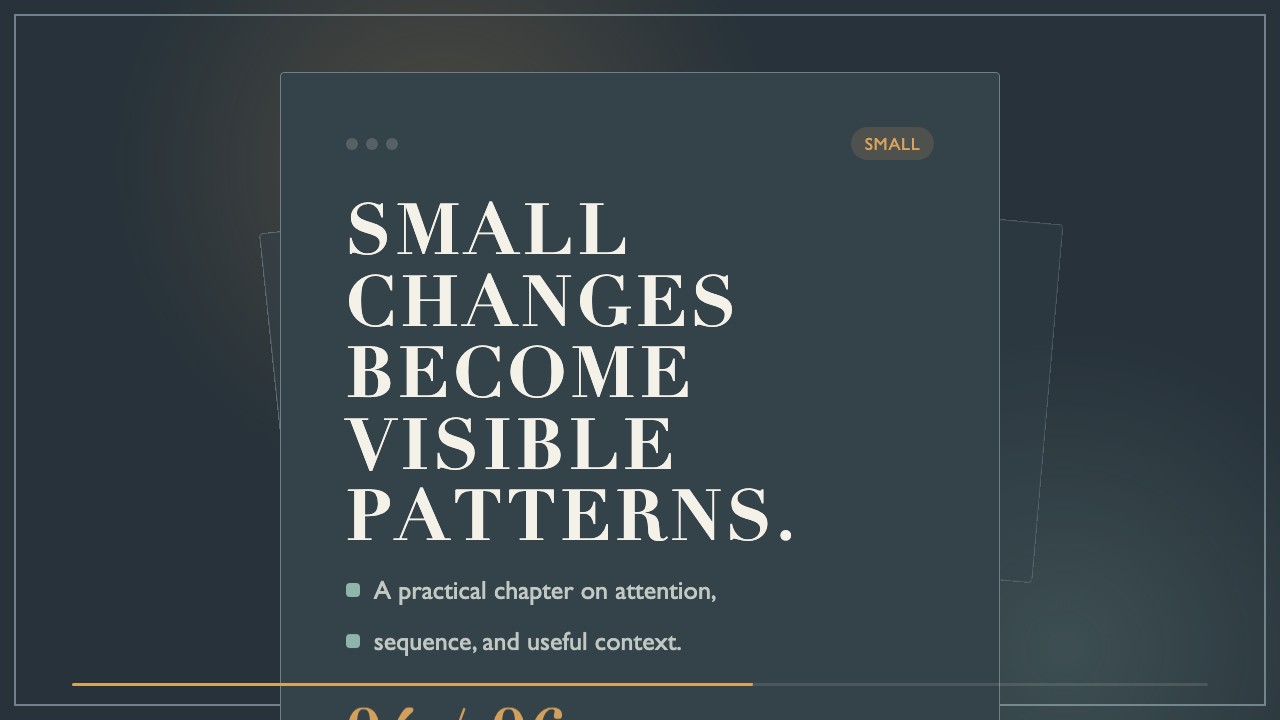
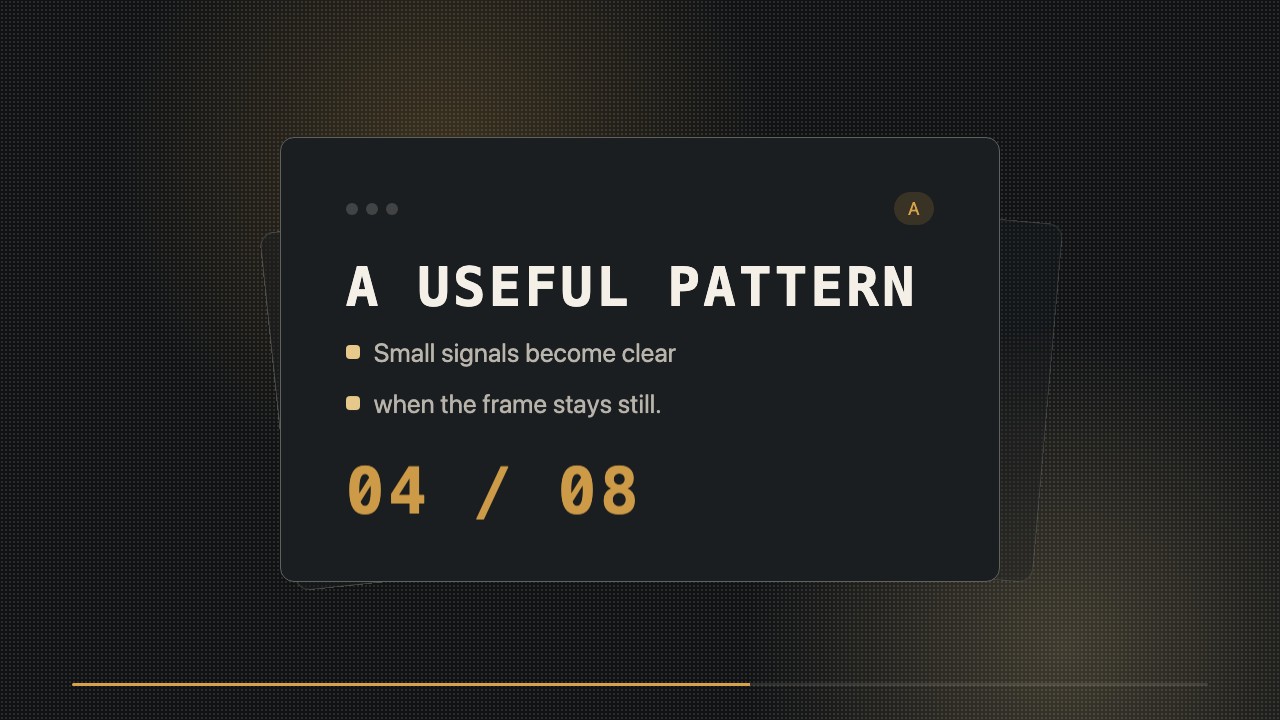
A short editorial b-roll clip that assembles a publishing workspace one level at a time, from project to module to lesson. Designed for creators who need a consistent, editable visual between spoken segments.

What you get

  • A locally rendered wide MP4
  • Editable HTML/CSS source with replaceable labels
  • A restrained project-to-lesson reveal
  • A readable final publishing state

Good fit

  • Transitions in an educational video series
  • Social posts about organizing or publishing lessons
  • Repeatable b-roll with changing project names

Not for

  • Detailed software tutorials
  • Live-action or generated-image footage

What you provide

  • Project title
  • Module and lesson titles
  • Final status or milestone

Requirements

  • Node.js 20+
  • FFmpeg
  • Chromium (npx playwright install chromium)

Running cost

No external services or generation models. Renders locally.

Try this prompt

/sl-nested-workspace-build-motion-clip Create a 9-second 16:9 clip for Lesson Desk in an inset workspace-relay style. Open with “LESSON DESK” and close with “Ready to publish”; between them, show the Lesson Desk project, Module 01 with Shape a Draft, then its completed checklist.

Follow-up prompts

  • Replace the module and lesson labels while keeping the timing and visual system.
  • Make the final status hold half a second longer for a voiceover pause.

Verification

Verified

render-checkpass5.0 / 5147s

FAQ

Can I change the workspace labels later?

Yes. The project, module, lesson, and status labels remain editable in the HTML/CSS source.

Does this depict a real application?

No. It uses an original, generic workspace composition rather than an existing product interface.

Similar skills

Nested Workspace Build Motion Clip · SkillLoom