 VideoVerified
Question List To Audience Motion Clip
Works with: Claude Code, Cursor, OpenCode, Codex, Gemini CLI


All premium skills for $9.99/month. Cancel anytime.
Upgrade nowUse it to make a video.
npx skillloom-cli install sl-region-callout-motion-clip
Built for
Updated Oct 10, 2026

 VideoVerified
 VideoVerified
 VideoVerified
 VideoVerified
 VideoVerified
 VideoVerified
 VideoVerified
 VideoVerified
You say
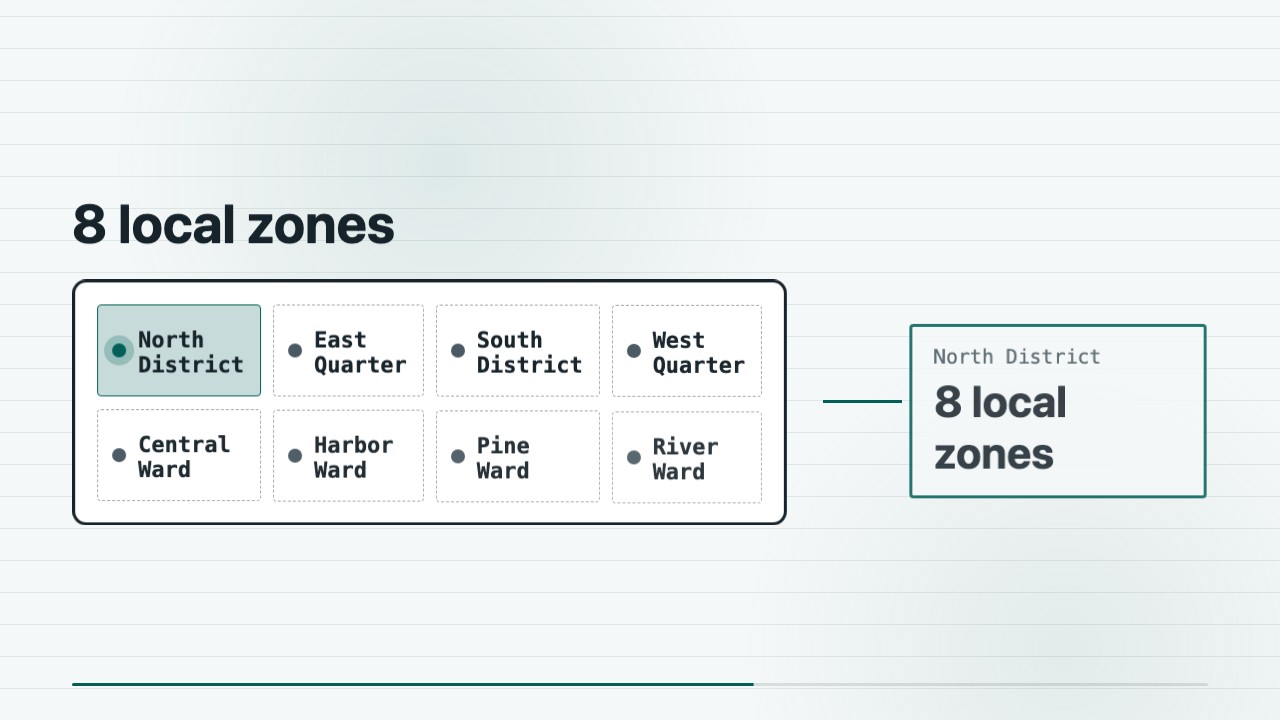
/sl-region-callout-motion-clip Create an 8-second 16:9 clip for the fictional Regional Snapshot learning-access series. Use the same illustrative eight-zone map in four 2-second beats, keeping North District highlighted with a visible leader. Open with "Where access is growing"; then show "Learning access" with "42 learning hubs", "8 local zones", and close with "North District / learning access". Use a clear Locality Focus style.
Move the callout to the left so it clears my footage on the right.
Replace the figure with my verified count and update the source note in the editable file.
No external services or generation models. Renders locally.
5.0/ 5
Render score
Verified
| Real render check | Verified | 5.0 / 5 | 22s |
|---|
No. It can use a clearly illustrative region schematic. Supply boundary data when the shape must be geographically accurate.
Yes. The region labels, selected state, connector position, and callout copy remain editable in the HTML/CSS source.