 VideoVerified
Question List To Audience Motion Clip
Works with: Claude Code, Cursor, OpenCode, Codex, Gemini CLI


All premium skills for $9.99/month. Cancel anytime.
Upgrade nowUse it to make a video.
npx skillloom-cli install sl-shared-context-conflict-motion-clip
Built for
Updated Oct 5, 2026

 VideoVerified
 VideoVerified
 VideoVerified
 VideoVerified
 VideoVerified
 VideoVerified
 VideoVerified
 VideoVerified
You say
/sl-shared-context-conflict-motion-clip Create a 9-second 16:9 video for Shared context. Open with “One shared context,” then show two middle beats: Editor says “Publish today” and Reviewer says “Hold for checks.” Close with “Separate the scope.” Use a restrained, readable Contested Frame style.
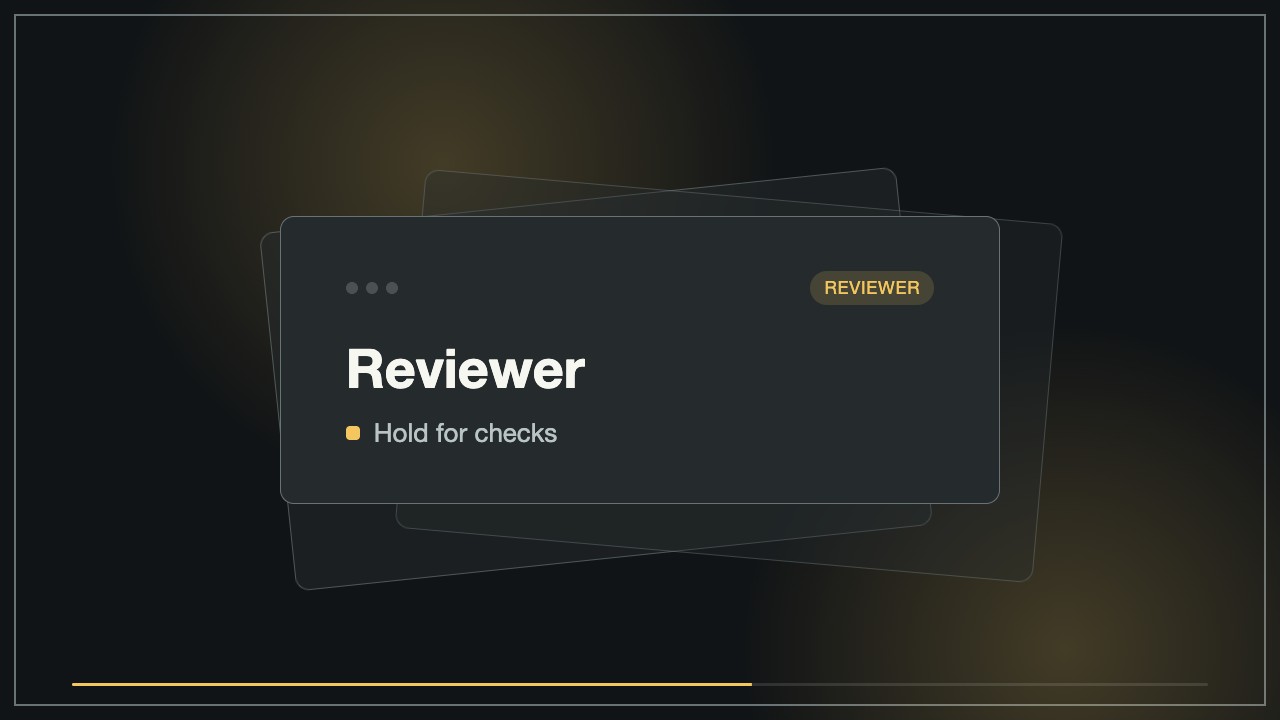
Keep the timing and layout, but replace the statements with a curriculum review conflict.
Make a second clip in the same visual system about who owns the final approval.
No external services or generation models. Renders locally.
5.0/ 5
Render score
Verified
| Real render check | Verified | 5.0 / 5 | 24s |
|---|
No. By default, it shows the conflict and clarifies scope. It only indicates a winner when the supplied brief establishes one.
Yes. The statement text, labels, takeaway, and timing remain editable in the HTML/CSS source.