 VideoVerified
Question List To Audience Motion Clip
Works with: Claude Code, Cursor, OpenCode, Codex, Gemini CLI


All premium skills for $9.99/month. Cancel anytime.
Upgrade nowUse it to make a video.
npx skillloom-cli install sl-tile-scene-dissolve-motion-clip
Built for
Updated Oct 7, 2026

 VideoVerified
 VideoVerified
 VideoVerified
 VideoVerified
 VideoVerified
 VideoVerified
 VideoVerified
 VideoVerified
You say
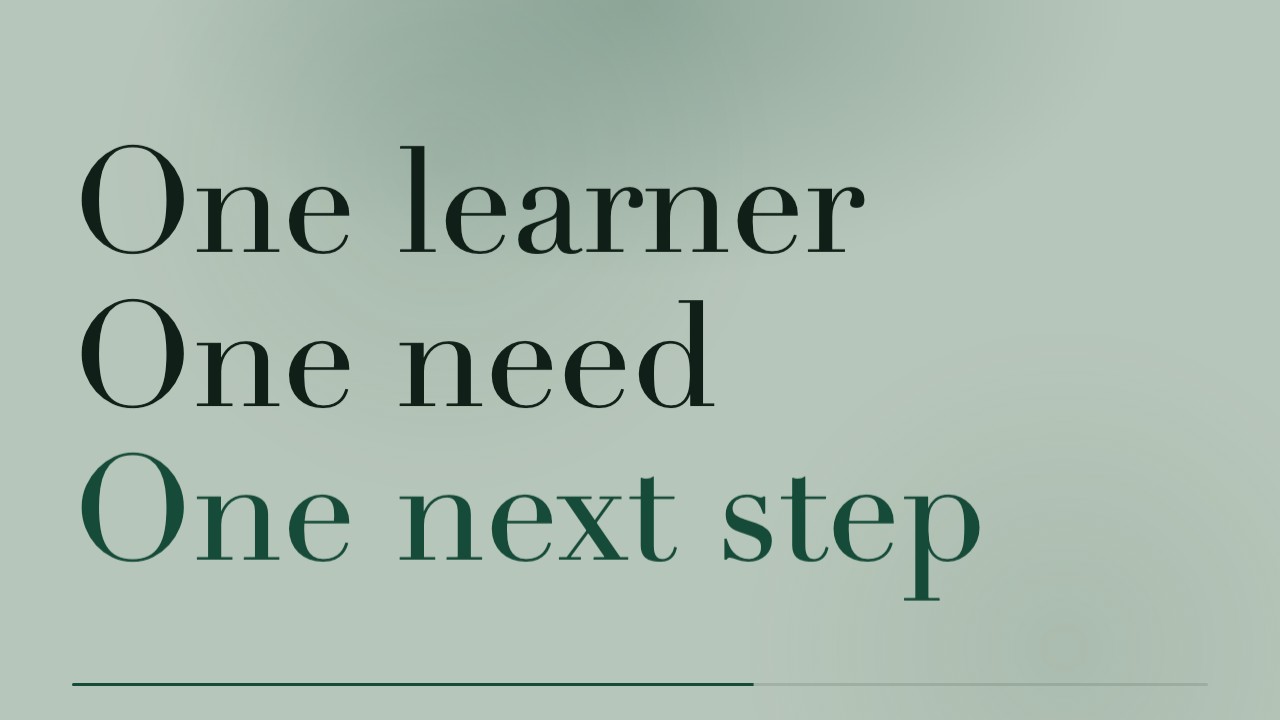
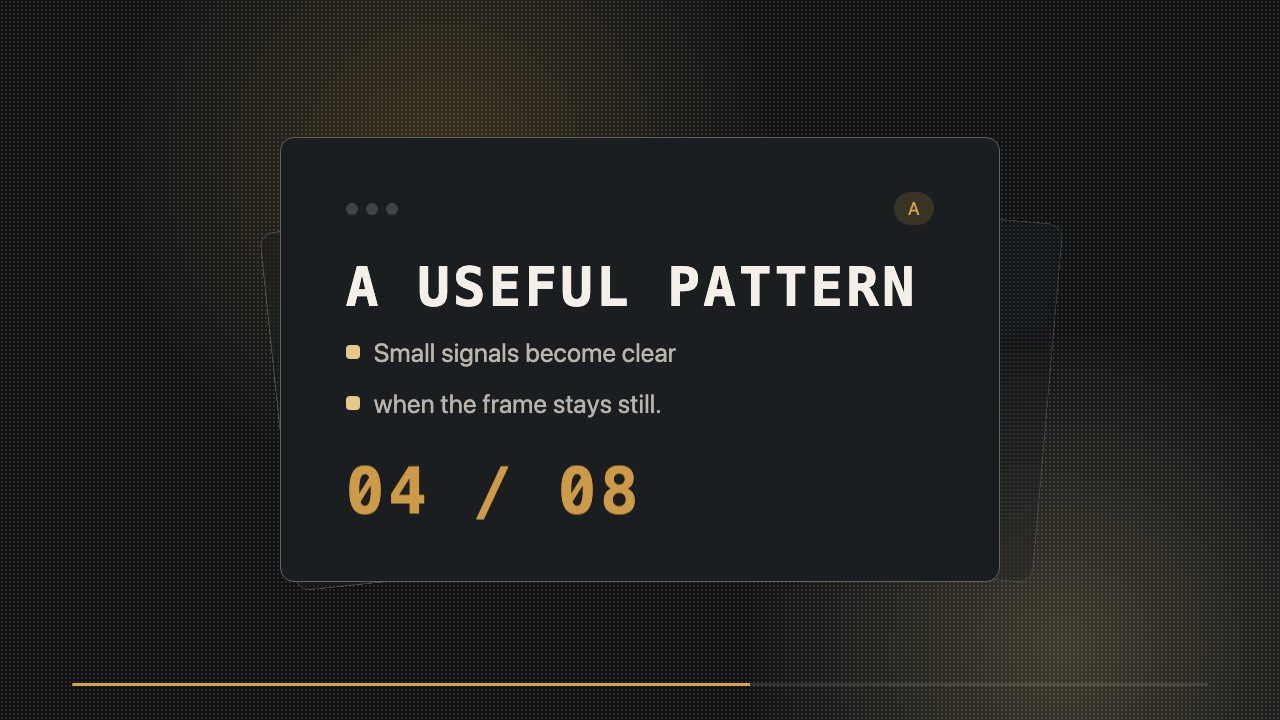
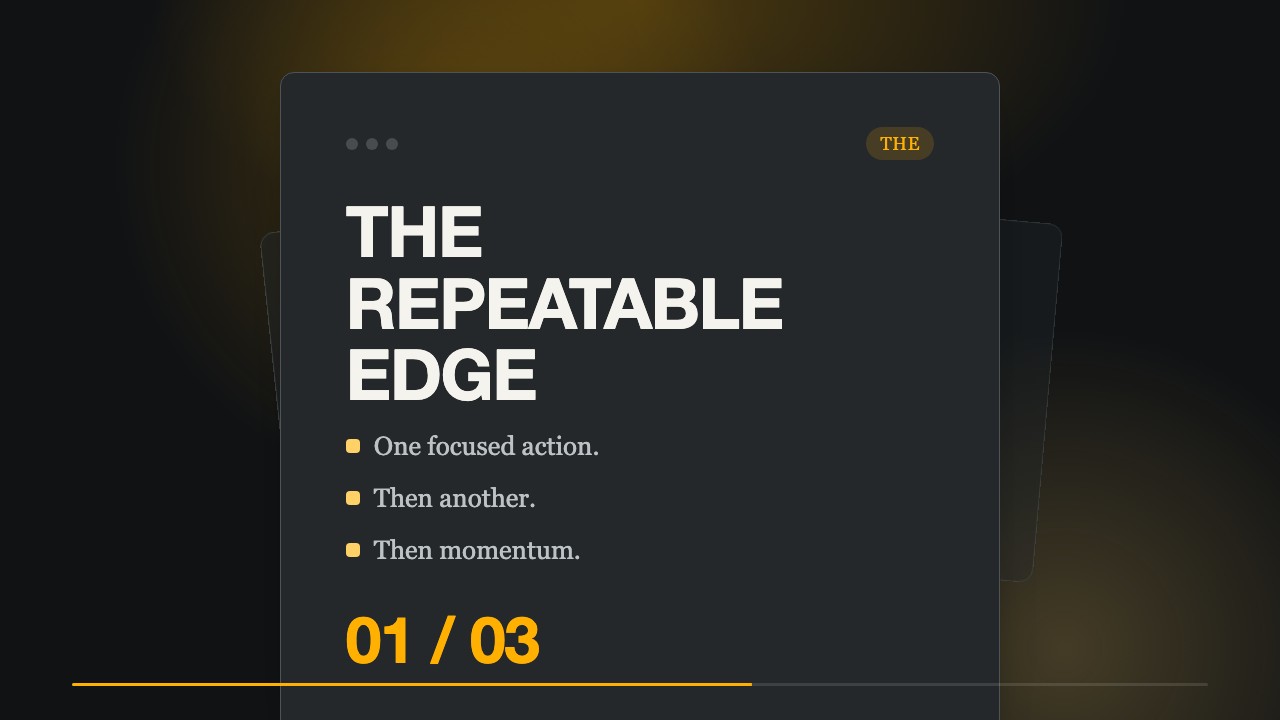
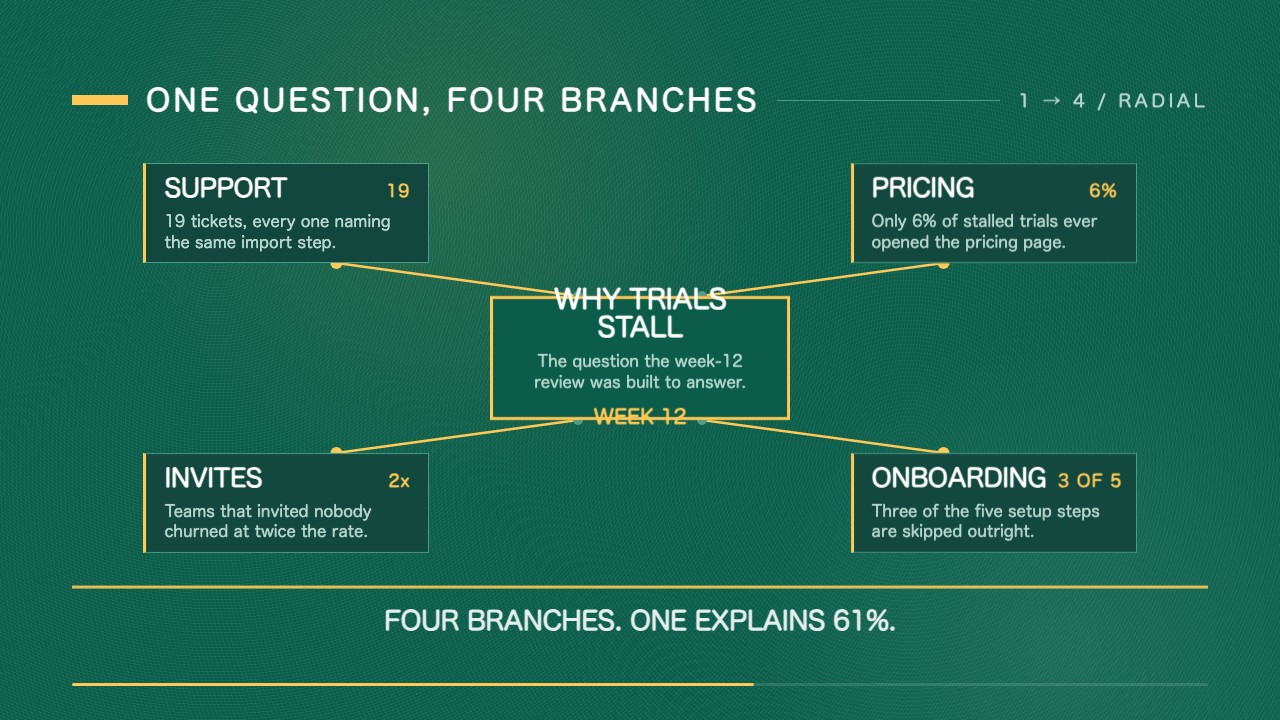
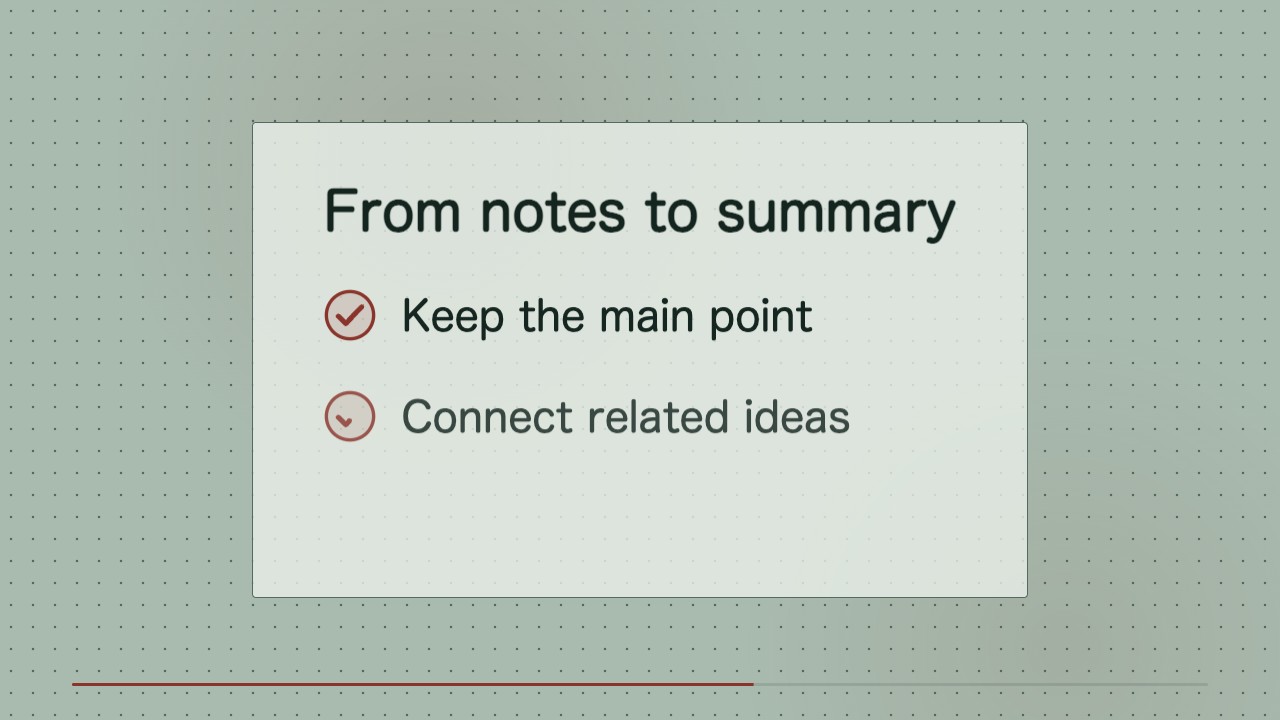
/sl-tile-scene-dissolve-motion-clip Make an 8-second 16:9 video for Study Notes about turning notes into a useful summary. Open with “Make notes useful” and “A simple way to find the takeaway,” then show Capture, Group, Distill and the steps to keep the main point, connect related ideas, and write one takeaway. Close with “One clear idea to keep.” Use crisp tile-dissolve transitions and readable text.
Shorten the holds slightly but keep every transition legible.
Make a second clip with the same layout and timing for a new lesson.
Replace the closing label and export another MP4.
No external services or generation models. Renders locally.
5.0/ 5
Render score
Verified
| Real render check | Verified | 5.0 / 5 | 109s |
|---|
Yes. The on-screen text remains editable in the HTML/CSS source composition.
No. The sequence is designed to read clearly without sound; audio can be added later in an editor.