 VideoVerified
Question List To Audience Motion Clip
Works with: Claude Code, Cursor, OpenCode, Codex, Gemini CLI


All premium skills for $9.99/month. Cancel anytime.
Upgrade nowUse it to make a video.
npx skillloom-cli install sl-roadmap-focus-push-motion-clip
Built for
Updated Oct 7, 2026

 VideoVerified
 VideoVerified
 VideoVerified
 VideoVerified
 VideoVerified
 VideoVerified
 VideoVerified
 VideoVerified
You say
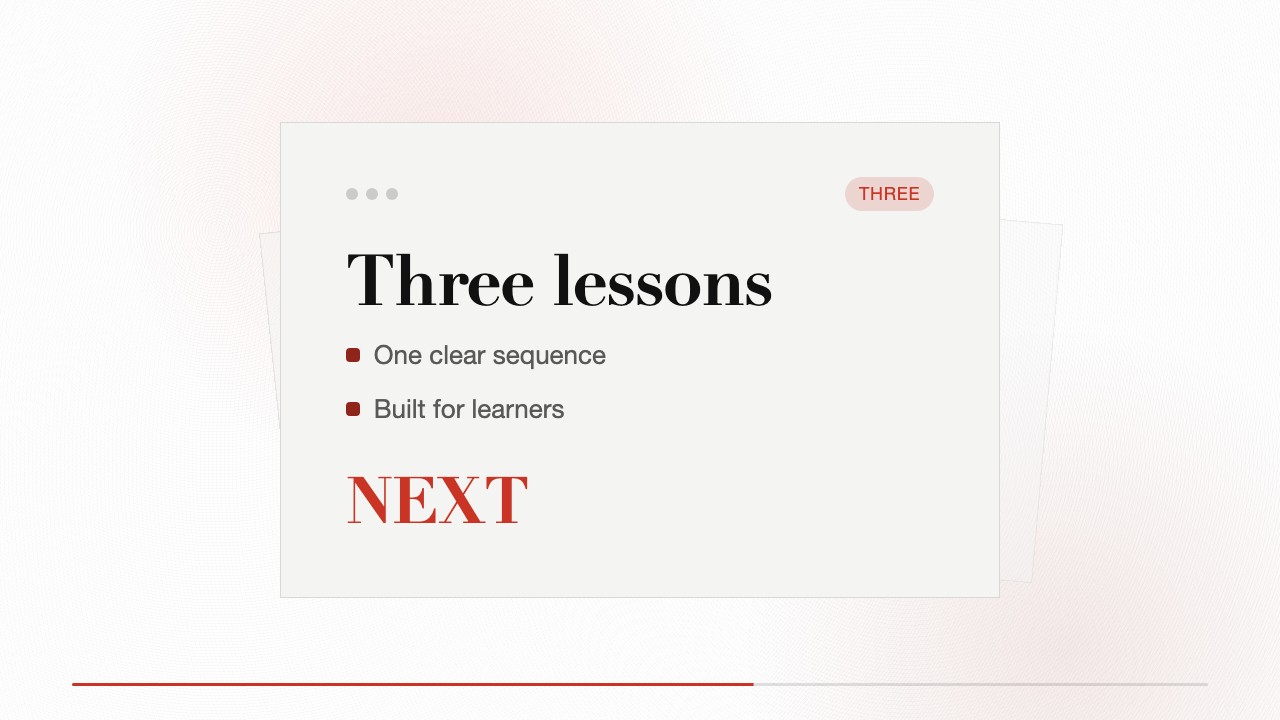
/sl-roadmap-focus-push-motion-clip Create a 9-second 16:9 video for the fictional Roadmap brand about making the next step in a creator education plan visible. Open with “One idea.” and “A short lesson series,” then show the beats “Plan,” “Publish,” and “Teach,” followed by a “Three lessons” card. Close with “Make the next step visible.” Use a minimal Coral Focus Push style with a measured forward motion.
Keep the same style and pacing, but spotlight the roadmap's research phase.
Make a matching clip focused on the first lesson, keeping the established series typography and coral marker.
No external services or generation models. Renders locally.
5.0/ 5
Render score
Verified
| Real render check | Verified | 5.0 / 5 | 19s |
|---|
Yes. The focus can be communicated with a priority and a short supporting line; no metric is required.
Yes. The deliverable includes the HTML/CSS composition so text, scene timing, and styling can be adjusted and rendered again.