 $4.99
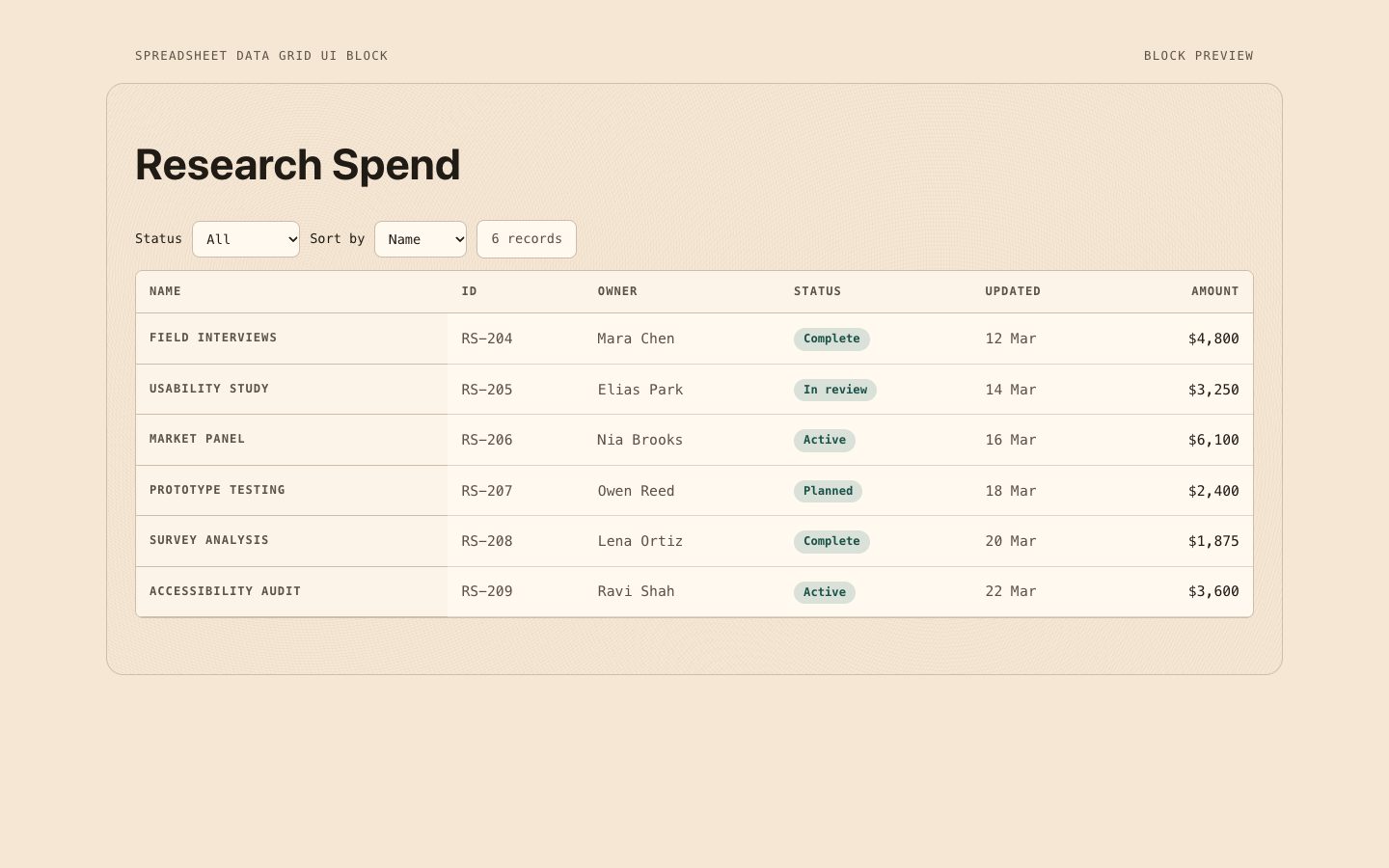
$4.99Spreadsheet Data Grid UI Block
A polished, reusable data-grid section for product interfaces and executive or research reporting. Warm paper tones, working accessible controls, and aligned monospaced values make dense records easier to scan.
A reusable, polished records grid for reporting and product interfaces, styled with warm-neutral surfaces and crisp teal emphasis. Use it when users need to scan ownership, status, and record details quickly.
No external services. Runs entirely on your agent.
/sl-records-data-grid-ui-block Create a marketing team campaign review page headed “Campaign records,” with six campaign entries showing each title, ID, owner, status, date, and amount. Use a warm-neutral, restrained ledger-grid style.
Verified
| render-check | pass | 5.0 / 5 | 113s |
Use five or six representative records in the preview, with enough variation to demonstrate the status and field hierarchy.
Yes. Keep the block reusable and map the columns to the user's data and review task while preserving the scan order.
$4.99A polished, reusable data-grid section for product interfaces and executive or research reporting. Warm paper tones, working accessible controls, and aligned monospaced values make dense records easier to scan.
 $4.99
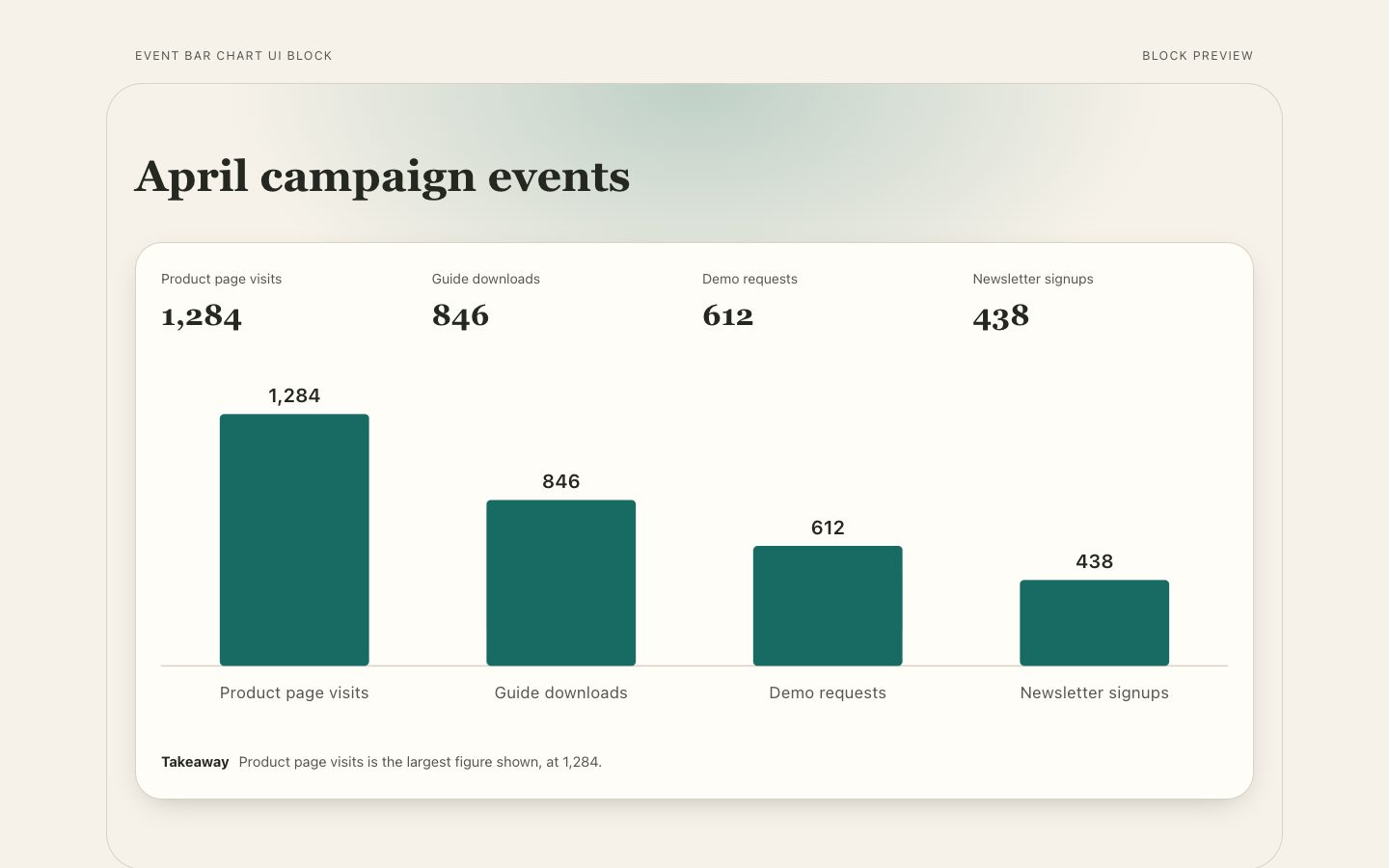
$4.99A reusable event comparison chart section with proportional bars, readable direct values, period context, and a concise takeaway for product pages and reports.
 $4.99
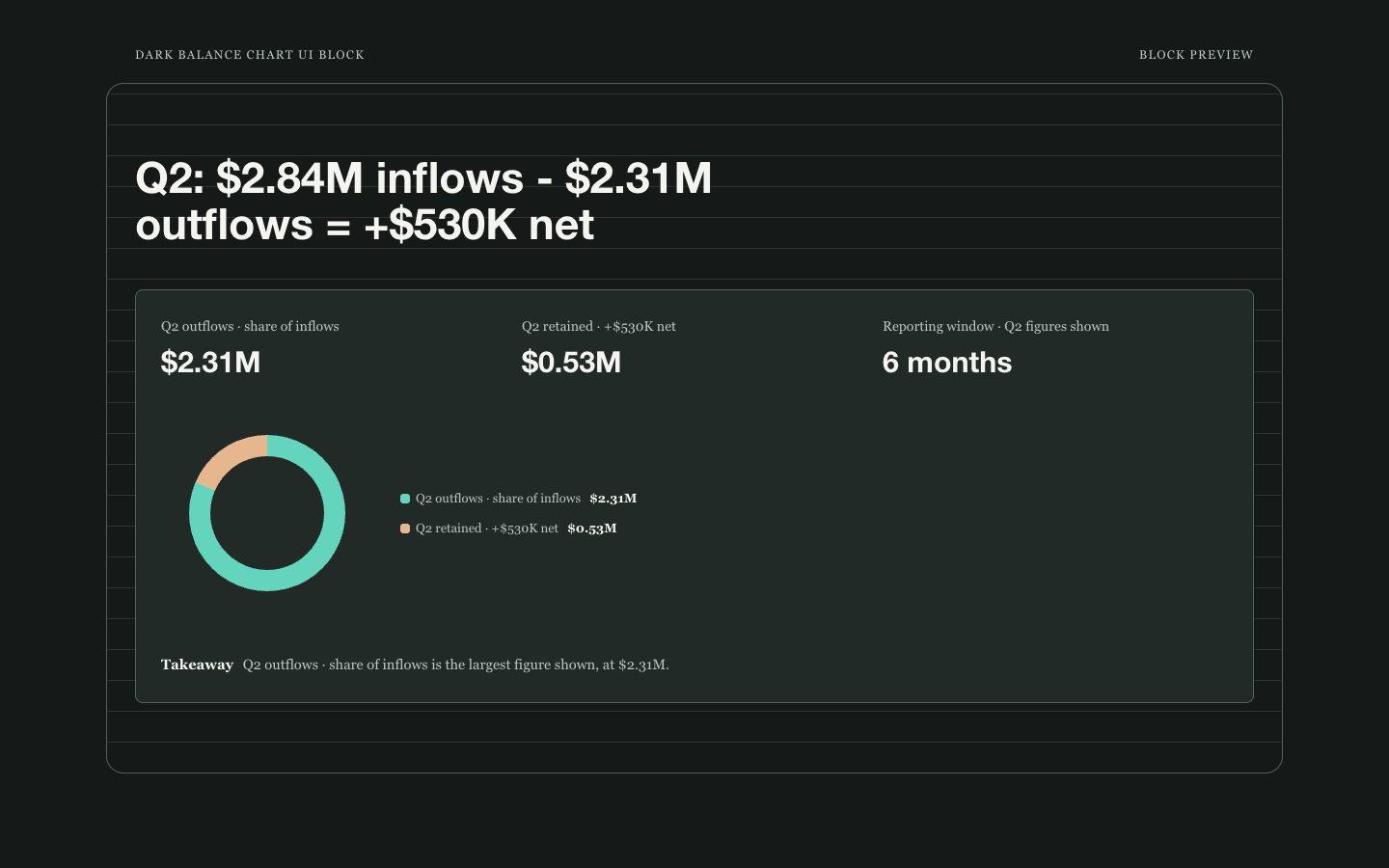
$4.99A focused, dark balance-chart section for showing inflows, outflows, and the resulting net over a stated reporting period. It pairs light, legible labels with restrained teal and clay accents and an explicit explanation of what the chart represents.
 $4.99
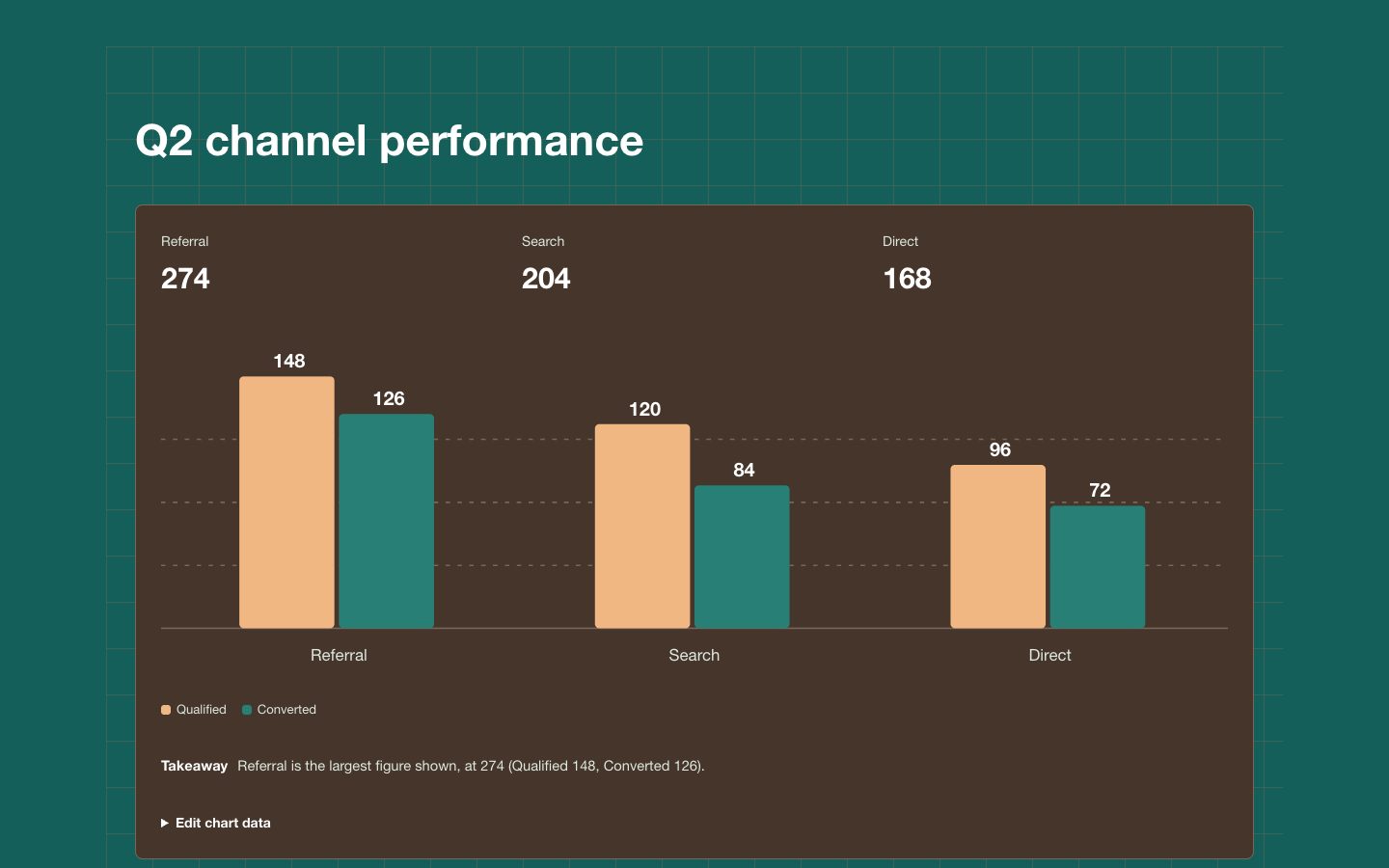
$4.99A reusable paired-column chart section for comparing two measures across a handful of categories. Warm dark-clay surfaces, teal and clay bars, and clear labels make it suitable for executive reports and polished product pages.
 Free
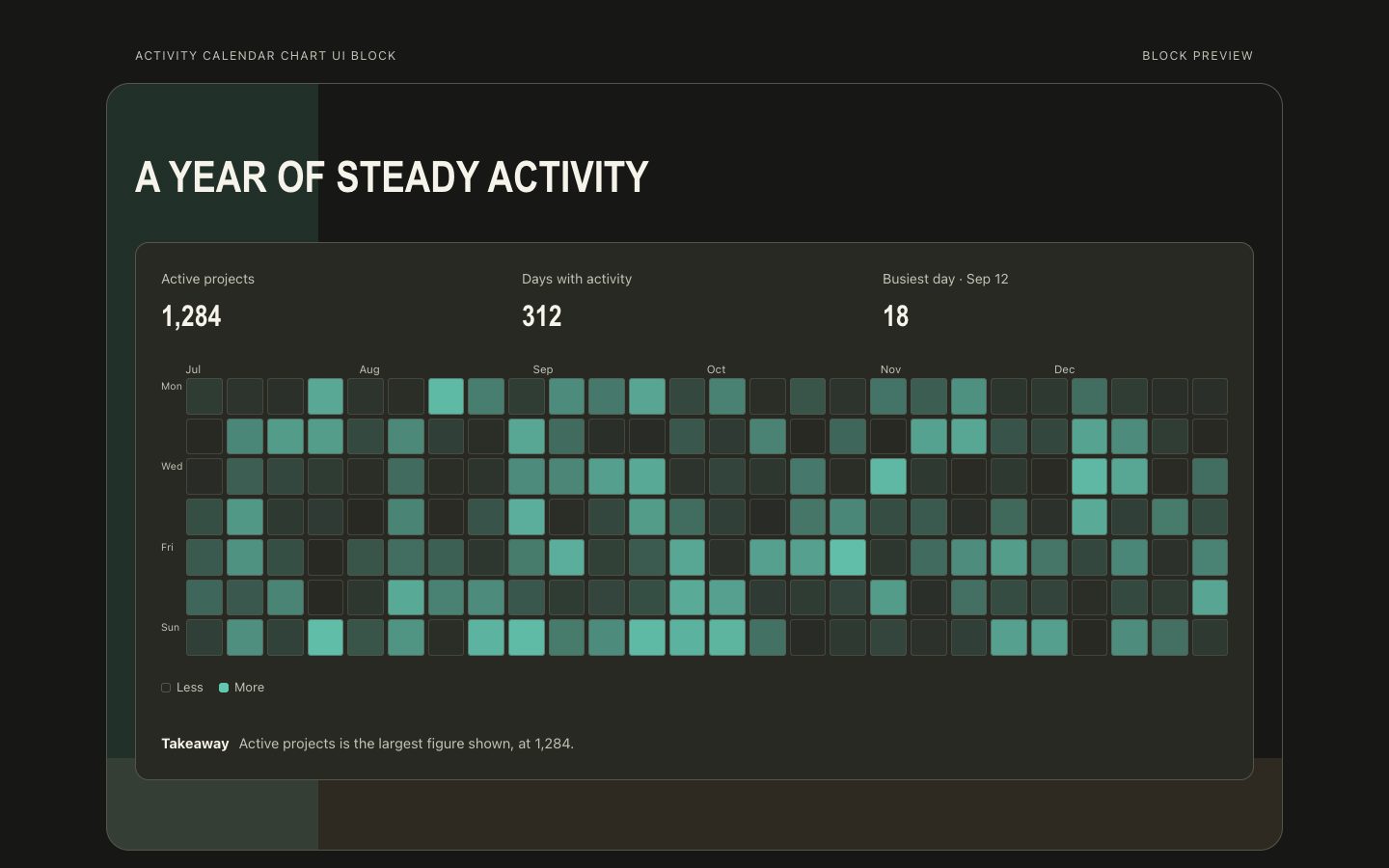
FreeCreate a reusable activity calendar chart section that makes daily patterns legible at a glance. Its warm-neutral editorial styling combines an ink canvas, clay surfaces, and teal intensity cells for product analytics and executive reporting.
 $4.99
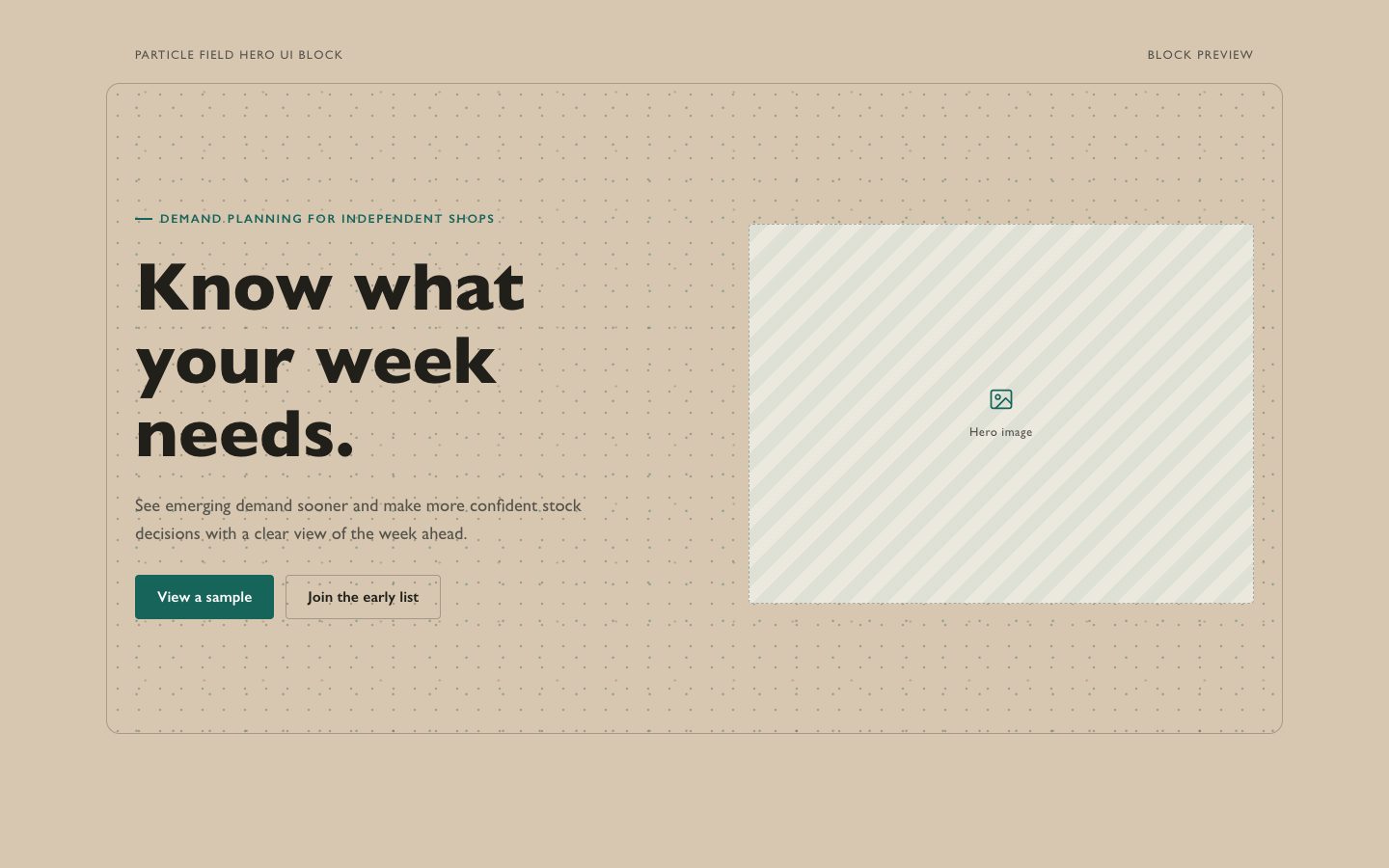
$4.99A reusable launch hero that pairs warm clay and cream surfaces with a restrained, kinetic teal particle field. Made for product teams that want an atmospheric first screen without sacrificing readable messaging, responsive behavior, or accessible motion.
 $4.99
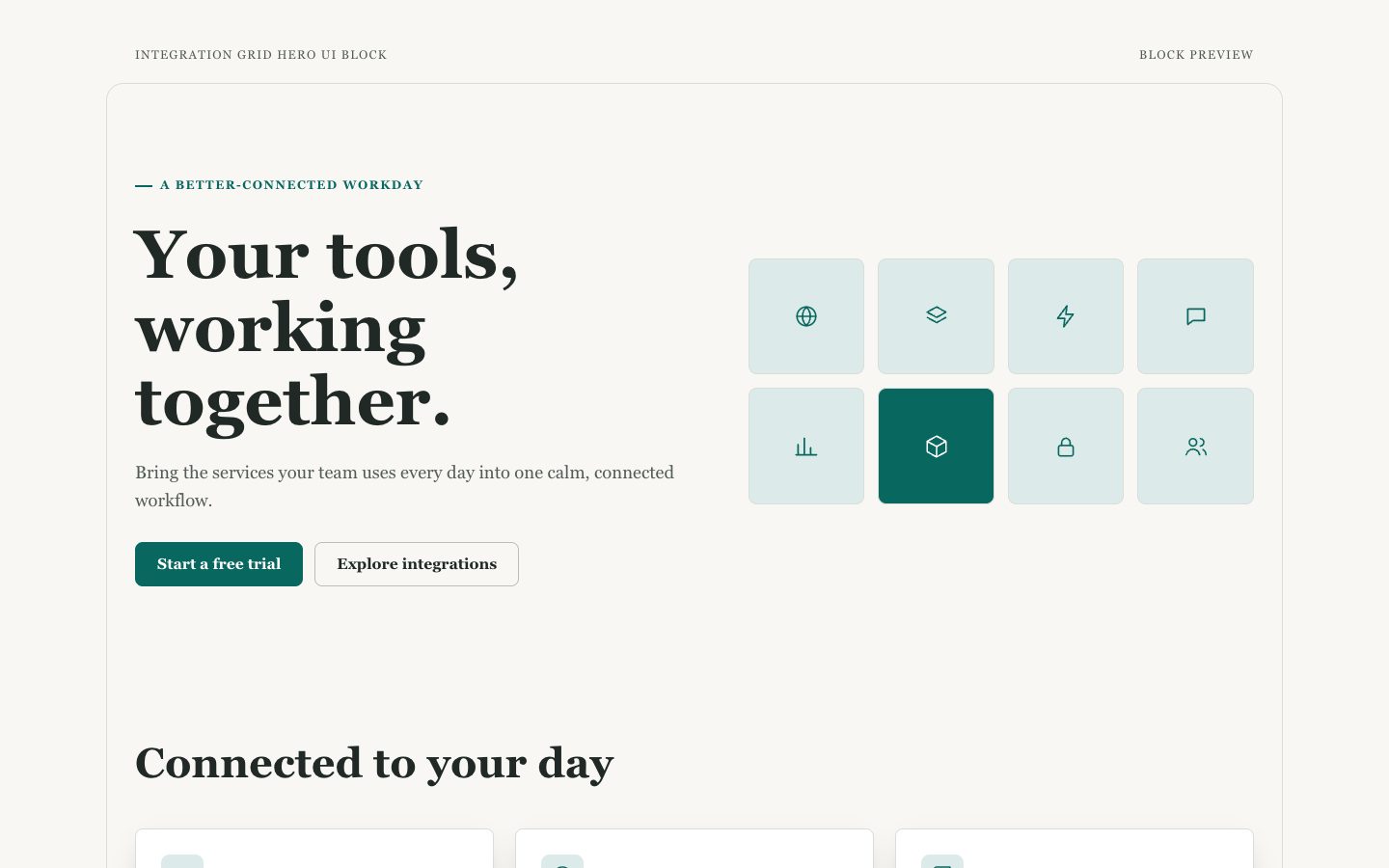
$4.99A reusable product hero that pairs a clear launch message with a polished, scannable grid of integrations. Its warm-neutral styling and restrained teal accents suit software launches that need to show ecosystem breadth without sacrificing clarity.
 $4.99
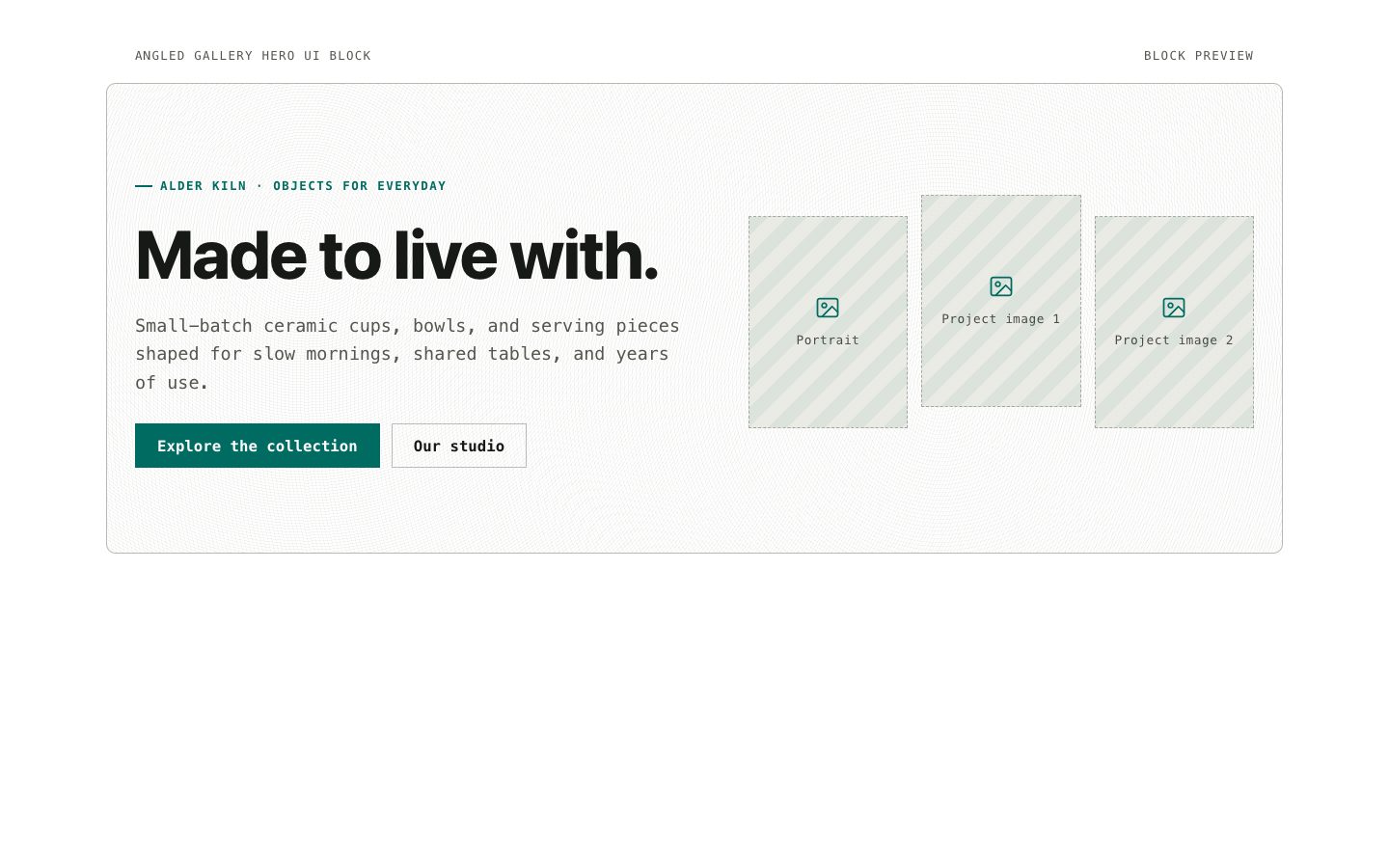
$4.99A reusable product-launch hero that balances concise messaging with an art-directed, angled photo gallery. Designed for warm-neutral brands that want kinetic imagery, crisp contrast, and responsive behavior without a full-page template.