WebPremium Verified

Angled Gallery Hero UI Block

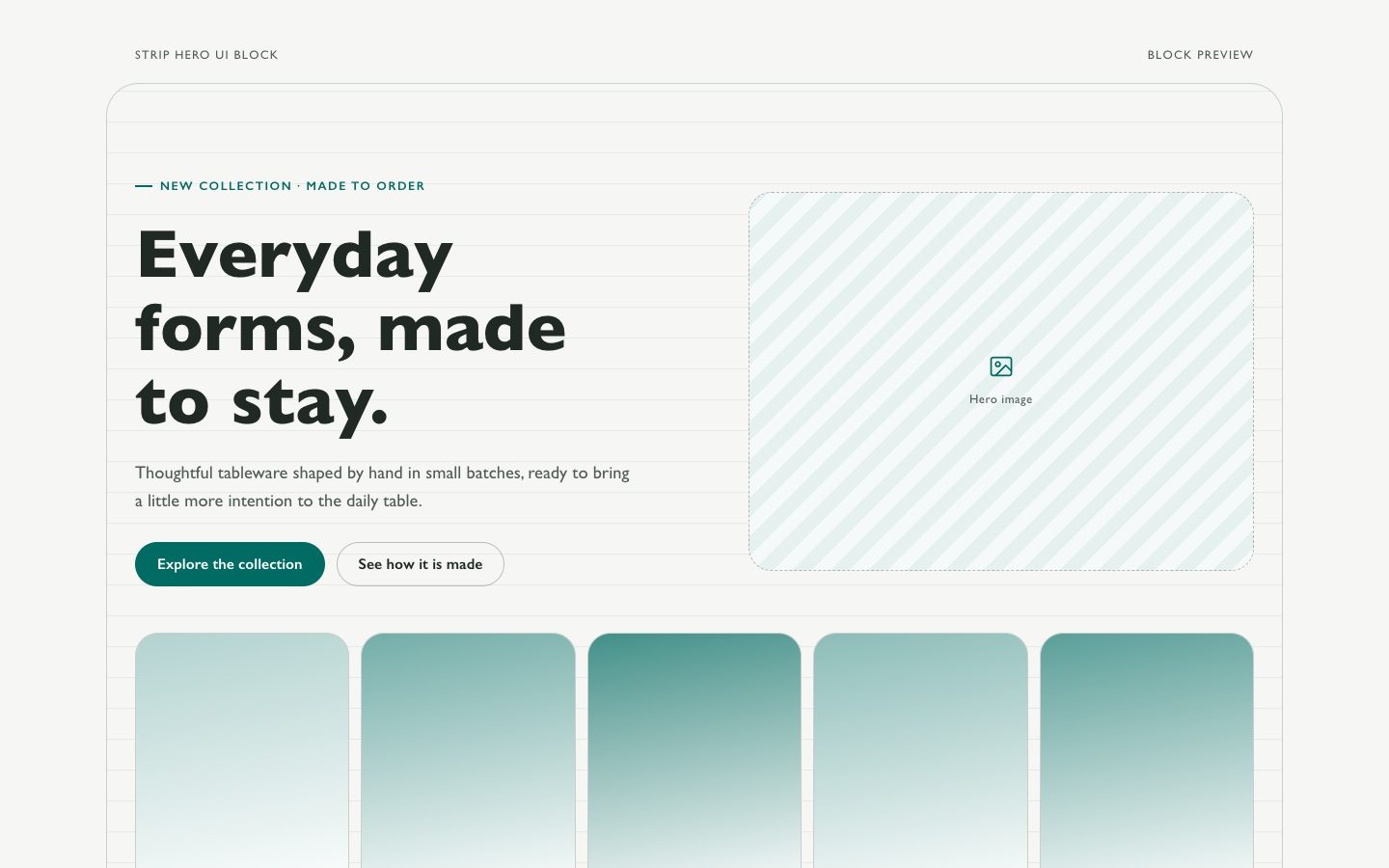
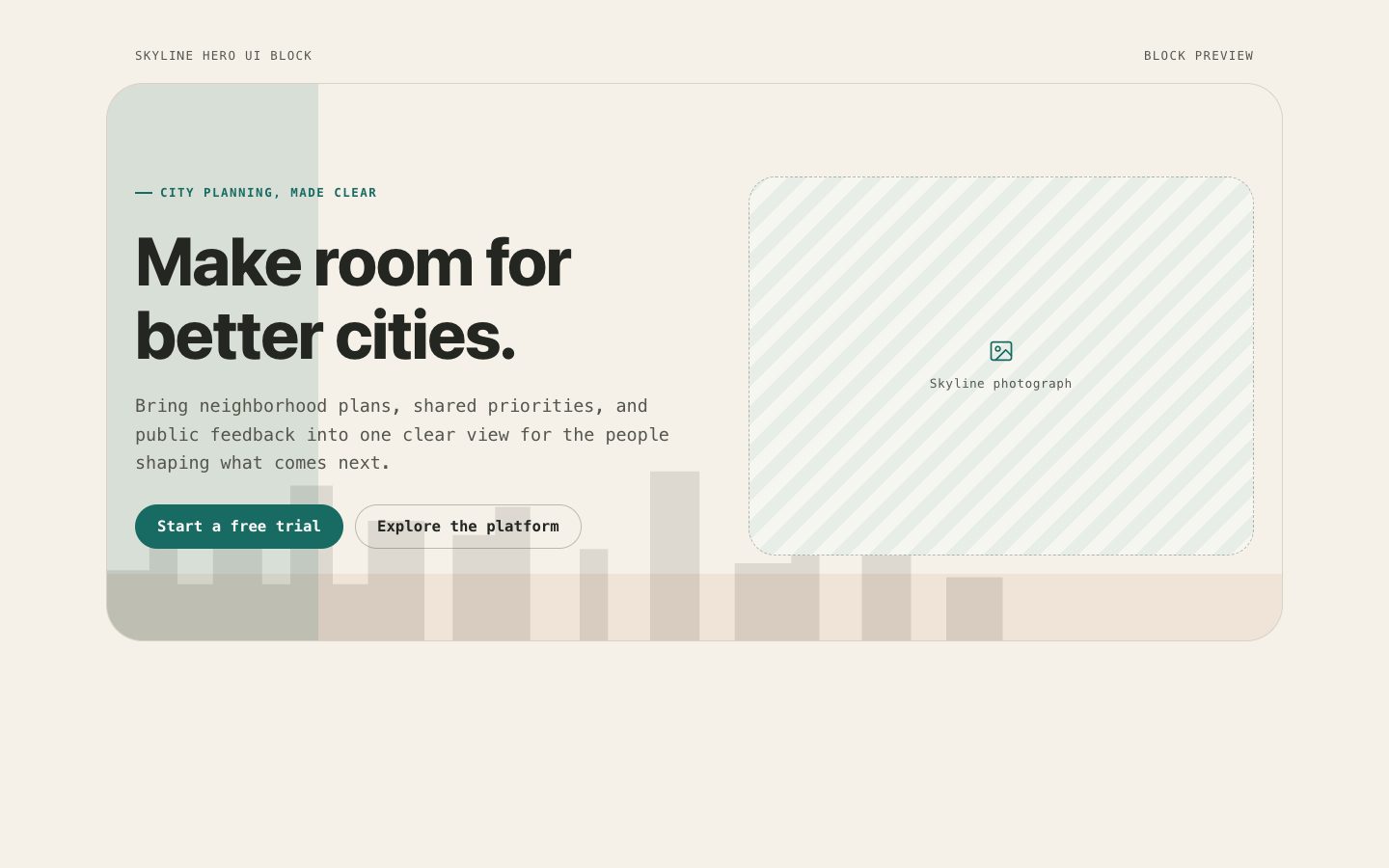
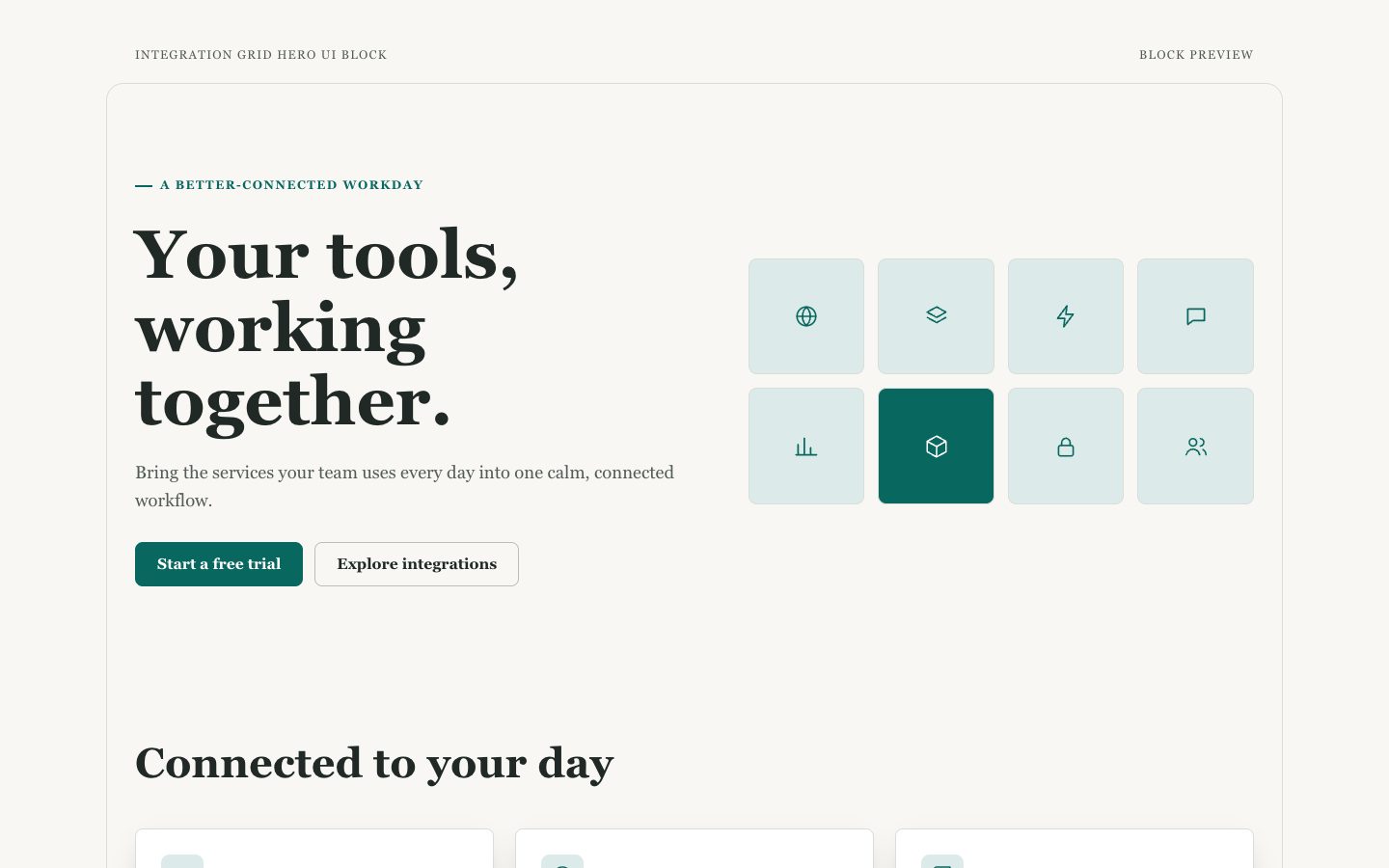
A reusable product-launch hero that balances concise messaging with an art-directed, angled photo gallery. Designed for warm-neutral brands that want kinetic imagery, crisp contrast, and responsive behavior without a full-page template.

What you get

  • One responsive hero section with a distinct headline and action hierarchy
  • A layered gallery composition with editable image assets and metadata
  • Keyboard-accessible actions, meaningful image descriptions, and reduced-motion behavior
  • Clear style tokens for typography, angles, spacing, and teal accents

Good fit

  • Product launches led by strong photography or visual work
  • Small teams who need a polished, editable first-screen section

Not for

  • Pages whose primary content is a complex product interface
  • Large photo libraries requiring gallery navigation or filtering

What you provide

  • A short value proposition and preferred headline
  • Three to five licensed images with intended subject and crop
  • Action labels and destination URLs

Requirements

  • A modern browser
  • Node.js 20+ for the validator

Running cost

No external services. Runs entirely on your agent.

Try this prompt

/sl-angled-gallery-hero-ui-block Build a single split hero for fictional ceramics studio Alder Kiln, for people choosing everyday tableware. Show eyebrow “ALDER KILN · OBJECTS FOR EVERYDAY”, headline “Made to live with.”, and copy “Small-batch ceramic cups, bowls, and serving pieces shaped for slow mornings, shared tables, and years of use.” Add “Explore the collection” and “Our studio”. Keep the Warm Angle Study style.

Follow-up prompts

  • Make the gallery feel more editorial while keeping the text column clear.
  • Adapt the hero for mobile-first viewing with three vertically stacked images.
  • Add editable image captions and numbered mono metadata without adding another section.

Verification

Verified

render-checkpass4.0 / 546s

FAQ

Can the gallery use fewer than five images?

Yes. Three images are enough for the composition; use fewer only when the visual concept still feels intentional and balanced.

Should the angles remain on mobile?

Usually not. Remove rotation and overlap at narrow widths so images stay readable, stable, and free from horizontal overflow.

Can this be adapted to non-product brands?

Yes. Keep the layout and replace the message and photography with a studio, campaign, or editorial concept while retaining the restrained palette.

Similar skills

Angled Gallery Hero UI Block · SkillLoom