WebFree Verified

Activity Calendar Chart UI Block

Create a reusable activity calendar chart section that makes daily patterns legible at a glance. Its warm-neutral editorial styling combines an ink canvas, clay surfaces, and teal intensity cells for product analytics and executive reporting.

What you get

  • A responsive, date-aligned daily activity grid
  • Readable intensity legend and range labels
  • Accessible per-day names and values
  • Editable component styling and sample data

Good fit

  • Product usage and contribution summaries
  • Executive reports embedded in web pages
  • Reusable analytics sections in an existing app

Not for

  • Hourly scheduling or appointment booking
  • A complete dashboard with filters and navigation

What you provide

  • Daily values associated with calendar dates
  • Date range and week-start preference
  • Framework and styling constraints

Requirements

  • A modern browser
  • Node.js 20+ for the validator

Running cost

No external services. Runs entirely on your agent.

Try this prompt

/sl-activity-calendar-chart-ui-block Create a SaaS usage report section for readers to scan yearly activity, with the headline “A Year Of Steady Activity” and three summary stats: 1,284 active projects, 312 days with activity, and the busiest day, Sep 12, with 18. Use the skill’s restrained Clay Ledger style.

Follow-up prompts

  • Add a configurable comparison period and a small previous-year summary.
  • Adapt the activity values and labels for weekly publishing frequency.

Verification

Verified

render-checkpass4.0 / 539s

FAQ

Can the displayed period be changed?

Yes. Keep the date range configurable and derive the displayed weeks from the supplied dates and week-start setting.

How should intensity thresholds work?

Use explicit, documented value bands and make them configurable when the data scale varies between uses.

SKILL.md

SKILL.md

Activity Calendar Chart UI Block

A polished, reusable activity-calendar chart block for showing daily usage patterns in a calm, editorial interface.

Style: Clay Ledger. Calm, editorial warmth balances a deep ink canvas with tactile clay neutrals and precise teal data accents. Follow references/style-guide.md exactly.

Use this skill when

  • Product usage and contribution summaries
  • Executive reports embedded in web pages
  • Reusable analytics sections in an existing app

Do not use

  • A full analytics dashboard with filters, navigation, and multiple unrelated charts.
  • A time-series line chart or intraday calendar with hourly intervals.
  • To reproduce another company's brand, logo, product UI or copyrighted characters.

Inputs

  • Daily activity values with dates and units
  • Date range and preferred week-start day
  • Activity label and optional comparison period
  • Framework, styling system, and integration constraints

If something essential is missing, ask one short question before starting. Never invent facts, numbers, quotes or customer names; mark gaps as [needs source].

Workflow

  1. Read the brief and references/section-library.md. Confirm which block the user needs and where it will live (plain HTML or a framework component).
  2. Copy references/template.html to section.html. Keep the <style> block and the one focal section; delete every other section.
  3. Apply the tokens from references/style-guide.md in the :root block. Do not introduce colors, fonts or radii outside the tokens.
  4. Write real copy from the user's brief for every REPLACE_ placeholder, inside the word limits. Never invent customer names, logos or numbers; label fictional testimonials and figures as sample content.
  5. Check the layout at 390px, 768px and 1280px wide: no horizontal scrolling, readable type, tap targets at least 44px.
  6. If the user works in React/Next.js, Vue or Tailwind, port the result with references/framework-adaptation.md after the HTML version passes.
  7. Run the validator and fix every problem it reports:

``bash node scripts/validate-html.mjs section.html ``

  1. Open the file in a browser (from file://) and check keyboard focus, the FAQ toggles and the mobile menu.

What makes this excellent

  • Render a complete date-aligned calendar grid for the requested period, including empty leading or trailing cells where needed.
  • Use a consistent, documented set of activity thresholds so cell intensity represents comparable values across the full range.
  • Show the selected date range, total activity, and a concise peak-day summary without competing with the chart.
  • Include a compact legend that explains zero and increasing activity levels in text as well as color.
  • Make each day keyboard reachable and expose its date and value to assistive technology; do not rely on color alone.
  • Keep the component reusable: isolate data and labels from markup, and avoid app-specific navigation or page chrome.

Output contract

  • section.html: one self-contained HTML file (inline CSS, inline SVG, no network requests, no storage APIs) that opens from file://.
  • Exactly one <h1>, labelled form inputs, alt text on every image, no REPLACE_ placeholders or filler text.
  • Responsive at 390 / 768 / 1280px, using only the style-guide tokens.
  • A hand-off note: sections used, any sample content that must be replaced, framework port (if any) and the validator output.
  • Deliver one reusable web section containing the activity-calendar chart and its directly supporting labels and summary metrics.
  • Include responsive layout and accessible day labels, legend text, and visible keyboard focus states.

Reference demo and agent run

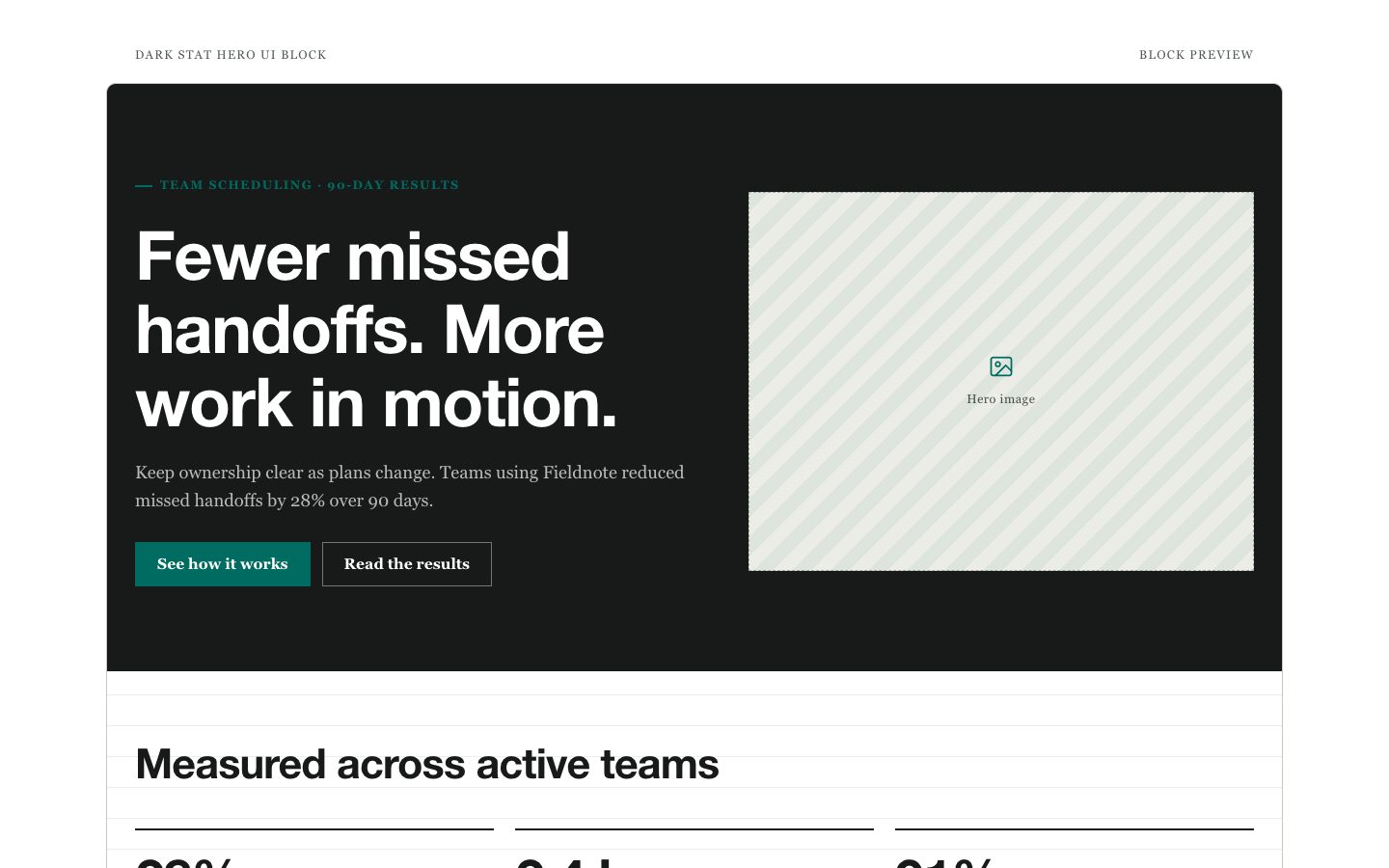
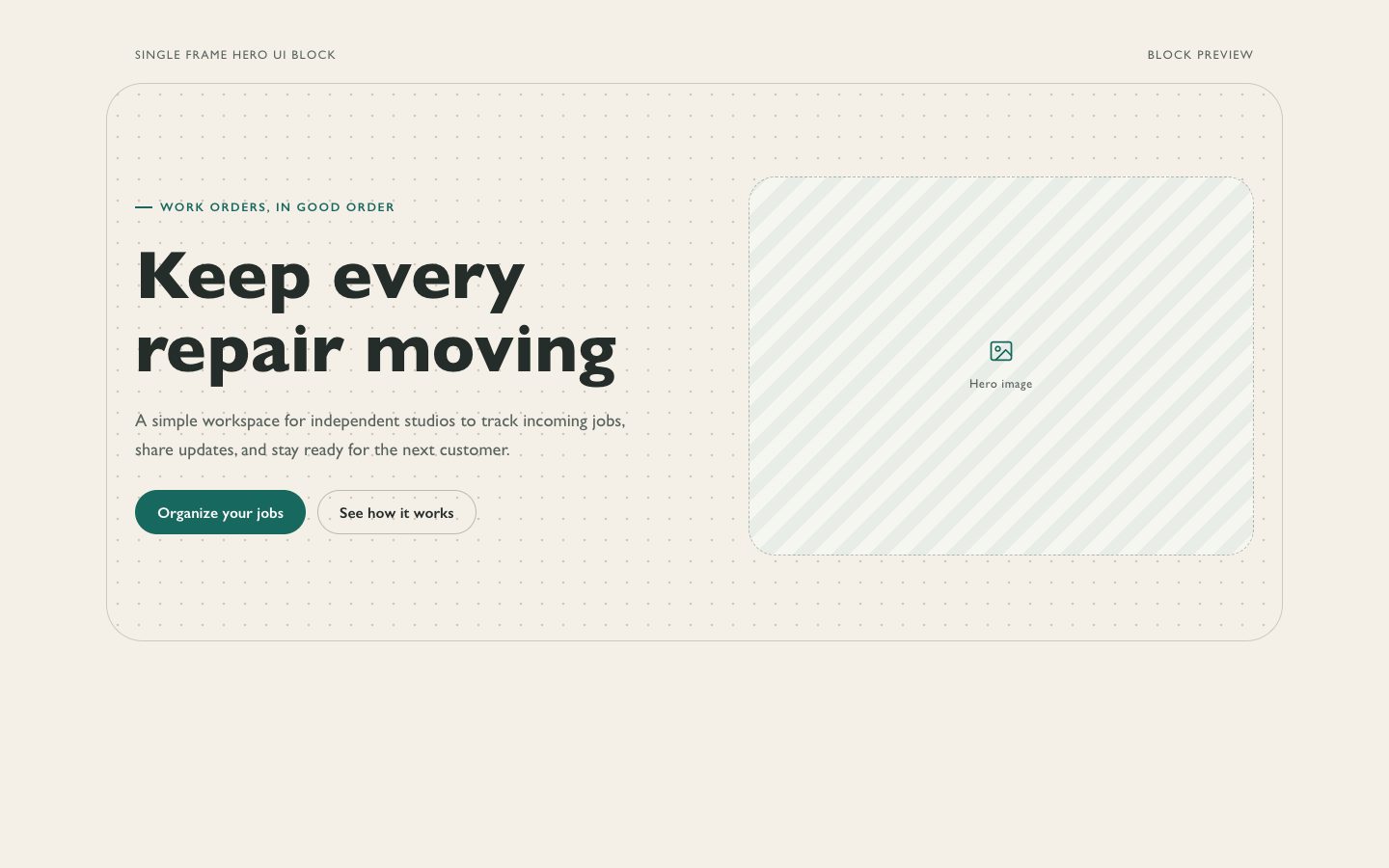
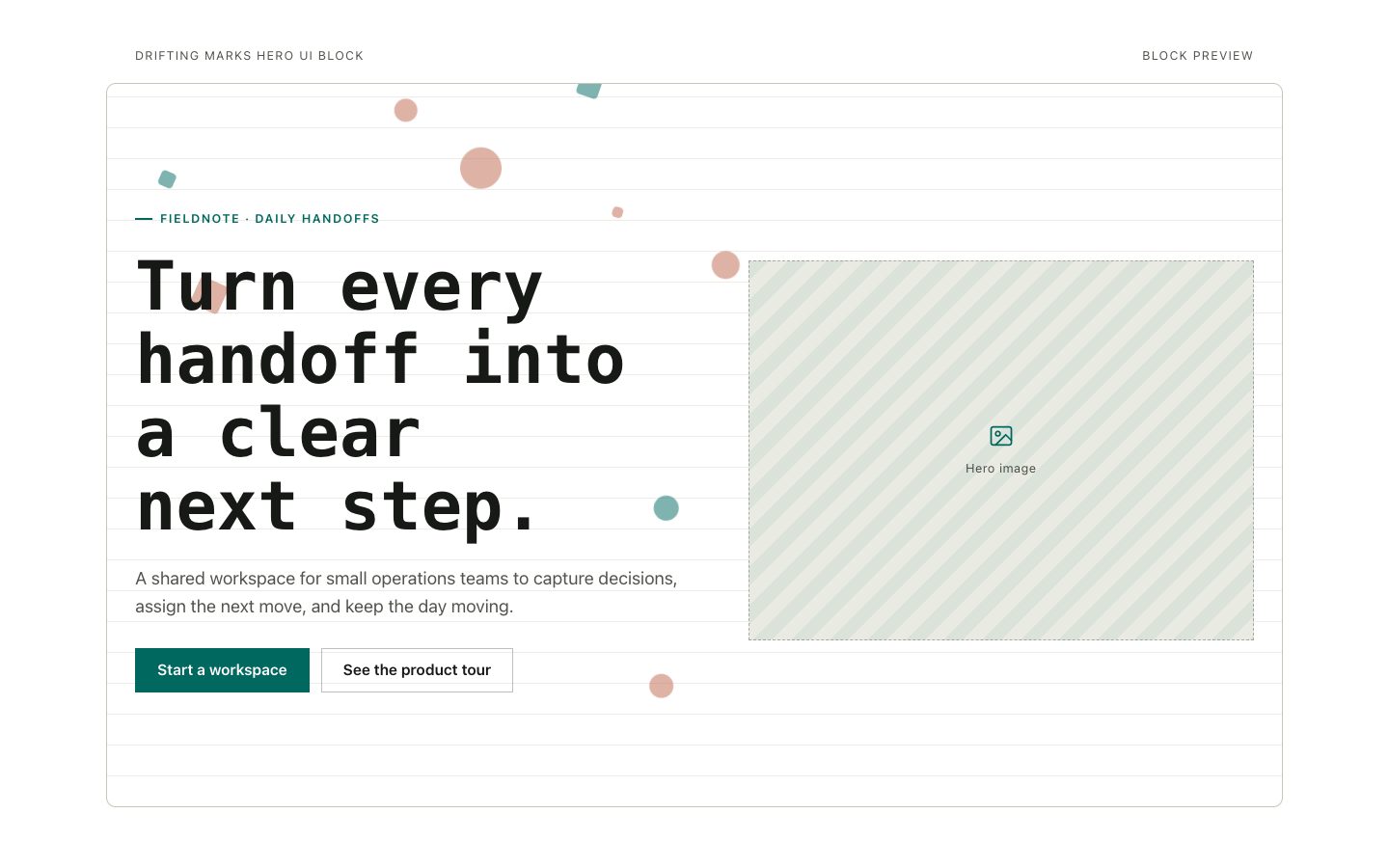
The preview (preview/demo.html) is a static reference built from sample content: it shows the layout, style, copy structure and the visible controls every interactive part needs (labelled form fields, carousel buttons, player chrome). Image areas are labelled placeholders and sample quotes or figures are marked as samples. In a real run the agent uses the user's content and assets, wires behaviour (form destinations, media sources, data) and keeps every promise in the output contract above.

Failure rules

  • Never hand over a file that fails the validator; fix it and run it again.
  • If the brief lacks facts (prices, numbers, customer names), ask once; otherwise mark them clearly as sample content.
  • Do not reproduce another company's website, logo or copy, even if asked to "make it look like" one; build an original page in this style instead.

Similar skills

Activity Calendar Chart UI Block · SkillLoom