网页免费 已验证

项目知识图谱网页

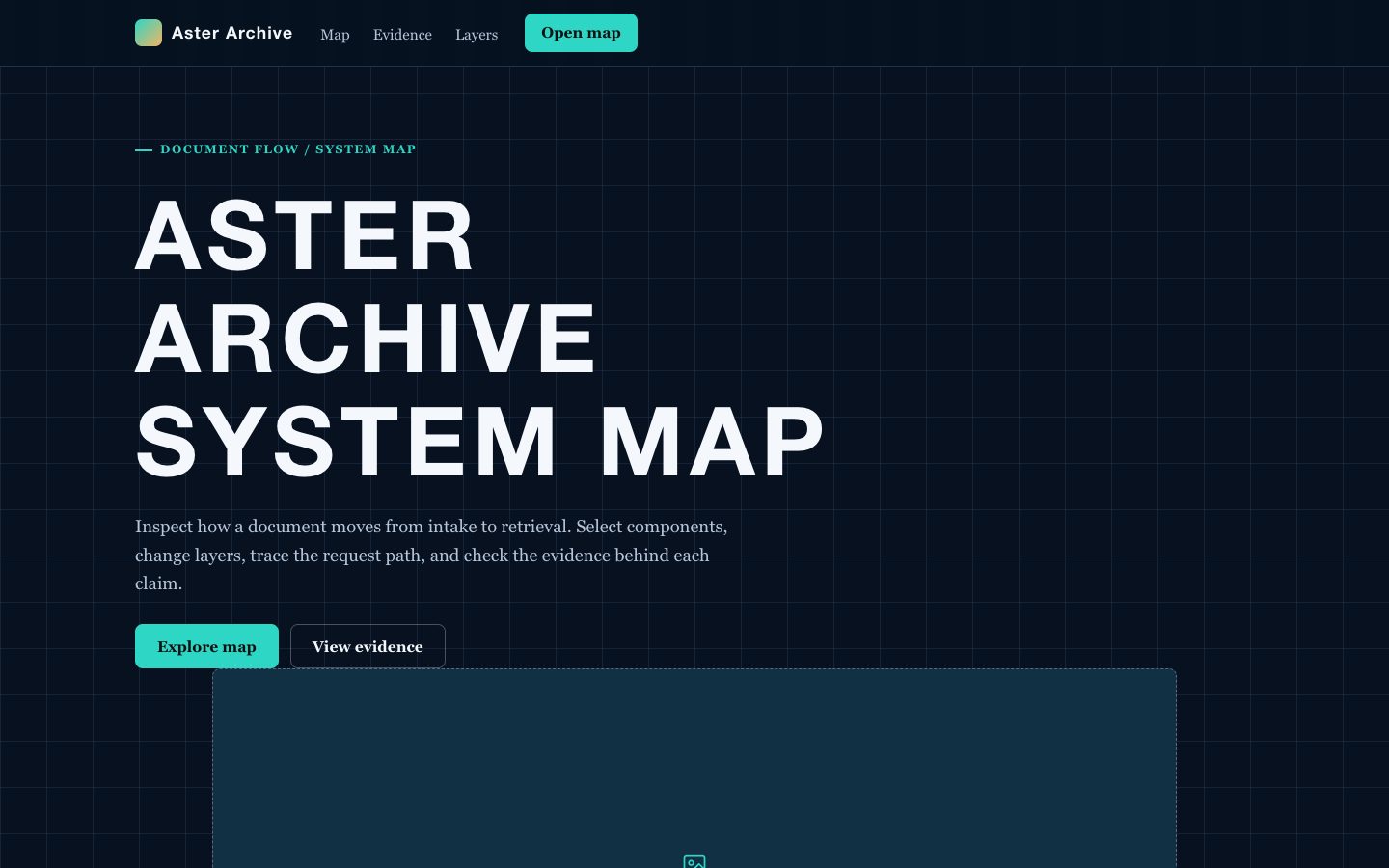
为项目证据构建可追溯的知识图谱网页,适合高管汇报、研究总结和技术沟通。页面以深色星座知识画布呈现主张、实体、依赖、里程碑和引用来源,让读者先理解结论,再沿着来源回看证据与不确定性。

你会得到

  • 以项目核心判断为中心的证据簇和依赖路径。
  • 带来源、日期、负责人和置信度的引用式主张卡片。
  • 适合里程碑、风险、决策和技术实体的响应式关系模块。
  • 明确区分事实、分析判断和待确认问题的高管摘要文案。
  • 可直接移植到 React、Vue 或工具类 CSS 的自包含网页结构。

适合

  • 需要让决策具备证据追溯能力的客户或高管汇报。
  • 包含大量关联来源和依赖关系的研究与技术沟通。
  • 需要清楚呈现假设、风险和信息来源的项目状态页面。

不适合

  • 没有来源清单或证据链的未经核实内容。
  • 重点是情绪表达而不是项目推理的品牌宣传页面。
  • 需要登录、编辑或实时协作的私有图谱工具。

你需要提供

  • 项目问题或高管决策背景。
  • 包含主张、引文、日期和来源信息的资料清单。
  • 需要呈现的实体、依赖、里程碑、风险和待解决问题。
  • 目标读者、术语要求和保密要求。

运行要求

  • A modern browser
  • Node.js 20+ for the validator

运行成本

No external services. Runs entirely on your agent.

试试这个提示词

/sl-project-knowledge-graph-web-page 为探索 HelioGrid 证据的高管制作 Axiom Atlas 网页,依次呈现导航、分栏首屏、六份来源登记、四项证据功能、项目论点、四项数据、四个从来源到决策的步骤、四个证据簇、三个待解问题、行动号召和页脚。标题用“Every decision has a trace.”,结尾行动号召用“Make the evidence legible.”。采用深色画布、薄荷色事实、蓝色关系线,并在主张旁标注 [S1]-[S6]。

后续提示词

  • 增加技术溯源部分,展示数据接入、校验、建模和报告之间的依赖关系。
  • 面向董事会重写证据簇,同时保留全部来源编号和不确定性标签。
  • 制作移动优先版本,让图谱转为带有可展开来源详情的编号证据路径。

验证情况

已验证

render-checkpass4.0 / 512s

常见问题

页面可以展示不确定性吗?

可以。页面支持置信度标签、待确认问题模块,并明确区分来源事实、分析判断和仍需验证的内容。

它和普通项目仪表板有什么区别?

页面以关系和来源为组织核心。每条重要陈述都能回到来源,同时通过依赖和决策关系说明信息为什么重要。

大量来源可以压缩成高管摘要吗?

可以。先呈现简洁判断和影响,再展示精选证据簇及来源编号,让读者能从决策背景深入到技术细节。

SKILL.md

SKILL.md

Project Knowledge Graph Web Page

Create a source-faithful project knowledge graph page that turns scattered evidence into a navigable constellation of claims, entities, dependencies, and citations.

Style: Constellation Ledger. A dark research instrument where evidence, relationships, and project decisions form a precise illuminated constellation. Follow references/style-guide.md exactly.

Use this skill when

  • Client or executive reporting where decisions need traceable evidence.
  • Research and technical communication with many linked sources and dependencies.
  • Project status pages that must expose assumptions, risks, and lineage clearly.

Do not use

  • Marketing landing pages that need emotional persuasion without source-backed project content.
  • Unstructured brainstorm boards, generic mind maps, or pages where claims cannot be traced to evidence.
  • Highly decorative data visualizations that hide uncertainty, provenance, or relationship direction.
  • To reproduce another company's brand, logo, product UI or copyrighted characters.

Inputs

  • Project name, reporting audience, and the decision or research question the page must support.
  • Source inventory with URLs, documents, owners, dates, and quoted evidence or extracted claims.
  • Entities, milestones, risks, dependencies, and unresolved questions to represent in the graph.
  • Preferred emphasis, such as executive summary, technical lineage, delivery risk, or research confidence.
  • Any required terminology, confidentiality labels, and responsive content constraints.

If something essential is missing, ask one short question before starting. Never invent facts, numbers, quotes or customer names; mark gaps as [needs source].

Workflow

  1. Read the brief and references/section-library.md. List the sections the page needs, in order, before writing any markup.
  2. Copy references/template.html to index.html. Delete the sections the brief does not need; reorder the rest.
  3. Apply the tokens from references/style-guide.md in the :root block. Do not introduce colors, fonts or radii outside the tokens.
  4. Write real copy from the user's brief for every REPLACE_ placeholder, inside the word limits. Never invent customer names, logos or numbers; label fictional testimonials and figures as sample content.
  5. Check the layout at 390px, 768px and 1280px wide: no horizontal scrolling, readable type, tap targets at least 44px.
  6. If the user works in React/Next.js, Vue or Tailwind, port the result with references/framework-adaptation.md after the HTML version passes.
  7. Run the validator and fix every problem it reports:

``bash node scripts/validate-html.mjs index.html ``

  1. Open the file in a browser (from file://) and check keyboard focus, the FAQ toggles and the mobile menu.

What makes this excellent

  • Start with a source register and convert every important claim into a concise node with an adjacent citation key.
  • Organize the page around one central project thesis, then expose dependencies, evidence clusters, and unresolved questions in a deliberate reading order.
  • Use the visual canvas to distinguish entities, claims, decisions, and sources through block treatment, connector direction, and accent color.
  • Write executive copy that states implications first, while preserving a visible path back to the supporting source and date.
  • Include confidence or status language where evidence is incomplete; never imply certainty that the supplied sources do not support.
  • Make the graph legible on narrow screens by stacking clusters into an ordered evidence trail without losing source labels.
  • Keep fictional sample content internally consistent across milestones, stakeholders, sources, and technical dependencies.

Output contract

  • index.html: one self-contained HTML file (inline CSS, inline SVG, no network requests, no storage APIs) that opens from file://.
  • Exactly one <h1>, labelled form inputs, alt text on every image, no REPLACE_ placeholders or filler text.
  • Responsive at 390 / 768 / 1280px, using only the style-guide tokens.
  • A hand-off note: sections used, any sample content that must be replaced, framework port (if any) and the validator output.
  • Deliver one responsive page with a dark knowledge-canvas composition, clear graph-like relationships, and source markers attached to substantive claims.
  • Use self-contained HTML, CSS, and JavaScript or a directly portable component implementation with no required network assets.
  • Preserve supplied source wording for quotations and distinguish extracted facts from editorial interpretation.
  • Ensure every major visual cluster has a readable mobile order and that no connector or citation label obscures content.

Reference demo and agent run

The preview (preview/demo.html) is a static reference built from sample content: it shows the layout, style, copy structure and the visible controls every interactive part needs (labelled form fields, carousel buttons, player chrome). Image areas are labelled placeholders and sample quotes or figures are marked as samples. In a real run the agent uses the user's content and assets, wires behaviour (form destinations, media sources, data) and keeps every promise in the output contract above.

Failure rules

  • Never hand over a file that fails the validator; fix it and run it again.
  • If the brief lacks facts (prices, numbers, customer names), ask once; otherwise mark them clearly as sample content.
  • Do not reproduce another company's website, logo or copy, even if asked to "make it look like" one; build an original page in this style instead.

相似技能

项目知识图谱网页 · SkillLoom