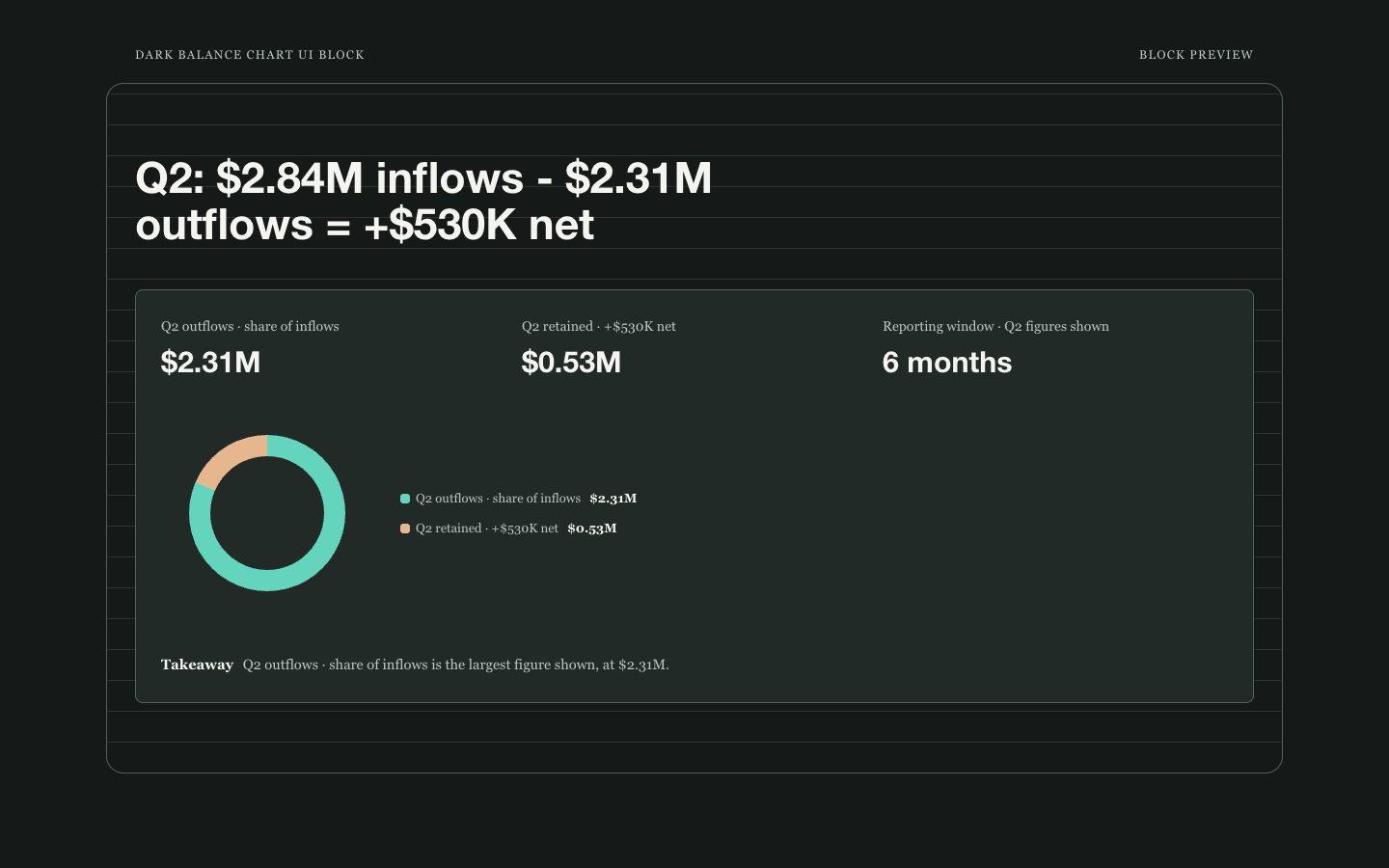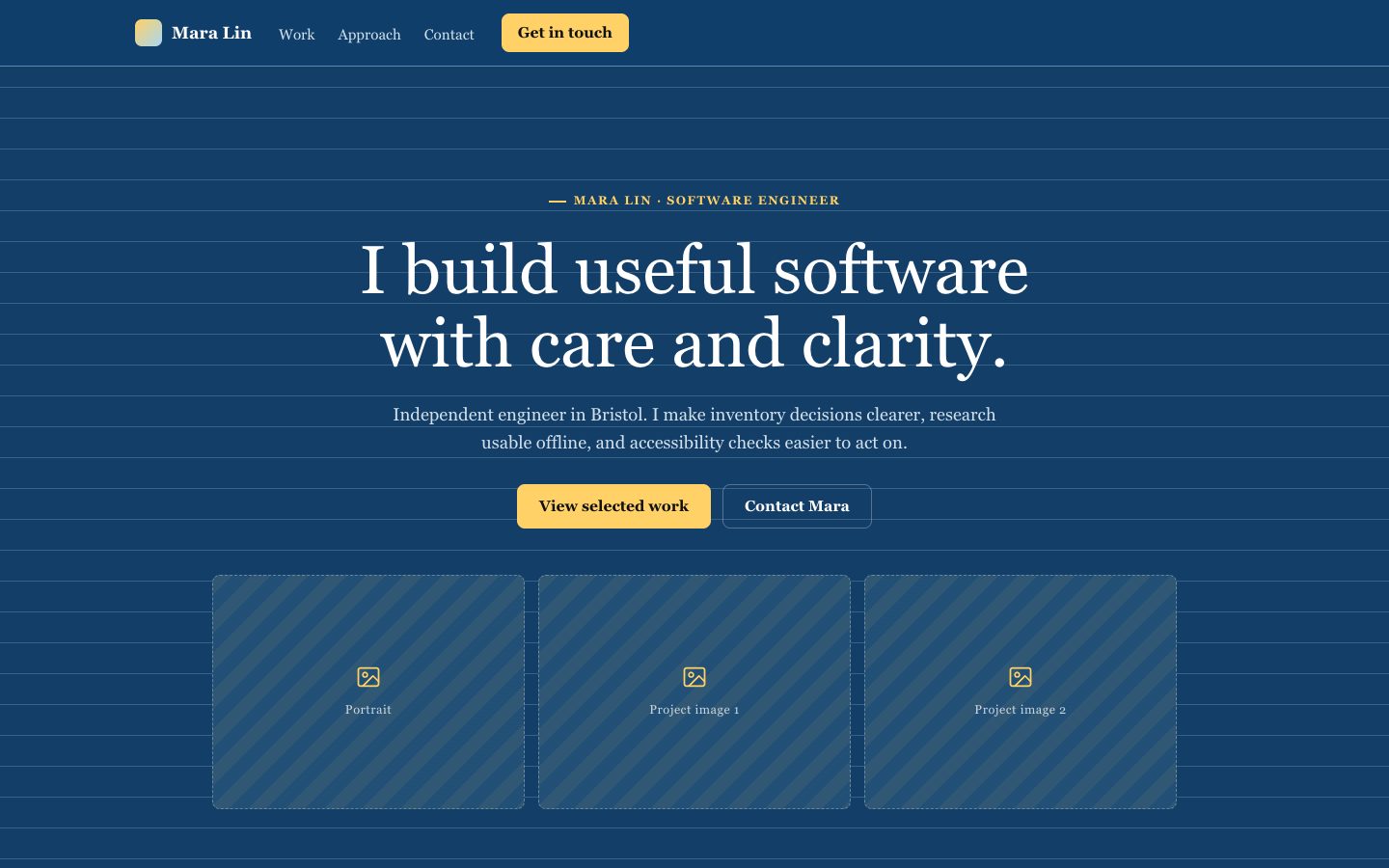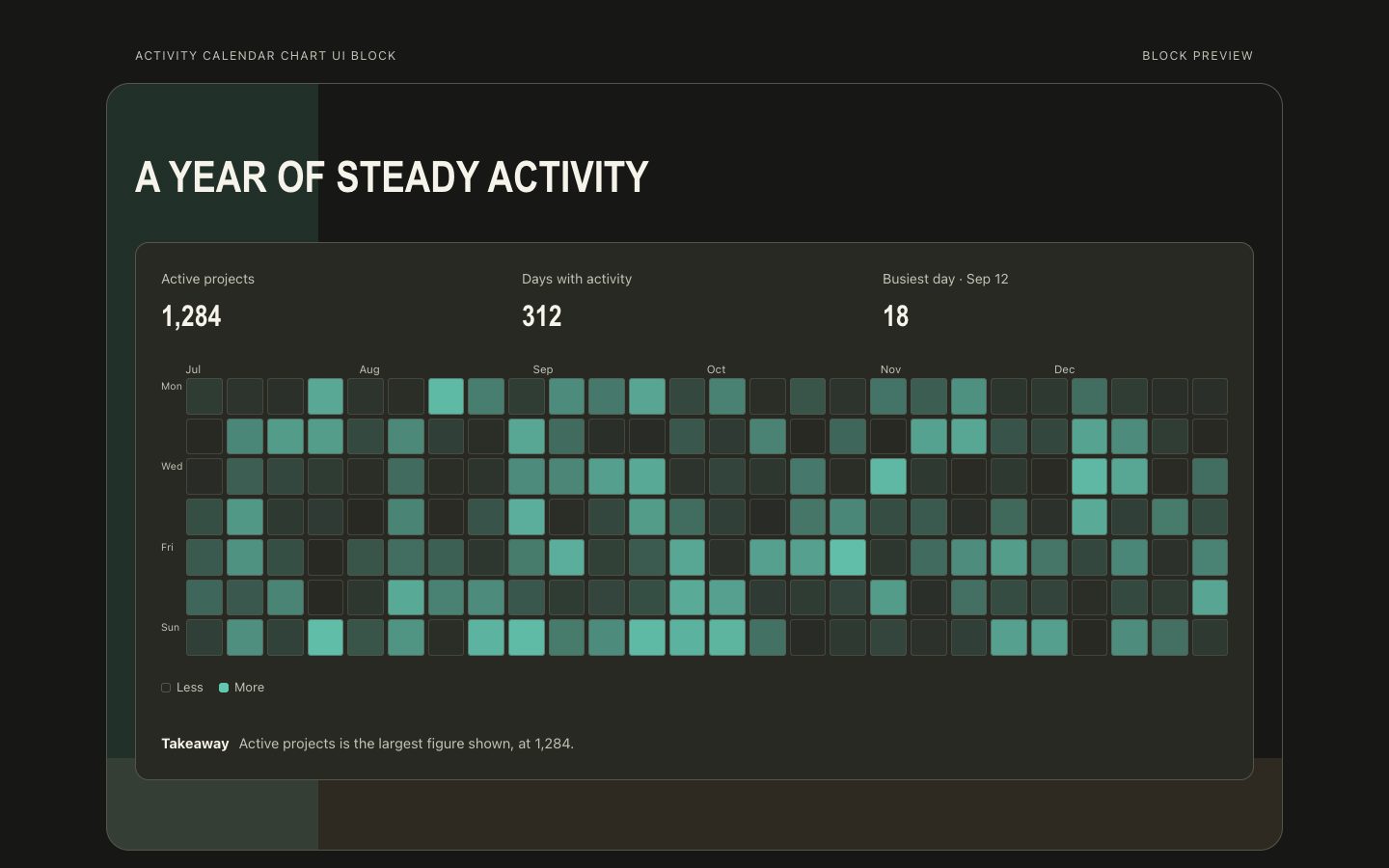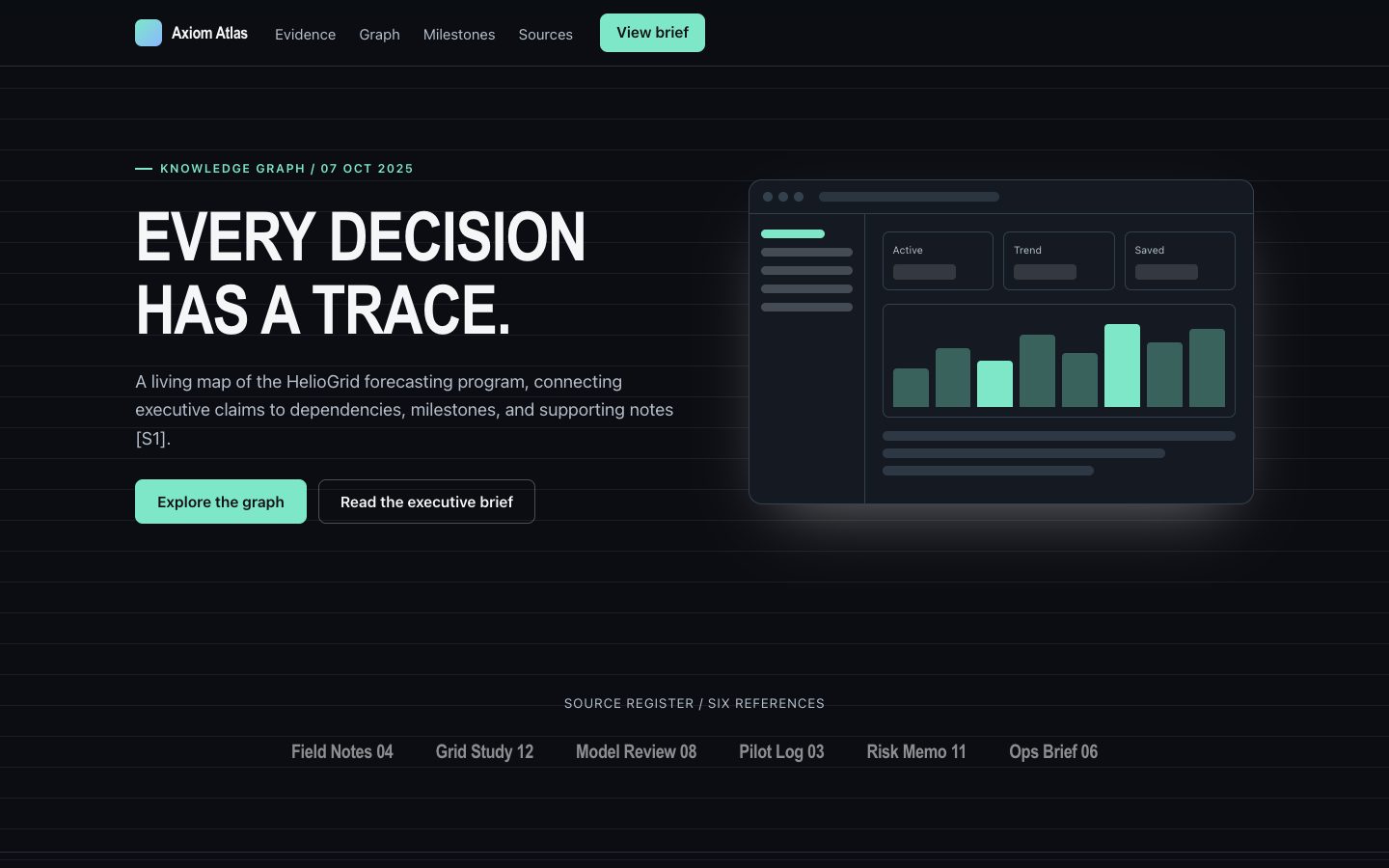
网页免费 已验证

交互式系统地图

用于把架构证据转化为可导航系统地图的网页技能,包含可编辑节点、定向关系、语义状态和可查看的引用。适合教学、研究、设计评审和长期工程文档,帮助读者理解系统流转及证据边界。

你会得到

  • 带稳定可编辑组件节点的响应式深色网格系统地图
  • 支持节点选中、路径高亮、图层筛选和证据详情查看
  • 解释已验证、推断、警告和未解决关系的清晰图例
  • 说明流转、职责、边界和故障模式的技术文案
  • 可迁移到 HTML、React、Vue 或 Tailwind 的自包含交付物

适合

  • 解释请求经过服务、队列、存储和外部参与者的完整路径
  • 帮助技术读者理解系统行为以及证据来源

不适合

  • 没有来源数据或解释目标的装饰性关系图
  • 需要自动布局和复杂查询工具的大规模图分析

你需要提供

  • 包含稳定名称和职责的组件清单
  • 需要解释的定向关系、图层和主要路径
  • 证据引用、置信度或明确标记的未知项
  • 页面受众与教学目标

运行要求

  • A modern browser
  • Node.js 20+ for the validator

运行成本

No external services. Runs entirely on your agent.

试试这个提示词

/sl-interactive-system-map-web-page 为需要追踪文档流程的分析人员制作 Aster Archive 系统地图网页,采用简洁、技术化的 Signal Blueprint 风格。依次展示导航及“Open map”、标题为“Aster Archive system map”且按钮为“Explore map”的首屏、四项地图操作说明、Indexer 详情、四步文档路径、四项地图统计、证据登记、地图解读问答和页脚链接。涵盖运行与故障图层、引用和待解问题。

后续提示词

  • 增加故障模式图层,突出重试、死信处理和数据丢失边界。
  • 将地图迁移为可复用 React 组件,保留键盘导航和证据标签。

验证情况

已验证

render-checkpass4.0 / 522s

常见问题

系统地图可以表达不确定性吗?

可以。将置信度和证据与地图数据一起保存,通过文字标签、图例和选中节点详情展示,而不是只依赖颜色。

系统很大时应该怎么处理?

先选择一个主要场景,让初始视图聚焦关键路径,再通过可操作的图层控件展示次要领域。

用户可以编辑生成的地图吗?

可以。将地图数据与渲染逻辑分离,便于在不重写布局代码的情况下更新标签、关系、注释、置信度和引用。

SKILL.md

SKILL.md

Interactive System Map Web Page

Create a responsive interactive system map that turns architecture evidence into a navigable, editable explanation for technical readers.

Style: Signal Blueprint. A disciplined dark-grid canvas where semantic signals reveal system structure, evidence, and change paths. Follow references/style-guide.md exactly.

Use this skill when

  • Explaining a request path across services, queues, stores, and external actors
  • Teaching a technical audience how a system behaves and where evidence comes from

Do not use

  • Marketing landing pages that need emotional storytelling instead of technical inspection.
  • Unverified architecture diagrams presented as authoritative documentation.
  • Large graph datasets that require specialist graph-analysis software.
  • To reproduce another company's brand, logo, product UI or copyrighted characters.

Inputs

  • System components, services, data stores, and external actors with stable IDs and names
  • Directed relationships, request paths, event flows, and layer membership
  • Evidence references, ownership details, confidence levels, and known unknowns
  • Primary audience, teaching objective, and expected technical depth
  • Editable-output requirements such as filters, annotations, and export format

If something essential is missing, ask one short question before starting. Never invent facts, numbers, quotes or customer names; mark gaps as [needs source].

Workflow

  1. Read the brief and references/section-library.md. List the sections the page needs, in order, before writing any markup.
  2. Copy references/template.html to index.html. Delete the sections the brief does not need; reorder the rest.
  3. Apply the tokens from references/style-guide.md in the :root block. Do not introduce colors, fonts or radii outside the tokens.
  4. Write real copy from the user's brief for every REPLACE_ placeholder, inside the word limits. Never invent customer names, logos or numbers; label fictional testimonials and figures as sample content.
  5. Check the layout at 390px, 768px and 1280px wide: no horizontal scrolling, readable type, tap targets at least 44px.
  6. If the user works in React/Next.js, Vue or Tailwind, port the result with references/framework-adaptation.md after the HTML version passes.
  7. Run the validator and fix every problem it reports:

``bash node scripts/validate-html.mjs index.html ``

  1. Open the file in a browser (from file://) and check keyboard focus, the FAQ toggles and the mobile menu.

What makes this excellent

  • Define editable node, edge, path, layer, and citation data separately from DOM and SVG rendering logic.
  • Render a real map viewport with labeled, directed edges and selectable nodes; do not substitute a static diagram or feature copy.
  • Wire node click, Enter, and Space to selection state and an evidence-aware detail panel showing role, inputs, outputs, owner, confidence, citations, and unknowns.
  • Wire path and layer controls to visible map changes; preserve selection when valid and explain when a filter hides it.
  • Provide a text legend for verified, inferred, warning, and unresolved states, with non-color cues on nodes and relationships.
  • On mobile, allow map panning or horizontal scrolling while keeping controls and the selected-node detail readable.
  • Verify interaction with at least two nodes and two layers, keyboard focus, and layouts at 390, 768, and 1280px.
  • Deliver a file://-ready index.html with inline CSS and SVG, no network or storage APIs, plus the required hand-off note and validator output.

Output contract

  • index.html: one self-contained HTML file (inline CSS, inline SVG, no network requests, no storage APIs) that opens from file://.
  • Exactly one <h1>, labelled form inputs, alt text on every image, no REPLACE_ placeholders or filler text.
  • Responsive at 390 / 768 / 1280px, using only the style-guide tokens.
  • A hand-off note: sections used, any sample content that must be replaced, framework port (if any) and the validator output.
  • Deliver a complete responsive HTML page or a directly runnable React, Vue, or Tailwind equivalent with no external runtime dependency.
  • Include an interactive map viewport, node selection state, path or layer controls, legend, and an evidence-aware detail panel.
  • Keep component data separate from rendering logic so the user can edit labels, relationships, confidence, and citations.
  • Include accessible labels, keyboard-reachable controls, visible focus states, and a non-color explanation for every semantic signal.

Reference demo and agent run

The preview (preview/demo.html) is a static reference built from sample content: it shows the layout, style, copy structure and the visible controls every interactive part needs (labelled form fields, carousel buttons, player chrome). Image areas are labelled placeholders and sample quotes or figures are marked as samples. In a real run the agent uses the user's content and assets, wires behaviour (form destinations, media sources, data) and keeps every promise in the output contract above.

Failure rules

  • Never hand over a file that fails the validator; fix it and run it again.
  • If the brief lacks facts (prices, numbers, customer names), ask once; otherwise mark them clearly as sample content.
  • Do not reproduce another company's website, logo or copy, even if asked to "make it look like" one; build an original page in this style instead.

相似技能

交互式系统地图 · SkillLoom