 $4.99
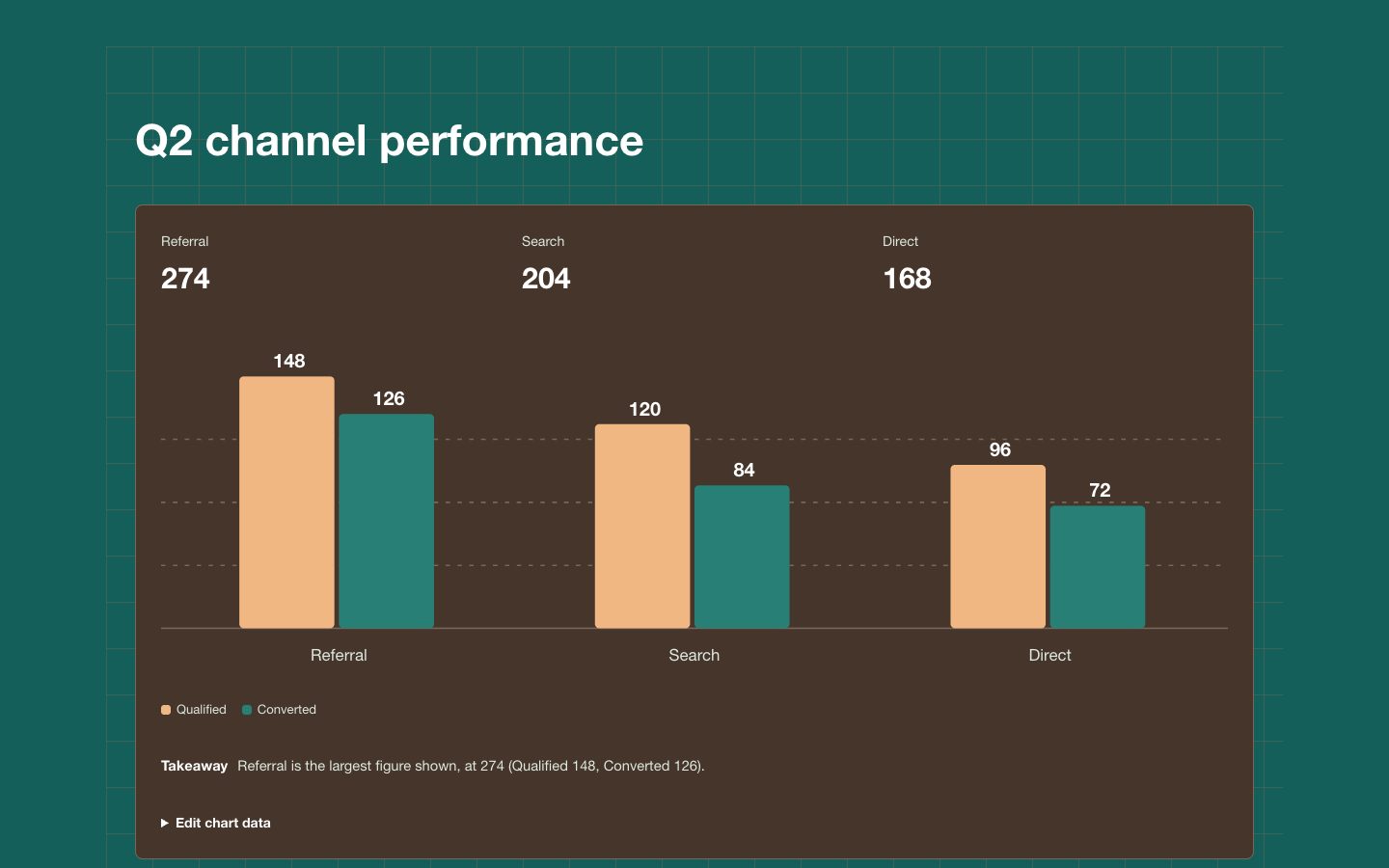
$4.99双系列柱状图界面组件
用于比较少量类别中两组指标的可复用双系列柱状图区块。暖深陶土色表面、青绿色与陶土色柱形及清晰标签,适合管理层报告和精致的产品页面。
制作可复用的活动日历图表区块,让每日变化一目了然。温暖中性的编辑风格以墨色画布、陶土色表面和青绿色强度单元格呈现产品分析与管理层报告。
No external services. Runs entirely on your agent.
/sl-activity-calendar-chart-ui-block 为 SaaS 使用情况报告制作一个供读者快速查看年度活动情况的区块,标题为 “A Year Of Steady Activity”,并展示三项汇总数据:1,284 个活跃项目、有活动的 312 天,以及最繁忙的一天为 9 月 12 日,共 18 个活跃项目。采用简洁克制的 Clay Ledger 风格。
已验证
| render-check | pass | 4.0 / 5 | 39s |
可以。将日期范围设为可配置项,并根据输入日期和每周起始日生成对应周数。
使用明确且有说明的数值区间;如果不同场景的数据规模不同,应允许配置这些区间。
A polished, reusable activity-calendar chart block for showing daily usage patterns in a calm, editorial interface.
Style: Clay Ledger. Calm, editorial warmth balances a deep ink canvas with tactile clay neutrals and precise teal data accents. Follow references/style-guide.md exactly.
If something essential is missing, ask one short question before starting. Never invent facts, numbers, quotes or customer names; mark gaps as [needs source].
references/section-library.md. Confirm which block the user needs and where it will live (plain HTML or a framework component).references/template.html to section.html. Keep the <style> block and the one focal section; delete every other section.references/style-guide.md in the :root block. Do not introduce colors, fonts or radii outside the tokens.REPLACE_ placeholder, inside the word limits. Never invent customer names, logos or numbers; label fictional testimonials and figures as sample content.references/framework-adaptation.md after the HTML version passes. ``bash node scripts/validate-html.mjs section.html ``
file://) and check keyboard focus, the FAQ toggles and the mobile menu.section.html: one self-contained HTML file (inline CSS, inline SVG, no network requests, no storage APIs) that opens from file://.<h1>, labelled form inputs, alt text on every image, no REPLACE_ placeholders or filler text.The preview (preview/demo.html) is a static reference built from sample content: it shows the layout, style, copy structure and the visible controls every interactive part needs (labelled form fields, carousel buttons, player chrome). Image areas are labelled placeholders and sample quotes or figures are marked as samples. In a real run the agent uses the user's content and assets, wires behaviour (form destinations, media sources, data) and keeps every promise in the output contract above.
$4.99用于比较少量类别中两组指标的可复用双系列柱状图区块。暖深陶土色表面、青绿色与陶土色柱形及清晰标签,适合管理层报告和精致的产品页面。
 $4.99
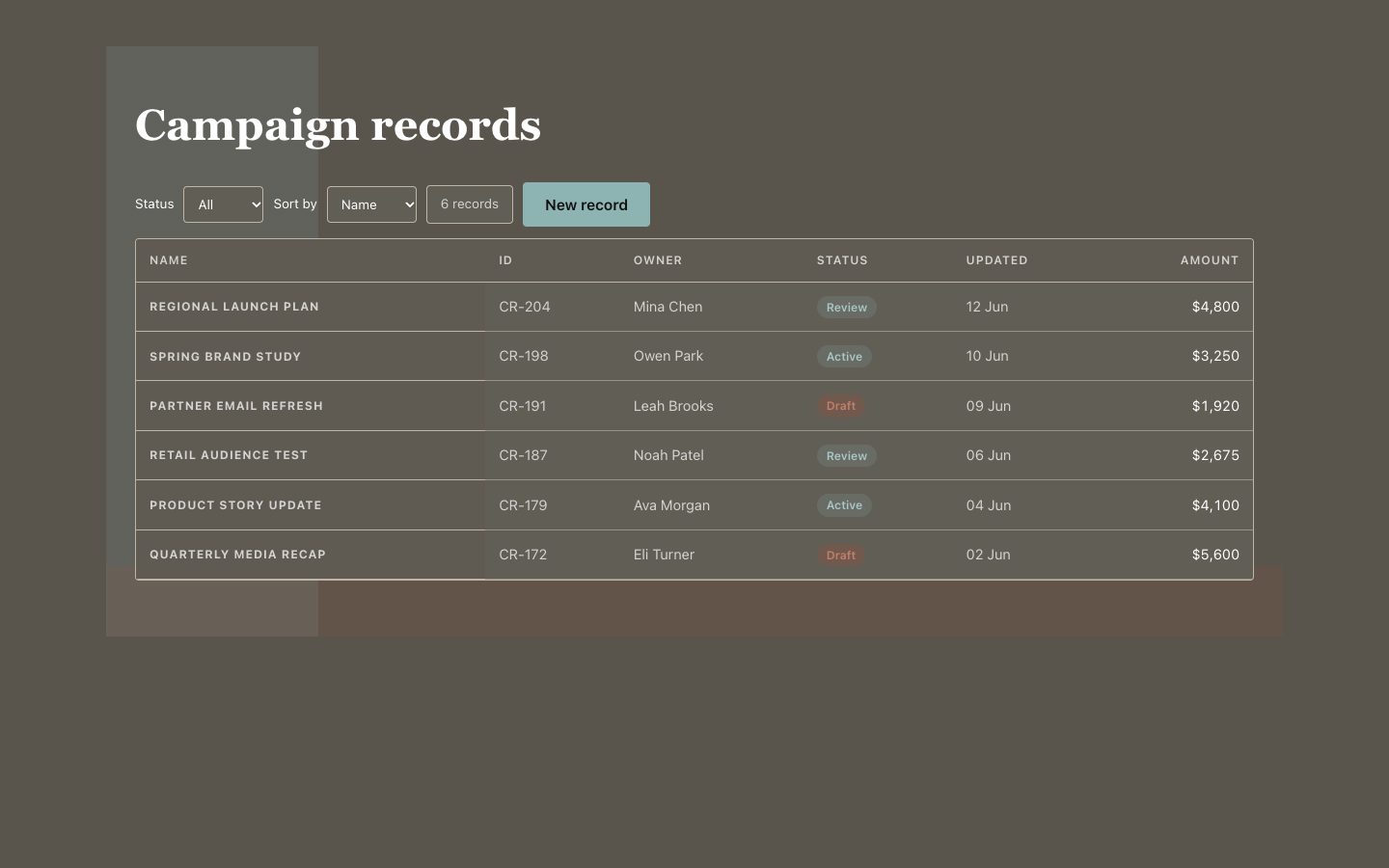
$4.99用于报告与产品界面的可复用记录网格,以暖中性色表面和清晰的青绿色重点呈现信息。适合需要快速查看负责人、状态和记录详情的场景。
 $4.99
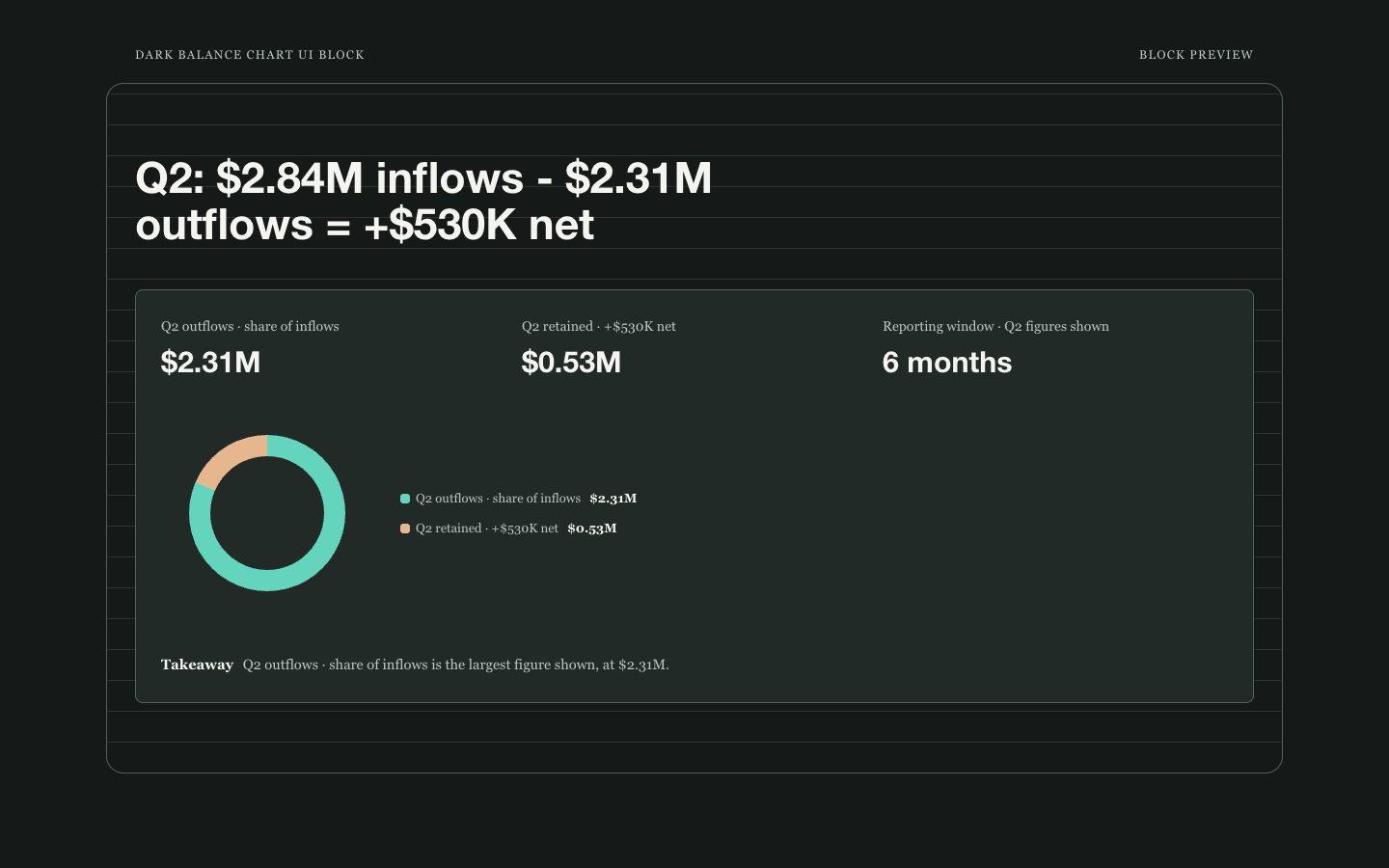
$4.99用于展示流入、流出及净结余的深色图表区块,并明确标注报告周期。以清晰的浅色标签和克制的青绿色、陶土色区分数据,同时说明图表展示的是总额构成还是随时间变化的余额。
 $4.99
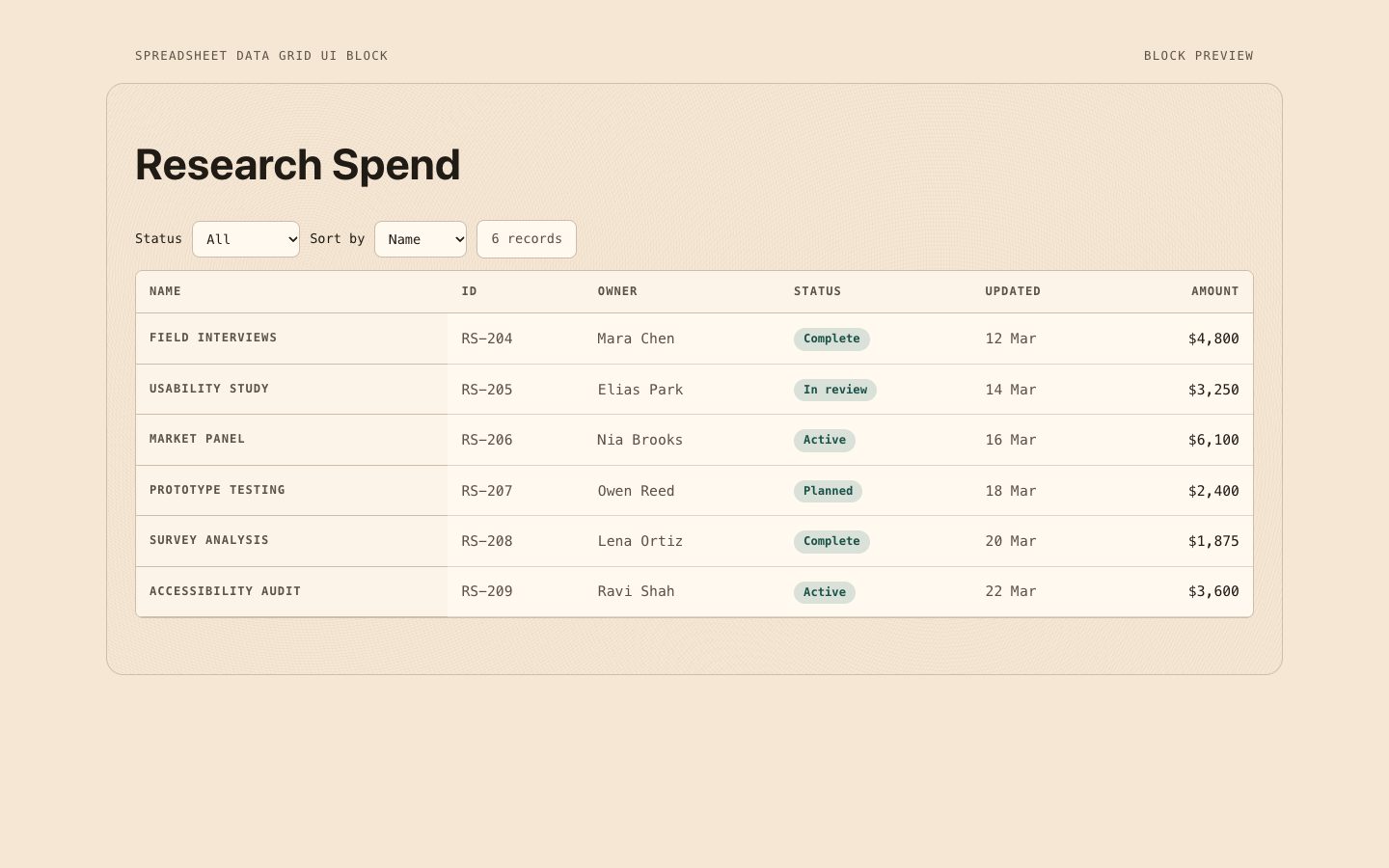
$4.99适用于产品界面、管理报告和研究发布的可复用数据网格区块。暖纸色背景、可操作且易于访问的控件与对齐的等宽数值,让密集记录更易浏览。
 $4.99
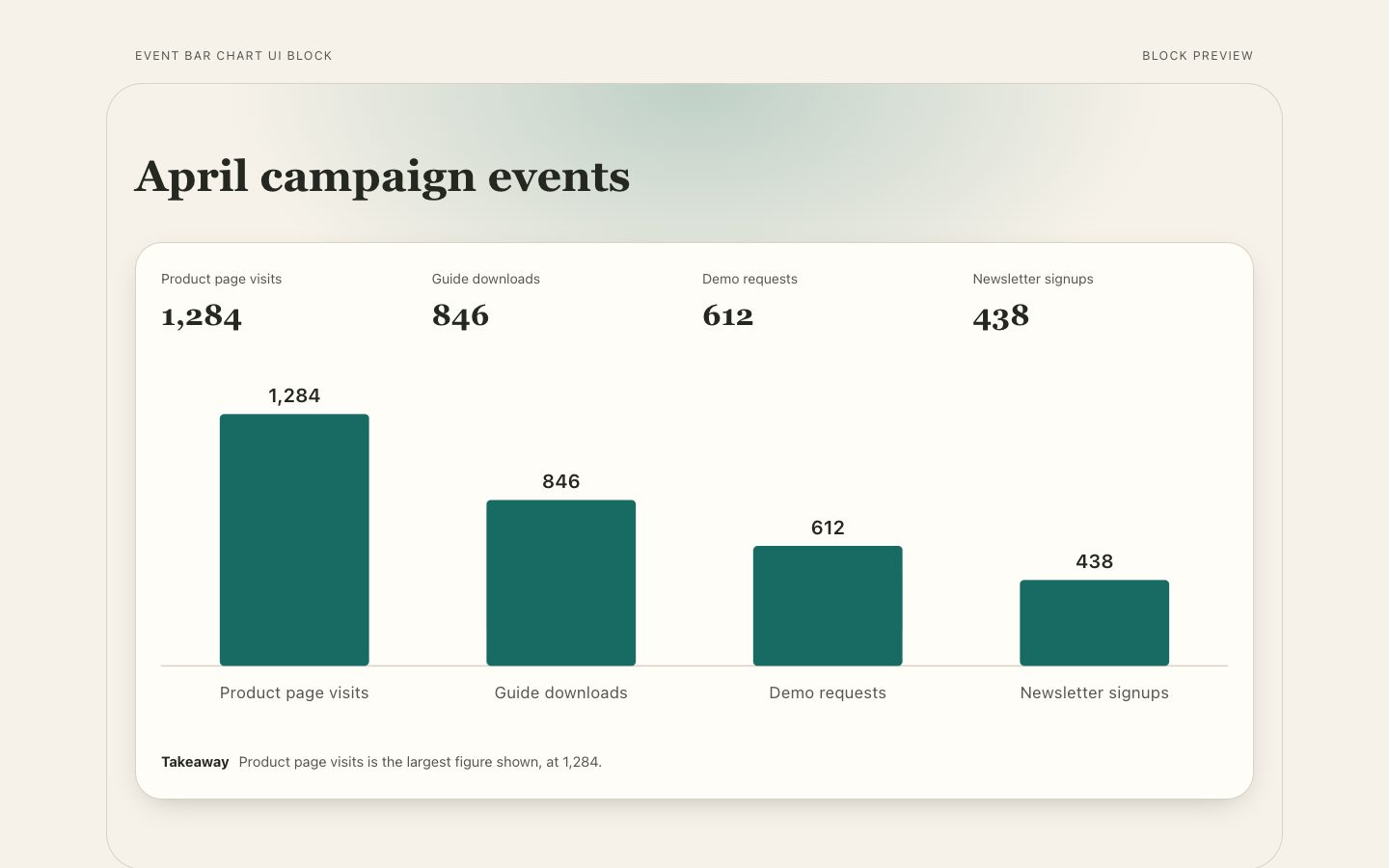
$4.99用于产品页面和报告的可复用事件对比图表区块,包含按数值成比例的横条、清晰的直接标注、周期说明和简洁结论。
 $4.99
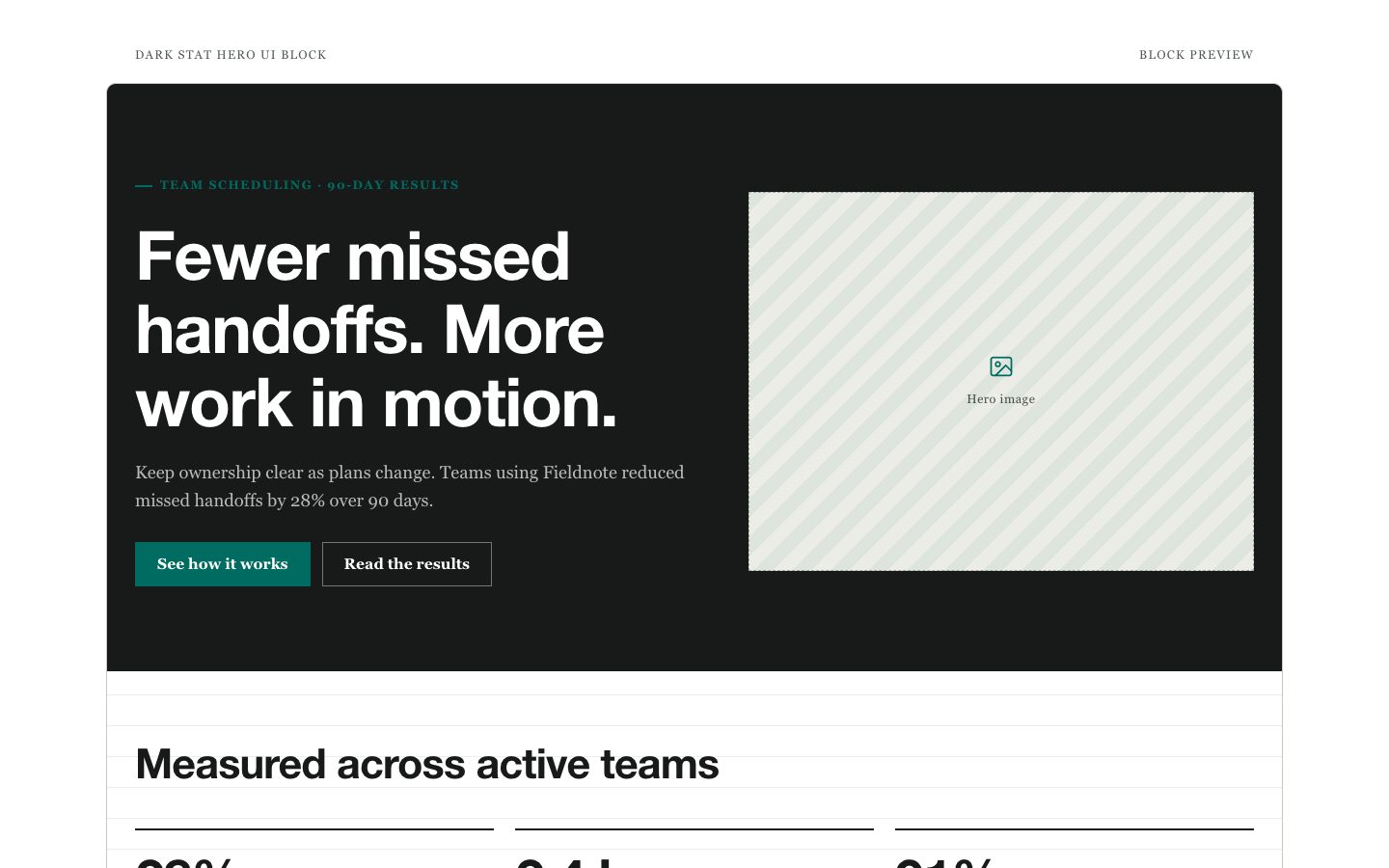
$4.99用于产品发布和软件落地页的可复用数据主视觉组件,以清晰的成果标题、醒目的核心指标和克制的辅助数据构成专业、易编辑的版块。
 $4.99
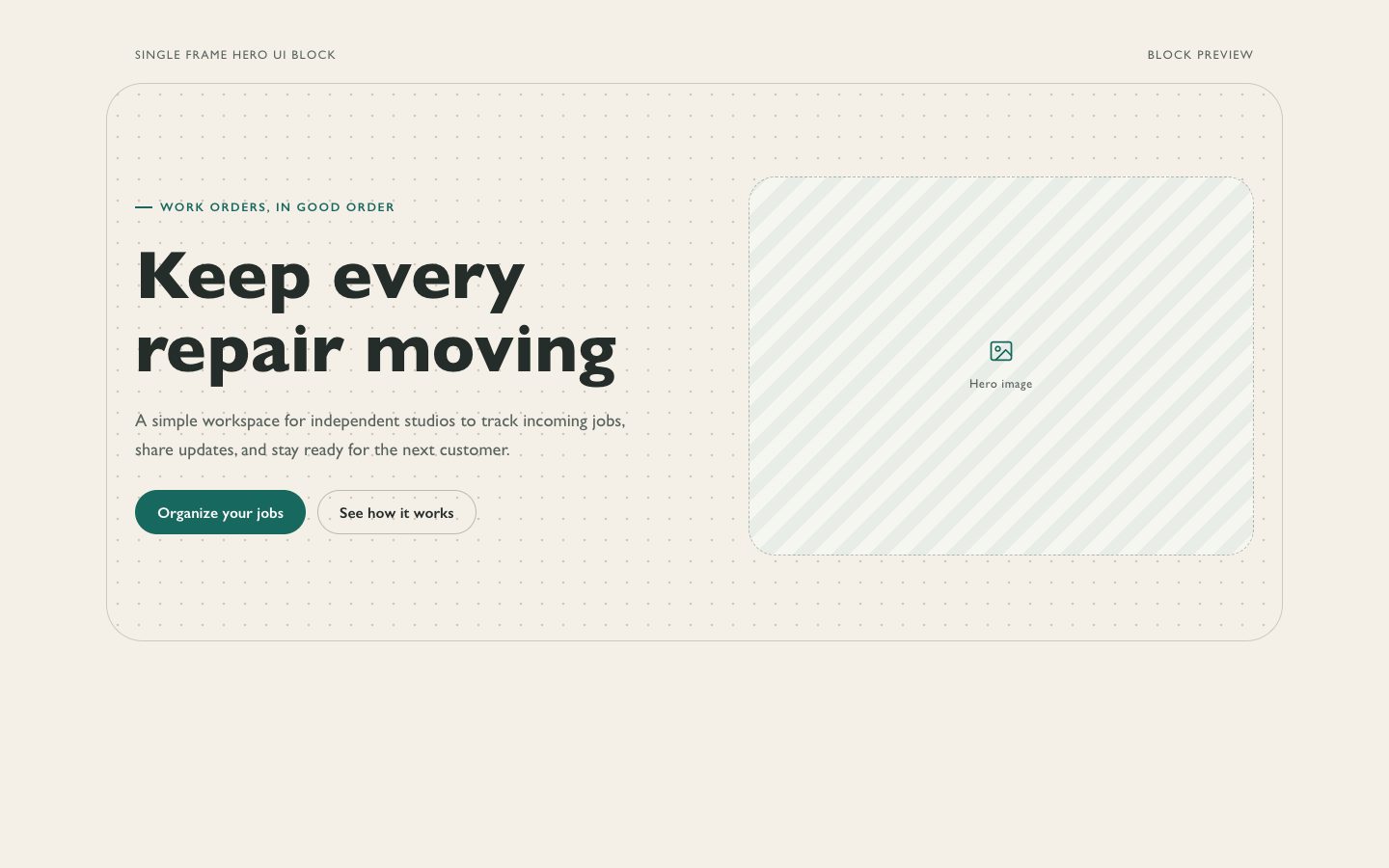
$4.99制作一个可复用的单区块产品主视觉,采用温暖纸感底色、克制的边框和低调的青绿色主操作按钮。适合需要精致、偏编辑风格的首屏,但暂时不需要完整落地页的创始人与产品团队。
 $4.99
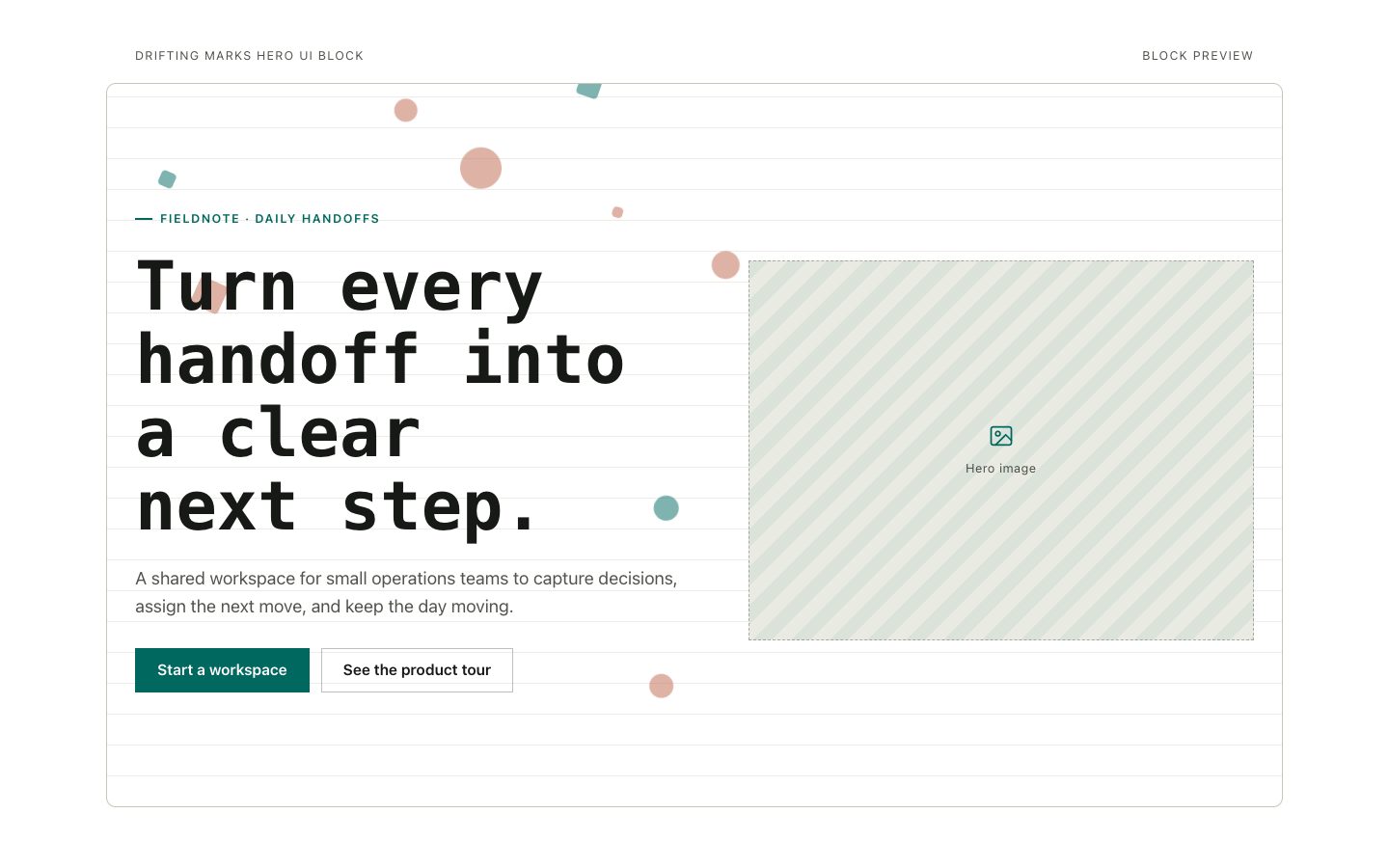
$4.99可复用的产品首页首屏区块,采用编辑感等宽标题、暖中性色画布、清晰的青绿色行动按钮,以及克制的漂移标记。适合产品发布和软件品牌,需要精致、易编辑的焦点区块,而非完整落地页。