 $4.99
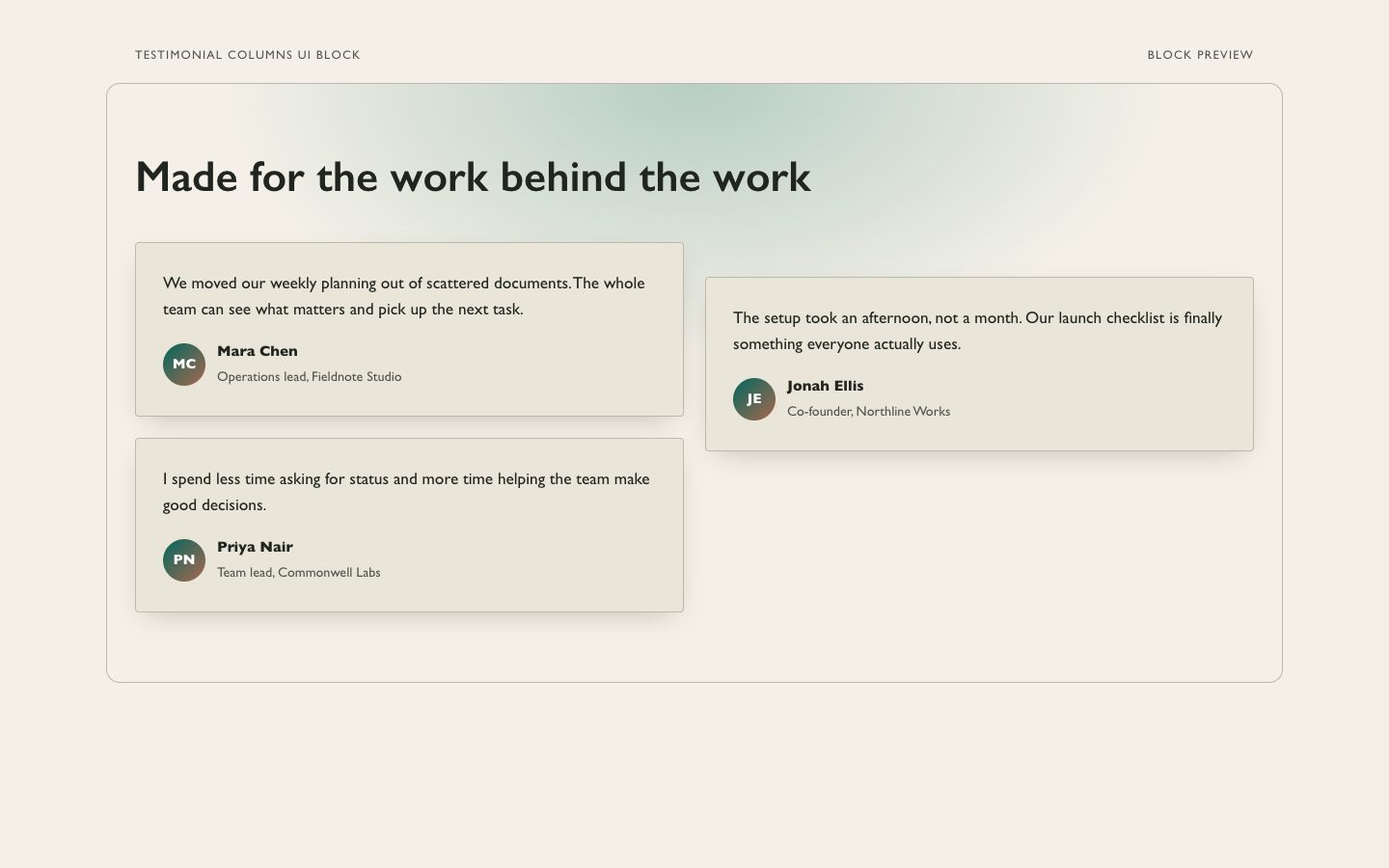
$4.99Testimonial Columns(界面组件)
可复用的三列客户评价区块,采用暖中性色表面、克制的青绿色点缀和柔和的生成式光晕。适合需要可信客户声音的精致营销页面。
适用于产品发布页和营销页面的响应式客户评价区块,采用错落有致的卡片高度、温暖纸感底色与克制的青绿色细节,让真实评价更亲切、更易浏览。
No external services. Runs entirely on your agent.
/sl-masonry-testimonial-wall-ui-block 为虚构的项目规划工具制作温暖、响应式的瀑布流评价墙,标题为 "Small teams, steadier days"。展示三条已批准的小企业客户评价,保留原文和署名。开头句:"We stopped losing decisions in long message threads." 结尾句:"That small change has made handoffs much less stressful." 采用 Paper Current 风格,便于手机浏览。
已验证
| render-check | pass | 5.0 / 5 | 115s |
不可以。请提供已获批准的客户原话。只有在不改变原意且符合授权的情况下,智能体才能做少量精简。
可以。窄屏下布局会变为单列,并保留原始阅读顺序和清晰的署名。
可以。区块使用可编辑的 CSS 颜色值;请保留温暖纸感底色并确保文本对比度。
Create a responsive testimonial wall that makes customer voices easy to scan and easy to trust.
Style: Paper Current. Warm paper tones and quiet teal give varied customer voices an editorial rhythm without making the section feel decorative or overly polished. Follow references/style-guide.md exactly.
If something essential is missing, ask one short question before starting. Never invent facts, numbers, quotes or customer names; mark gaps as [needs source].
references/section-library.md. Confirm which block the user needs and where it will live (plain HTML or a framework component).references/template.html to section.html. Keep the <style> block and the one focal section; delete every other section.references/style-guide.md in the :root block. Do not introduce colors, fonts or radii outside the tokens.REPLACE_ placeholder, inside the word limits. Never invent customer names, logos or numbers; label fictional testimonials and figures as sample content.references/framework-adaptation.md after the HTML version passes. ``bash node scripts/validate-html.mjs section.html ``
file://) and check keyboard focus, the FAQ toggles and the mobile menu.section.html: one self-contained HTML file (inline CSS, inline SVG, no network requests, no storage APIs) that opens from file://.<h1>, labelled form inputs, alt text on every image, no REPLACE_ placeholders or filler text.The preview (preview/demo.html) is a static reference built from sample content: it shows the layout, style, copy structure and the visible controls every interactive part needs (labelled form fields, carousel buttons, player chrome). Image areas are labelled placeholders and sample quotes or figures are marked as samples. In a real run the agent uses the user's content and assets, wires behaviour (form destinations, media sources, data) and keeps every promise in the output contract above.
$4.99可复用的三列客户评价区块,采用暖中性色表面、克制的青绿色点缀和柔和的生成式光晕。适合需要可信客户声音的精致营销页面。
 $4.99
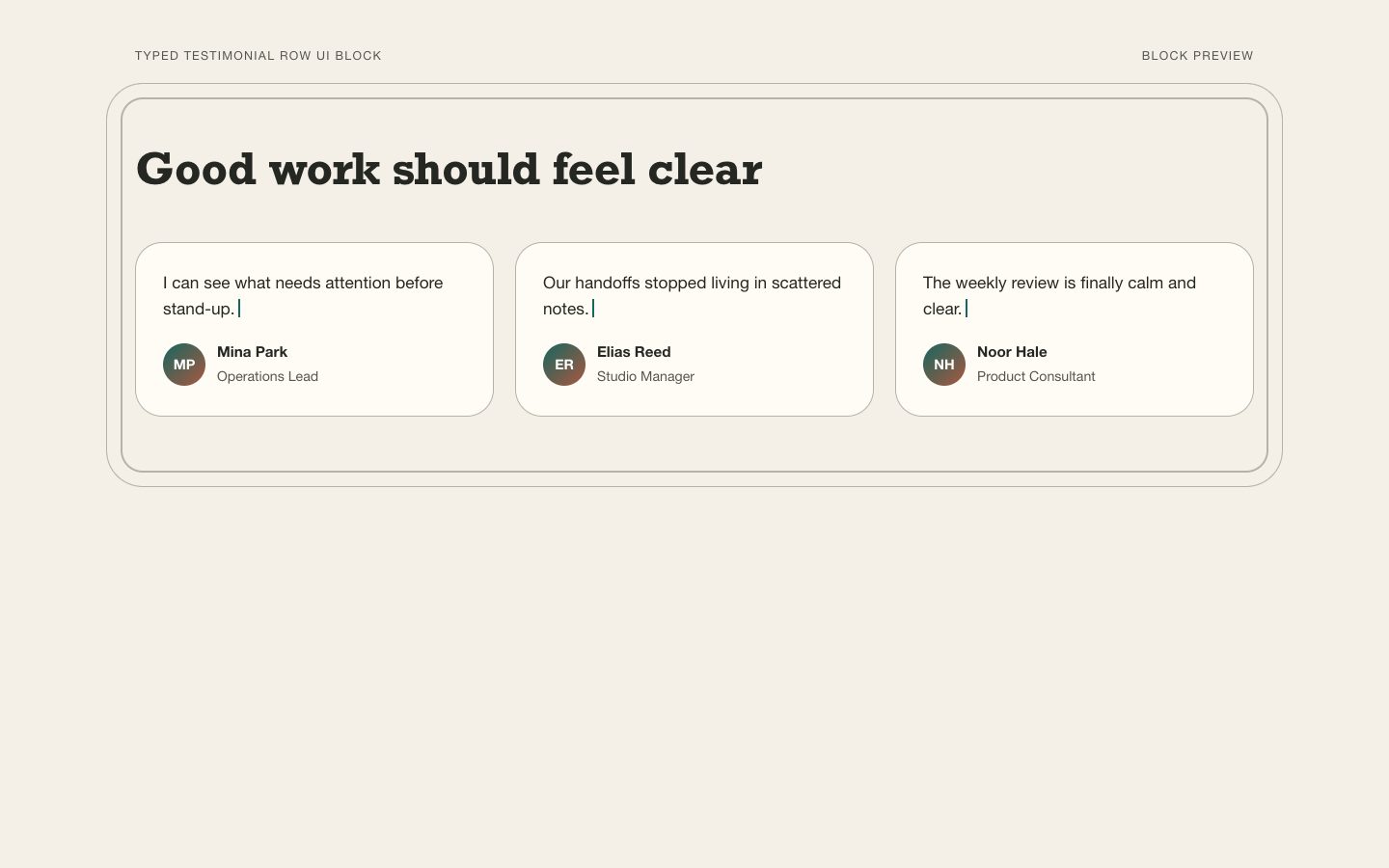
$4.99用于发布页与营销活动的精致可编辑客户见证语横排组件。暖纸色、对齐的引语栏与克制的青绿色细节,让真实反馈更易浏览,同时避免夸大其词。
 $4.99
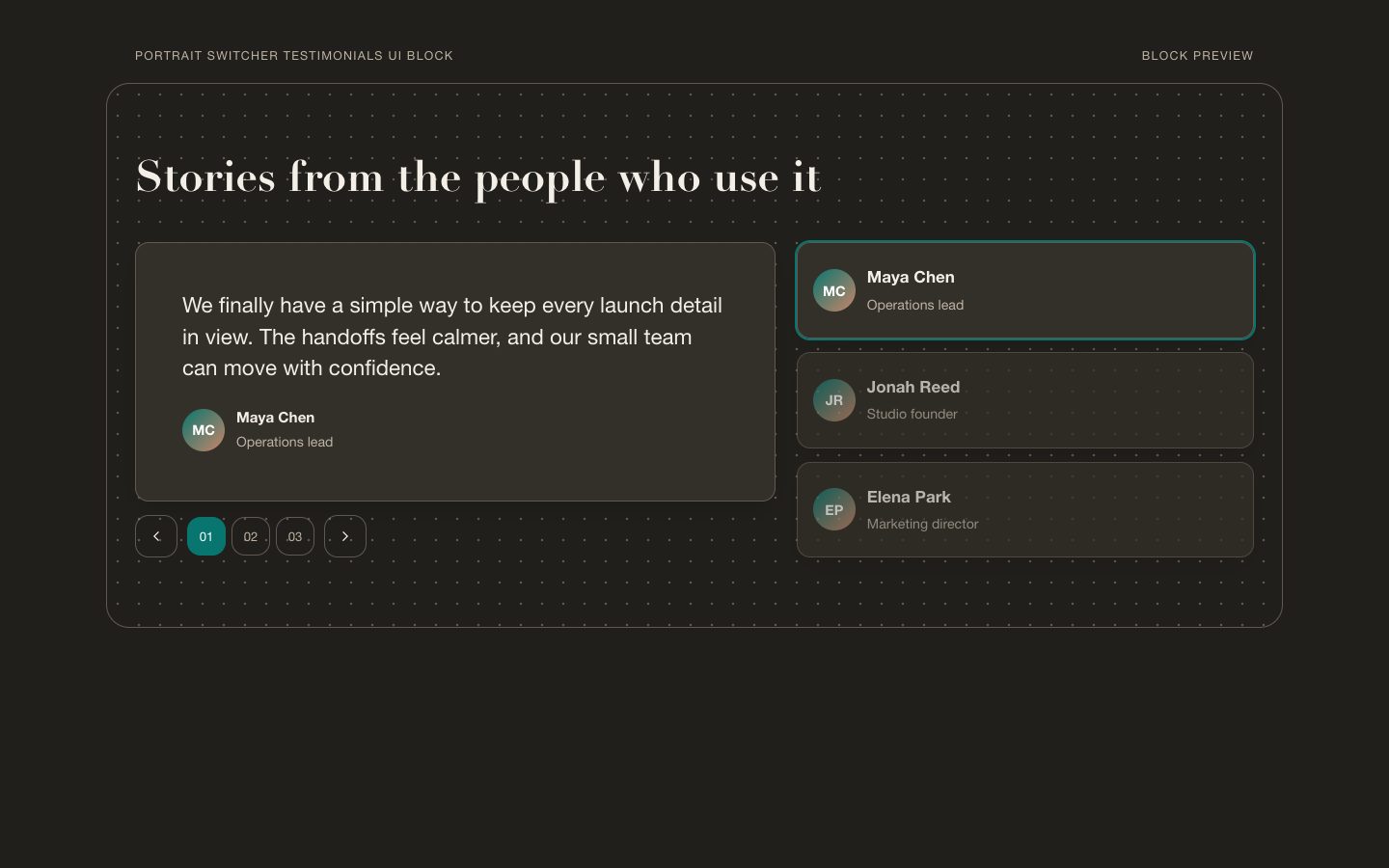
$4.99可复用的营销客户评价区块,包含可切换的肖像、编辑感字体与暖中性色表面,并以青绿色作为交互强调。适用于需要以精致、可直接嵌入页面的方式展示客户认可的产品发布页和推广页。
 $4.99
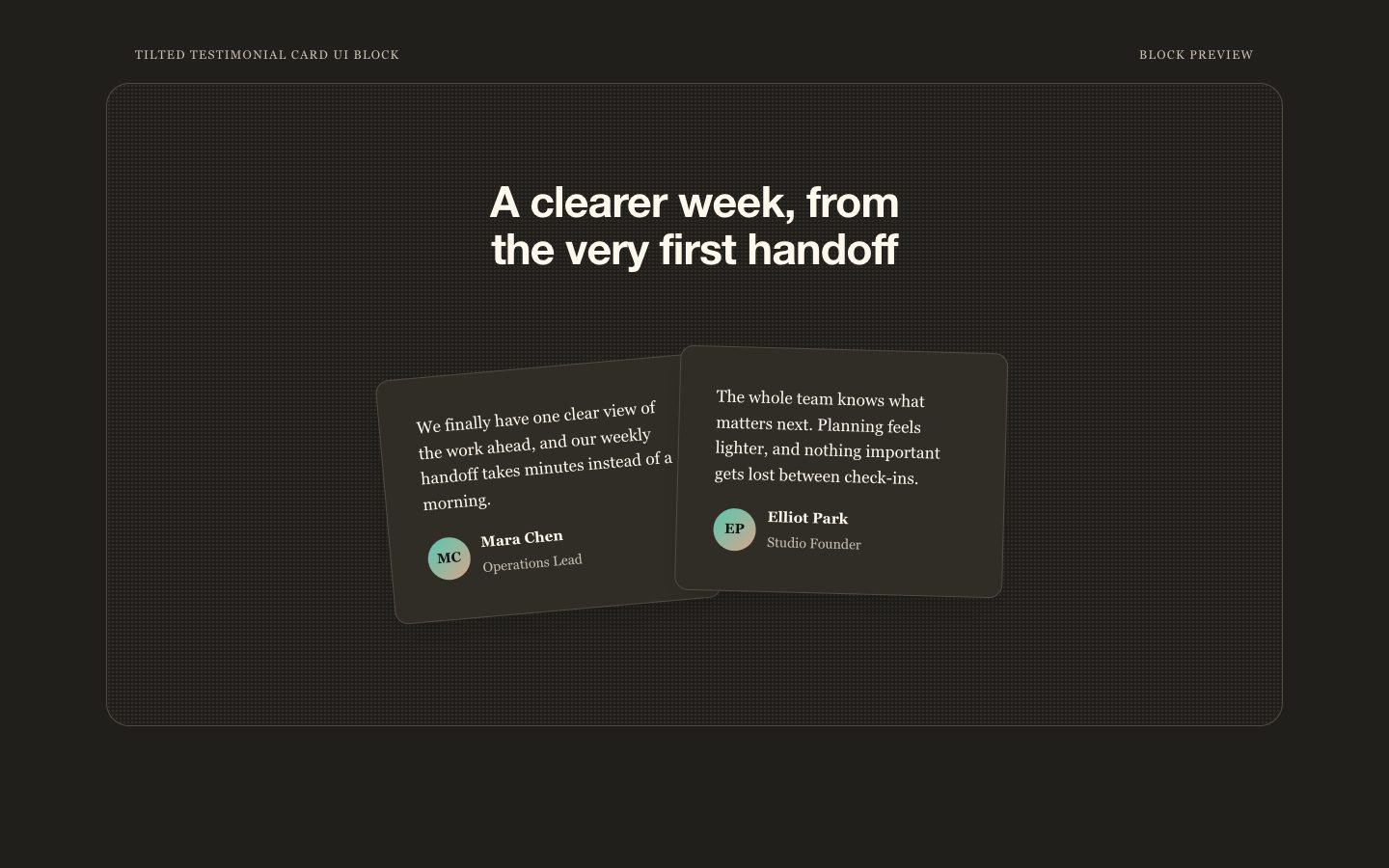
$4.99一个可复用、响应式的客户评价区块,以轻微倾斜的纸感卡片为视觉焦点,采用暖中性色并点缀克制的青绿色。适用于需要可信客户声音的产品发布页和营销页面。
 $4.99
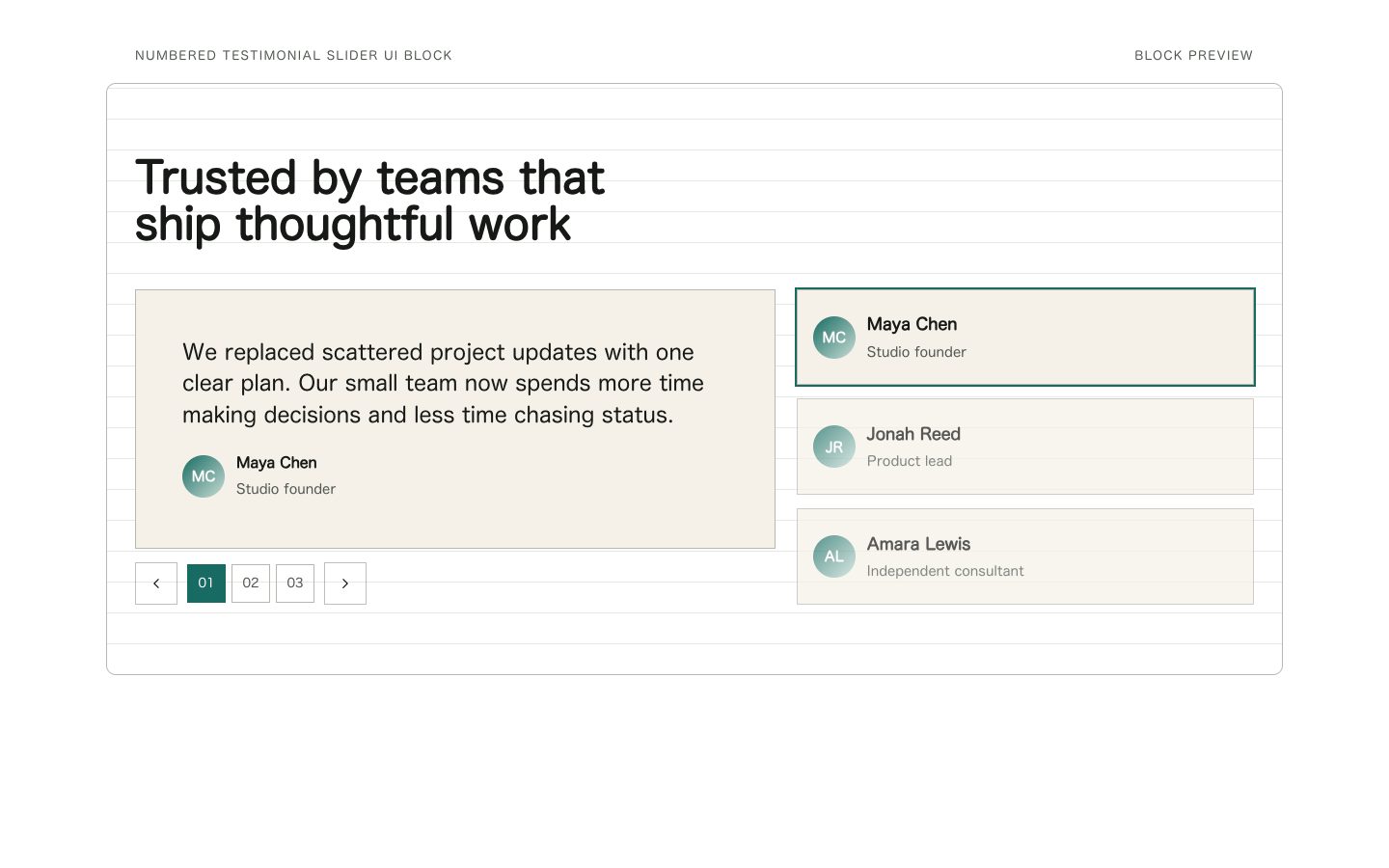
$4.99可复用的客户评价区块,配有编号切换控件、暖中性色表面和克制的青绿色强调。适用于产品发布和营销页面,让客户反馈可信、易读,也便于编辑。
 $4.99
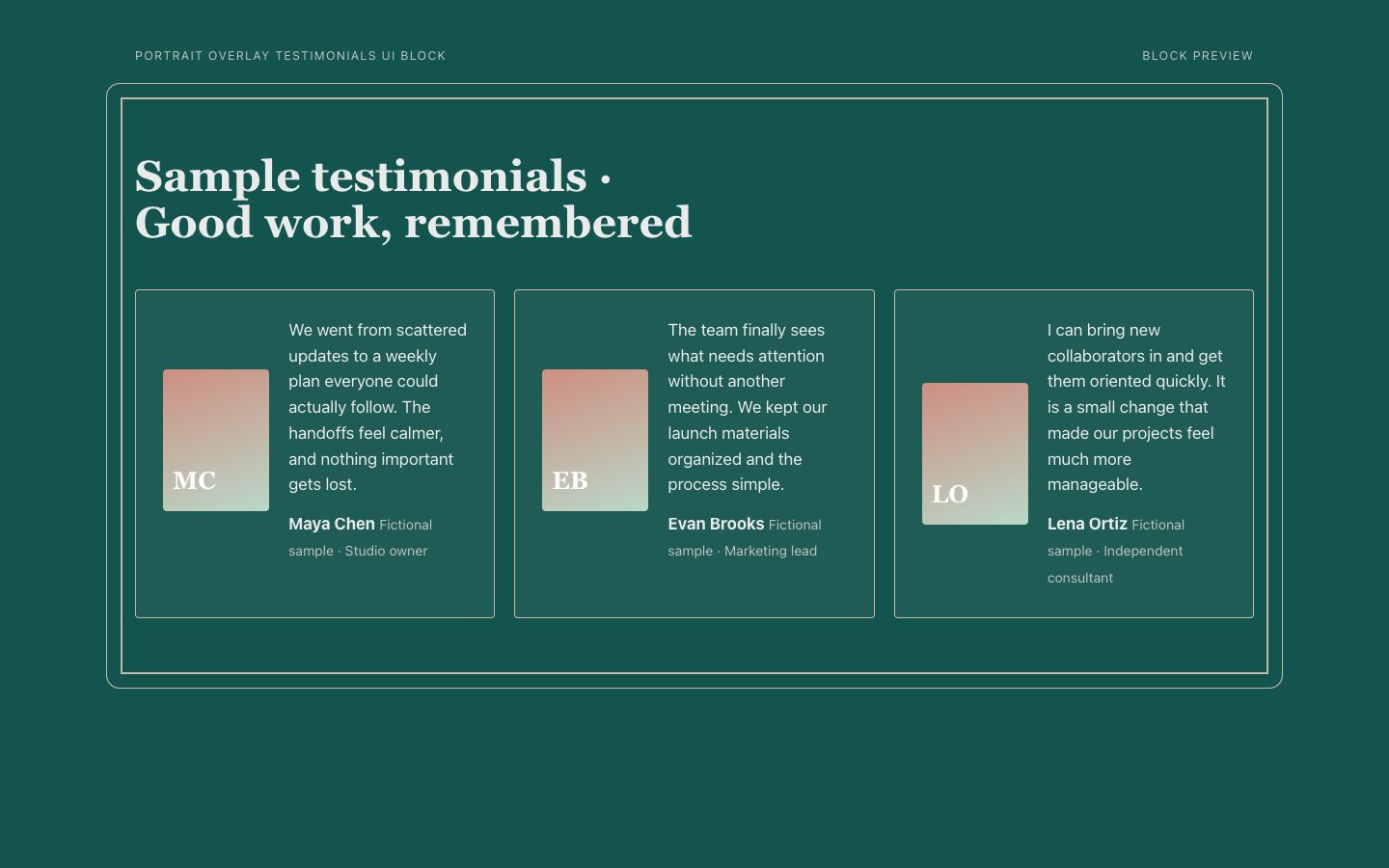
$4.99可复用的客户评价区块,以错位人像边框和暖奶油色引语面板搭配深青绿色底色。桌面端充分利用横向空间,移动端保持清晰的阅读顺序。
 $4.99
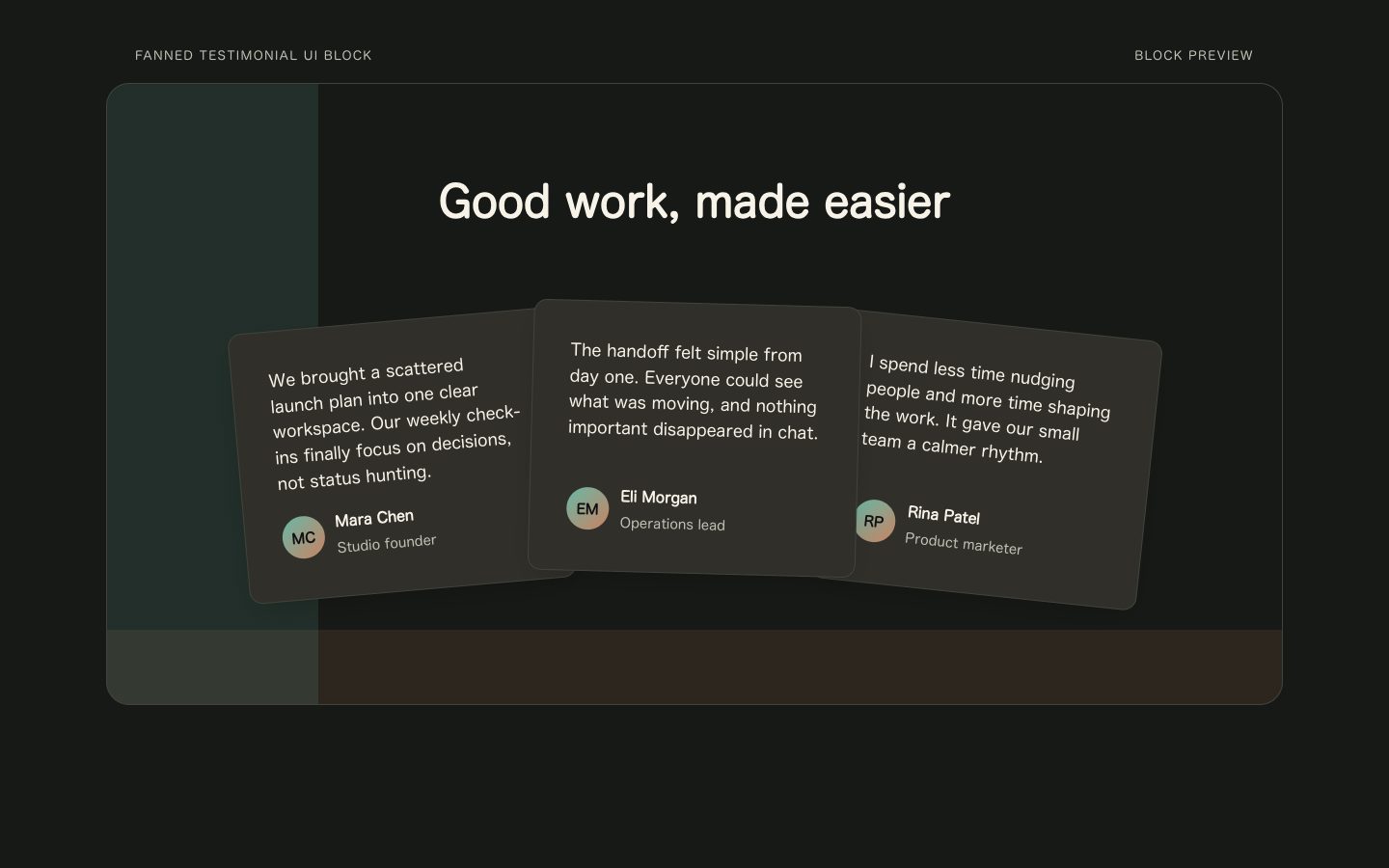
$4.99可复用的用户评价区块,以温暖的炭灰色卡片扇形排列在深墨色背景上,并点缀克制的青绿色。适合需要自然、有编辑感的社会认同内容的产品发布页和营销页面。
 $4.99
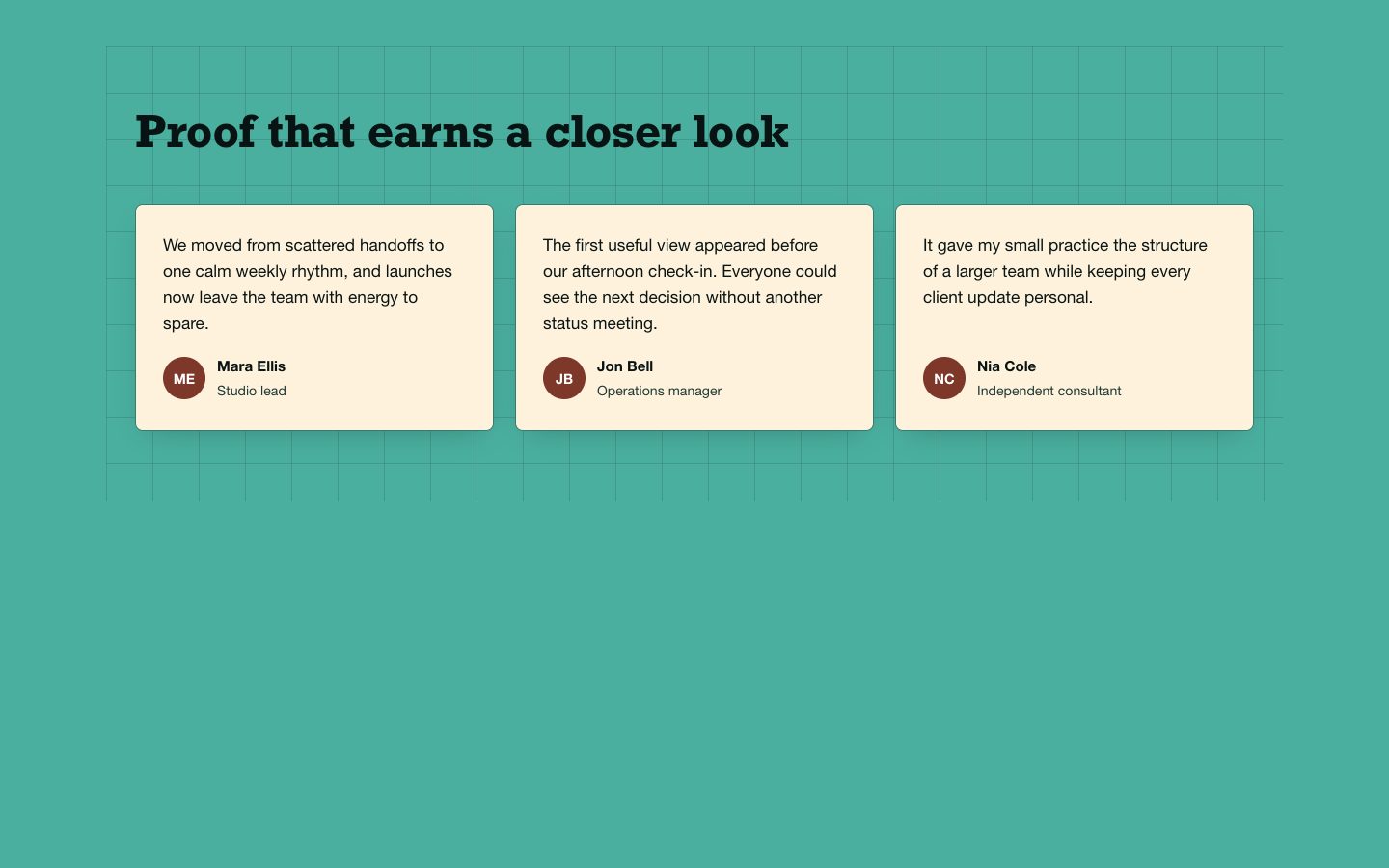
$4.99用于产品发布页和营销活动页面的可复用用户评价区块,以青绿色画布承载紧凑的编辑式网格。奶油色卡片、清晰署名和克制的陶土色强调,让客户反馈更容易快速浏览,且不附加页面框架。