WebPremium Verified

Tilted Photo Testimonials UI Block

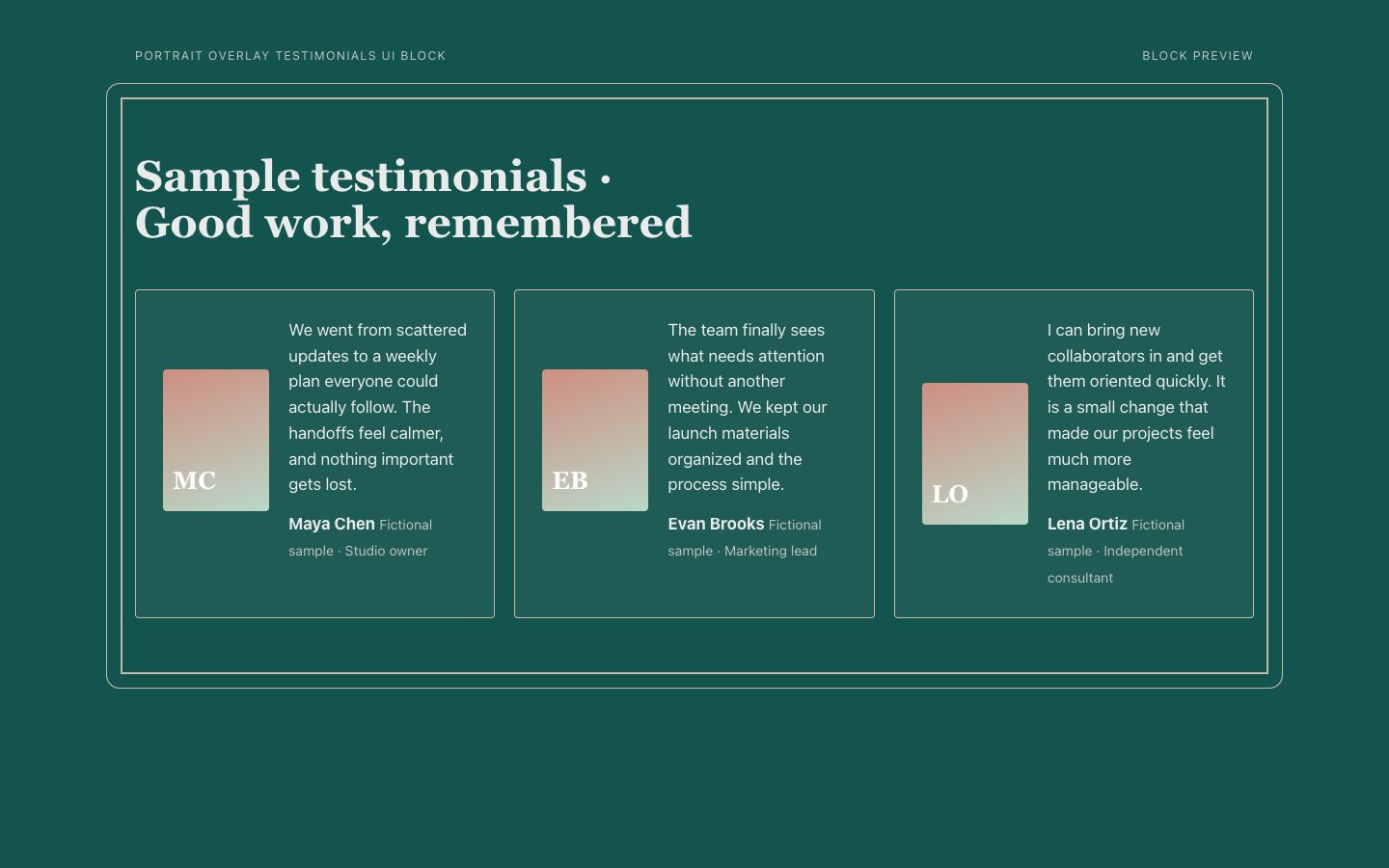
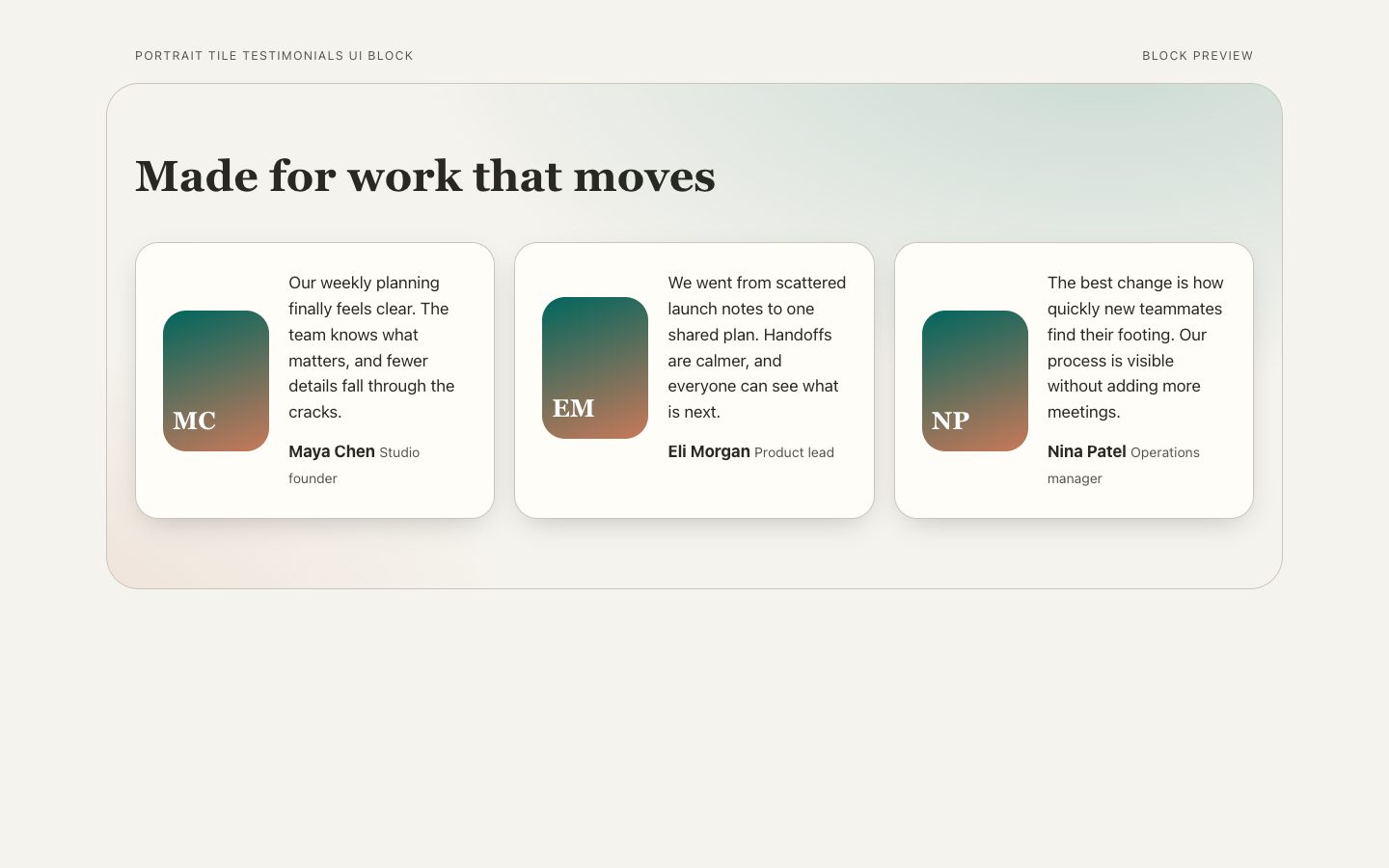
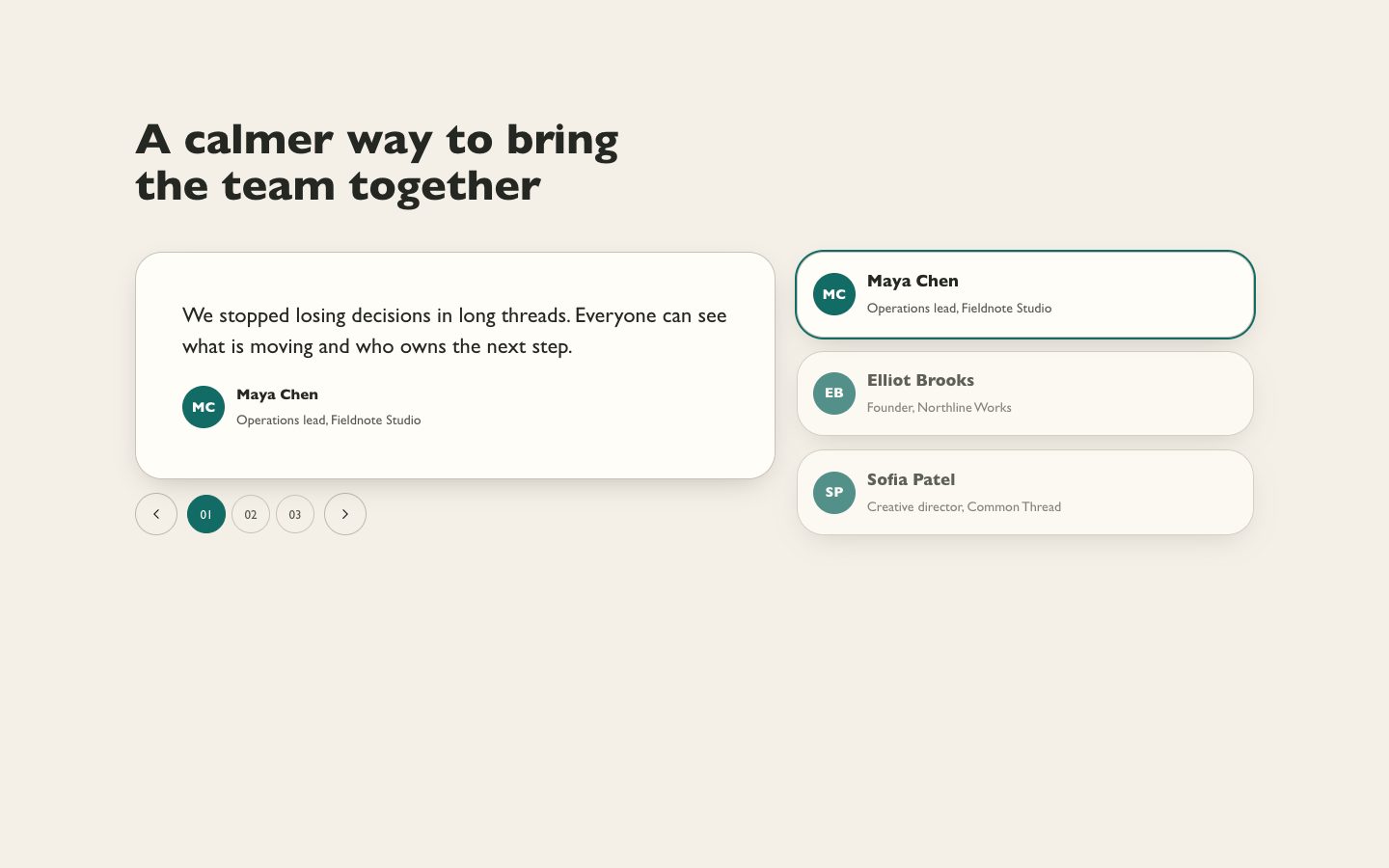
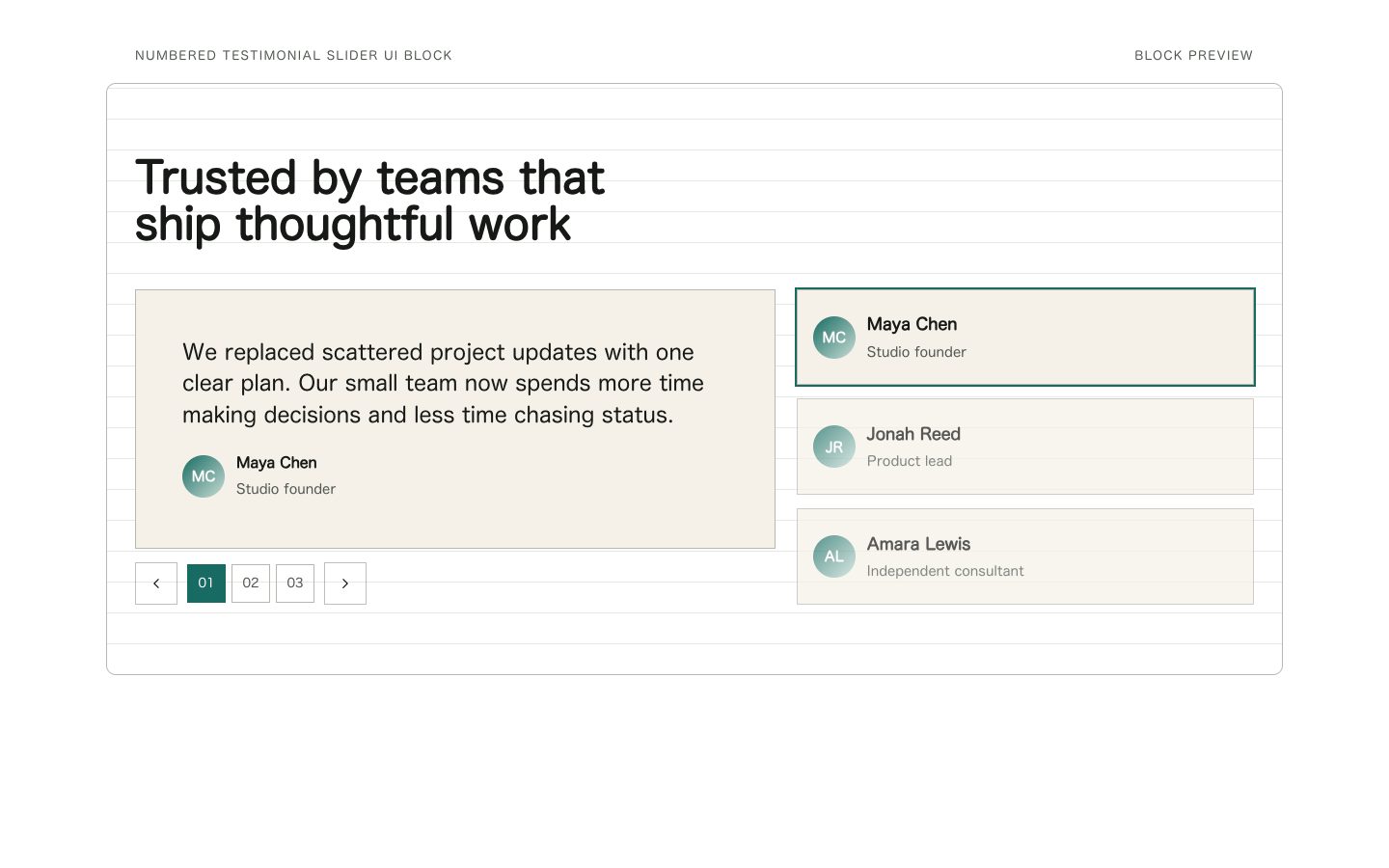
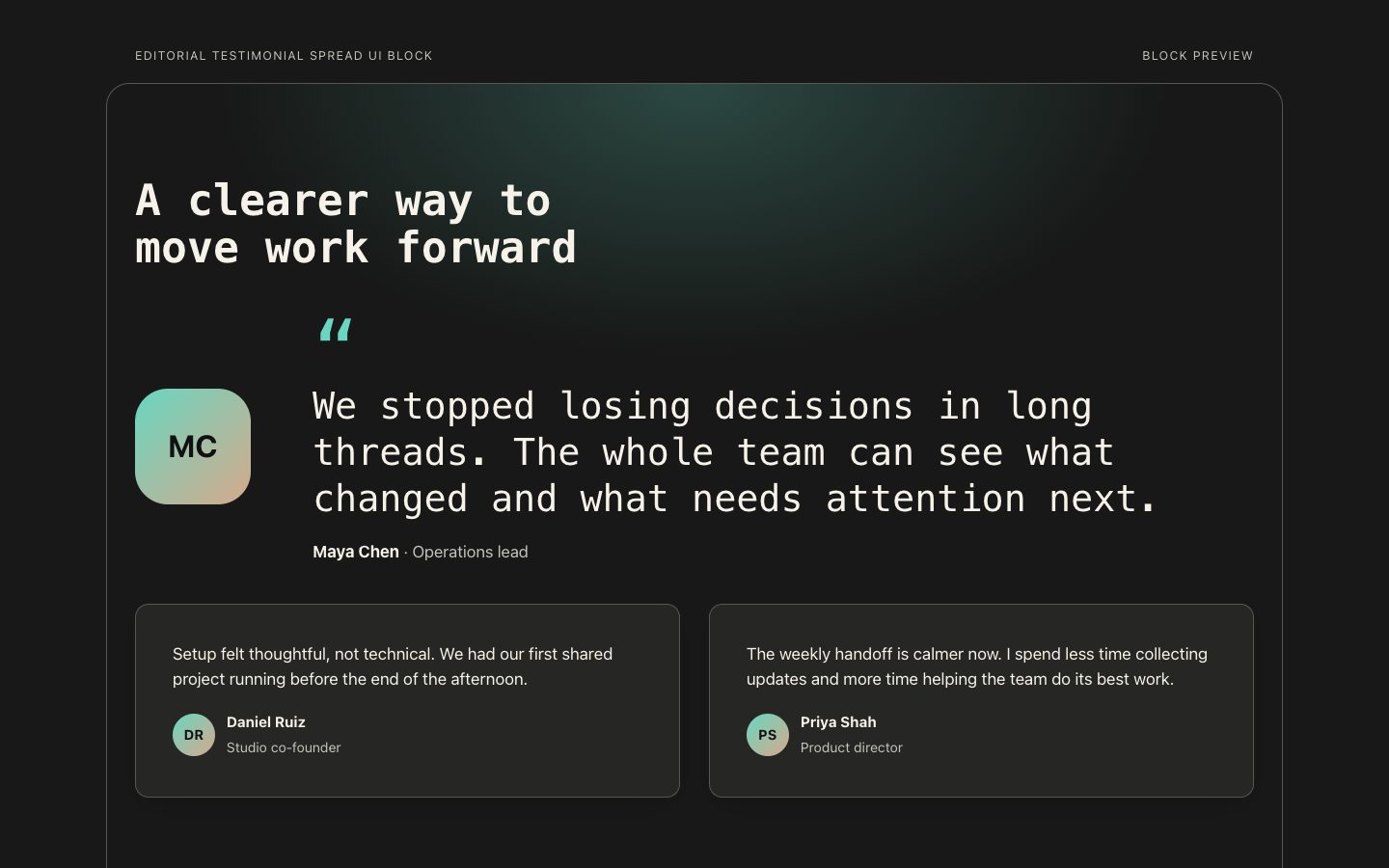
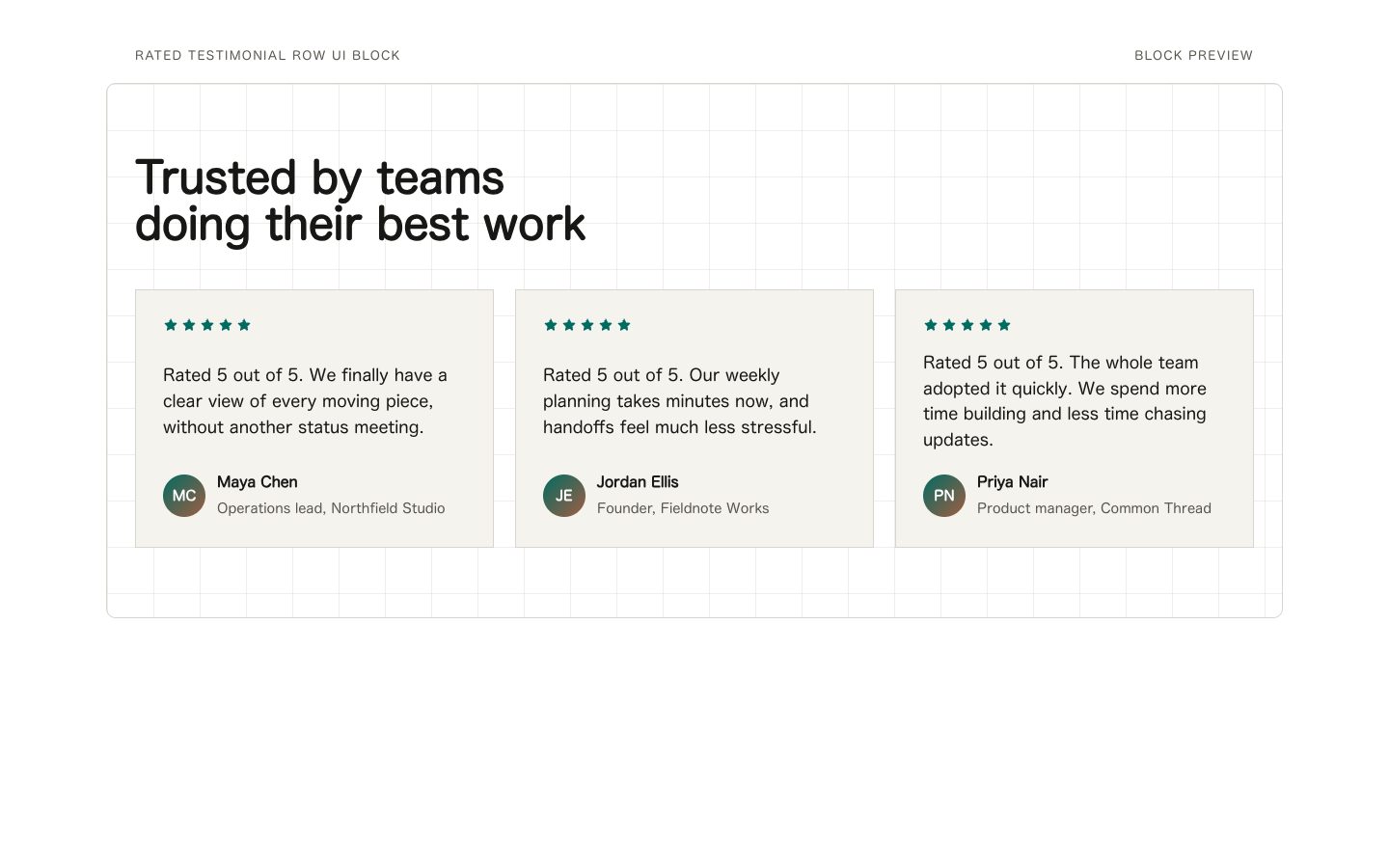
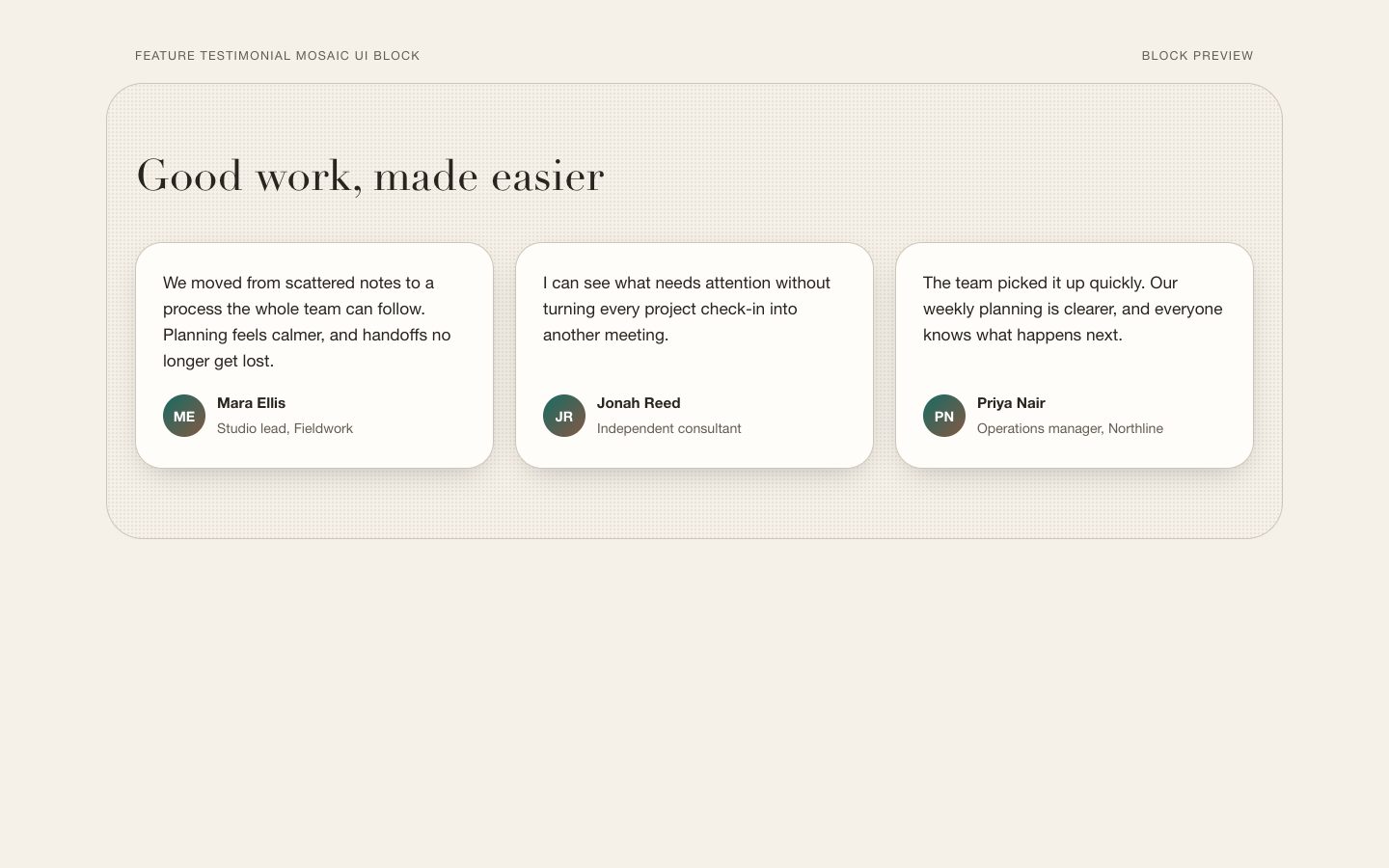
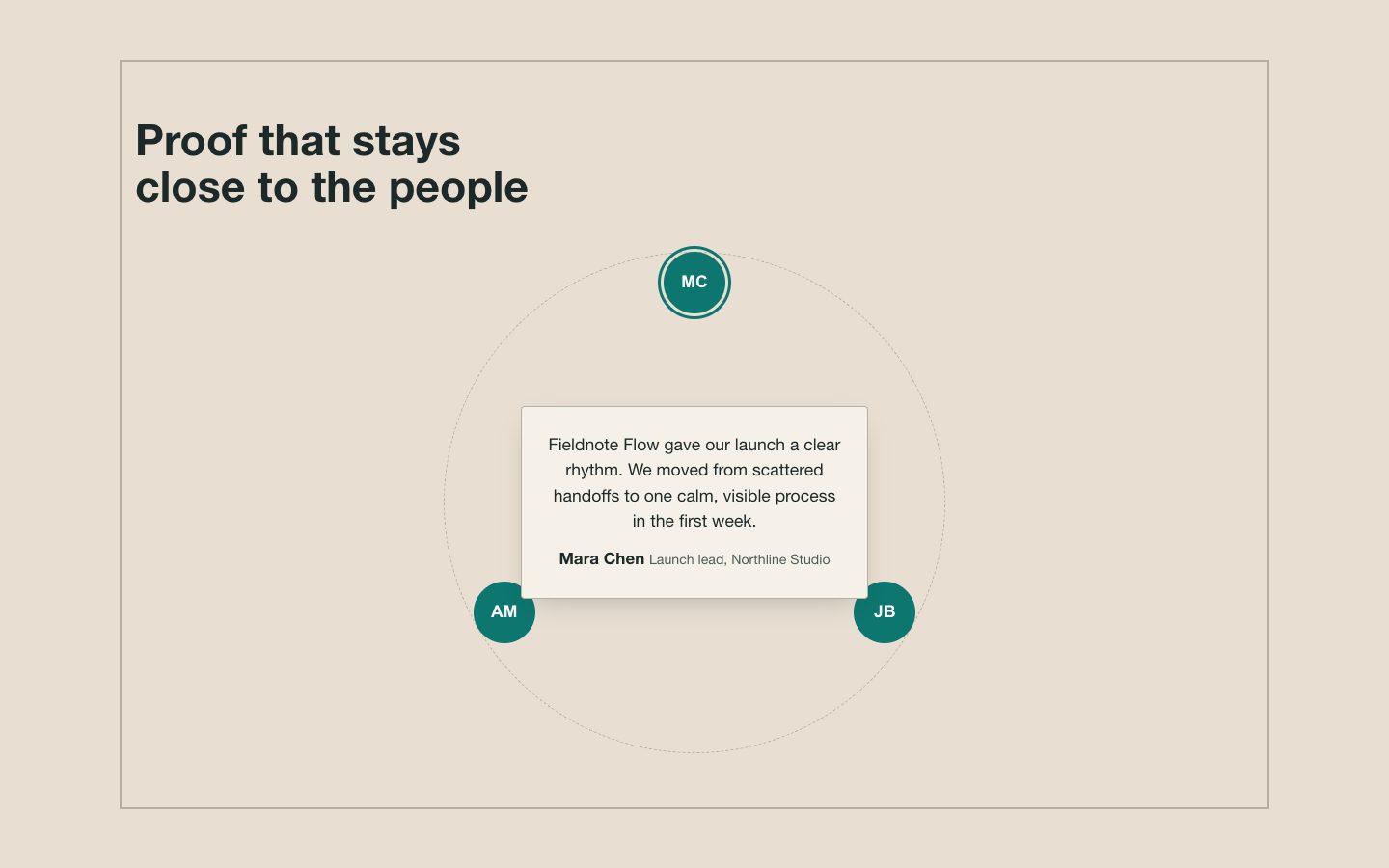
A reusable testimonials section with gently tilted portraits, specific customer quotes, and warm-neutral styling. Designed for product launches, campaign pages, and marketing sites that need credible human proof.

What you get

  • One responsive testimonials section with two or three customer stories
  • Editable quote, name, role, and portrait fields
  • A restrained warm-neutral palette with high-contrast type and teal accents
  • Responsive portrait framing and accessible image descriptions

Good fit

  • Product launches that need concise, credible customer proof
  • Marketing pages where candid portraits support the story

Not for

  • A full website or multi-section landing page
  • Invented endorsements or unsupported customer results

What you provide

  • Approved customer quotes and attribution
  • Portrait images or permission for fictional sample imagery
  • Product context and intended page audience

Requirements

  • A modern browser
  • Node.js 20+ for the validator

Running cost

No external services. Runs entirely on your agent.

Try this prompt

/sl-tilted-photo-testimonials-ui-block Create a testimonial section for a fictional planning app, for teams who want calmer, more reliable workweeks. Show the headline “Good plans make room for better work” and three customer quotes with names and roles: Maya Chen, independent product designer; Elliot Brooks, studio owner; and Nina Patel, operations lead. Use the Clayline Portraits style with tilted photos and warm, restrained tones.

Follow-up prompts

  • Adapt the section to two testimonials and keep the layout balanced.
  • Make portrait image sources and alt text easy to replace.

Verification

Verified

render-checkpass4.0 / 514s

FAQ

Can I use my own portrait images?

Yes. Provide authorized portrait files and the block should expose each image source and alt description as editable values.

Can the layout work with two testimonials?

Yes. The section supports two or three entries; spacing should remain balanced without adding filler content.

Will the portraits stay tilted on mobile?

Use smaller rotations on narrow screens and remove overlap where needed so images and text remain fully visible.

Similar skills

Tilted Photo Testimonials UI Block · SkillLoom