ImageFree Verified

Hand-Drawn Visual Notes Illustration

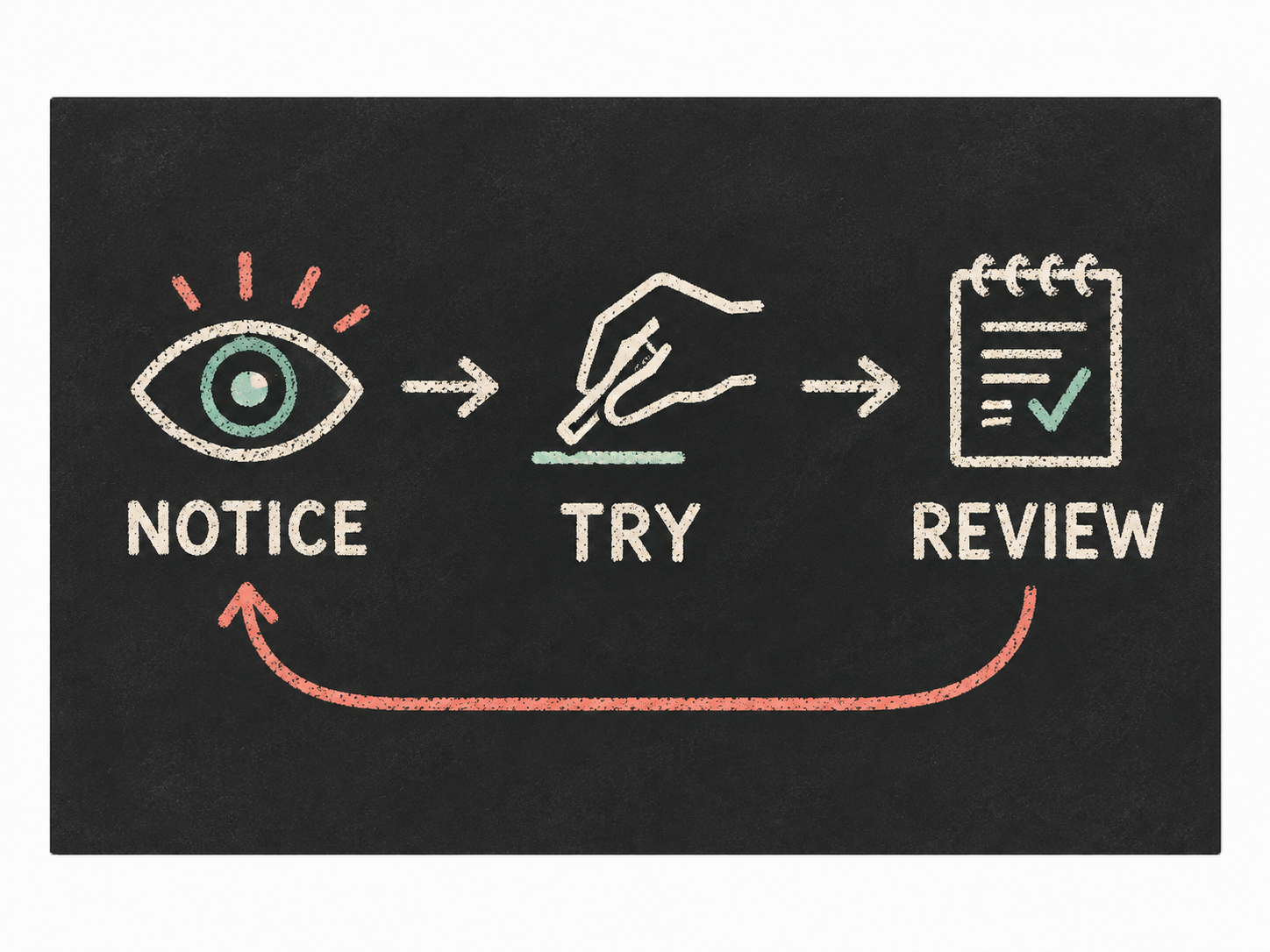
A focused illustration skill for turning a process, concept, or research summary into a sketchy visual-notes graphic with clear structure, organic ink lines, colored-pencil accents, and a charcoal ground. Best for explainers that need warmth without sacrificing logical reading order.

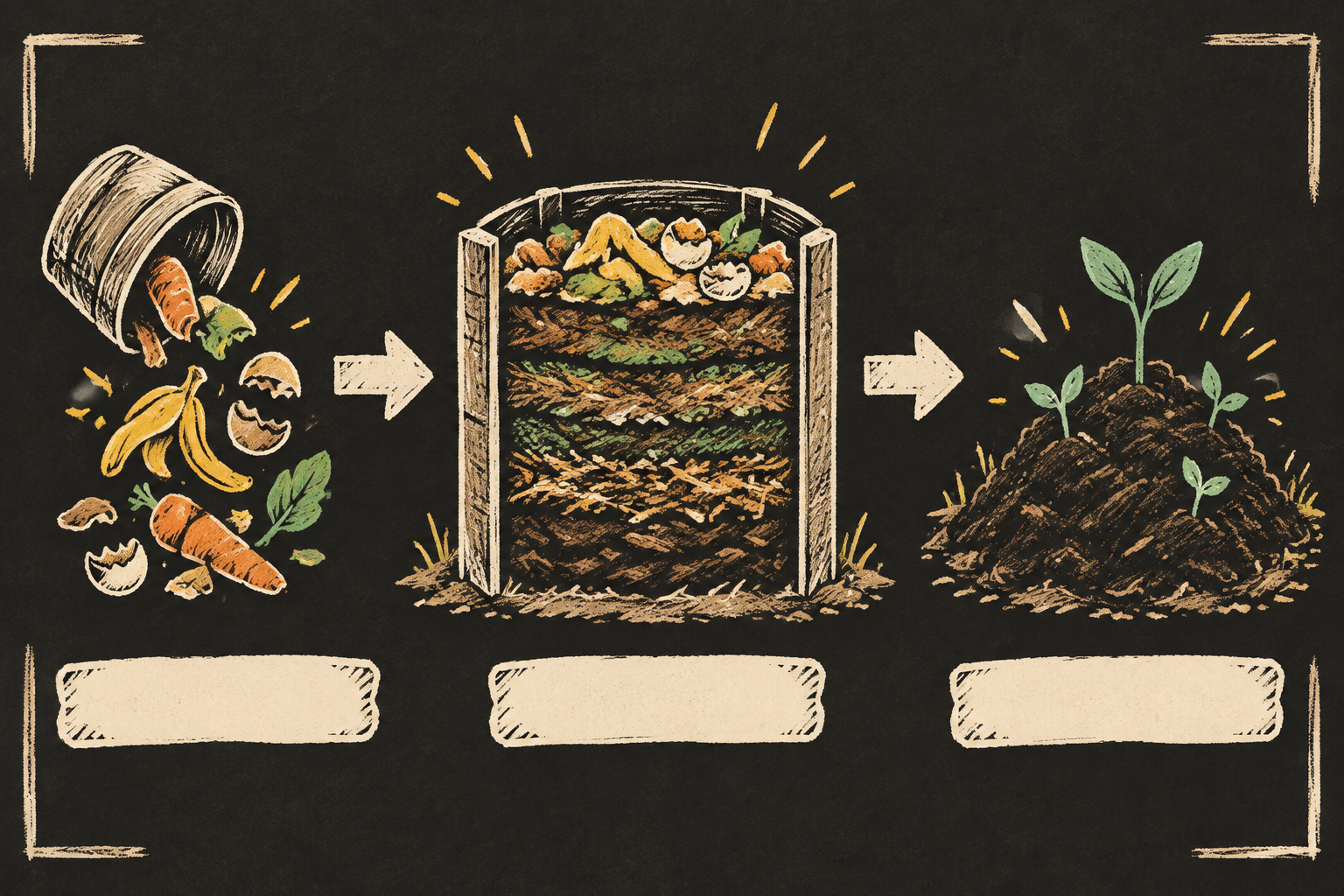
sl-hand-drawn-visual-notes-illustration sample output

What you get

  • A single hand-drawn explainer composition with a strong reading path
  • Organic ink contours and colored-pencil emphasis on key concepts
  • Blank, intentional callout areas for accurate post-production labels
  • Source-faithful visual relationships without invented facts

Good fit

  • Teaching a process or technical concept to a general audience
  • Publishing an article, lesson, or campaign explainer with one memorable visual
  • Showing stages, dependencies, contrasts, or a simple conceptual system

Not for

  • Exact data tables or label-heavy diagrams
  • Photorealistic scenes or branded product artwork
  • Engineering drawings requiring standardized precision

What you provide

  • Source notes or a concise explanation of the topic
  • Audience, publishing context, and intended reading order
  • Concepts, relationships, and facts that must appear
  • Target ratio and any required visual exclusions

Requirements

  • Node.js 20+
  • A SkillLoom generation key (prepaid)

Running cost

Each image is generated with your prepaid SkillLoom generation key (about $0.05 per image at 1K). Subscriptions do not include generation credits.

A typical run costs about $0.05 at sub2api prices, charged to your prepaid key.

Try this prompt

/sl-hand-drawn-visual-notes-illustration Create a 3:2 hand-drawn explainer of how kitchen scraps become compost in a community garden. Show three stages from left to right: scraps, layered compost in a central bin, then rich soil. Include three clean blank callout strips and no generated words. Use a warm, practical sketchbook style with charcoal background, off-white ink, and yellow and mint accents.

Follow-up prompts

  • Make the process more compact and emphasize the transition between stages.
  • Shift the focal point to the final outcome while keeping all three stages visible.
  • Create a comparison layout showing the recommended approach beside a common mistake.

Verification

Verified

render-checkpass5.0 / 5200s

FAQ

Will the image include exact labels from my brief?

The illustration reserves clean callout areas but avoids generated text, because image models can distort spelling. Add final labels in your publishing tool for dependable accuracy.

Can I use this for a technical explainer?

Yes, when the topic can be reduced to a small number of visible concepts and relationships. Provide the source structure clearly and identify any notation that must not be simplified.

What makes this different from a generic sketch?

The composition is organized around a deliberate reading path, with scale, arrows, spacing, and restrained accent colors carrying the logic rather than decoration.

SKILL.md

SKILL.md

Hand-Drawn Visual Notes Illustration

A source-faithful hand-drawn explainer graphic that turns a supplied idea into a clear visual sequence of sketched forms, connected annotations, and restrained colored-pencil emphasis.

Style: Inkboard Field Notes. Focused and tactile, like a carefully composed research note drawn live on a dark classroom board. Follow references/style-guide.md exactly.

Use this skill when

  • Teaching a process or technical concept to a general audience
  • Publishing an article, lesson, or campaign explainer with one memorable visual
  • Showing stages, dependencies, contrasts, or a simple conceptual system

Do not use

  • Dense charts, dashboards, or documents where exact labels and numeric tables must be rendered inside the image
  • Photorealistic product scenes, portraits, branded campaigns, or decorative editorial artwork without an explanatory structure
  • Complex technical schematics requiring manufacturing-level precision or standardized notation
  • To reproduce another company's brand, logo, product UI or copyrighted characters.

Inputs

  • The source explanation, notes, or outline to visualize
  • The intended audience and their existing knowledge
  • The primary reading order or cause-and-effect relationship
  • Required concepts, quantities, examples, and exclusions
  • Preferred output ratio and where the illustration will be published

If something essential is missing, ask one short question before starting. Never invent facts, numbers, quotes or customer names; mark gaps as [needs source].

Workflow

  1. Collect the brief fields listed in references/prompt-framework.md. If any text will appear in the image, confirm it letter by letter and freeze it.
  2. Build the prompt with references/prompt-framework.md, following references/visual-system.md for subject, composition, light, palette and the text policy. Write it to prompt.txt.
  3. Check that the generation key is configured: SKILLLOOM_API_KEY and SKILLLOOM_BASE_URL (run npx skillloom doctor --write-env if not).
  4. Tell the user the image is paid from their prepaid key (see the cost note) and get explicit approval.
  5. Generate one image. The task id is saved first, so re-running the same command resumes instead of paying twice:

``bash node scripts/generate.mjs --prompt-file prompt.txt --output image.png --task-file image-task.json --confirm-paid ``

  1. Run the validator and fix every problem it reports:

``bash node scripts/validate-image.mjs image.png ``

What makes this excellent

  • Reduce the source into three to five visible concepts and choose one dominant reading path before writing the image prompt.
  • Make the central concept the largest sketched object, then use smaller blocks, symbols, and arrows to show sequence or dependency.
  • Preserve the source relationship exactly: distinguish causes, stages, outcomes, and comparisons through placement rather than invented claims.
  • Use blank callout strips and numbered visual markers instead of generated words so final labels can be typeset accurately.
  • Check that the illustration remains understandable at thumbnail size through silhouette, spacing, and accent placement.
  • Keep the deep ground, warm linework, and two-color pencil accents consistent across every object and connector.

Output contract

  • One PNG at 3:2, at least 1200px wide, following the visual system; any approved text spelled exactly.
  • No logos, watermarks or real people's likenesses unless the user owns them.
  • A hand-off note with the final prompt, the task file path and the validator output.
  • One 3:2 illustration at a minimum width of 1200 pixels, with a clear visual hierarchy and reserved areas for exact labels.
  • No invented claims, brand marks, readable pseudo-text, or unsupported data; all depicted relationships must come from the supplied brief.
  • The final image should work as a standalone explainer and remain legible when reduced for a course page or article preview.

Reference demo and agent run

The preview image was generated from the sample brief in scripts/image-spec.json. In a real run the agent fills the brief from the user's request, generates with the user's key, checks the result against the output contract (required text, ratio, no extra words) and regenerates when it misses.

Failure rules

  • If the API reports a low balance or a limit, stop and tell the user; never switch providers or keys silently.
  • If text is misspelled or the composition misses the visual system, ask before generating again. Never retry automatically; every attempt is paid.
  • Never print or store the API key in files you hand over.

Similar skills

Hand-Drawn Visual Notes Illustration · SkillLoom