图片免费 已验证

手绘视觉笔记插画

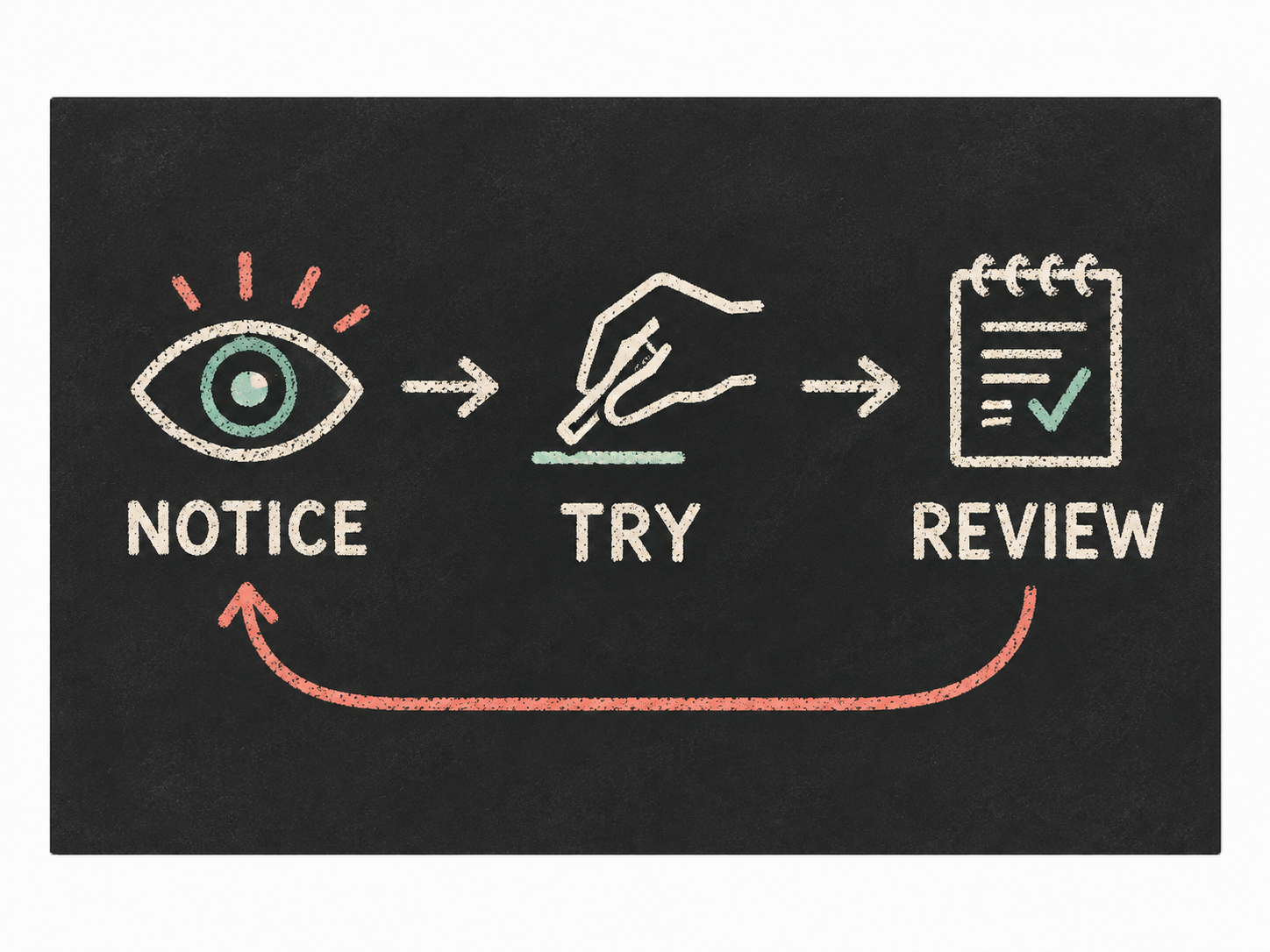
将流程、概念或研究摘要转化为结构清晰的手绘视觉笔记插画,使用自然墨线、彩铅重点和深炭黑背景。适合课程、文章和传播内容,在保留逻辑顺序的同时让复杂信息更容易理解。
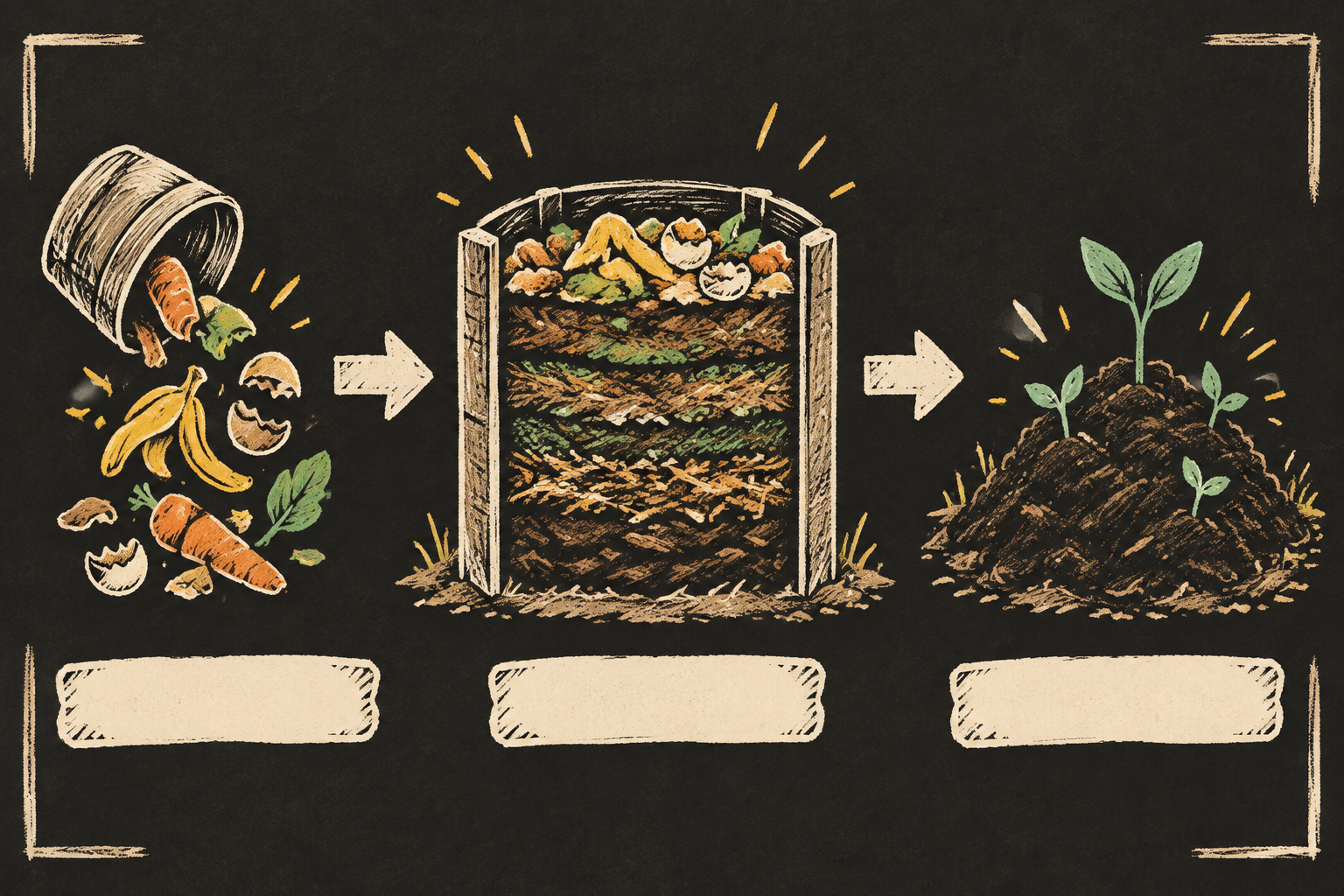
sl-hand-drawn-visual-notes-illustration sample output

你会得到

  • 一张具有明确阅读路径的手绘解释图
  • 自然墨线与彩铅重点共同建立视觉层级
  • 为准确后期排版预留的空白标注区域
  • 忠实于来源关系且不擅自编造事实的视觉表达

适合

  • 向普通读者讲解流程或技术概念
  • 为文章、课程或传播内容制作记忆点明确的主视觉
  • 展示阶段、依赖关系、对比或简单概念系统

不适合

  • 需要精确表格或大量文字标签的图表
  • 写实场景、品牌产品或人物肖像
  • 要求标准化精密度的工程制图

你需要提供

  • 主题来源笔记或简明说明
  • 受众、发布场景和预期阅读顺序
  • 必须出现的概念、关系和事实
  • 目标比例以及需要排除的视觉元素

运行要求

  • Node.js 20+
  • A SkillLoom generation key (prepaid)

运行成本

Each image is generated with your prepaid SkillLoom generation key (about $0.05 per image at 1K). Subscriptions do not include generation credits.

一次典型运行约 $0.05(按 sub2api 价格,从你的预付费 key 扣除)

试试这个提示词

/sl-hand-drawn-visual-notes-illustration 请创作一张3:2手绘插画,说明厨房厨余如何在社区花园变成堆肥。由左至右展示三个阶段:厨余、中央堆肥箱中的分层堆肥,以及肥沃土壤。留出三条干净的空白标注条,不生成文字。采用温暖实用的手绘笔记风格,以炭黑为背景,搭配暖白墨线和黄色、薄荷绿点缀。

后续提示词

  • 让流程更紧凑,并突出三个阶段之间的转化关系。
  • 将视觉焦点移到最终结果,同时保留三个阶段。
  • 制作左右对比构图,展示推荐方法与常见错误。

验证情况

已验证

render-checkpass5.0 / 5200s

常见问题

图片会直接包含我提供的准确文字吗?

插画会预留干净的标注区域,但不会生成可读文字,因为图像模型可能造成拼写错误。请在发布工具中添加最终标签,以确保文字准确。

这项技能适合技术解释内容吗?

适合,只要主题可以归纳为少量可视化概念和关系。请清楚提供来源结构,并说明哪些符号或表达不能被简化。

它和普通手绘草图有什么区别?

构图会围绕明确的阅读路径组织,通过大小、箭头、间距和有限的重点色传达逻辑,而不是只增加装饰。

SKILL.md

SKILL.md

Hand-Drawn Visual Notes Illustration

A source-faithful hand-drawn explainer graphic that turns a supplied idea into a clear visual sequence of sketched forms, connected annotations, and restrained colored-pencil emphasis.

Style: Inkboard Field Notes. Focused and tactile, like a carefully composed research note drawn live on a dark classroom board. Follow references/style-guide.md exactly.

Use this skill when

  • Teaching a process or technical concept to a general audience
  • Publishing an article, lesson, or campaign explainer with one memorable visual
  • Showing stages, dependencies, contrasts, or a simple conceptual system

Do not use

  • Dense charts, dashboards, or documents where exact labels and numeric tables must be rendered inside the image
  • Photorealistic product scenes, portraits, branded campaigns, or decorative editorial artwork without an explanatory structure
  • Complex technical schematics requiring manufacturing-level precision or standardized notation
  • To reproduce another company's brand, logo, product UI or copyrighted characters.

Inputs

  • The source explanation, notes, or outline to visualize
  • The intended audience and their existing knowledge
  • The primary reading order or cause-and-effect relationship
  • Required concepts, quantities, examples, and exclusions
  • Preferred output ratio and where the illustration will be published

If something essential is missing, ask one short question before starting. Never invent facts, numbers, quotes or customer names; mark gaps as [needs source].

Workflow

  1. Collect the brief fields listed in references/prompt-framework.md. If any text will appear in the image, confirm it letter by letter and freeze it.
  2. Build the prompt with references/prompt-framework.md, following references/visual-system.md for subject, composition, light, palette and the text policy. Write it to prompt.txt.
  3. Check that the generation key is configured: SKILLLOOM_API_KEY and SKILLLOOM_BASE_URL (run npx skillloom doctor --write-env if not).
  4. Tell the user the image is paid from their prepaid key (see the cost note) and get explicit approval.
  5. Generate one image. The task id is saved first, so re-running the same command resumes instead of paying twice:

``bash node scripts/generate.mjs --prompt-file prompt.txt --output image.png --task-file image-task.json --confirm-paid ``

  1. Run the validator and fix every problem it reports:

``bash node scripts/validate-image.mjs image.png ``

What makes this excellent

  • Reduce the source into three to five visible concepts and choose one dominant reading path before writing the image prompt.
  • Make the central concept the largest sketched object, then use smaller blocks, symbols, and arrows to show sequence or dependency.
  • Preserve the source relationship exactly: distinguish causes, stages, outcomes, and comparisons through placement rather than invented claims.
  • Use blank callout strips and numbered visual markers instead of generated words so final labels can be typeset accurately.
  • Check that the illustration remains understandable at thumbnail size through silhouette, spacing, and accent placement.
  • Keep the deep ground, warm linework, and two-color pencil accents consistent across every object and connector.

Output contract

  • One PNG at 3:2, at least 1200px wide, following the visual system; any approved text spelled exactly.
  • No logos, watermarks or real people's likenesses unless the user owns them.
  • A hand-off note with the final prompt, the task file path and the validator output.
  • One 3:2 illustration at a minimum width of 1200 pixels, with a clear visual hierarchy and reserved areas for exact labels.
  • No invented claims, brand marks, readable pseudo-text, or unsupported data; all depicted relationships must come from the supplied brief.
  • The final image should work as a standalone explainer and remain legible when reduced for a course page or article preview.

Reference demo and agent run

The preview image was generated from the sample brief in scripts/image-spec.json. In a real run the agent fills the brief from the user's request, generates with the user's key, checks the result against the output contract (required text, ratio, no extra words) and regenerates when it misses.

Failure rules

  • If the API reports a low balance or a limit, stop and tell the user; never switch providers or keys silently.
  • If text is misspelled or the composition misses the visual system, ask before generating again. Never retry automatically; every attempt is paid.
  • Never print or store the API key in files you hand over.

相似技能

手绘视觉笔记插画 · SkillLoom