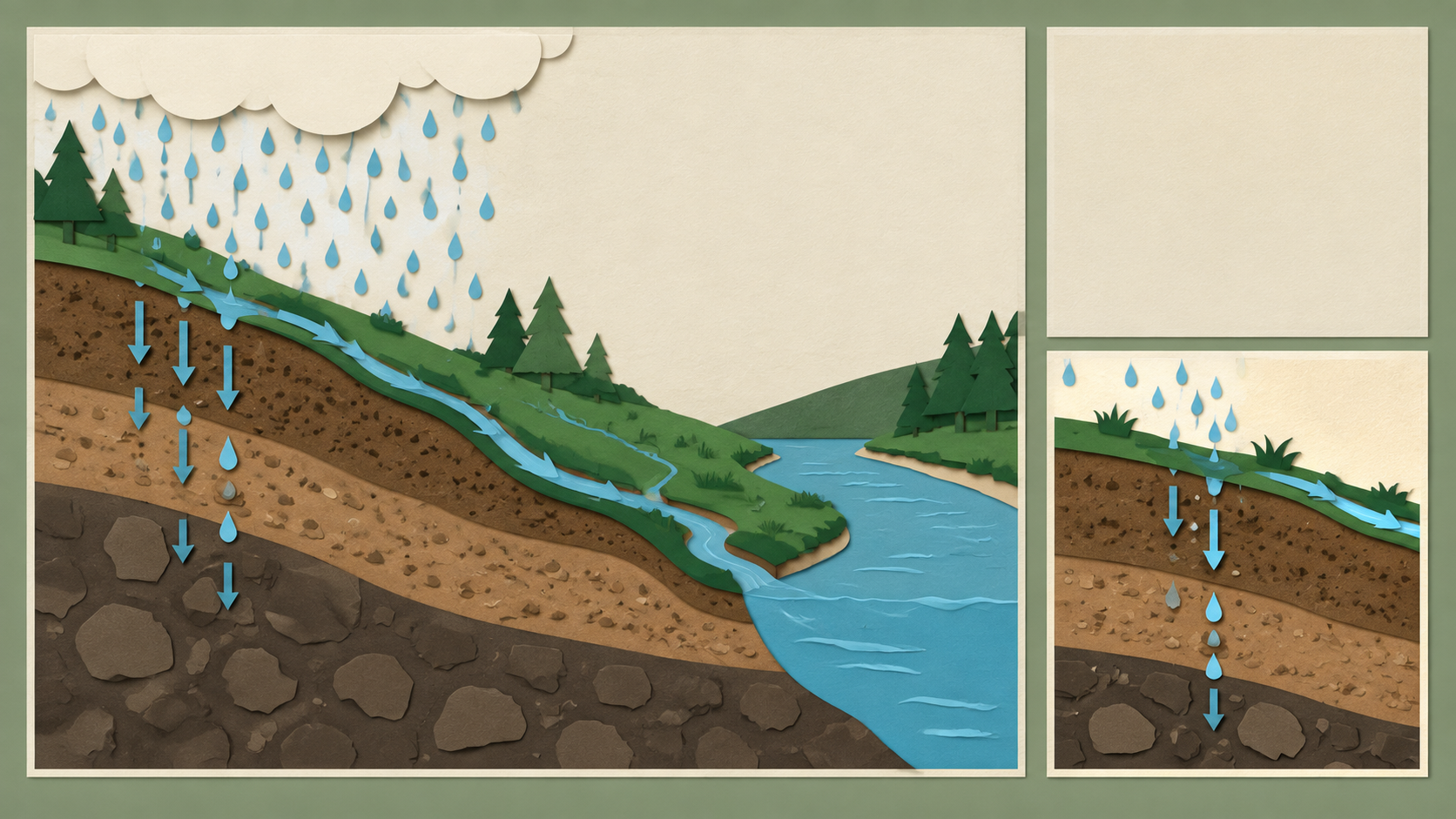
 Uses prepaid key: Each run calls an image model, billed to your own prepaid key.ImageVerified
Paper-Cut Science Explainer Illustration
Works with: Claude Code, Cursor, OpenCode, Codex, Gemini CLI


All premium skills for $9.99/month. Cancel anytime.
Upgrade nowUse it to make an image.
npx skillloom-cli install sl-whiteboard-concept-explainer-illustration
Updated Oct 7, 2026

 Uses prepaid key: Each run calls an image model, billed to your own prepaid key.ImageVerified
 Uses prepaid key: Each run calls an image model, billed to your own prepaid key.ImageVerified
 Uses prepaid key: Each run calls an image model, billed to your own prepaid key.ImageVerified
 Uses prepaid key: Each run calls an image model, billed to your own prepaid key.ImageVerified
 Uses prepaid key: Each run calls an image model, billed to your own prepaid key.ImageVerified
 Uses prepaid key: Each run calls an image model, billed to your own prepaid key.ImageVerified
 Uses prepaid key: Each run calls an image model, billed to your own prepaid key.ImageVerified
 Uses prepaid key: Each run calls an image model, billed to your own prepaid key.ImageVerified
You say
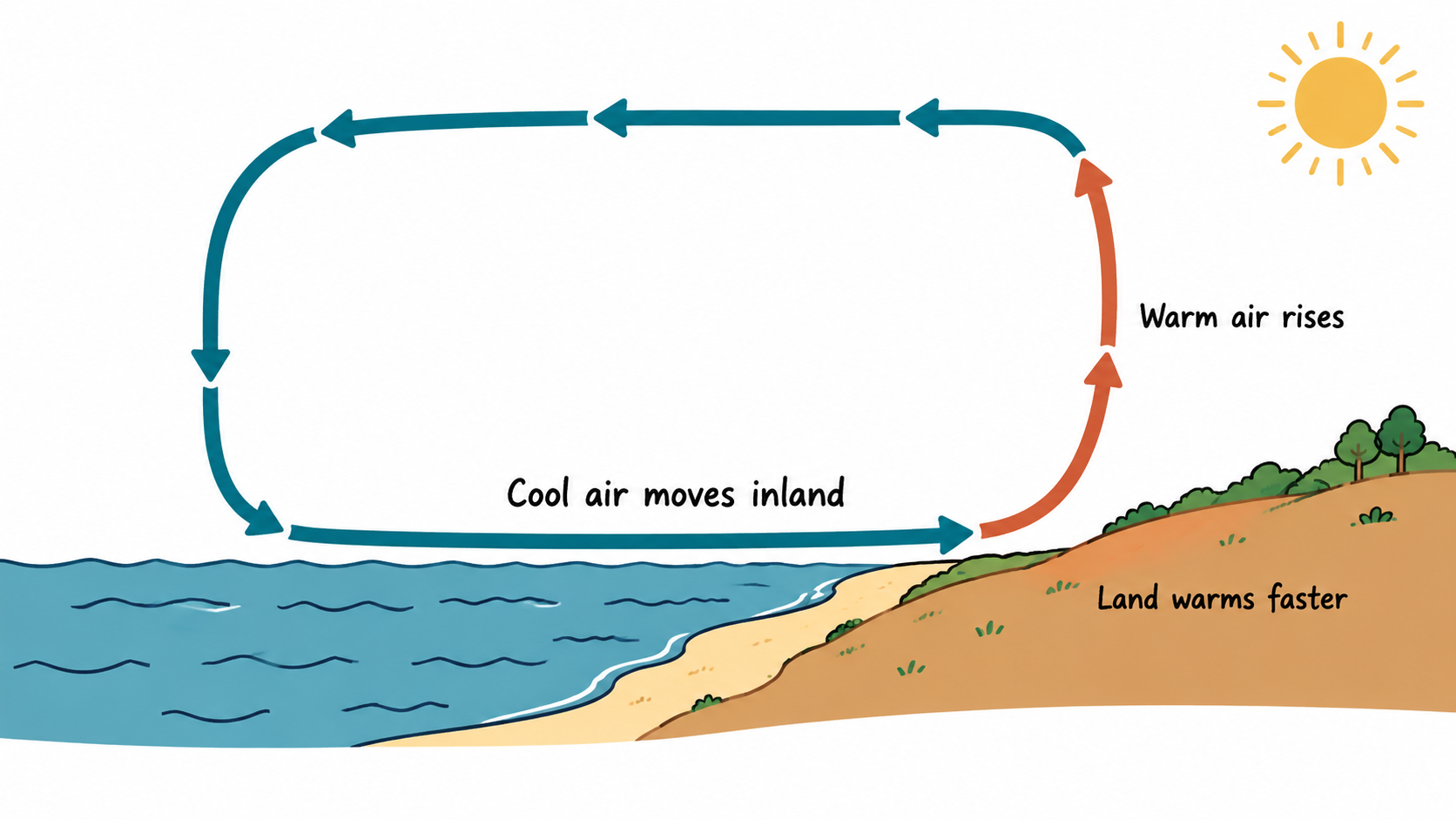
/sl-whiteboard-concept-explainer-illustration Create a 16:9 whiteboard-style explainer for middle-school science students showing how a daytime coastal breeze forms: land warms faster than water; warm air rises over land; cool air moves inland at the surface; air returns aloft toward water and descends over it, forming one closed circulation. Use exactly these labels once: 'Land warms faster', 'Warm air rises', 'Cool air moves inland'. Clean sans-serif; no other text, symbols, numbers, or title.
Make the same concept suitable for younger students with fewer labels.
Create a comparison version showing daytime and nighttime conditions.
Revise the diagram to use only the supplied source notes and exact labels.
Each image is generated with your prepaid SkillLoom generation key (about $0.05 per image at 1K). Subscriptions do not include generation credits.
A typical run costs about $0.05 in image-generation fees, charged to your prepaid key.
4.0/ 5
Render score
Verified
| Real render check | Verified | 4.0 / 5 | 74s |
|---|
Yes. Supply exact wording and keep labels short. The illustration should rely primarily on visual relationships, since generated image text can be imperfect.
The prompt should distinguish supplied evidence from interpretation and direct the model not to add unsupported statistics, citations, or causal claims.