 Uses prepaid key: Each run calls an image model, billed to your own prepaid key.ImageVerified
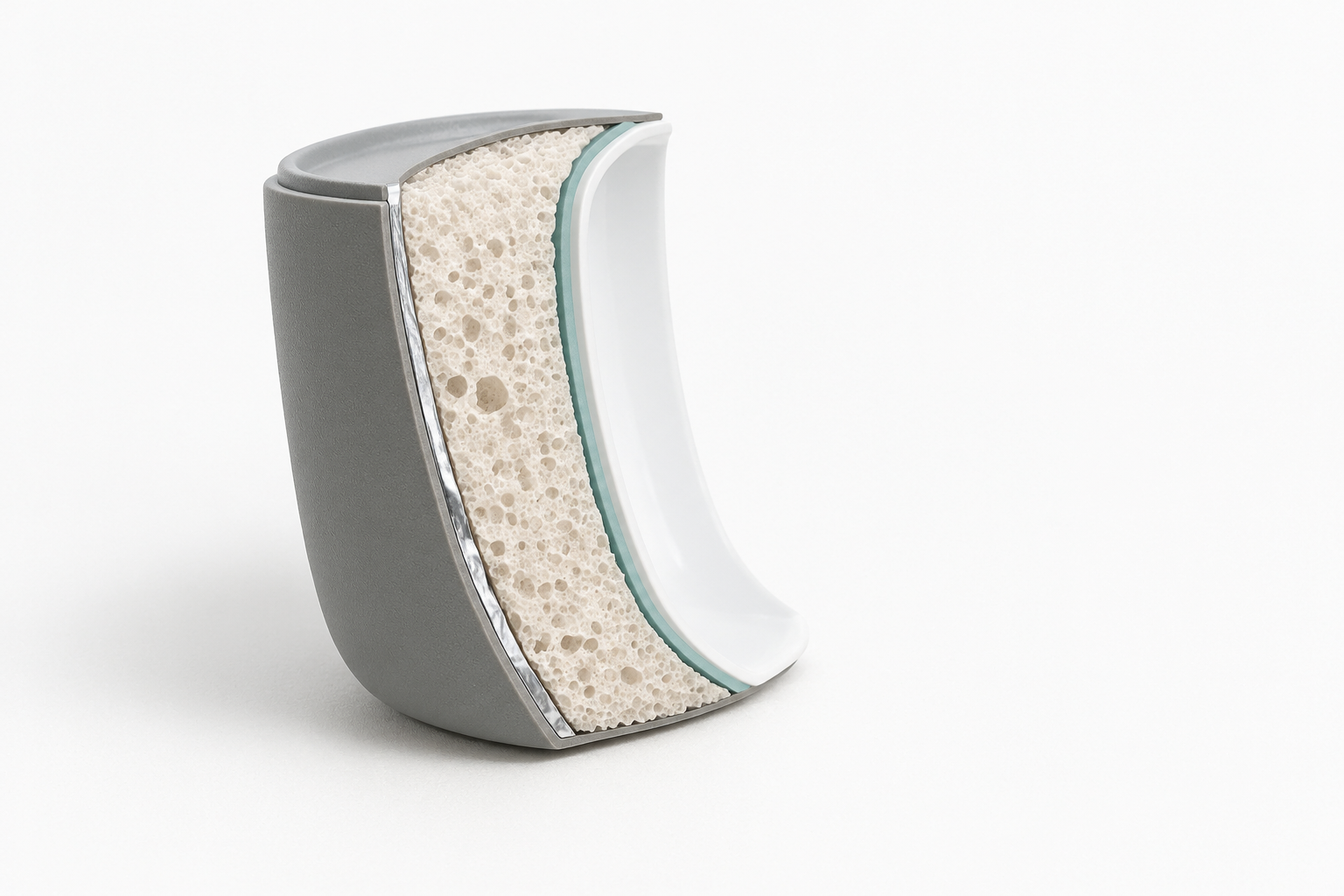
Layered Material Cutaway Illustration
Works with: Claude Code, Cursor, OpenCode, Codex, Gemini CLI


All premium skills for $9.99/month. Cancel anytime.
Upgrade nowUse it to make an image.
npx skillloom-cli install sl-optical-bench-diagram-illustration
Updated Oct 7, 2026

 Uses prepaid key: Each run calls an image model, billed to your own prepaid key.ImageVerified
 Uses prepaid key: Each run calls an image model, billed to your own prepaid key.ImageVerified
 Uses prepaid key: Each run calls an image model, billed to your own prepaid key.ImageVerified
 Uses prepaid key: Each run calls an image model, billed to your own prepaid key.ImageVerified
 Uses prepaid key: Each run calls an image model, billed to your own prepaid key.ImageVerified
 Uses prepaid key: Each run calls an image model, billed to your own prepaid key.ImageVerified
 Uses prepaid key: Each run calls an image model, billed to your own prepaid key.ImageVerified
 Uses prepaid key: Each run calls an image model, billed to your own prepaid key.ImageVerified
You say
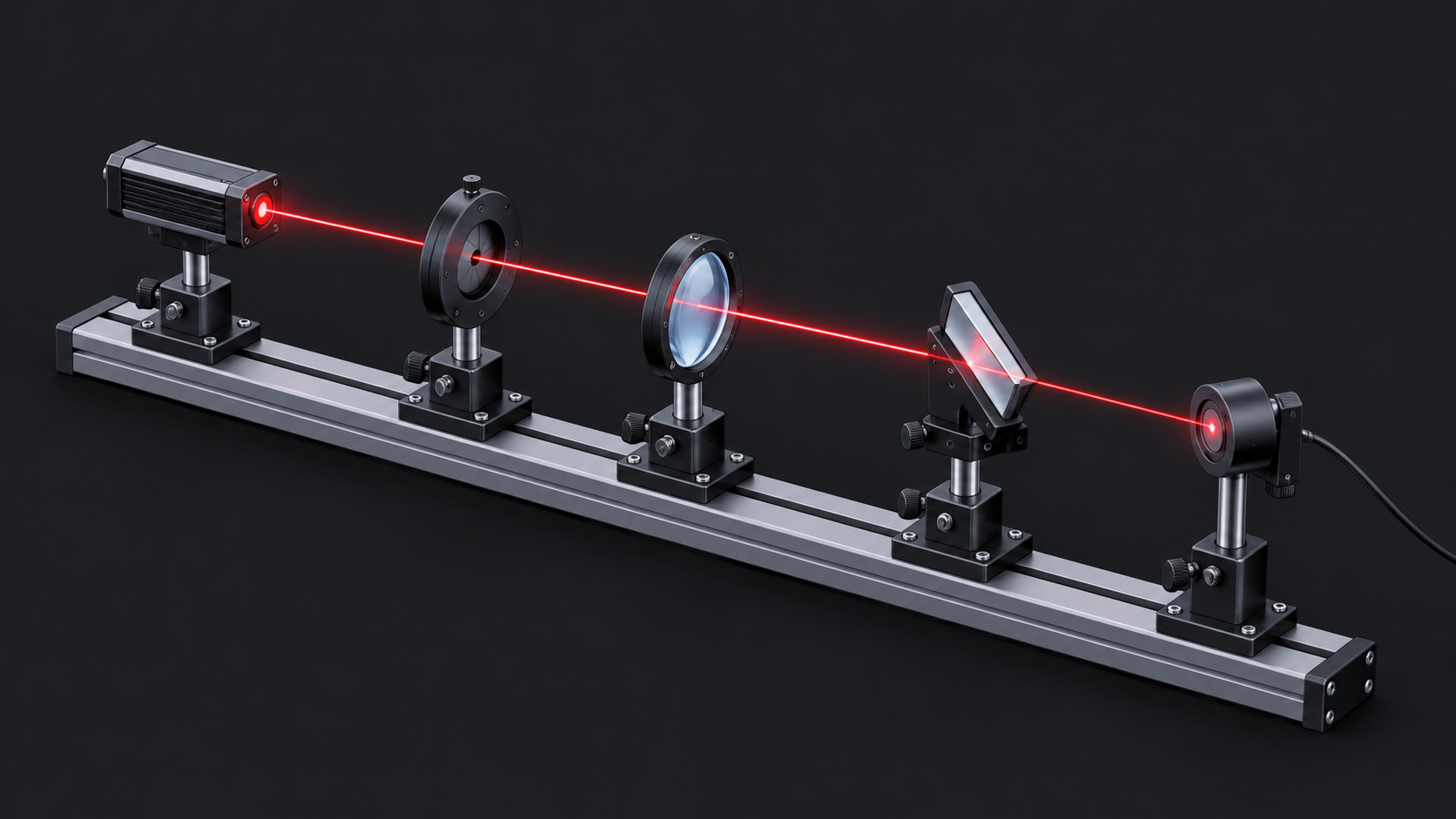
/sl-optical-bench-diagram-illustration Create a 16:9 lecture-slide illustration of a compact educational optical bench with a red diode laser, iris, convex lens, folding mirror, and photodiode in that order. Show a conceptual red beam traveling left to right and folding once at the mirror. Include no text, labels, numbers, legends, logos, or pseudo-writing, and invent no measurements. Use a luminous instrument plate style.
Make the beam path more prominent while keeping every component mount visible.
Remove all text and leave more negative space above the apparatus for slide annotation.
Use the supplied reference to refine the mirror mount and detector proportions.
Each image is generated with your prepaid SkillLoom generation key (about $0.05 per image at 1K). Subscriptions do not include generation credits.
A typical run costs about $0.05 in image-generation fees, charged to your prepaid key.
4.0/ 5
Render score
Verified
| Real render check | Verified | 4.0 / 5 | 72s |
|---|
Yes. Supply the exact short labels and spelling. For maximum text reliability, keep labels minimal or add them in a vector editor after generation.
It can communicate the described arrangement, but it is an illustration rather than a dimensionally exact drawing. Provide a reference image for better geometry fidelity.