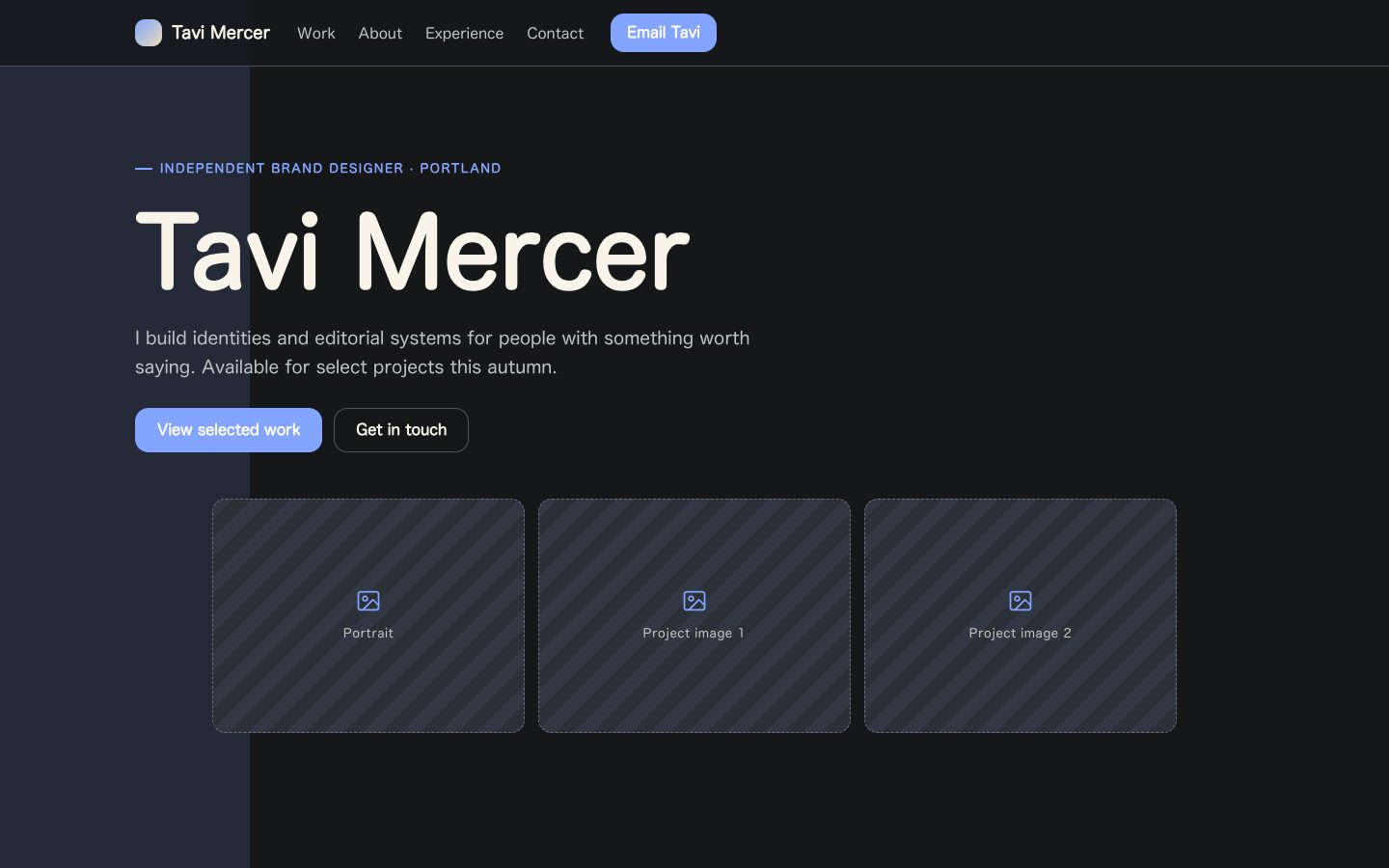
Scrapbook Resume Site
A scrapbook-style resume site that gives a creative career the clarity of a CV and the character of a portfolio.
Style: Cobalt Field Notes. A carefully assembled creative dossier, tactile and expressive without obscuring professional credentials. Follow references/style-guide.md exactly.
Use this skill when
- Independent designers presenting selected work and experience
- Creative founders who need a personal site with a clear contact path
- Editors or art directors balancing personality with credentials
Do not use
- Applicant-tracking-system resume documents that require a plain, linear format
- Corporate directories with hundreds of employee profiles
- Portfolios whose visual identity must follow a strict existing design system
- To reproduce another company's brand, logo, product UI or copyrighted characters.
Inputs
- Name, professional title, location, and preferred contact method
- Short biography and the roles or clients the site should attract
- Work history with dates, responsibilities, and verifiable outcomes
- Three to six projects with descriptions, credits, imagery, and destination links
- Resume file, social links, and any existing brand assets
If something essential is missing, ask one short question before starting. Never invent facts, numbers, quotes or customer names; mark gaps as [needs source].
Workflow
- Read the brief and
references/section-library.md. List the sections the page needs, in order, before writing any markup. - Copy
references/template.html to index.html. Delete the sections the brief does not need; reorder the rest. - Apply the tokens from
references/style-guide.md in the :root block. Do not introduce colors, fonts or radii outside the tokens. - Write real copy from the user's brief for every
REPLACE_ placeholder, inside the word limits. Never invent customer names, logos or numbers; label fictional testimonials and figures as sample content. - Check the layout at 390px, 768px and 1280px wide: no horizontal scrolling, readable type, tap targets at least 44px.
- If the user works in React/Next.js, Vue or Tailwind, port the result with
references/framework-adaptation.md after the HTML version passes. - Run the validator and fix every problem it reports:
``bash node scripts/validate-html.mjs index.html ``
- Open the file in a browser (from
file://) and check keyboard focus, the FAQ toggles and the mobile menu.
What makes this excellent
- Establish the person's professional identity in the first viewport; the badge must communicate role and availability before decorative collage details.
- Organize project previews so each one links to a case study or supplied destination; never invent a live project URL.
- Present career history in reverse chronology with dates, organizations, roles, and concise evidence of contribution.
- Treat the cream-paper blocks as editorial work samples, not generic cards; vary their proportions while preserving a clear reading order.
- Provide working section navigation, a direct contact action, and a resume download only when a file is supplied.
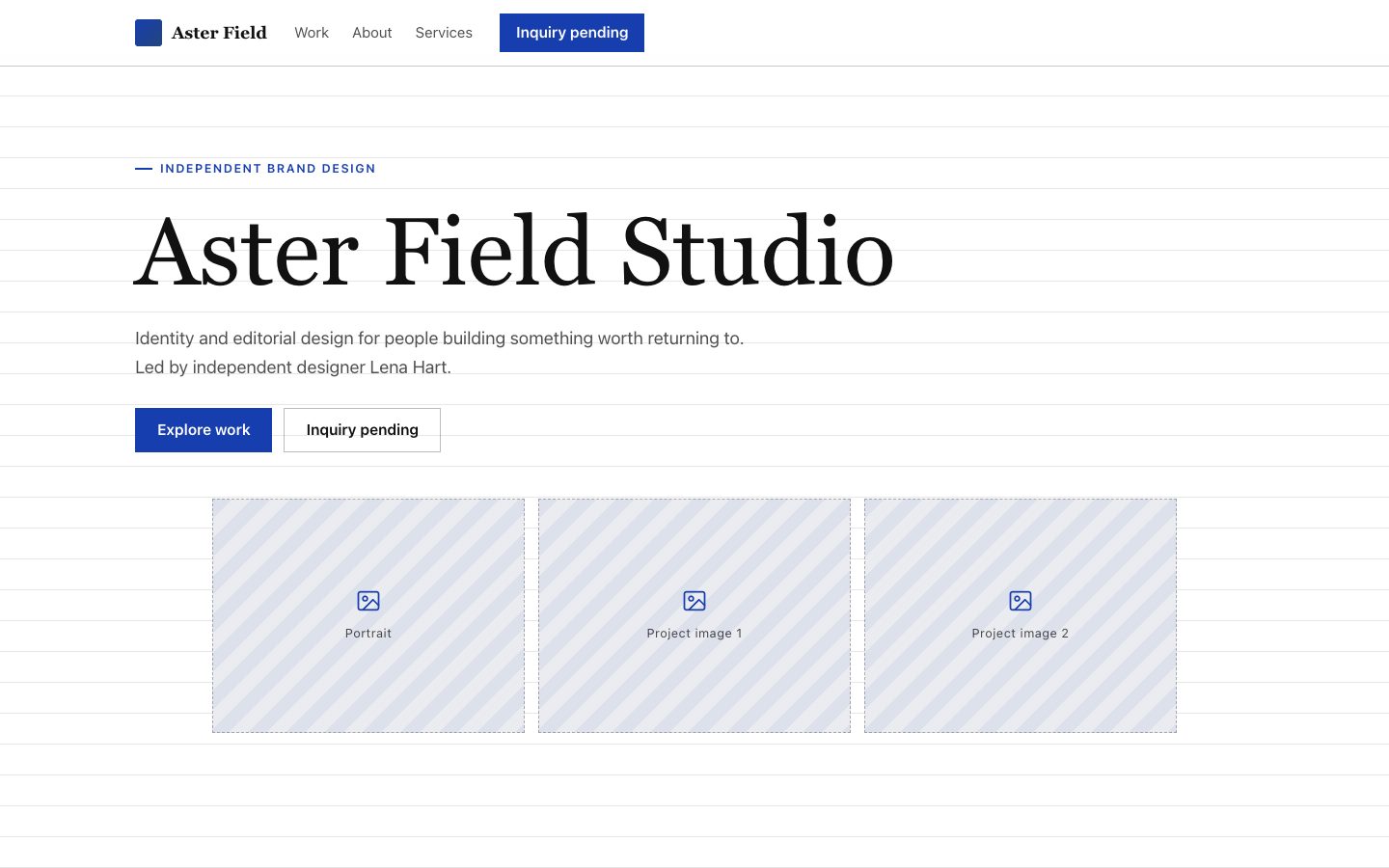
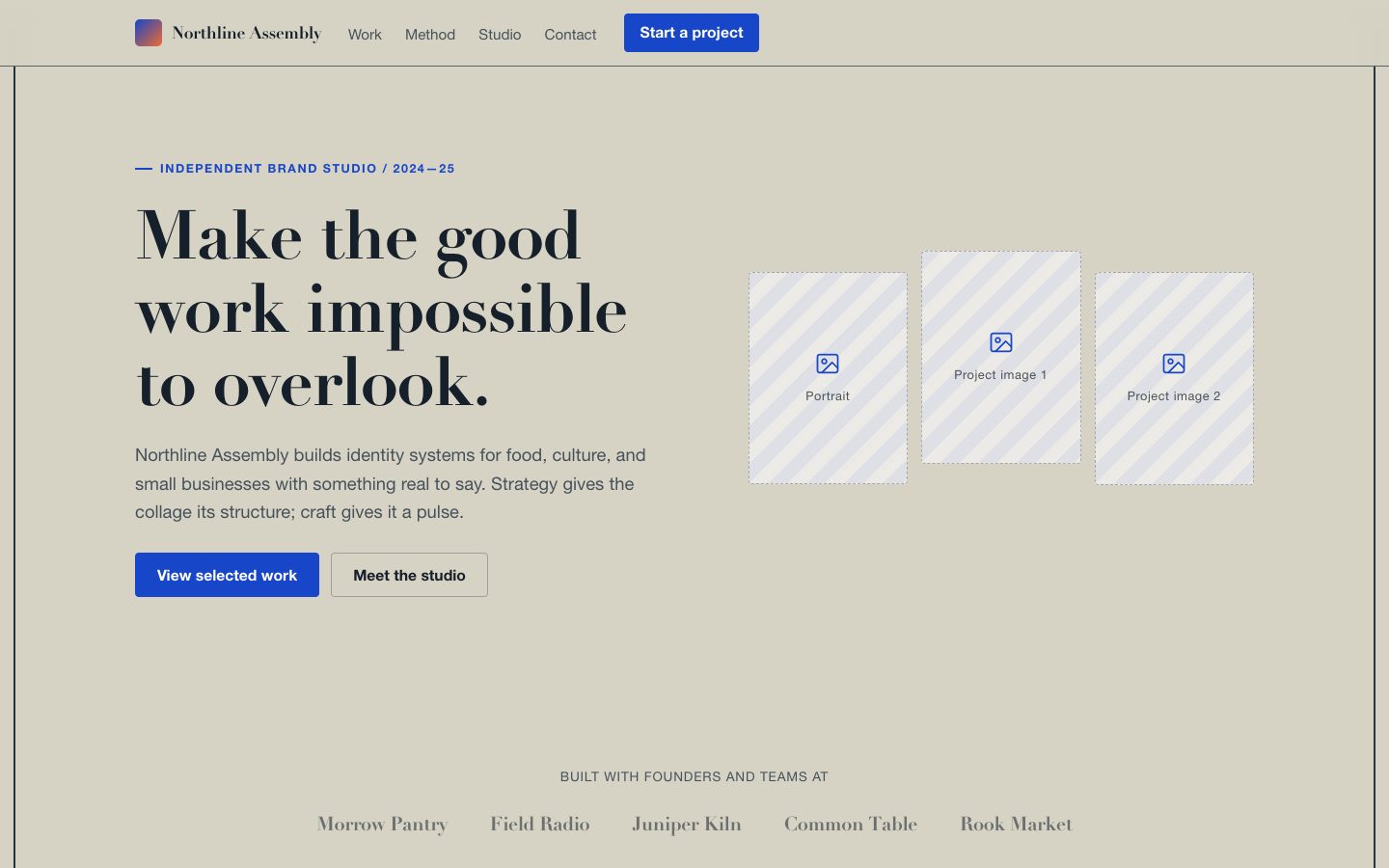
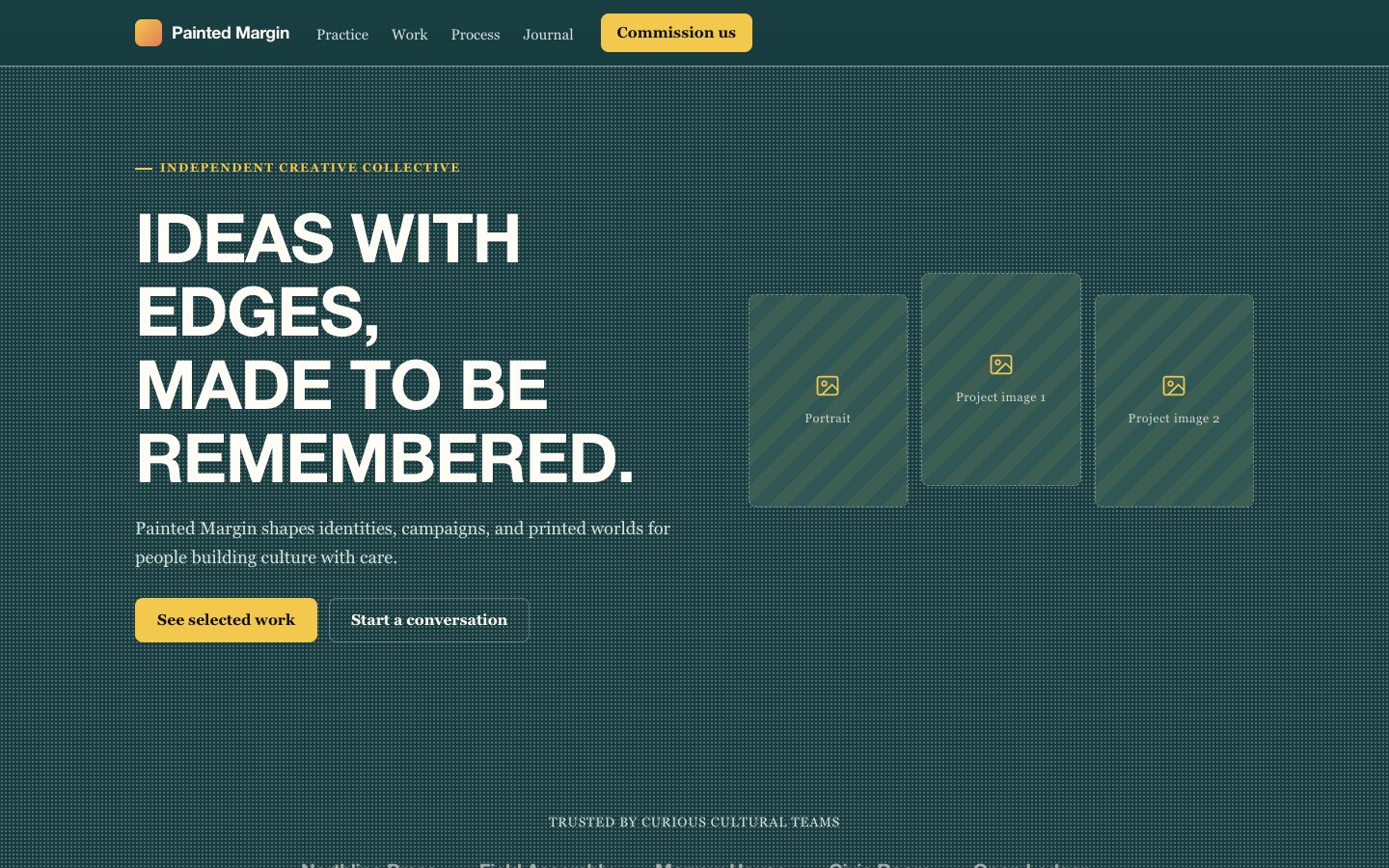
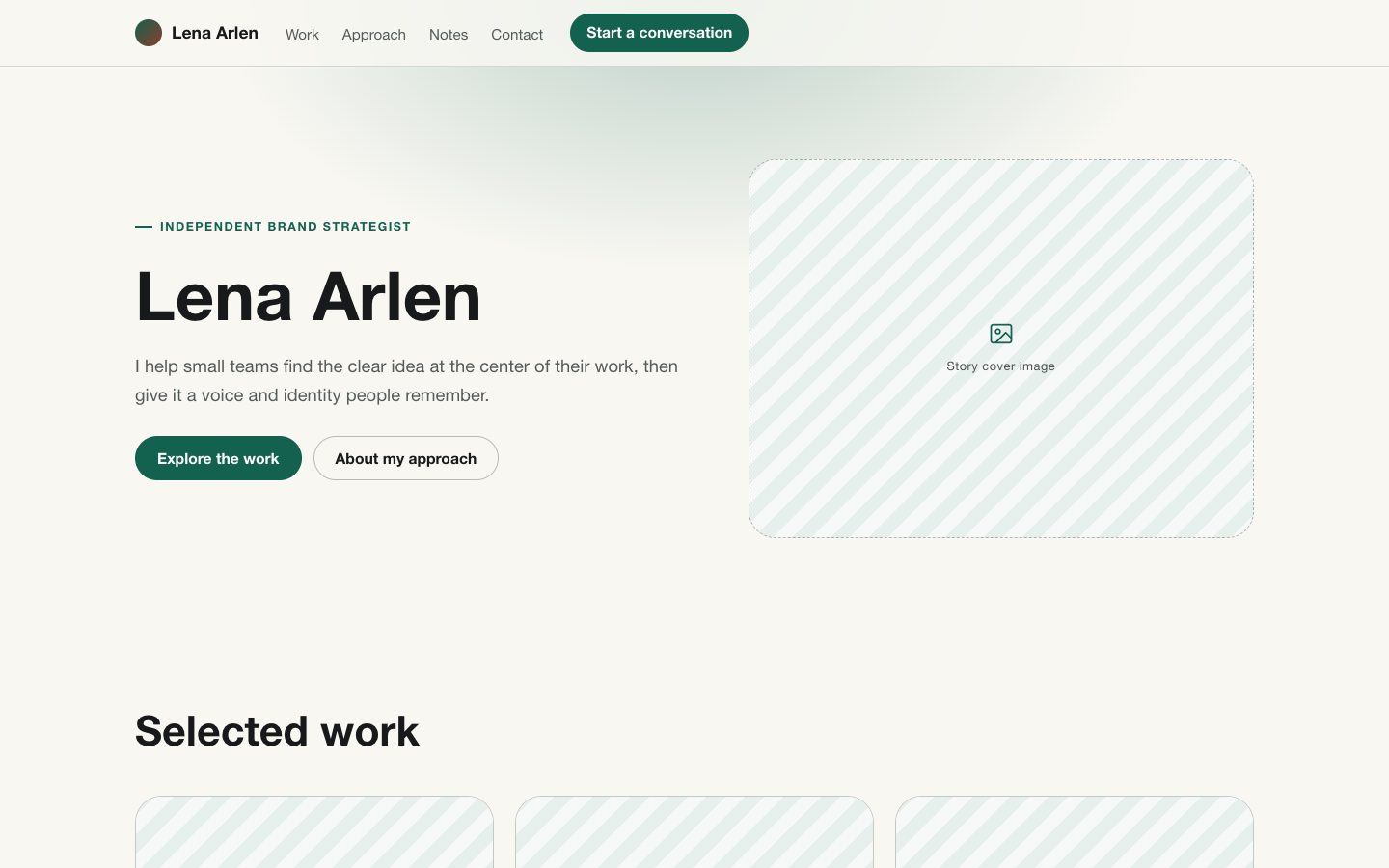
- If project imagery is missing, use labeled typographic placeholders that remain editable rather than implying nonexistent work.
- Check mobile layouts for clipped badge details, overlapping paper blocks, and legibility on both dark and cream surfaces.
Output contract
index.html: one self-contained HTML file (inline CSS, inline SVG, no network requests, no storage APIs) that opens from file://.- Exactly one
<h1>, labelled form inputs, alt text on every image, no REPLACE_ placeholders or filler text. - Responsive at 390 / 768 / 1280px, using only the style-guide tokens.
- A hand-off note: sections used, any sample content that must be replaced, framework port (if any) and the validator output.
- Deliver a responsive, self-contained HTML page with editable semantic content and no required webfont or network dependency.
- Keep navigation targets and contact actions functional; mark unavailable external assets clearly instead of using false links.
- Preserve the scrapbook visual system when porting the page to React, Vue, or Tailwind.
Reference demo and agent run
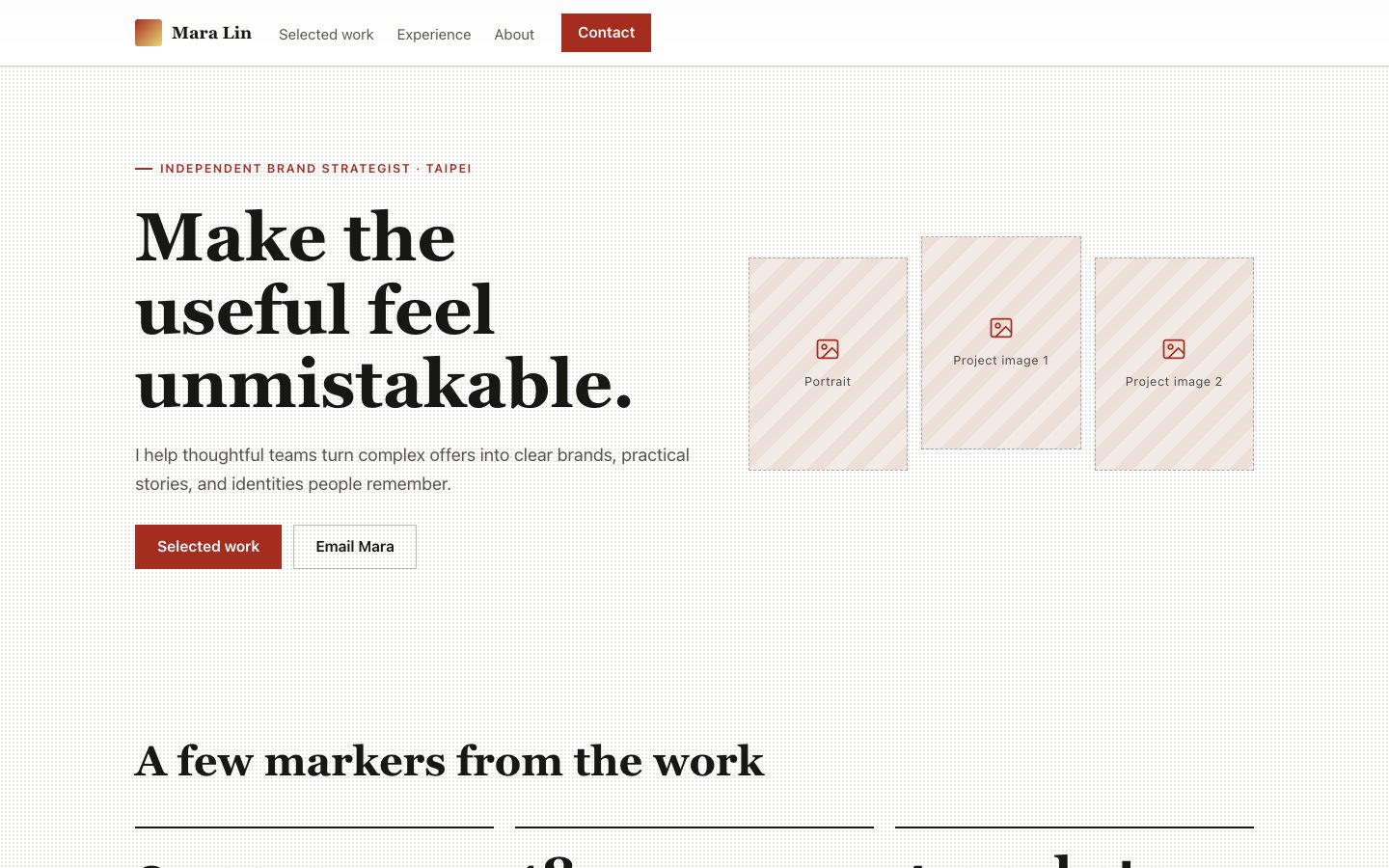
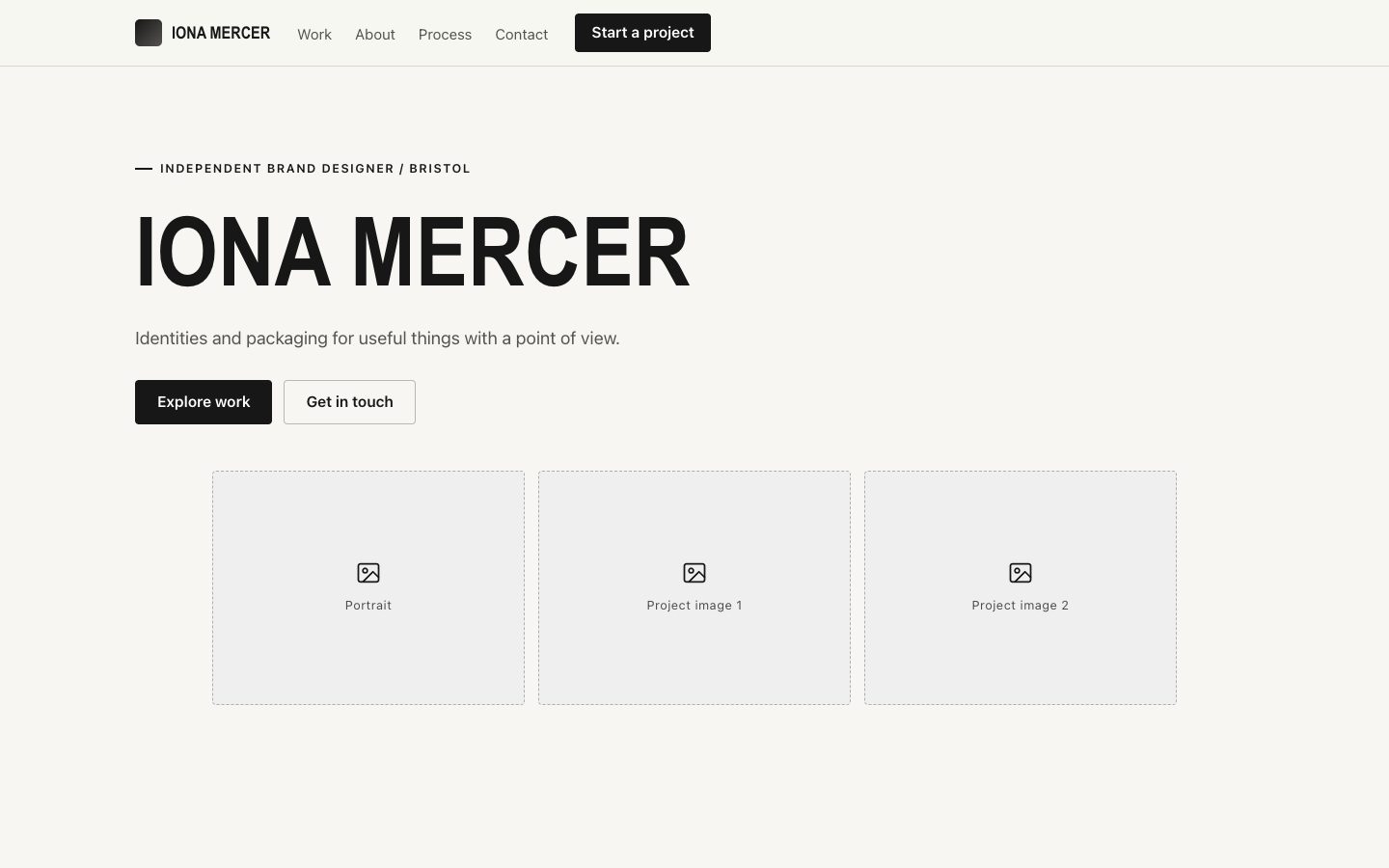
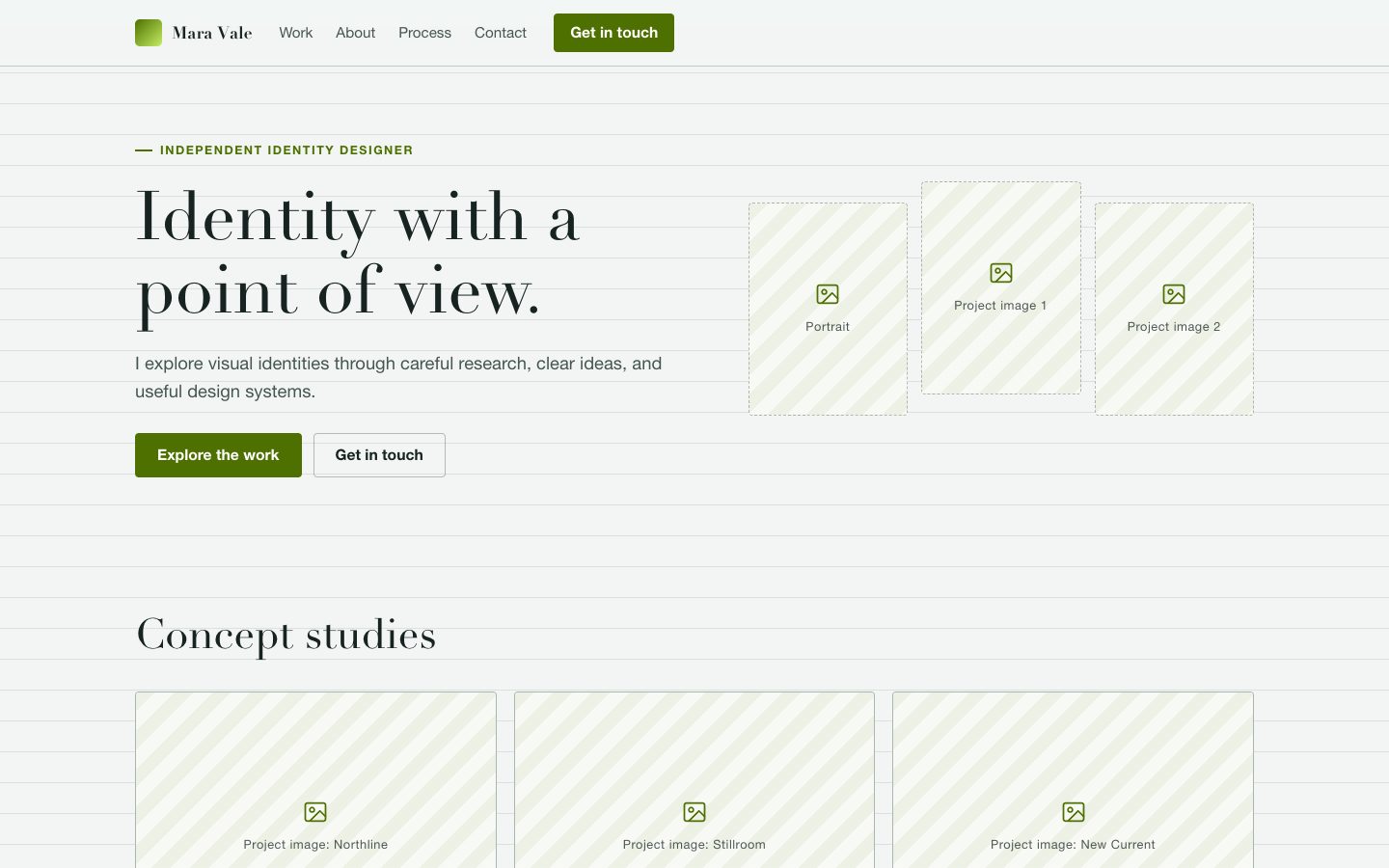
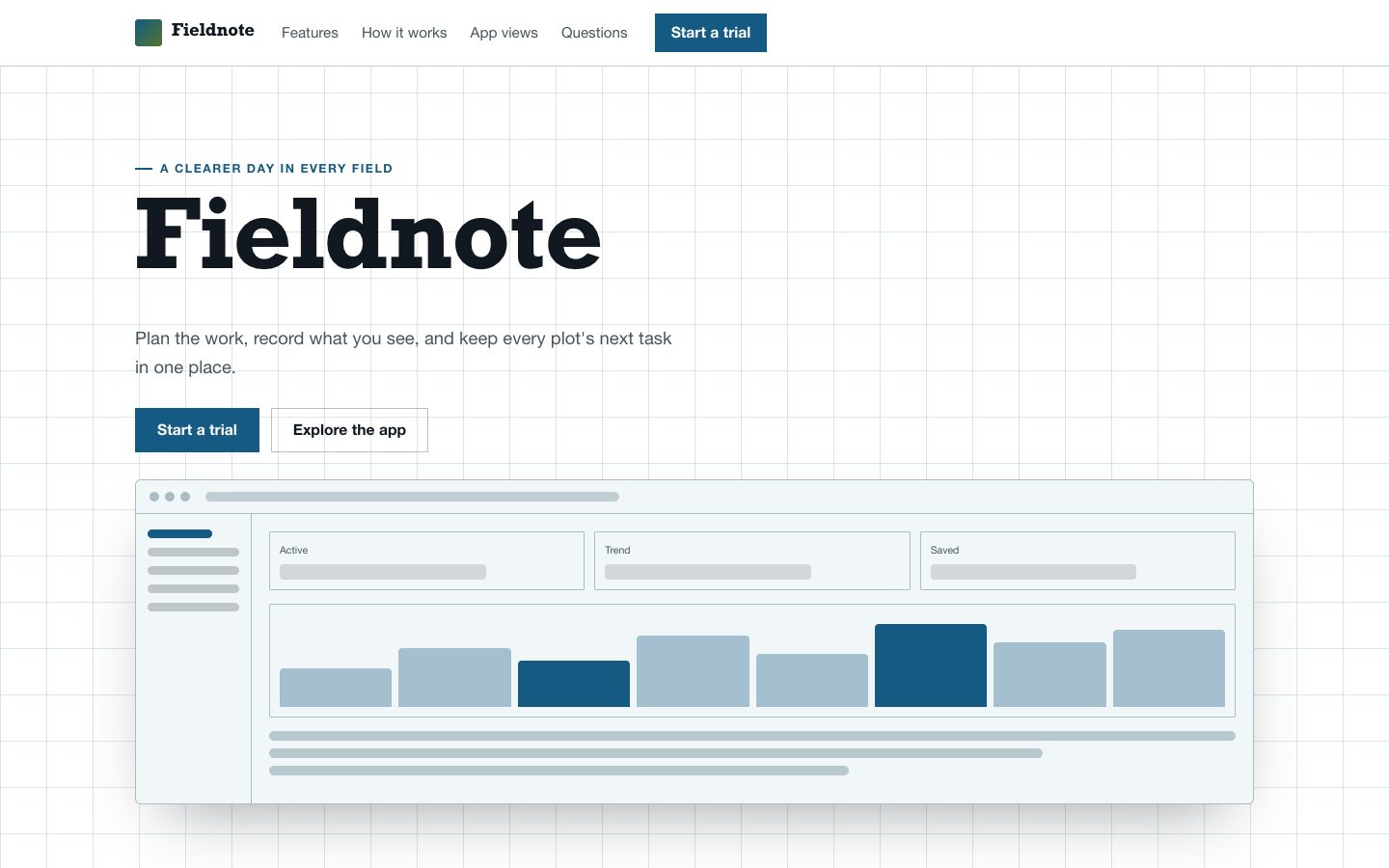
The preview (preview/demo.html) is a static reference built from sample content: it shows the layout, style, copy structure and the visible controls every interactive part needs (labelled form fields, carousel buttons, player chrome). Image areas are labelled placeholders and sample quotes or figures are marked as samples. In a real run the agent uses the user's content and assets, wires behaviour (form destinations, media sources, data) and keeps every promise in the output contract above.
Failure rules
- Never hand over a file that fails the validator; fix it and run it again.
- If the brief lacks facts (prices, numbers, customer names), ask once; otherwise mark them clearly as sample content.
- Do not reproduce another company's website, logo or copy, even if asked to "make it look like" one; build an original page in this style instead.
 网页已验证


 网页已验证
 网页已验证
 网页已验证
 网页已验证
 网页已验证
 网页已验证
 网页已验证