网页免费 已验证

拼贴风格履历网站

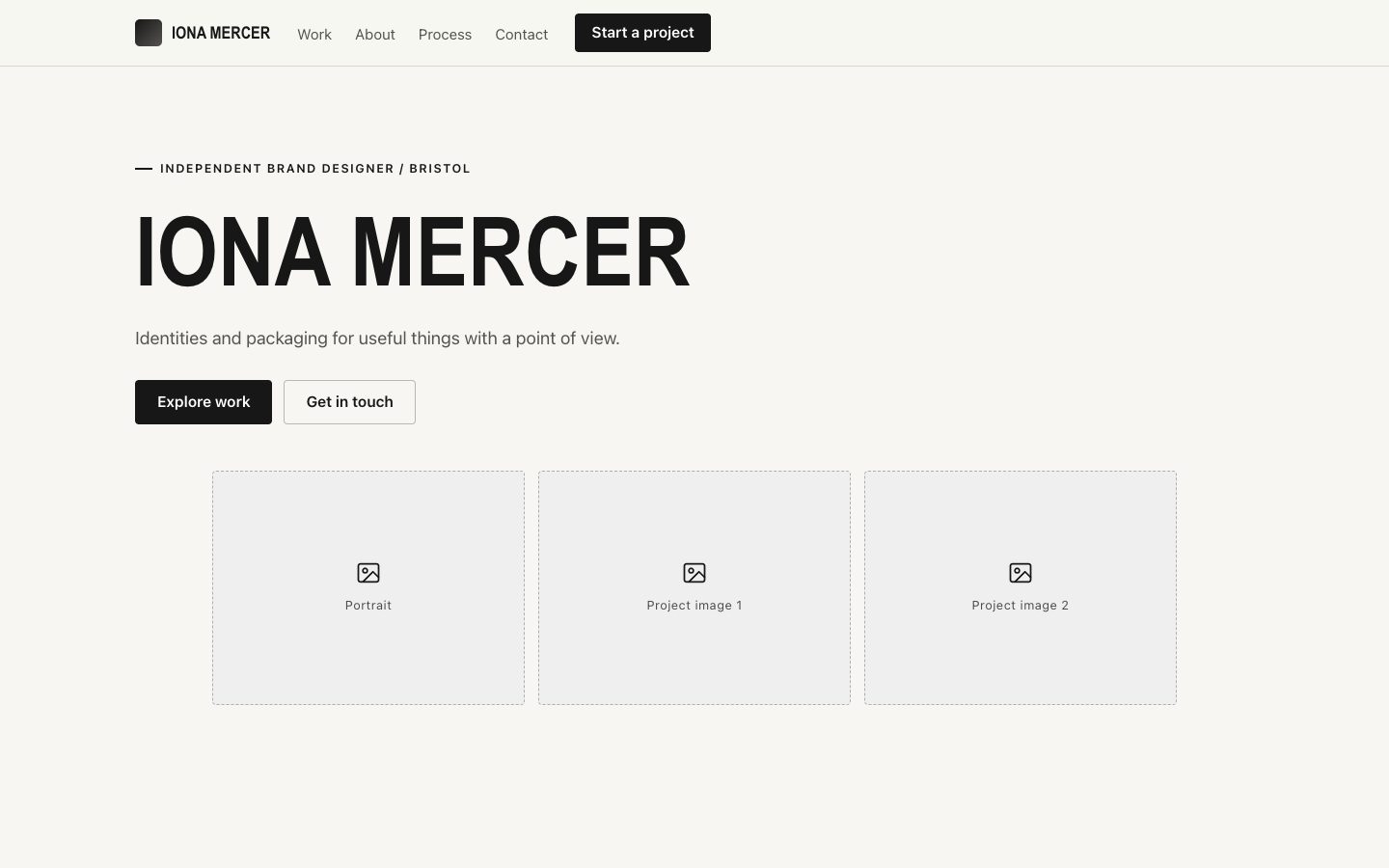
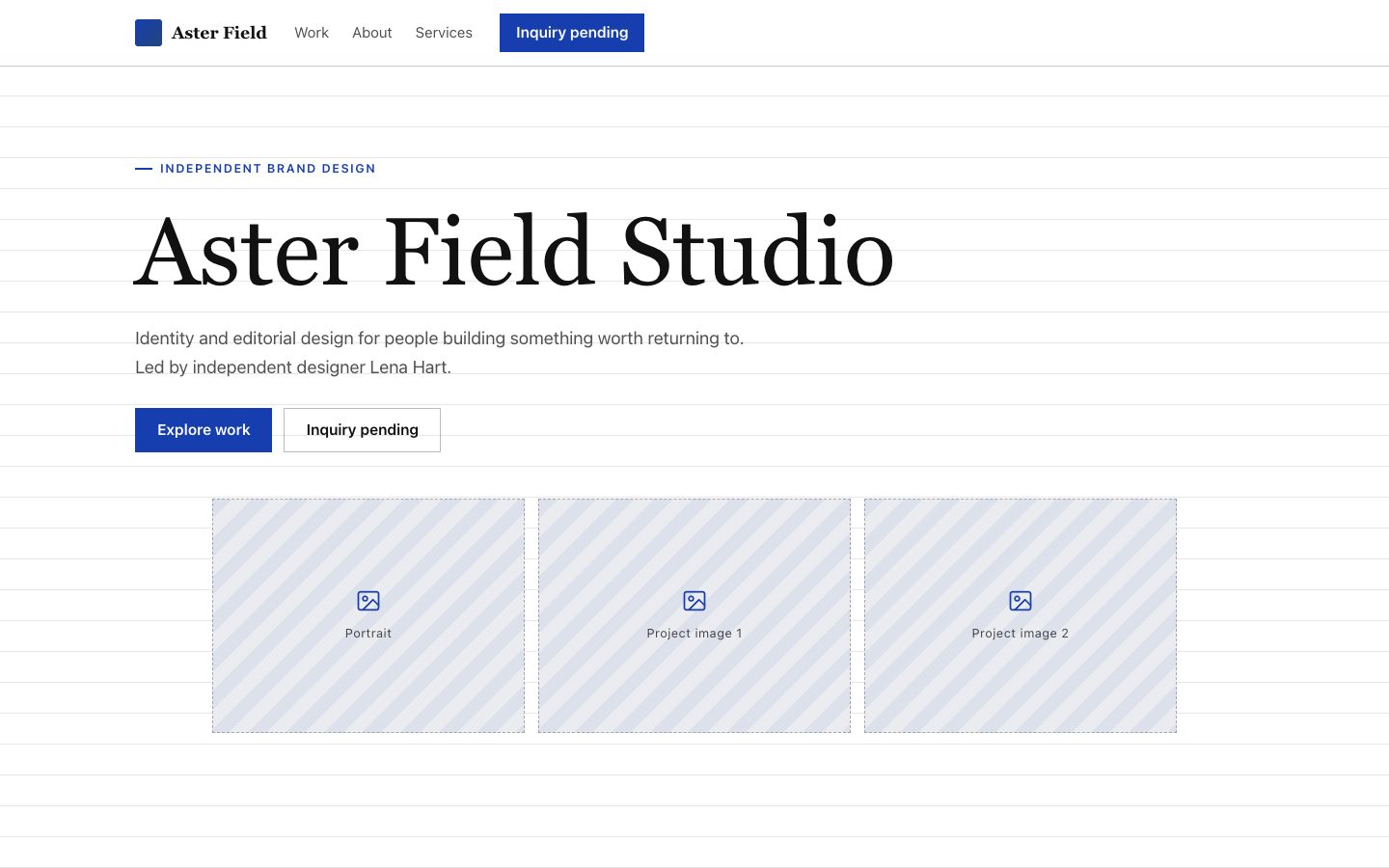
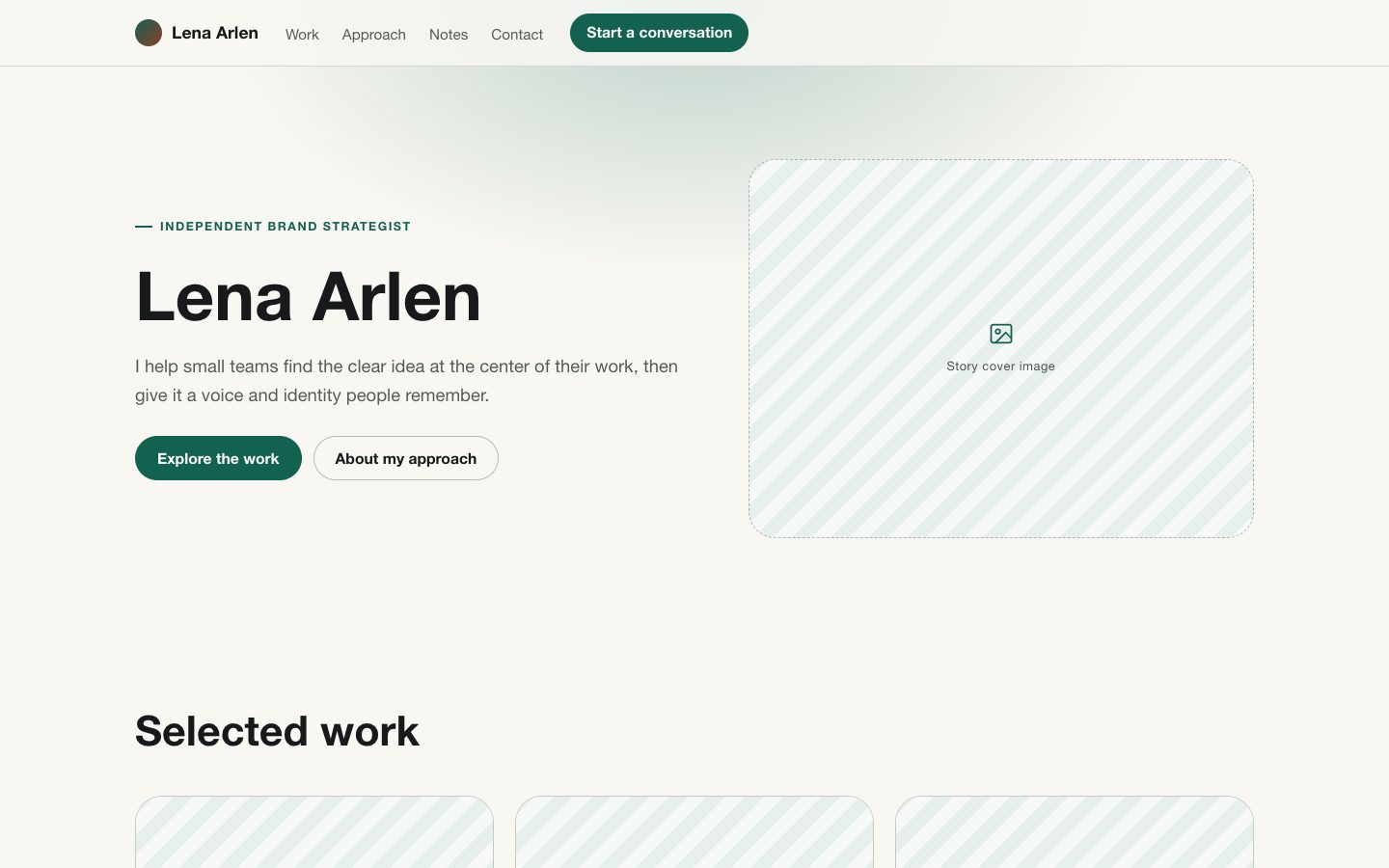
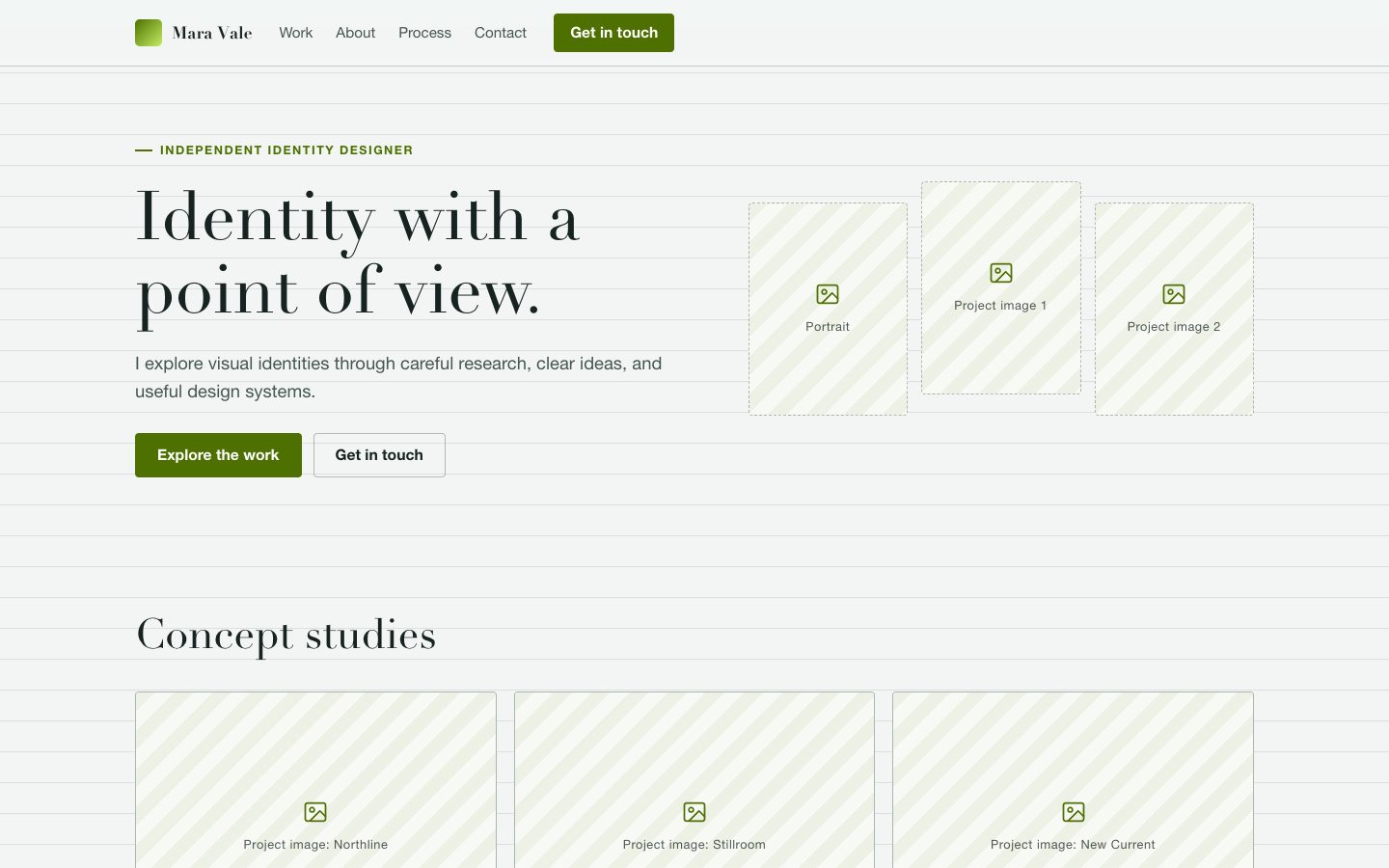
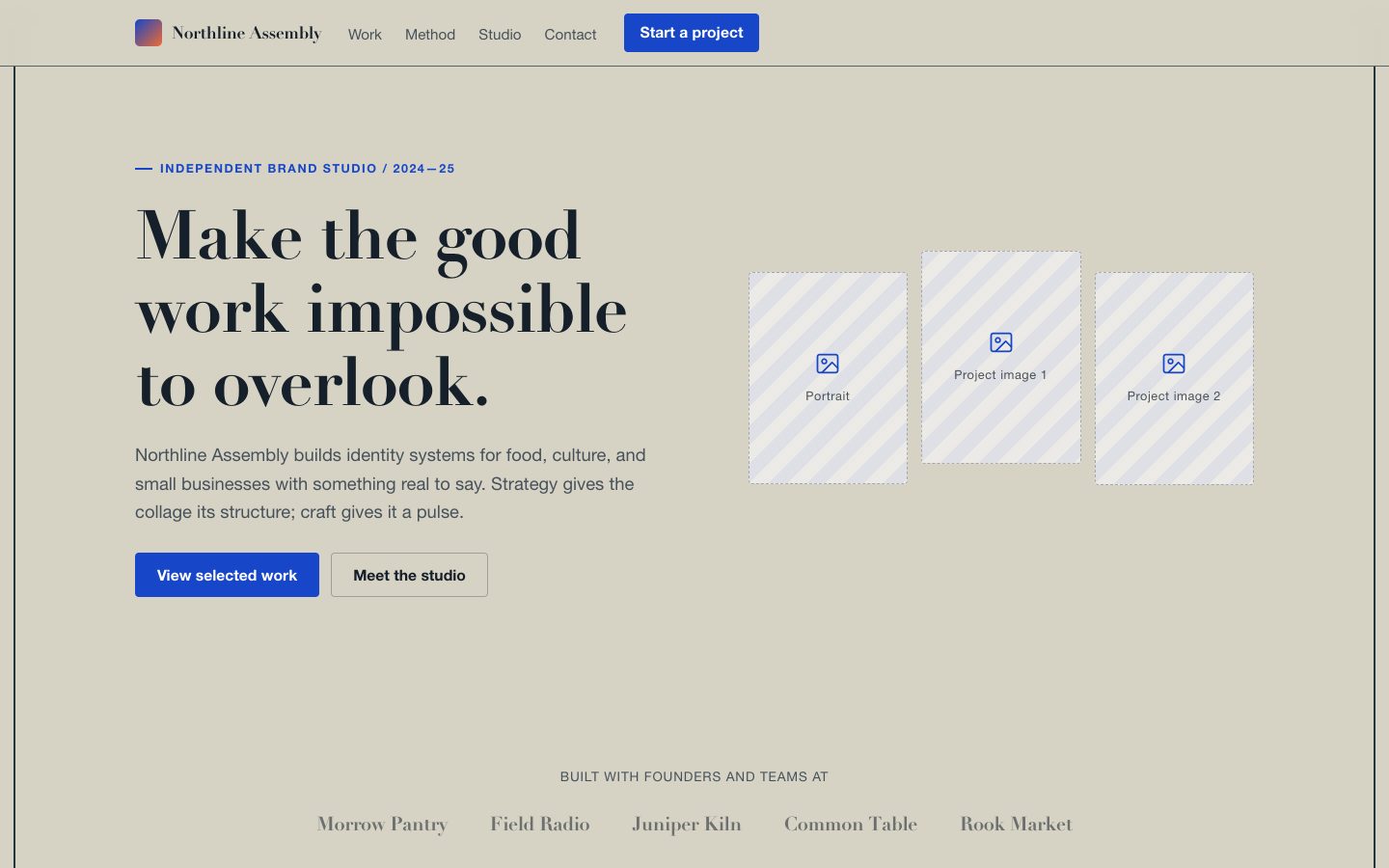
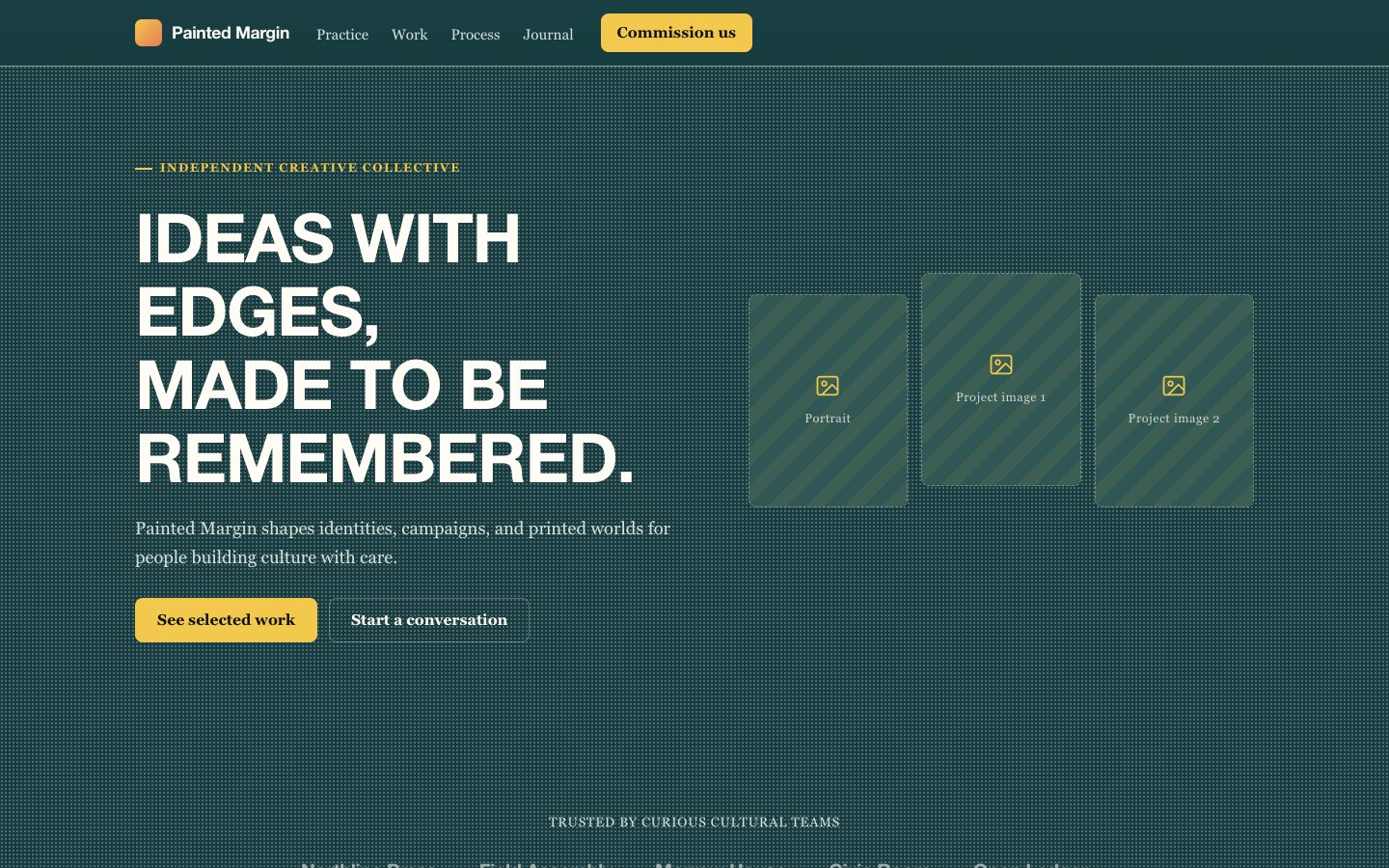
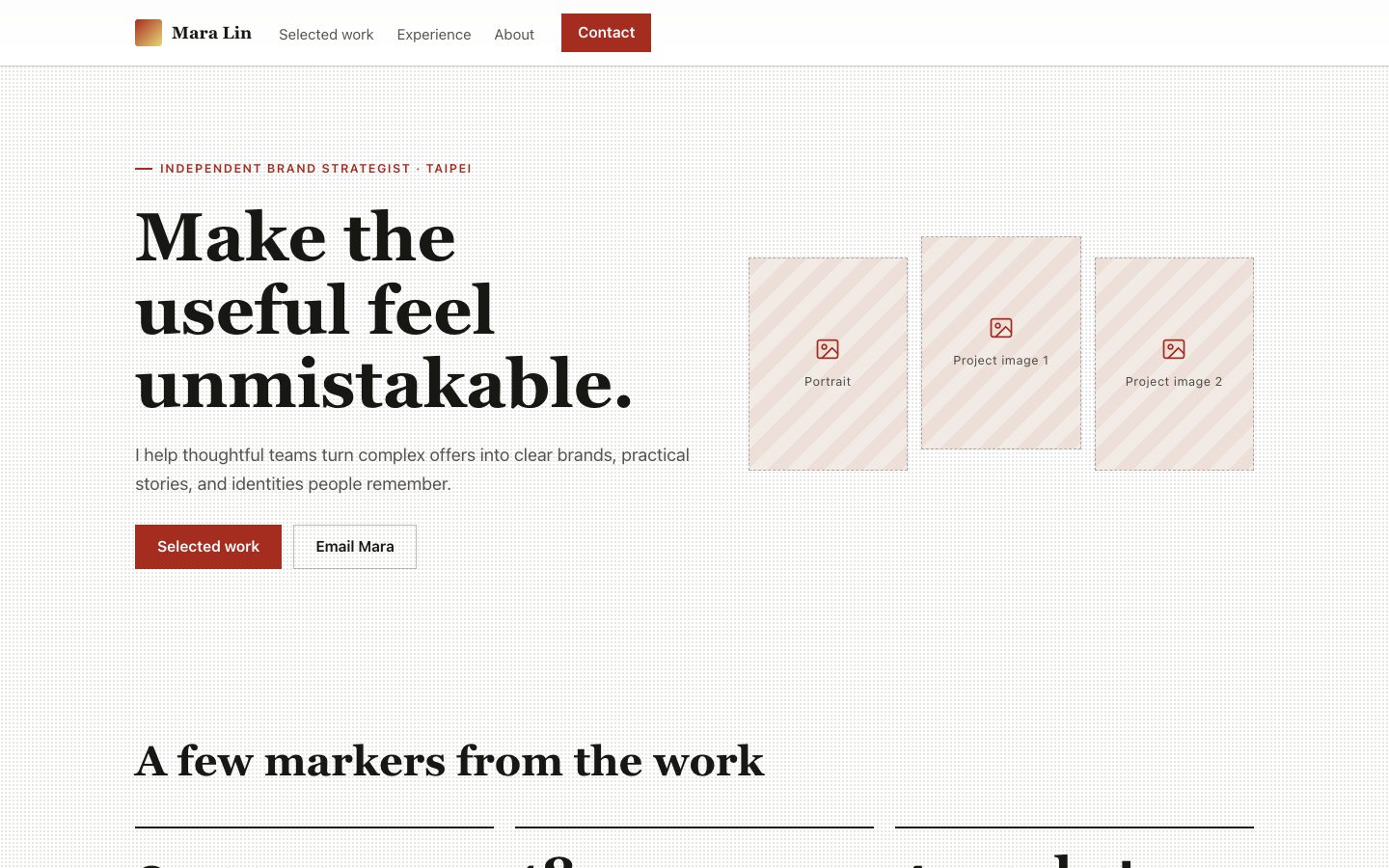
将创意从业者的履历制作成响应式作品网站:用挂绳证件牌呈现身份,以纸张式项目预览、钴蓝色标记和清晰的职业时间线展示经历。

你会得到

  • 带有鲜明身份牌的响应式履历首页
  • 可编辑的项目预览和职业时间线
  • 可访问的导航、联系入口和可选的履历下载
  • 可移植到前端框架的独立 HTML 页面

适合

  • 需要同时展示作品与经历的独立设计师
  • 希望个人网站有明确联系入口的创意创业者
  • 希望兼顾个性与专业信息的编辑或艺术指导

不适合

  • 供招聘系统解析的纯文本履历
  • 大型团队成员目录
  • 必须严格遵循现有企业设计规范的网站

你需要提供

  • 姓名、职业、所在城市和联系邮箱
  • 个人简介及注明日期的工作经历
  • 项目名称、简介以及已有图片或链接
  • 可选的履历文件和社交主页

运行要求

  • A modern browser
  • Node.js 20+ for the validator

运行成本

No external services. Runs entirely on your agent.

试试这个提示词

/sl-scrapbook-resume-site 为虚构的波特兰独立品牌设计师 Tavi Mercer 制作响应式作品集与履历网站,面向潜在客户。依次展示导航、叠放式首屏、三个精选项目、含三条要点的个人介绍、三项数据、三项专业能力、按时间倒序排列的工作经历、项目咨询入口和页脚。原样使用 “Tavi Mercer” 和 “Have a project in mind?”,采用 Cobalt Field Notes 剪贴簿风格。

后续提示词

  • 沿用身份牌和纸张拼贴风格,增加一个项目详情页。
  • 用这些图片替换项目占位预览,并保留对应说明。
  • 让手机端的工作经历时间线更紧凑。

验证情况

已验证

render-checkpass4.0 / 525s

常见问题

交付后可以修改履历内容吗?

可以。姓名、日期、项目说明、链接和联系方式都是普通页面内容,不会写进图片里。

暂时没有项目图片怎么办?

页面会使用标注清楚的文字版项目预览,之后可替换为真实图片,无需改变内容结构。

网站需要特定的托管服务吗?

独立 HTML 可发布到任何支持静态文件的托管平台;交付内容不包含托管服务或域名。

SKILL.md

SKILL.md

Scrapbook Resume Site

A scrapbook-style resume site that gives a creative career the clarity of a CV and the character of a portfolio.

Style: Cobalt Field Notes. A carefully assembled creative dossier, tactile and expressive without obscuring professional credentials. Follow references/style-guide.md exactly.

Use this skill when

  • Independent designers presenting selected work and experience
  • Creative founders who need a personal site with a clear contact path
  • Editors or art directors balancing personality with credentials

Do not use

  • Applicant-tracking-system resume documents that require a plain, linear format
  • Corporate directories with hundreds of employee profiles
  • Portfolios whose visual identity must follow a strict existing design system
  • To reproduce another company's brand, logo, product UI or copyrighted characters.

Inputs

  • Name, professional title, location, and preferred contact method
  • Short biography and the roles or clients the site should attract
  • Work history with dates, responsibilities, and verifiable outcomes
  • Three to six projects with descriptions, credits, imagery, and destination links
  • Resume file, social links, and any existing brand assets

If something essential is missing, ask one short question before starting. Never invent facts, numbers, quotes or customer names; mark gaps as [needs source].

Workflow

  1. Read the brief and references/section-library.md. List the sections the page needs, in order, before writing any markup.
  2. Copy references/template.html to index.html. Delete the sections the brief does not need; reorder the rest.
  3. Apply the tokens from references/style-guide.md in the :root block. Do not introduce colors, fonts or radii outside the tokens.
  4. Write real copy from the user's brief for every REPLACE_ placeholder, inside the word limits. Never invent customer names, logos or numbers; label fictional testimonials and figures as sample content.
  5. Check the layout at 390px, 768px and 1280px wide: no horizontal scrolling, readable type, tap targets at least 44px.
  6. If the user works in React/Next.js, Vue or Tailwind, port the result with references/framework-adaptation.md after the HTML version passes.
  7. Run the validator and fix every problem it reports:

``bash node scripts/validate-html.mjs index.html ``

  1. Open the file in a browser (from file://) and check keyboard focus, the FAQ toggles and the mobile menu.

What makes this excellent

  • Establish the person's professional identity in the first viewport; the badge must communicate role and availability before decorative collage details.
  • Organize project previews so each one links to a case study or supplied destination; never invent a live project URL.
  • Present career history in reverse chronology with dates, organizations, roles, and concise evidence of contribution.
  • Treat the cream-paper blocks as editorial work samples, not generic cards; vary their proportions while preserving a clear reading order.
  • Provide working section navigation, a direct contact action, and a resume download only when a file is supplied.
  • If project imagery is missing, use labeled typographic placeholders that remain editable rather than implying nonexistent work.
  • Check mobile layouts for clipped badge details, overlapping paper blocks, and legibility on both dark and cream surfaces.

Output contract

  • index.html: one self-contained HTML file (inline CSS, inline SVG, no network requests, no storage APIs) that opens from file://.
  • Exactly one <h1>, labelled form inputs, alt text on every image, no REPLACE_ placeholders or filler text.
  • Responsive at 390 / 768 / 1280px, using only the style-guide tokens.
  • A hand-off note: sections used, any sample content that must be replaced, framework port (if any) and the validator output.
  • Deliver a responsive, self-contained HTML page with editable semantic content and no required webfont or network dependency.
  • Keep navigation targets and contact actions functional; mark unavailable external assets clearly instead of using false links.
  • Preserve the scrapbook visual system when porting the page to React, Vue, or Tailwind.

Reference demo and agent run

The preview (preview/demo.html) is a static reference built from sample content: it shows the layout, style, copy structure and the visible controls every interactive part needs (labelled form fields, carousel buttons, player chrome). Image areas are labelled placeholders and sample quotes or figures are marked as samples. In a real run the agent uses the user's content and assets, wires behaviour (form destinations, media sources, data) and keeps every promise in the output contract above.

Failure rules

  • Never hand over a file that fails the validator; fix it and run it again.
  • If the brief lacks facts (prices, numbers, customer names), ask once; otherwise mark them clearly as sample content.
  • Do not reproduce another company's website, logo or copy, even if asked to "make it look like" one; build an original page in this style instead.

相似技能

拼贴风格履历网站 · SkillLoom