 $4.99
$4.99Ember E-Bike Store Site
Create an editable e-bike storefront with a distinctive dark instrument-panel look, full-bike imagery, model discovery, technical comparison, and credible purchase guidance.
Create an editable sneaker storefront with a bold citron identity, a compact product-led hero, scannable listings, practical fit details, and a clear shopping path.
No external services. Runs entirely on your agent.
/sl-sage-sneaker-store-site Build Sage Steps for everyday sneaker shoppers: a split hero titled “The Vale Runner” with sample price $118, four sample styles, three material benefits, Vale details, a three-step buying guide, FAQ, newsletter and shop/help/about links, in that order. End with “First look at what's next” and “Join the list.” Use the citron shoebox grid style.
Verified
| render-check | pass | 4.0 / 5 | 12s |
Yes. Product names, images, colors, prices, and sizes should be stored in clearly editable data.
It can link to an existing commerce checkout or implement the supplied platform integration; it should not imply that payments are supported without one.
An editorial sneaker storefront organized like a meticulously labeled shoebox collection.
Style: Citron Shoebox Grid. Bright and exacting, with fashion-editorial typography and the practical clarity of a well-organized stockroom. Follow references/style-guide.md exactly.
If something essential is missing, ask one short question before starting. Never invent facts, numbers, quotes or customer names; mark gaps as [needs source].
references/section-library.md. List the sections the page needs, in order, before writing any markup.references/template.html to index.html. Delete the sections the brief does not need; reorder the rest.references/style-guide.md in the :root block. Do not introduce colors, fonts or radii outside the tokens.REPLACE_ placeholder, inside the word limits. Never invent customer names, logos or numbers; label fictional testimonials and figures as sample content.references/framework-adaptation.md after the HTML version passes. ``bash node scripts/validate-html.mjs index.html ``
file://) and check keyboard focus, the FAQ toggles and the mobile menu.index.html: one self-contained HTML file (inline CSS, inline SVG, no network requests, no storage APIs) that opens from file://.<h1>, labelled form inputs, alt text on every image, no REPLACE_ placeholders or filler text.The preview (preview/demo.html) is a static reference built from sample content: it shows the layout, style, copy structure and the visible controls every interactive part needs (labelled form fields, carousel buttons, player chrome). Image areas are labelled placeholders and sample quotes or figures are marked as samples. In a real run the agent uses the user's content and assets, wires behaviour (form destinations, media sources, data) and keeps every promise in the output contract above.
$4.99Create an editable e-bike storefront with a distinctive dark instrument-panel look, full-bike imagery, model discovery, technical comparison, and credible purchase guidance.
 $4.99
$4.99A signature ecommerce storefront for a fictional pet retailer, designed around a saturated royal-blue ground, warm editorial copy, spring gradients, and clear product discovery. It helps a shop owner present everyday pet essentials with the polish of a seasonal campaign.
 $4.99
$4.99Create an ink-dark beverage brand site with tactile grid-paper panels, editorial Didone headlines, and clear product-led shopping paths. Useful for a DTC launch or refresh that needs a distinctive identity and editable, responsive output.
 $4.99
$4.99A signature storefront system for independent pharmacies and neighborhood wellness counters, combining a vivid lime-framed opening, practical product browsing, calm grey catalog cards, and trustworthy service details in one editable responsive page.
 $4.99
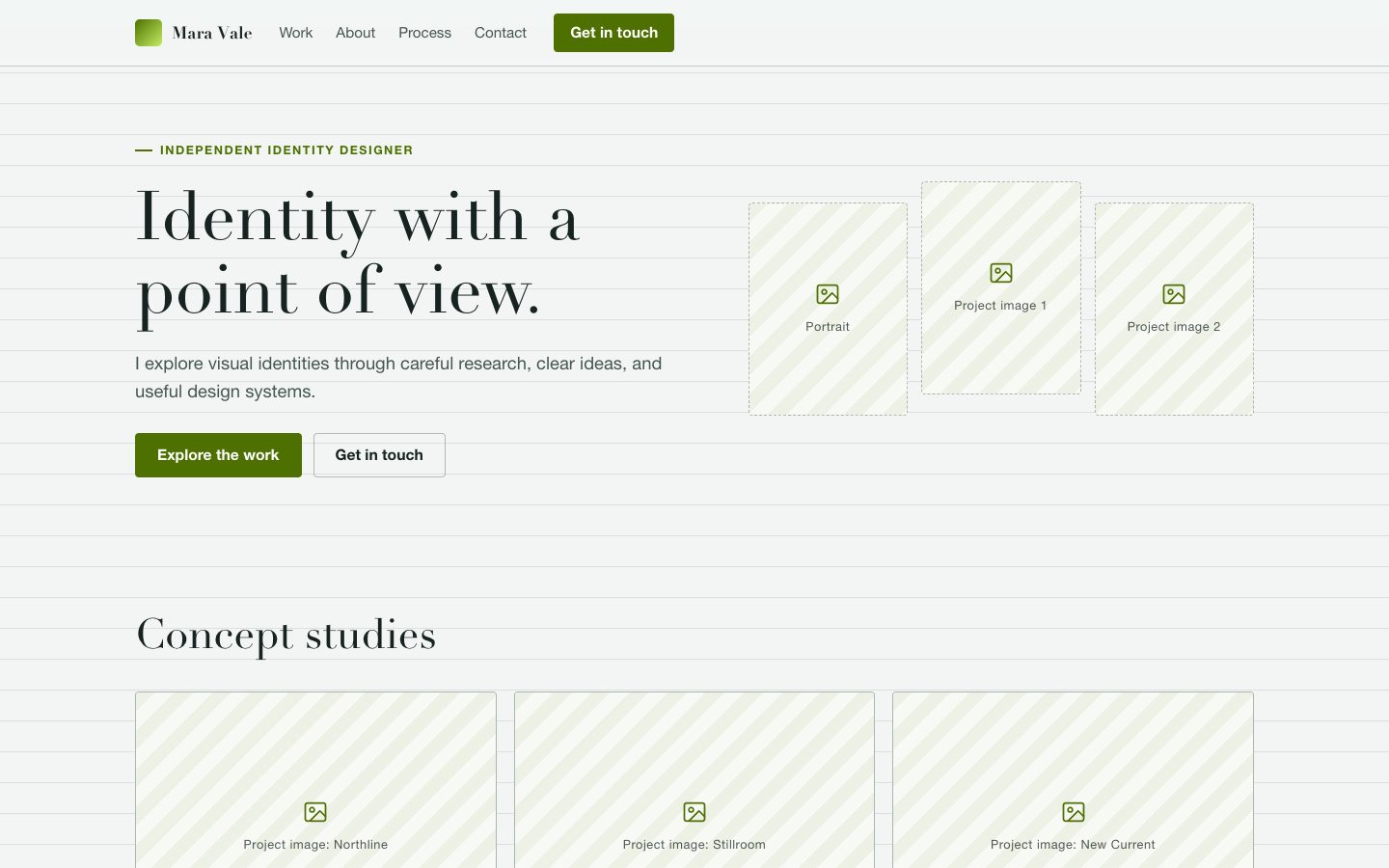
$4.99An editable, portrait-led portfolio for an independent brand designer, built around a lime page frame, white project sheets, and a dark practice band. Client credits, testimonials, and figures appear only when approved source material is supplied.
 $4.99
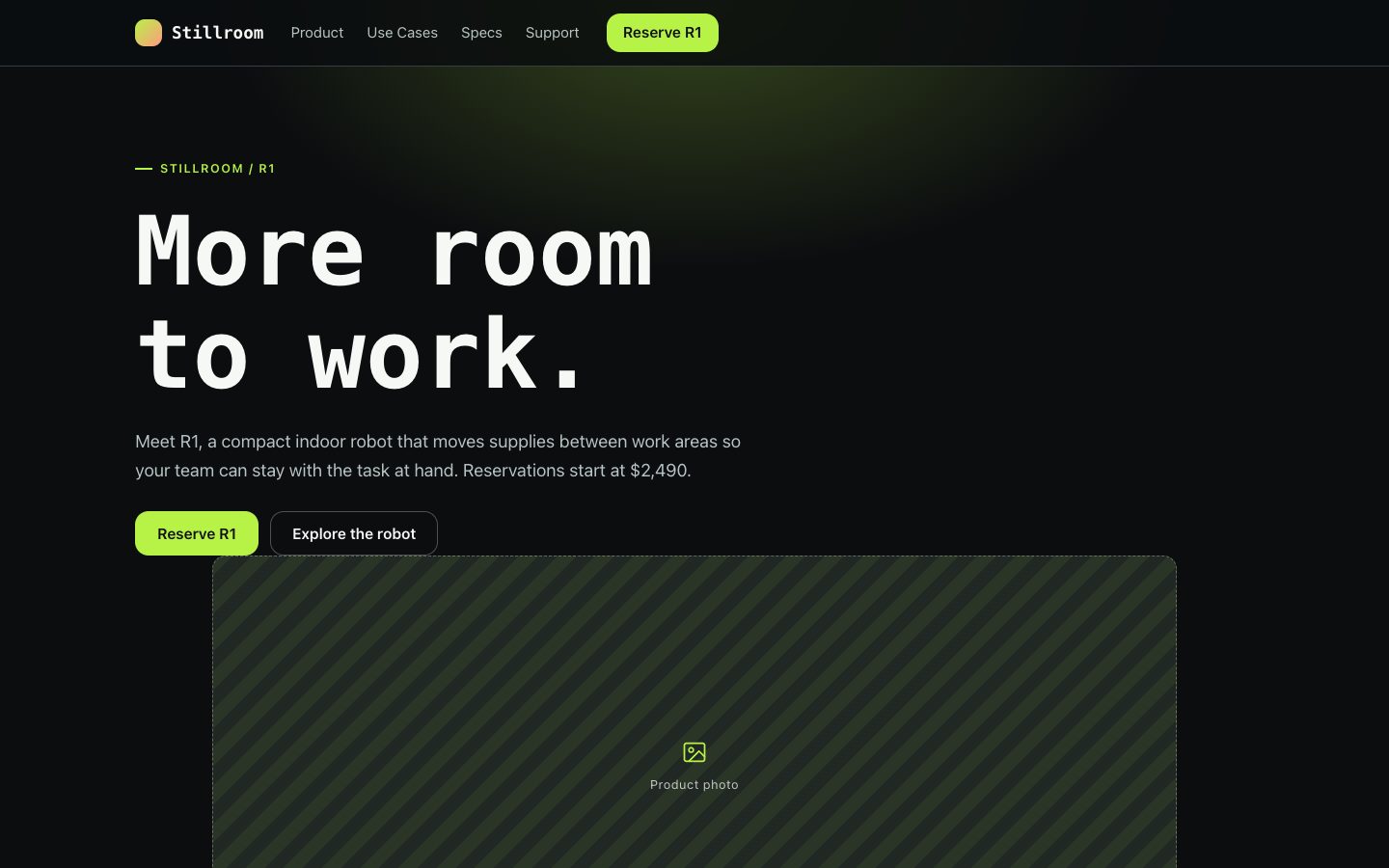
$4.99An editable, product-led website for a silver service robot, pairing clear technical specifications with distinctive dark-stage imagery and a restrained signal glow.
 $4.99
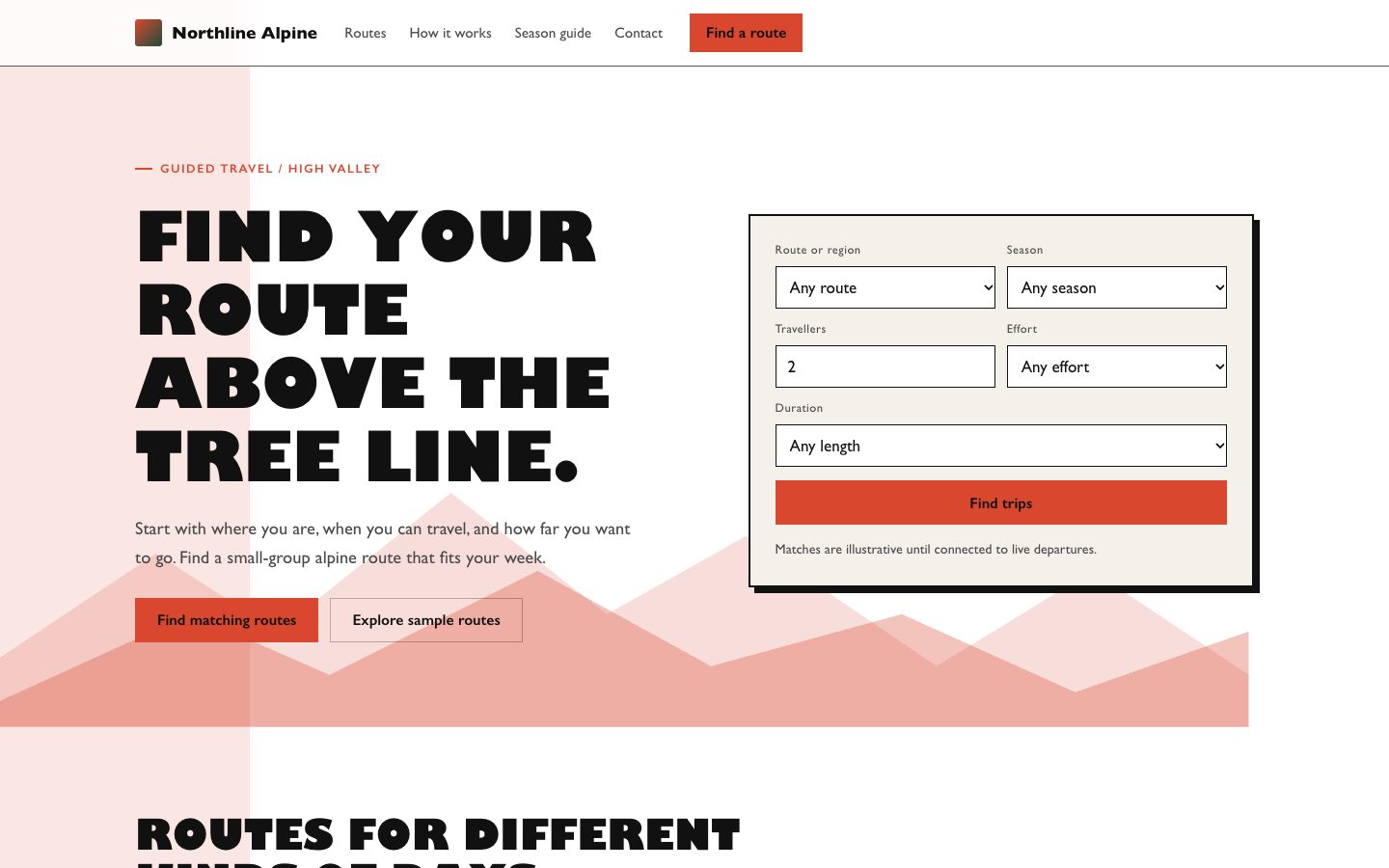
$4.99A high-craft landing page system for a fictional alpine travel agency. It combines an editorial collage, restrained contour details, practical trip data, and a labeled route finder so the brand feels adventurous while the conversion path stays clear.
 $4.99
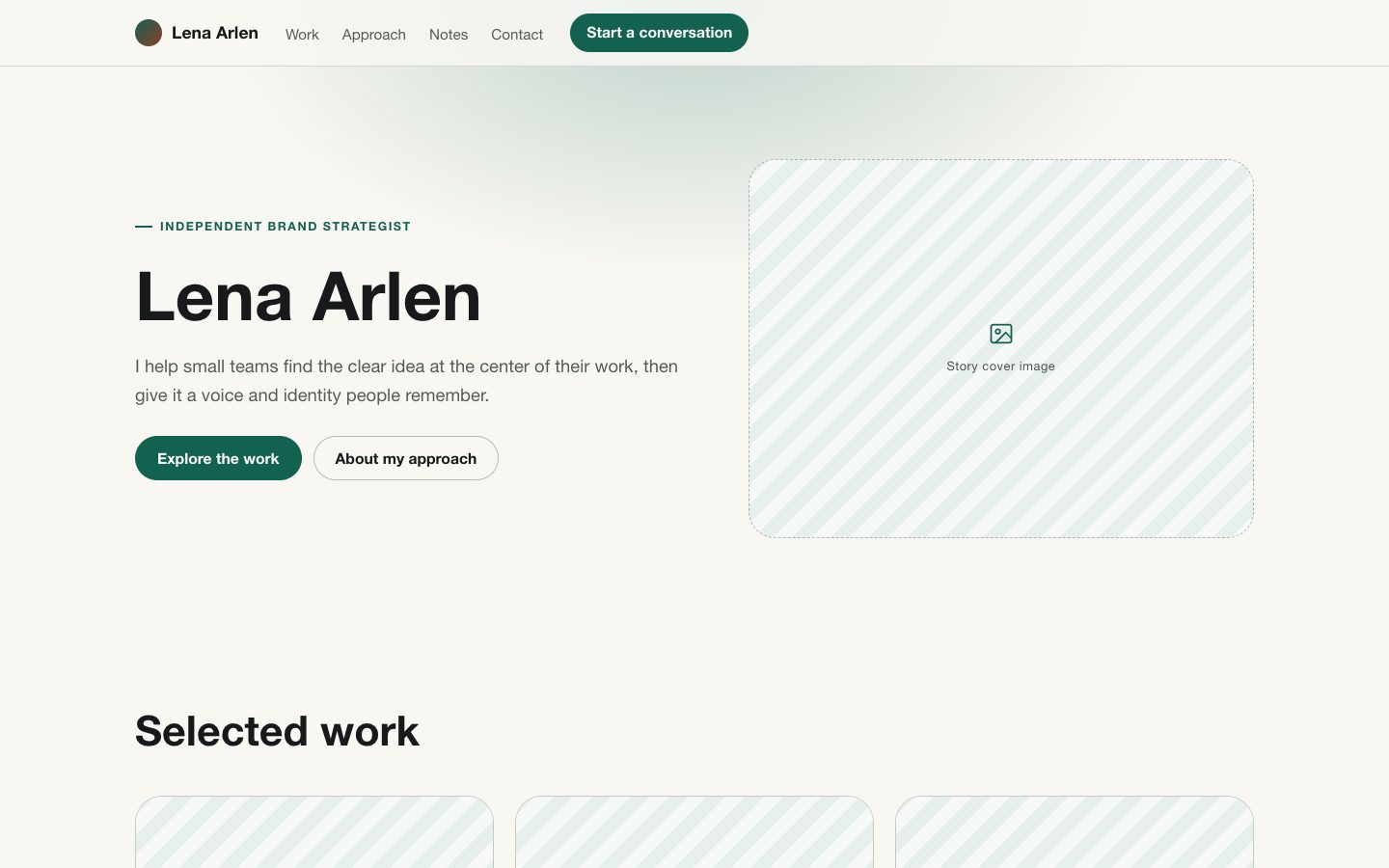
$4.99A portrait-led landing page for an independent professional who needs to show both a distinct point of view and credible work. The editable layout combines sharp grotesk typography, bracket-like rules, selected bold phrases, and a warm off-white ground.