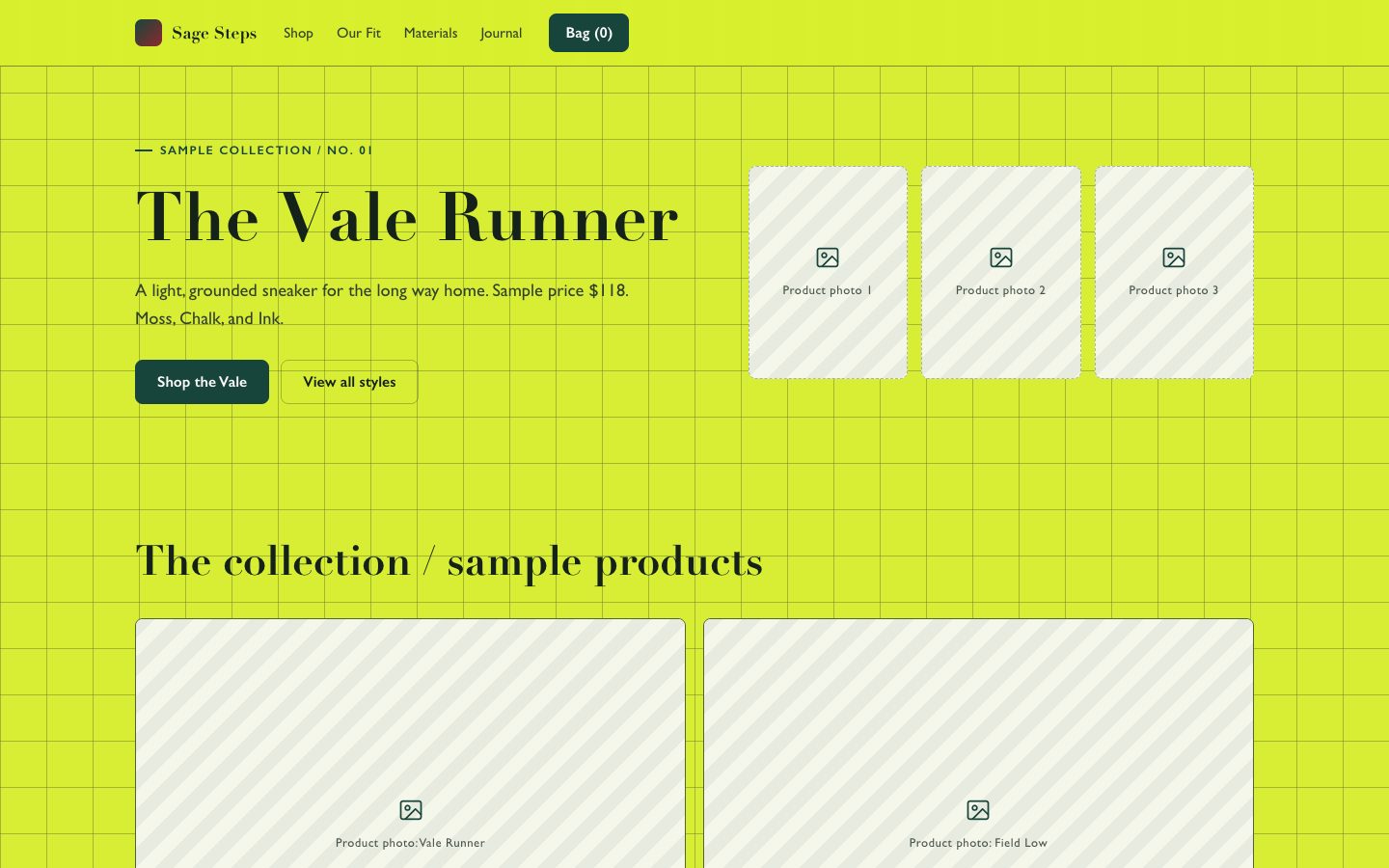
Sage Sneaker Store Site
An editorial sneaker storefront organized like a meticulously labeled shoebox collection.
Style: Citron Shoebox Grid. Bright and exacting, with fashion-editorial typography and the practical clarity of a well-organized stockroom. Follow references/style-guide.md exactly.
Use this skill when
- Independent sneaker labels launching a small collection
- Direct-to-consumer sellers refreshing their storefront
- Brand designers presenting a shoppable site concept
Do not use
- A generic marketplace containing unrelated brands
- A checkout or payment processor implementation
- A storefront that needs verified performance claims without source material
- To reproduce another company's brand, logo, product UI or copyrighted characters.
Inputs
- Brand name, positioning, and preferred storefront language
- Product catalog with names, prices, colors, sizes, and availability
- Product photography or permission to use clearly marked placeholder imagery
- Shipping, returns, and size-guide policies
- Destination URLs or platform requirements for cart, checkout, and newsletter
If something essential is missing, ask one short question before starting. Never invent facts, numbers, quotes or customer names; mark gaps as [needs source].
Workflow
- Read the brief and
references/section-library.md. List the sections the page needs, in order, before writing any markup. - Copy
references/template.html to index.html. Delete the sections the brief does not need; reorder the rest. - Apply the tokens from
references/style-guide.md in the :root block. Do not introduce colors, fonts or radii outside the tokens. - Write real copy from the user's brief for every
REPLACE_ placeholder, inside the word limits. Never invent customer names, logos or numbers; label fictional testimonials and figures as sample content. - Check the layout at 390px, 768px and 1280px wide: no horizontal scrolling, readable type, tap targets at least 44px.
- If the user works in React/Next.js, Vue or Tailwind, port the result with
references/framework-adaptation.md after the HTML version passes. - Run the validator and fix every problem it reports:
``bash node scripts/validate-html.mjs index.html ``
- Open the file in a browser (from
file://) and check keyboard focus, the FAQ toggles and the mobile menu.
What makes this excellent
- Build a usable storefront: listings expose price, color, availability, and a route to product detail.
- Keep the first viewport compact and product-led: show the hero shoe, name, price, and shopping action, with collection content beginning near the fold.
- Use supplied product photos prominently. When none are supplied, use clearly labelled sample imagery and list the replacements needed before launch.
- Provide working color and size selection where a product can be purchased; prevent adding an unavailable size to cart.
- Include side-profile, top, and sole imagery when supplied; never present an unrelated shoe image as a product variant.
- Keep fit advice, materials, shipping, and returns close to product decisions; mark unverified details as samples.
- Use a functioning cart or connect to the supplied commerce platform; do not simulate a completed purchase.
- Keep sample product claims and policies explicitly editable until the seller supplies verified information.
Output contract
index.html: one self-contained HTML file (inline CSS, inline SVG, no network requests, no storage APIs) that opens from file://.- Exactly one
<h1>, labelled form inputs, alt text on every image, no REPLACE_ placeholders or filler text. - Responsive at 390 / 768 / 1280px, using only the style-guide tokens.
- A hand-off note: sections used, any sample content that must be replaced, framework port (if any) and the validator output.
- Deliver a responsive, self-contained HTML page or an equivalent implementation in the requested framework.
- Keep product data, prices, sizes, policy copy, and image paths easy to edit.
- Identify placeholder imagery and unverified sample policies before publication.
Reference demo and agent run
The preview (preview/demo.html) is a static reference built from sample content: it shows the layout, style, copy structure and the visible controls every interactive part needs (labelled form fields, carousel buttons, player chrome). Image areas are labelled placeholders and sample quotes or figures are marked as samples. In a real run the agent uses the user's content and assets, wires behaviour (form destinations, media sources, data) and keeps every promise in the output contract above.
Failure rules
- Never hand over a file that fails the validator; fix it and run it again.
- If the brief lacks facts (prices, numbers, customer names), ask once; otherwise mark them clearly as sample content.
- Do not reproduce another company's website, logo or copy, even if asked to "make it look like" one; build an original page in this style instead.
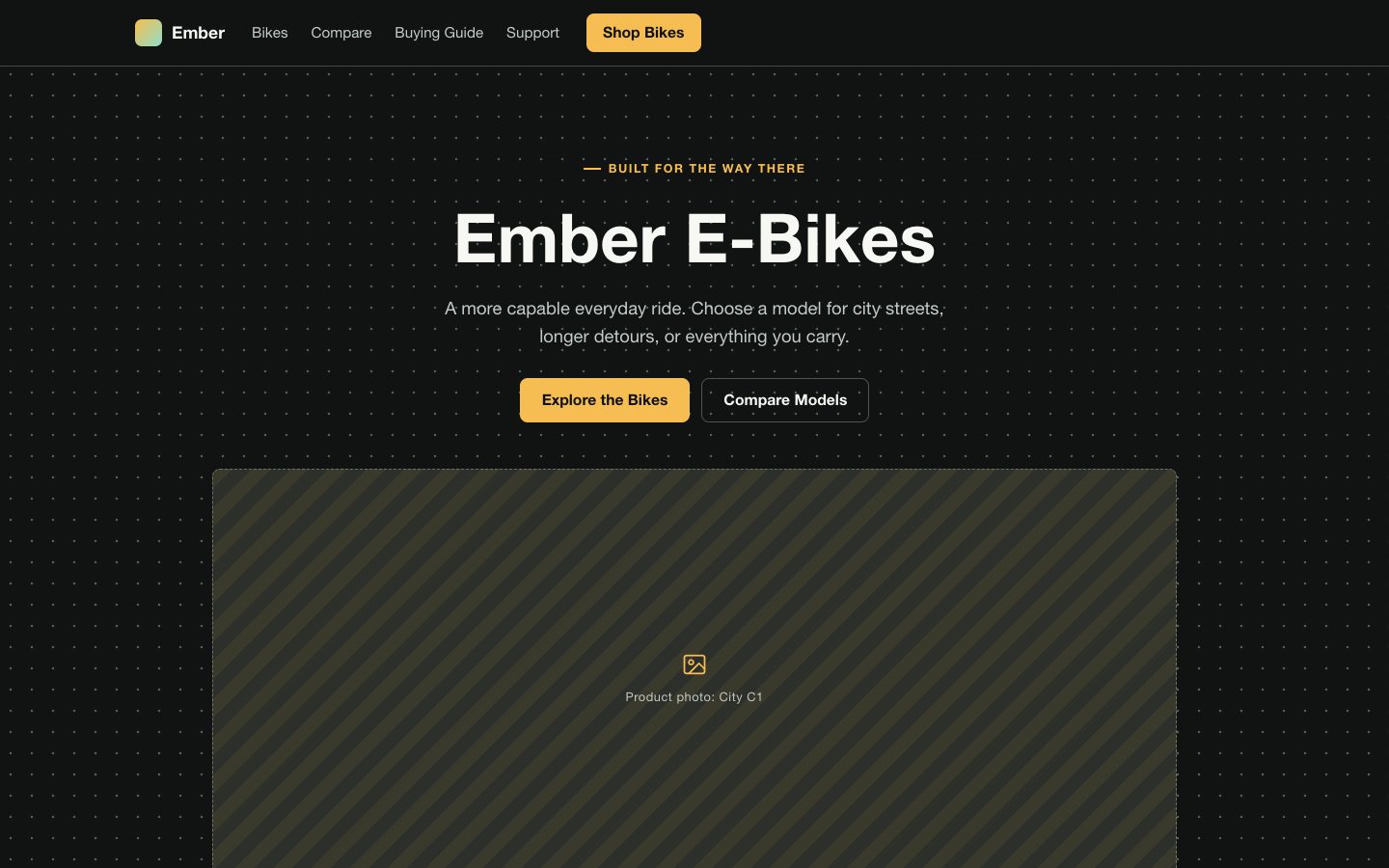 网页已验证


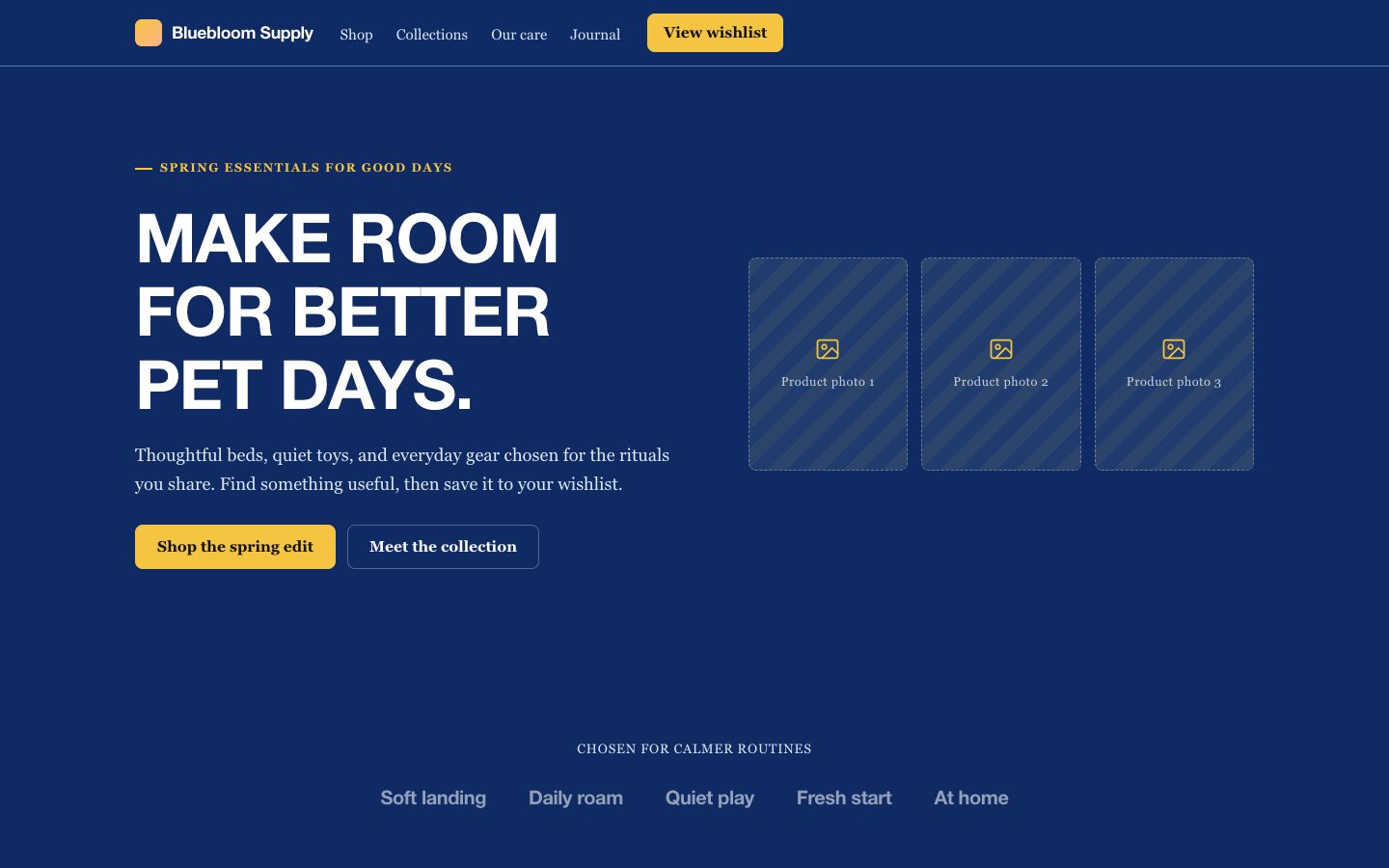 网页已验证
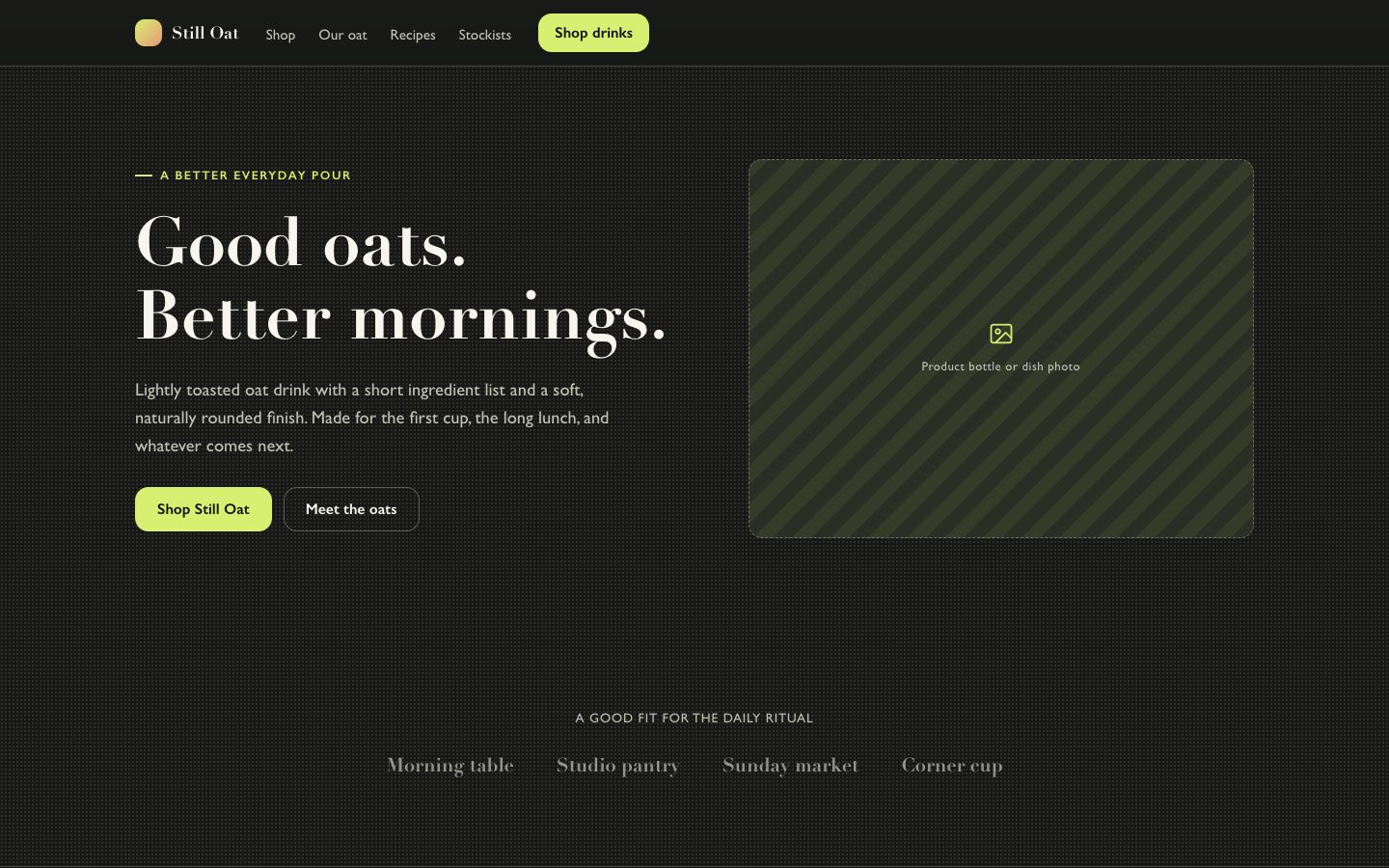 网页已验证
 网页已验证
 网页已验证
 网页已验证
 网页已验证
 网页已验证