 WebVerified
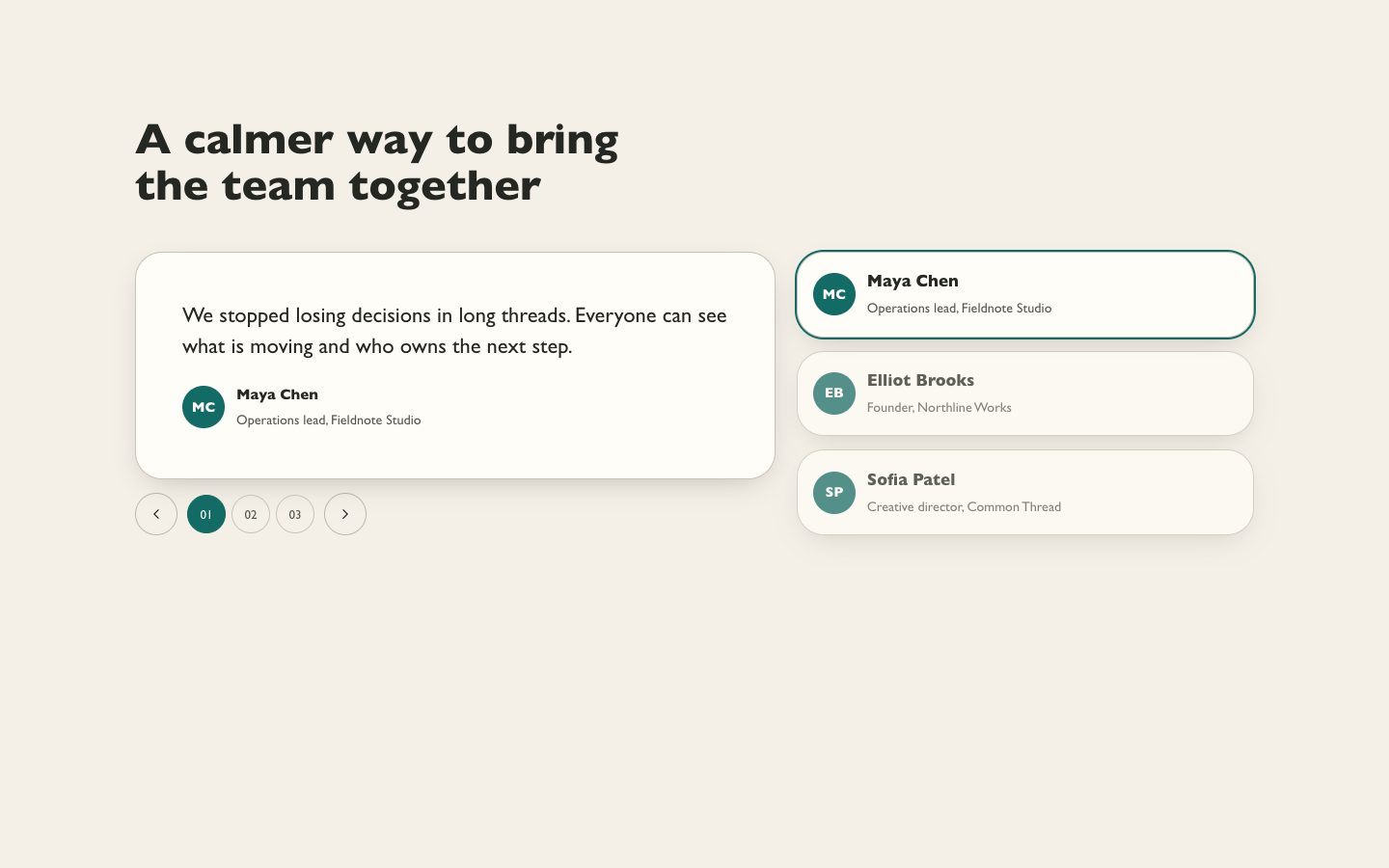
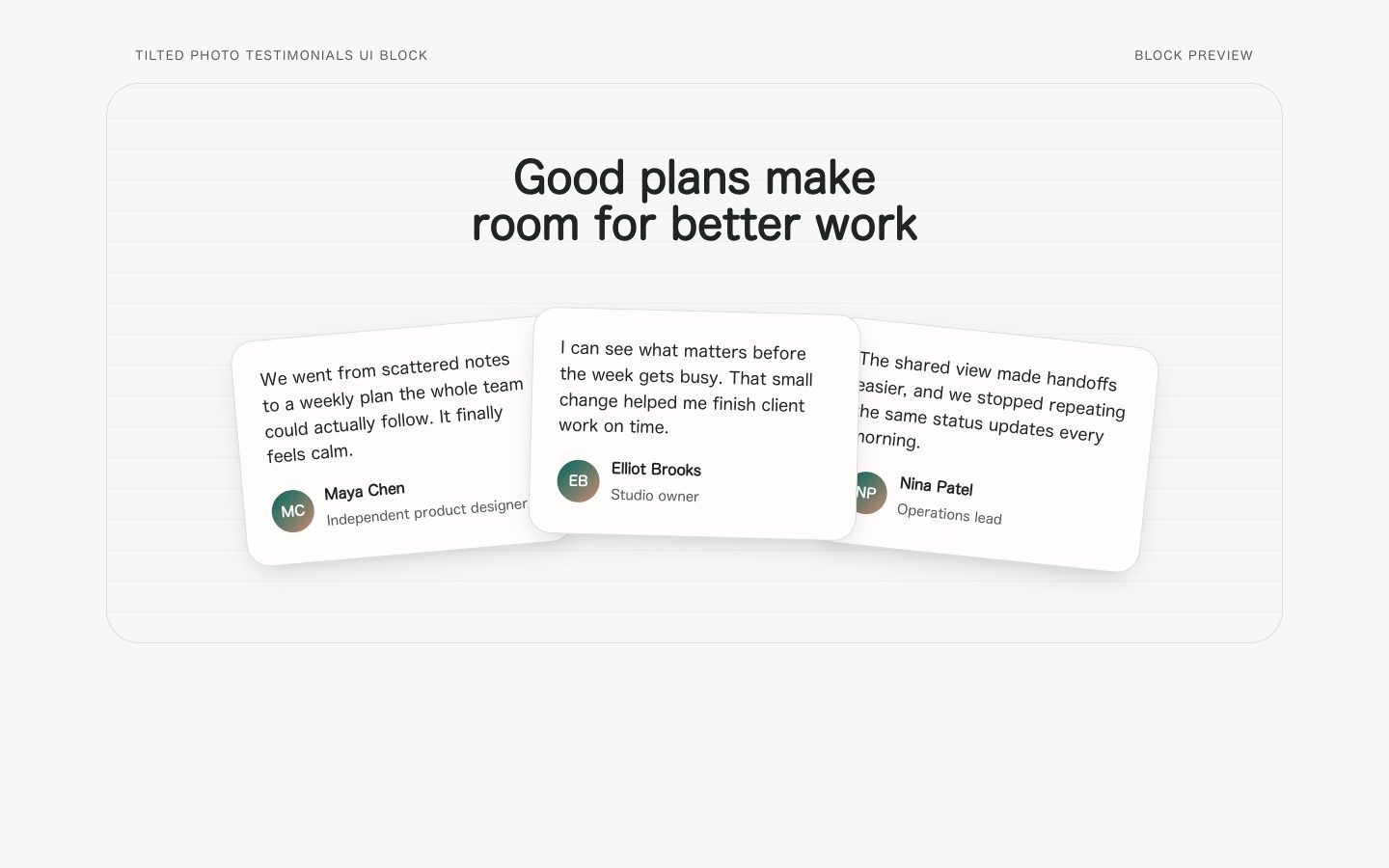
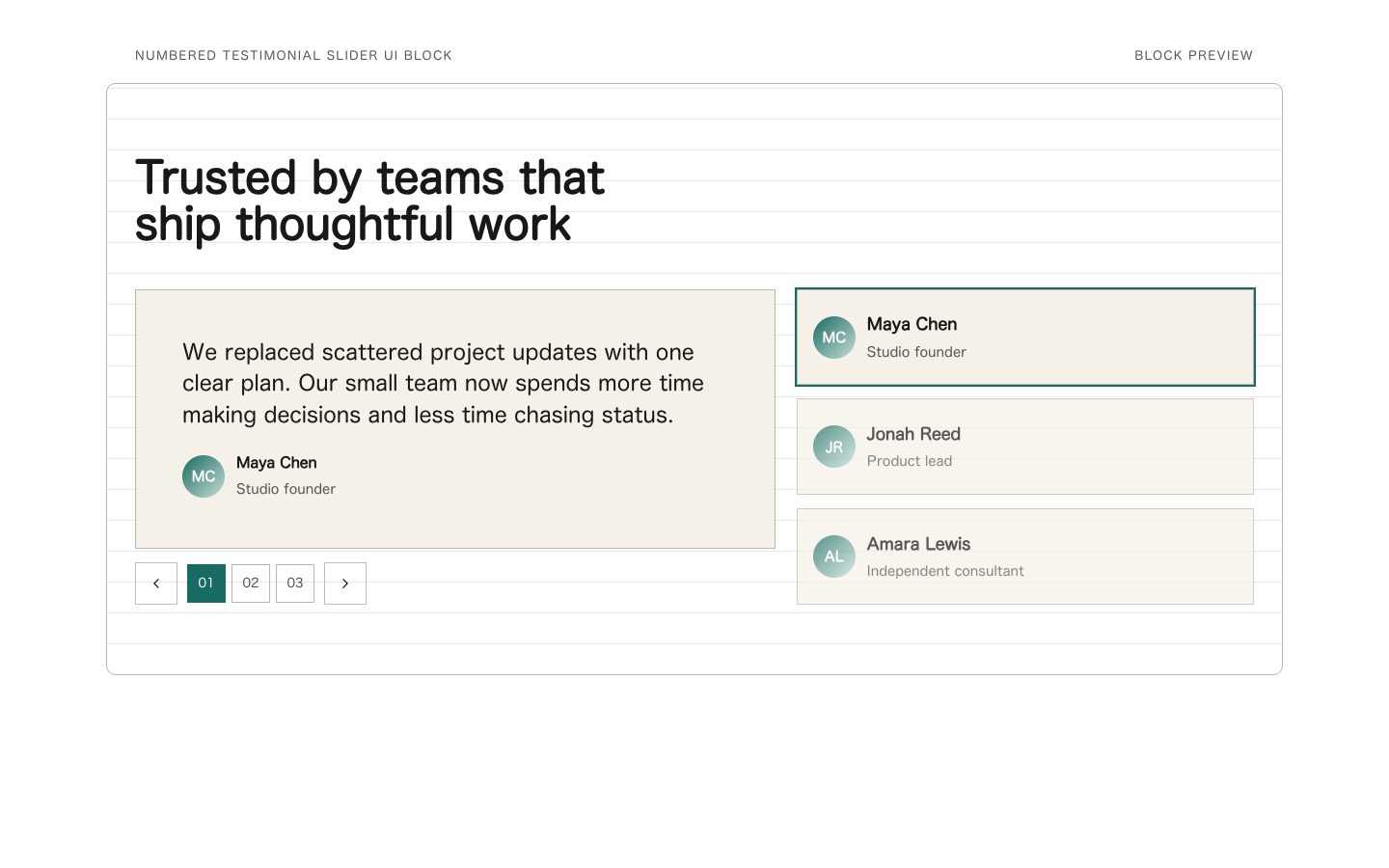
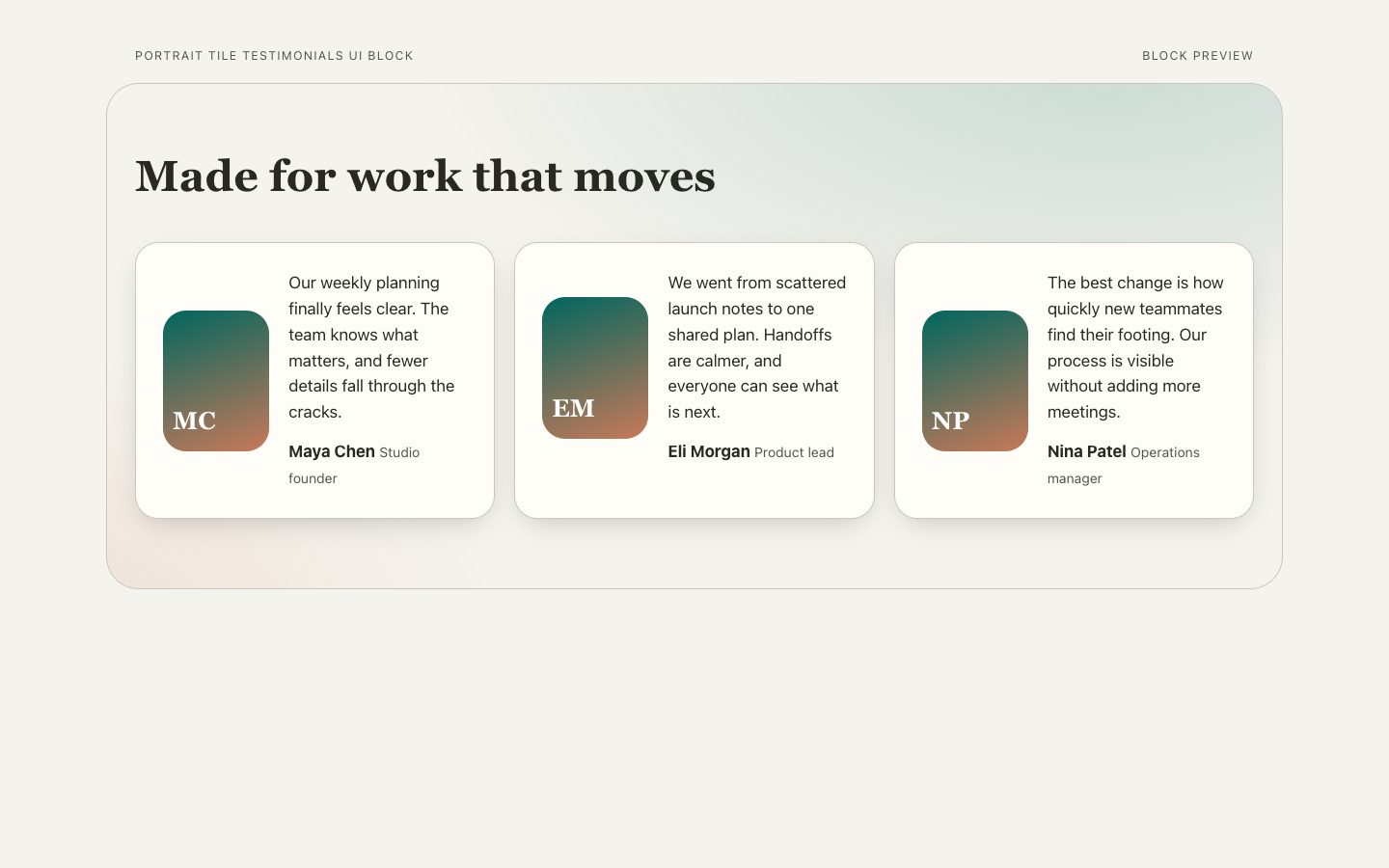
Profile Card Testimonial Reel UI Block
Works with: Claude Code, Cursor, OpenCode, Codex, Gemini CLI


All premium skills for $9.99/month. Cancel anytime.
Upgrade nowUse it to build a web page.
npx skillloom-cli install sl-portrait-overlay-testimonials-ui-block
Updated Oct 5, 2026

 WebVerified
 WebVerified
 WebVerified
 WebVerified
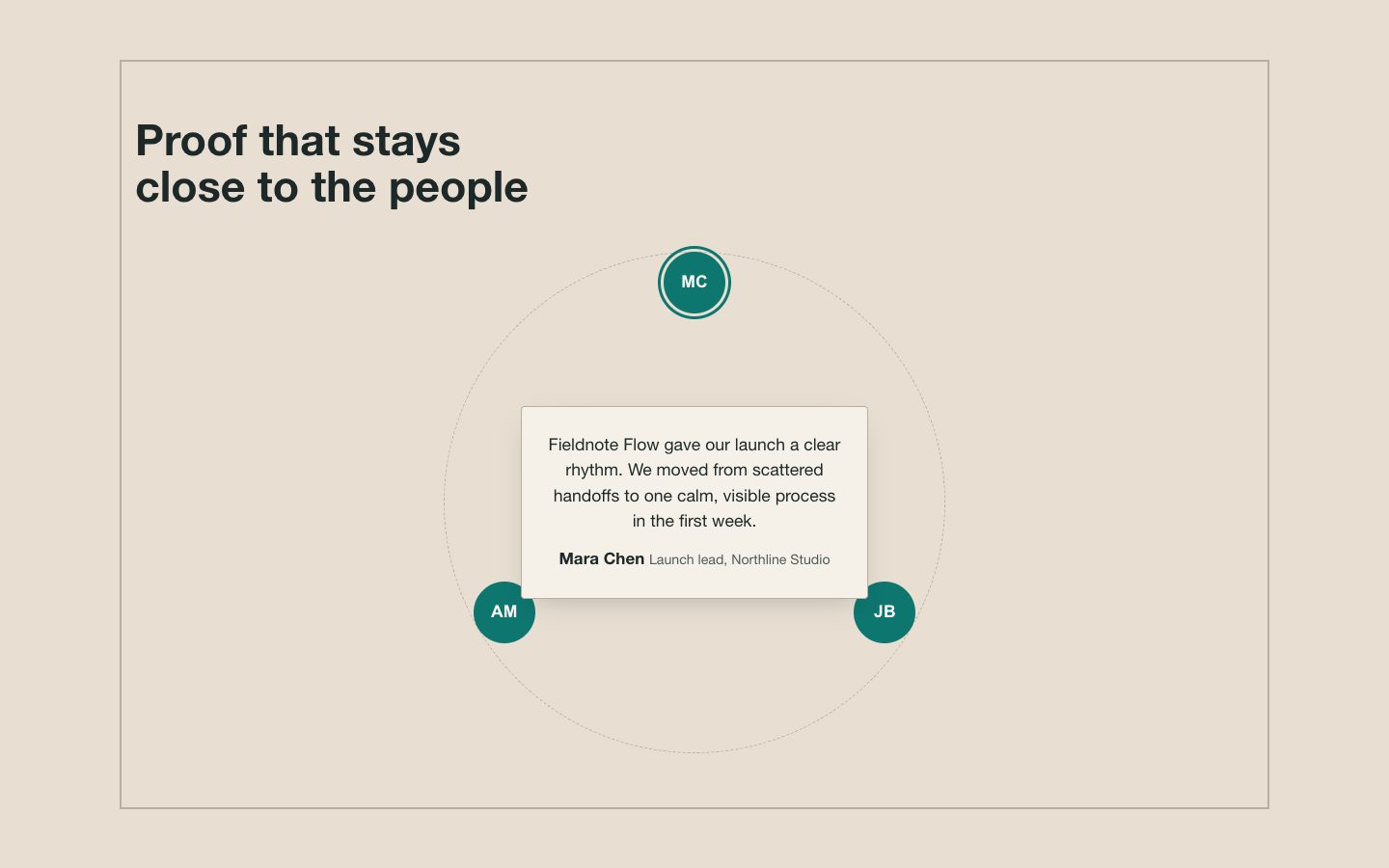 WebVerified
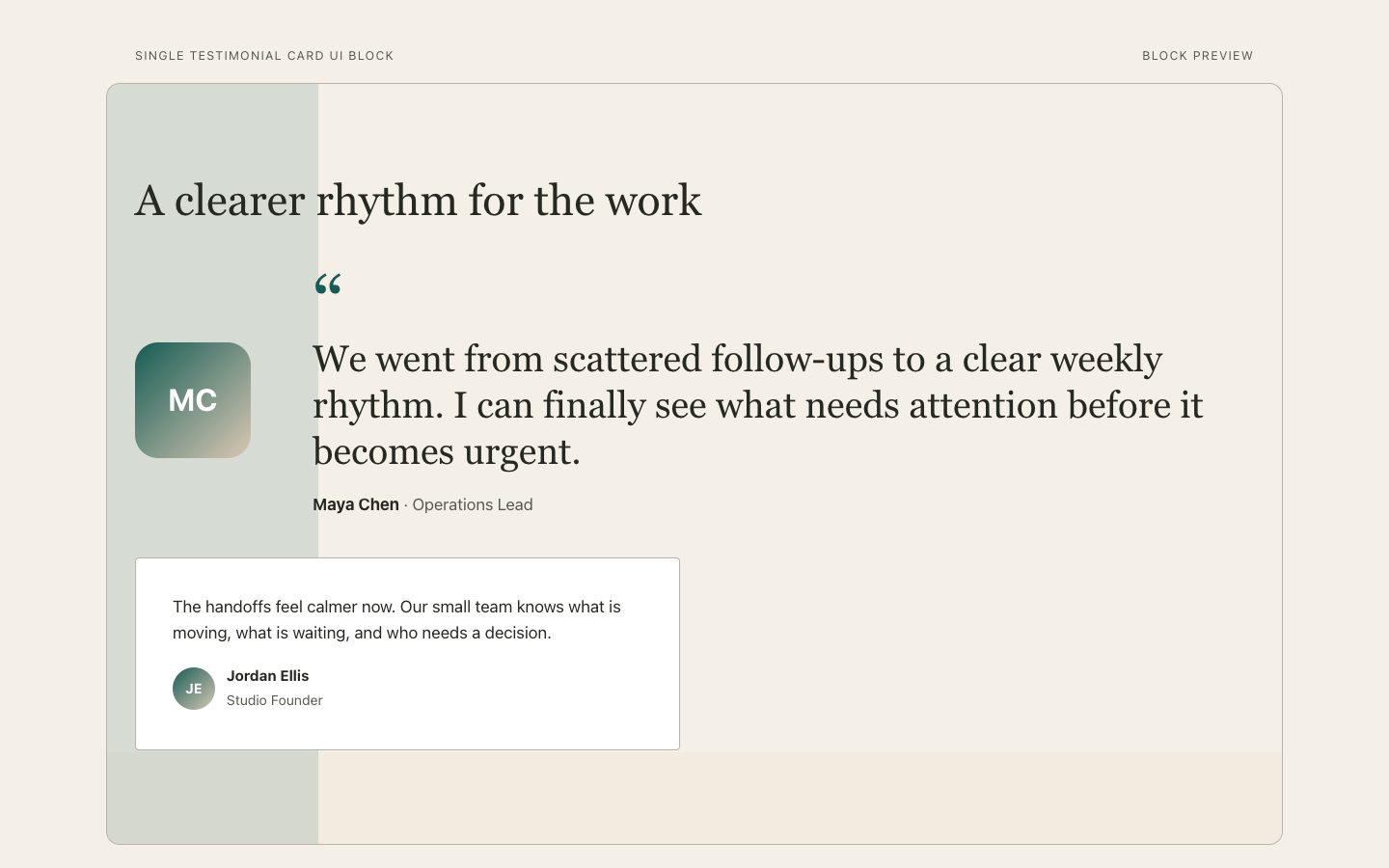 WebVerified
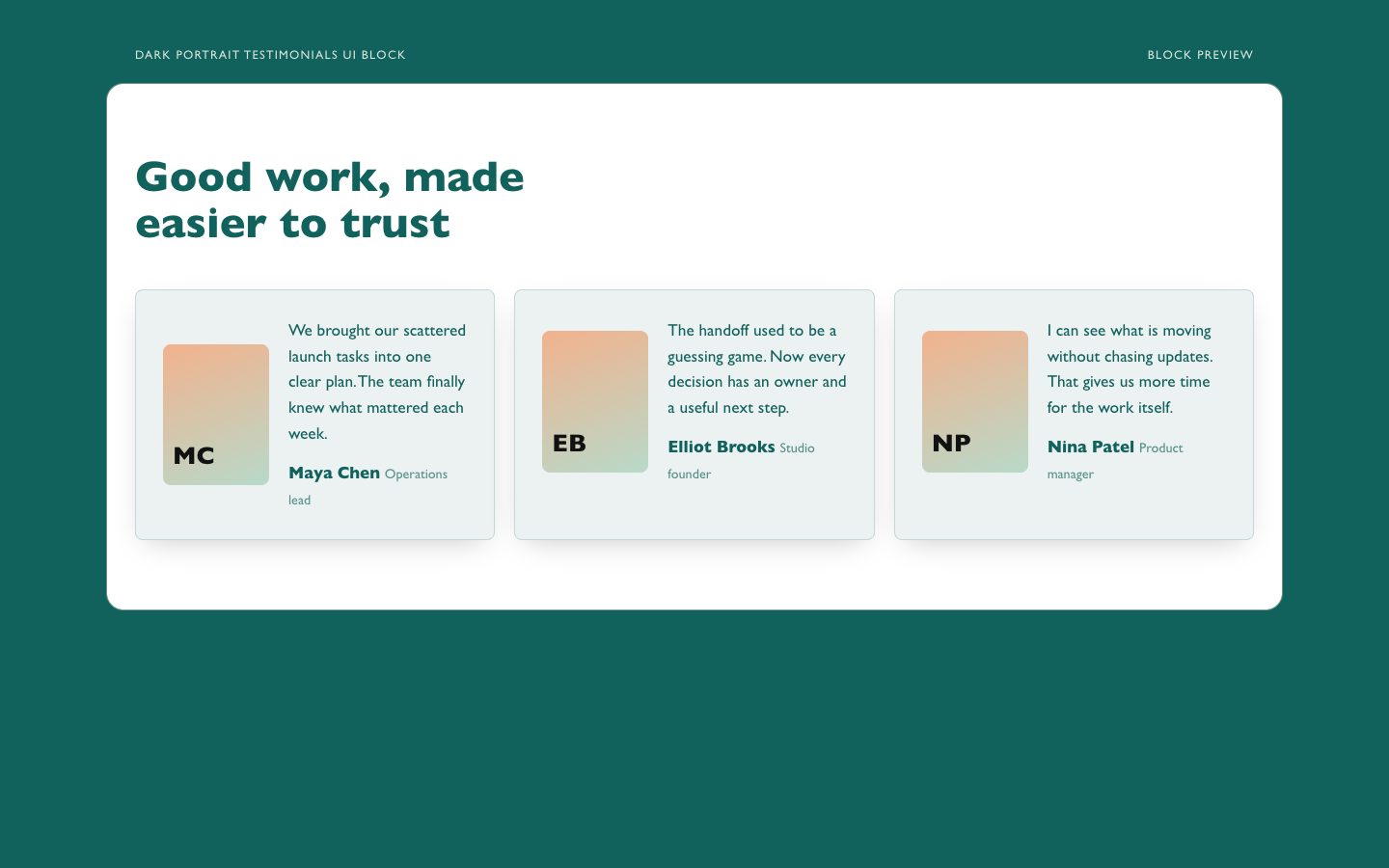 WebVerified
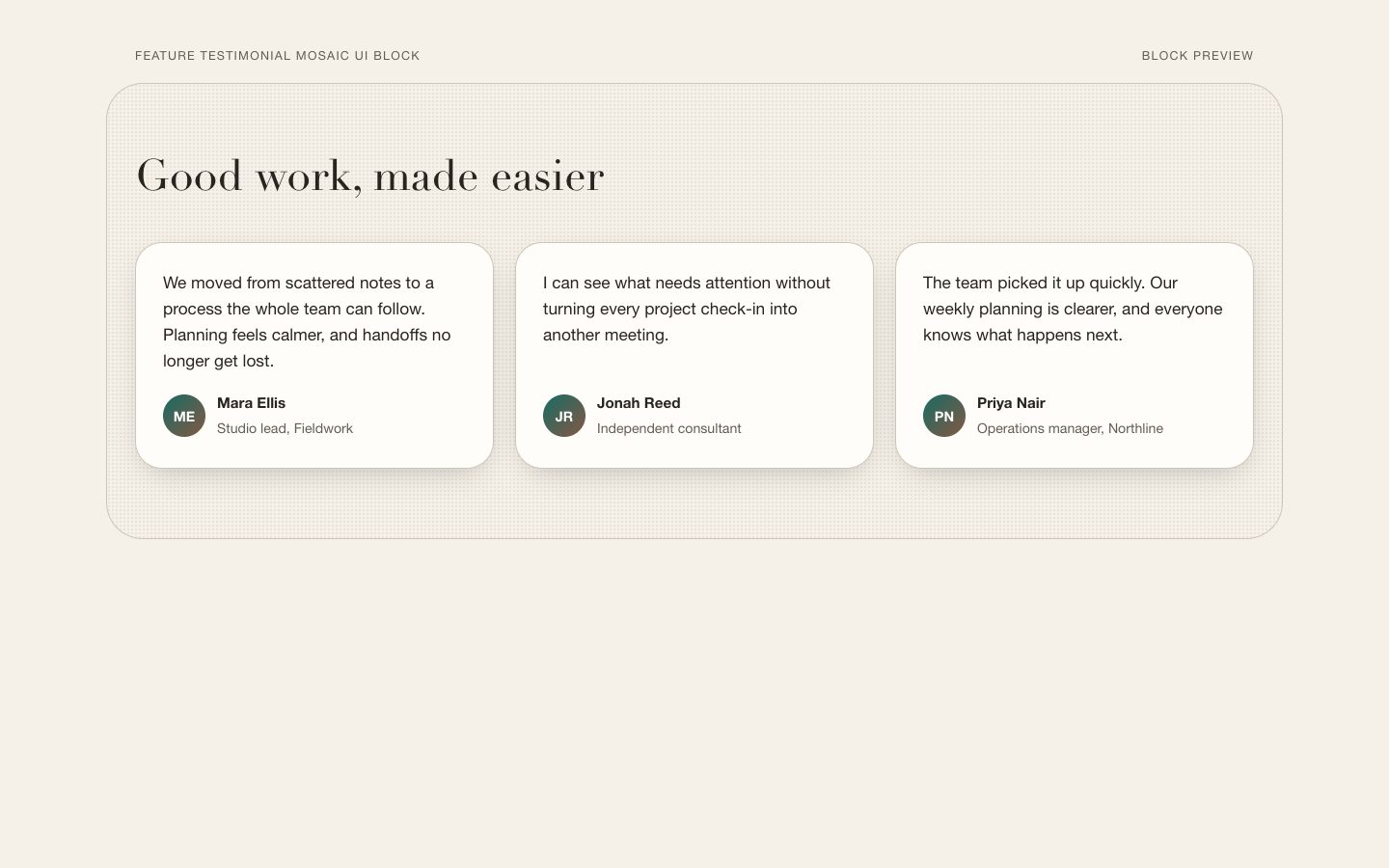 WebVerified
You say
/sl-portrait-overlay-testimonials-ui-block Create a testimonials section for users of fictional project-planning app Veloraft. Title “Sample testimonials · Good work, remembered”. Show three clearly labeled fictional samples. Include “We went from scattered updates to a weekly plan everyone could actually follow.” and end with “It is a small change that made our projects feel much more manageable.” Use deep-teal portrait overprint styling.
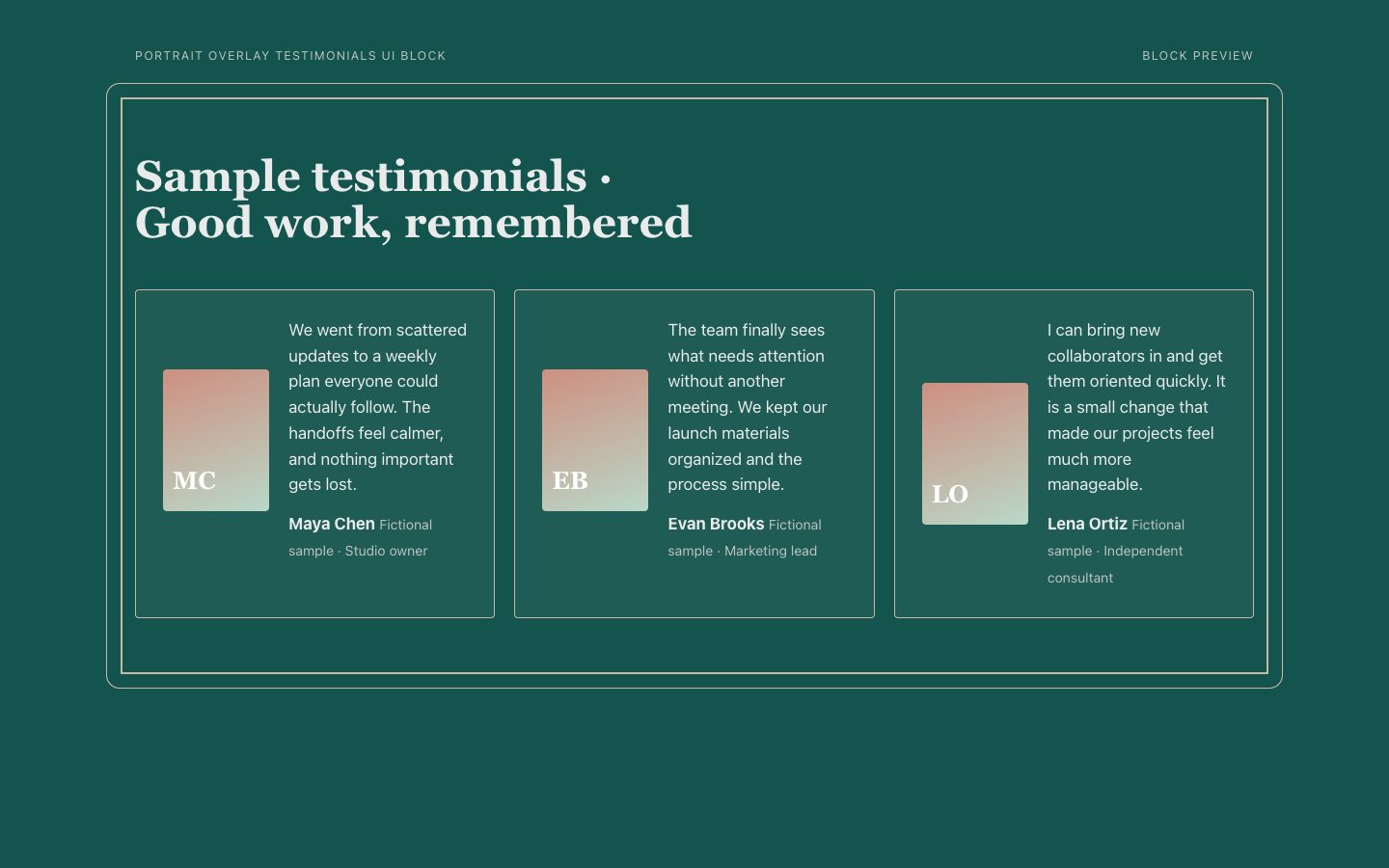
Make the featured testimonial more prominent while keeping all three entries visible across the desktop layout.
Check portrait positions, text wrapping, and reading order at 390, 768, and 1280px.
Replace the labeled samples with these approved quotes and licensed image paths.
No external services. Runs entirely on your agent.
5.0/ 5
Render score
Verified
| Real render check | Verified | 5.0 / 5 | 36s |
|---|
Yes. Identify them clearly as replaceable placeholders. Do not present generated or stock subjects as named real customers.
Use two or three entries. Give one quote prominence while keeping every entry easy to read.
Yes. Reposition portraits at narrow widths so they do not cover quote text or attributions, and check the layout at 390, 768, and 1280px.