SlidesFree Verified

Ochre Editorial Deck

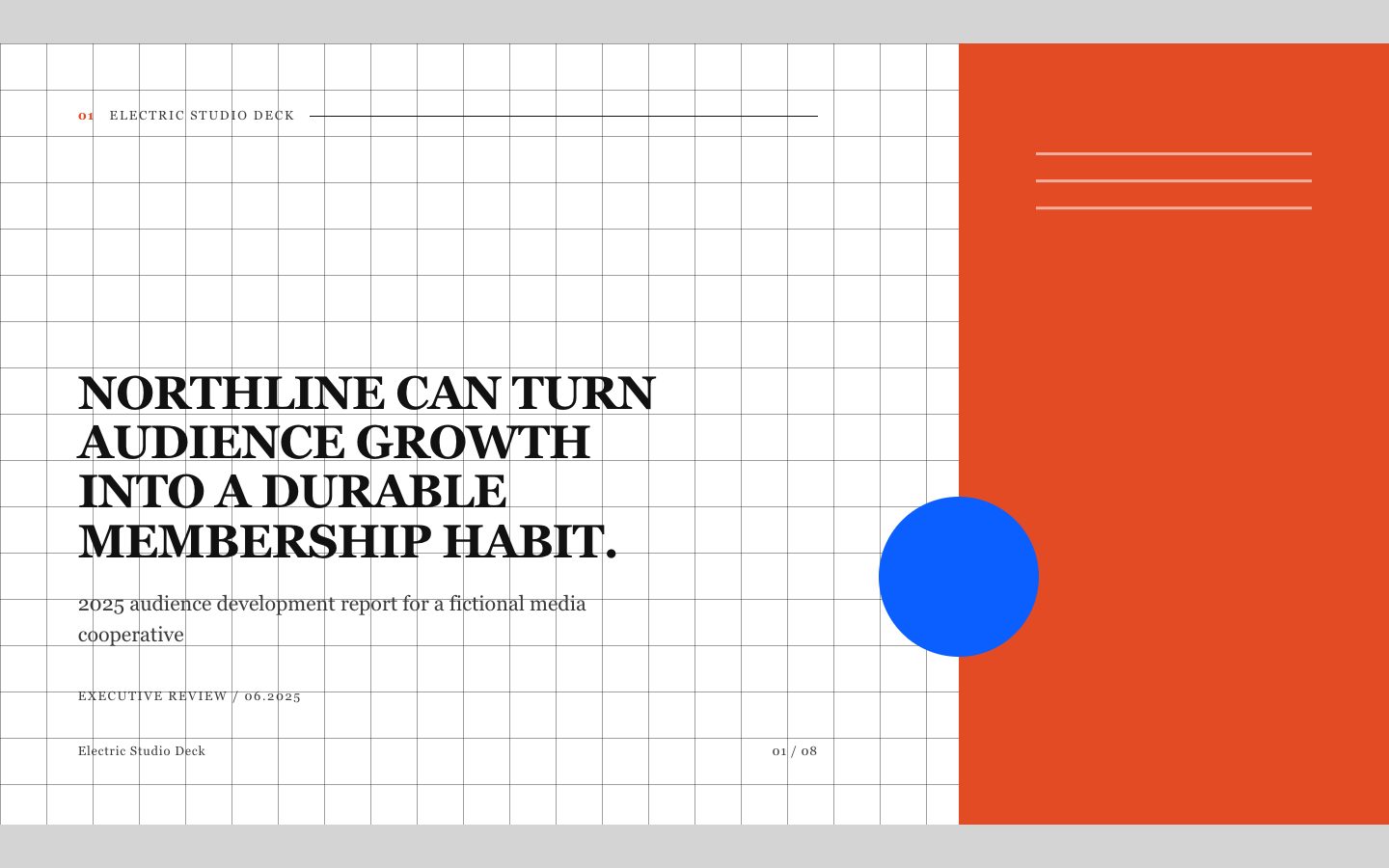
A style-locked HTML deck for publishing reviews and executive reporting. It pairs assertive editorial headlines with precise charts, cool-paper layouts, and restrained ochre accents.

What you get

  • A self-contained 16:9 HTML presentation
  • Consistent editorial layouts across the full deck
  • Action-led headlines and clearly labeled evidence
  • Readable charts, figures, captions, and source notes

Good fit

  • Quarterly publishing or audience reports
  • Course performance presentations
  • Executive reviews built from verified source material

Not for

  • Inventing data to fill reporting gaps
  • Highly animated product demonstrations
  • Native editable slide-file delivery

What you provide

  • Audience and decision to support
  • Verified source material and figures
  • Required sections or preferred slide count

Requirements

  • A modern browser
  • Node.js 20+ for the validator

Running cost

No external services. Runs entirely on your agent.

Try this prompt

/sl-ochre-editorial-deck Create exactly 9 slides for North District Publishing, a fictional regional studio. Frame Q2 around paid-readership growth, retention risk, editorial findings, and a three-step retention test, ending with three editorial choices and next-cycle actions. Use Ochre Margin style. Quote the title “PAID READERSHIP GREW, BUT RETENTION NEEDS ATTENTION.” and closing title “APPROVE THE RETENTION TEST BEFORE THE NEXT CYCLE.”

Follow-up prompts

  • Make the chart takeaway more explicit without changing the figures.
  • Shorten the copy for a five-minute executive readout.
  • Add source notes to each slide that uses the subscriber table.

Verification

Verified

render-checkpass5.0 / 5111s

FAQ

Can I provide rough notes instead of a slide outline?

Yes. Provide the notes and identify the audience and decision. The deck will organize the material into an evidence-led narrative without changing verified facts.

What happens when a figure has no source?

It is flagged for confirmation or omitted. The deck does not present invented figures as reported results.

SKILL.md

SKILL.md

Ochre Editorial Deck

Turn reporting material into a polished editorial slide deck with action-led headlines, disciplined typography, and evidence-first layouts.

Style: Ochre Margin. A crisp publishing review with ink-dark type, cool paper, and measured ochre emphasis. Follow references/style-guide.md exactly.

Use this skill when

  • Quarterly publishing or audience reports
  • Course performance presentations
  • Executive reviews built from verified source material

Do not use

  • A free-form pitch deck that requires a different visual identity on every slide
  • Reports that require fabricated metrics or unattributed quotations
  • Presentations whose primary deliverable must be an editable native slide file
  • To reproduce another company's brand, logo, product UI or copyrighted characters.

Inputs

  • Audience, presentation objective, and the decision the deck should support
  • Source material, including exact figures, dates, quotations, and attribution
  • Preferred slide count and any required sections
  • Available images or permission to use text-and-data-only layouts

If something essential is missing, ask one short question before starting. Never invent facts, numbers, quotes or customer names; mark gaps as [needs source].

Workflow

  1. Read all source material. Separate facts from opinions and keep the user's terminology; mark missing facts as [needs source] instead of inventing quotes, numbers or names.
  2. Write the title spine first: one action title per slide (a full sentence with a verb). Read the titles in order; they must make the argument on their own.
  3. Copy references/template.html to the output path, for example deck.html. Keep its paging engine, overview mode (press o), notes panel (press n) and print stylesheet intact.
  4. Apply the tokens from references/style-guide.md (they are already set in the template's :root); do not add other colors or webfonts.
  5. Choose layouts from references/layouts.md. Never use the same layout on more than two consecutive slides. Copy the matching example slide, fill every REPLACE_ value and delete unused examples.
  6. Keep body text under 40 words per slide; move detail into speaker notes. Write notes for every data-slide-id in window.__SLIDE_NOTES__; notes add delivery context and do not repeat the slide.
  7. Icons and diagrams are inline SVG only (the template's icon set or simple shapes in token colors). Never use emoji, icon fonts or remote images.
  8. Run the validator and fix every problem it reports:

``bash node scripts/validate-deck.mjs deck.html --expected-slides 8 ``

  1. Open the deck in a browser: check arrow keys, overview, notes, a 390px wide window and print preview (one 16:9 slide per page).

What makes this excellent

  • Extract the executive argument first, then order slides so each action title advances that argument.
  • Preserve supplied numbers and wording exactly; flag missing sources or conflicting figures instead of inventing them.
  • Treat charts as editorial evidence: show units, time periods, direct labels, and one explicit takeaway.
  • Alternate typographic spreads with data-rich layouts; avoid repeating any layout three times consecutively.
  • Use collage-like cropping only when the user supplies relevant imagery; keep captions and attribution legible.
  • Check every slide at presentation size for line breaks, contrast, and text overflow.

Output contract

  • One file, deck.html, 16:9, self-contained (no network requests, no storage APIs), opens from file://.
  • Exactly the requested number of section.slide elements, each with a unique data-slide-id and speaker notes.
  • A short hand-off note: slide count, layouts used, sources used, any [needs source] gaps, and the validator output.
  • Deliver one self-contained 16:9 HTML slide deck with all styling and behavior available offline.
  • Keep slide text selectable and charts readable without relying on external fonts or services.
  • Include a compact source note on slides that present supplied data or quotations.

Reference demo and agent run

The preview is a reference deck built from sample content. Figures on chart and stat slides are sample data and say so in the slide footer; image areas are labelled slots. In a real run the agent uses the user's sources and assets, adds a source note to every slide that states a figure or claim, and keeps every promise in the output contract above.

Failure rules

  • If the validator fails, fix the deck and run it again; do not hand over a failing deck.
  • If source material contradicts itself, show both claims and flag it in the notes instead of choosing one silently.
  • If the user needs an editable PowerPoint file, say that this skill delivers HTML before starting.

Similar skills

Ochre Editorial Deck · SkillLoom