WebFree Verified

Minimal Motion Hero UI Block

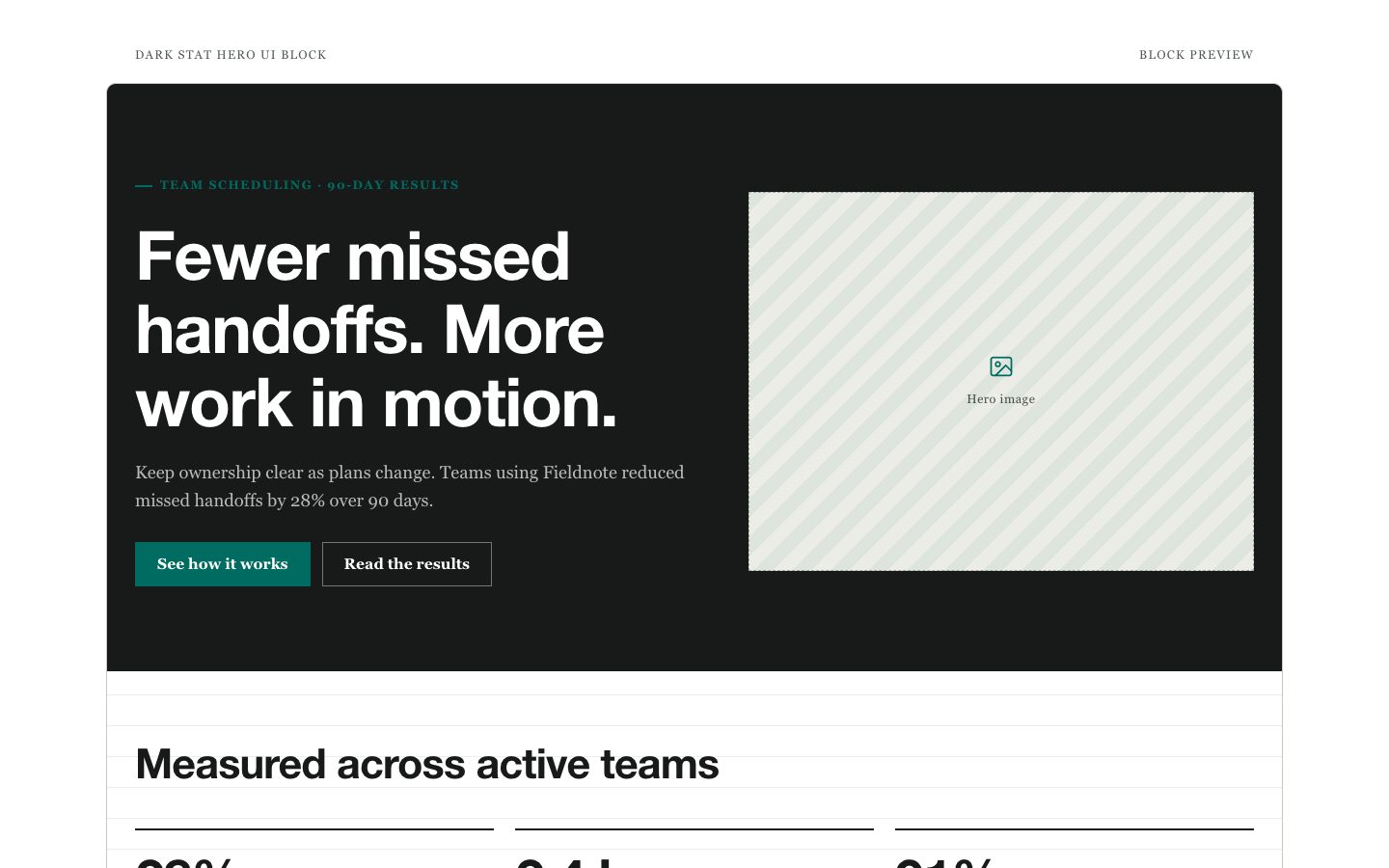
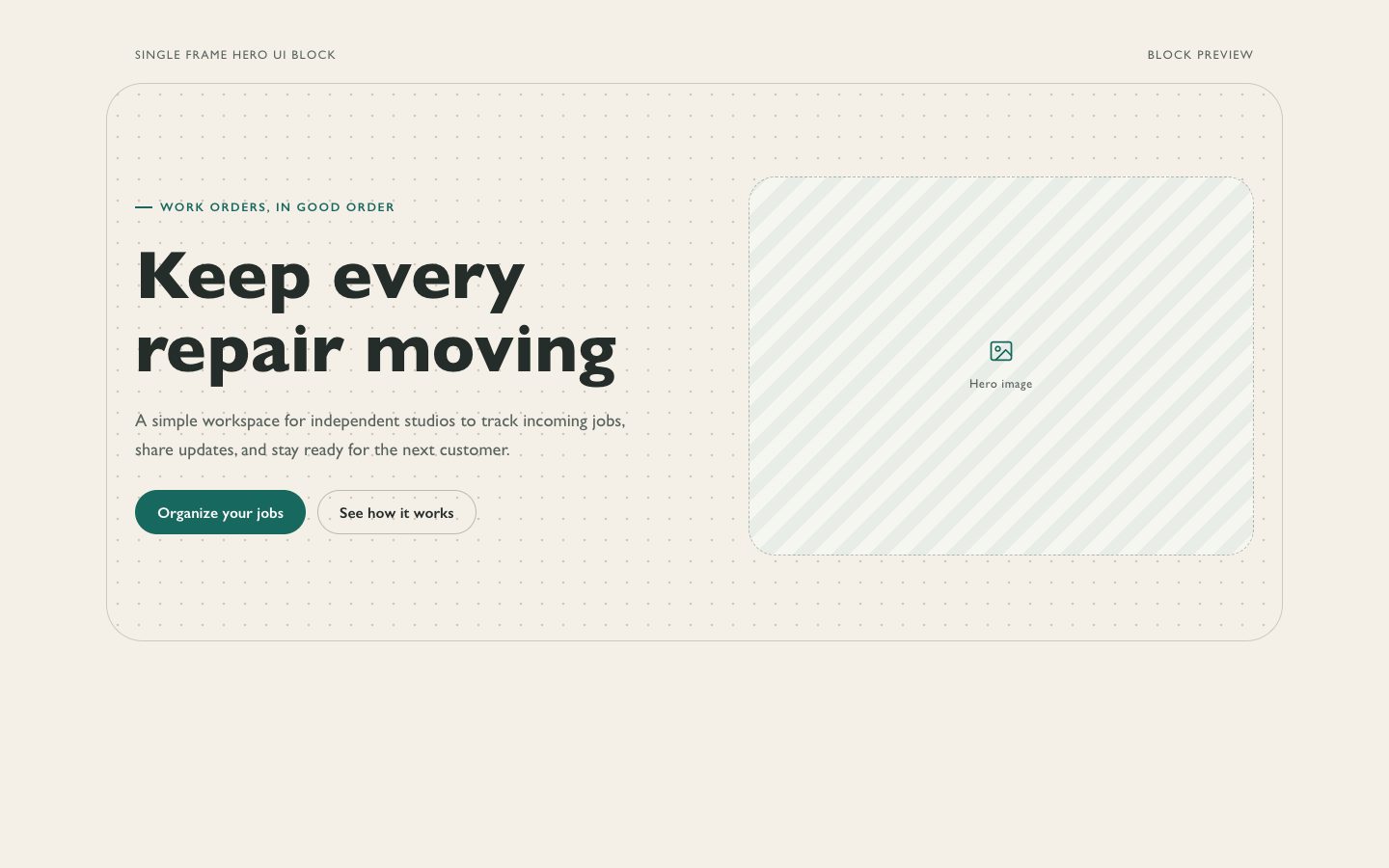
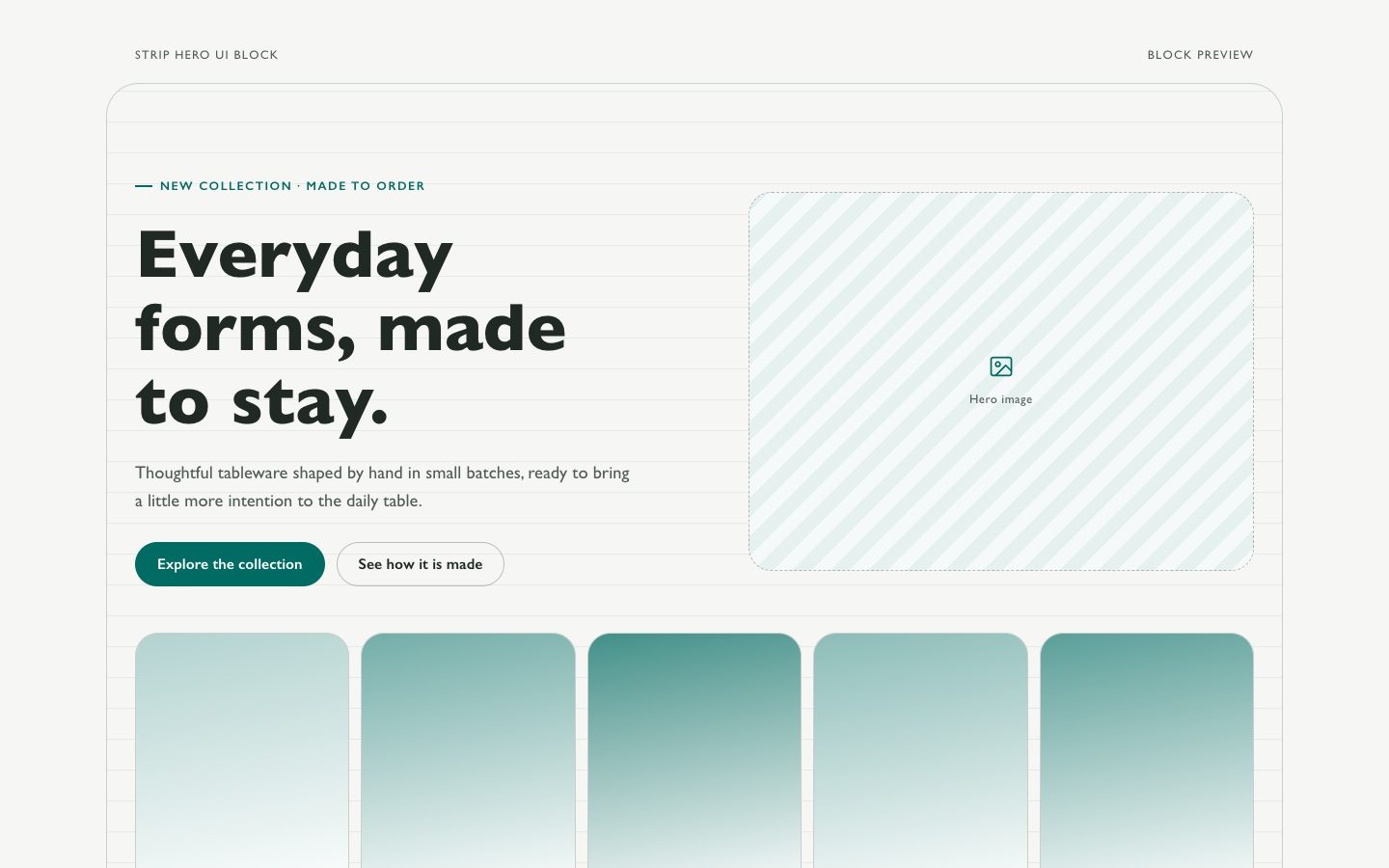
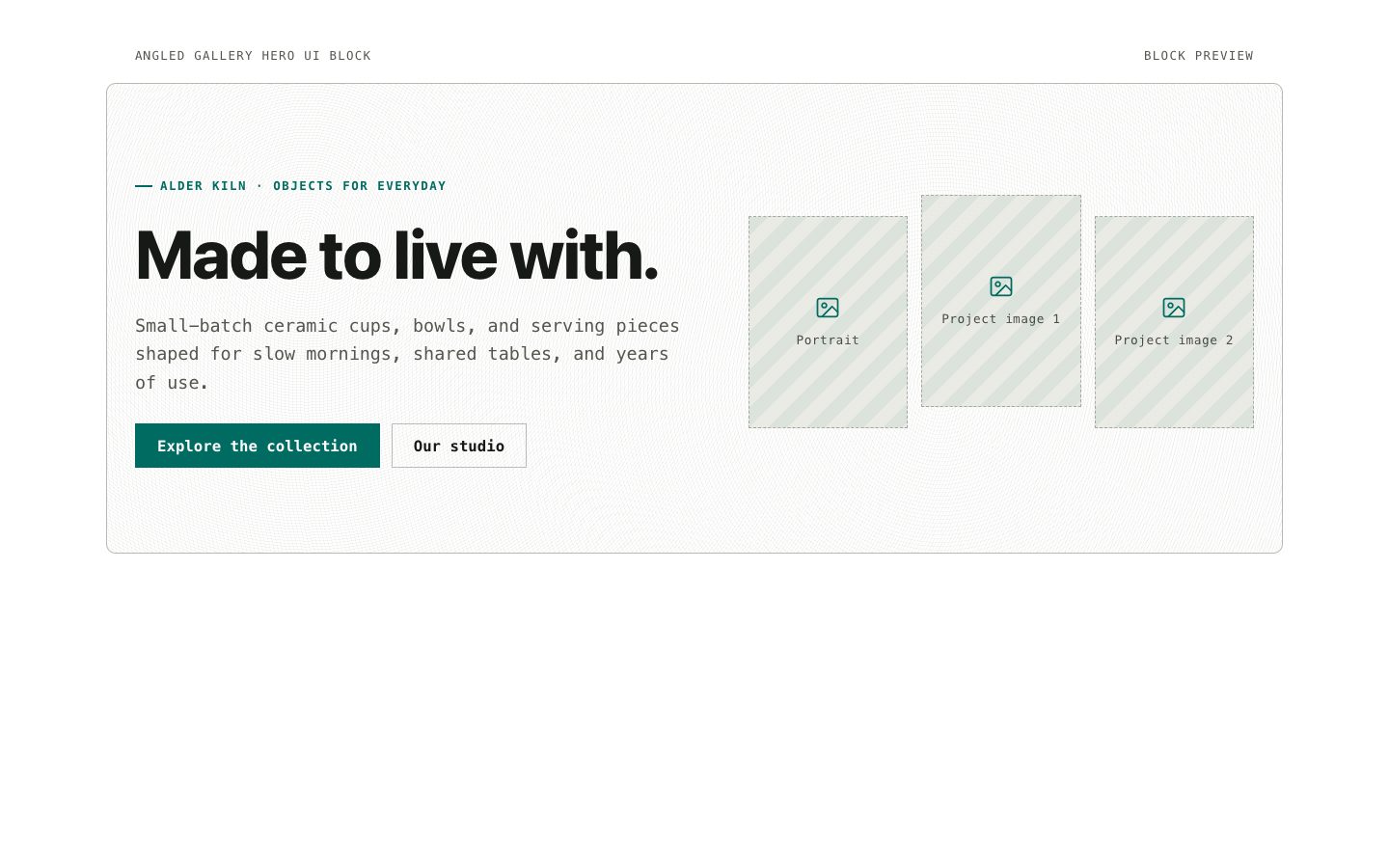
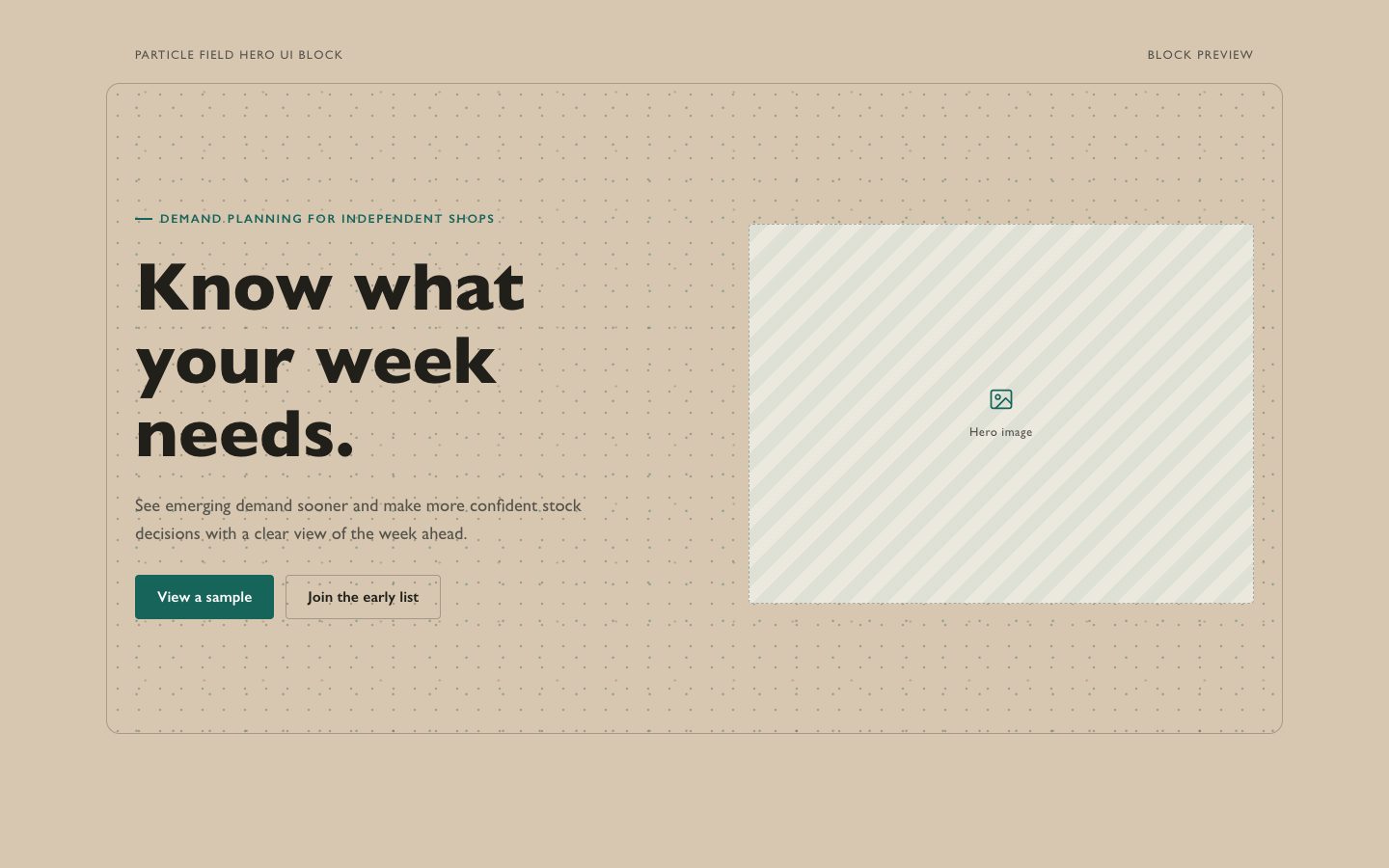
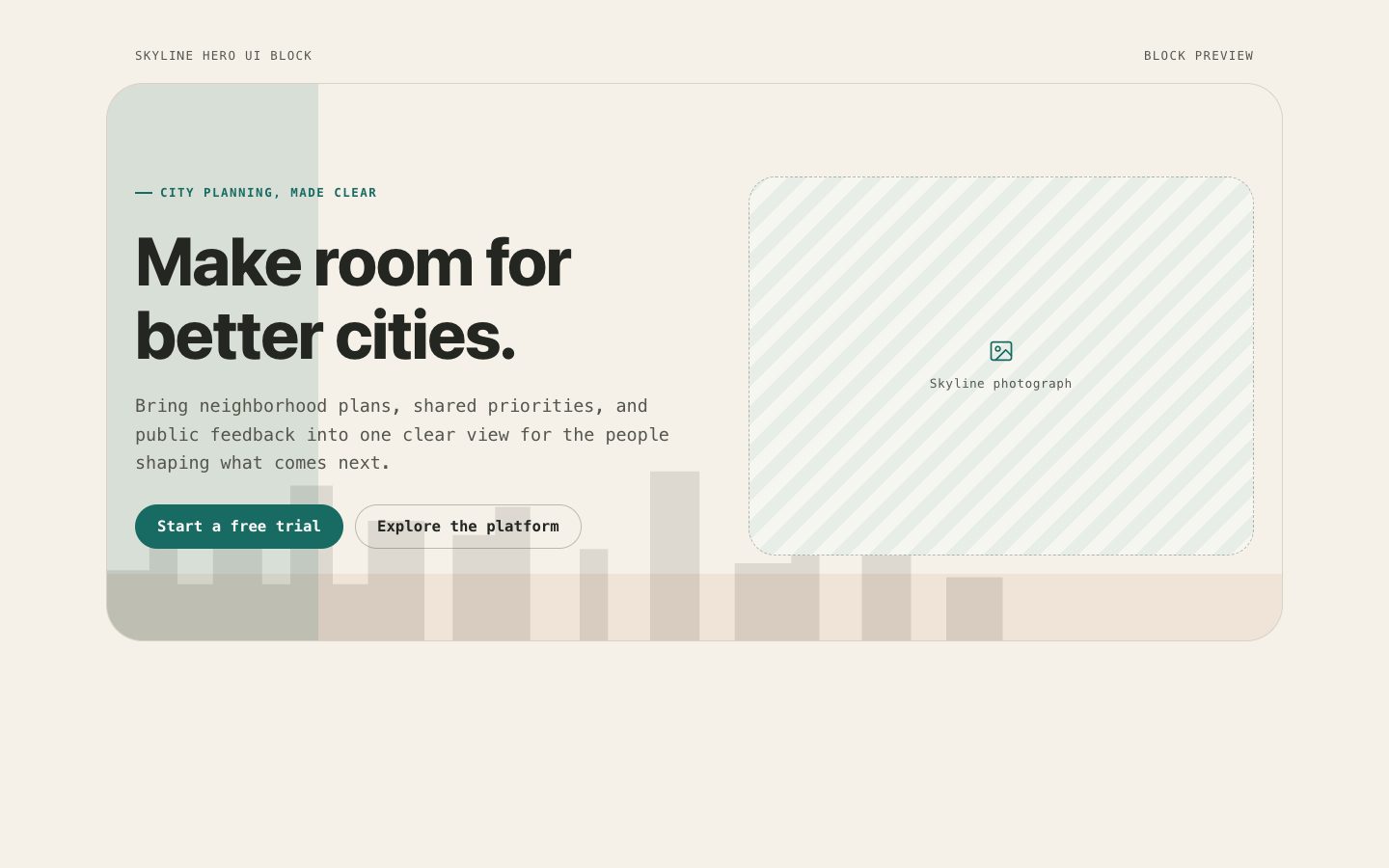
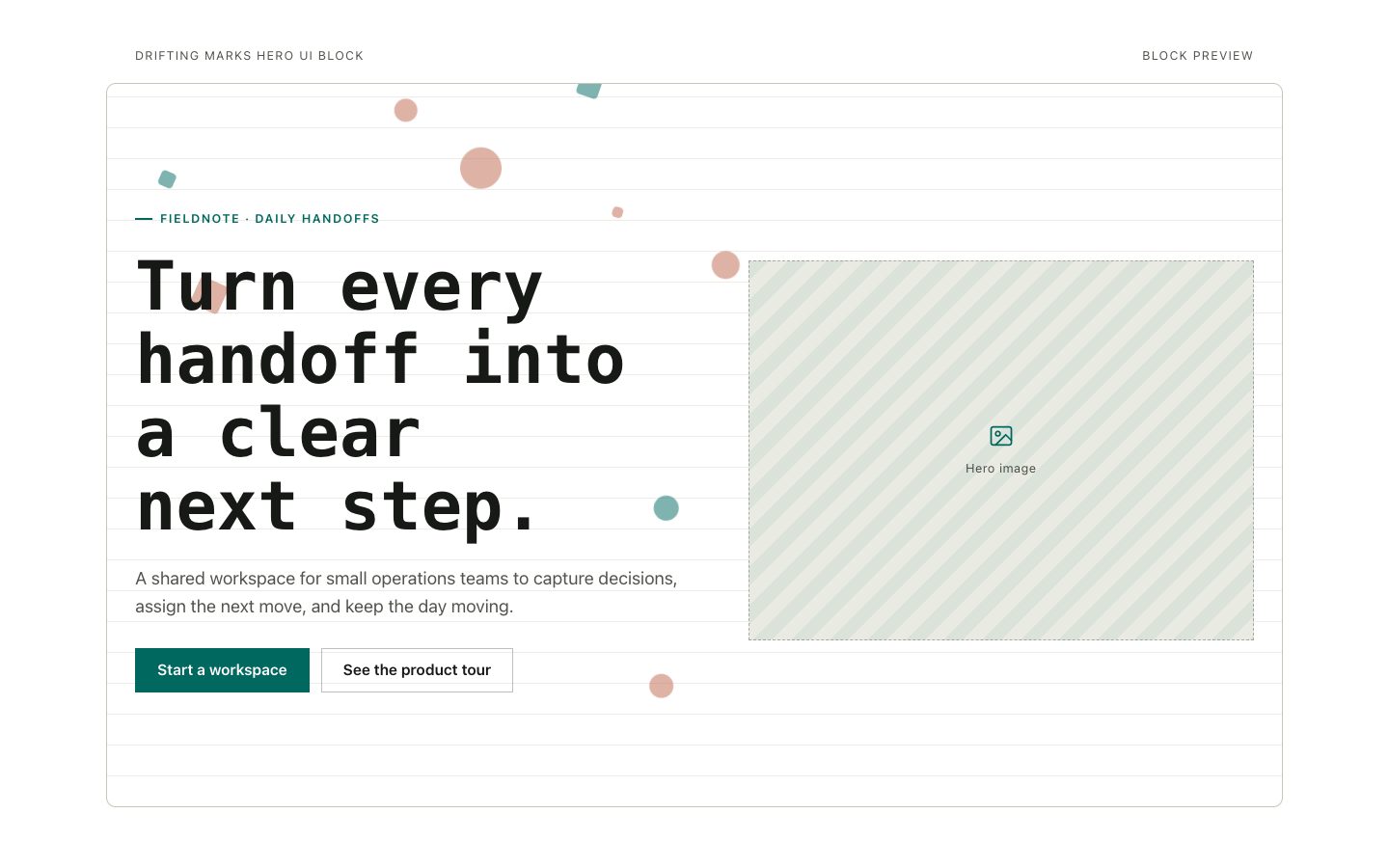
A reusable hero section for software launches and product sites, styled with a saturated teal ground, warm editorial typography, and restrained, accessible motion.

What you get

  • One responsive hero section with a focused product message
  • Warm-neutral editorial styling on a saturated teal canvas
  • One clear primary action and optional secondary action
  • A small, reduced-motion-aware kinetic detail

Good fit

  • A solo founder announcing a product or new release
  • A product team refreshing its website’s first impression

Not for

  • A multi-section marketing website or complete homepage
  • A motion-led brand campaign requiring elaborate animation

What you provide

  • Product name and a one-sentence description
  • Target audience and most important benefit

Requirements

  • A modern browser
  • Node.js 20+ for the validator

Running cost

No external services. Runs entirely on your agent.

Try this prompt

/sl-minimal-motion-hero-ui-block Create a launch page for a fictional service that helps product teams gather customer feedback, spot patterns, and decide what to build next. Show one split hero with “A clearer way to listen,” the headline “Make every customer note count,” supporting copy about keeping the team close to product users, and the actions “Join the early list” and “See how it works.” Use a calm teal canvas, warm editorial type, and subtle motion.

Follow-up prompts

  • Make the product benefit more specific while keeping the headline under eight words.
  • Adapt the hero for mobile and retain a clear product visual without adding sections.

Verification

Verified

render-checkpass5.0 / 539s

FAQ

Does this build a complete landing page?

No. It creates one reusable hero section, without navigation, footer, or unrelated supporting sections.

Can the motion be disabled?

Yes. The hero should respect reduced-motion preferences and remain visually complete without animation.

SKILL.md

SKILL.md

Minimal Motion Hero UI Block

A reusable, editorial hero block with restrained motion, warm neutrals, and a clear product story.

Style: Quiet Kinetic. Calm and human editorial typography meets a saturated teal canvas, with subtle motion that gives the hero a considered sense of life. Follow references/style-guide.md exactly.

Use this skill when

  • A solo founder announcing a product or new release
  • A product team refreshing its website’s first impression

Do not use

  • Full landing pages that require navigation, multiple sections, or a footer.
  • Animation-heavy campaign pages where motion is the main content.
  • To reproduce another company's brand, logo, product UI or copyrighted characters.

Inputs

  • Product or company name and a short description of what it does
  • Target audience, primary benefit, and preferred call to action
  • Optional visual asset, product screenshot, or interaction detail to feature

If something essential is missing, ask one short question before starting. Never invent facts, numbers, quotes or customer names; mark gaps as [needs source].

Workflow

  1. Read the brief and references/section-library.md. Confirm which block the user needs and where it will live (plain HTML or a framework component).
  2. Copy references/template.html to section.html. Keep the <style> block and the one focal section; delete every other section.
  3. Apply the tokens from references/style-guide.md in the :root block. Do not introduce colors, fonts or radii outside the tokens.
  4. Write real copy from the user's brief for every REPLACE_ placeholder, inside the word limits. Never invent customer names, logos or numbers; label fictional testimonials and figures as sample content.
  5. Check the layout at 390px, 768px and 1280px wide: no horizontal scrolling, readable type, tap targets at least 44px.
  6. If the user works in React/Next.js, Vue or Tailwind, port the result with references/framework-adaptation.md after the HTML version passes.
  7. Run the validator and fix every problem it reports:

``bash node scripts/validate-html.mjs section.html ``

  1. Open the file in a browser (from file://) and check keyboard focus, the FAQ toggles and the mobile menu.

What makes this excellent

  • Build only the hero section; do not add site navigation, footer, or unrelated landing-page sections.
  • Make the product and its primary benefit legible immediately, with one concise headline and supporting copy.
  • Use a restrained kinetic detail that reinforces the product story rather than distracting from it.
  • Keep the primary action visually distinct and provide a secondary text action only when it serves a real alternate path.
  • Use responsive layout rules so the headline, actions, and any product visual remain composed on narrow screens.
  • Honor prefers-reduced-motion and ensure the section remains complete and attractive with animation disabled.

Output contract

  • section.html: one self-contained HTML file (inline CSS, inline SVG, no network requests, no storage APIs) that opens from file://.
  • Exactly one <h1>, labelled form inputs, alt text on every image, no REPLACE_ placeholders or filler text.
  • Responsive at 390 / 768 / 1280px, using only the style-guide tokens.
  • A hand-off note: sections used, any sample content that must be replaced, framework port (if any) and the validator output.
  • Deliver one self-contained, responsive hero section with editable text, styling, and motion.
  • Keep all animation optional, subtle, and disabled or simplified for reduced-motion preferences.

Reference demo and agent run

The preview (preview/demo.html) is a static reference built from sample content: it shows the layout, style, copy structure and the visible controls every interactive part needs (labelled form fields, carousel buttons, player chrome). Image areas are labelled placeholders and sample quotes or figures are marked as samples. In a real run the agent uses the user's content and assets, wires behaviour (form destinations, media sources, data) and keeps every promise in the output contract above.

Failure rules

  • Never hand over a file that fails the validator; fix it and run it again.
  • If the brief lacks facts (prices, numbers, customer names), ask once; otherwise mark them clearly as sample content.
  • Do not reproduce another company's website, logo or copy, even if asked to "make it look like" one; build an original page in this style instead.

Similar skills

Minimal Motion Hero UI Block · SkillLoom