 Free
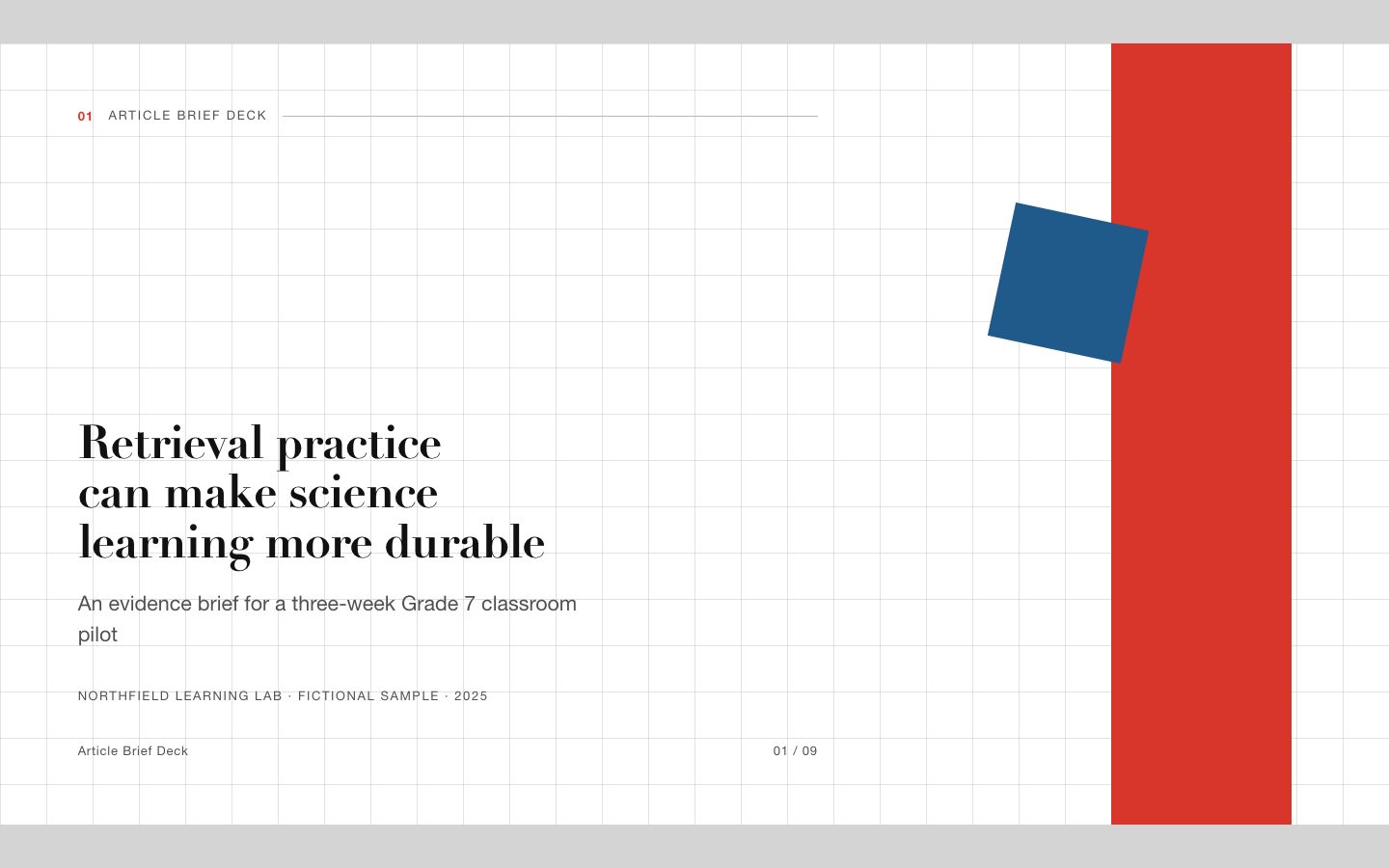
FreeArticle Brief Deck
Turn an article or research packet into a clear, evidence-first presentation for teaching, curriculum planning, or editorial review. The deck keeps claims accurate while making the argument easy to scan and explain.
A presentation skill for explaining a learning cycle or reporting a training pilot. It turns source material into action-titled 16:9 slides with a consistent four-stage loop, bright editorial typography, learner activities, and clearly labeled evidence.
No external services. Runs entirely on your agent.
/sl-learning-loop-deck Create exactly 9 slides for the fictional Regional Training Office: a four-week onboarding pilot for new service coordinators, moving from the learning gap through the practice-feedback loop and illustrative results to a scale decision. Title: “A shorter learning loop can make onboarding practice stick.” Close: “Approve a small pilot and review the evidence before scaling.” Use the Loop in Motion style.
Verified
| render-check | pass | 4.0 / 5 | 16s |
Yes. The deck can explain a proposed learning cycle, but it will label goals and example figures as proposed or illustrative rather than measured outcomes.
Yes. Provide required terms and definitions. The loop labels can be adapted while their order and visual treatment stay consistent.
Turn learning-program material into a clear, presentation-ready story with a visible cycle of practice, feedback, and improvement.
Style: Loop in Motion. Bright, assured, and learner-centered, with the energy of a workshop and the discipline of an executive report. Follow references/style-guide.md exactly.
If something essential is missing, ask one short question before starting. Never invent facts, numbers, quotes or customer names; mark gaps as [needs source].
[needs source] instead of inventing quotes, numbers or names.references/template.html to the output path, for example deck.html. Keep its paging engine, overview mode (press o), notes panel (press n) and print stylesheet intact.references/style-guide.md (they are already set in the template's :root); do not add other colors or webfonts.references/layouts.md. Never use the same layout on more than two consecutive slides. Copy the matching example slide, fill every REPLACE_ value and delete unused examples.data-slide-id in window.__SLIDE_NOTES__; notes add delivery context and do not repeat the slide. ``bash node scripts/validate-deck.mjs deck.html --expected-slides 8 ``
deck.html, 16:9, self-contained (no network requests, no storage APIs), opens from file://.section.slide elements, each with a unique data-slide-id and speaker notes.[needs source] gaps, and the validator output.The preview is a reference deck built from sample content. Figures on chart and stat slides are sample data and say so in the slide footer; image areas are labelled slots. In a real run the agent uses the user's sources and assets, adds a source note to every slide that states a figure or claim, and keeps every promise in the output contract above.
FreeTurn an article or research packet into a clear, evidence-first presentation for teaching, curriculum planning, or editorial review. The deck keeps claims accurate while making the argument easy to scan and explain.
 $4.99
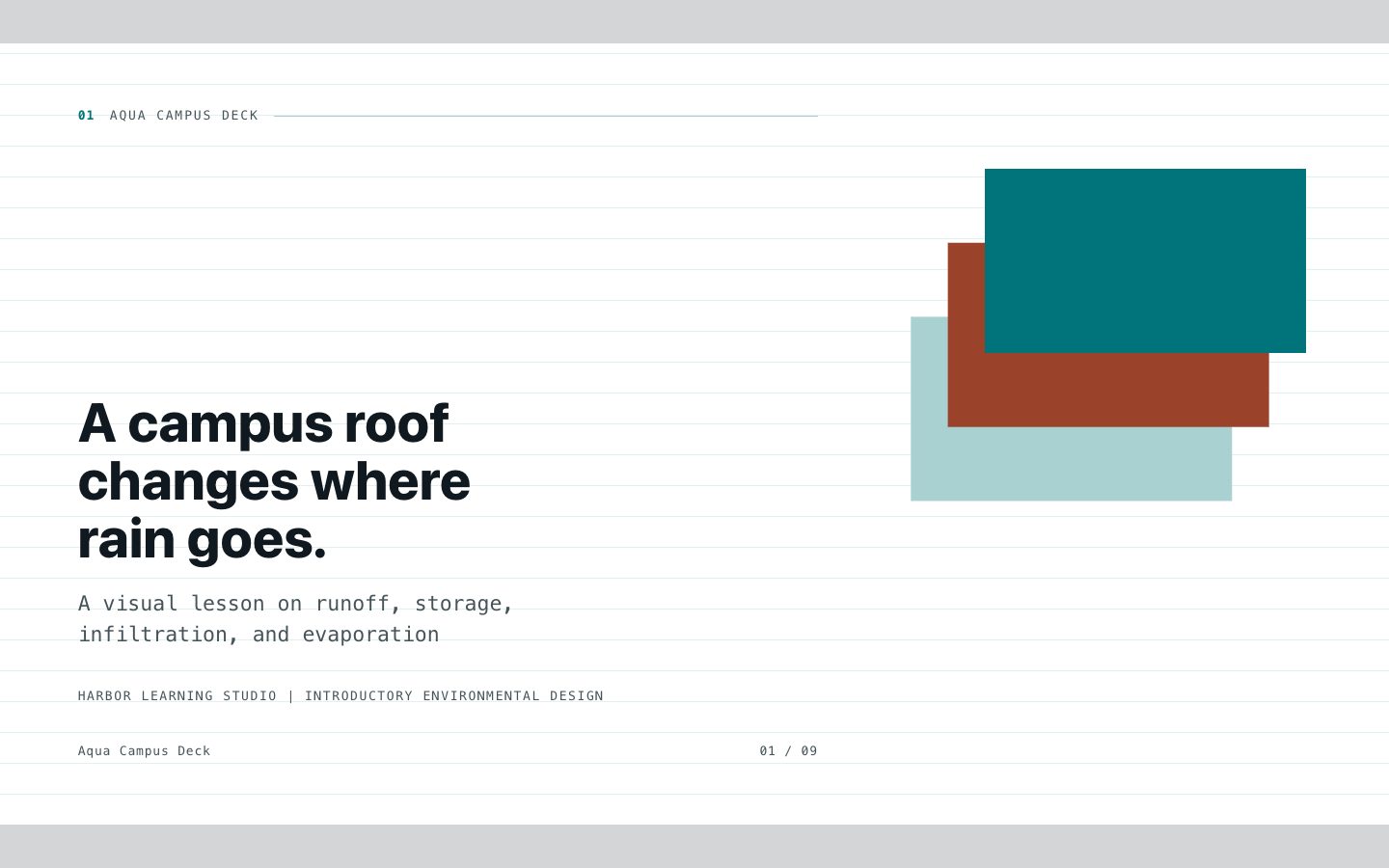
$4.99Create a polished HTML teaching deck with white editorial slides, aqua connective lines, precise terminology, and varied instructional layouts. Built for course creators and designers turning source material into a coherent lesson.
 $4.99
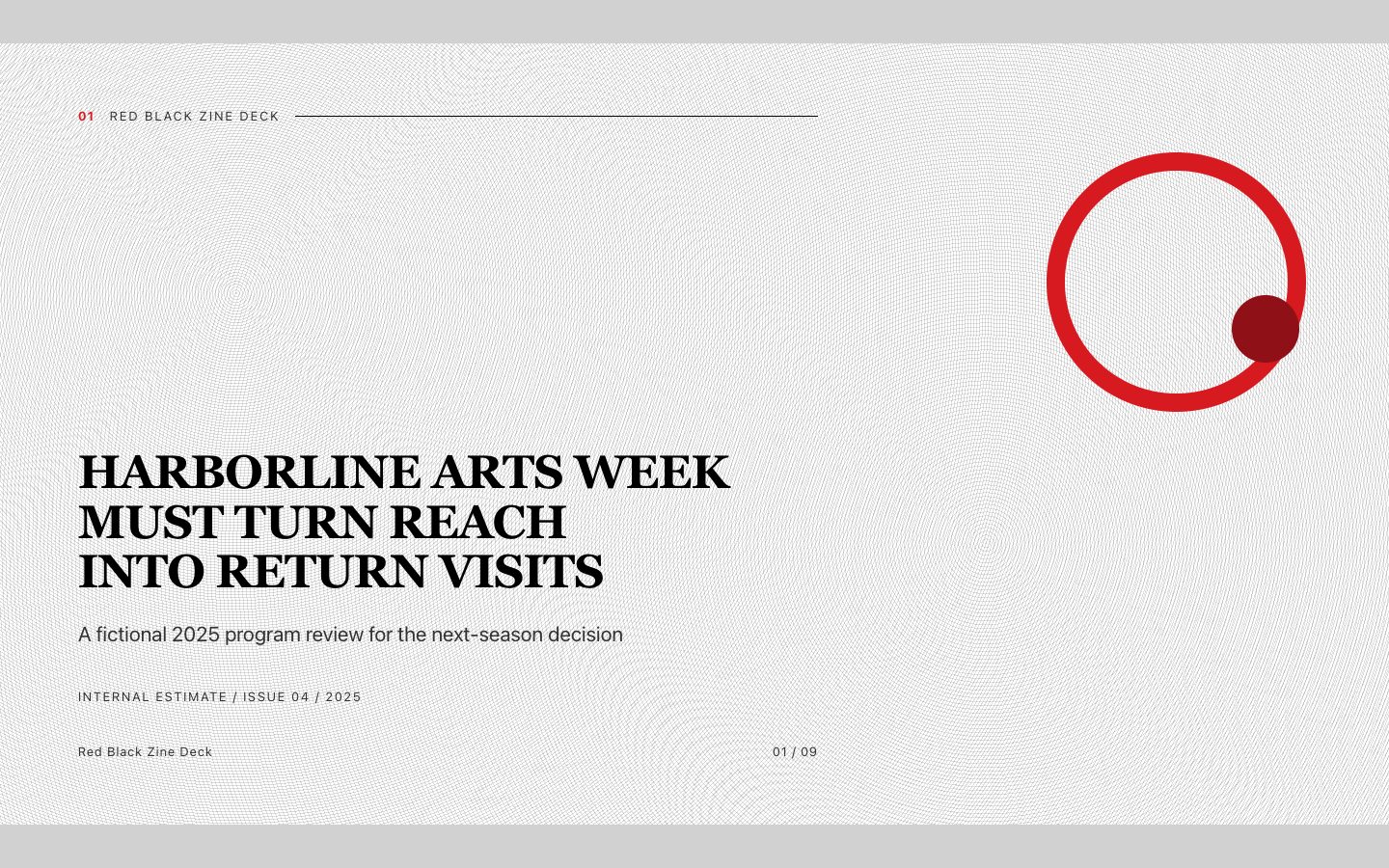
$4.99Create a forceful editorial presentation that turns reports, event narratives, and creative strategy into a memorable black, white, and red zine. It is built for clear executive reading while retaining a distinctive printed-publication character.
 $4.99
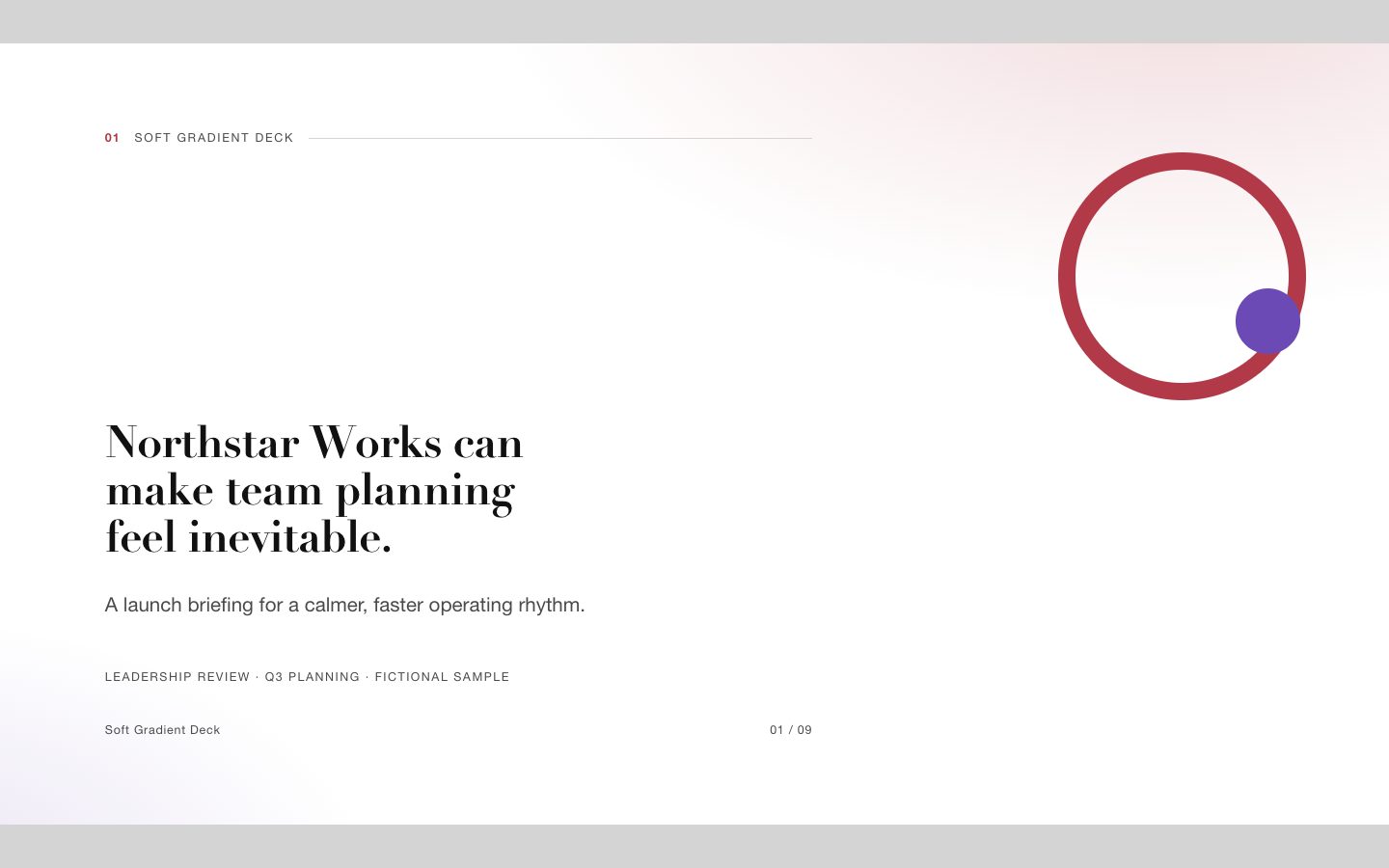
$4.99A signature presentation system for startup launches and executive reporting, combining soft coral-violet gradients with sharp editorial typography, generous white space, and fully editable HTML slide structures.
 $4.99
$4.99An editorial, paper-textured presentation style with a numbered ink seal that makes an executive storyline feel distinctive, composed, and easy to follow.
 $4.99
$4.99A presentation skill for teaching one idea at a time through a consistent island journey. It pairs original clay-like characters and dotted routes with readable, text-accurate 16:9 slides.
 $4.99
$4.99A signature presentation system for teaching explainers that combines saturated botanical-green grounds, flat-gouache illustration, rounded type, and an editorial grid. It helps course creators turn complex material into calm, memorable, text-accurate lessons.
 $4.99
$4.99A premium presentation skill for teaching explainers that need calm authority, exact wording, and a distinctive visual system. It turns structured source material into an editorial deck built from rice-paper grounds, layered ink ridges, geometric diagrams, and practical teaching sequences.