WebVerifiedIntegration Grid Hero UI Block
v1.0.9Use it to build a web page.
npx skillloom-cli install sl-integration-grid-hero-ui-block
Built for
Updated Oct 5, 2026
- Install guides
- Claude CodeCodex
- Generates with
- Host Agent LLM
- In the package
6 files · 18.9 KB
- SKILL.md
- references/framework-adaptation.md
- references/section-library.md
- references/style-guide.md
- references/template.html
- scripts/validate-html.mjs
Similar skills
WebVerified
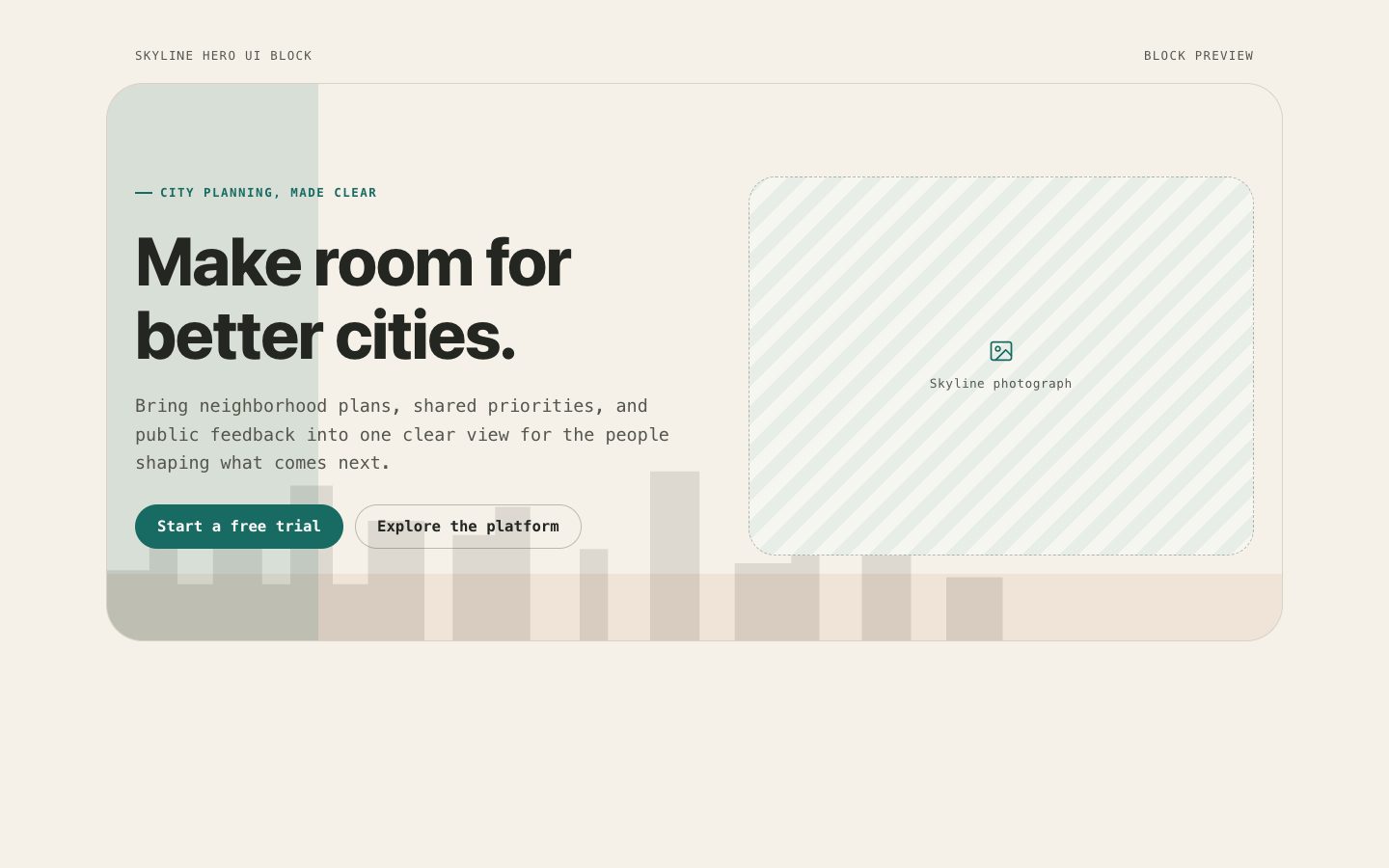
WebVerifiedSkyline Hero UI Block
Works with: Claude Code, Cursor, OpenCode, Codex, Gemini CLI
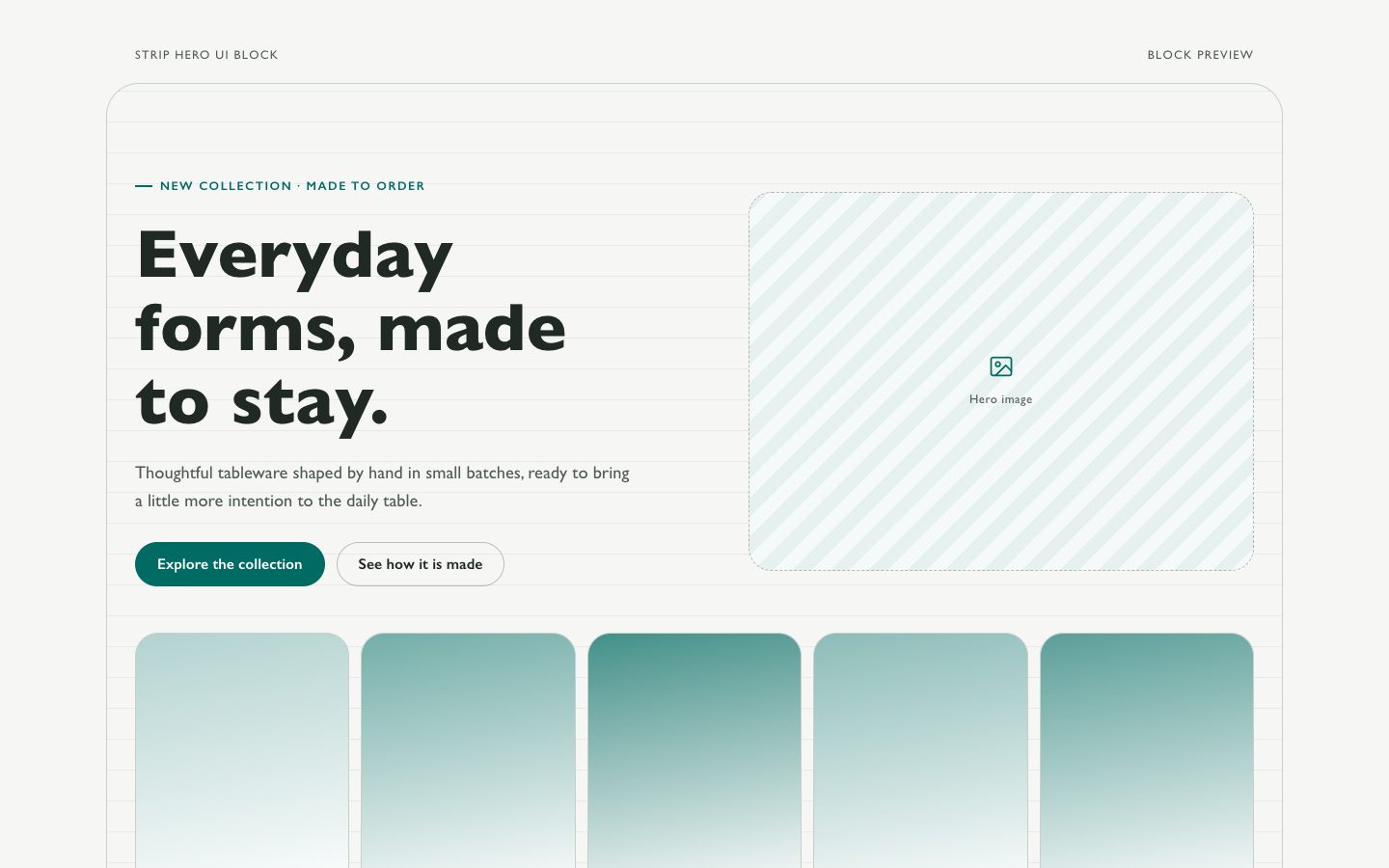
WebVerifiedStrip Hero UI Block
Works with: Claude Code, Cursor, OpenCode, Codex, Gemini CLI
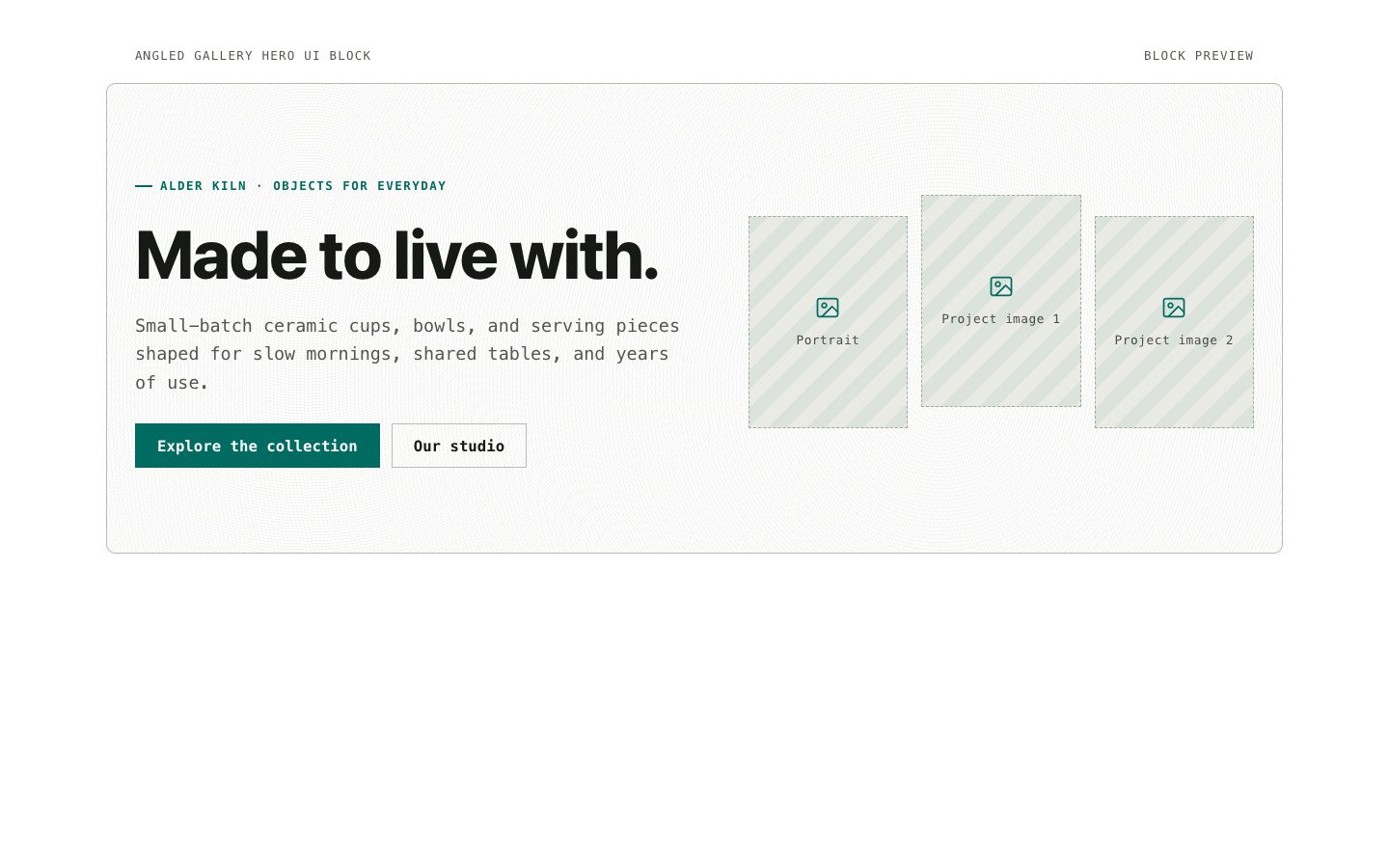
WebVerifiedAngled Gallery Hero UI Block
Works with: Claude Code, Cursor, OpenCode, Codex, Gemini CLI
WebVerifiedContact Bar Hero UI Block
Works with: Claude Code, Cursor, OpenCode, Codex, Gemini CLI
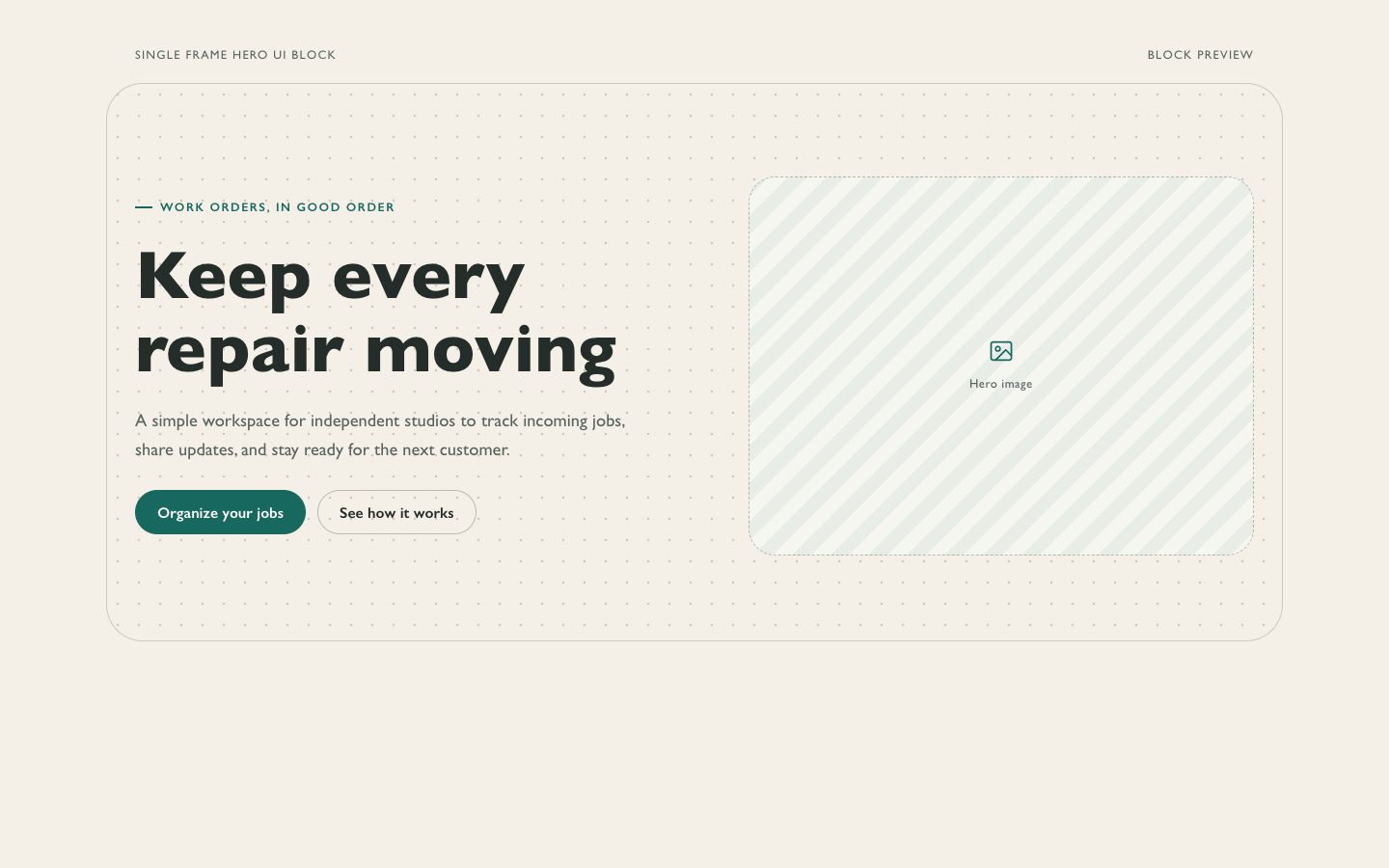
WebVerifiedSingle Frame Hero UI Block
Works with: Claude Code, Cursor, OpenCode, Codex, Gemini CLI
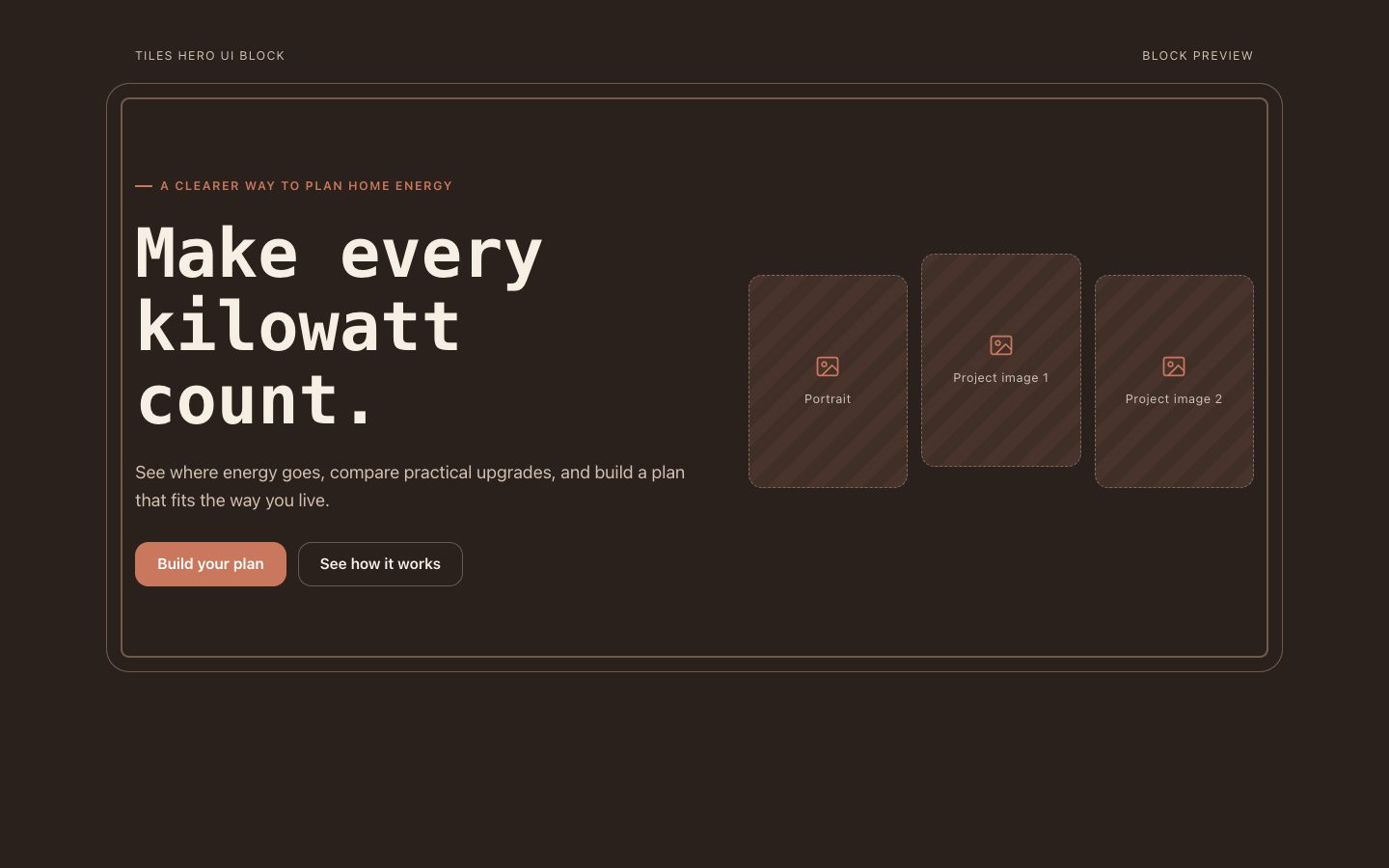
WebVerifiedTiles Hero UI Block
Works with: Claude Code, Cursor, OpenCode, Codex, Gemini CLI
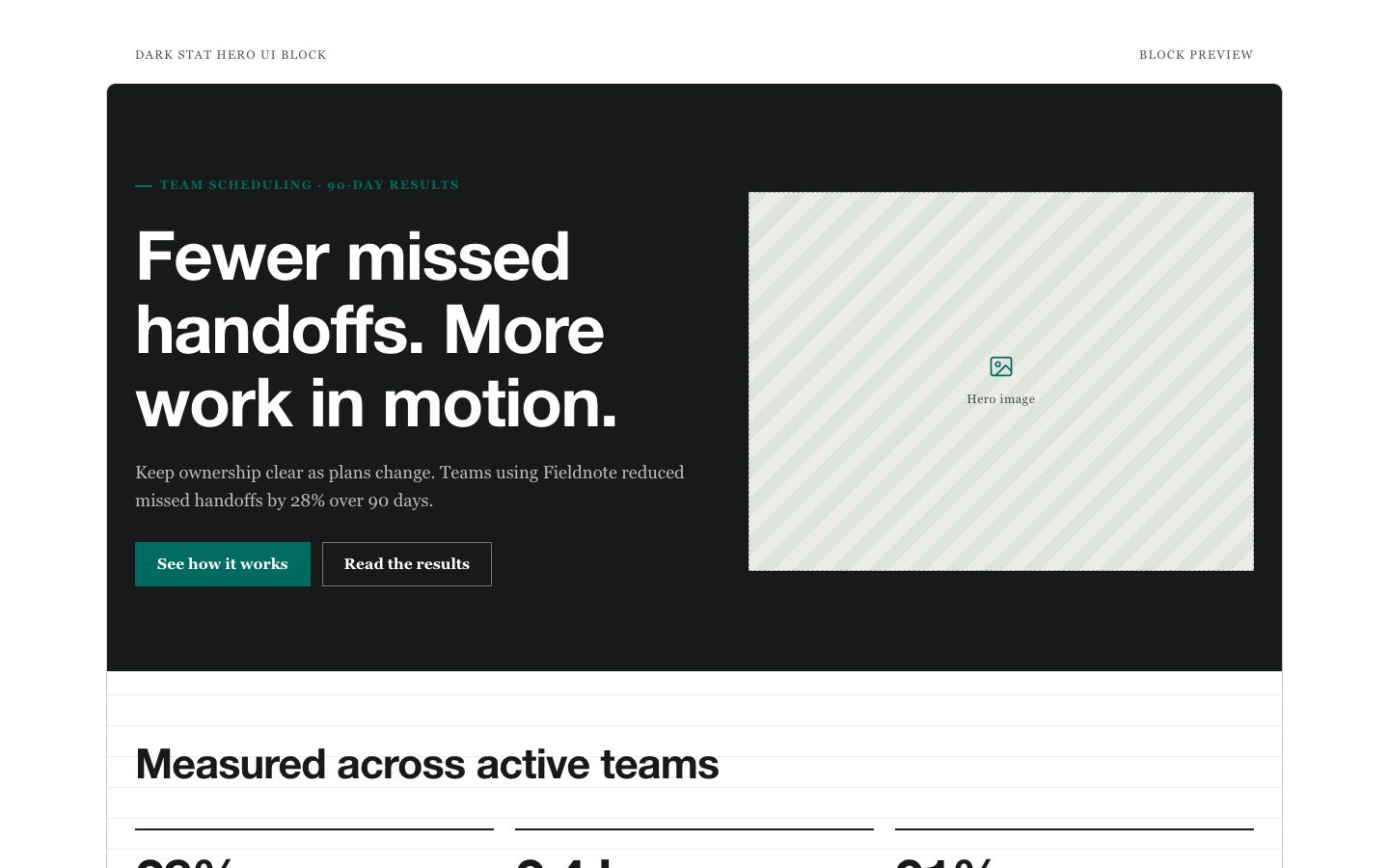
WebVerifiedDark Stat Hero UI Block
Works with: Claude Code, Cursor, OpenCode, Codex, Gemini CLIWhat you get
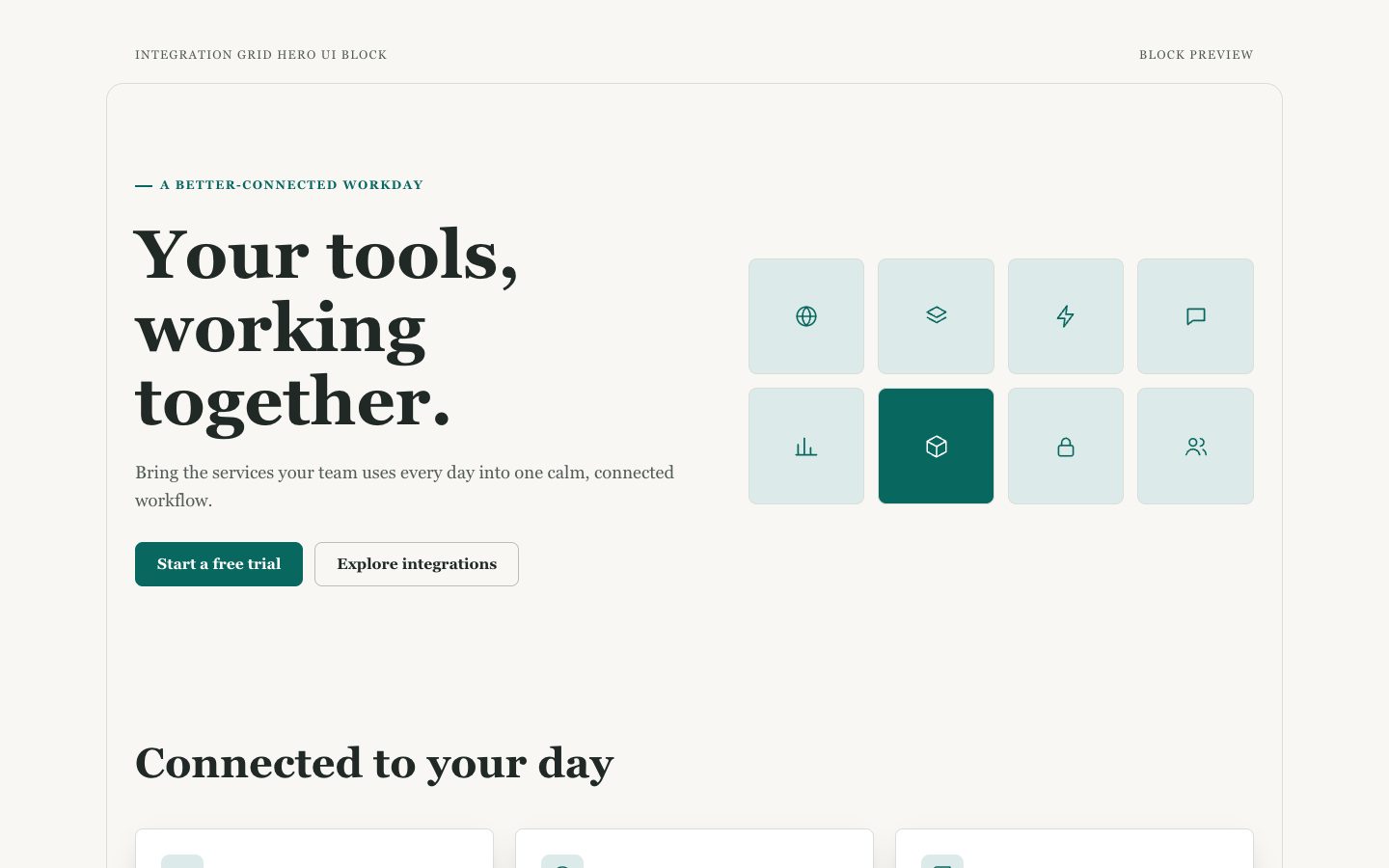
- One responsive, reusable hero section containing a visible integration grid
- Editable headline, supporting copy, calls to action, integration names, and tile descriptions
- Warm-neutral styling with accessible contrast and restrained teal accents
- Responsive tile layout with consistent spacing and clear reading order
Good fit
- Launching a software product with several useful connections
- Showing a platform's ecosystem near the top of a marketing page
- Creating a polished first impression without a full landing page
Not for
- Building a full marketing website with multiple sections
- Managing real-time integration setup, status, or search
Try this prompt
You say
/sl-integration-grid-hero-ui-block Create a warm-circuit style page for Tallyweave teams connecting everyday services. Lead with “Your tools, working together.” and “A better-connected workday”, then show six integrations with how each supports the workflow: Brindle Mail, Caper Calendar, Morrow Files, Pinna Chat, Vale Tasks, and Kestrel Desk. Include “Start a free trial” and close with “Explore integrations”.
Then try
Make the hero more compact while keeping all six integration tiles visible on desktop.
Adjust the copy for a technical audience and make the primary action request a product demo.
Rework the tile grid for a narrow mobile layout without shrinking the labels.
What you provide
- Product name and the outcome it provides
- Integration names and the role each one plays
- Primary action and intended audience
Requirements
- A modern browser
- Node.js 20+ for the validator
Running cost
No external services. Runs entirely on your agent.
Verification
4.0/ 5
Render score
Verified
| Real render check | Verified | 4.0 / 5 | 39s |
|---|
FAQ
How many integrations should the hero show?
Four to eight tiles usually create a useful sense of breadth while keeping the grid easy to scan. If there are more, feature a representative set and link to a complete directory.
Can I use real integration names?
Yes, when you provide names you are authorized to use. Otherwise, the deliverable uses fictional names and avoids recognizable logos.
Does this skill create a whole landing page?
No. It creates one reusable hero section containing the headline, calls to action, and integration grid.