ImageFree Verified

Flat Paper Cut Hand Drawn Monoline Illustration

A style-locked illustration skill for creating warm editorial images from layered flat shapes and expressive monoline details. Use it for article art, social campaigns, thumbnails, or visual concepts that need a distinctive, consistent look.

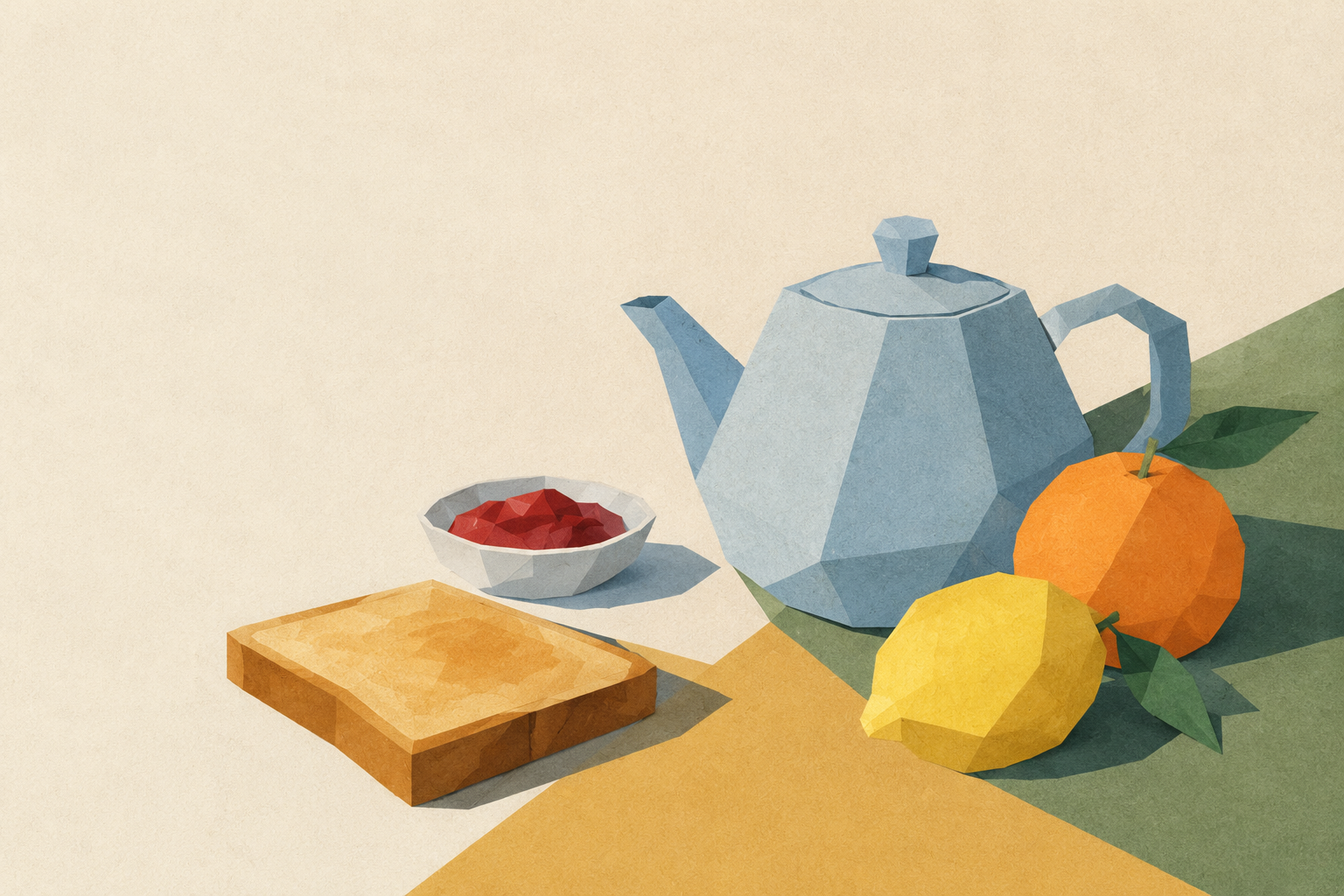
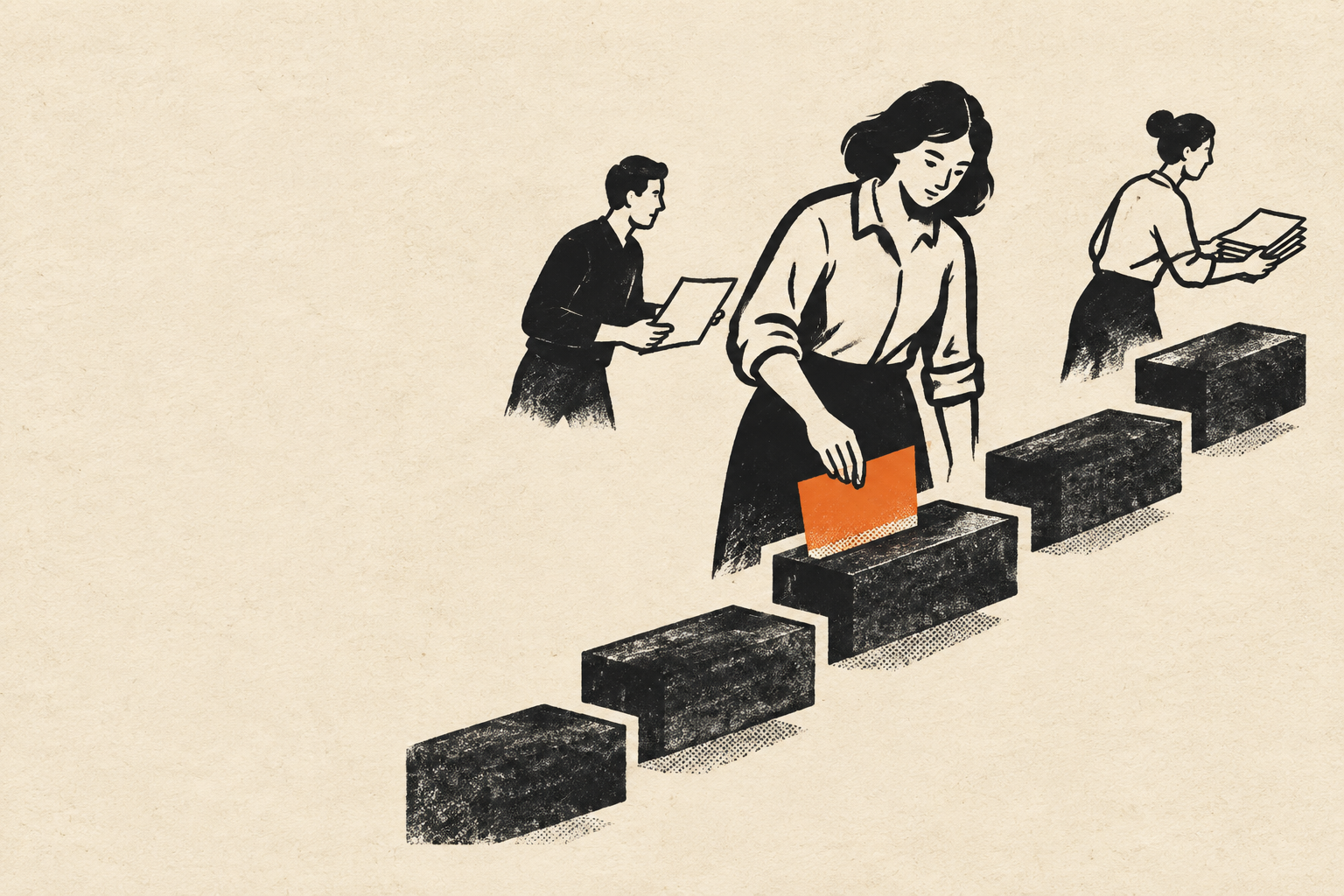
sl-flat-paper-cut-hand-drawn-monoline-illustration sample output

What you get

  • One original illustration generated from a focused visual brief
  • A layered cut-paper composition with hand-drawn monoline accents
  • A restrained palette and composition tuned to the chosen crop

Good fit

  • Editorial art for articles about ideas, people, or everyday work
  • Social campaign visuals that need a coherent, crafted style

Not for

  • Realistic photography or complex scenic backgrounds
  • Text-heavy graphics or precise instructional diagrams

What you provide

  • The topic and key takeaway the image should convey
  • Where the image will appear and its preferred aspect ratio

Requirements

  • Node.js 20+
  • A SkillLoom generation key (prepaid)

Running cost

Each image is generated with your prepaid SkillLoom generation key (about $0.05 per image at 1K). Subscriptions do not include generation credits.

A typical run costs about $0.05 at sub2api prices, charged to your prepaid key.

Try this prompt

/sl-flat-paper-cut-hand-drawn-monoline-illustration Create a 16:9 editorial article illustration about making a complex team project manageable. Show one person arranging a few layered paper shapes into a clear path, expressing manageable progress. Use a warm, calm, encouraging flat paper-cut look with hand-drawn monoline details. No text, letters, numbers, logos, watermarks, or interface elements; keep the left side visually quiet for a separately added headline.

Follow-up prompts

  • Make the focal subject larger and simplify the surrounding shapes.
  • Keep the same palette and line style, but use a square composition for social.

Verification

Verified

render-checkpass4.0 / 581s

FAQ

Can the illustration include a headline?

The image prompt defaults to no text so the artwork stays clean and reusable. Add typography separately in your publishing layout.

Can I make several images for one campaign?

Yes. Reuse the same palette, line character, and paper-layer rules, then change the subject and composition to keep each image distinct.

SKILL.md

SKILL.md

Flat Paper Cut Hand Drawn Monoline Illustration

Make one memorable editorial illustration by combining tactile paper-cut shapes with restrained, hand-drawn monoline detail.

Style: Cutline Editorial. Warm, tactile, and quietly distinctive, with crisp cut-paper silhouettes softened by confident hand-drawn lines. Follow references/style-guide.md exactly.

Use this skill when

  • Editorial art for articles about ideas, people, or everyday work
  • Social campaign visuals that need a coherent, crafted style

Do not use

  • Photorealistic scenes, detailed environments, or images that depend on realistic paper texture
  • Typography-led posters, logos, diagrams, or illustrations requiring exact labels
  • To reproduce another company's brand, logo, product UI or copyrighted characters.

Inputs

  • Article or campaign topic and the specific idea the image should communicate
  • Primary subject, desired emotion, and any essential visual details
  • Placement and aspect ratio, such as article header, square social post, or portrait thumbnail
  • Optional series reference describing recurring motifs, palette, and line treatment

If something essential is missing, ask one short question before starting. Never invent facts, numbers, quotes or customer names; mark gaps as [needs source].

Workflow

  1. Collect the brief fields listed in references/prompt-framework.md. If any text will appear in the image, confirm it letter by letter and freeze it.
  2. Build the prompt with references/prompt-framework.md, following references/visual-system.md for subject, composition, light, palette and the text policy. Write it to prompt.txt.
  3. Check that the generation key is configured: SKILLLOOM_API_KEY and SKILLLOOM_BASE_URL (run npx skillloom doctor --write-env if not).
  4. Tell the user the image is paid from their prepaid key (see the cost note) and get explicit approval.
  5. Generate one image. The task id is saved first, so re-running the same command resumes instead of paying twice:

``bash node scripts/generate.mjs --prompt-file prompt.txt --output image.png --task-file image-task.json --confirm-paid ``

  1. Run the validator and fix every problem it reports:

``bash node scripts/validate-image.mjs image.png ``

What makes this excellent

  • Translate the brief into one concrete visual metaphor that can be understood before small details are noticed.
  • Choose a single focal subject and arrange secondary cut-paper shapes to explain its context without competing for attention.
  • Keep paper layers legible through overlapping silhouettes and restrained soft contact shadows, not realistic material rendering.
  • Use monoline marks selectively to add gesture, expression, or a small structural detail; do not outline every shape.
  • Match the requested crop and protect the subject from clipping, leaving useful negative space when the image will sit beside article text.
  • For a series, preserve the palette, stroke character, and paper-layer logic while varying the subject and composition.
  • Inspect the generated image for accidental lettering, extra colors, and clutter; refine the prompt if any undermine the style.

Output contract

  • One PNG at 16:9, at least 1200px wide, following the visual system; any approved text spelled exactly.
  • No logos, watermarks or real people's likenesses unless the user owns them.
  • A hand-off note with the final prompt, the task file path and the validator output.
  • Generate one original illustration with gpt-image-2 using the user's prepaid generation key.
  • Deliver at the selected aspect ratio with a clear focal subject, restrained palette, and no rendered text.

Reference demo and agent run

The preview image was generated from the sample brief in scripts/image-spec.json. In a real run the agent fills the brief from the user's request, generates with the user's key, checks the result against the output contract (required text, ratio, no extra words) and regenerates when it misses.

Failure rules

  • If the API reports a low balance or a limit, stop and tell the user; never switch providers or keys silently.
  • If text is misspelled or the composition misses the visual system, ask before generating again. Never retry automatically; every attempt is paid.
  • Never print or store the API key in files you hand over.

Similar skills

Flat Paper Cut Hand Drawn Monoline Illustration · SkillLoom