 $4.99
$4.99Paperline 内容插画
用于把文章主题和教学概念转化为独特编辑插画的引导式图像技能。它结合有表现力的黑色墨线、温暖纸张底色、模块化色块、克制的半色调纹理与单一强调色,适合需要高级感且能在内容系列中保持识别度的视觉创作。
以分层平面色块和灵动的手绘单线细节,创作温暖、统一的编辑插画。适用于文章配图、社交活动视觉、缩略图或需要鲜明风格的概念插画。

Each image is generated with your prepaid SkillLoom generation key (about $0.05 per image at 1K). Subscriptions do not include generation credits.
一次典型运行约 $0.05(按 sub2api 价格,从你的预付费 key 扣除)
/sl-flat-paper-cut-hand-drawn-monoline-illustration 为一篇关于让复杂团队项目变得易于推进的文章创作一张 16:9 插画。画面展示一位人物将几块分层纸片排列成清晰路径,表达可管理的进展。采用温暖、平静且鼓舞人心的扁平剪纸风,并加入手绘单线细节。不要文字、字母、数字、标志、水印或界面元素;左侧保持简洁,为后期添加标题留出空间。
已验证
| render-check | pass | 4.0 / 5 | 81s |
默认不在图片中生成文字,让画面保持干净且便于复用。建议在发布版面中单独添加标题。
可以。保持配色、线条特征和纸片层次规则一致,再更换主体与构图,让每张图既统一又有区别。
Make one memorable editorial illustration by combining tactile paper-cut shapes with restrained, hand-drawn monoline detail.
Style: Cutline Editorial. Warm, tactile, and quietly distinctive, with crisp cut-paper silhouettes softened by confident hand-drawn lines. Follow references/style-guide.md exactly.
If something essential is missing, ask one short question before starting. Never invent facts, numbers, quotes or customer names; mark gaps as [needs source].
references/prompt-framework.md. If any text will appear in the image, confirm it letter by letter and freeze it.references/prompt-framework.md, following references/visual-system.md for subject, composition, light, palette and the text policy. Write it to prompt.txt.SKILLLOOM_API_KEY and SKILLLOOM_BASE_URL (run npx skillloom doctor --write-env if not). ``bash node scripts/generate.mjs --prompt-file prompt.txt --output image.png --task-file image-task.json --confirm-paid ``
``bash node scripts/validate-image.mjs image.png ``
The preview image was generated from the sample brief in scripts/image-spec.json. In a real run the agent fills the brief from the user's request, generates with the user's key, checks the result against the output contract (required text, ratio, no extra words) and regenerates when it misses.
$4.99用于把文章主题和教学概念转化为独特编辑插画的引导式图像技能。它结合有表现力的黑色墨线、温暖纸张底色、模块化色块、克制的半色调纹理与单一强调色,适合需要高级感且能在内容系列中保持识别度的视觉创作。
 $4.99
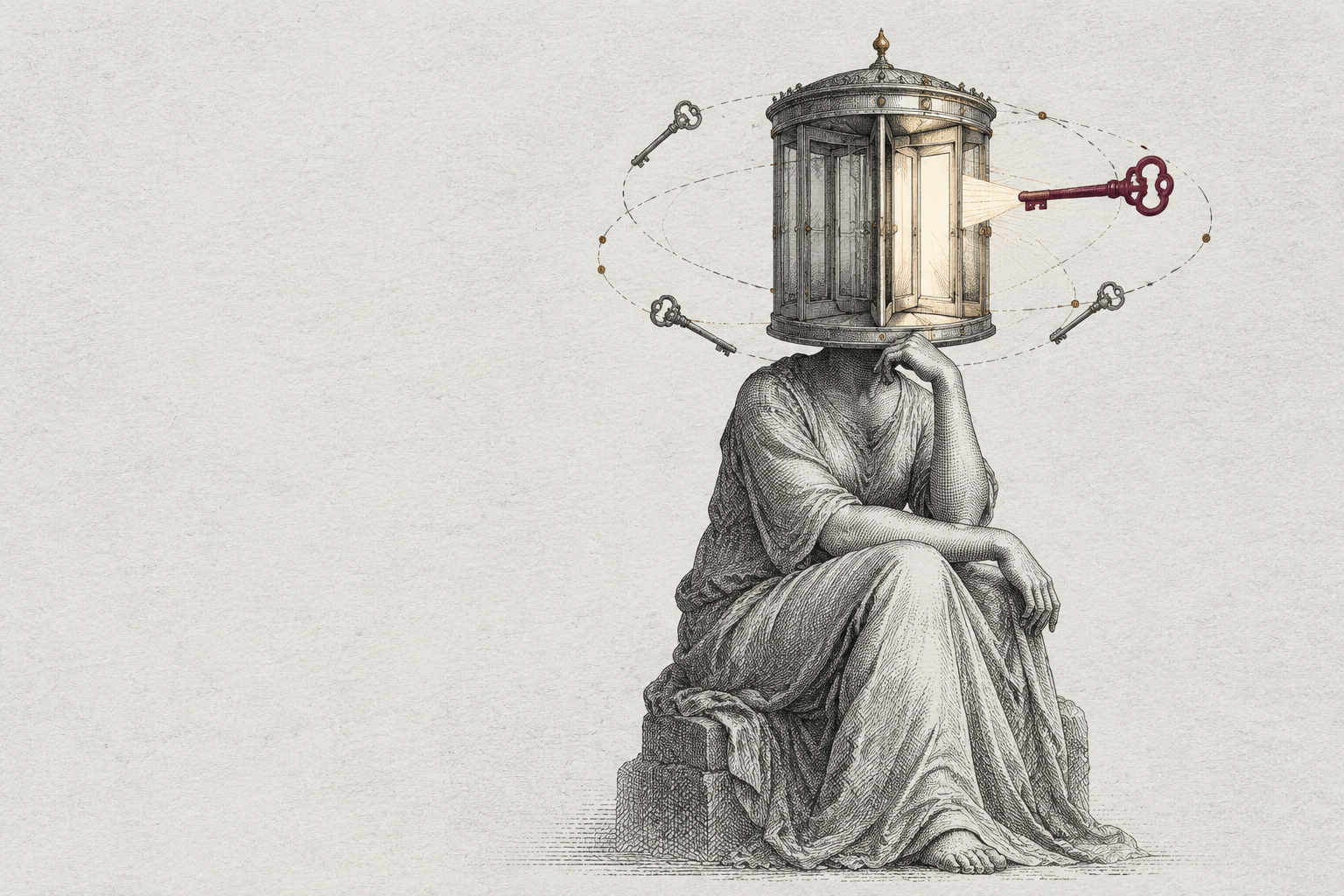
$4.99把文章主旨转化为令人记住的维多利亚式寓言铜版画:以单色蚀刻线条、象征性物件和克制的单一强调色,制作高级编辑封面、文章缩略图和连续内容系列插画。适合需要视觉识别度、但不依赖写实截图或密集文字的出版内容。
 $4.99
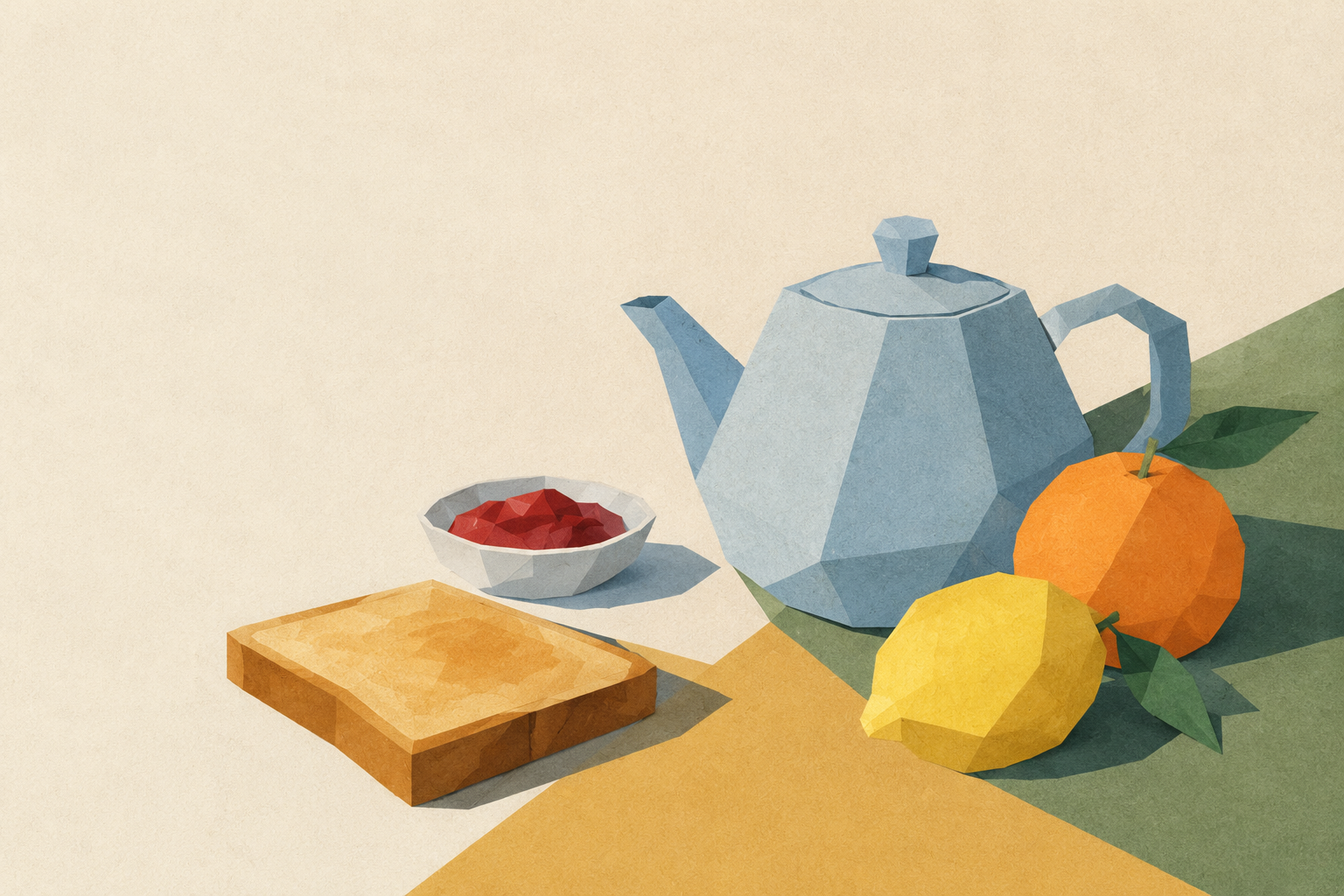
$4.99将文章主题转化为由几何纸片交错拼合而成的静物插画。温暖的纸面底色、克制的配色与清晰的编辑层级,让每张图都独具特点,同时适合维持出版系列的一致视觉风格。
 $4.99
$4.99一张标志性的 16:9 产品发布分享图,以分层云朵剪影、虚构卡通头像和精准的钴蓝主视觉构成,让社群软件显得亲切、鲜明并适合传播。
 $4.99
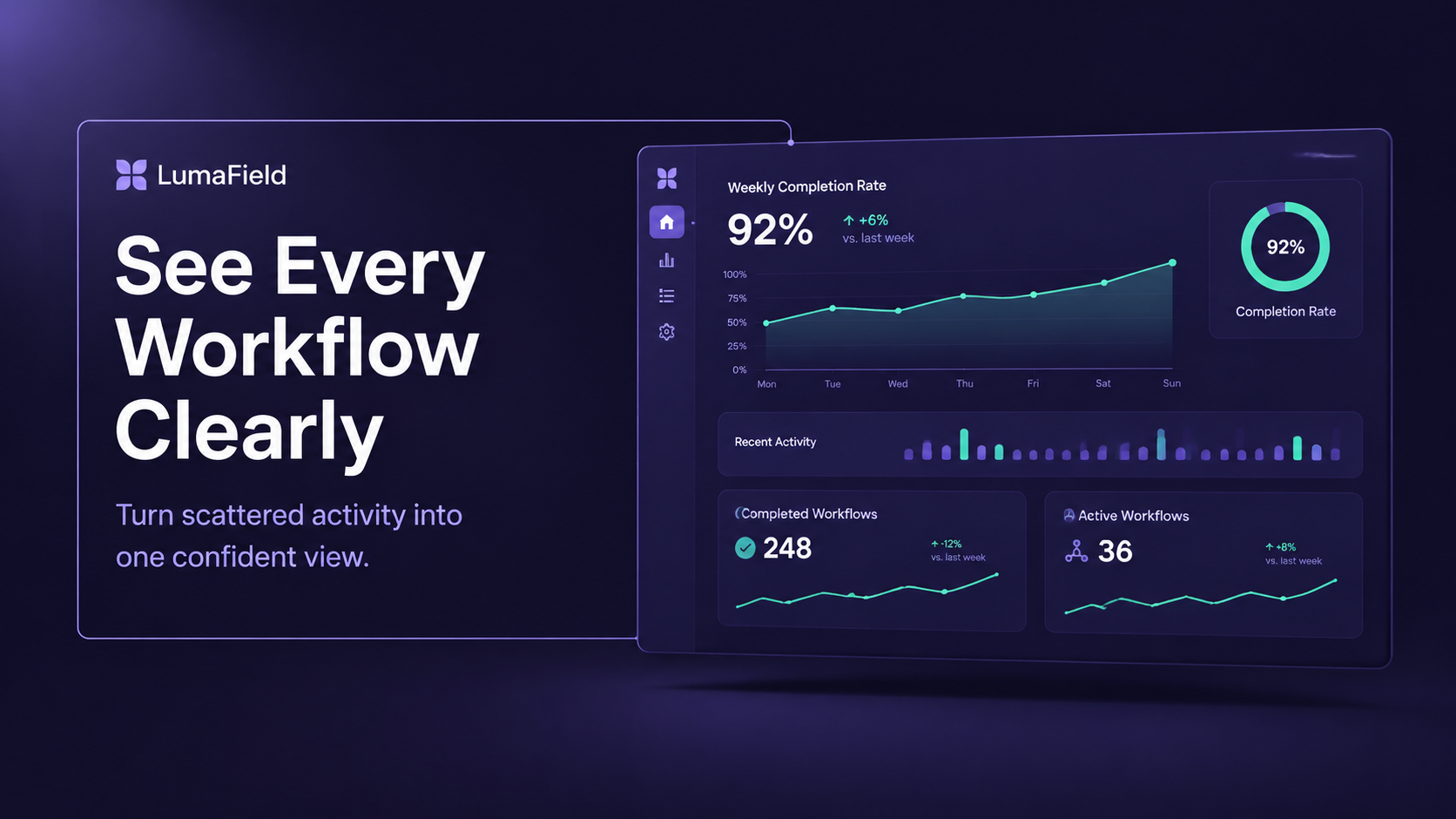
$4.99为产品发布制作付费级分享封面图,将准确的活动文案、立体浮动数据面板、分栏构图与鲜明的紫色数据可视化框架结合起来。
 $4.99
$4.99为产品发布或网页发布制作醒目的分享封面:近黑背景、清晰的钴蓝轮廓线、克制的淡紫柔光,以及准确易读的标题。适用于需要在多张封面中保持统一视觉识别的品牌系列。
 $4.99
$4.99制作适用于社交分享的封面图,以圆形主讲人肖像、奶油中性色调和精致的产品截图构成鲜明的编辑式版面。适合产品发布和网页分享,突出人物介绍、准确标题与统一系列视觉。
 $4.99
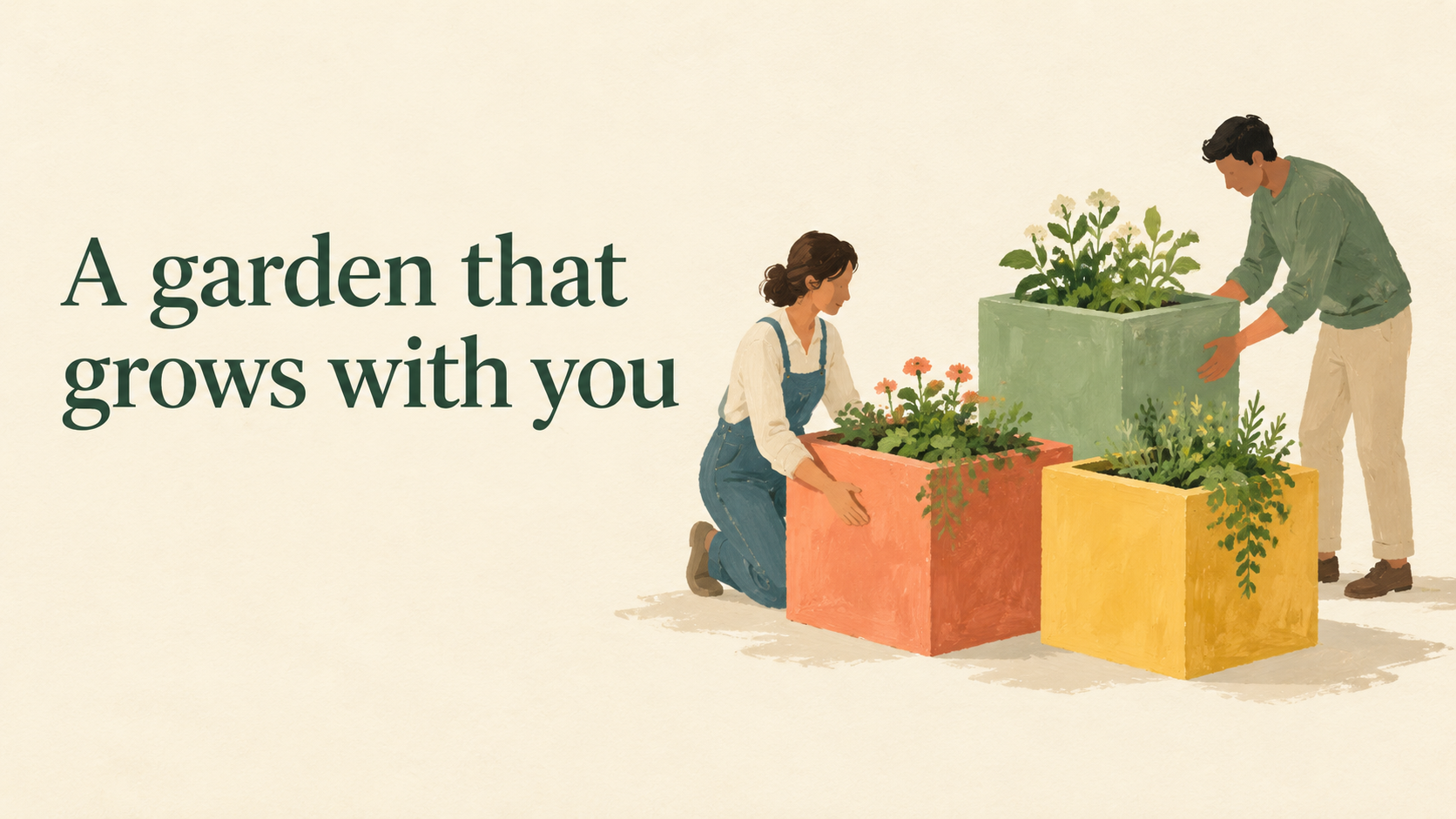
$4.99制作一张有质感的分享封面,将准确的发布文案与独特的水粉编辑插画结合起来,采用暖奶油色、珊瑚红、芥末黄和鼠尾草绿。适用于产品发布与网页分享,尤其适合需要醒目且系列风格统一的 16:9 封面时。