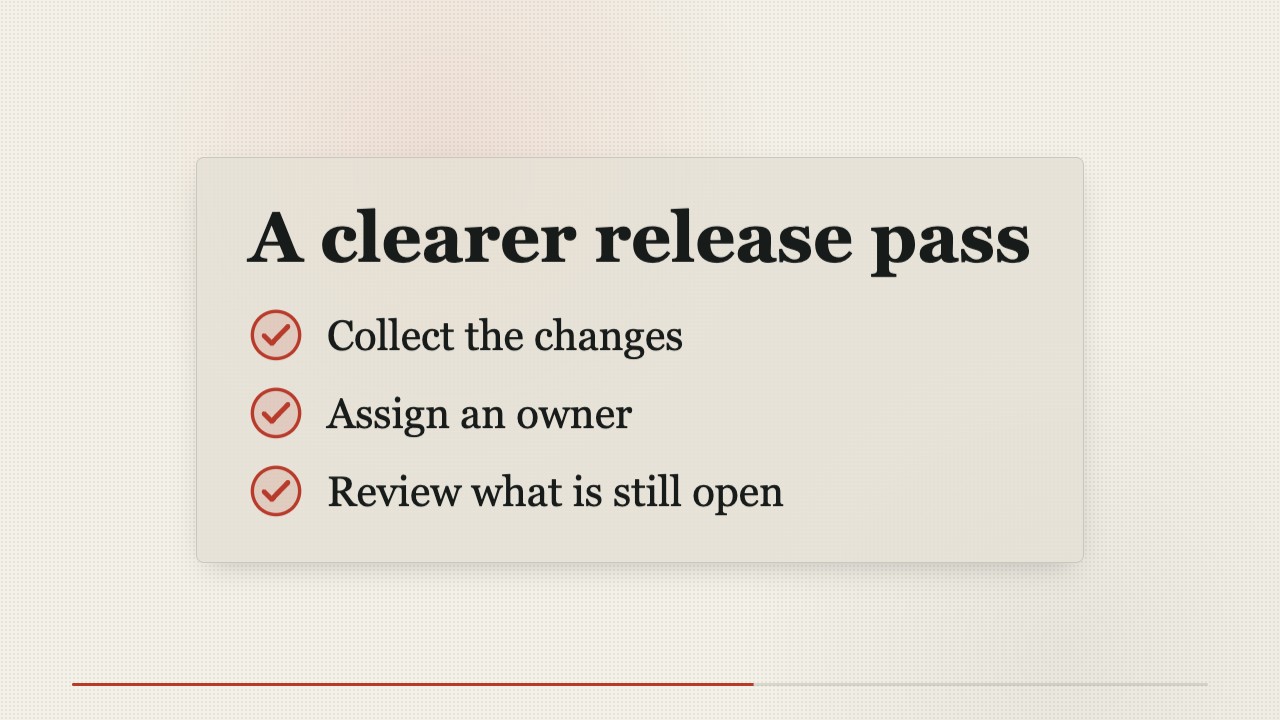
 $4.99
$4.99Cream Paper Ground Dark Terminal Window Story Film
A locally rendered product film that pairs cream editorial paper with a dark terminal window, serif story headlines, oversized cursor clicks, and evidence-led product reveals.
A short, locally rendered video that turns a verified software fix into a clear narrative: the failure, the change, the proof, and the result. Framed code evidence and restrained editorial motion make it suitable for launch updates and changelogs.
No external services or generation models. Renders locally.
/sl-code-change-explainer-story-film Create a 30-second, 16:9 changelog film for Export Queue. Open with “The export that forgot its filters” and close with “Retries keep the original scope.” Show the lost filter on retry, the patch retaining filters, and the passing filtered-export regression test. Use a restrained Evidence Frame style, grounding each beat in the diff and test.
Verified
| render-check | pass | 4.0 / 5 | 87s |
No. The film is composed in HTML and CSS and rendered to MP4 locally.
Yes. Supply the test name and result; the film will show only claims supported by that evidence.
Turn a verified code change into a concise story film that shows what broke, what changed, and how it was checked.
Style: The Evidence Frame. Editorial warmth gives a precise technical change the pace and clarity of a short film. Follow references/style-guide.md exactly.
If something essential is missing, ask one short question before starting. Never invent facts, numbers, quotes or customer names; mark gaps as [needs source].
references/motion-contract.md and references/style-guide.md. Their rules are fixed for this skill.references/scene-map.md from the brief (4-8 scenes, 20-45 s). Never invent product numbers, names or quotes; ask for anything required that is missing.references/composition.html to film/composition.html. Keep the stage, the ambient layer, the progress line and the fit script.data-start, data-duration and the absolute animation-delay values, and set <html data-duration> to the sum of scene durations.:root block exactly as given in the style guide. Do not add colors or webfonts.film/composition.html in a browser to preview; it plays in real time. Reload to replay.node scripts/render.mjs film/composition.html --out film.mp4 --fps 30 (install once: npm i -D playwright-core && npx playwright install chromium; FFmpeg must be on PATH).ffmpeg -ss <t> -i film.mp4 -frames:v 1 cut.png) and check that nothing is cropped, overlapping or frozen. ``bash node scripts/validate-video.mjs film.mp4 --min-seconds 20 --max-seconds 45 ``
film.mp4: H.264, 30 fps, 1280x720, 20-45 seconds.film/composition.html: the editable single-file composition that produced it (re-render any time with scripts/render.mjs).The preview is a reference render of the bundled composition with sample copy. In a real run the agent rewrites the scenes from the user's brief and assets, re-times the composition and renders a fresh MP4 that meets the output contract above.
$4.99A locally rendered product film that pairs cream editorial paper with a dark terminal window, serif story headlines, oversized cursor clicks, and evidence-led product reveals.
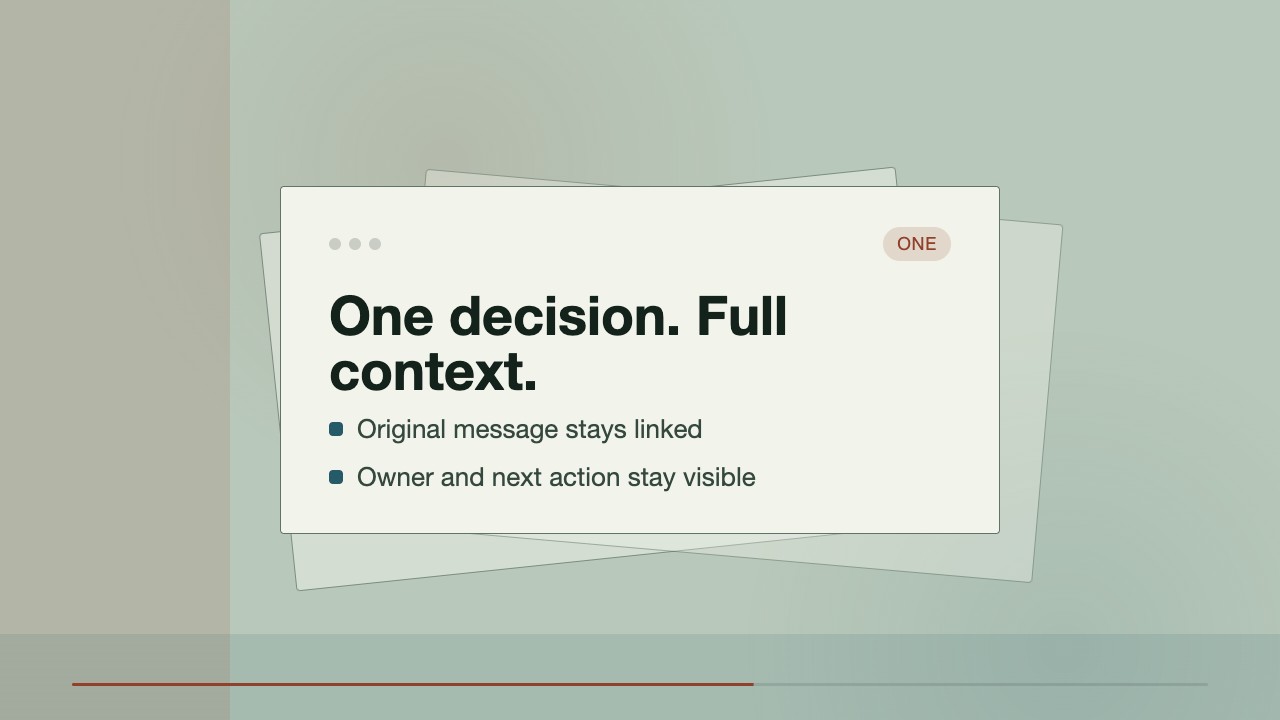 $4.99
$4.99A short launch film that makes persistent chat tangible through a two-lane handoff story. A lost decision in the Before lane becomes a source-linked, actionable thread in the After lane, ending on an inspectable sample record.
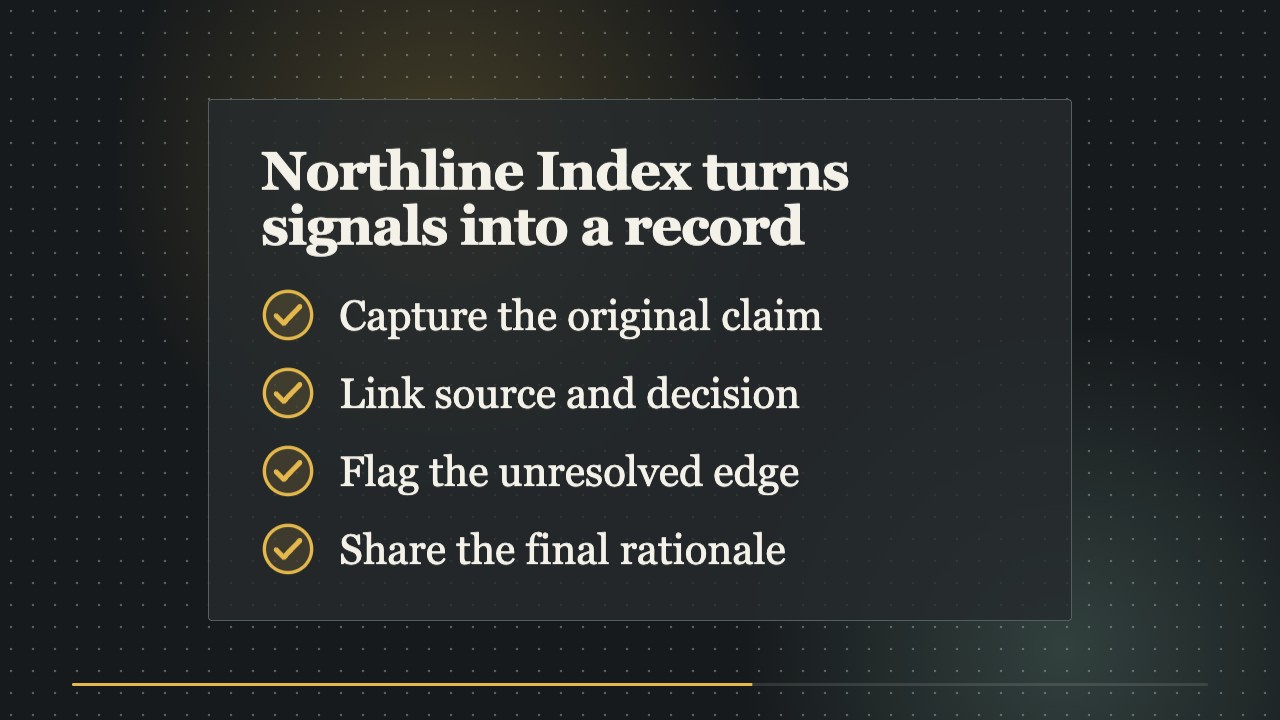 $4.99
$4.99A signature narrative video treatment for turning a product or research claim into a compact visual argument. The composition changes format at each reasoning step while a disciplined dot field, serif headlines, and one voltage accent keep the film coherent.
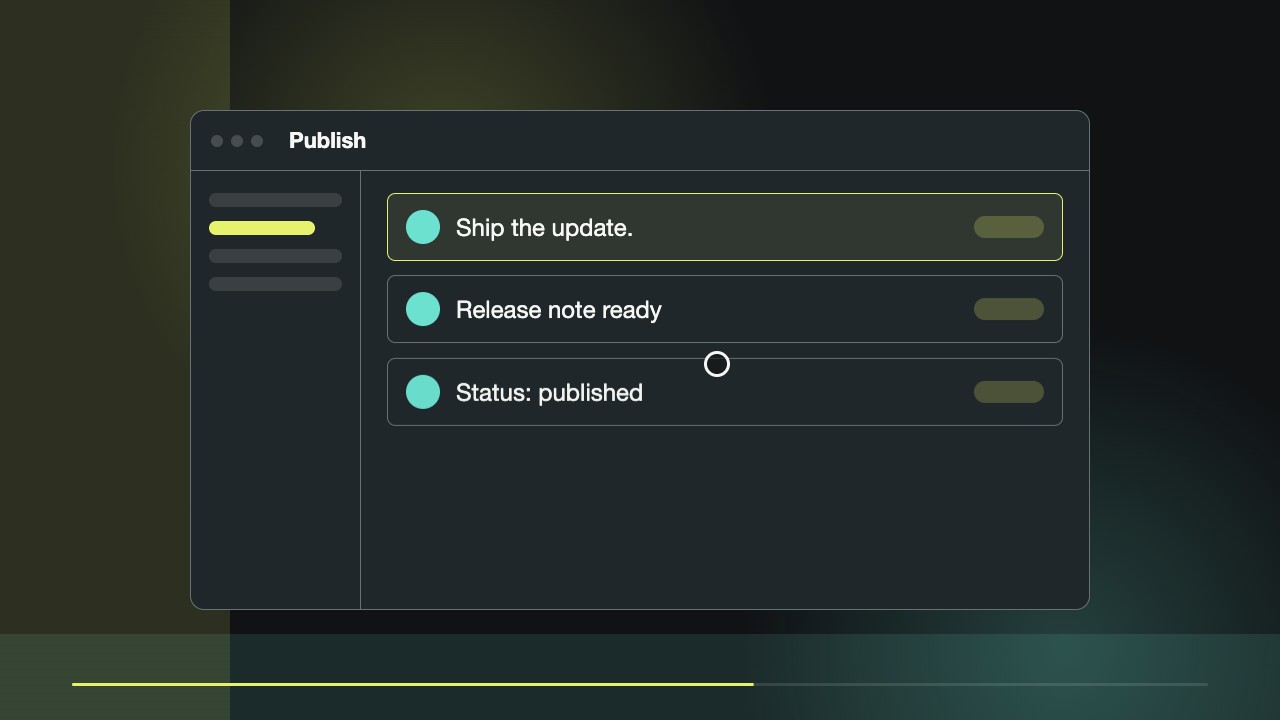 Free
FreeA short launch film that repeats one prompt across four product surfaces, turning a request into visible work. Built for social feeds with hard cuts, readable interface moments, and proof grounded in the material you provide.
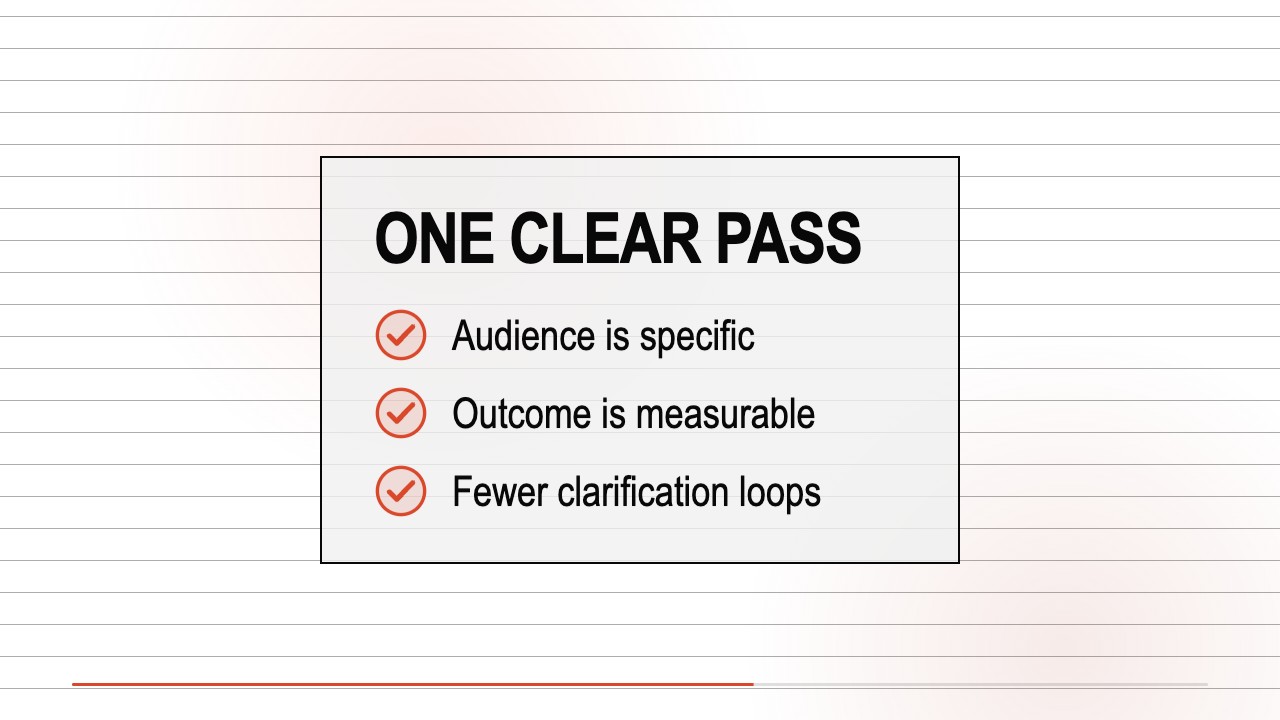 Free
FreeA guided video-narrative skill for turning one measurable product promise into a sharp launch film. It combines count-up typography, cursor-led UI choreography, editorial answer lines, and near-black interface panels on a white field.
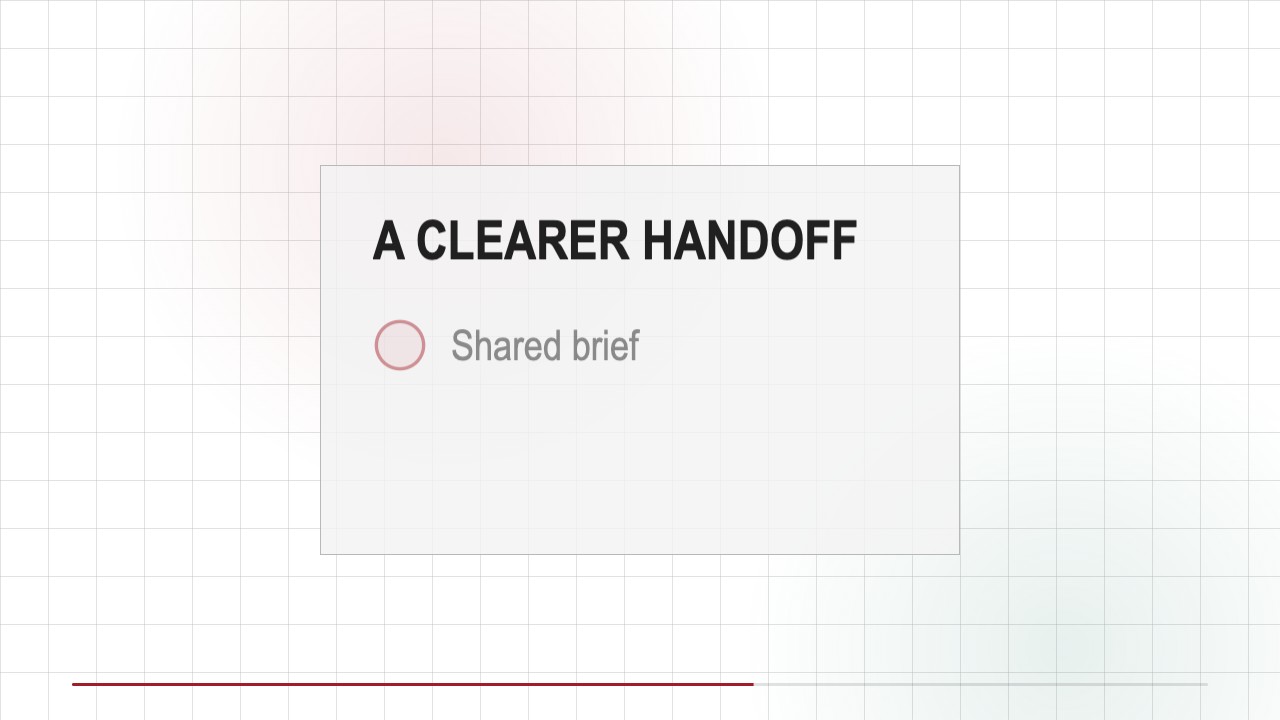 $4.99
$4.99A social-ready partnership film that turns a joint announcement into a short story: the handoff problem, the shared workflow, visible evidence, and an equal-weight partner lockup. Built locally from editable HTML and CSS.
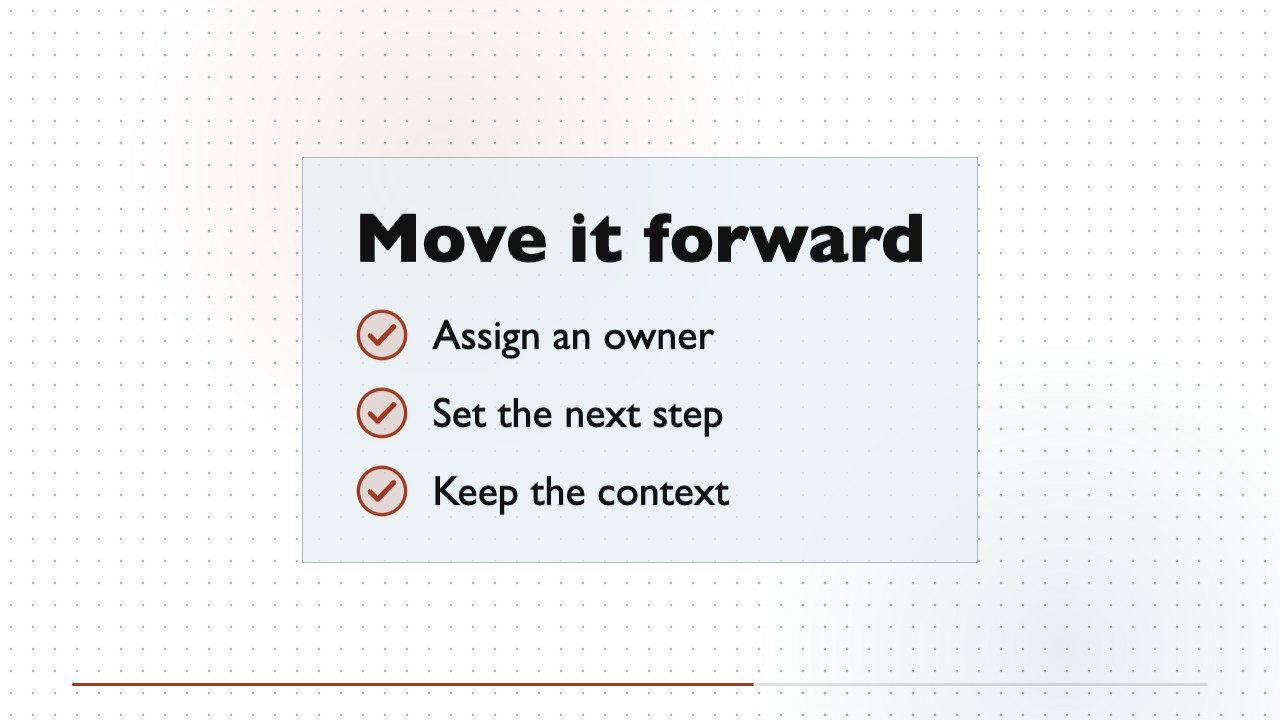 $4.99
$4.99Turn a software product brief into a short, text-led explainer film. A continuous white canvas, shifting dot-raster depth, and restrained warm-on-cool product moments make the story feel cohesive without stock footage.
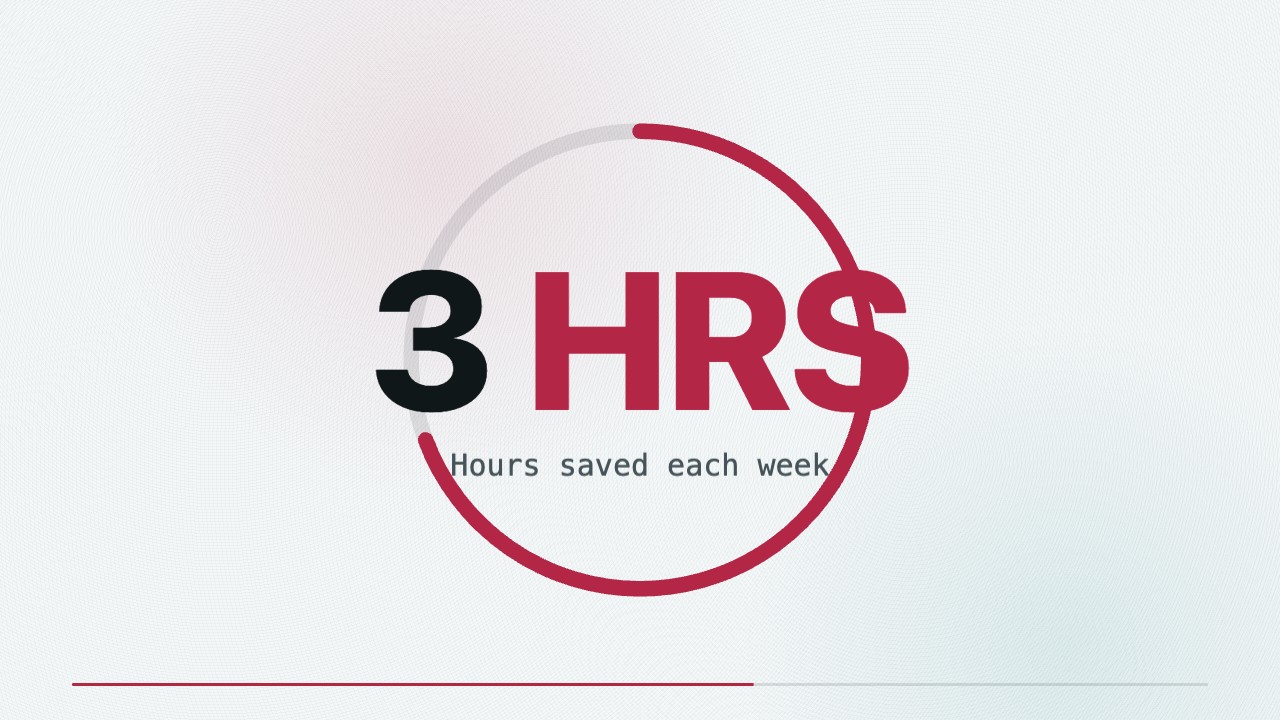 Free
FreeA locally rendered product-launch film that turns a real user problem into a dimensional device reveal, focused interface moment, and evidence-led ending.