 $4.99
$4.99奶油纸面终端揭示短片
一支可在本地渲染的产品短片:以奶油色纸面搭配深色终端窗口,用衬线标题、放大的光标点击和证据驱动的产品展示讲清产品价值。
把已核实的软件修复做成简短的本地渲染视频,依次呈现故障、改动、验证和结果。用带边框的代码证据画面和克制的动效,适合发布更新与变更日志。
No external services or generation models. Renders locally.
/sl-code-change-explainer-story-film 请为 Export Queue 制作一条 30 秒、16:9 的变更日志短片。开场写 “The export that forgot its filters”,结尾写 “Retries keep the original scope.” 展示重试丢失筛选条件、补丁保留筛选条件,以及筛选导出回归测试通过。采用克制的 Evidence Frame 风格,每个环节都以代码差异和测试为依据。
已验证
| render-check | pass | 4.0 / 5 | 87s |
不需要。短片用 HTML 和 CSS 编排,并在本地渲染为 MP4。
可以。请提供测试名称和结果;短片只呈现证据能够支持的结论。
Turn a verified code change into a concise story film that shows what broke, what changed, and how it was checked.
Style: The Evidence Frame. Editorial warmth gives a precise technical change the pace and clarity of a short film. Follow references/style-guide.md exactly.
If something essential is missing, ask one short question before starting. Never invent facts, numbers, quotes or customer names; mark gaps as [needs source].
references/motion-contract.md and references/style-guide.md. Their rules are fixed for this skill.references/scene-map.md from the brief (4-8 scenes, 20-45 s). Never invent product numbers, names or quotes; ask for anything required that is missing.references/composition.html to film/composition.html. Keep the stage, the ambient layer, the progress line and the fit script.data-start, data-duration and the absolute animation-delay values, and set <html data-duration> to the sum of scene durations.:root block exactly as given in the style guide. Do not add colors or webfonts.film/composition.html in a browser to preview; it plays in real time. Reload to replay.node scripts/render.mjs film/composition.html --out film.mp4 --fps 30 (install once: npm i -D playwright-core && npx playwright install chromium; FFmpeg must be on PATH).ffmpeg -ss <t> -i film.mp4 -frames:v 1 cut.png) and check that nothing is cropped, overlapping or frozen. ``bash node scripts/validate-video.mjs film.mp4 --min-seconds 20 --max-seconds 45 ``
film.mp4: H.264, 30 fps, 1280x720, 20-45 seconds.film/composition.html: the editable single-file composition that produced it (re-render any time with scripts/render.mjs).The preview is a reference render of the bundled composition with sample copy. In a real run the agent rewrites the scenes from the user's brief and assets, re-times the composition and renders a fresh MP4 that meets the output contract above.
$4.99一支可在本地渲染的产品短片:以奶油色纸面搭配深色终端窗口,用衬线标题、放大的光标点击和证据驱动的产品展示讲清产品价值。
 $4.99
$4.99用一条交接决策的去向讲清持久聊天的价值:左侧展示信息断裂,右侧展示可回溯的对话、负责人和下一步。成片以可核查的示例记录收束,不依赖未经证实的效率数字。
 $4.99
$4.99一种将产品或研究主张转化为紧凑视觉论证的标志性视频方法。画面在每个推理节点改变表达格式,同时用克制的点阵、衬线标题和单一电压色保持整体一致。
 免费
免费让同一句指令依次出现在四个产品界面中,把用户请求变成看得见的工作进展。适合社交平台发布,以硬切、清晰可读的界面和有依据的成果完成短片。
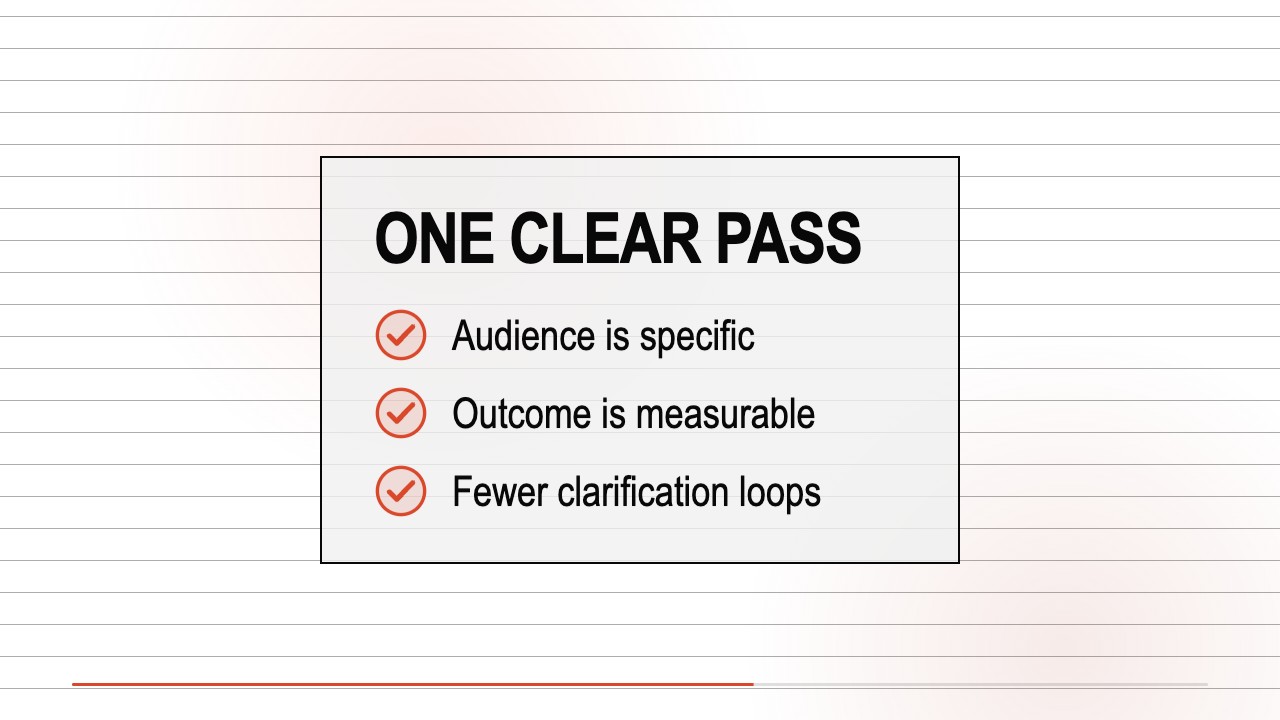 免费
免费一种视频叙事技能,把一个可验证的产品承诺转成利落的发布短片。它结合数字递增标题、光标驱动的界面编排、编辑感回答文字,以及白底上的近黑色界面面板。
 $4.99
$4.99将合作消息拍成适合社交平台的短片:先呈现交接难题,再展示双方如何协作、可核实的依据,最后以同等醒目的双方署名收尾。画面由可编辑的 HTML 和 CSS 在本地制作。
 $4.99
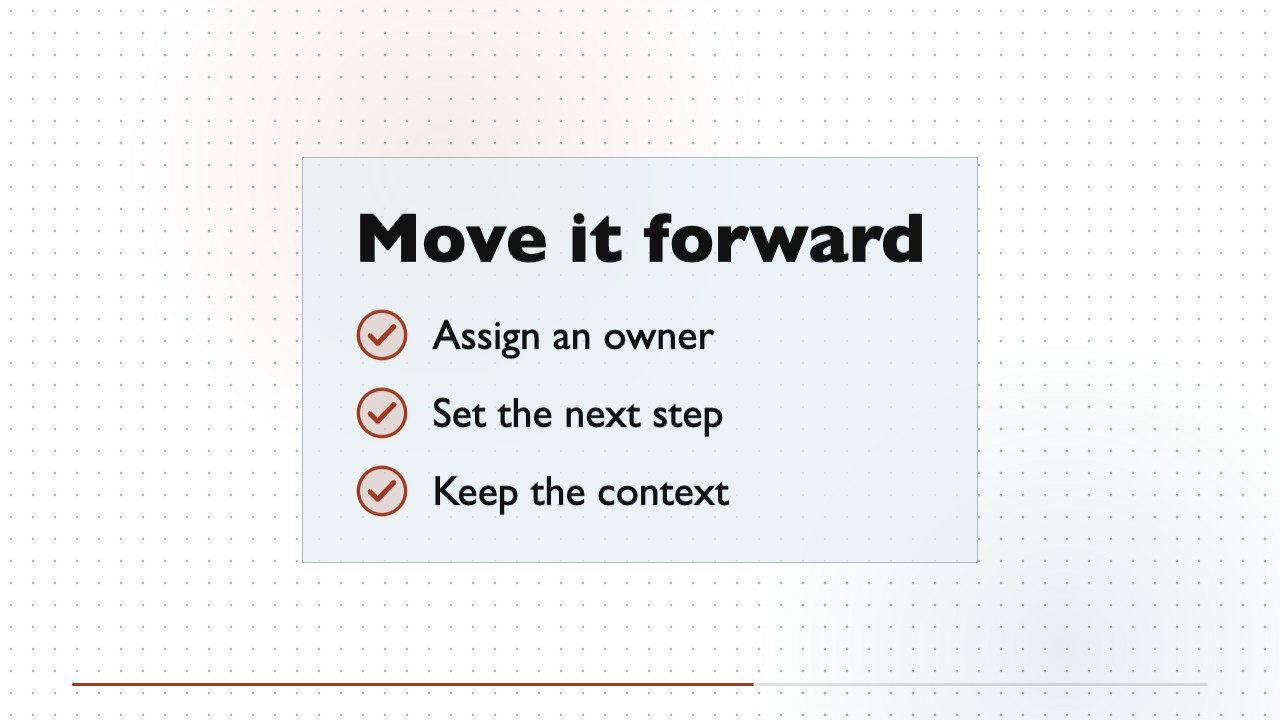
$4.99将软件产品简介制作成简短的文字主导型解说短片。纯白画布贯穿始终,网点层次随叙事轻微移动,暖色文字与冷色界面交替出现,无需素材片段也能形成统一的视觉识别。
 免费
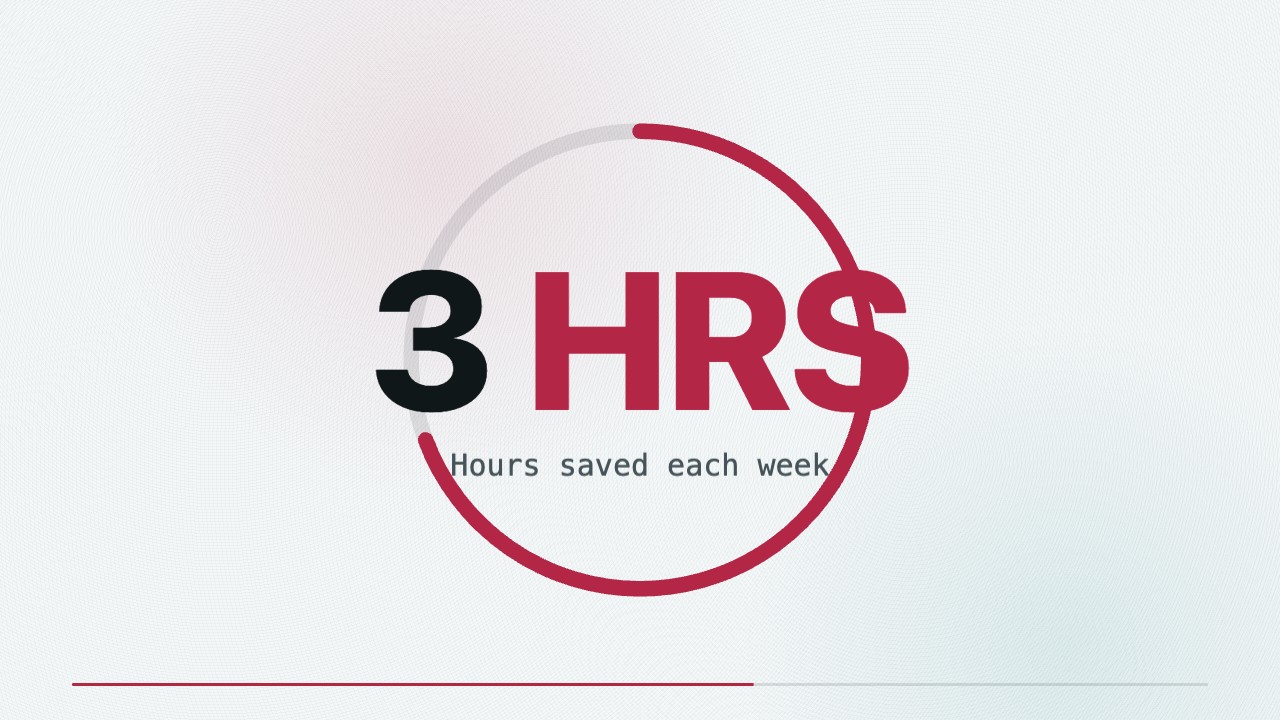
免费本地渲染的产品发布短片:从真实用户问题出发,以具有纵深感的设备揭示、清晰的界面操作和证据支撑的结尾讲述产品价值。