 免费
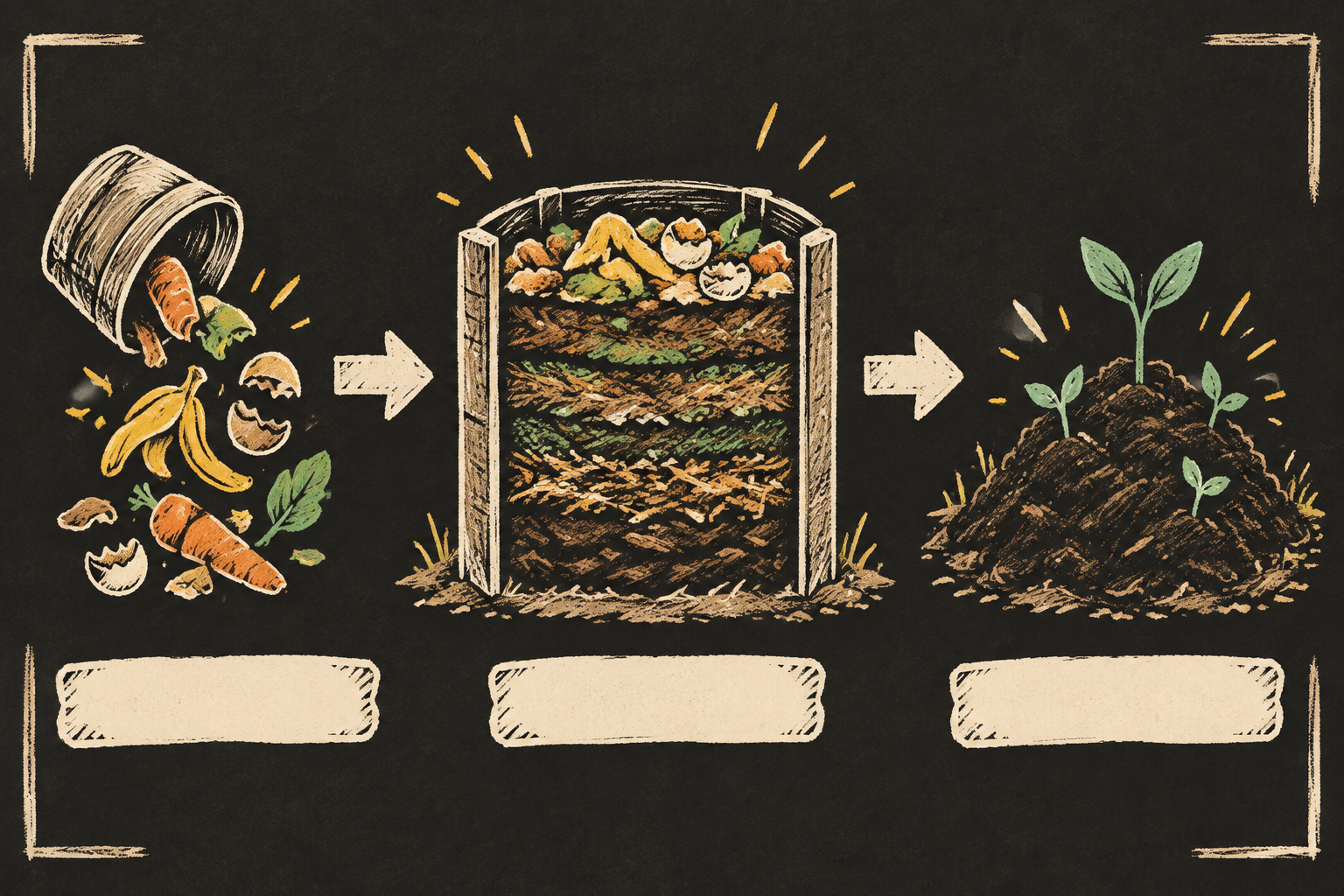
免费手绘视觉笔记插画
将流程、概念或研究摘要转化为结构清晰的手绘视觉笔记插画,使用自然墨线、彩铅重点和深炭黑背景。适合课程、文章和传播内容,在保留逻辑顺序的同时让复杂信息更容易理解。
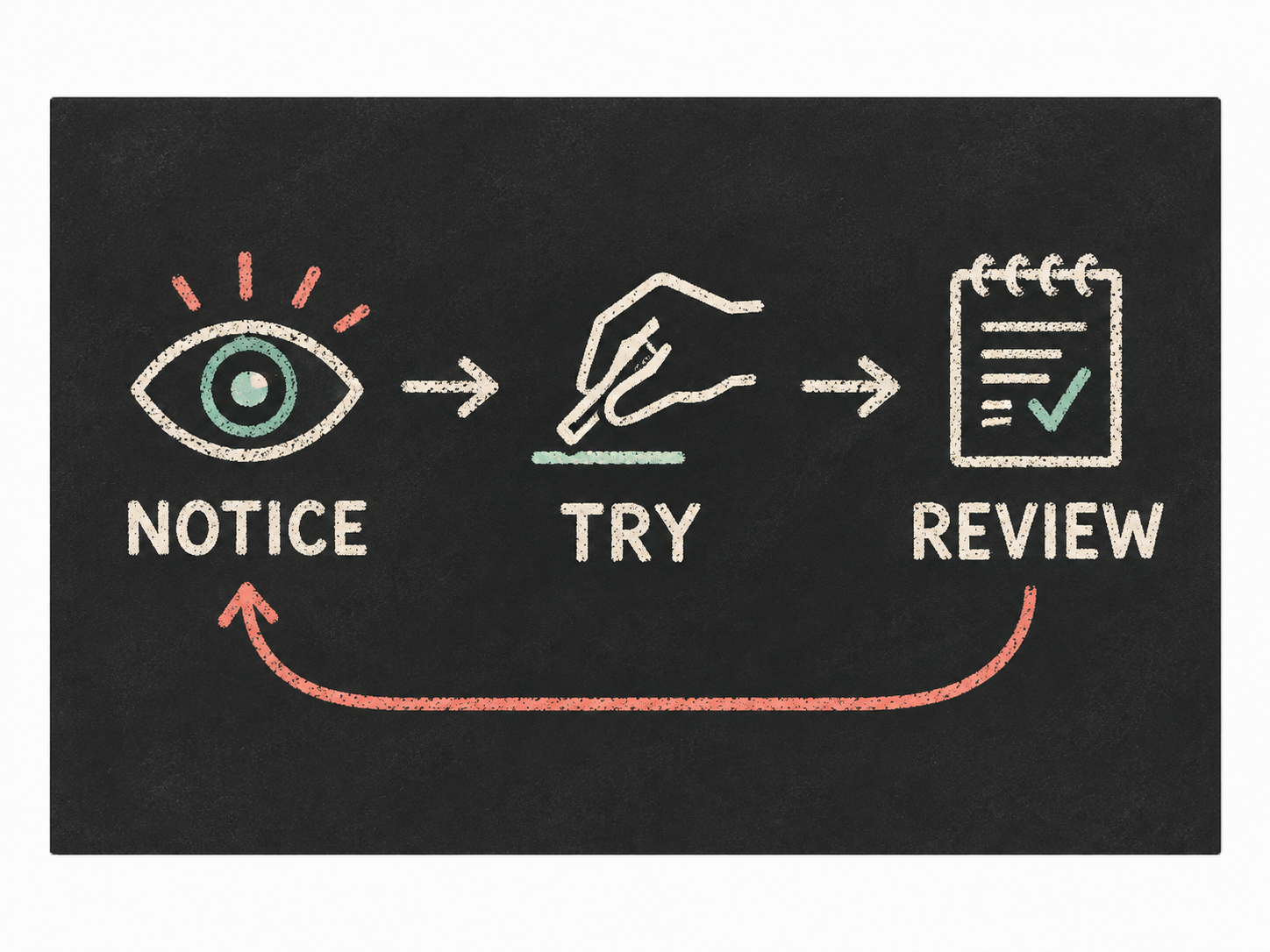
用手绘粉笔线条把简短的流程或概念绘成一张清晰的黑板式说明图。适合课程幻灯片、教学资料和社交内容,重点呈现概念之间的关系,而不是堆砌装饰。
Each image is generated with your prepaid SkillLoom generation key (about $0.05 per image at 1K). Subscriptions do not include generation credits.
一次典型运行约 $0.05(按 sub2api 价格,从你的预付费 key 扣除)
/sl-chalkboard-infographic-illustration 为短期在线课程的成年学习者制作一张 4:3 演示幻灯片,展示学习新技巧的重复练习循环:从左到右依次画一只眼睛表示 NOTICE、一只手尝试画小记号表示 TRY、一本打勾的笔记本表示 REVIEW,并用箭头从 REVIEW 返回 NOTICE。板上只出现这三个标签,各一次:NOTICE、TRY、REVIEW。采用清晰的粉笔画风格。
已验证
| render-check | pass | 5.0 / 5 | 222s |
建议只放少量短标签,最好不超过四个。详细解释放在配文中,才能保持图示清晰。
可以。请说明最后一步回到哪一步,图中的箭头会明确表现这一关系。
Turn a concise explanation into a legible chalkboard infographic with hand-drawn lines and a clear reading order.
Style: Chalk Logic. A classroom diagram drawn with care: tactile and informal, but precise enough to teach from. Follow references/style-guide.md exactly.
If something essential is missing, ask one short question before starting. Never invent facts, numbers, quotes or customer names; mark gaps as [needs source].
references/prompt-framework.md. If any text will appear in the image, confirm it letter by letter and freeze it.references/prompt-framework.md, following references/visual-system.md for subject, composition, light, palette and the text policy. Write it to prompt.txt.SKILLLOOM_API_KEY and SKILLLOOM_BASE_URL (run npx skillloom doctor --write-env if not). ``bash node scripts/generate.mjs --prompt-file prompt.txt --output image.png --task-file image-task.json --confirm-paid ``
``bash node scripts/validate-image.mjs image.png ``
The preview image was generated from the sample brief in scripts/image-spec.json. In a real run the agent fills the brief from the user's request, generates with the user's key, checks the result against the output contract (required text, ratio, no extra words) and regenerates when it misses.
免费将流程、概念或研究摘要转化为结构清晰的手绘视觉笔记插画,使用自然墨线、彩铅重点和深炭黑背景。适合课程、文章和传播内容,在保留逻辑顺序的同时让复杂信息更容易理解。
 $4.99
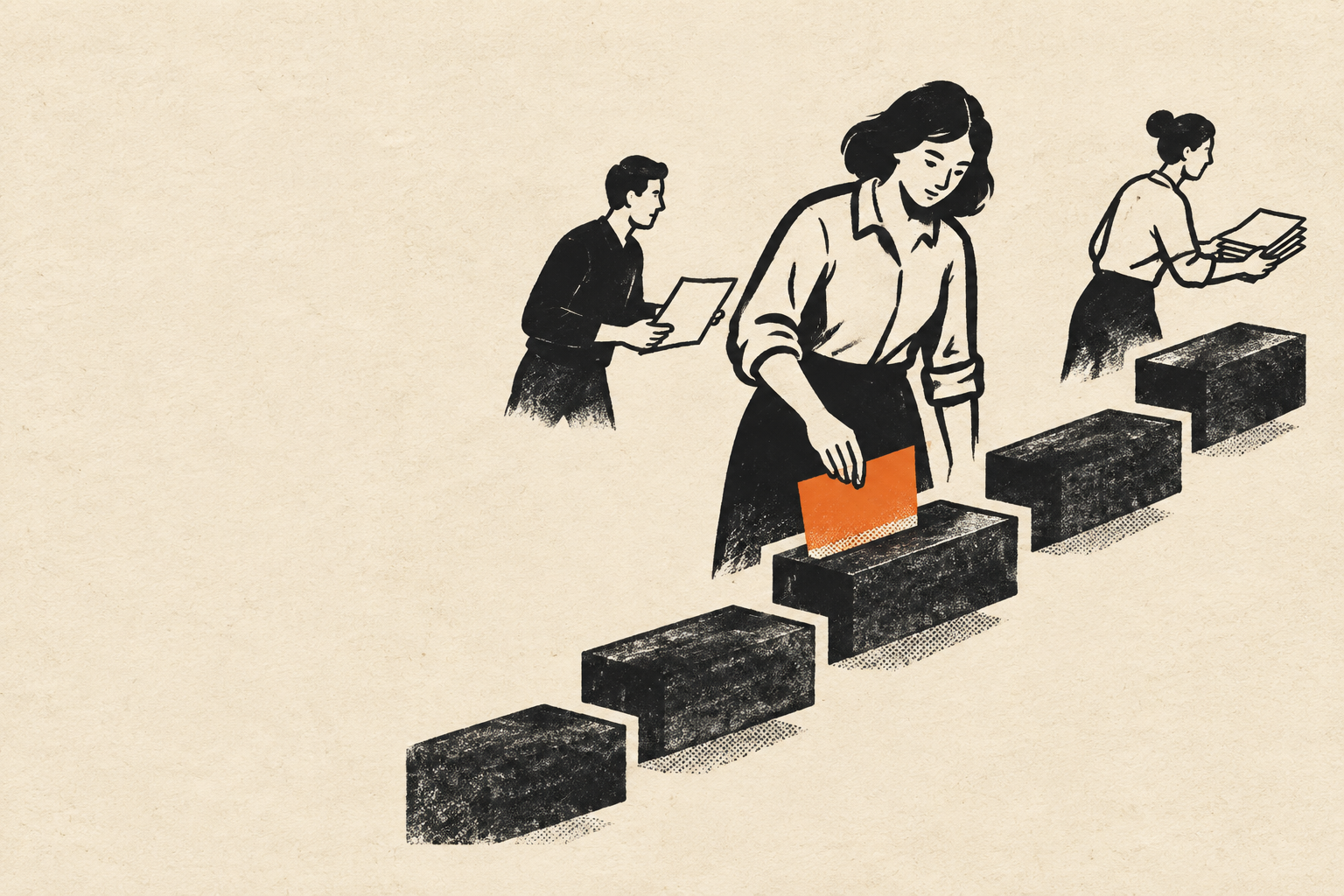
$4.99用于把文章主题和教学概念转化为独特编辑插画的引导式图像技能。它结合有表现力的黑色墨线、温暖纸张底色、模块化色块、克制的半色调纹理与单一强调色,适合需要高级感且能在内容系列中保持识别度的视觉创作。
 $4.99
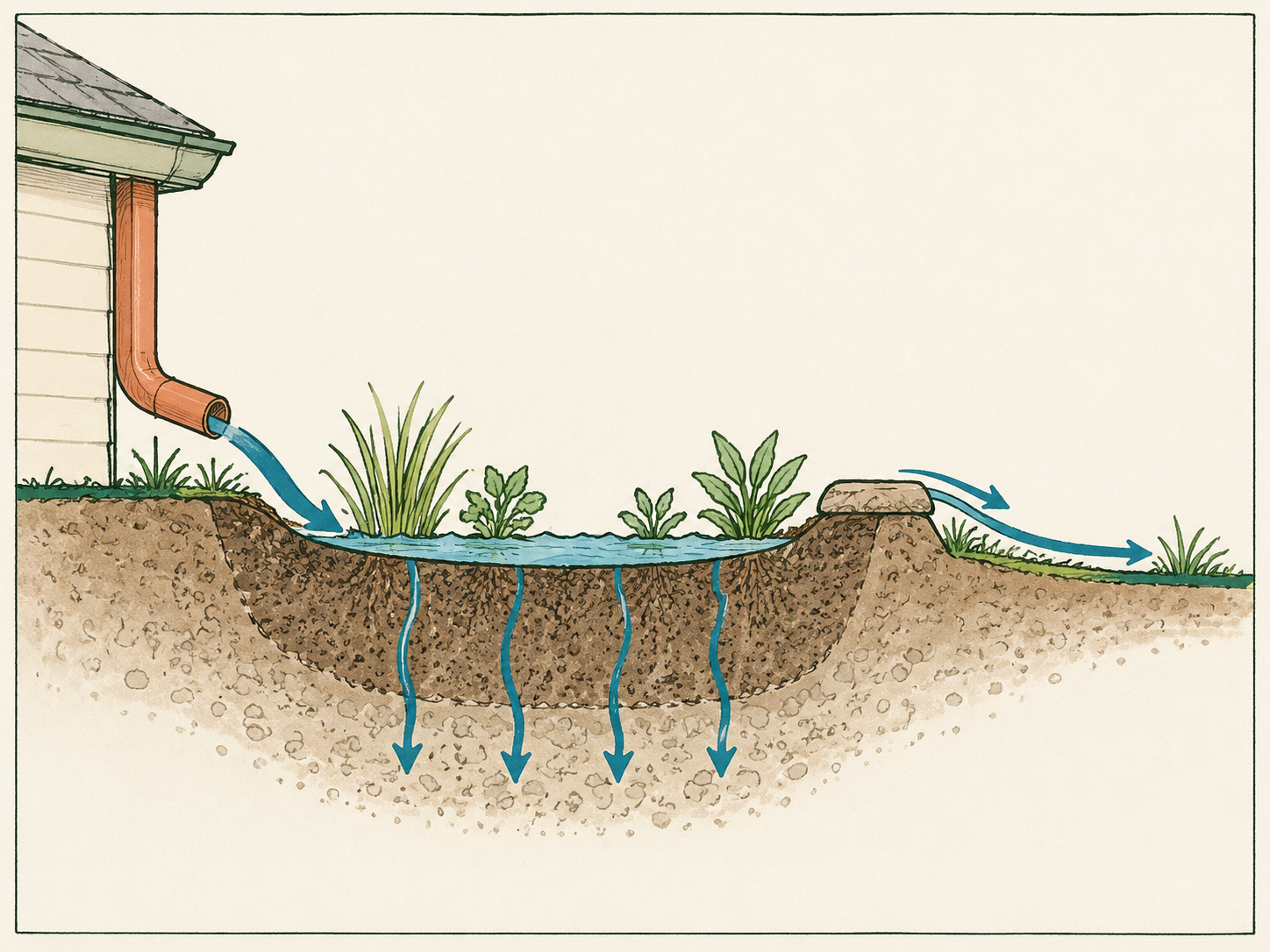
$4.99为教学和科普内容制作有依据的编辑式插画。用手绘线条、克制的马克笔色块和留白边框呈现过程或机理,让读者不依赖生成图片中的文字也能看懂因果关系。
 $4.99
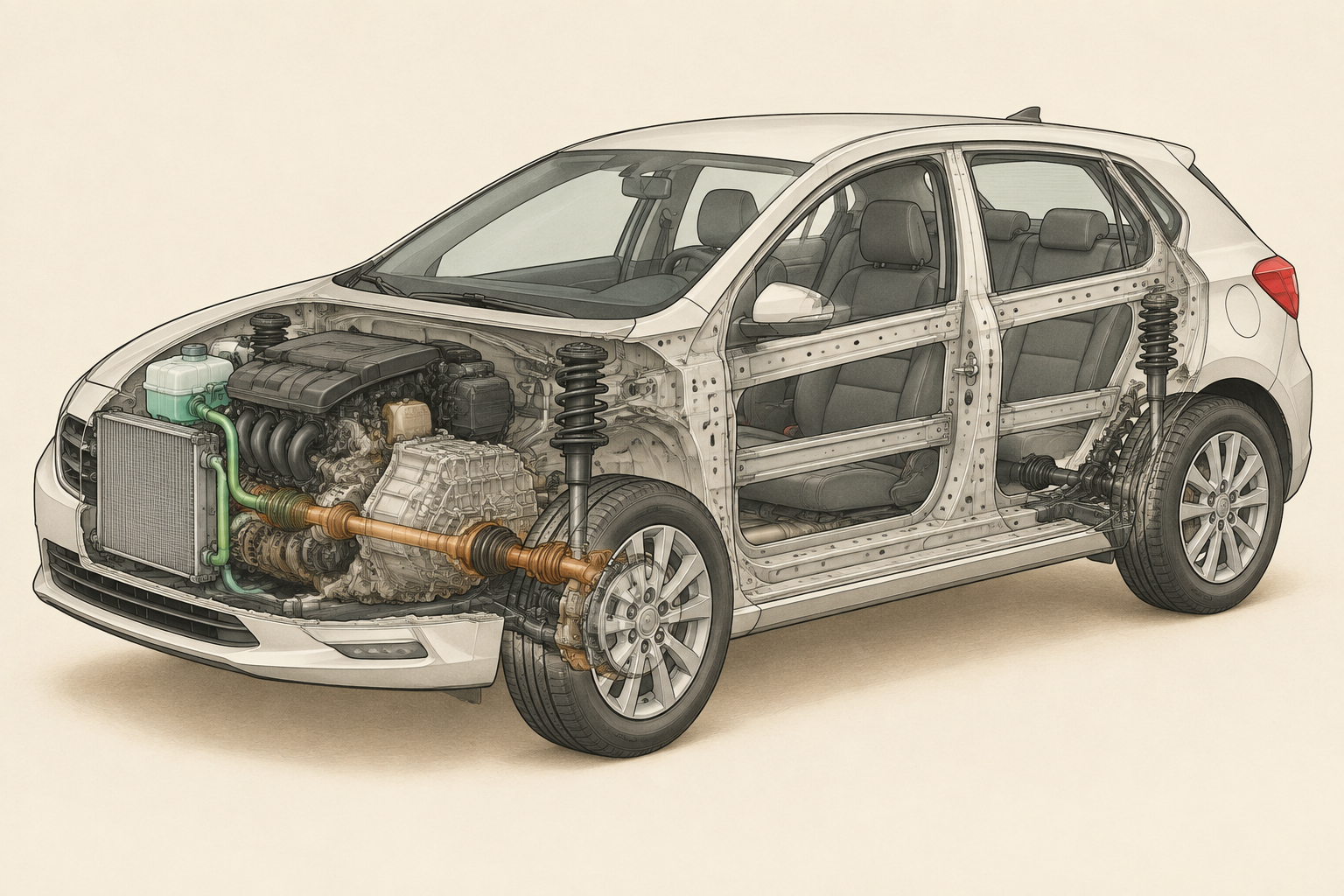
$4.99为课堂教学与科学传播创作机械逻辑清晰的车辆结构海报。以温暖中性的博物馆信息图风格呈现连贯剖面、明确的系统层级和克制的引线,帮助读者理解各部件如何协同工作。
 $4.99
$4.99以一个有触感的有机主体、定向光束和克制的镜头光晕构成标志性营销插画。适用于产品发布、品牌活动、社交海报和编辑封面,呈现温暖的动势,并建立鲜明且可延续的视觉系统。
 $4.99
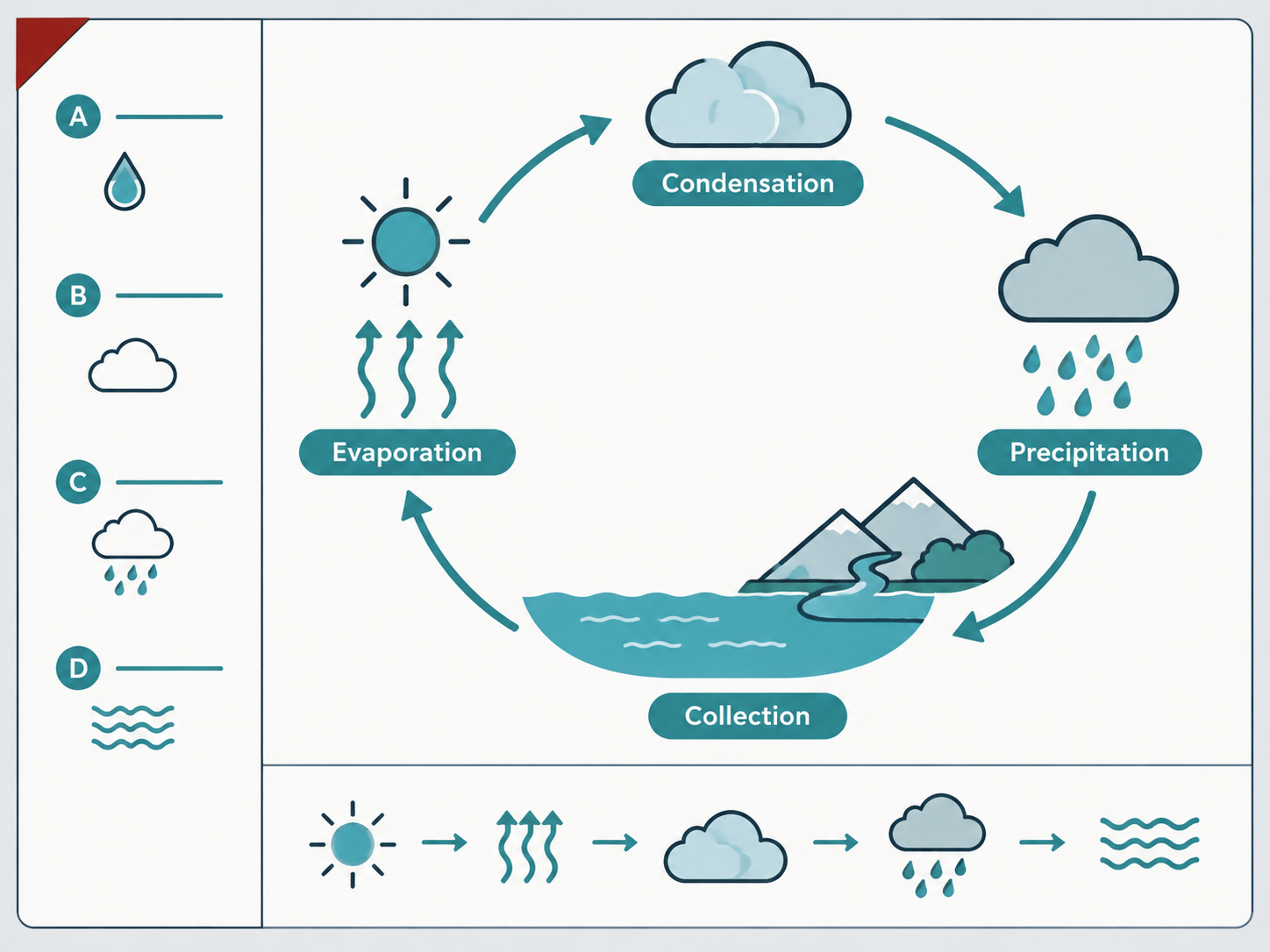
$4.99生成一张笔记本风格的学习单插画,将回忆提示、清晰讲解和综合提问分区呈现。折角提示栏与逻辑优先的图解适用于教学、复习和技术概念说明。
 $4.99
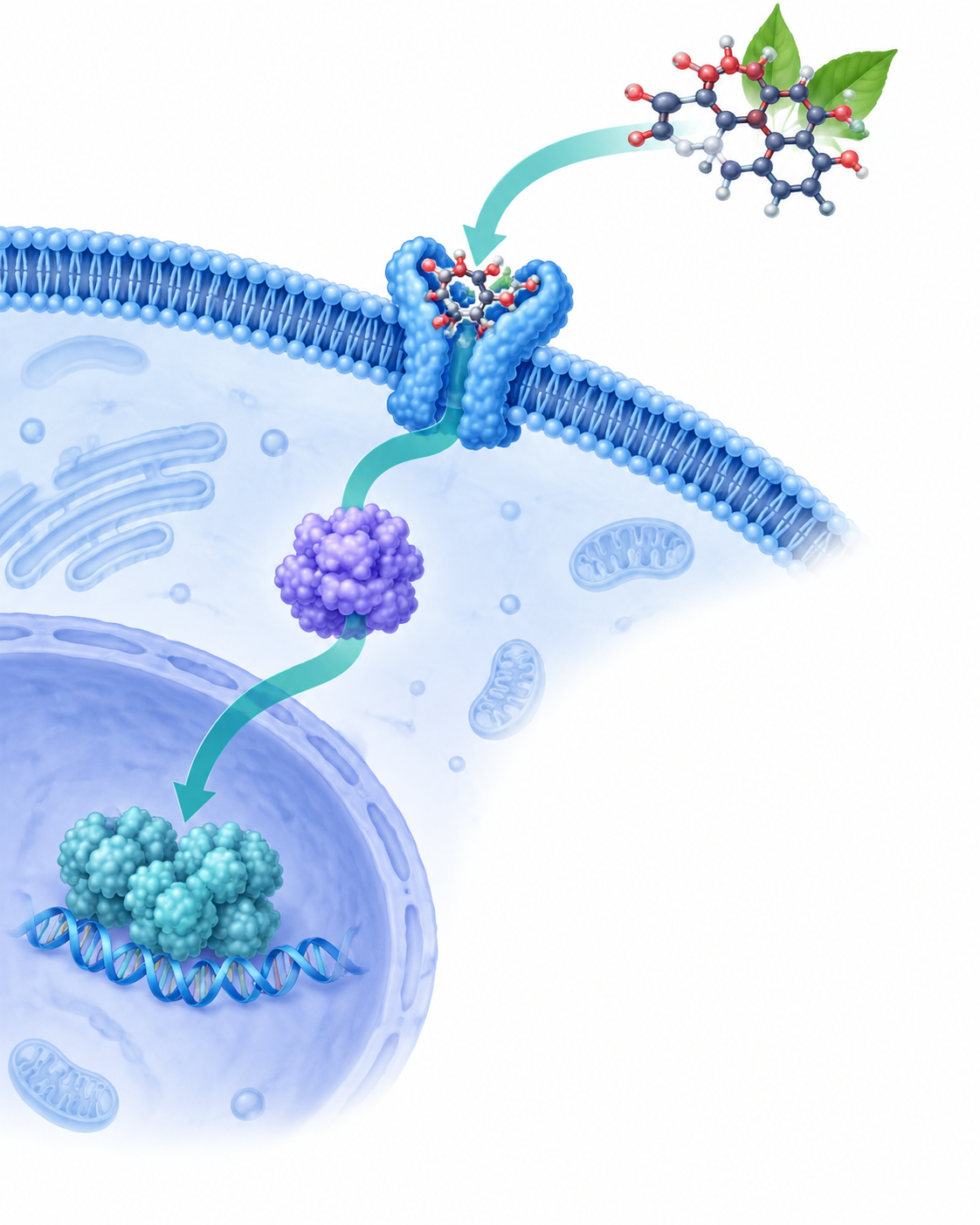
$4.99为生物活性通路制作忠于来源的临床编辑风格插画。半透明分子带让机制更易记,克制的配色、清晰的方向和留白则适用于科研传播、教学与出版。
 $4.99
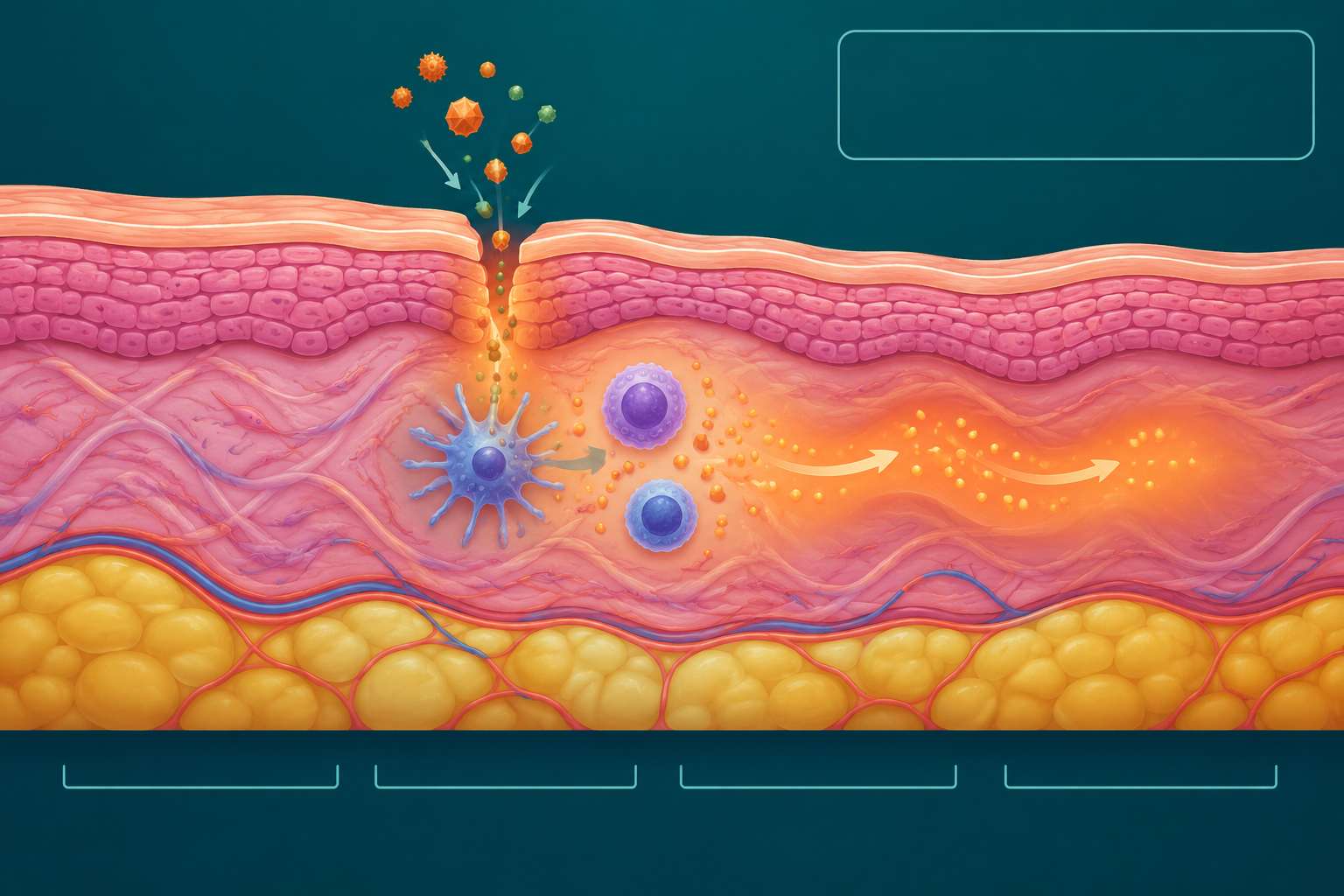
$4.99一套忠于来源的临床编辑风科学插画,用独特的分层剖面、克制的信号渐变和清晰的视觉层级,解释皮肤结构如何相互作用。适合教学、研究传播和高质量健康内容。