 Free
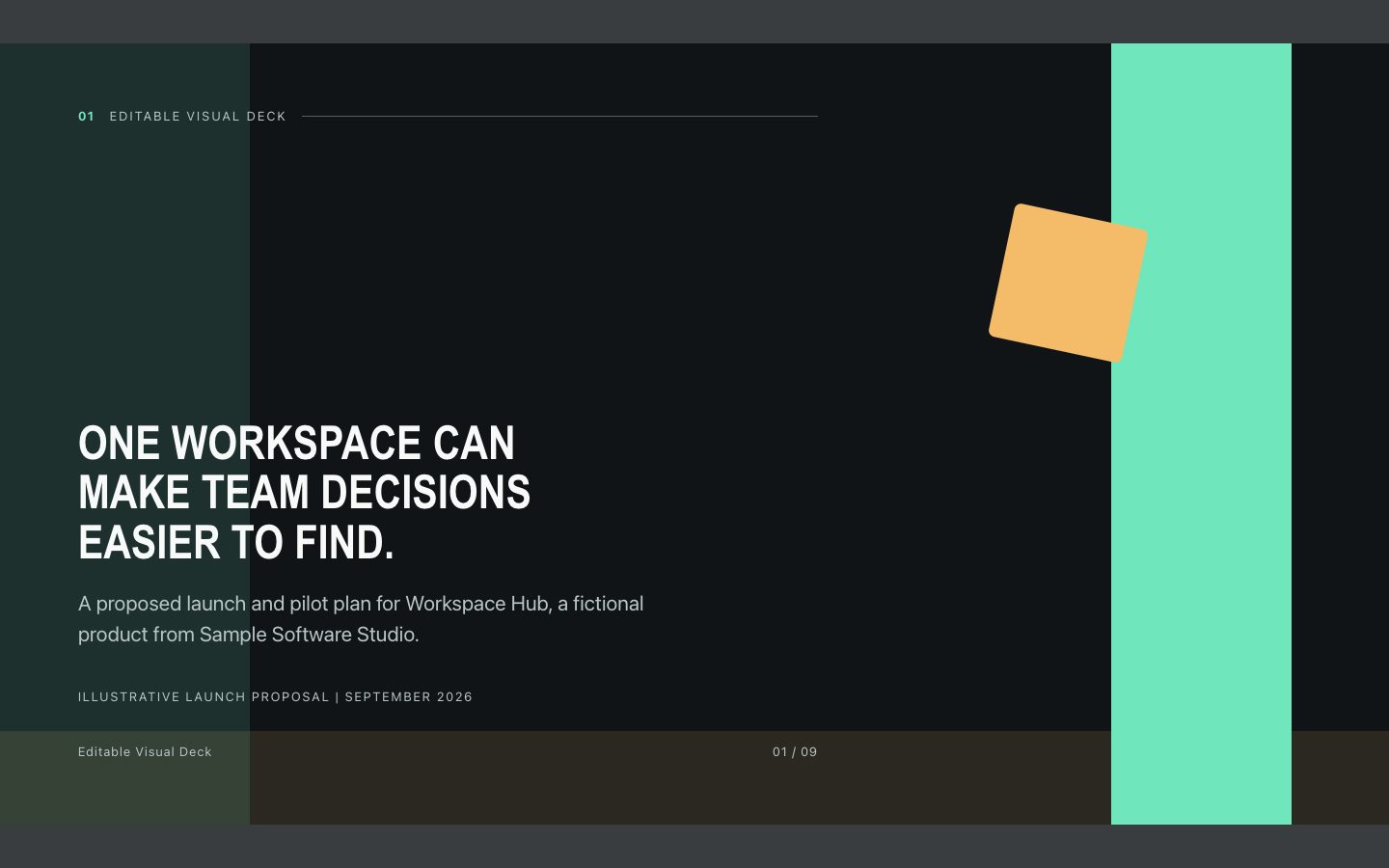
FreeEditable Visual Deck
An offline-ready HTML presentation with a dark modular-grid look, sharp action headlines, and editable charts and diagrams. Built for product launches and executive updates that need both polish and fast revision.
An editable, browser-ready 16:9 presentation that turns brand strategy into a polished story using bold, grounded color blocks and an editorial type pairing.
No external services. Runs entirely on your agent.
/sl-brand-story-deck Create exactly 8 slides for fictional Alder Row, a neighborhood refill shop. Move from waste-reduction friction through the current routine, service idea, three-part promise, refill-station visual, four-step launch, to practical actions. Title: “Alder Row makes refilling fit real life.” Close: “Lead with ease, then prove the routine works.” Use restrained Moss & Signal styling; label assumptions illustrative.
Verified
| render-check | pass | 5.0 / 5 | 45s |
Yes. The deliverable is a self-contained HTML slide deck with editable text and presentation-friendly 16:9 layouts.
Provide the context and any known preferences. The deck can use a proposed visual direction and clearly distinguish recommendations from established brand facts.
Build an editable 16:9 HTML deck that turns brand strategy into a confident, color-blocked story for launch and identity presentations.
Style: Moss & Signal. Grounded, editorial, and confidently modern, with deep muted green fields punctuated by sharp chartreuse blocks. Follow references/style-guide.md exactly.
If something essential is missing, ask one short question before starting. Never invent facts, numbers, quotes or customer names; mark gaps as [needs source].
[needs source] instead of inventing quotes, numbers or names.references/template.html to the output path, for example deck.html. Keep its paging engine, overview mode (press o), notes panel (press n) and print stylesheet intact.references/style-guide.md (they are already set in the template's :root); do not add other colors or webfonts.references/layouts.md. Never use the same layout on more than two consecutive slides. Copy the matching example slide, fill every REPLACE_ value and delete unused examples.data-slide-id in window.__SLIDE_NOTES__; notes add delivery context and do not repeat the slide. ``bash node scripts/validate-deck.mjs deck.html --expected-slides 8 ``
deck.html, 16:9, self-contained (no network requests, no storage APIs), opens from file://.section.slide elements, each with a unique data-slide-id and speaker notes.[needs source] gaps, and the validator output.The preview is a reference deck built from sample content. Figures on chart and stat slides are sample data and say so in the slide footer; image areas are labelled slots. In a real run the agent uses the user's sources and assets, adds a source note to every slide that states a figure or claim, and keeps every promise in the output contract above.
FreeAn offline-ready HTML presentation with a dark modular-grid look, sharp action headlines, and editable charts and diagrams. Built for product launches and executive updates that need both polish and fast revision.
 Free
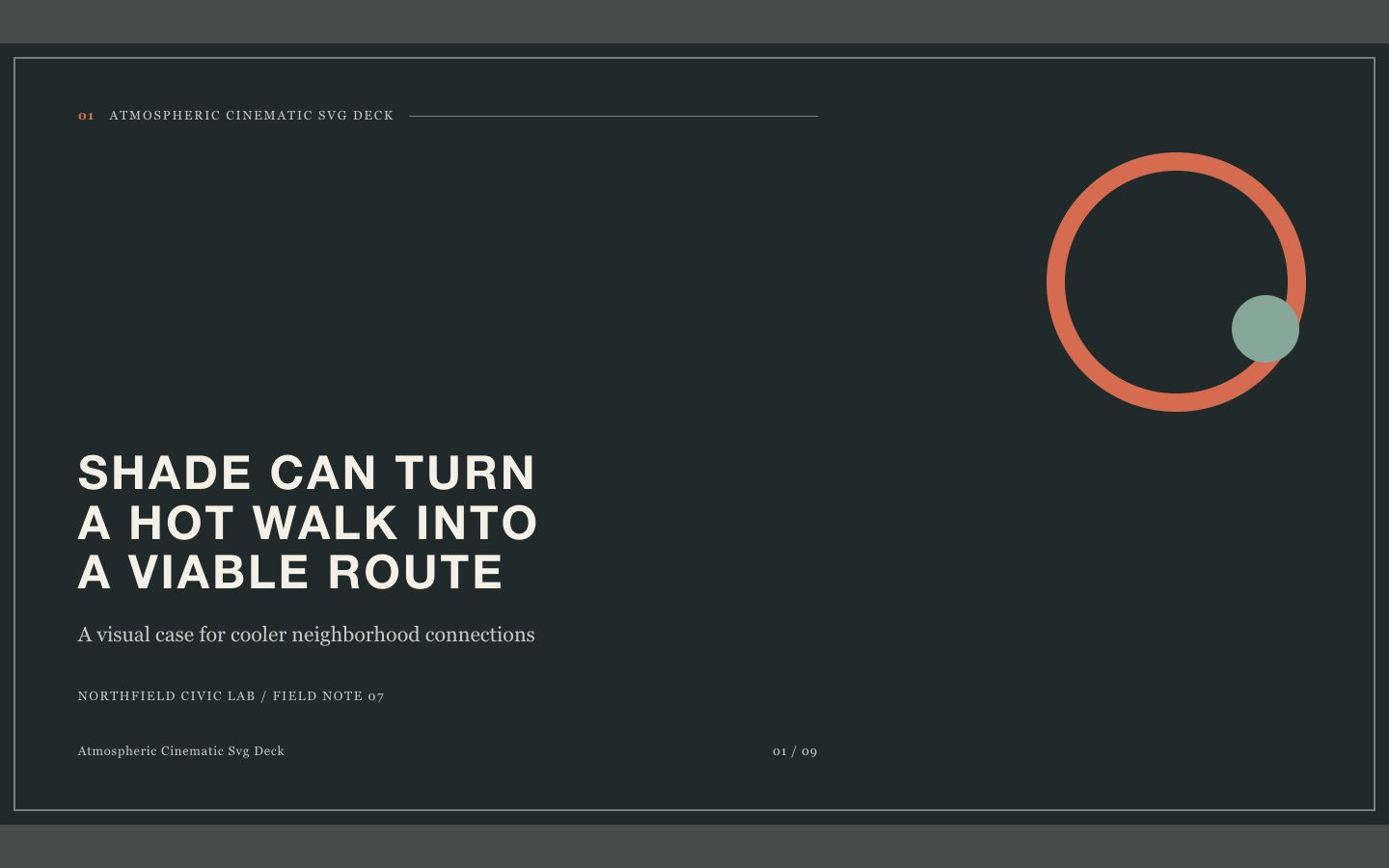
FreeBuild an image-led presentation that gives research and campaign material a cinematic sense of place. The deck uses editable SVG frames, restrained editorial typography, and deliberate pacing for professional storytelling.
 $4.99
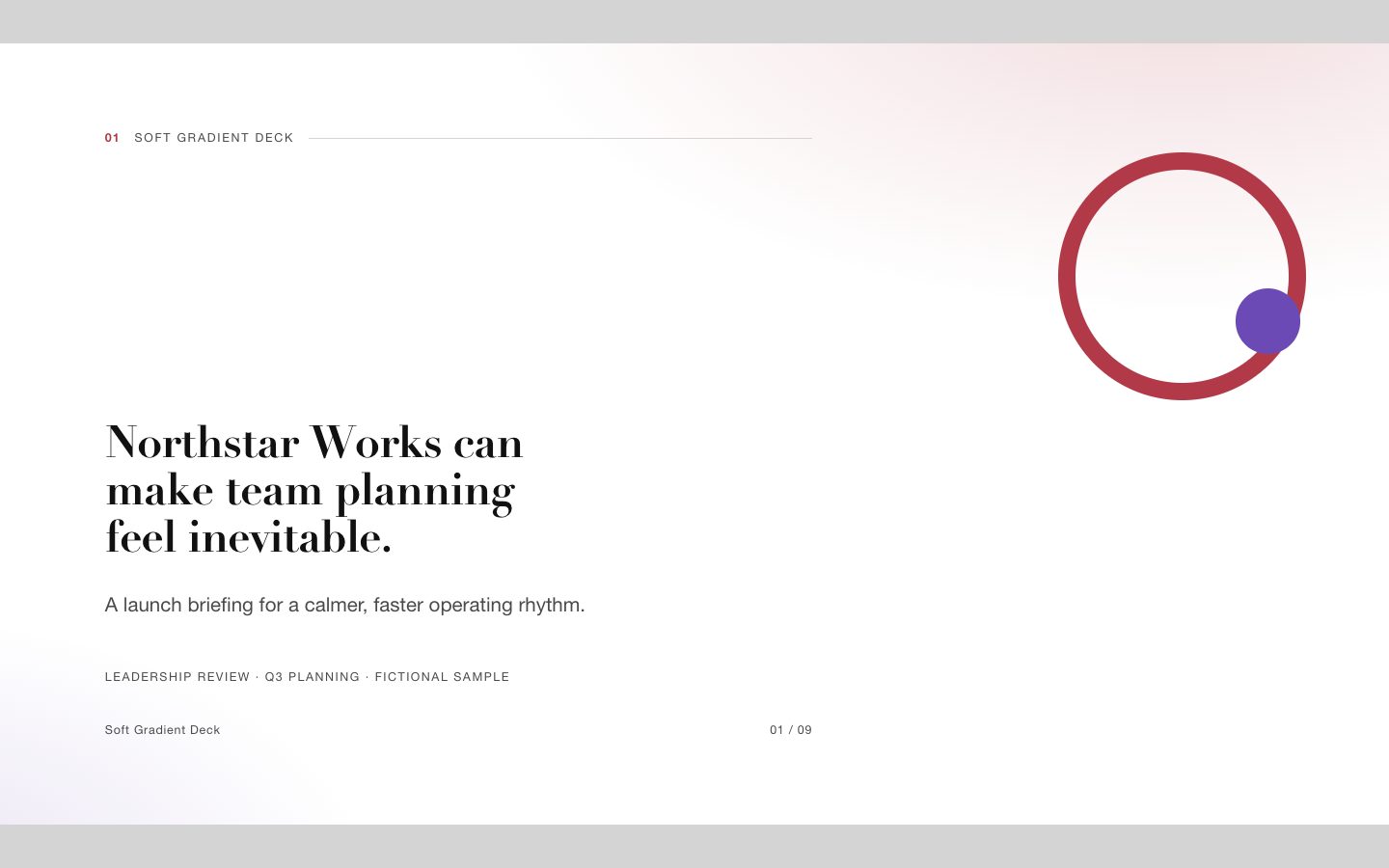
$4.99A signature presentation system for startup launches and executive reporting, combining soft coral-violet gradients with sharp editorial typography, generous white space, and fully editable HTML slide structures.
 $4.99
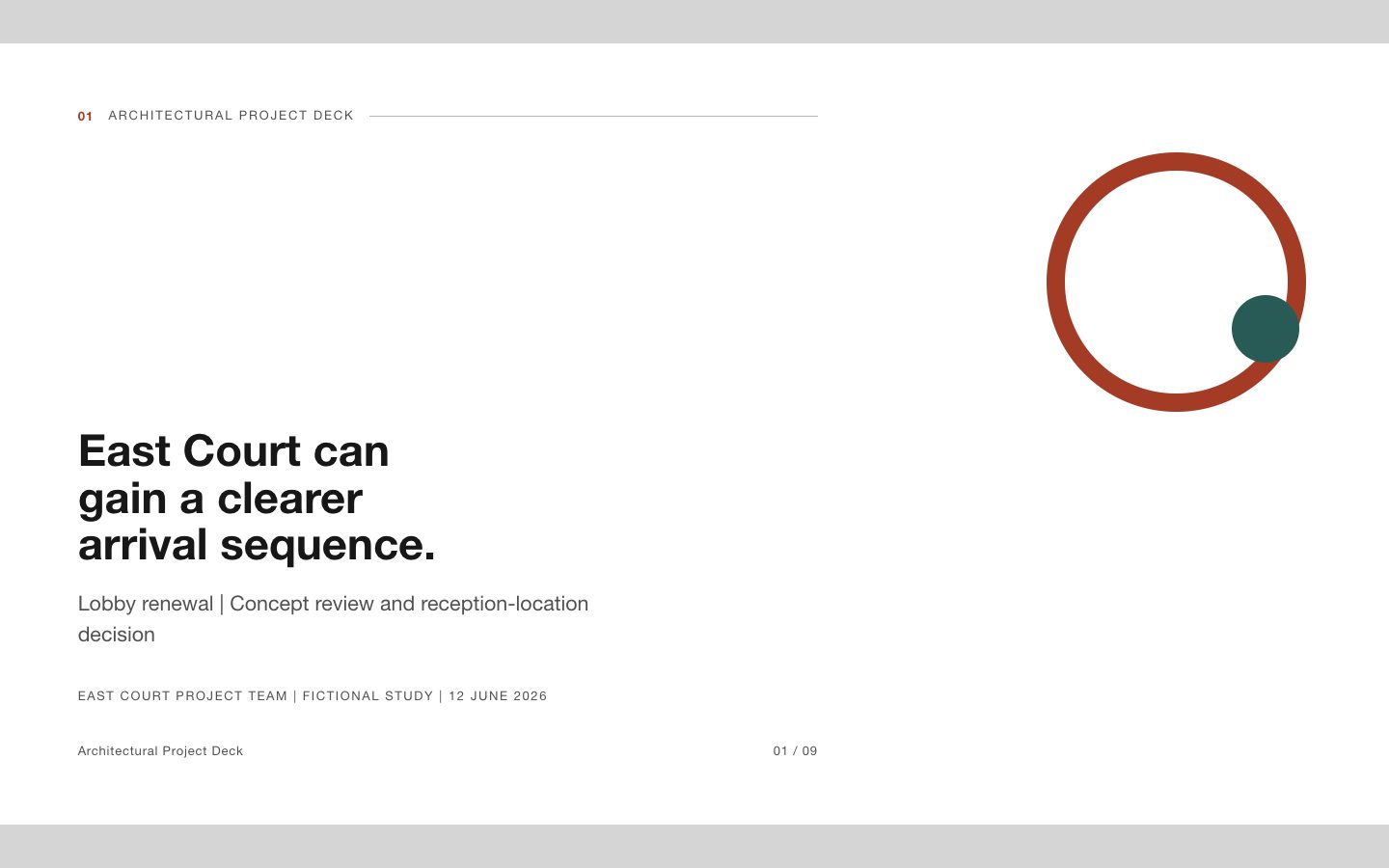
$4.99An editable project presentation that turns spatial ideas, evidence, options, and estimates into a clear client decision. Its datum-led visual system feels like a disciplined architectural review, not a generic pitch template.
 $4.99
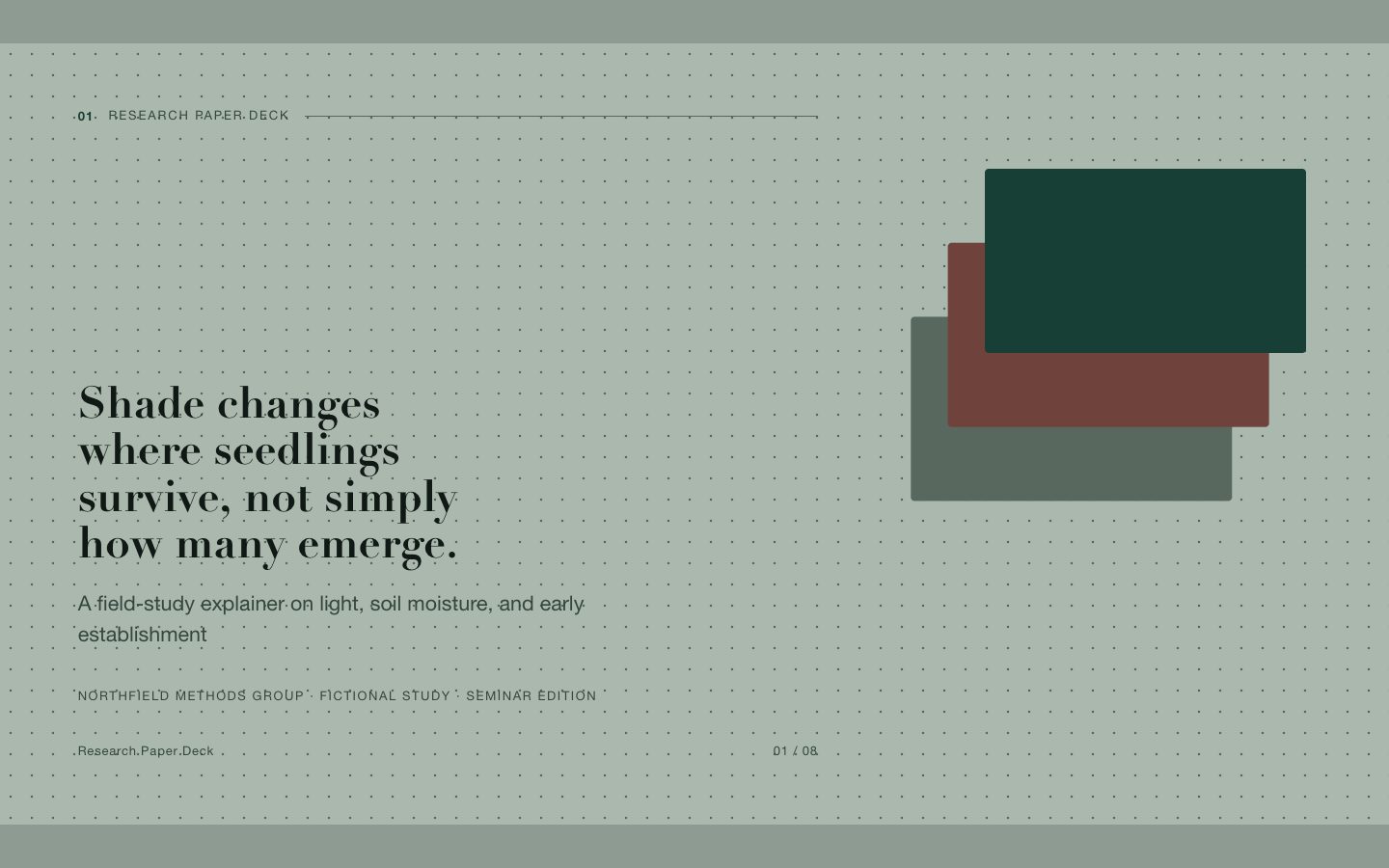
$4.99An evidence-first research presentation with editable figures, clear action titles, and a distinctive scholarly editorial style.
 $4.99
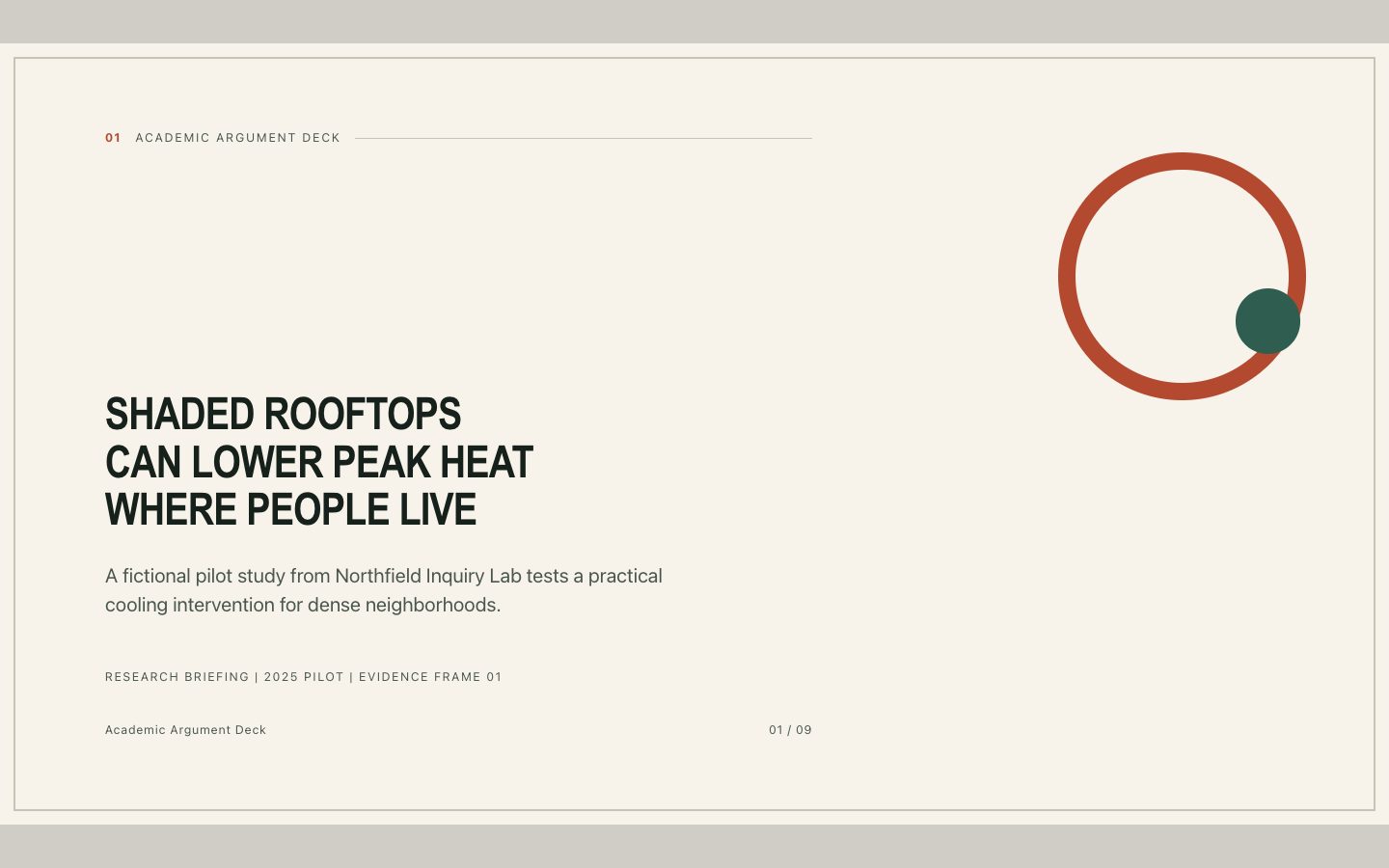
$4.99A polished research presentation builder for turning technical material into a clear, defensible argument with editable HTML slides and a distinctive evidence-frame visual system.
 Free
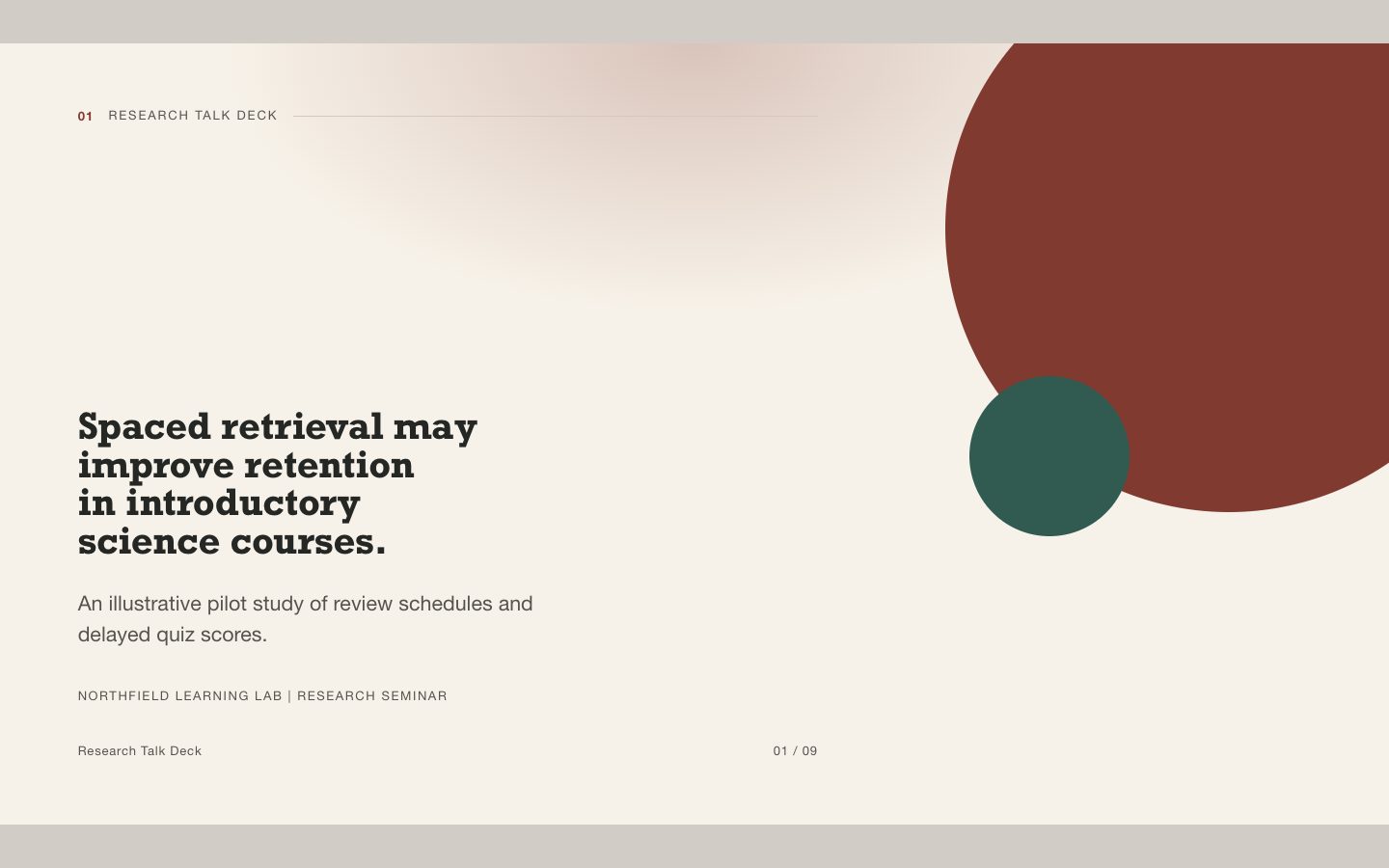
FreeAn editable HTML deck for explaining a research question, method, evidence, and limitations in a conference-minimal warm-neutral style. Designed for talks where accuracy and legibility matter as much as visual polish.
 $4.99
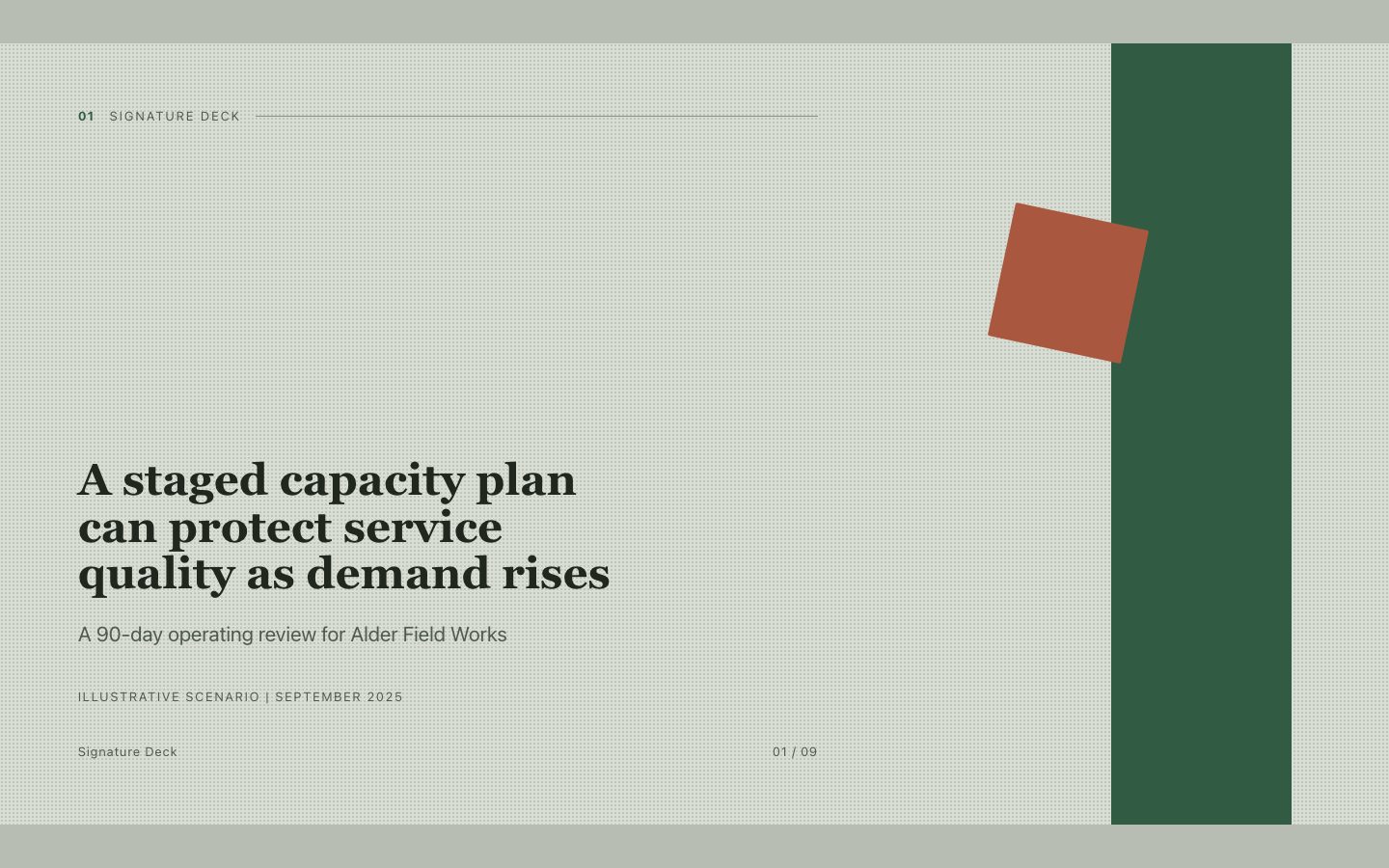
$4.99An editorial, paper-textured presentation style with a numbered ink seal that makes an executive storyline feel distinctive, composed, and easy to follow.