演示文稿免费 已验证

品牌故事演示文稿

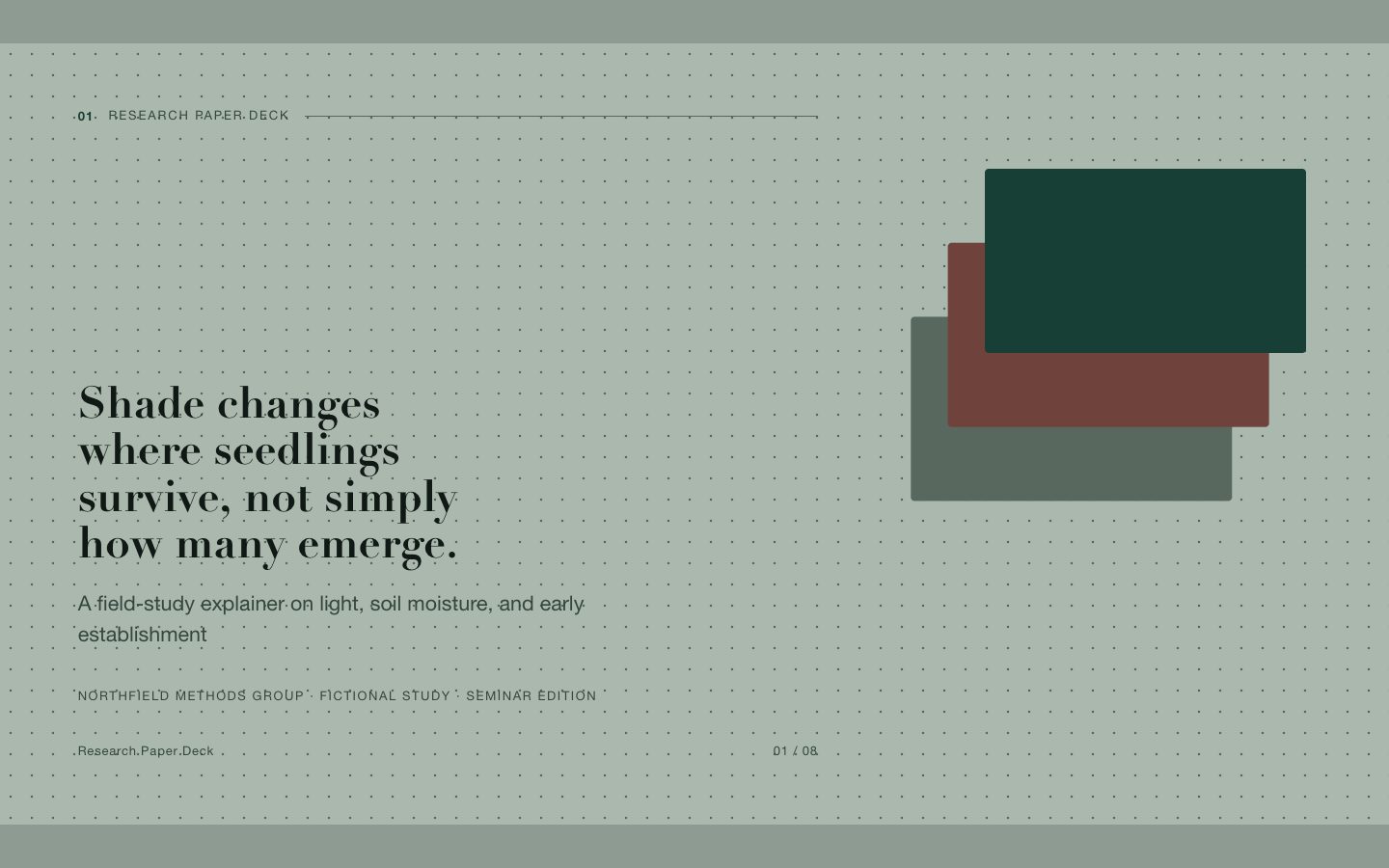
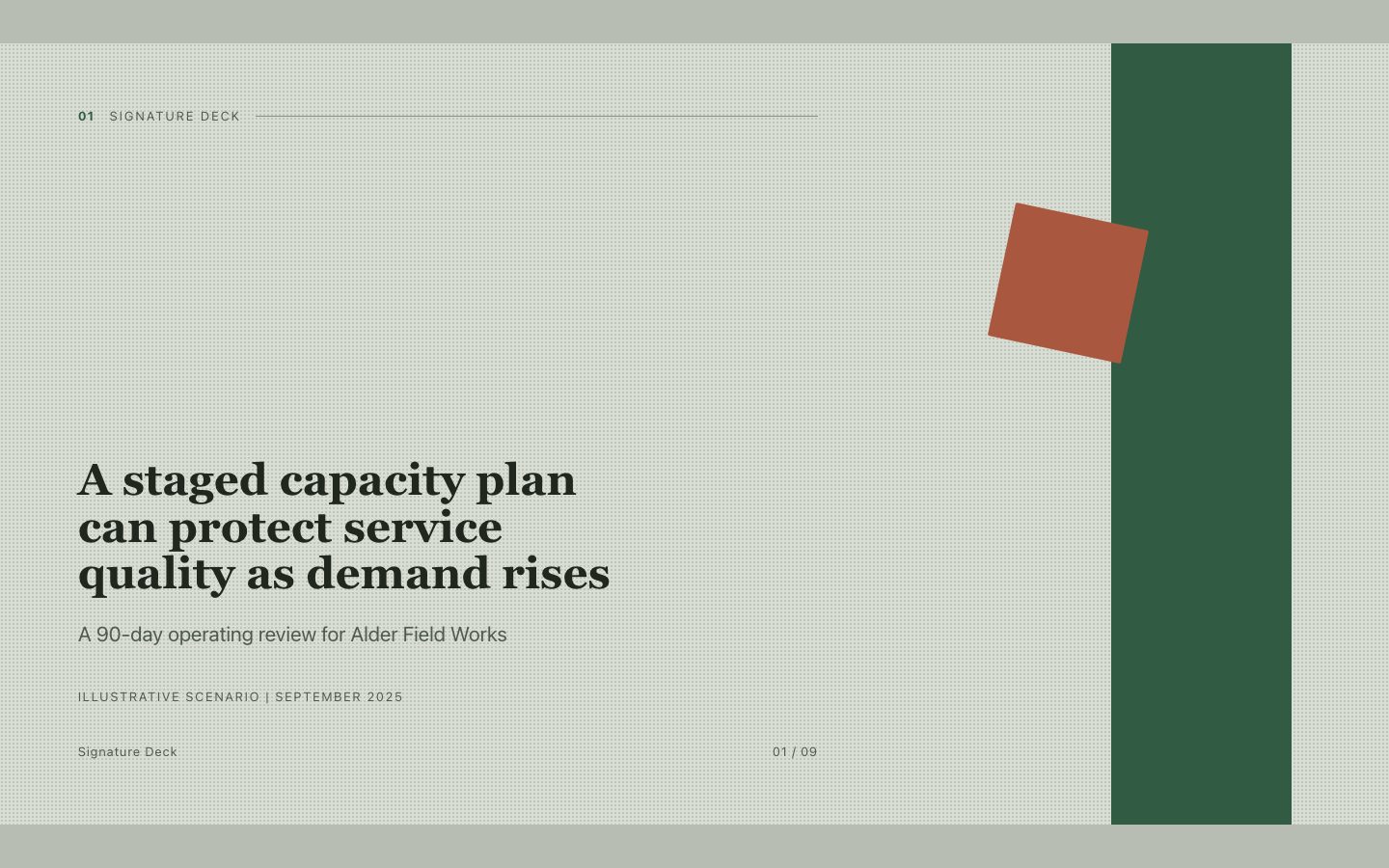
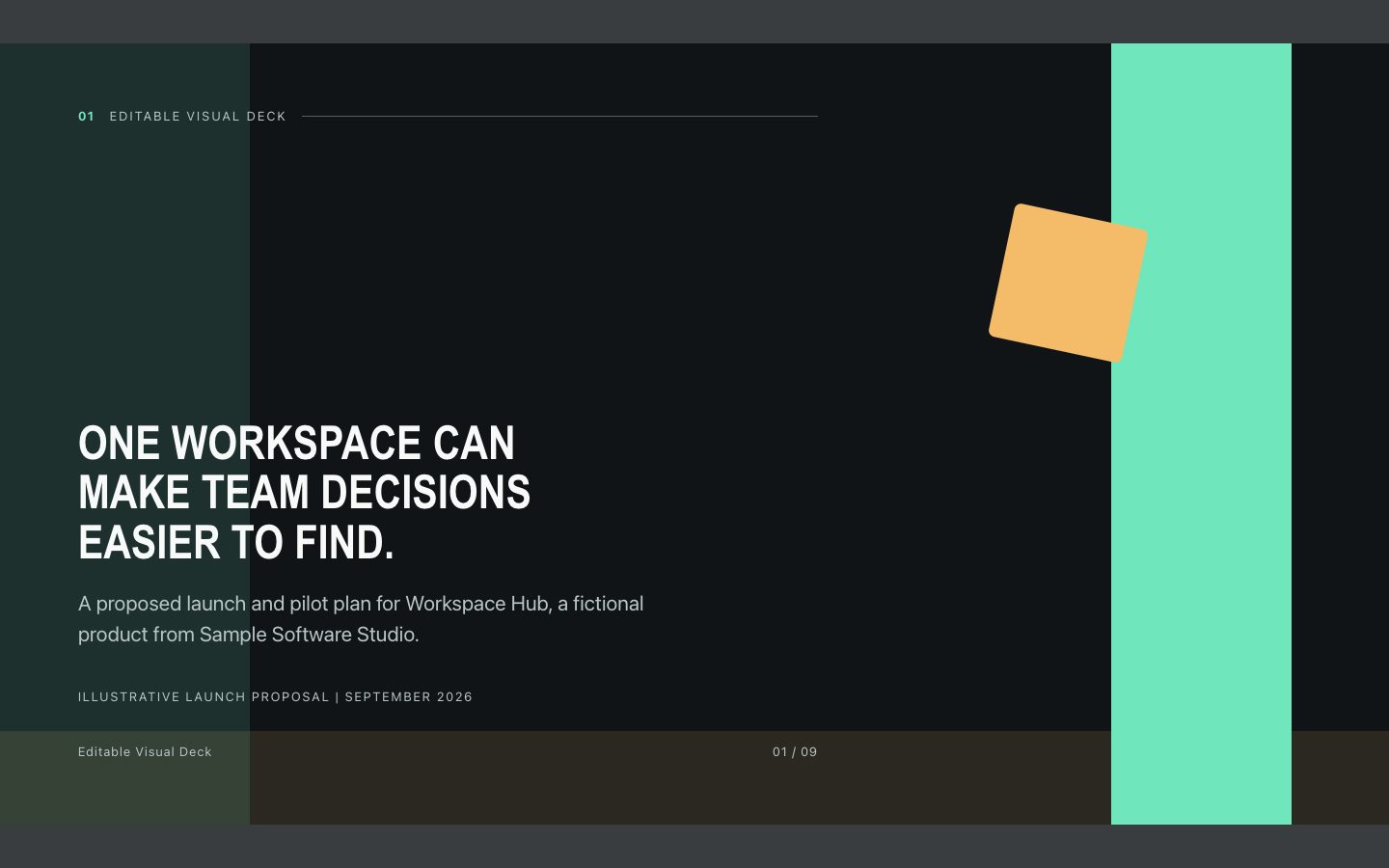
将品牌策略整理为可在浏览器中编辑的 16:9 演示文稿,以大面积色块和编辑式字体呈现清晰、精致的品牌故事。

你会得到

  • 包含 8–10 页可编辑文字的独立 HTML 演示文稿。
  • 从受众需求到品牌承诺、再到上市行动的完整叙事。
  • 以色块为核心、重点克制明确的视觉系统。
  • 一份用于展示节奏与结构的真实感示例稿。

适合

  • 用于内部或客户评审的品牌识别与定位提案。
  • 面向市场及跨职能团队的产品上市叙事。

不适合

  • 详尽的财务报告或技术文档。
  • 可直接投产的视觉素材、标志或完整品牌规范。

你需要提供

  • 品牌或产品背景及目标受众。
  • 已有的定位、证明材料和上市目标。

运行要求

  • A modern browser
  • Node.js 20+ for the validator

运行成本

No external services. Runs entirely on your agent.

试试这个提示词

/sl-brand-story-deck 为虚构的社区补充装商店 Alder Row 制作恰好 8 页:从减少浪费的阻碍,到现有习惯、服务构想、三部分品牌承诺、补充装站视觉、四步上市路径,再以实用行动收尾。标题:“Alder Row makes refilling fit real life.” 结尾:“Lead with ease, then prove the routine works.” 采用克制的 Moss & Signal 风格,并将假设标为示意。

后续提示词

  • 在不增加新说法的前提下,将故事精简为五分钟的管理层演示。
  • 将上市信息框架整理成简洁的营销活动简报。

验证情况

已验证

render-checkpass5.0 / 545s

常见问题

生成后可以编辑演示文稿吗?

可以。交付内容是独立的 HTML 演示文稿,文字可编辑,页面采用适合演示的 16:9 布局。

如果还没有定稿的品牌规范怎么办?

提供项目背景和已知偏好即可。演示文稿可以采用建议的视觉方向,并明确区分建议与既定品牌事实。

SKILL.md

SKILL.md

Brand Story Deck

Build an editable 16:9 HTML deck that turns brand strategy into a confident, color-blocked story for launch and identity presentations.

Style: Moss & Signal. Grounded, editorial, and confidently modern, with deep muted green fields punctuated by sharp chartreuse blocks. Follow references/style-guide.md exactly.

Use this skill when

  • Brand identity and positioning presentations for internal or client review.
  • Product launch narratives for marketing and cross-functional teams.

Do not use

  • Long-form investor, financial, or technical presentations that require dense evidence and detailed footnotes.
  • A finished identity system with production-ready logos, packaging files, or bespoke photography.
  • To reproduce another company's brand, logo, product UI or copyrighted characters.

Inputs

  • Brand or product name, audience, and launch or identity context
  • Positioning, audience insight, proof points, and desired audience response
  • Any supplied research, product details, constraints, or existing brand guidance

If something essential is missing, ask one short question before starting. Never invent facts, numbers, quotes or customer names; mark gaps as [needs source].

Workflow

  1. Read all source material. Separate facts from opinions and keep the user's terminology; mark missing facts as [needs source] instead of inventing quotes, numbers or names.
  2. Write the title spine first: one action title per slide (a full sentence with a verb). Read the titles in order; they must make the argument on their own.
  3. Copy references/template.html to the output path, for example deck.html. Keep its paging engine, overview mode (press o), notes panel (press n) and print stylesheet intact.
  4. Apply the tokens from references/style-guide.md (they are already set in the template's :root); do not add other colors or webfonts.
  5. Choose layouts from references/layouts.md. Never use the same layout on more than two consecutive slides. Copy the matching example slide, fill every REPLACE_ value and delete unused examples.
  6. Keep body text under 40 words per slide; move detail into speaker notes. Write notes for every data-slide-id in window.__SLIDE_NOTES__; notes add delivery context and do not repeat the slide.
  7. Icons and diagrams are inline SVG only (the template's icon set or simple shapes in token colors). Never use emoji, icon fonts or remote images.
  8. Run the validator and fix every problem it reports:

``bash node scripts/validate-deck.mjs deck.html --expected-slides 8 ``

  1. Open the deck in a browser: check arrow keys, overview, notes, a 390px wide window and print preview (one 16:9 slide per page).

What makes this excellent

  • Establish the audience tension before introducing the brand promise; make the story feel earned rather than asserted.
  • Translate positioning into a concise promise and three repeatable message pillars that can guide real campaign work.
  • Use only supplied facts for performance claims; label illustrative figures clearly or omit unsupported metrics.
  • Make each slide advance the narrative, from audience need through distinctiveness to launch action.
  • Use the quote slide for a sourced or explicitly attributed audience insight; never invent a real person's endorsement.
  • Build the visual slide from a concrete art-direction description using blocks, scale, and color rather than stock imagery.
  • Keep the final slide actionable with a short set of decisions, deliverables, or next steps.

Output contract

  • One file, deck.html, 16:9, self-contained (no network requests, no storage APIs), opens from file://.
  • Exactly the requested number of section.slide elements, each with a unique data-slide-id and speaker notes.
  • A short hand-off note: slide count, layouts used, sources used, any [needs source] gaps, and the validator output.
  • Deliver a self-contained, editable 16:9 HTML slide deck that works offline with system fonts and no external assets.
  • Use fictional names and clearly identify illustrative sample data; preserve the user's supplied facts and terminology.

Reference demo and agent run

The preview is a reference deck built from sample content. Figures on chart and stat slides are sample data and say so in the slide footer; image areas are labelled slots. In a real run the agent uses the user's sources and assets, adds a source note to every slide that states a figure or claim, and keeps every promise in the output contract above.

Failure rules

  • If the validator fails, fix the deck and run it again; do not hand over a failing deck.
  • If source material contradicts itself, show both claims and flag it in the notes instead of choosing one silently.
  • If the user needs an editable PowerPoint file, say that this skill delivers HTML before starting.

相似技能

品牌故事演示文稿 · SkillLoom