VideoPremium Verified

Wording Choice Motion Clip

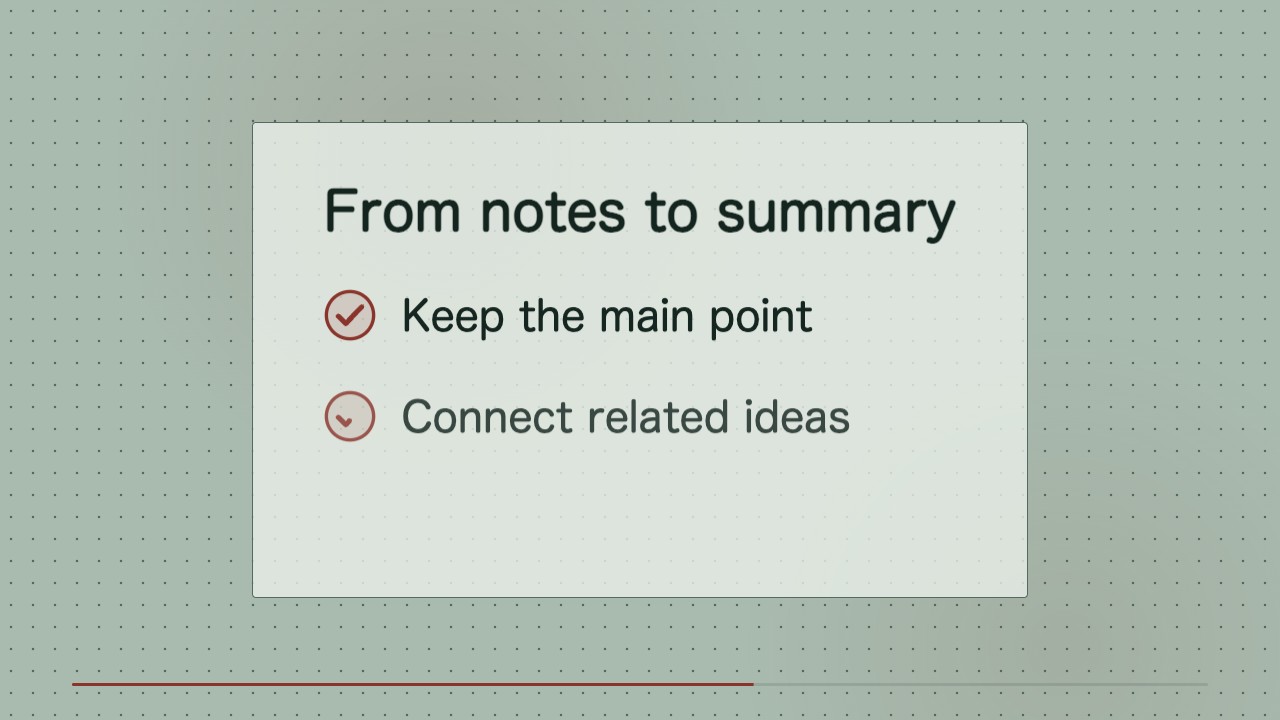
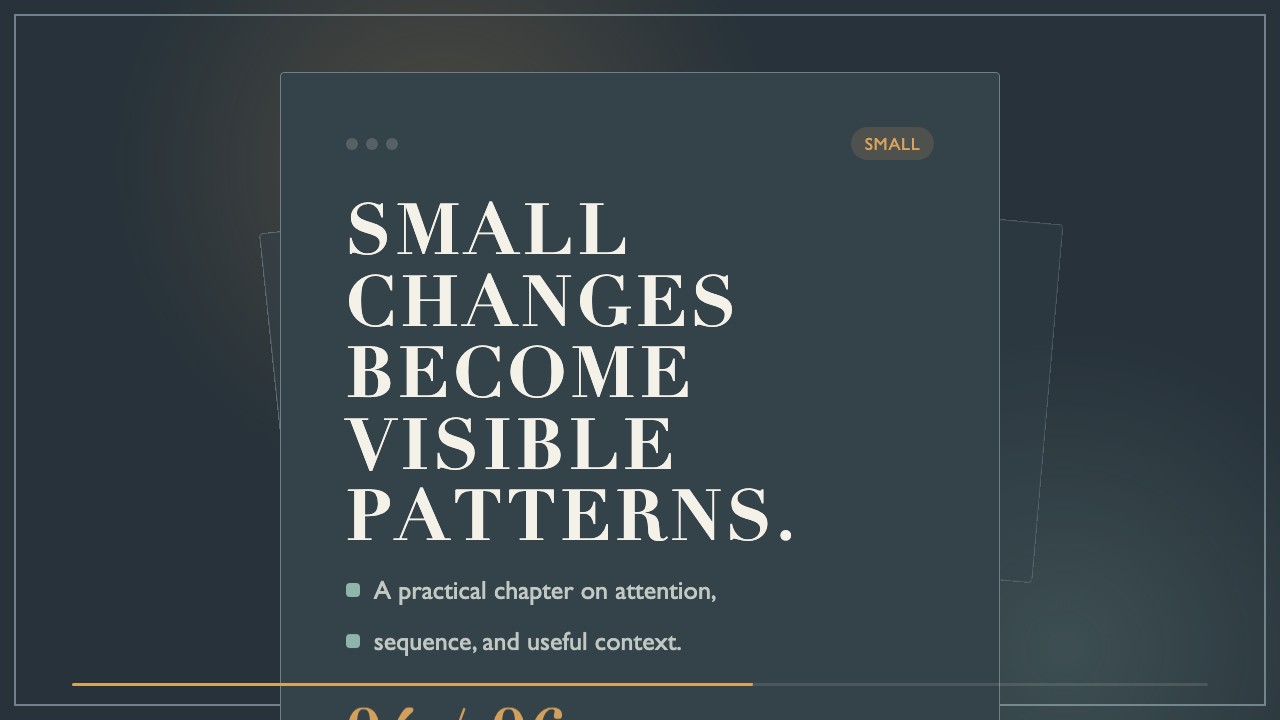
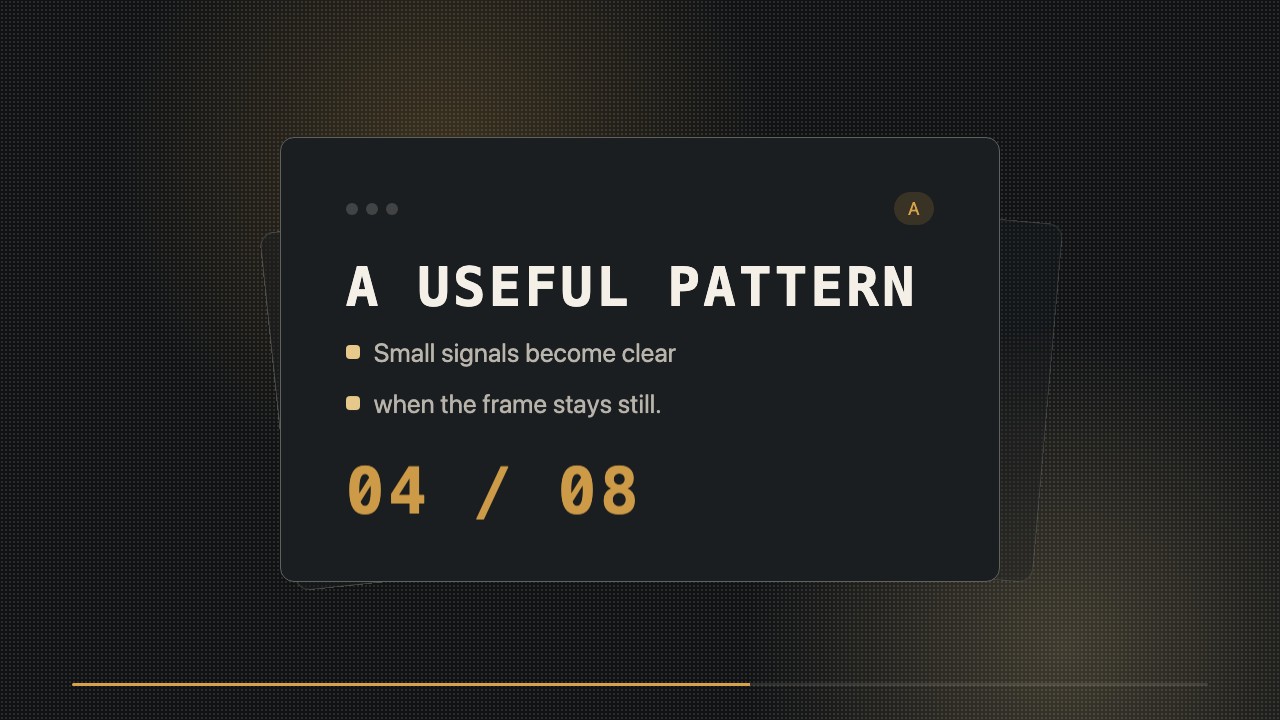
A concise editorial motion clip that compares two phrases, highlights the better-fit wording, and stays easy to revise for a publishing series.

What you get

  • A locally rendered MP4 with a focused wording comparison.
  • Editable HTML and CSS for text, timing, color, and layout.
  • A consistent minimalist visual system ready for related clips.

Good fit

  • Teaching a practical copywriting or editing distinction.
  • Publishing a repeatable series of short social-media lessons.

Not for

  • Footage-based stories or image-generation workflows.
  • Topics that need extended explanation or several competing choices.

What you provide

  • Two exact wording options and the preferred choice or decision criteria.
  • Audience and publishing context.

Requirements

  • Node.js 20+
  • FFmpeg
  • Chromium (npx playwright install chromium)

Running cost

No external services or generation models. Renders locally.

Try this prompt

/sl-wording-choice-motion-clip Create an 8-second 16:9 video for Wording study. Open with “Choose clearer words” and “A small edit changes the message.” Compare “Very helpful” with “Practical and clear,” then explain that the specific phrase tells readers what they gain, with “LESS VAGUE.” Close with “Practical and clear.” Keep the wording concise and calm, in the Glowline Wording Study style.

Follow-up prompts

  • Make the selected phrase hold longer and reduce the transition speed.
  • Create a matching clip comparing two subject lines for a course announcement.

Verification

Verified

render-checkpass4.0 / 524s

FAQ

Can I change the phrases after rendering?

Yes. The HTML/CSS composition keeps the wording editable; update the copy and render the MP4 again.

Does this skill generate footage?

No. It builds a typographic motion composition locally and renders it as an MP4 without generation models.

Similar skills

Wording Choice Motion Clip · SkillLoom