 Free
FreeEditable Visual Deck
An offline-ready HTML presentation with a dark modular-grid look, sharp action headlines, and editable charts and diagrams. Built for product launches and executive updates that need both polish and fast revision.
An editable HTML slide deck for product launches and creative direction reviews. Bold exhibition color, a registration grid, and controlled collage give the story a distinctive presence without sacrificing clear decisions or readable evidence.
No external services. Runs entirely on your agent.
/sl-visual-canvas-deck Create exactly 10 slides for product and creative leads reviewing a four-week pilot of fictional editorial planning tool Canvas Issue. Cover editorial friction, the shared workspace, visual direction, workflow, illustrative measures, timeline, and decision. Title the deck “Canvas Issue can make each edition easier to shape.” and close with “Approve the pilot and name its editorial owner.” Use Canvas Registration style.
Verified
| render-check | pass | 4.0 / 5 | 14s |
Yes. Slide text, layout, and HTML-based charts remain editable in the delivered file. Supplied images remain replaceable assets.
The deck can use qualitative evidence or explicitly labeled illustrative figures. It will not present invented numbers as measured results.
No. The deck uses system fonts and is delivered as self-contained HTML, with any necessary media stored locally.
FreeAn offline-ready HTML presentation with a dark modular-grid look, sharp action headlines, and editable charts and diagrams. Built for product launches and executive updates that need both polish and fast revision.
 Free
FreeBuild an image-led presentation that gives research and campaign material a cinematic sense of place. The deck uses editable SVG frames, restrained editorial typography, and deliberate pacing for professional storytelling.
 Free
FreeAn editable, browser-ready 16:9 presentation that turns brand strategy into a polished story using bold, grounded color blocks and an editorial type pairing.
 $4.99
$4.99Create a forceful editorial presentation that turns reports, event narratives, and creative strategy into a memorable black, white, and red zine. It is built for clear executive reading while retaining a distinctive printed-publication character.
 $4.99
$4.99An editable project presentation that turns spatial ideas, evidence, options, and estimates into a clear client decision. Its datum-led visual system feels like a disciplined architectural review, not a generic pitch template.
 $4.99
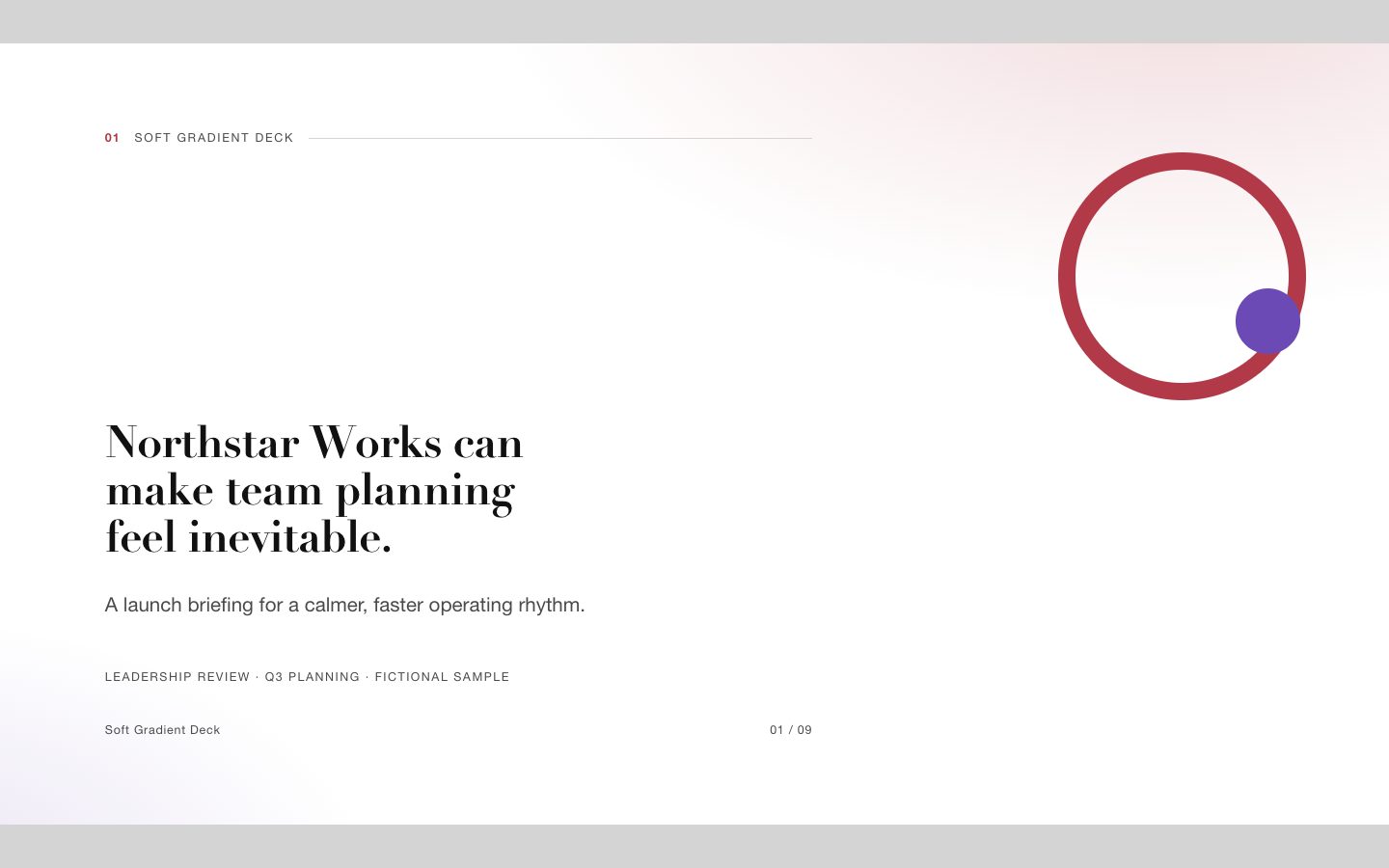
$4.99A signature presentation system for startup launches and executive reporting, combining soft coral-violet gradients with sharp editorial typography, generous white space, and fully editable HTML slide structures.
 $4.99
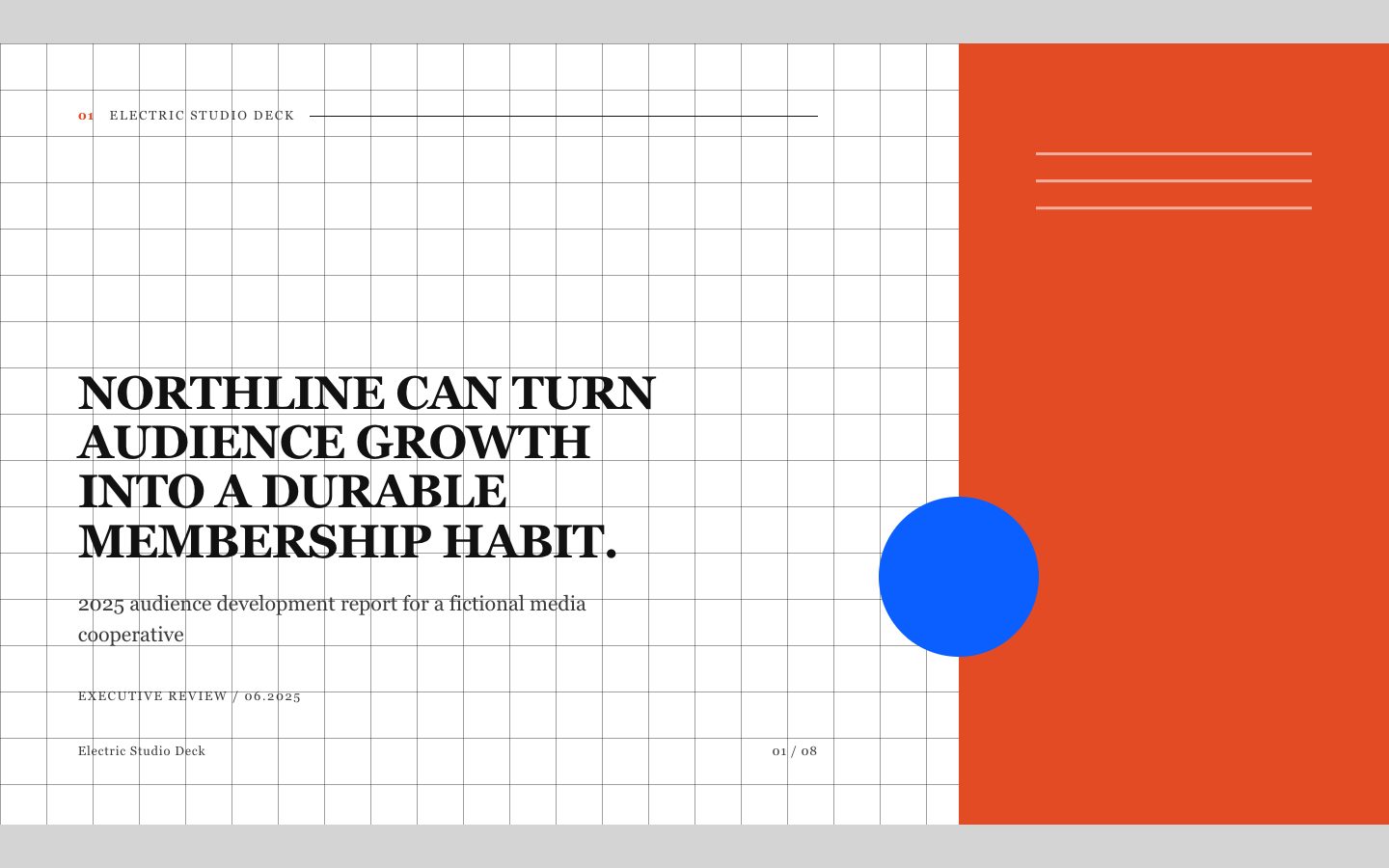
$4.99A paid-quality HTML deck for executive reporting that turns verified material into a distinctive editorial narrative. Its high-contrast grid, serif display type, electric accent, and restrained retro-photographic direction create a recognizable series system without sacrificing clarity.
 $4.99
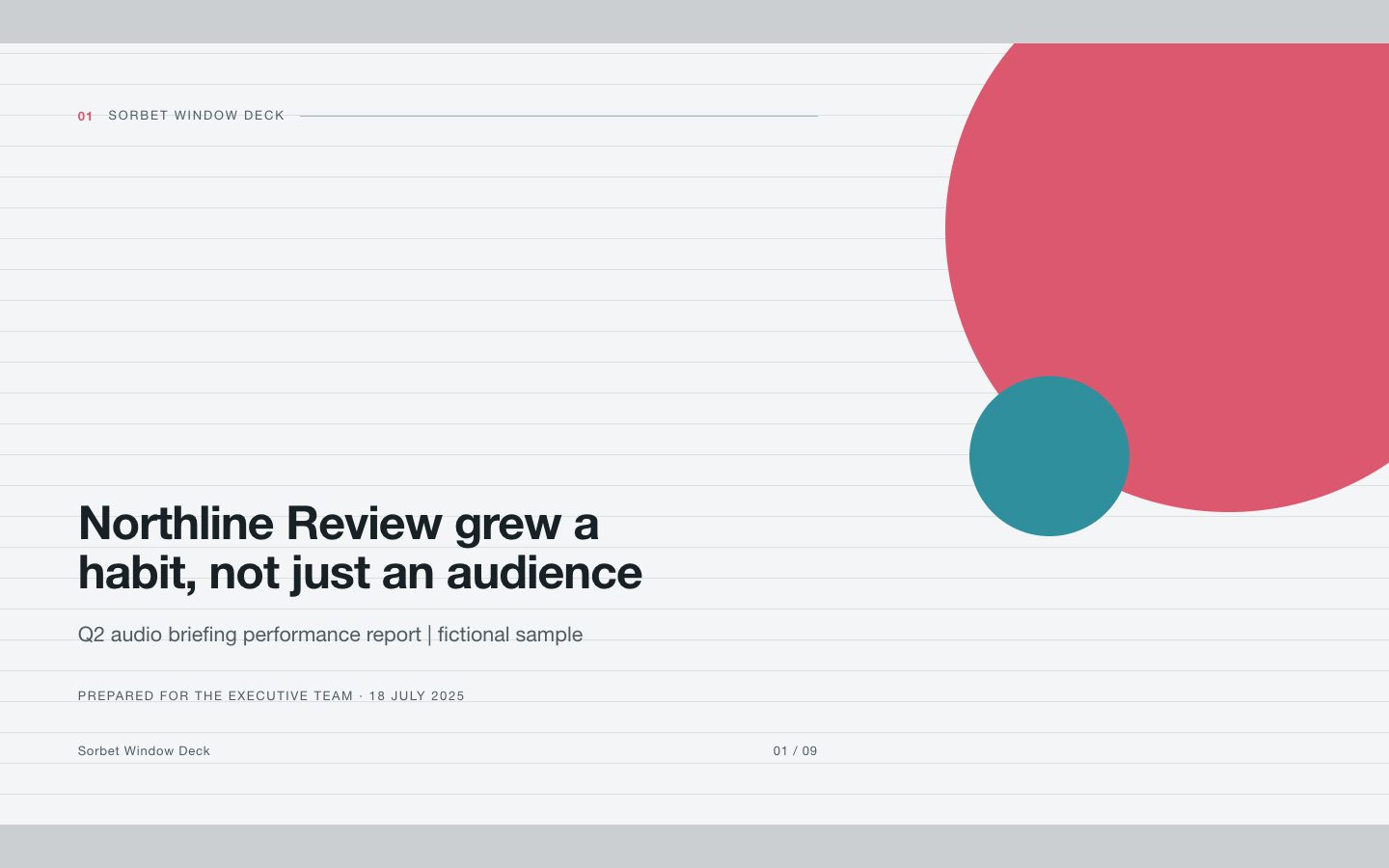
$4.99A cool, editorial presentation system for executive reporting and teaching stories. It uses bold grotesk headlines, fine rules, bright sorbet accents, and documentary photography windows to turn source material into a deck that is easy to scan, discuss, and reuse across a consistent series.