VideoPremium Verification failed

Topic Cloud Behind Presenter Motion Clip

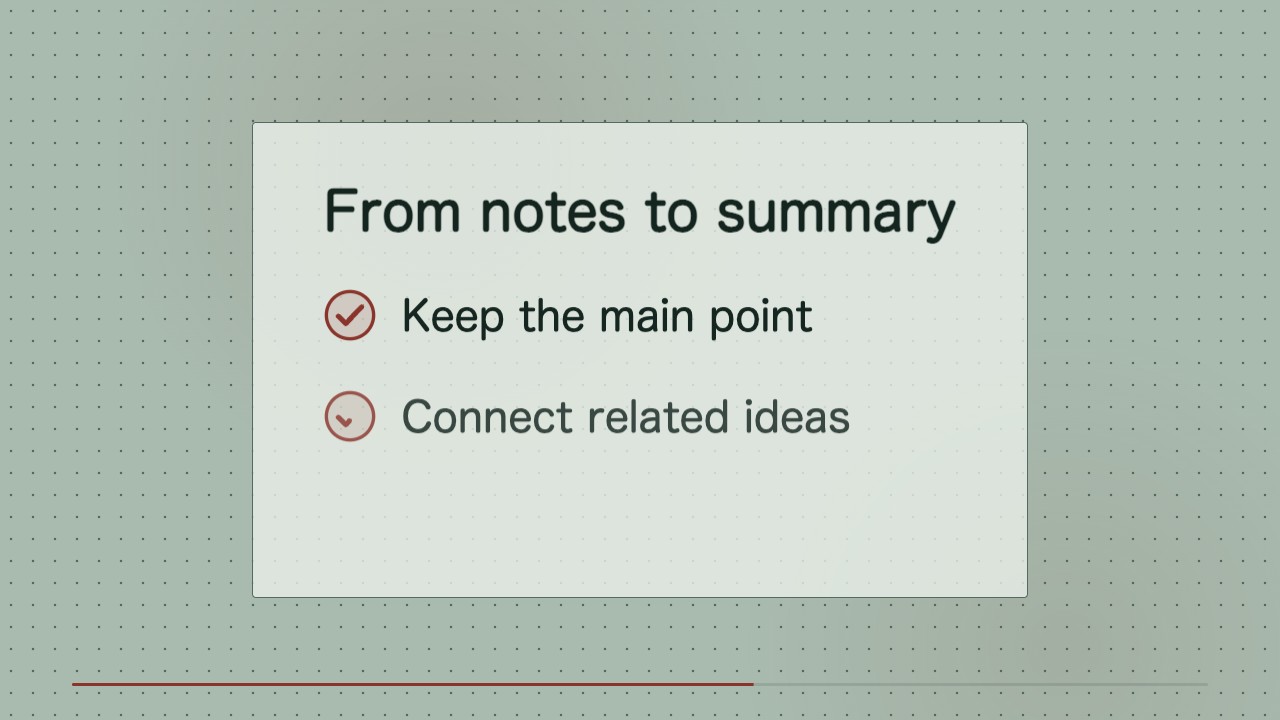
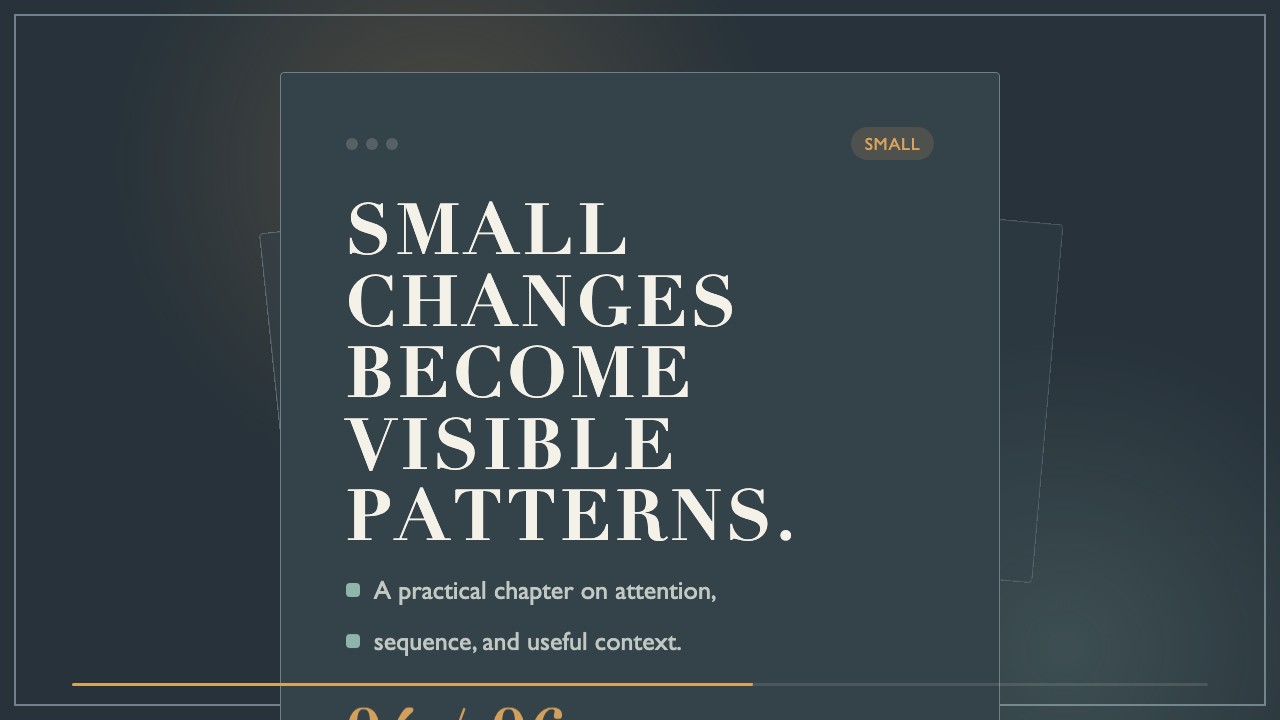
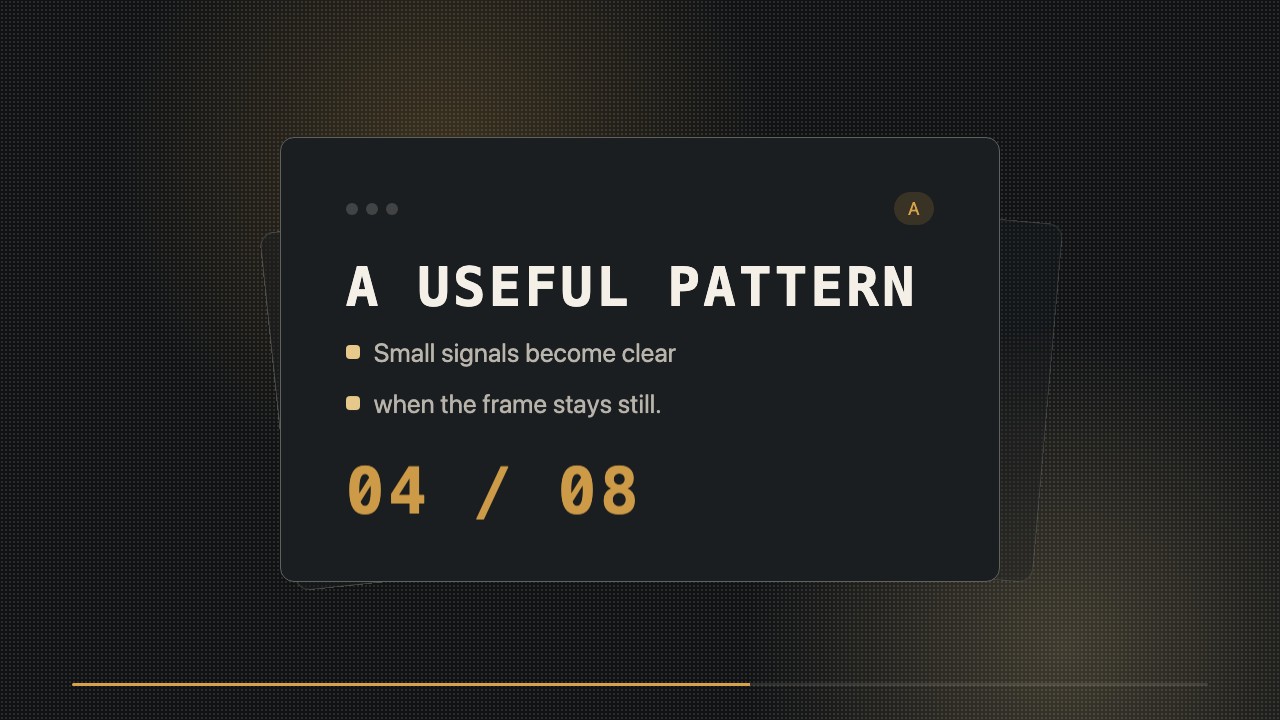
An editable editorial motion backdrop that reveals a small set of topic words around a clear space for the presenter. Designed for short educational and publishing clips.

What you get

  • A 6 to 12 second wide MP4 motion backdrop
  • Editable HTML/CSS composition and topic text
  • A consistent grid, type hierarchy, and presenter-safe area

Good fit

  • A presenter introducing the themes of a short lesson
  • A recurring topic transition in an editorial video series
  • A social clip that needs readable context behind a speaker

Not for

  • Automatic presenter extraction or background removal
  • Long-form captioning or detailed data visualization

What you provide

  • Main topic and three to five supporting terms
  • Presenter position or framing reference
  • Preferred duration

Requirements

  • Node.js 20+
  • FFmpeg
  • Chromium (npx playwright install chromium)

Running cost

No external services or generation models. Renders locally.

Try this prompt

/sl-topic-cloud-behind-presenter-motion-clip Create an 8-second 16:9 motion backdrop in the Margin Topic Field style. Open with “A Study Routine” and “Four ideas, one steady practice,” show the middle beats “Focus,” “Practice,” “Review,” and “Recall” in two changing word clouds, then close with “Study Notes” and “Make room to remember.”

Follow-up prompts

  • Move the presenter-safe area slightly right and rebalance the terms.
  • Keep the same layout and timing, but replace the terms for the next lesson.

Verification

Verification failed — quality below threshold

render-checkfail3.0 / 518s

FAQ

Can I change the words later?

Yes. The topic terms remain editable in the supplied HTML/CSS source.

Does the MP4 have a transparent center?

No. MP4 is delivered as a backdrop; place presenter footage above it in your editor or provide a cutout for compositing.

Similar skills

Topic Cloud Behind Presenter Motion Clip · SkillLoom