 VideoVerified
Question List To Audience Motion Clip
Works with: Claude Code, Cursor, OpenCode, Codex, Gemini CLI


All premium skills for $9.99/month. Cancel anytime.
Upgrade nowUse it to make a video.
npx skillloom-cli install sl-step-cards-to-chapter-motion-clip
Built for
Updated Oct 5, 2026

 VideoVerified
 VideoVerified
 VideoVerified
 VideoVerified
 VideoVerified
 VideoVerified
 VideoVerified
 VideoVerified
You say
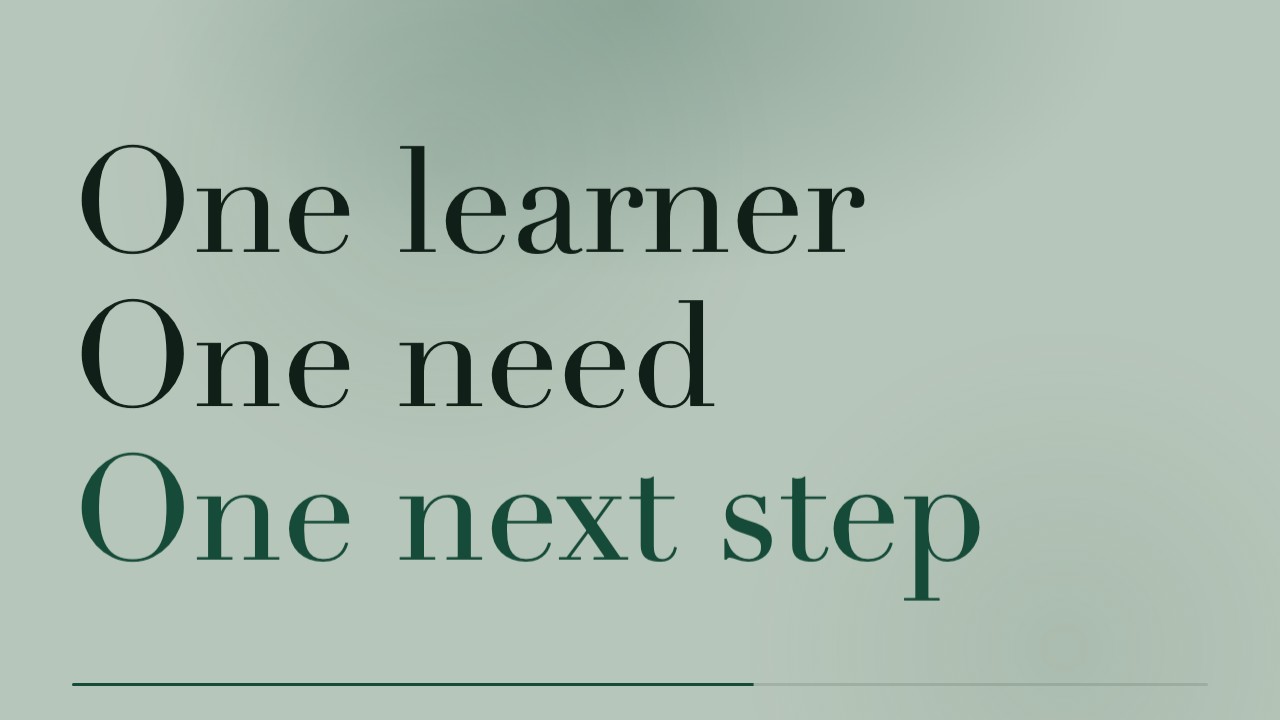
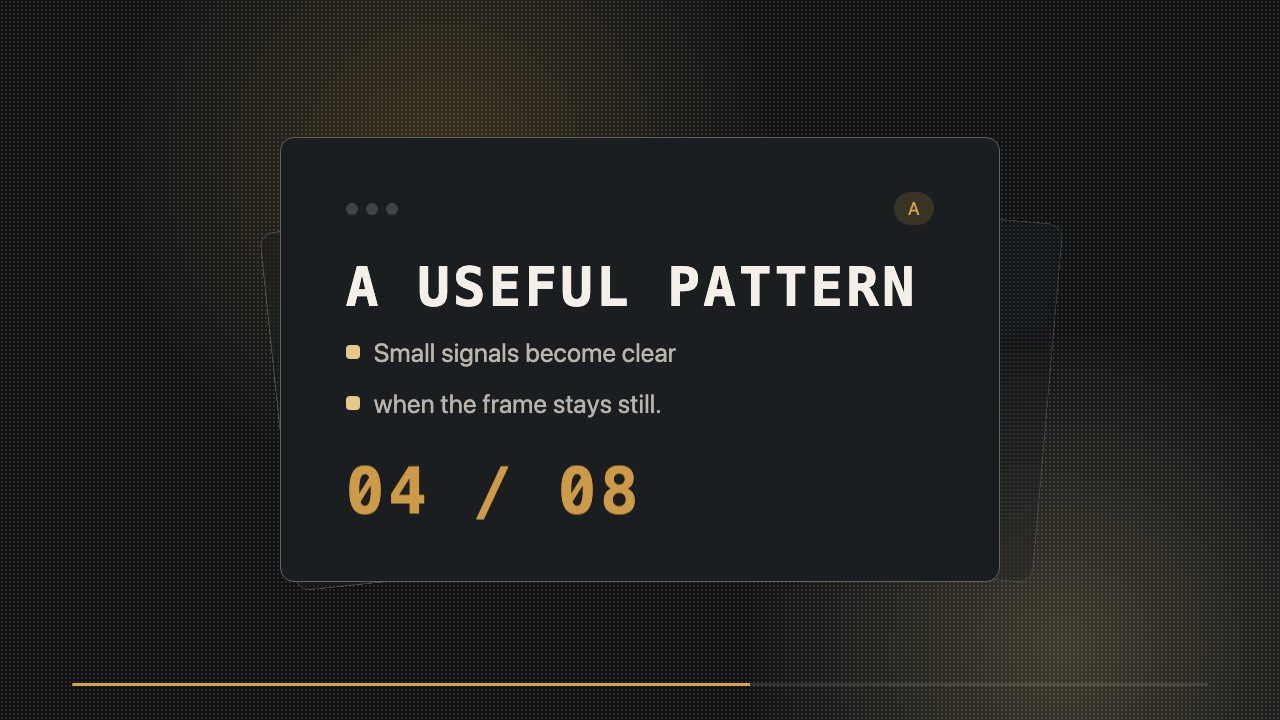
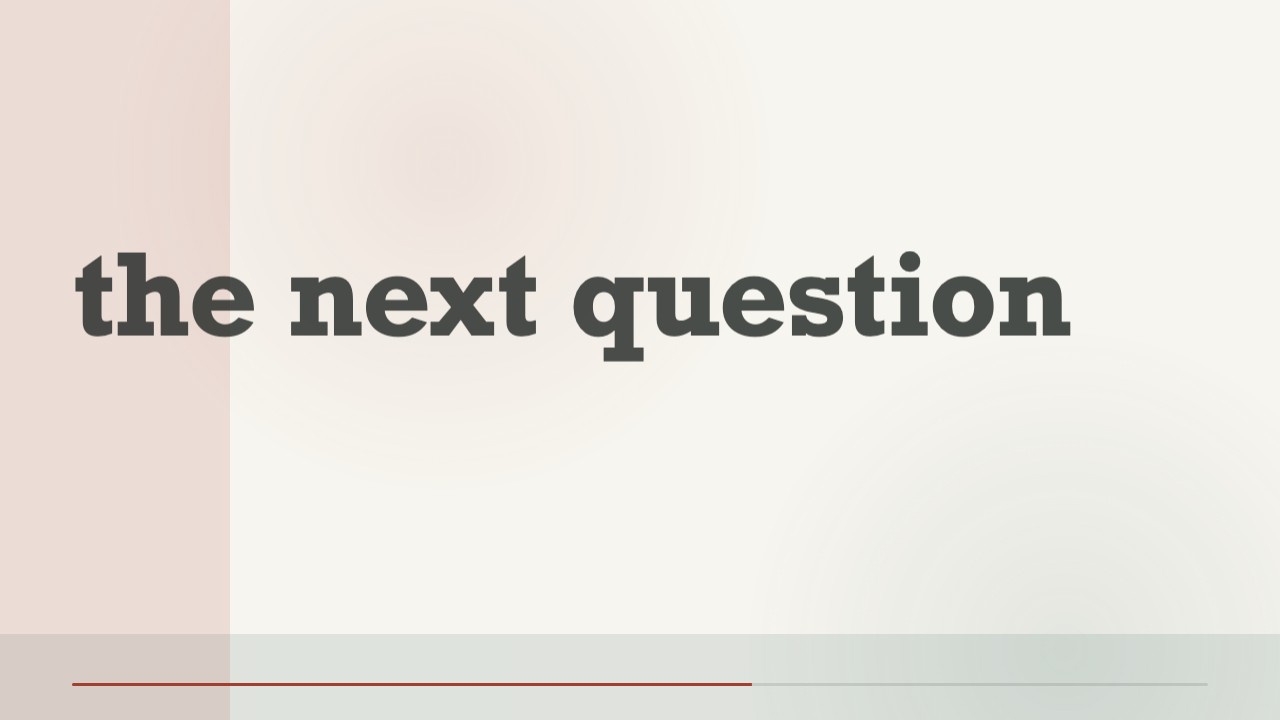
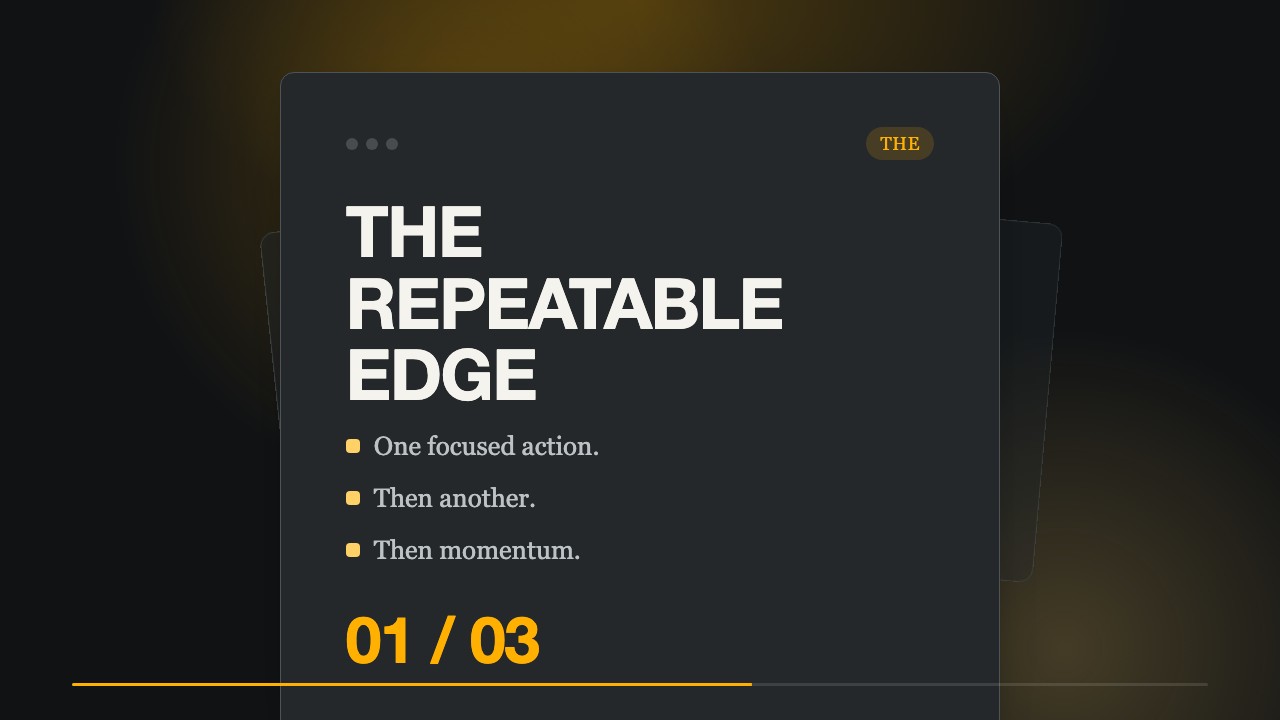
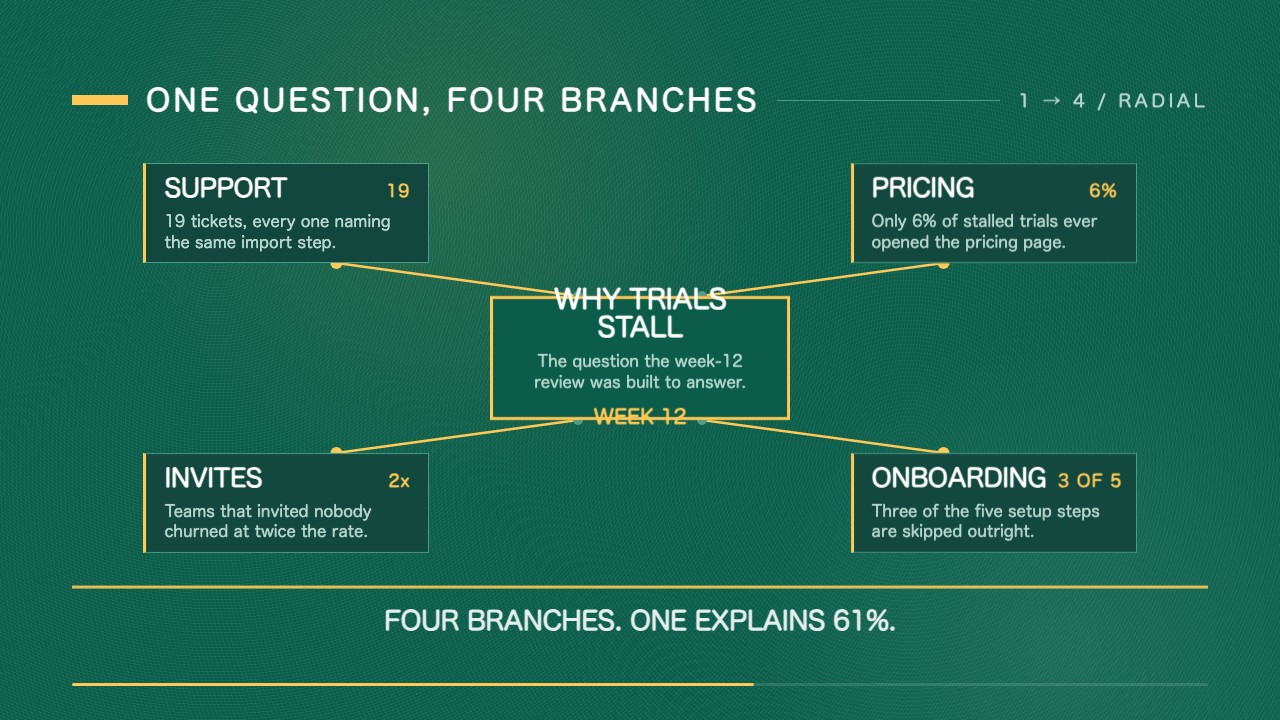
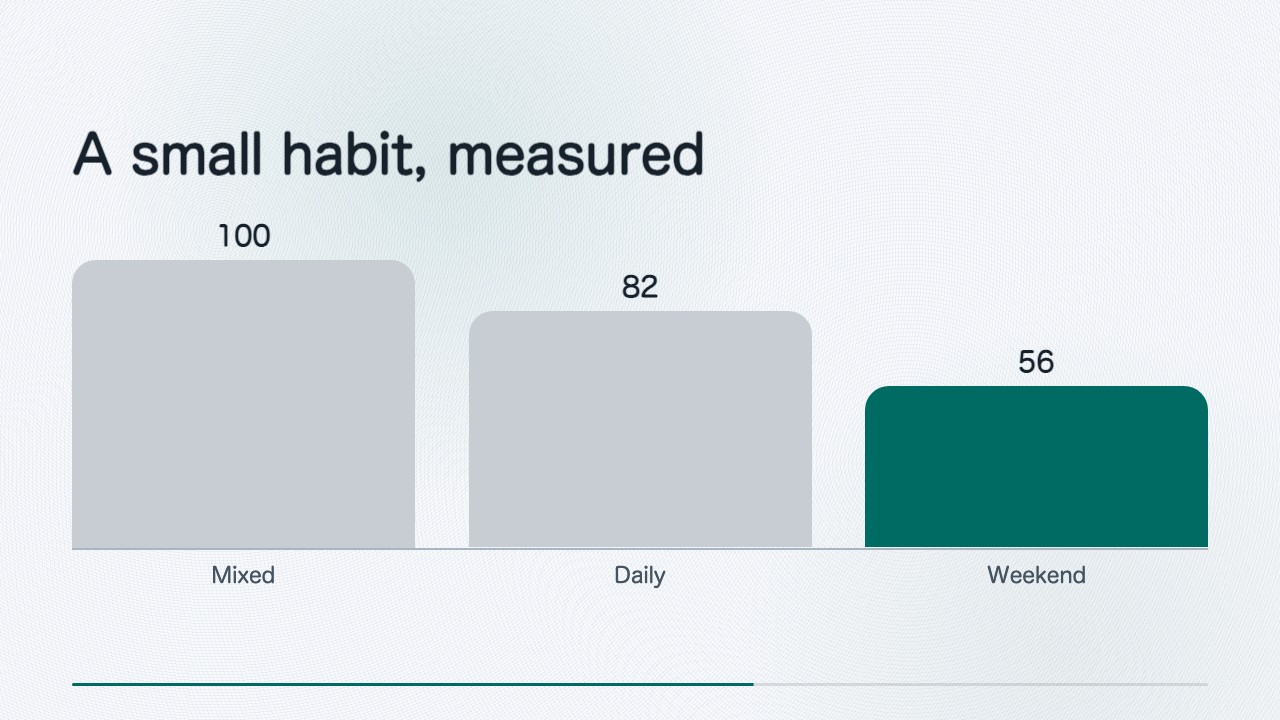
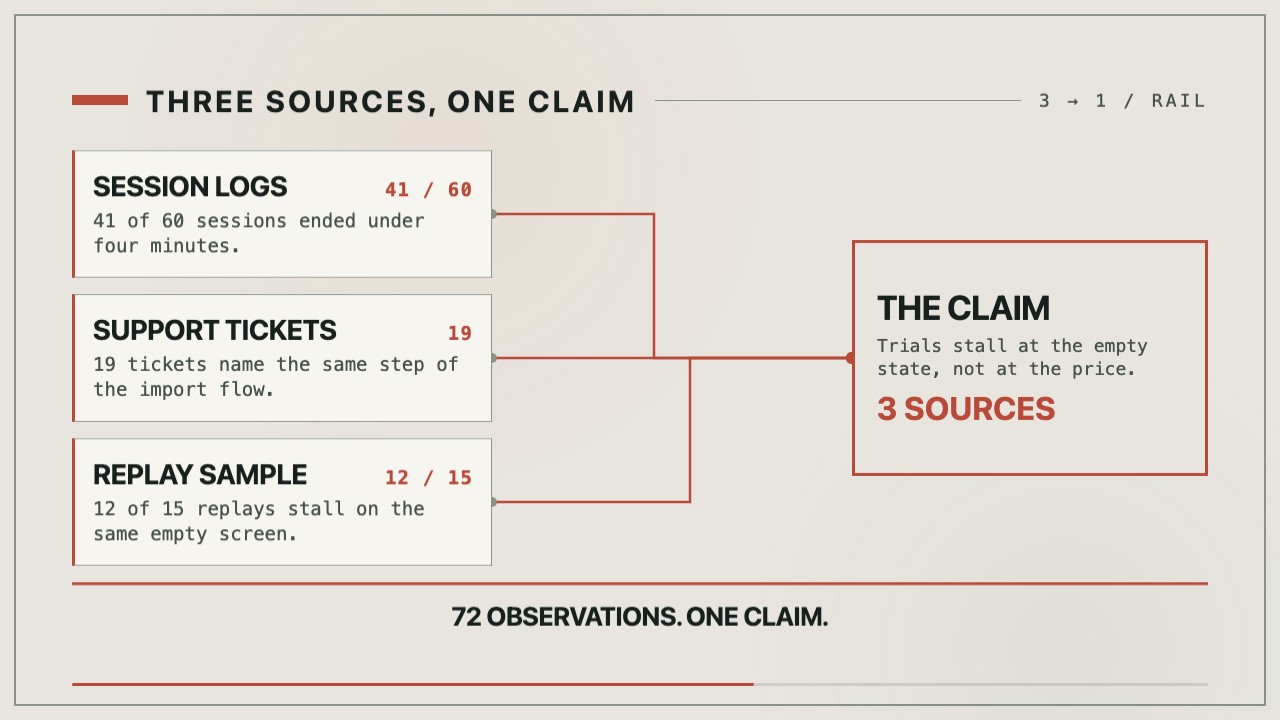
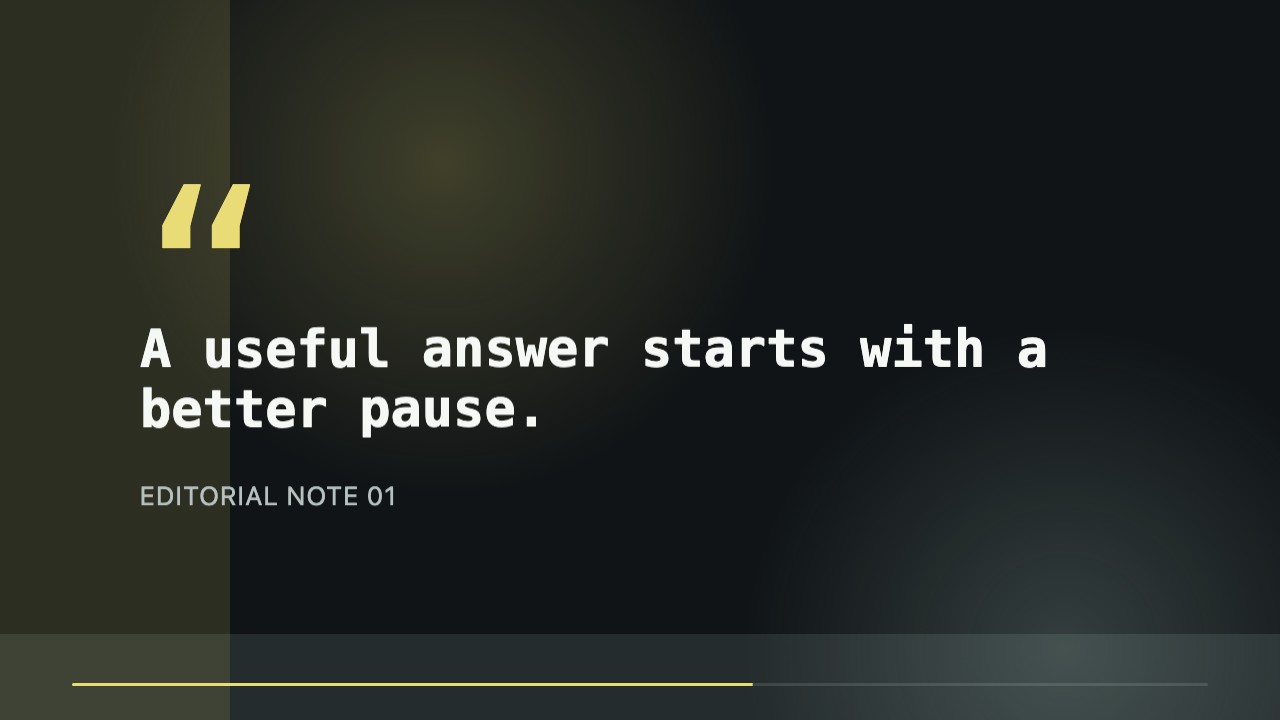
/sl-step-cards-to-chapter-motion-clip Create an 8-second 16:9 lesson-series transition. Open with “Identify the question” and “Start with what learners need to know.” Then show “Give one example” with “Make the idea concrete.” and “Name the takeaway” with “Leave one point to remember.” Close with “Chapter 02” and “Build the lesson”. Keep it calm and readable.
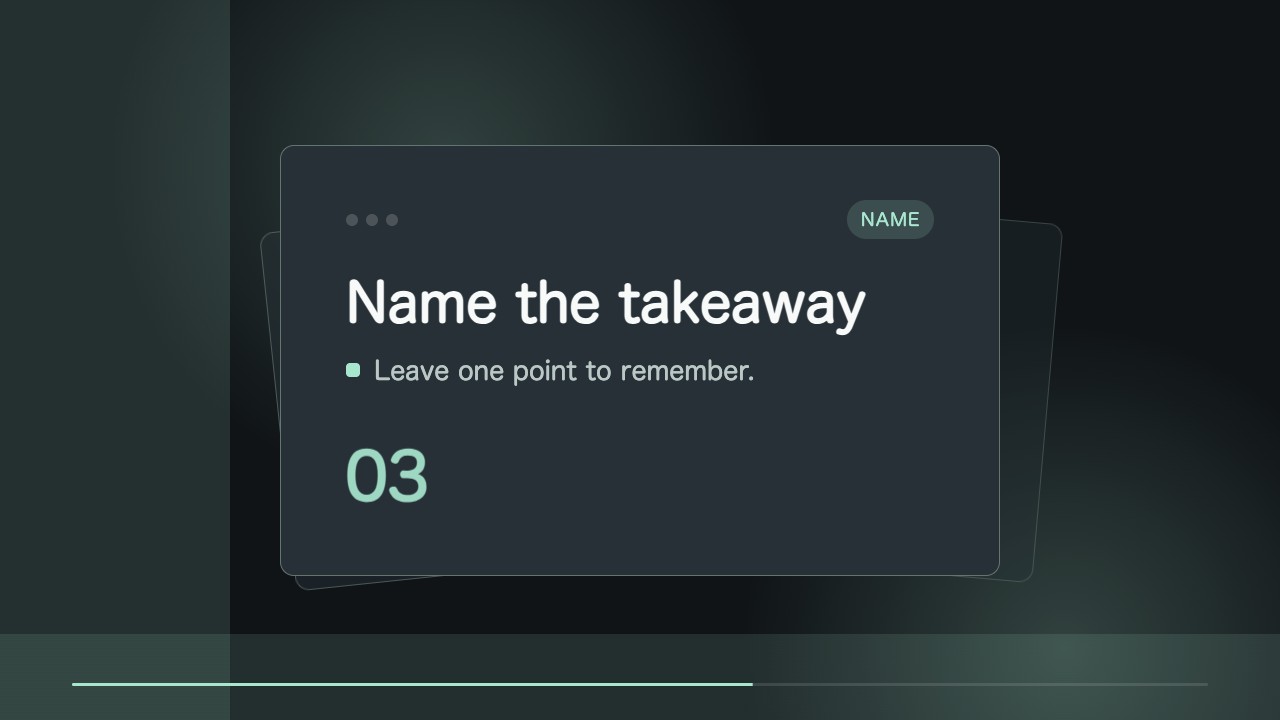
Keep this layout and replace the steps for the next lesson.
Extend the final chapter hold by half a second.
Export a version without the series identifier.
No external services or generation models. Renders locally.
5.0/ 5
Render score
Verified
| Real render check | Verified | 5.0 / 5 | 27s |
|---|
Yes. The card text and timing remain editable in the HTML/CSS source.
No. The composition is built in HTML/CSS and rendered to MP4 locally.