 WebVerified
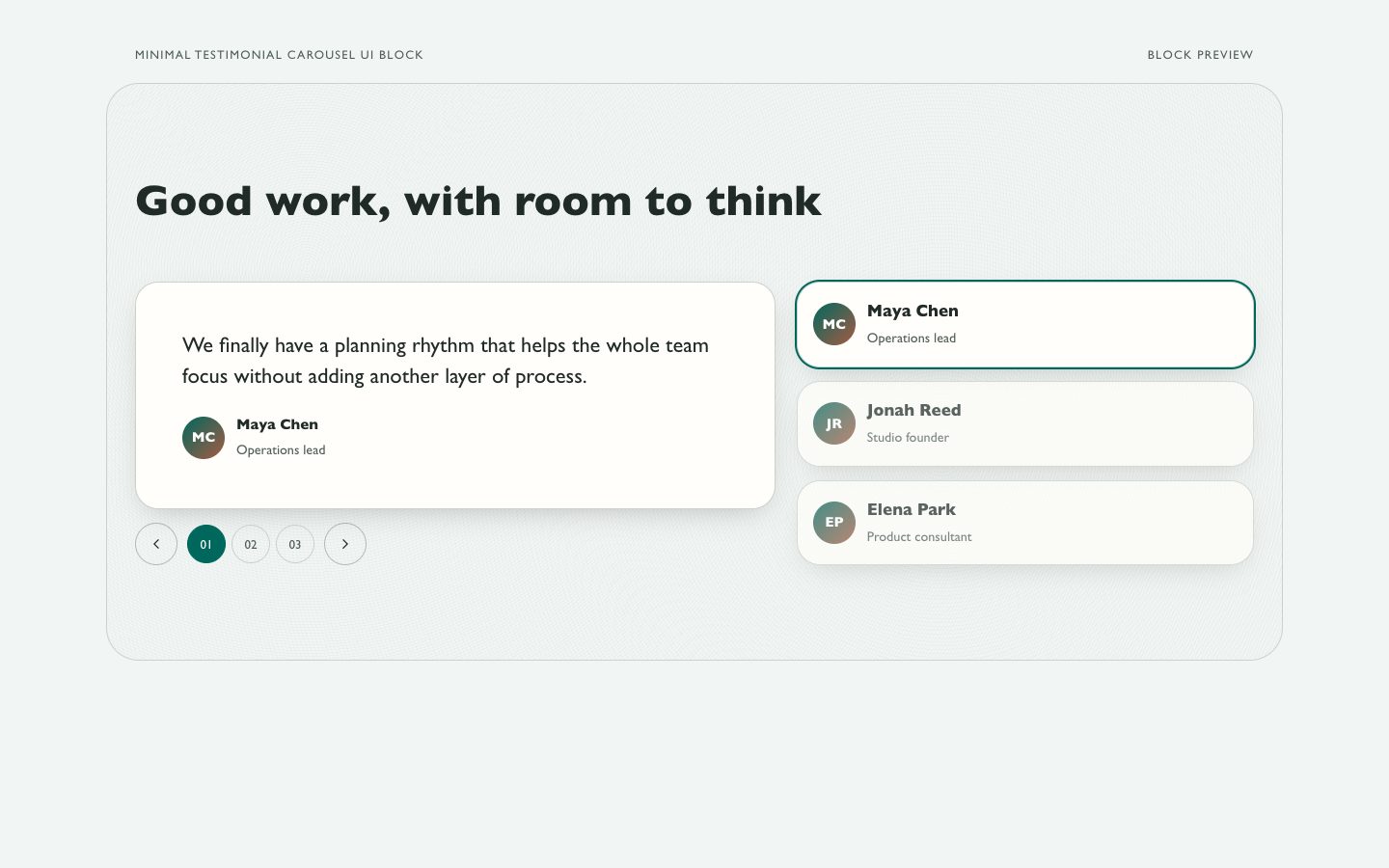
Minimal Testimonial Carousel UI Block
Works with: Claude Code, Cursor, OpenCode, Codex, Gemini CLI


All premium skills for $9.99/month. Cancel anytime.
Upgrade nowUse it to build a web page.
npx skillloom-cli install sl-social-feed-testimonials-ui-block
Updated Oct 5, 2026

 WebVerified
 WebVerified
 WebVerified
 WebVerified
 WebVerified
 WebVerified
 WebVerified
 WebVerified
You say
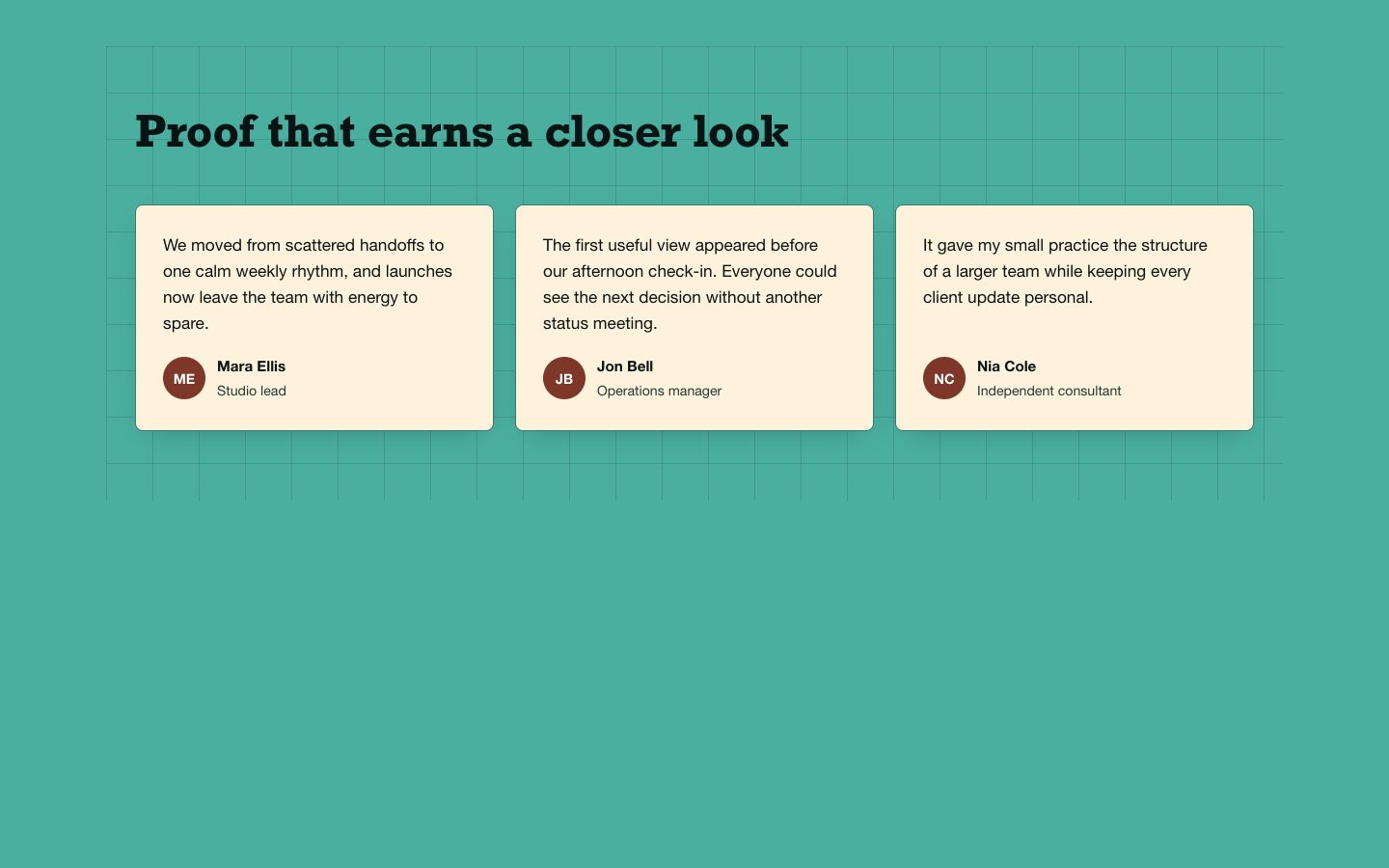
/sl-social-feed-testimonials-ui-block Create a testimonials section for a fictional project-planning app. Headline: “A better rhythm for the workday”. Use the approved quotes and attributions for Mira Chen, Owen Park and Leila Noor, with a teal canvas and cream quote panels.
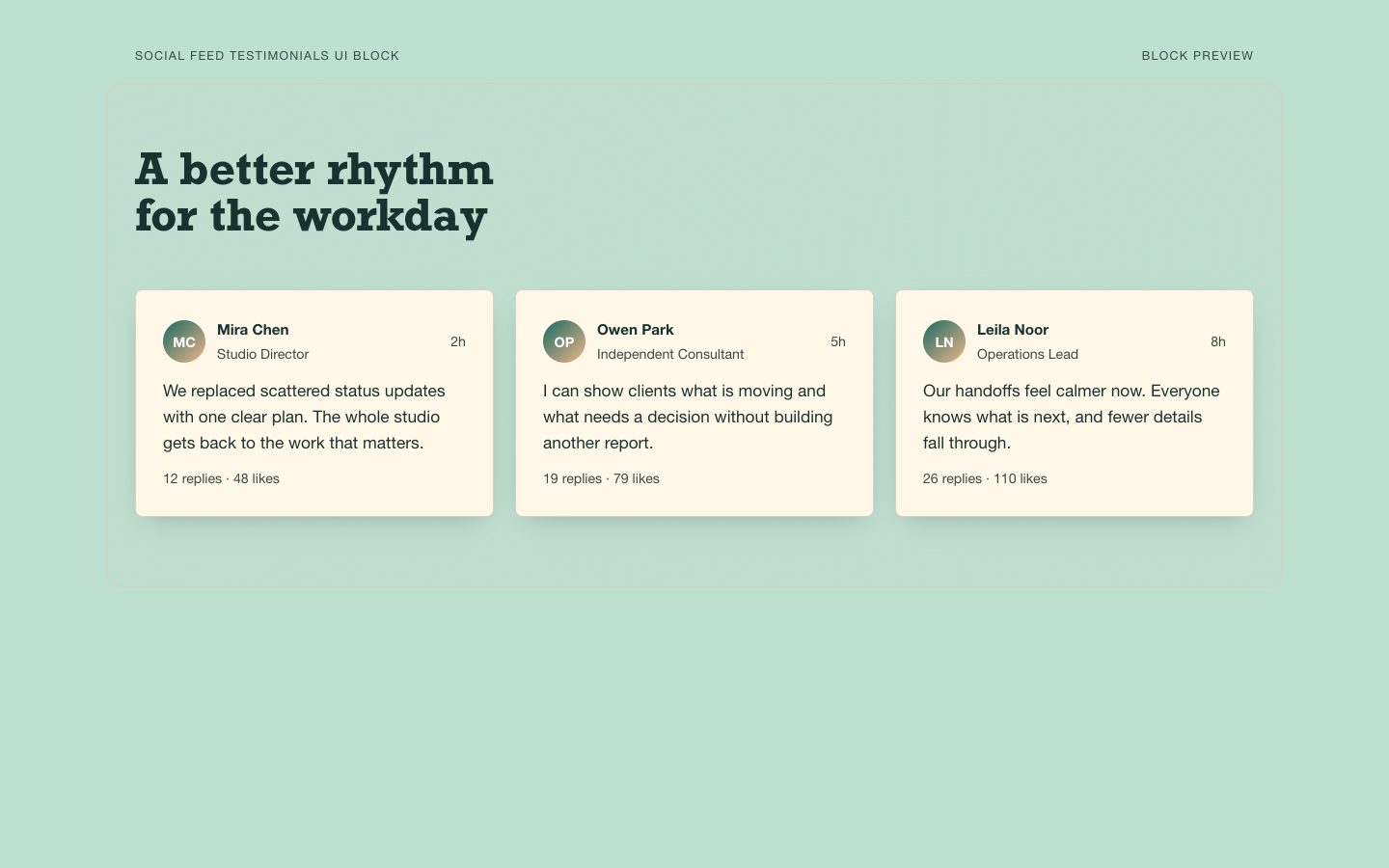
Make the cards a single-column layout on mobile while preserving the same quote order.
Adjust the heading and card spacing for an understated product-launch page.
No external services. Runs entirely on your agent.
4.0/ 5
Render score
Verified
| Real render check | Verified | 4.0 / 5 | 12s |
|---|
Yes. Use only the attribution the speaker approved for publication, such as a first name and role or an organization description.
No. It is designed to stand on its own without external images; add approved portraits only when supplied and requested.