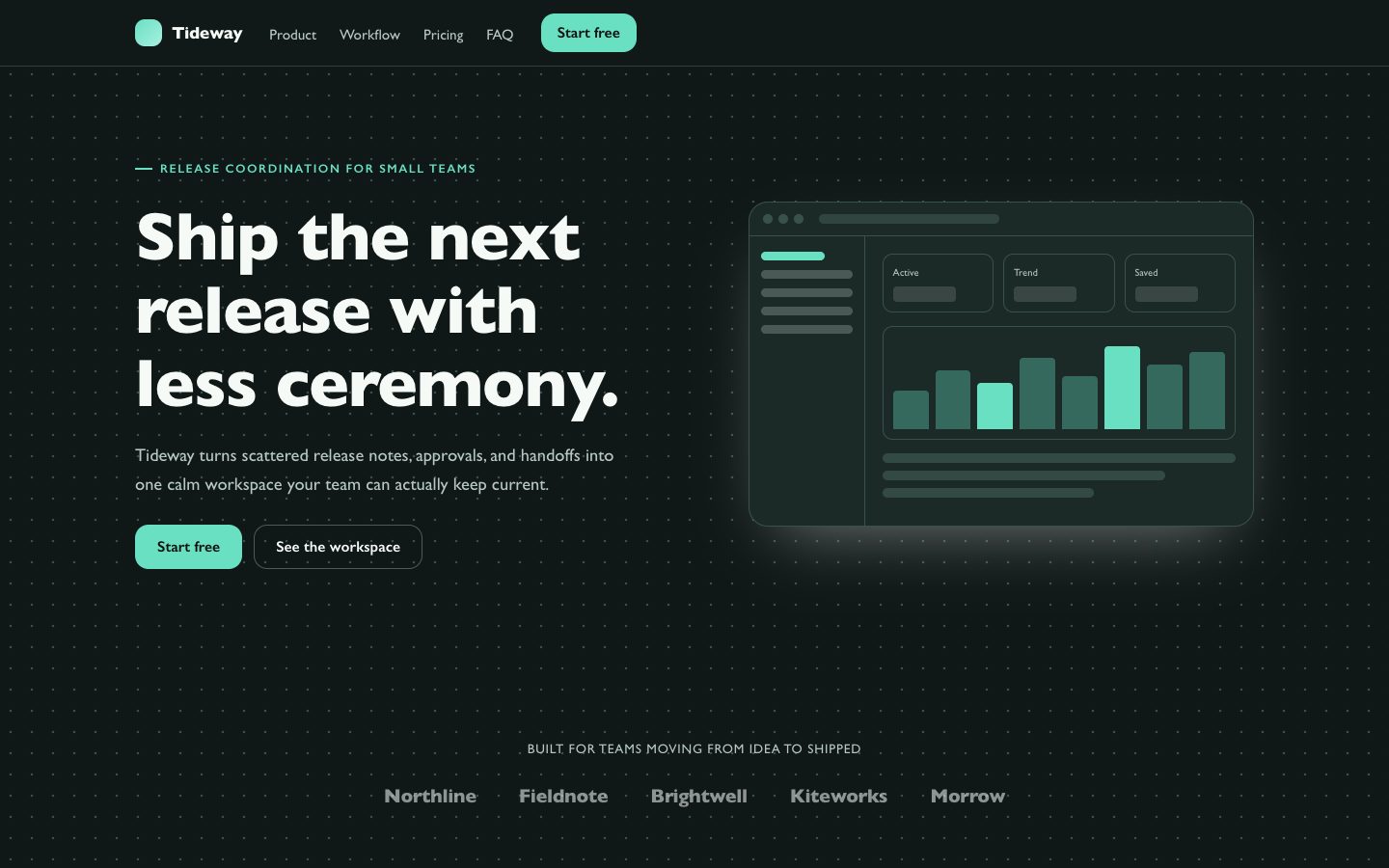
 $4.99
$4.99瓷青港湾 SaaS 落地页
为虚构的 SaaS 产品制作高完成度落地页,采用安静的瓷青配色、深色墨底、胶囊式控件与产品窗口界面。适合独立创始人和产品团队快速发布可信、可编辑、以转化为目标的产品页面,同时保持清晰的信息层级和响应式体验。
可复用的运营控制台组件,包含关键指标、可搜索的账户记录和可用的编辑控件。适合需要聚焦管理界面的产品团队。
No external services. Runs entirely on your agent.
/sl-slate-admin-console-ui-block 为 Vela Thread 订阅软件团队制作 Slate Console 风格的账户管理页面,面向管理账户的团队成员。按顺序展示“Workspace pulse”:1,284 个活跃账户、$48.2k 月度经常性收入、18 个待处理支持案例、最近 30 天 96.4% 服务可用性;再展示“Account records”,包含六条记录:Pine Works、Cedar Field、Harbor Supply、Morrow Systems、Juniper Studio、Westline Labs,每条显示账户 ID、负责人、状态、日期、收入和版本。
已验证
| render-check | pass | 5.0 / 5 | 15s |
不会。它生成一个包含指标摘要和可在页面内编辑的记录表格的区块;后端功能和完整应用路由不在范围内。
可以。保留中性基础色,并将唯一强调色替换为符合对比度要求的品牌色。
Create a focused admin console block with operational metrics and account records users can search and edit.
Style: Slate Console. Restrained and practical, with cool paper surfaces, crisp typography, and one focused accent for meaningful state. Follow references/style-guide.md exactly.
If something essential is missing, ask one short question before starting. Never invent facts, numbers, quotes or customer names; mark gaps as [needs source].
references/section-library.md. Confirm which block the user needs and where it will live (plain HTML or a framework component).references/template.html to section.html. Keep the <style> block and the one focal section; delete every other section.references/style-guide.md in the :root block. Do not introduce colors, fonts or radii outside the tokens.REPLACE_ placeholder, inside the word limits. Never invent customer names, logos or numbers; label fictional testimonials and figures as sample content.references/framework-adaptation.md after the HTML version passes. ``bash node scripts/validate-html.mjs section.html ``
file://) and check keyboard focus, the FAQ toggles and the mobile menu.section.html: one self-contained HTML file (inline CSS, inline SVG, no network requests, no storage APIs) that opens from file://.<h1>, labelled form inputs, alt text on every image, no REPLACE_ placeholders or filler text.The preview (preview/demo.html) is a static reference built from sample content: it shows the layout, style, copy structure and the visible controls every interactive part needs (labelled form fields, carousel buttons, player chrome). Image areas are labelled placeholders and sample quotes or figures are marked as samples. In a real run the agent uses the user's content and assets, wires behaviour (form destinations, media sources, data) and keeps every promise in the output contract above.
$4.99为虚构的 SaaS 产品制作高完成度落地页,采用安静的瓷青配色、深色墨底、胶囊式控件与产品窗口界面。适合独立创始人和产品团队快速发布可信、可编辑、以转化为目标的产品页面,同时保持清晰的信息层级和响应式体验。
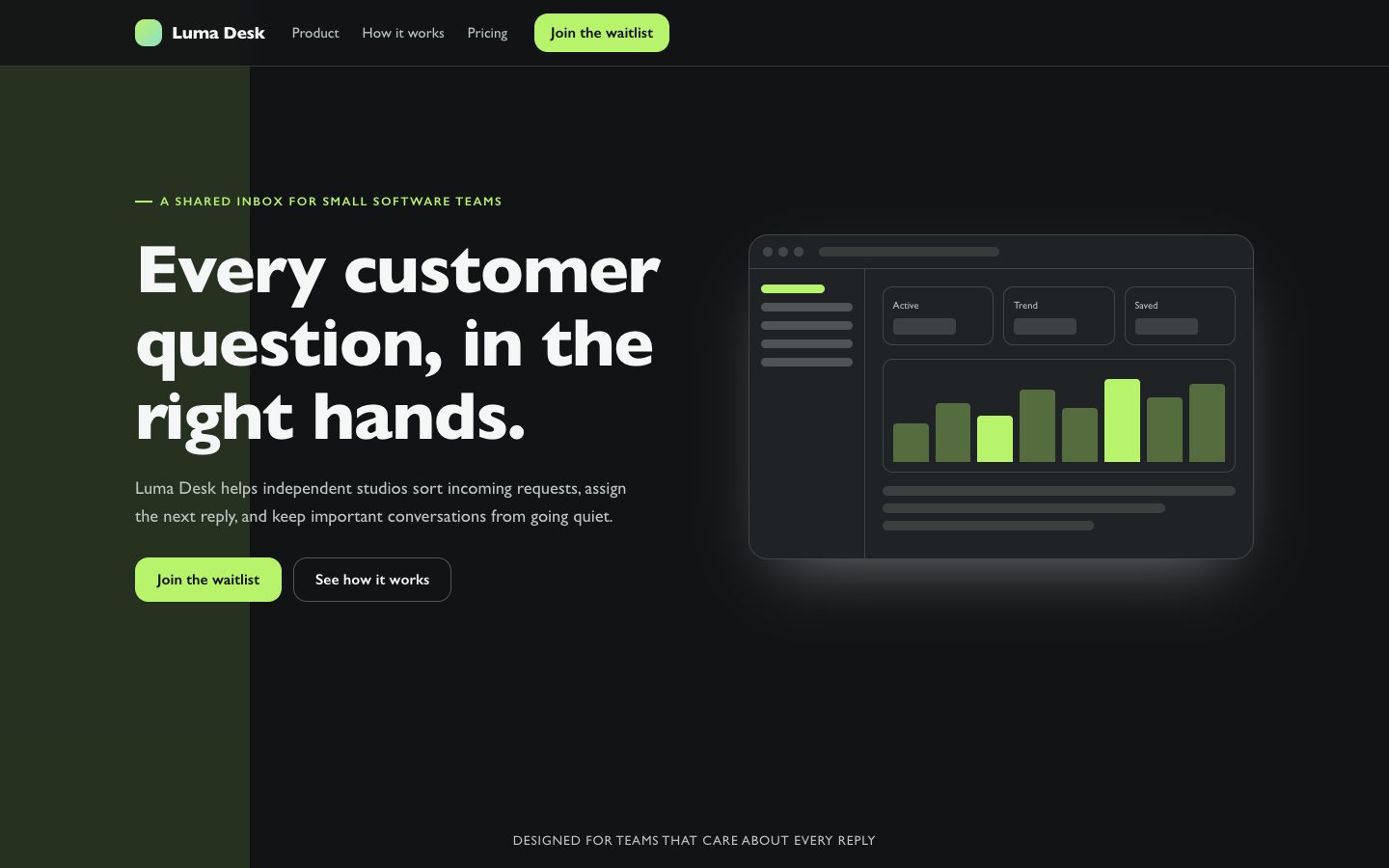 免费
免费为专注的软件产品制作响应式发布落地页,突出清晰定位与精炼说明,并提供易于编辑的深色极简设计。
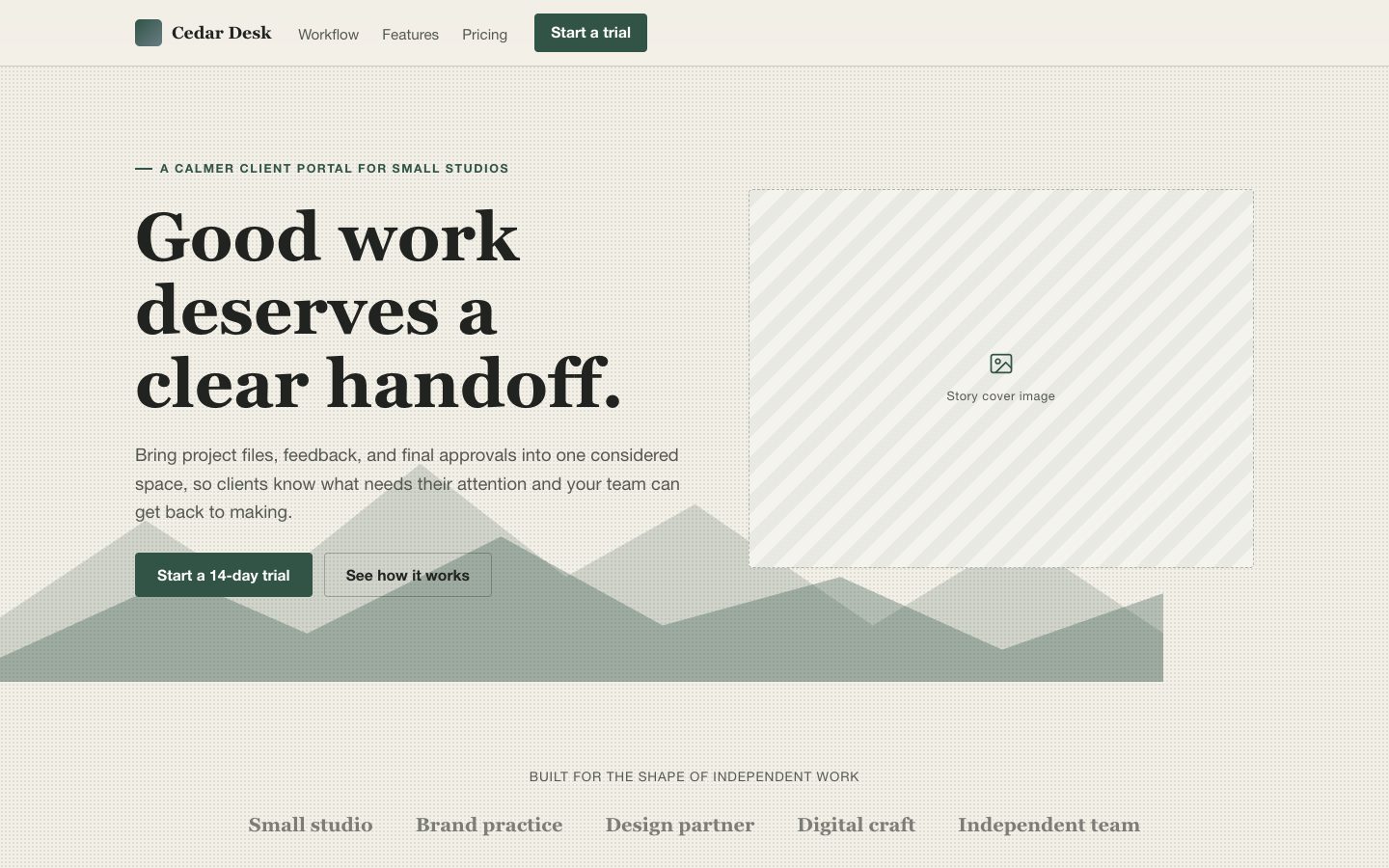 $4.99
$4.99为软件发布打造有杂志气质的落地页,采用编辑式衬线字体、暖纸色调与清晰的产品叙事。适合希望获得独特、易编辑页面,而非套用通用模板的创始人。
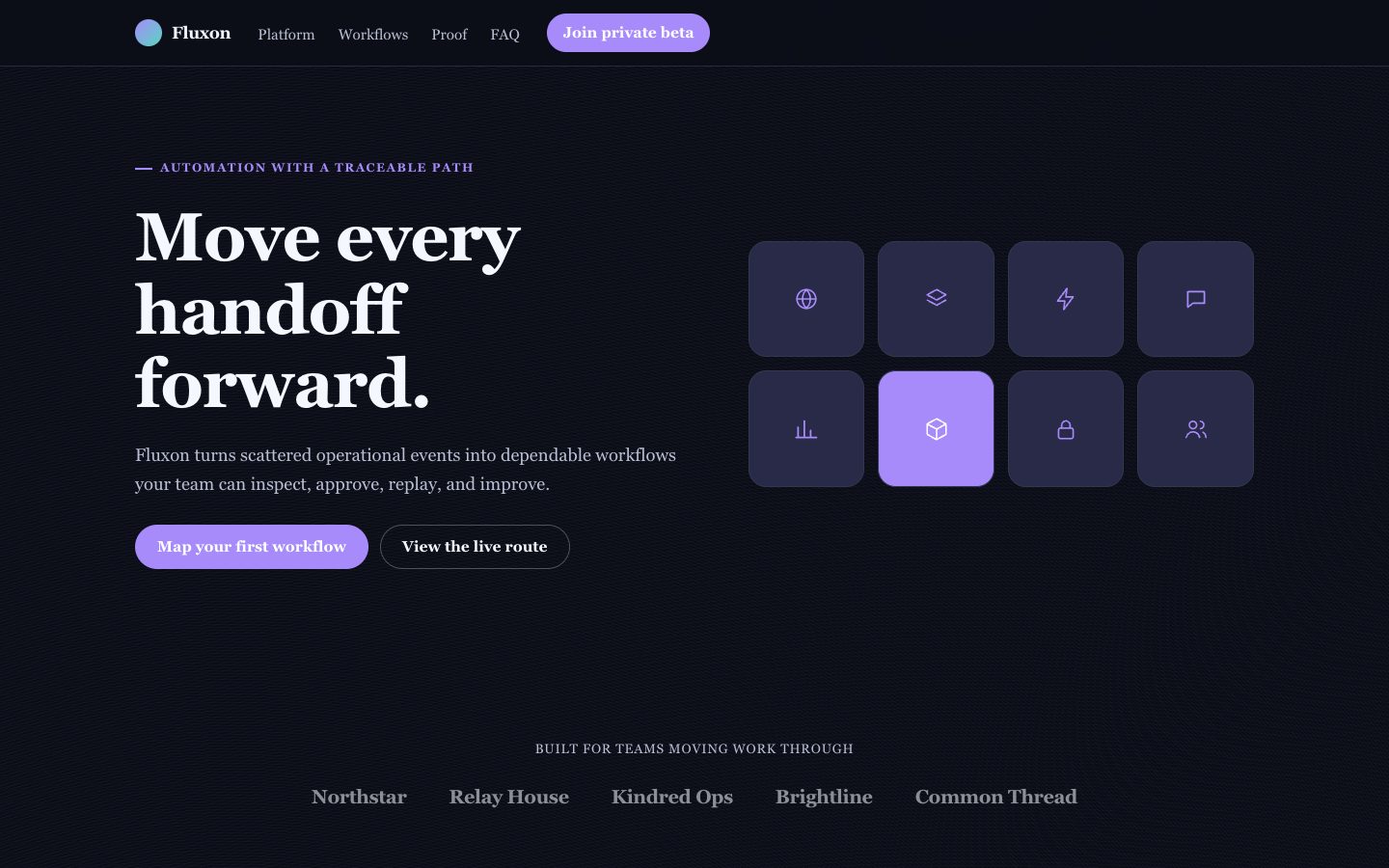 $4.99
$4.99一套面向虚构自动化产品的高品质落地页技能,适合需要鲜明技术气质的产品发布。它以深色紫光视觉、节点画布首屏、数据图表面板和清晰转化路径,帮助独立创始人呈现触发器、审批、重试和工作流结果。
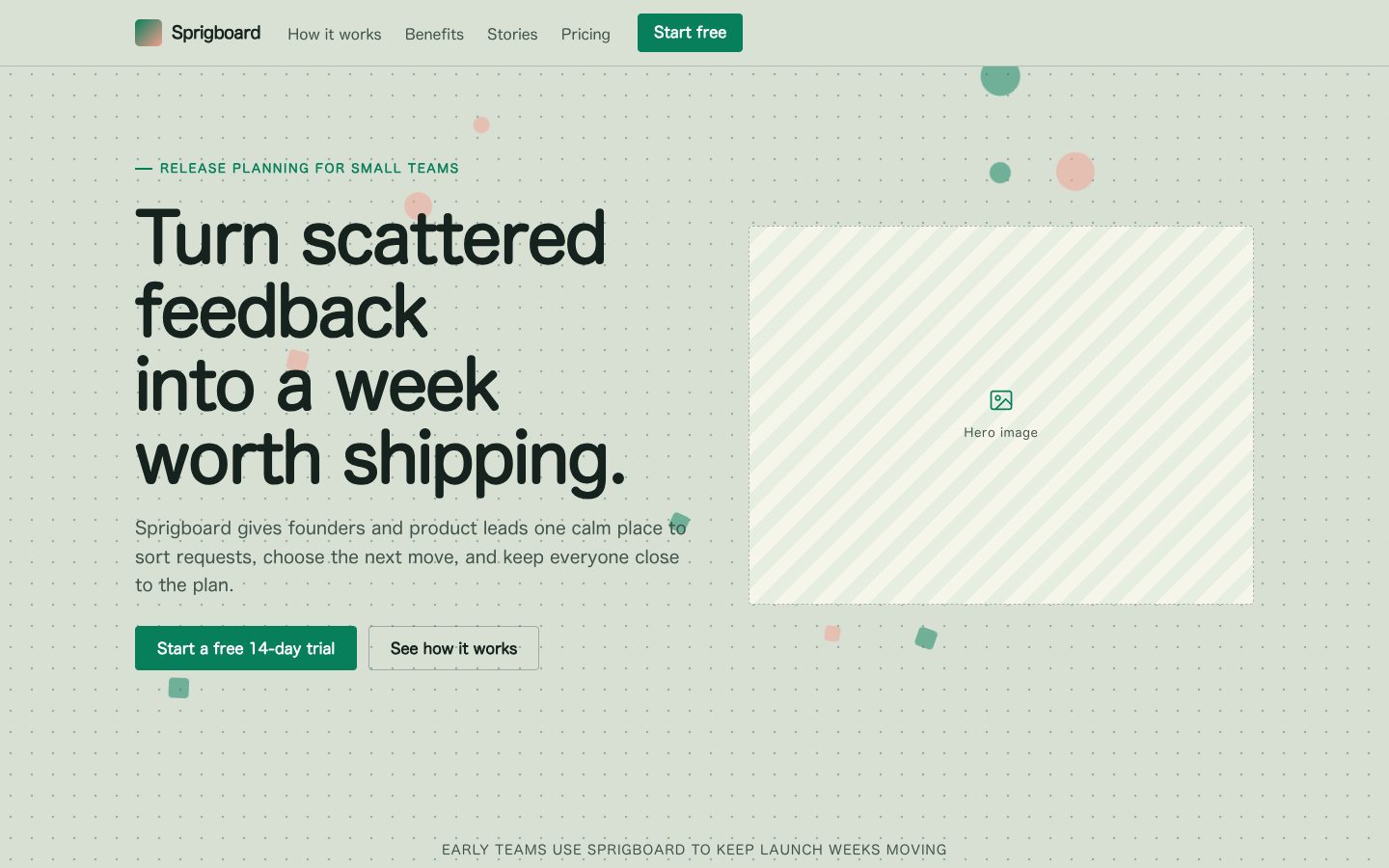 $4.99
$4.99为产品发布打造一页有记忆点的营销落地页:以点阵纸张网格为基础,使用祖母绿色转化按钮、柔和粉彩贴纸卡片和圆润字体。适合独立创始人及产品团队,在保持信息清晰的同时产出可编辑、响应式的专业页面。
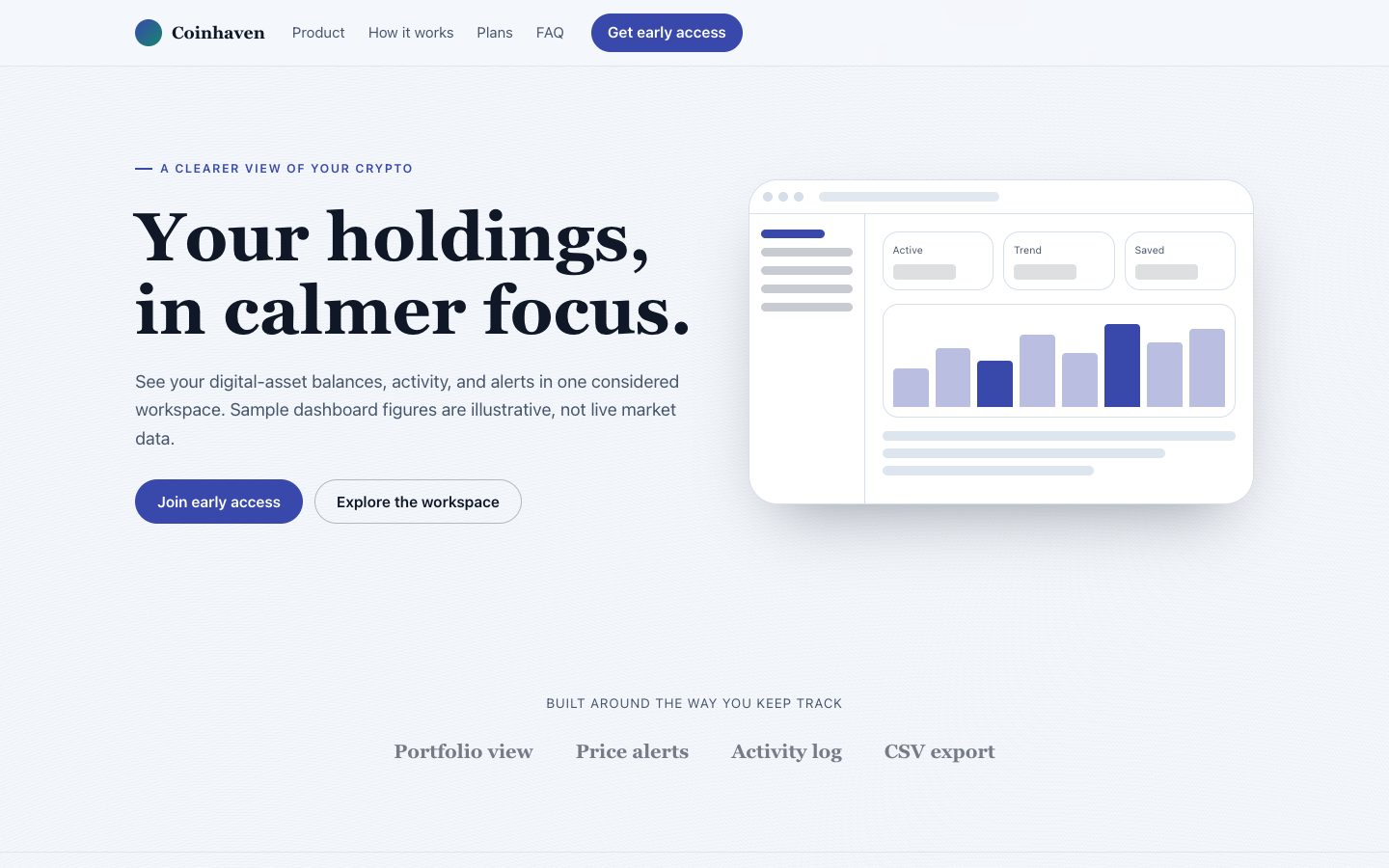 $4.99
$4.99为虚构的加密资产组合管理产品打造浅色、仪表盘主导的发布落地页,清晰介绍产品,并吸引谨慎的早期用户。
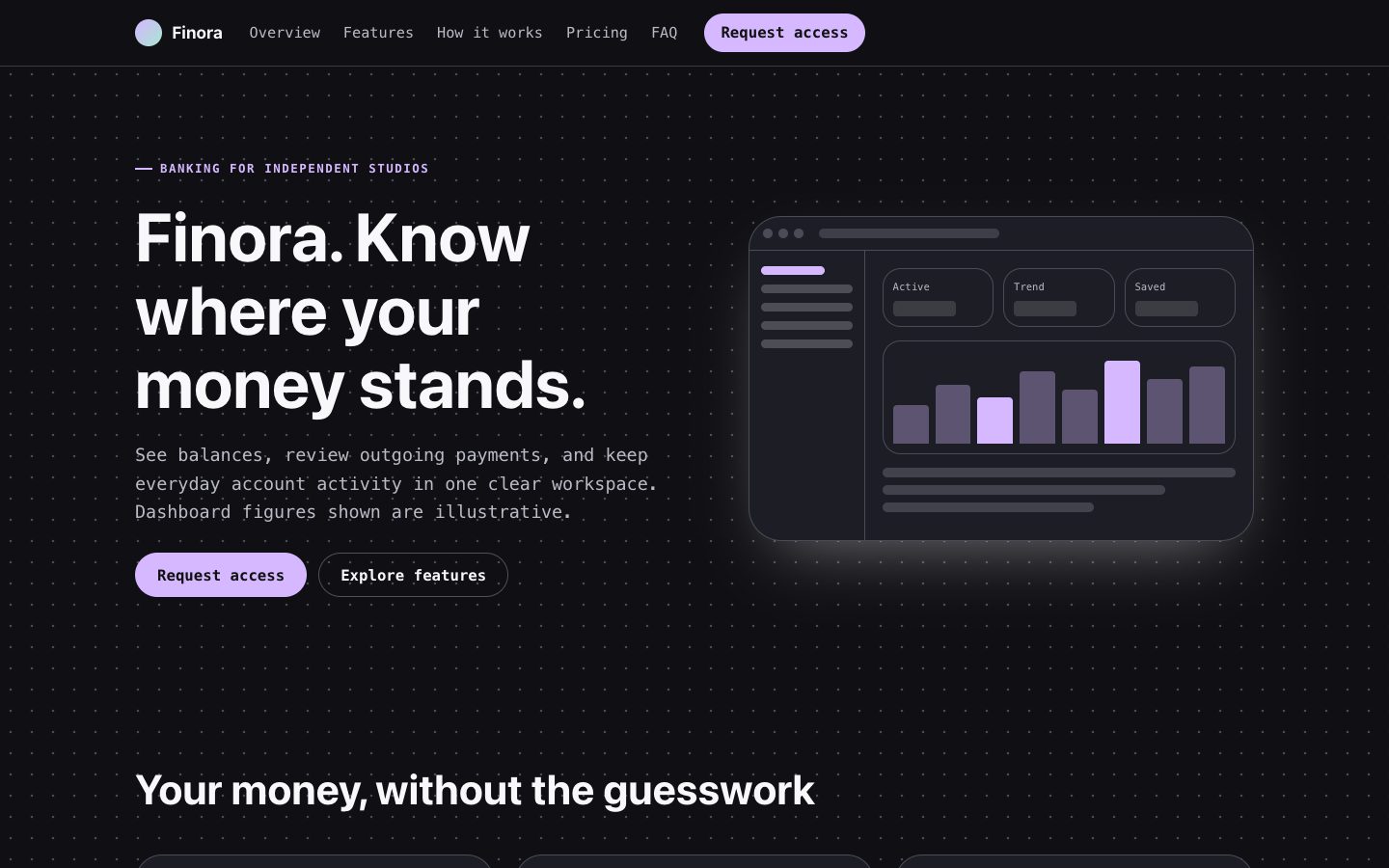 $4.99
$4.99为虚构银行产品制作深色优先的落地页,包含可编辑的账户仪表盘、清晰的产品文案、定价信息和申请入口。适合希望展示真实产品界面、避免空泛设备模型和未经证实的信任声明的创始人。
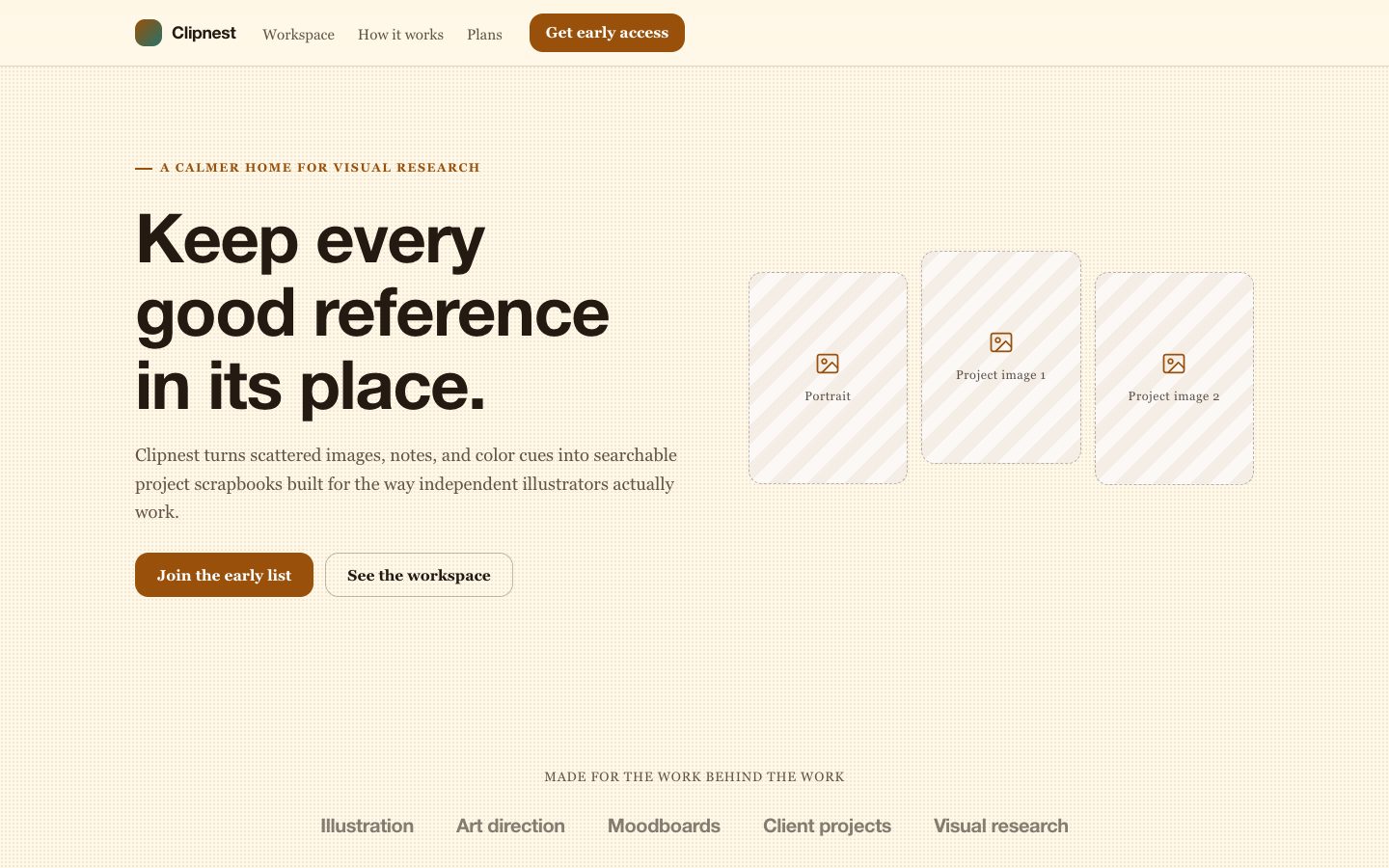 $4.99
$4.99为虚构的创意工作空间打造具有辨识度的产品发布页,以琥珀色剪贴簿为视觉风格,同时保持清晰、响应式并聚焦产品价值。