VideoPremium Verified

Sequential Bars Motion Clip

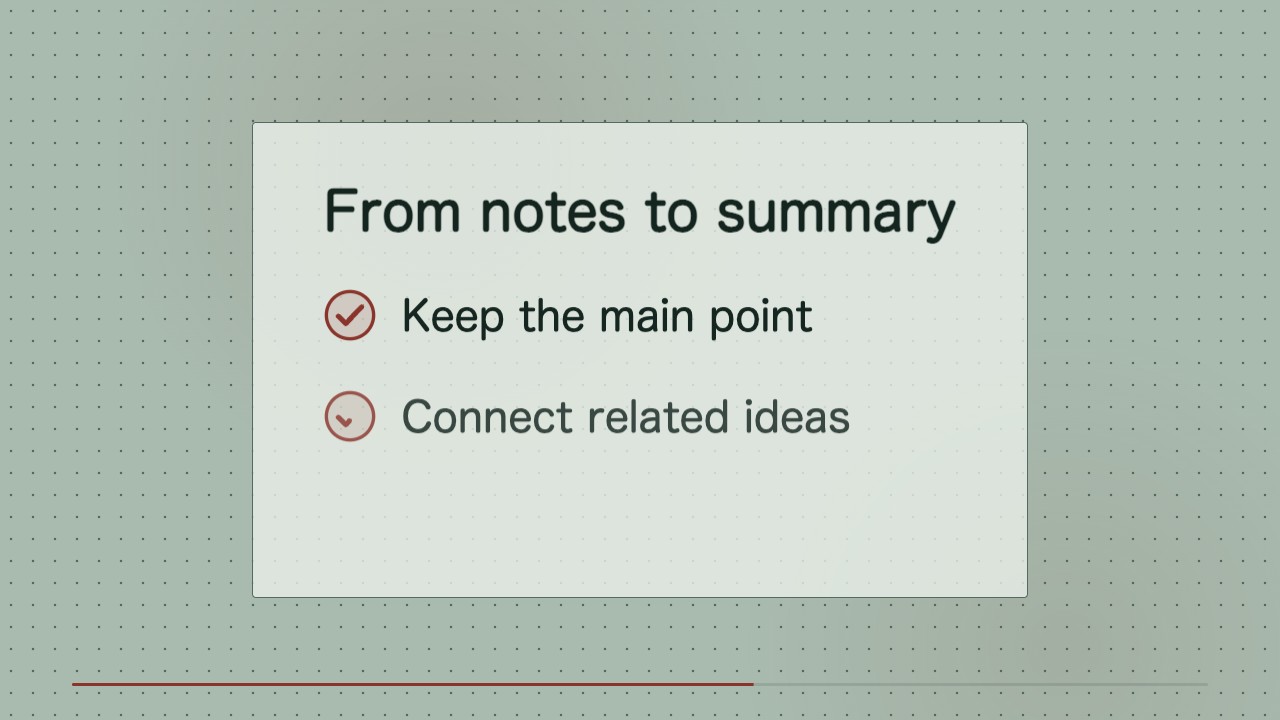
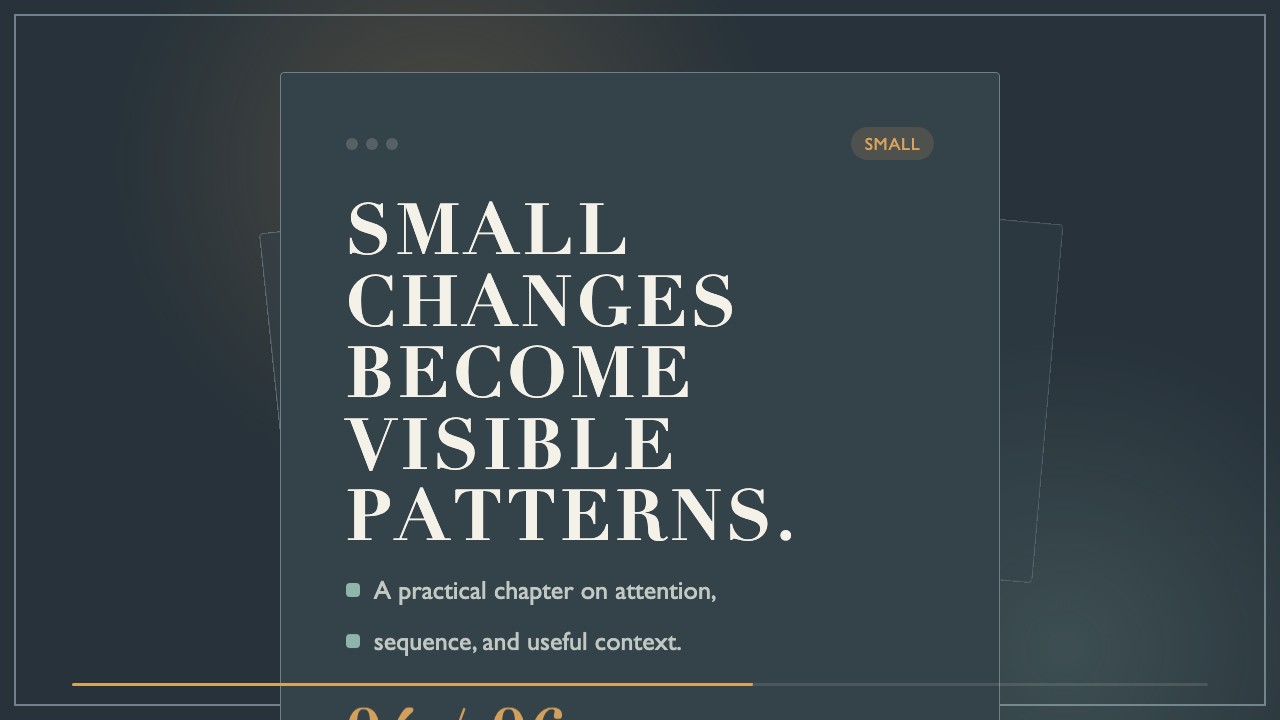
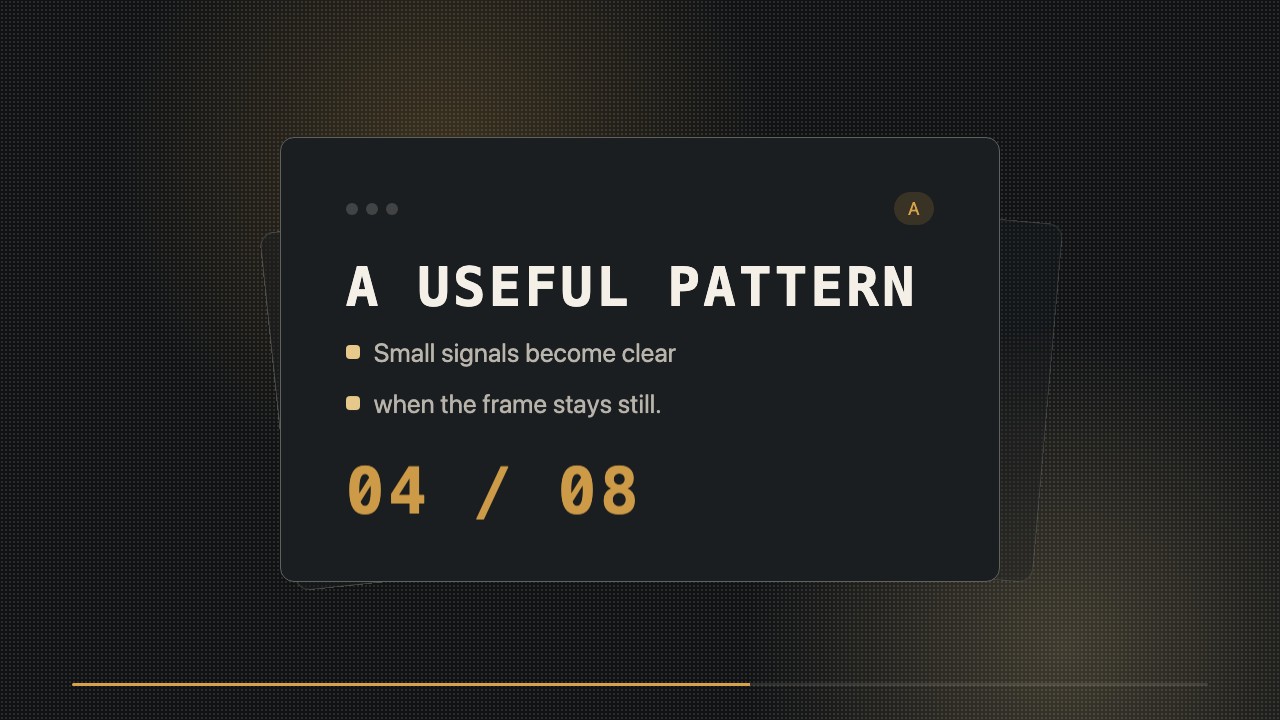
Turn an ordered set of stages into a restrained, editable motion clip. Bars build one by one on a white canvas, with a single red finish for emphasis.

What you get

  • A locally rendered wide MP4 ready for a social post
  • Editable HTML/CSS source with changeable labels and values
  • A consistent title, bar reveal, and closing sequence

Good fit

  • Explaining the stages of a lesson or publishing process
  • Showing a clear progression in a short editorial series
  • Creating repeatable motion inserts for educational videos

Not for

  • Complex dashboards or multi-series comparisons
  • Scenes that depend on filmed footage or generated imagery

What you provide

  • Topic or title
  • Ordered stage labels and values from 1 to 100
  • What the values represent

Requirements

  • Node.js 20+
  • FFmpeg
  • Chromium (npx playwright install chromium)

Running cost

No external services or generation models. Renders locally.

Try this prompt

/sl-sequential-bars-motion-clip Create an about-8-second 16:9 video for my lesson series showing a clear path from draft to publication. Open with “From draft to publish”, then show Draft 25, Edit 50, Review 75, and Publish 100. Close with “LESSON SERIES” and “Ready to publish.” Use a clean Sequential Measure style.

Follow-up prompts

  • Change the stages to Outline 20, Script 45, Record 75, Release 100 while keeping the same timing.
  • Shorten the title hold and give the completed bars another half-second on screen.

Verification

Verified

render-checkpass5.0 / 542s

FAQ

Can I change the numbers after rendering?

Yes. The labels and values remain editable in the HTML/CSS source; render the clip again after updating them.

Are the bars meant to represent measured data?

Only when the supplied values are measured. For a process illustration, identify them as illustrative progress rather than observed results.

Similar skills