 WebVerified
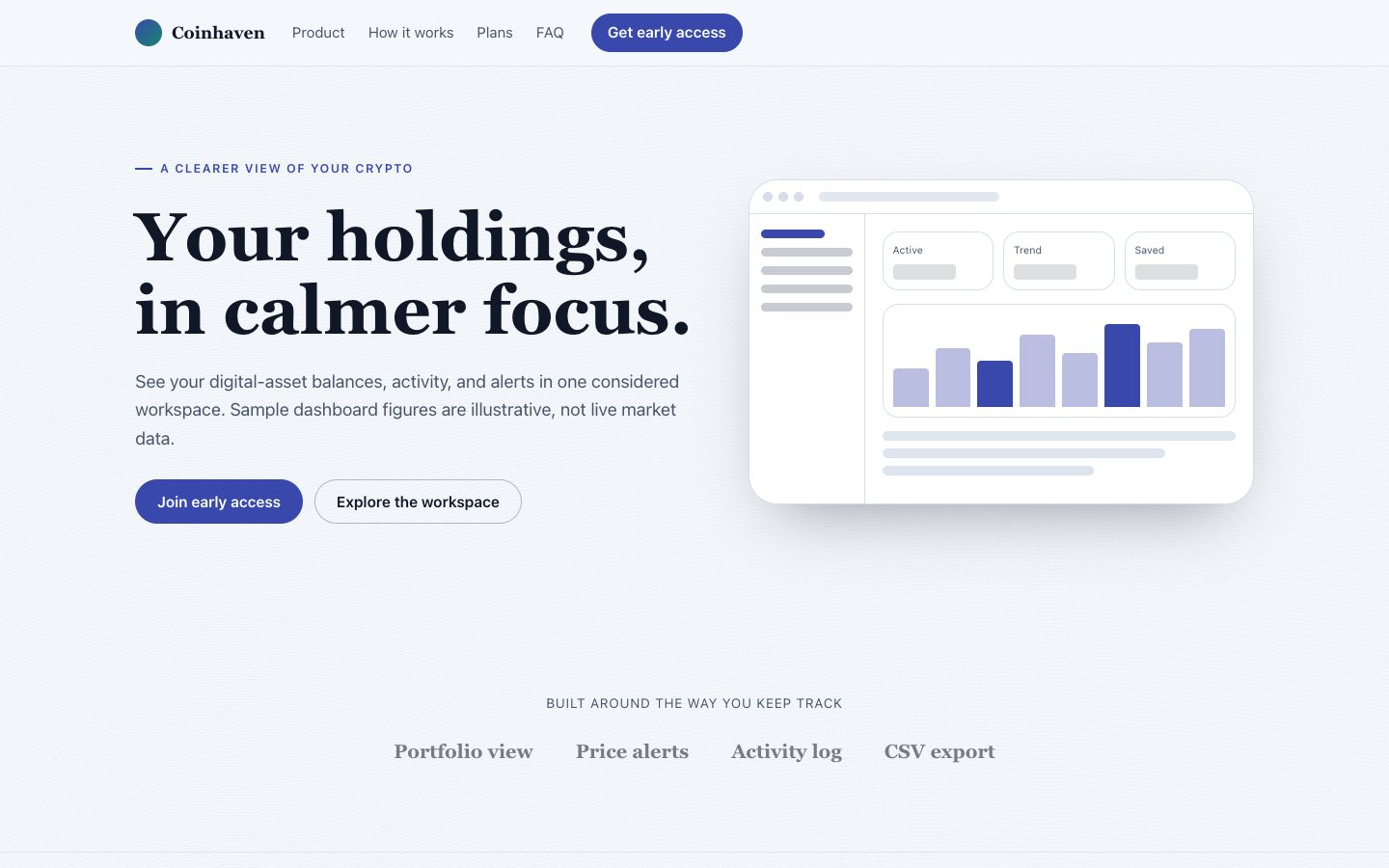
Coinhaven Crypto Landing Page
Works with: Claude Code, Cursor, OpenCode, Codex, Gemini CLI


All premium skills for $9.99/month. Cancel anytime.
Upgrade nowUse it to build a web page.
npx skillloom-cli install sl-orbit-admin-dashboard-ui-block
Updated Oct 5, 2026

 WebVerified
 WebVerified
 FreeWebVerified
 WebVerified
 WebVerified
 WebVerified
 WebVerified
 WebVerified
You say
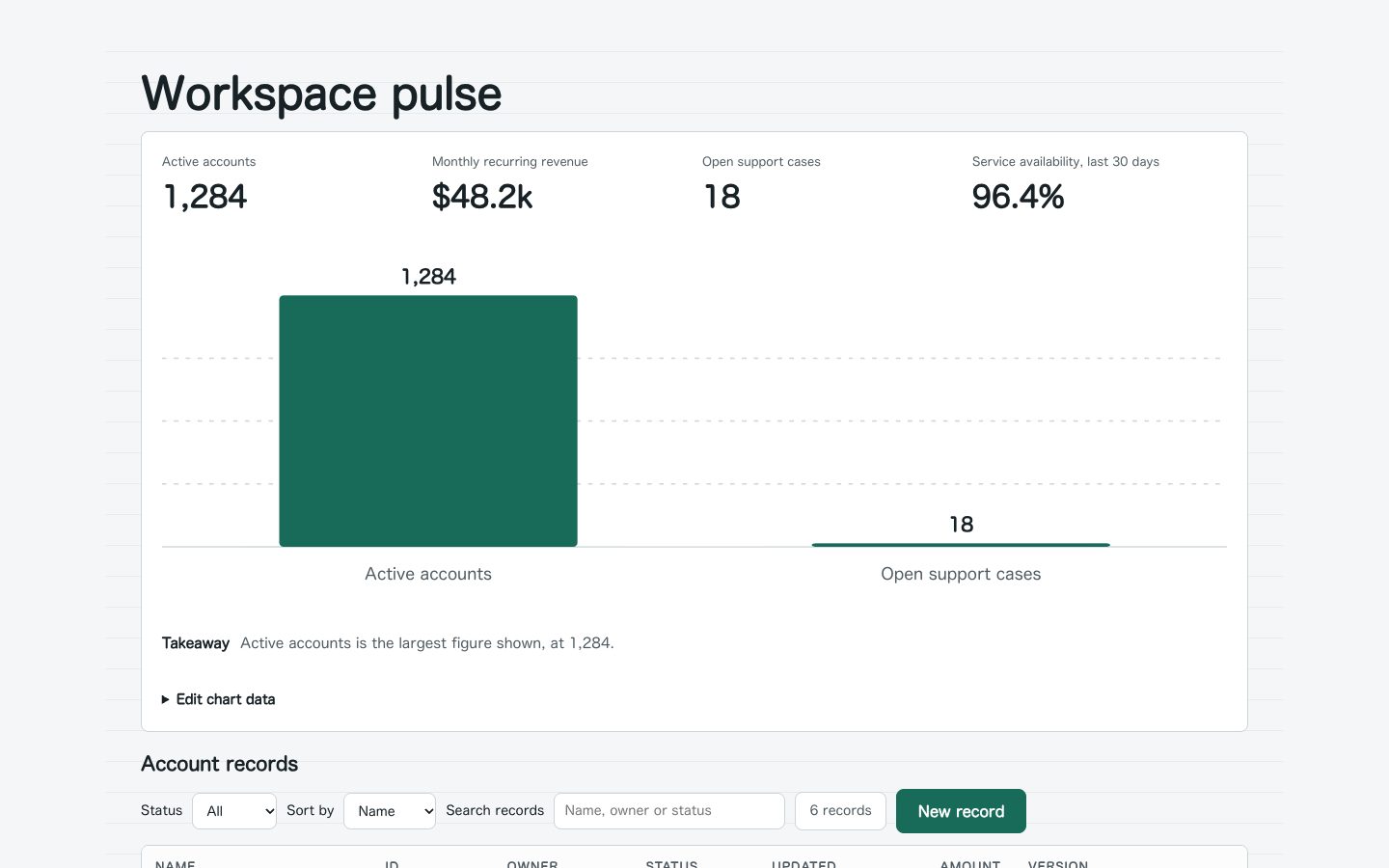
/sl-orbit-admin-dashboard-ui-block Build an Orbit Ledger launch-team admin dashboard: show four current usage and reliability metrics under "Launch overview," then six recent release records under "Recent release activity," each with its release ID, title, owner, status, date, and version. Use the Orbit Ledger style; omit navigation, headers, footers, preview labels, and any surrounding frame.
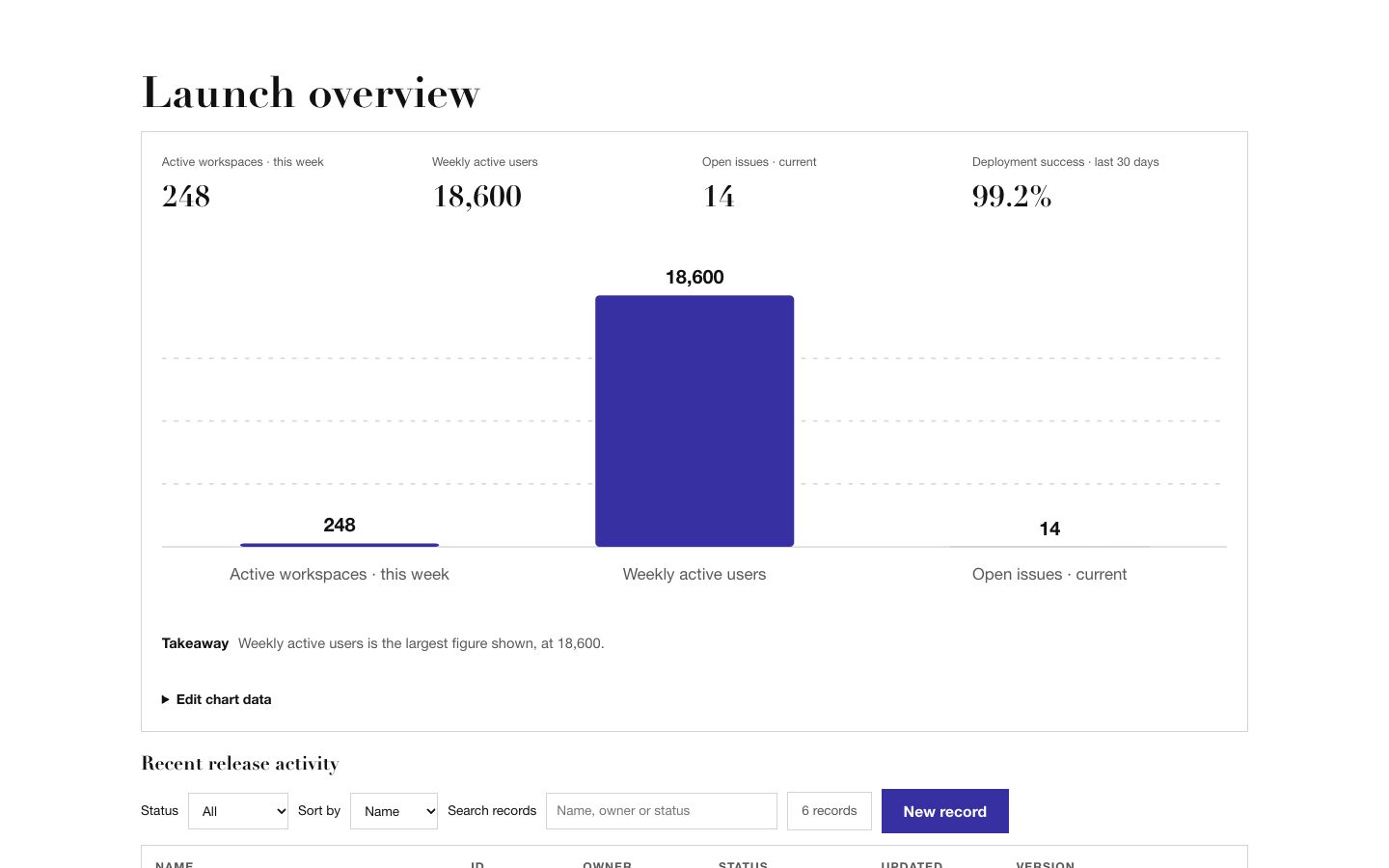
Make the records table prioritize launch blockers and add clear text status labels without adding an app shell.
Adapt the KPI values and row data for a weekly product operations review while keeping the block unframed.
No external services. Runs entirely on your agent.
4.0/ 5
Render score
Verified
| Real render check | Verified | 4.0 / 5 | 72s |
|---|
Yes. Keep the column structure and replace labels, values, and row content with your own data.
No. It provides only the KPI summary and records area, without navigation, a global header, a footer, or an outer frame.